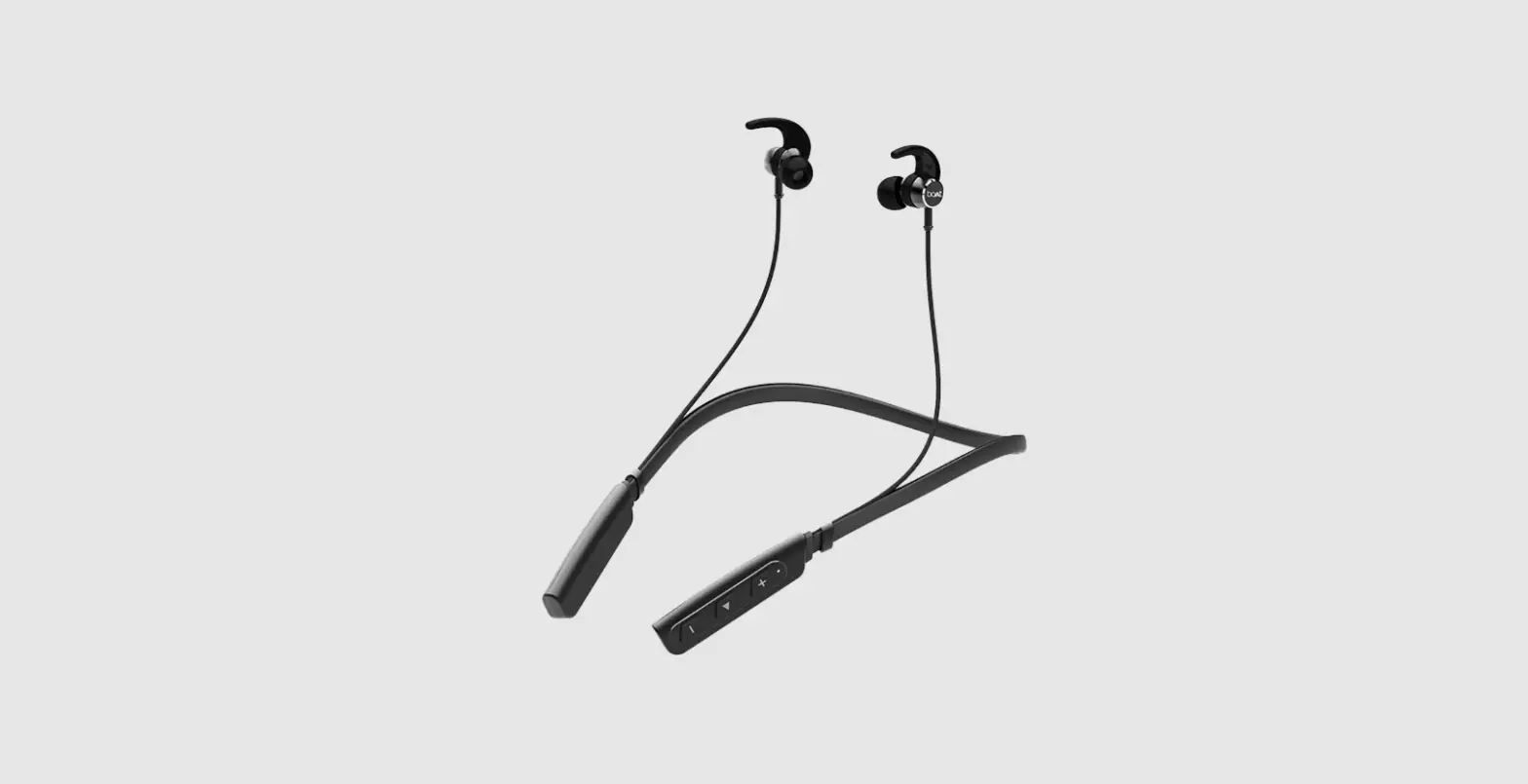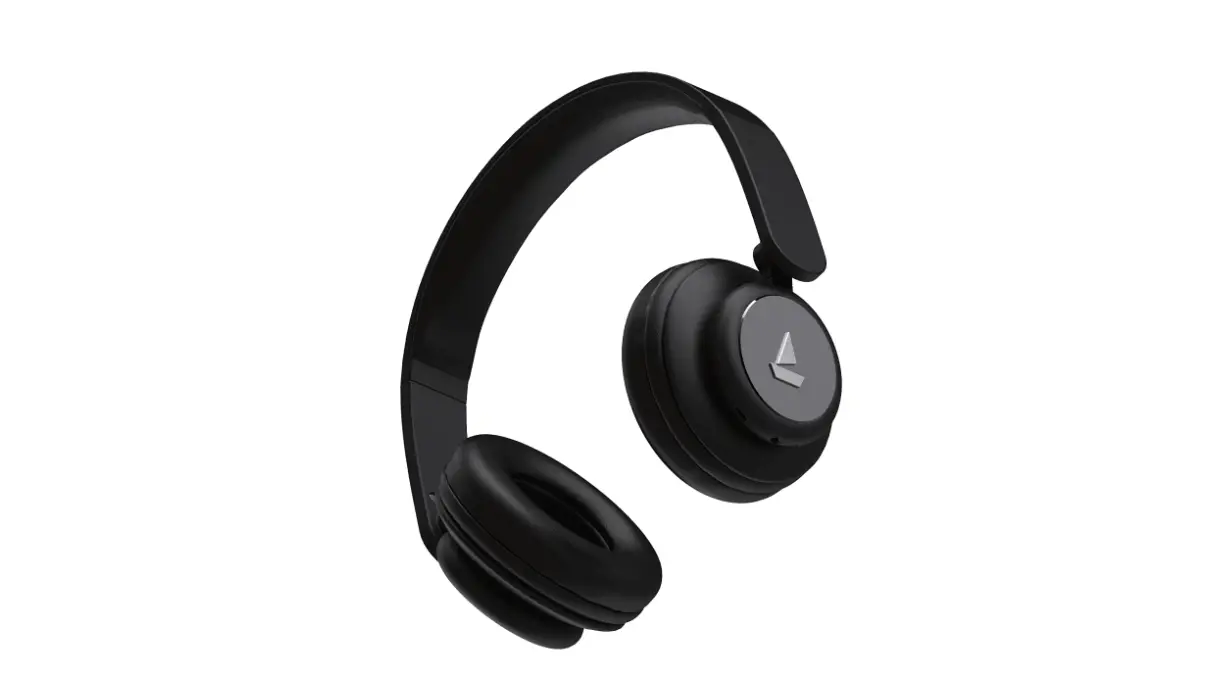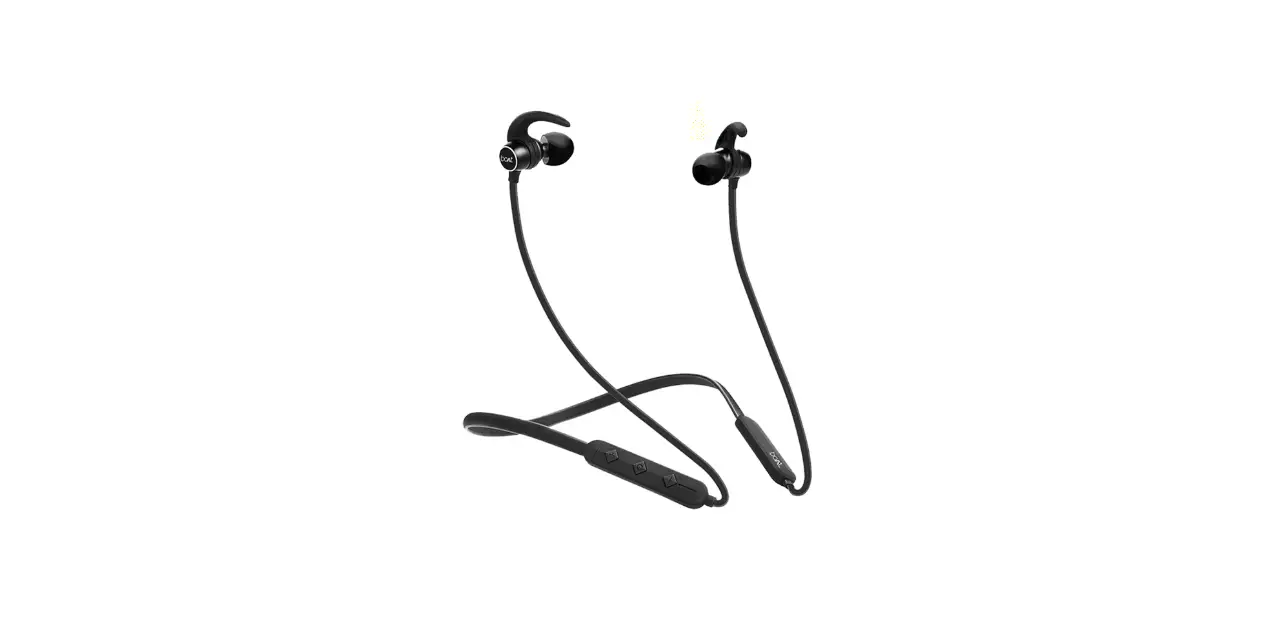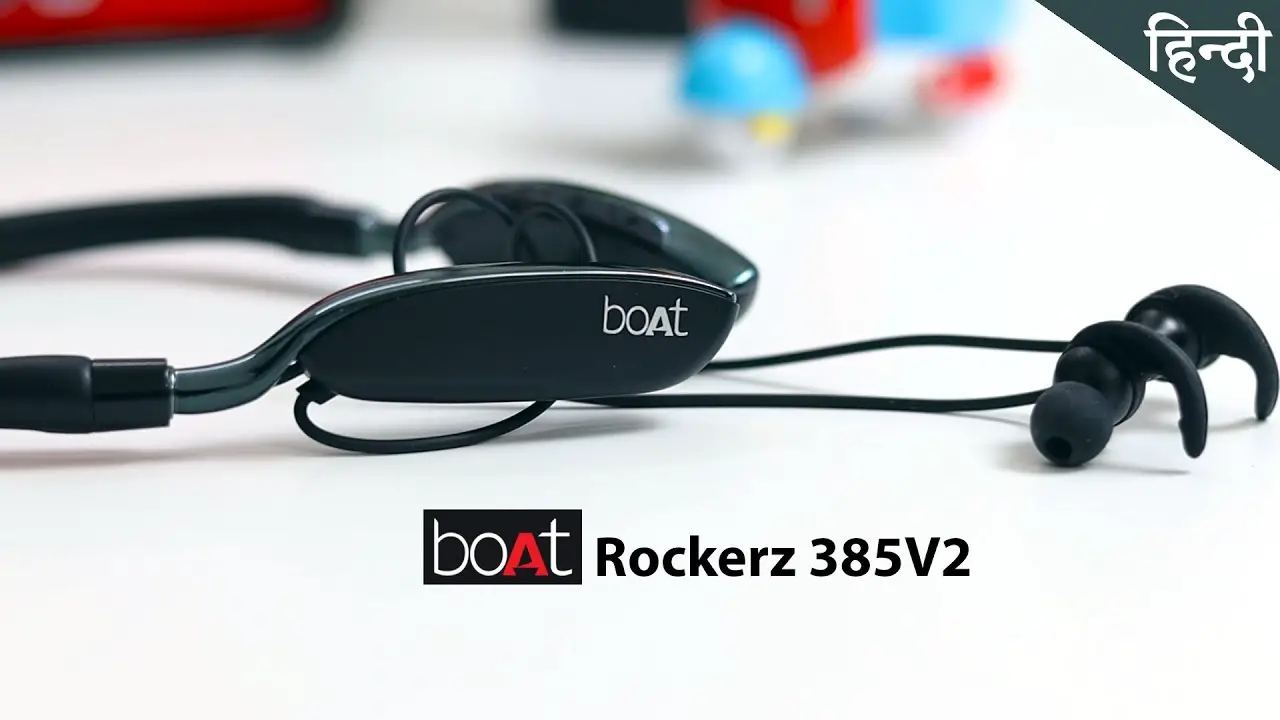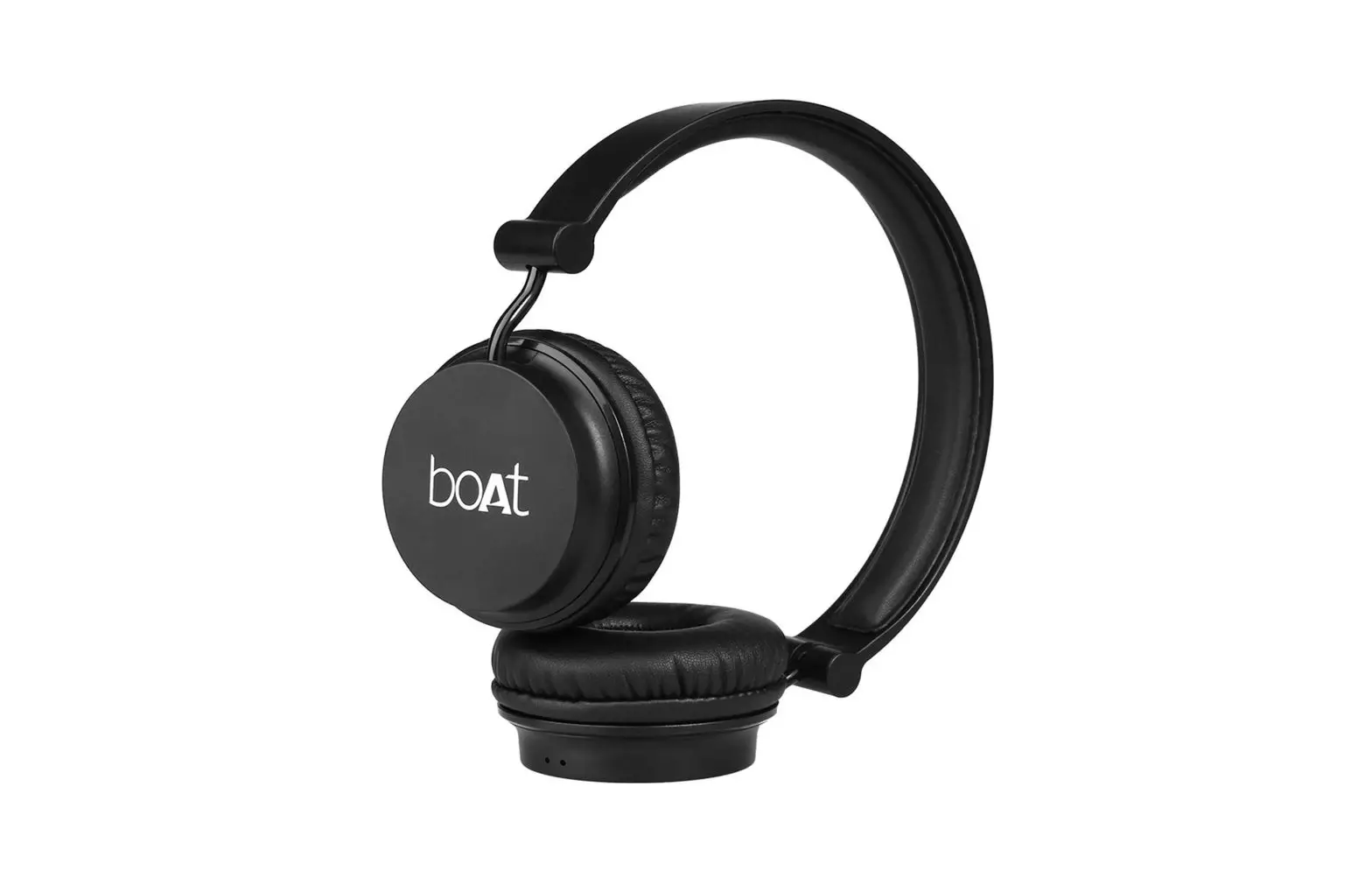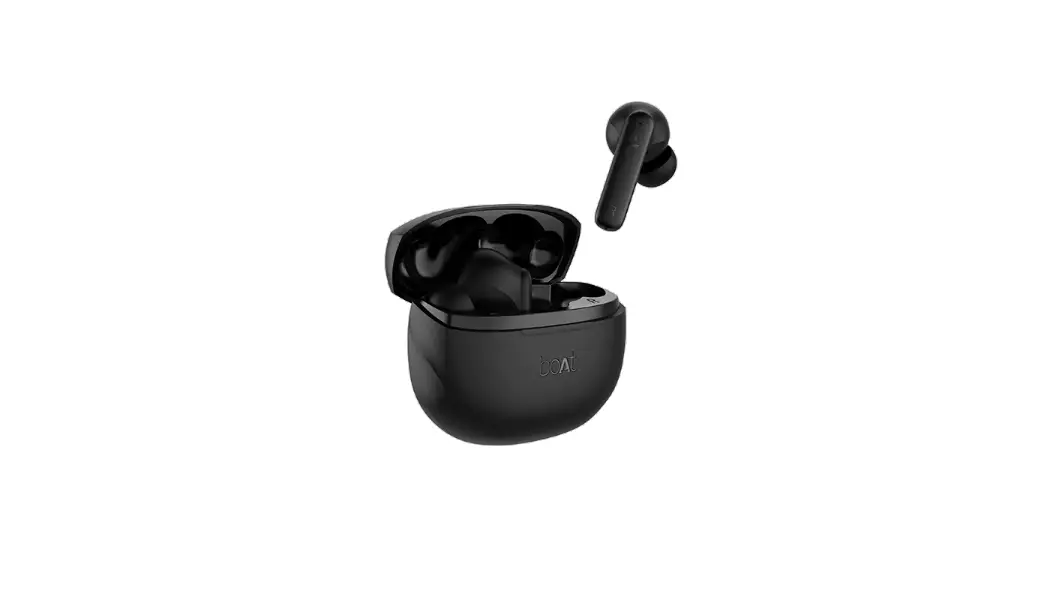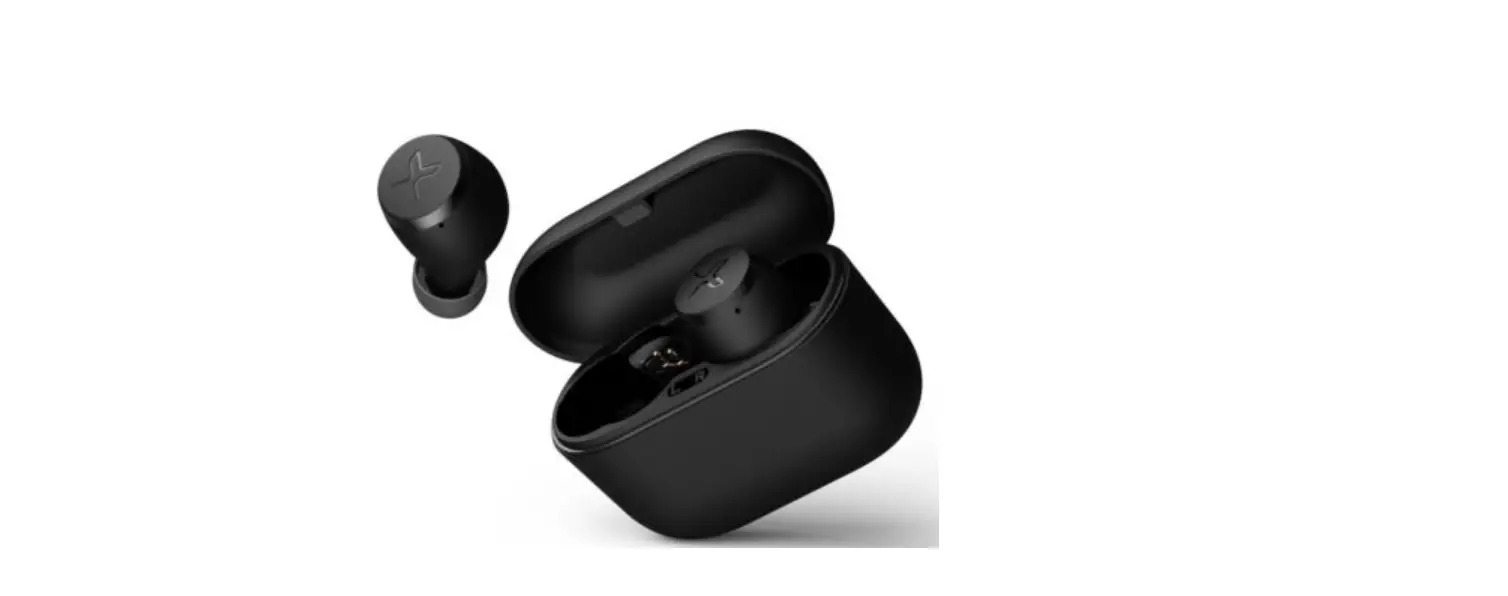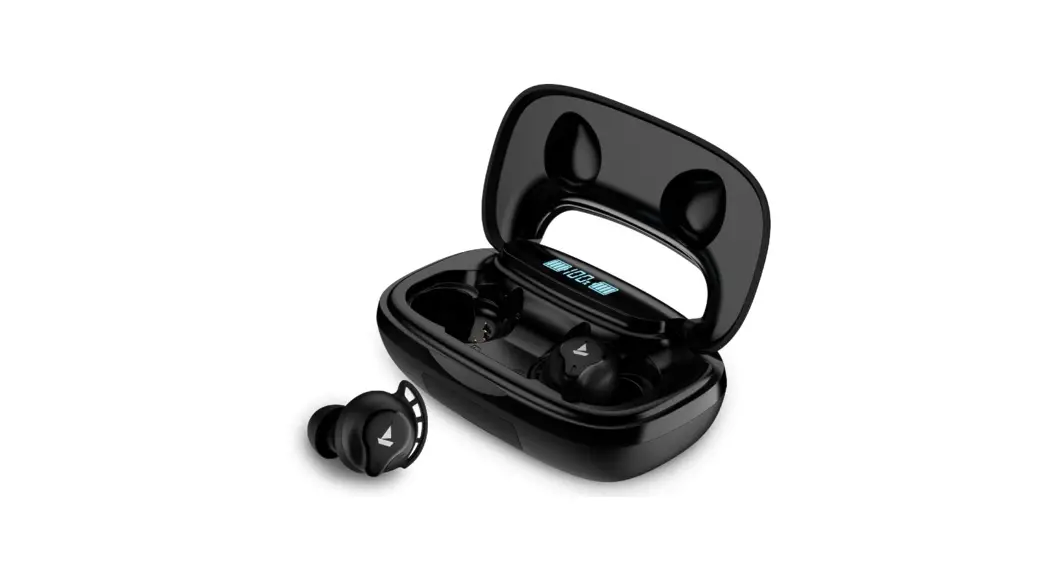

Boat Bluetooth Headsets/
TWS FAQs
| Issue | Device not connecting via Bluetooth |
| What to do | • Check to see if the device is in pairing mode – Hold the Multifunction button until 6 seconds until the red and blue LED light on the device start flashing alternately. • Check if the device is in the range of Bluetooth (usually 10m) and if there are any obstructions in between. • Check if it works after clearing the pairing list on the device, press and hold the volume “+ ” button, the multifunction button, and press volume “-” button for about 5 seconds in standby mode to clear paired list of devices. • Check to see if the device is connected to supports Bluetooth connections • Check if it is a passcode issue and if so enter 0000 • Check to see if the device is connected to does not have any software issues – Check to forget the device on Bluetooth, update the mobile software |
| Final Resolution | • If nothing else works, send the device for replacement |
| Issue | The microphone of the device is not working |
| What to do | • Check to see the microphone is not being blocked. • Check to see if the microphone is being held at an adequate distance for it to be able to pick up the voice. • Check if the microphone was not exposed to any hazards like direct sunlight or fire. • Check if the microphone was not exposed to water above the resistance or dipped in any liquid. |
| Final Resolution | • If nothing else works and there is no physical damage send the device for replacement |
| Issue | The device is not charging/battery life is low |
| What to do | • Check to see if the wire being used is working – Check to use another wire or try using the wire on another device • Check if the voltage of the charger is correct for the device. • Check if the charging is done till the red light turns completely blue. • Check if the battery was not tampered with or exposed to any electrical damage |
| Final Resolution | • If nothing else works and there is no physical damage send the device for replacement |
| Issue | The device does not turn on/ one earbud is not working |
| What to do | • Check to see if the device has been properly charged first till the red light turns blue. • Check if the voltage of the charger is correct for the device, use only 5V 1A Chargers. • Check if the device was not subject to any mishandling, broken wires or exposed to direct sunlight or hazards like fire |
| Final Resolution | • If nothing else works and there is no physical damage send the device for replacement |
| Issue | The in-built controls of the device are not working |
| What to do | • Check if the controls do not work while connected to another device • Check to forget the device and re-pair it. • Check if the media player being used supports such controls and if they controls do not function on-call or other media players |
| Final Resolution | • If nothing else works and there is no physical damage send the device for replacement |
| Issue | The sound is distorted/low volume/low bass/low quality |
| What to do | • Check if the connected device does not have any equalizer settings applied. • Check if the device has issues even after moving it closer to the connected device and removing any obstructions. • Check if the distortion or quality lowers at all volumes or only at high volumes. • Check to Check different media players and different devices and if the distortion happens on all devices or only on specific ones. |
| Final Resolution | • If nothing else works and there is no physical damage send the device for replacement |
| Issue | The volume of the device automatically changes |
| What to do | • Check if the connected device does not have any equalizer settings applied. • Check to Check different media players and different devices and if the volume change happens on all devices or only on specific ones. |
| Final Resolution | • If nothing else works and there is no physical damage send the device for replacement |