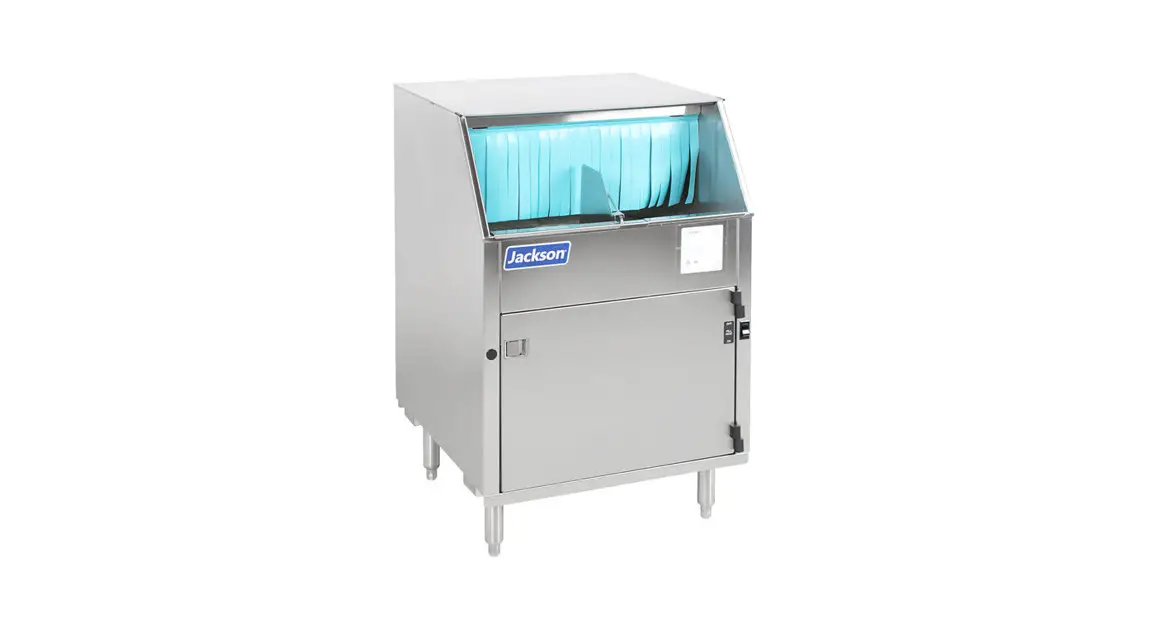

THERMOSTAT REPLACEMENT
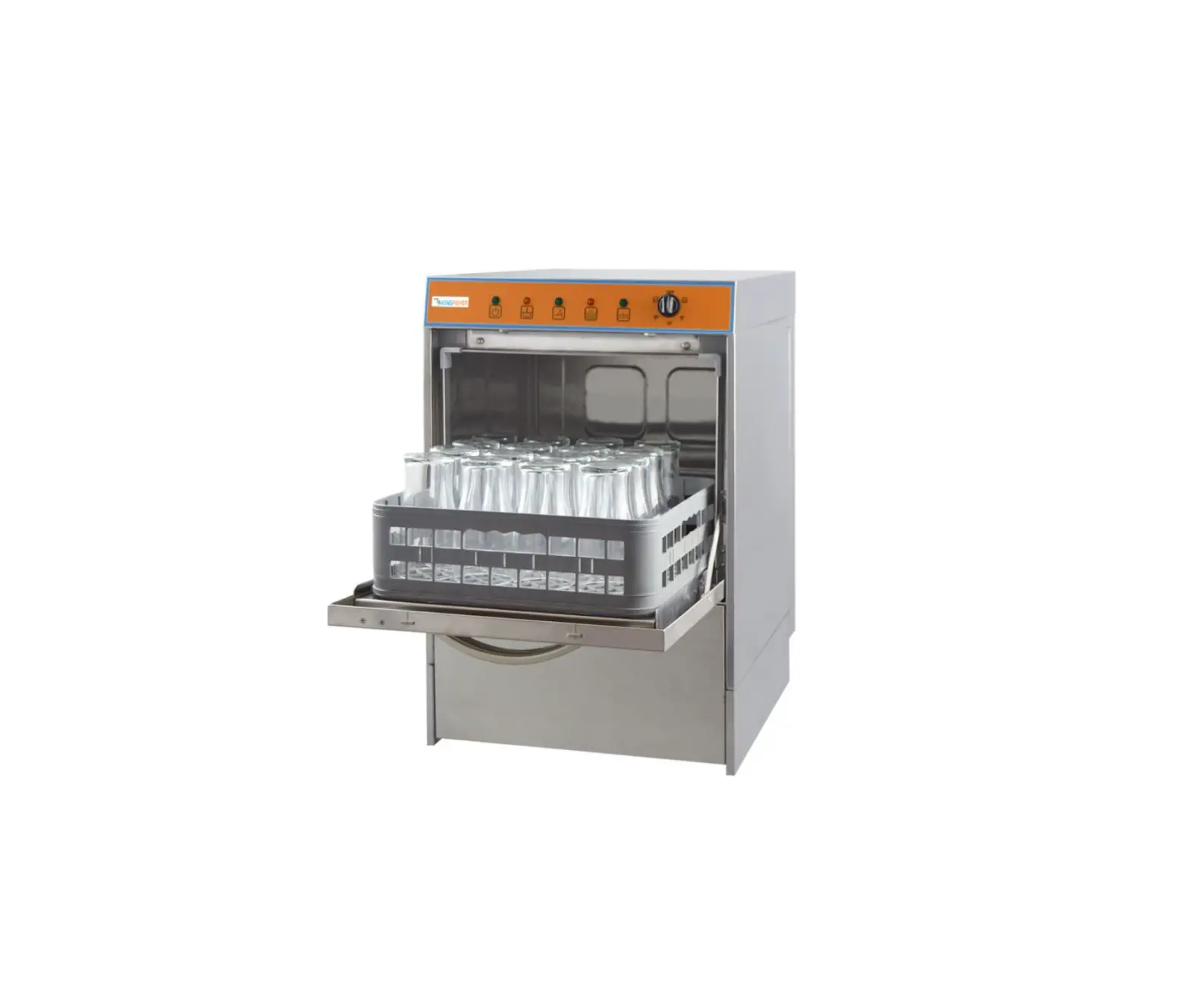
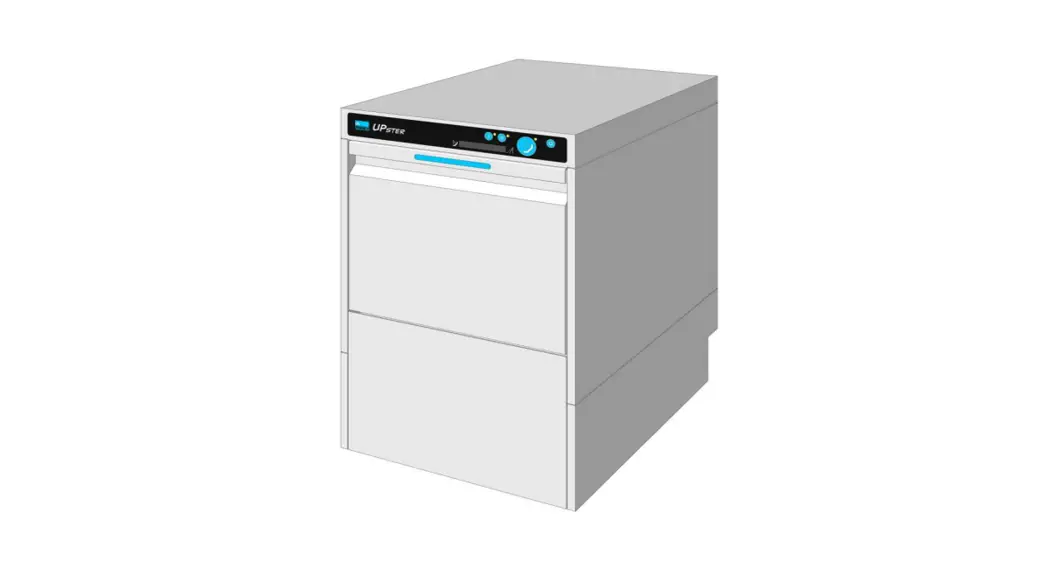
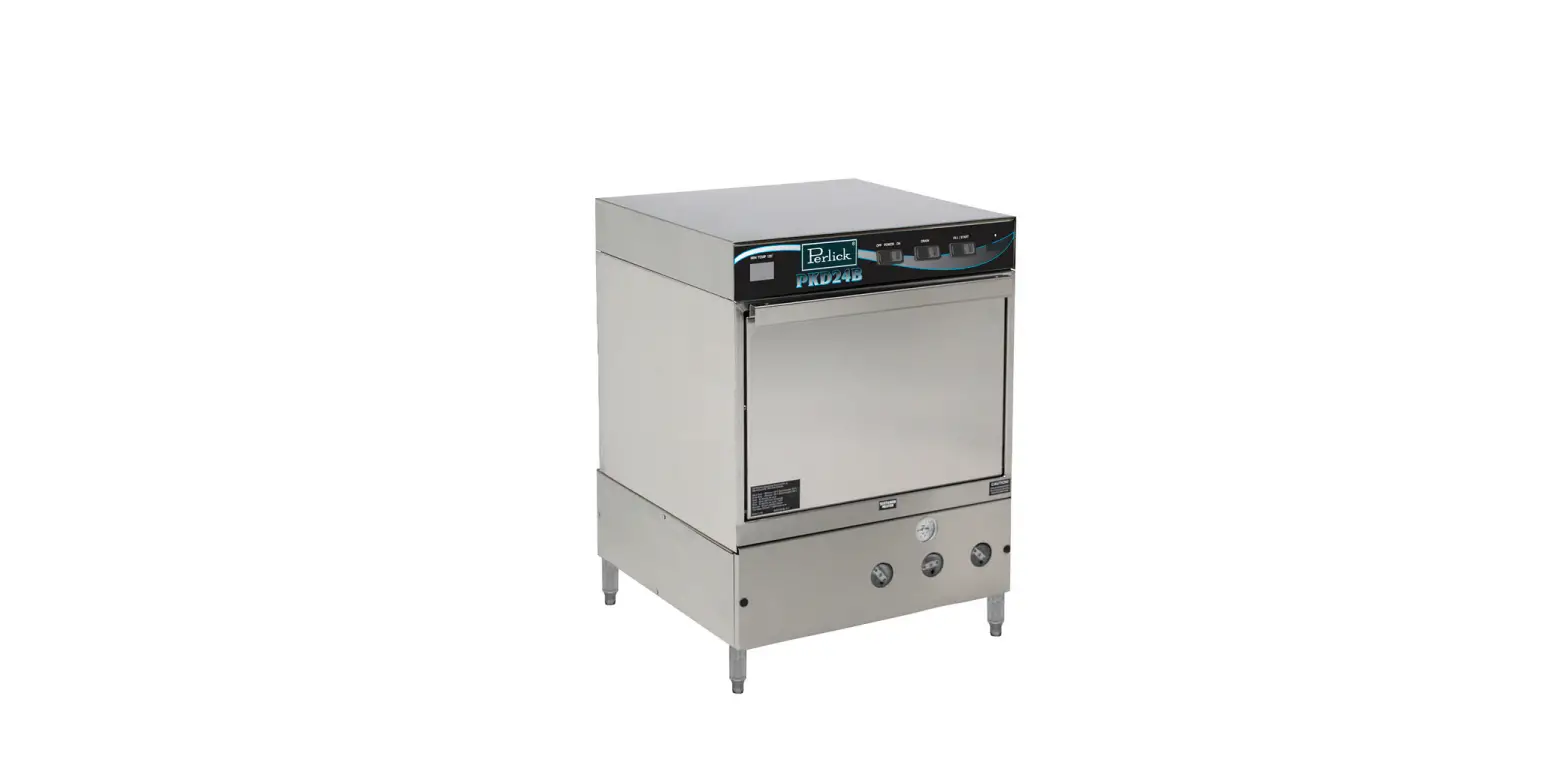
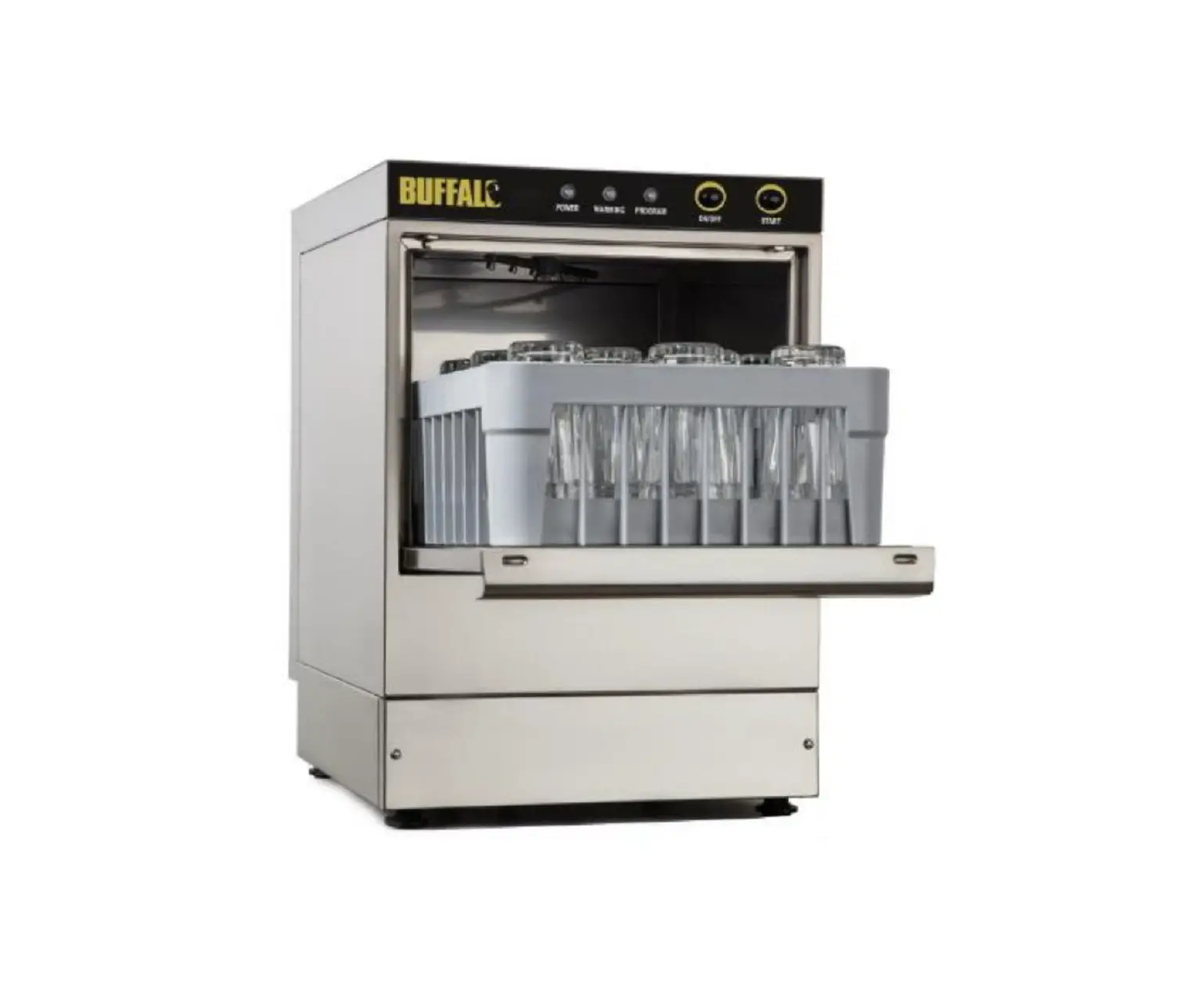
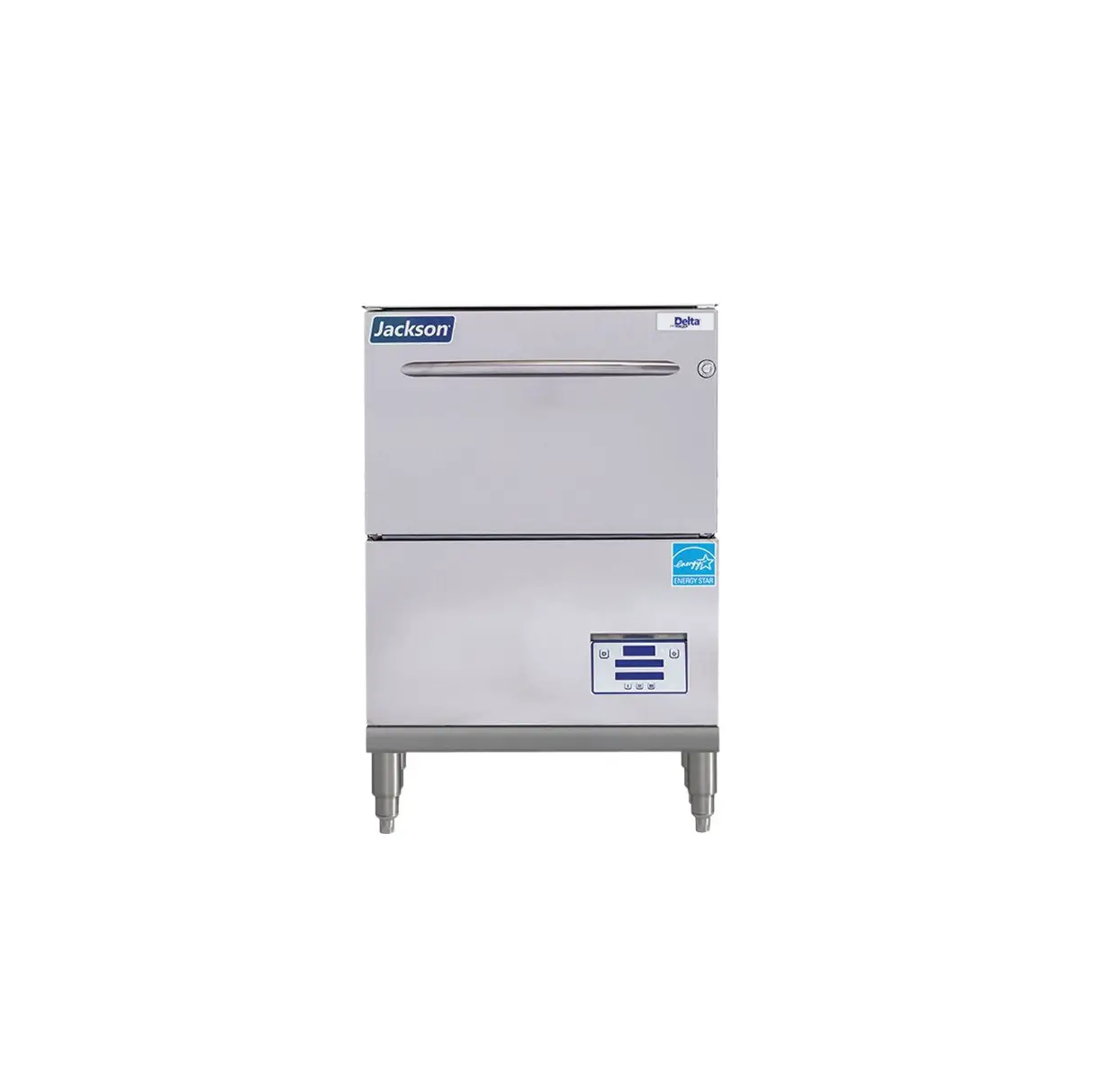
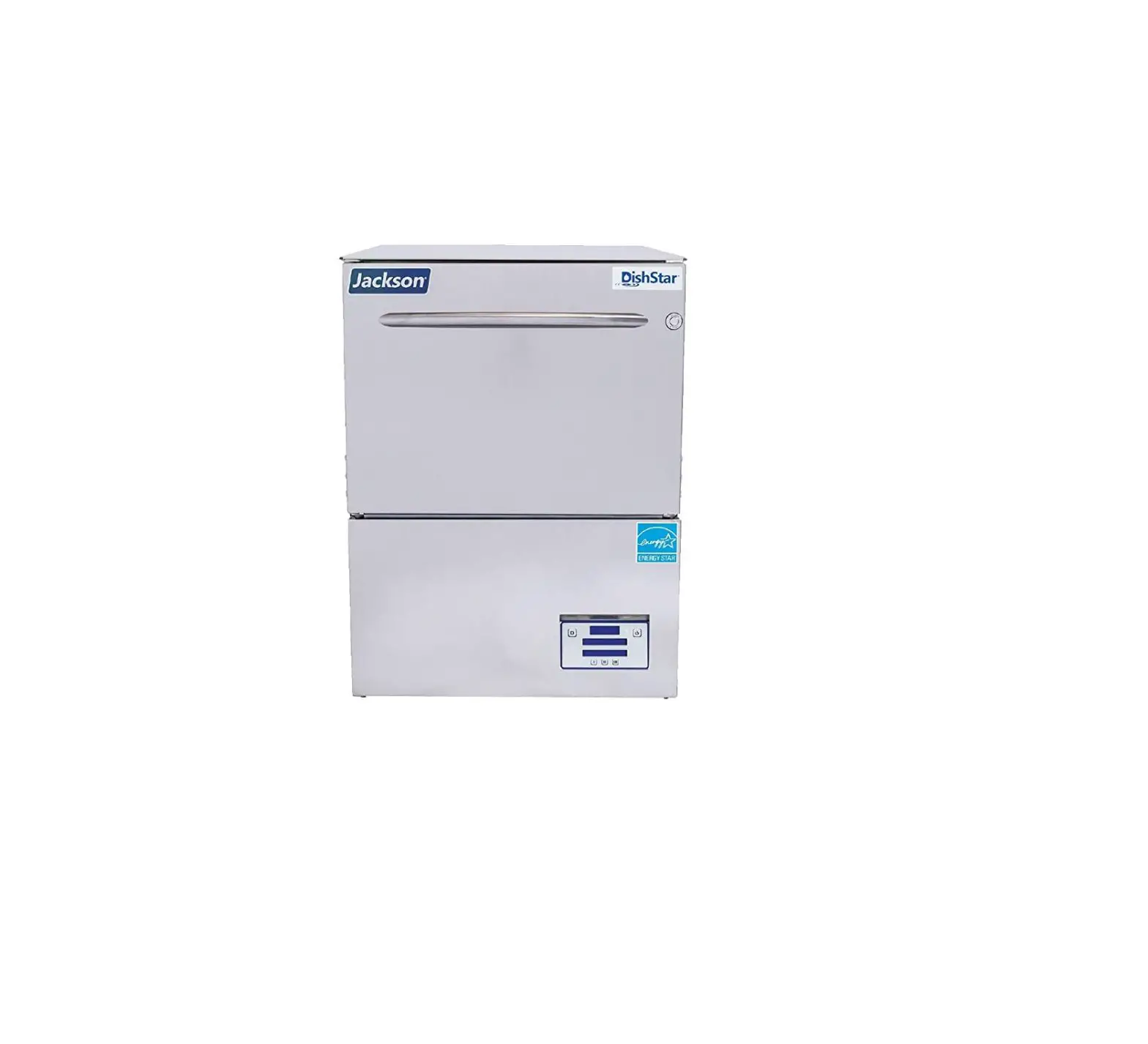
DELTA 1200/115
These machines come equipped with a thermostat to ensure proper ware washing results. Occasionally, this component might need replacing.
The instructions provided here are for maintenance personnel only.
Unauthorized persons should not attempt any of the steps contained in these instructions.
 CAUTION! Many of the instructions and steps within this document require the use of tools. Only authorized personnel should ever perform
any maintenance procedure on the machine!
PREPARATION
- Power must be secured to the machine at the service breaker. Tag or lockout the service breaker to prevent accidental or unauthorized energizing of the machine.

- Ensure that incoming water to the machine is secured either by use of a shut-off valve or disconnect the incoming water line.
- The machine must be drained completely with the drain stopper removed.

TOOLS REQUIRED
- 3/8” Nutdriver
- 7/16” Nutdriver
- 7/16” Wrench
- Needle-nose Pliers
- Phillips Screwdriver
IMPORTANT NOTES
- Read these instructions thoroughly before attempting this maintenance task.
Become familiar with the parts and what actions need to be taken. This will save time in the long run!
STEPS
- Remove the front door.
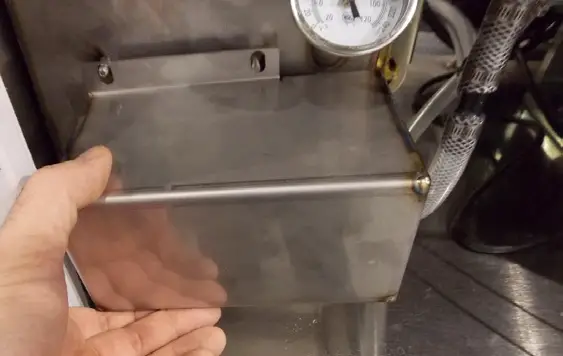
- Remove the heater box cover with the 3/8” nut driver. Set the cover and hardware to the side.

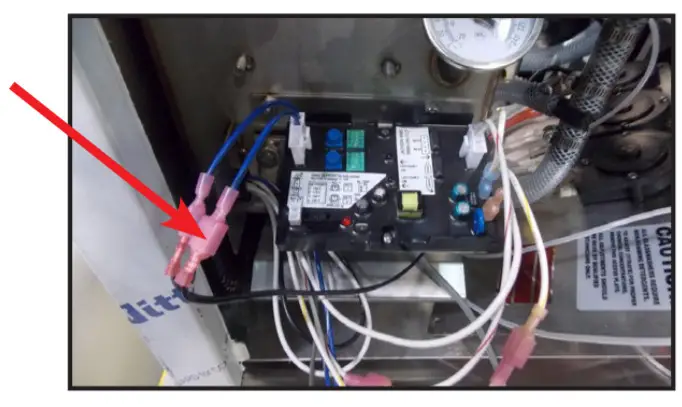
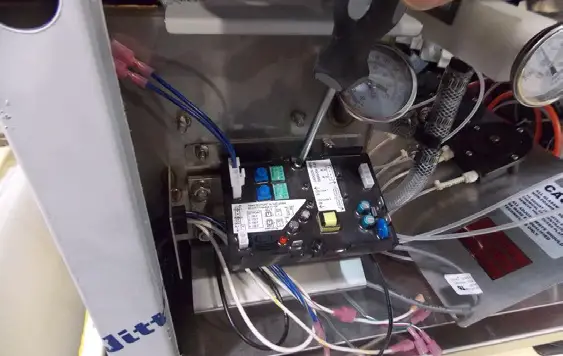
- Using the pair of needle-nose pliers (if necessary), disconnect the terminals from the thermostat probe. Be careful not to damage the terminals or the wires or they will have to be replaced.

- Unplug all of the terminals/wires connected to the ELAN thermostat.

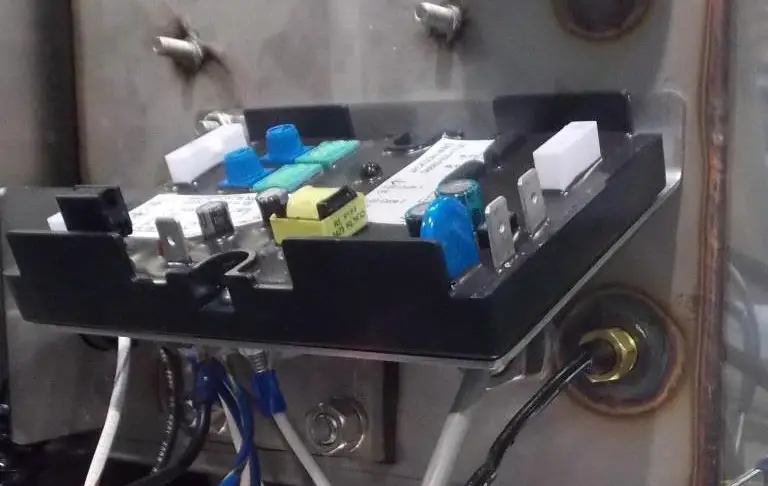
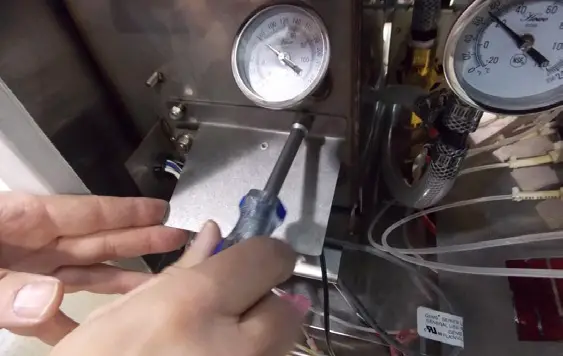
- Remove the ELAN thermostat using a Phillips screwdriver.
- Remove the thermostat bracket with the 3/8” nut driver.
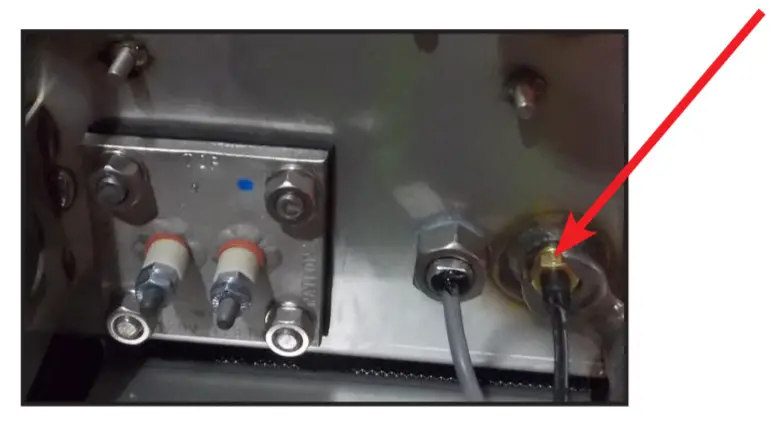
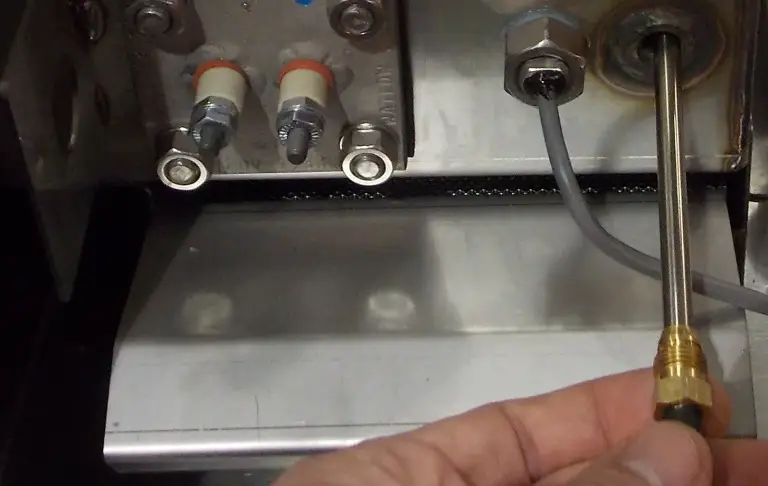
- Use the 7/16” wrench to loosen and remove the imperial brass fitting.

- Pull the thermostat probe out of the wash tank.
- Place the new thermostat probe in the new imperial brass fitting provided in your kit. Use the 7/16” wrench to tighten it down after getting the fitting hand tight in the tank.
- Replace the thermostat bracket with the 3/8” nut driver (Step 6 in reverse).
- Place the new ELAN thermostat on the bracket and secure it with the Phillips screwdriver.
- Reconnect the wires per the machine schematic on the back of the door.
- Place the drain stopper back in the wash tank. Restore power and water to the machine. Then allow the machine to operate normally.
- Verify the thermostat operates the heater contactor. Once you have determined the heater contactor is working, adjust the wash tank thermostat
to ensure the temperature is maintained in accordance with the specifications on the machine data plate. - Replace the heater cover.
- Replace the front door.
NOTICE
Work performed on machines by unauthorized or unqualified personnel may void the warranty. Before beginning this or any other maintenance on a machine under warranty, you should contact a qualified service agency.
07610-003-12-41-B