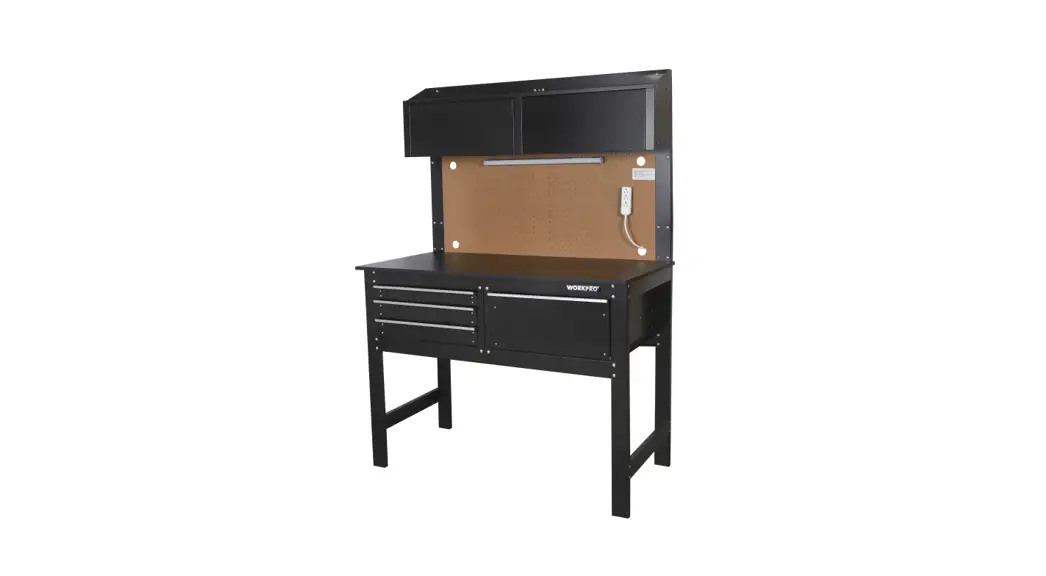
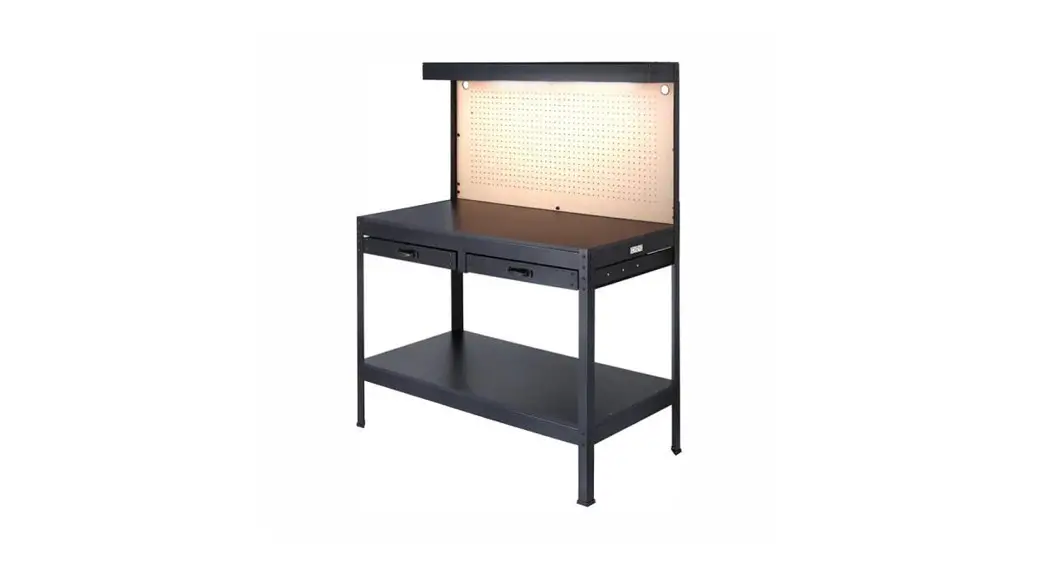
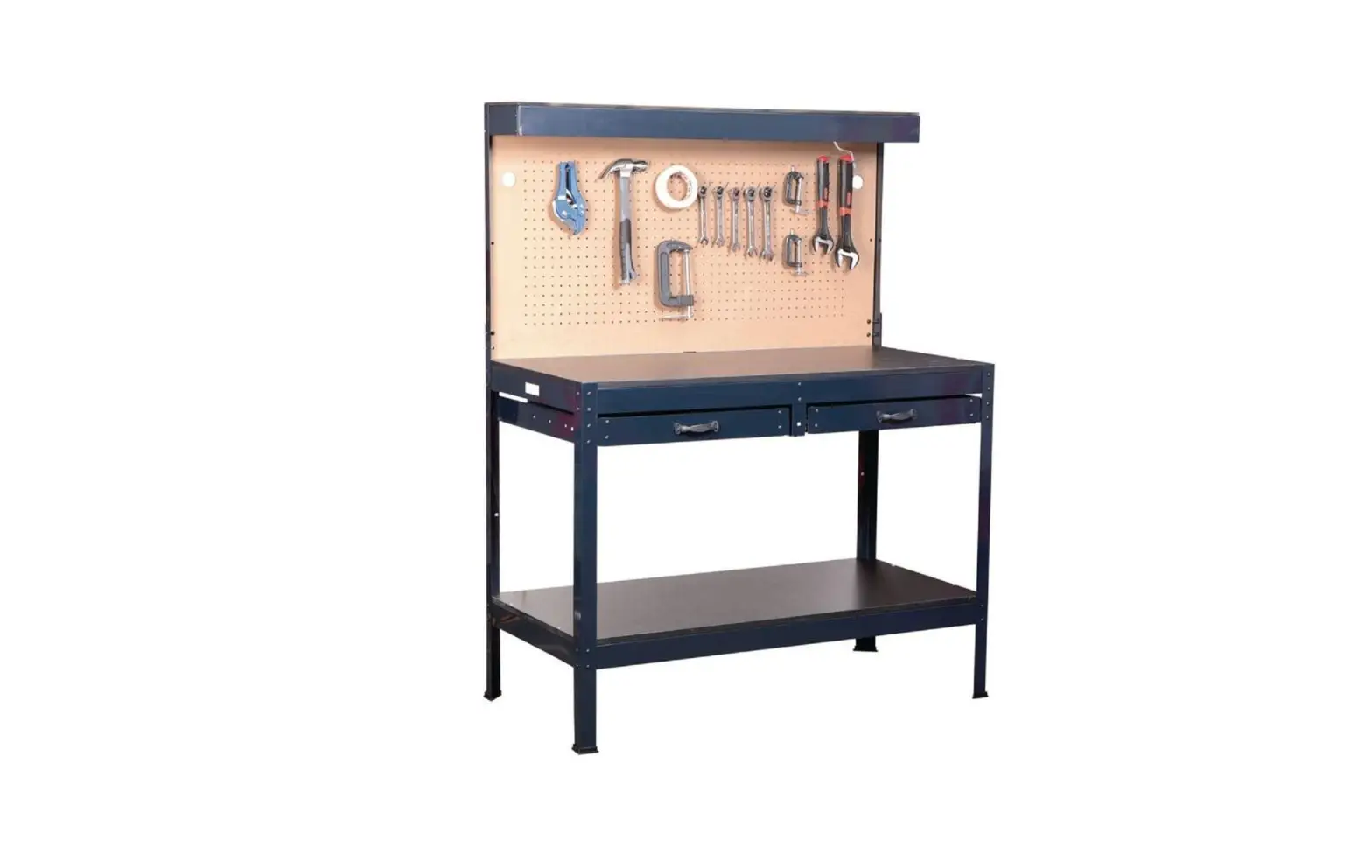
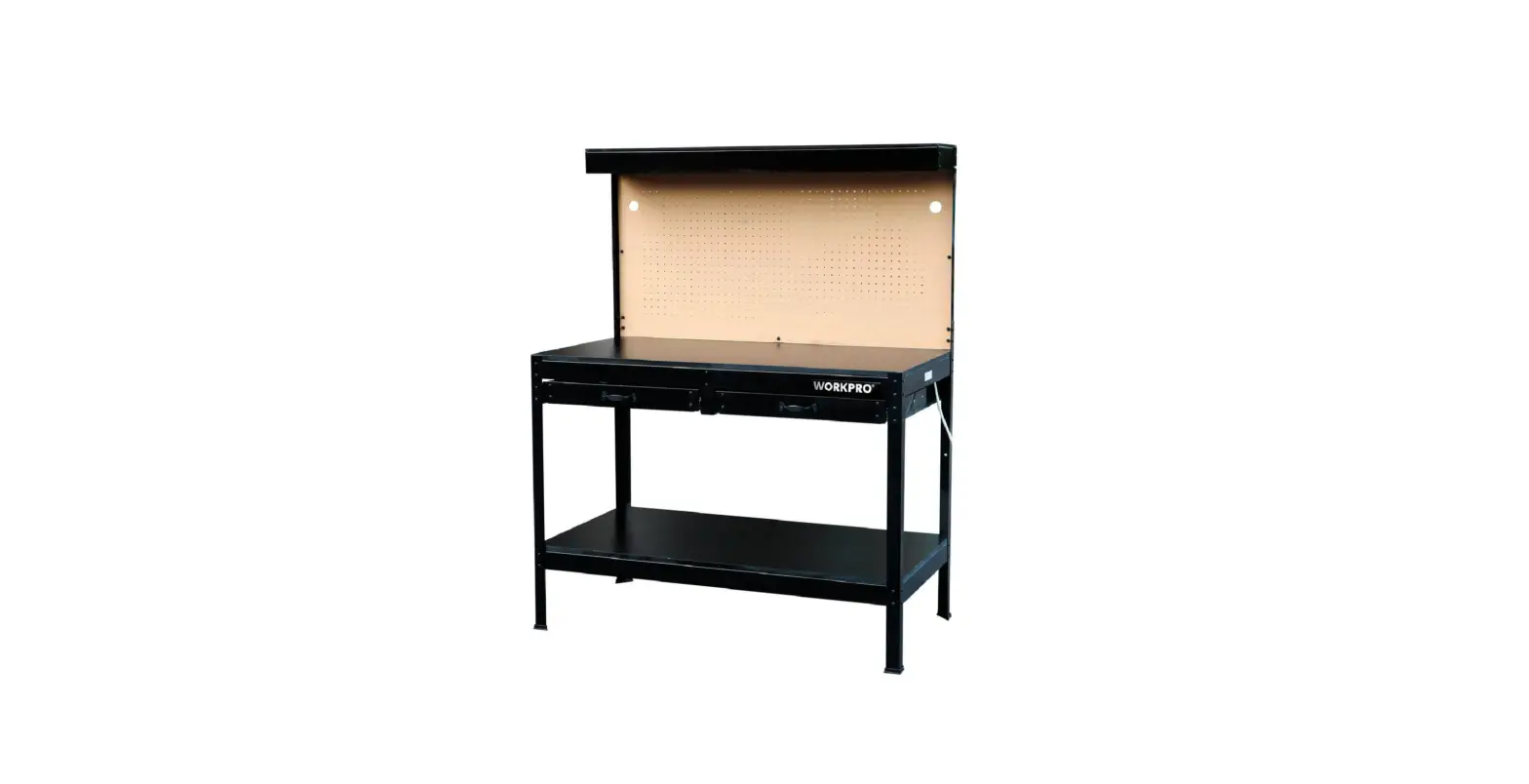
58695 Multi Purpose Workbench with LED Light
Product Information
The product is a workbench that is designed for indoor use only.
It is important to assemble the product according to the
instructions provided in the manual. The product has a weight
capacity that should not be exceeded, and it is important to
inspect the product before every use to ensure that all parts are
intact and undamaged. The product also comes with important safety
information that should be followed to avoid possible injury or
death.
Product Usage Instructions
- Assemble the workbench according to the instructions provided
in the manual. Wear ANSI-approved safety goggles and heavy-duty
work gloves during assembly. - Locate the workbench on a flat, level, solid surface that is
capable of supporting the weight of the workpiece, workbench and
tools. - Inspect the workbench before every use to ensure that all parts
are intact and undamaged. Do not use if parts are loose or
damaged. - Do not exceed the listed weight capacity, evenly distributed.
Be aware of dynamic loading! Sudden load movement may briefly
create excess load causing product failure. - Use the workbench as intended only. Do not allow children to
play with or near this item. - Maintain product labels and nameplates. These carry important
safety information. If unreadable or missing, contact Harbor
Freight Tools for a replacement. - People with pacemakers should consult their physician(s) before
use. Electromagnetic fields in close proximity to heart pacemaker
could cause pacemaker interference or pacemaker failure.
Owner’s Manual & Safety Instructions
Save This Manual Keep this manual for the safety warnings and precautions, assembly,
operating, inspection, maintenance and cleaning procedures. Write the product’s serial number in the
back of the manual (or month and year of purchase if product has no number). Keep this manual and the
receipt in a safe and dry place for future reference.
22h
Tools Sold Separately
Visit our website at: http://www.harborfreight.com Email our technical support at: [email protected]
58695
When unpacking, make sure that the product is intact and undamaged. If any parts are missing or broken,
please call 1-888-866-5797 as soon as possible.
Copyright© 2021 by Harbor Freight Tools®. All rights reserved. No portion of this manual or any artwork contained herein may be reproduced in any shape or form without the express written consent of Harbor Freight Tools. Diagrams within this manual may not be drawn proportionally. Due to continuing improvements, actual product may differ slightly from the product described herein.
Tools required for assembly and service may not be included.
Read this material before using this product. Failure to do so can result in serious injury. SAVE THIS MANUAL.
Table of Contents
Safety ………………………………………………… 5 Specifications ……………………………………… 4 Assembly ……………………………………………. 5
Maintenance ……………………………………….. 8 Parts List and Diagram ………………………… 10 Warranty ……………………………………………. 12
WARNING SYMBOLS AND DEFINITIONS This is the safety alert symbol. It is used to alert you to potential personal injury hazards.
Obey all safety messages that follow this symbol to avoid possible injury or death. Indicates a hazardous situation which, if not avoided, will result in death or serious injury. Indicates a hazardous situation which, if not avoided, could result in death or serious injury. Indicates a hazardous situation which, if not avoided, could result in minor or moderate injury.
Addresses practices not related to personal injury.
IMPORTANT SAFETY INFORMATION
Assembly Precautions
1. Assemble only according to these instructions. Improper assembly can create hazards.
2. Wear ANSI-approved safety goggles and heavy-duty work gloves during assembly.
3. Keep assembly area clean and well lit.
Use Precautions
1. This product is not a toy. Do not allow children to play with or near this item.
2. Setup and use indoors only. Keep dry.
3. Do not overtighten workpiece; damage to workpiece may occur. Be careful not to pinch fingers when working.
4. Locate Workbench on a flat, level, solid surface that is capable of supporting the weight of the workpiece, Workbench and tools.
5. Use as intended only.
4. Keep bystanders out of the area during assembly.
5. Do not assemble when tired or when under the influence of alcohol, drugs or medication.
6. Weight capacity and other product capabilities apply to properly and completely assembled product only.
6. Inspect before every use; do not use if parts are loose or damaged.
7. Do not exceed listed weight capacity, evenly distributedBe aware of dynamic loading! Sudden load movement may briefly create excess load causing product failure.
8. Maintain product labels and nameplates. These carry important safety information. If unreadable or missing, contact Harbor Freight Tools for a replacement.
9. People with pacemakers should consult their physician(s) before use. Electromagnetic fields in close proximity to heart pacemaker could cause pacemaker interference or pacemaker failure.
Page 2
For technical questions, please call 1-888-866-5797.
Item 58695
Grounding
TO PREVENT ELECTRIC SHOCK AND DEATH FROM INCORRECT GROUNDING WIRE CONNECTION: Check with a qualified electrician if you are in doubt as to whether the outlet is properly grounded. Do not modify the power cord plug provided with the tool. Never remove the grounding prong from the plug. Do not use the tool if the power cord or plug is damaged. If damaged, have it repaired by a service facility before use. If the plug will not fit the outlet, have a proper outlet installed by a qualified electrician.
Grounded Tools: Tools with Three Prong Plugs
2. The grounding prong in the plug is connected through the green wire inside the cord to the grounding system in the tool. The green wire in the cord must be the only wire connected to the tool’s grounding system and must never be attached to an electrically “live” terminal. (See 3-Prong Plug and Outlet.)
3-Prong Plug and Outlet
1. Tools marked with “Grounding Required” have a three wire cord and three prong grounding plug. The plug must be connected to a properly grounded outlet. If the tool should electrically malfunction or break down, grounding provides a low resistance path to carry electricity away from the user, reducing the risk of electric shock. (See 3-Prong Plug and Outlet.)
3. The tool must be plugged into an appropriate outlet, properly installed and grounded in accordance with all codes and ordinances. The plug and outlet should look like those in the preceding illustration. (See 3-Prong Plug and Outlet.)
Double Insulated Tools: Tools with Two Prong Plugs
Outlets for 2-Prong Plug
1. Tools marked “Double Insulated” do not require grounding. They have a special double insulation system which satisfies OSHA requirements and complies with the applicable standards of Underwriters Laboratories, Inc., the Canadian Standard Association, and the National Electrical Code.
2. Double insulated tools may be used in either of the 120 volt outlets shown in the preceding illustration. (See Outlets for 2-Prong Plug.)
Extension Cords
1. Grounded tools require a three wire extension cord. Double Insulated tools can use either a two or three wire extension cord.
2. As the distance from the supply outlet increases, you must use a heavier gauge extension cord. Using extension cords with inadequately sized wire causes a serious drop in voltage, resulting in loss of power and possible tool damage. (See Table A.)
3. The smaller the gauge number of the wire, the greater the capacity of the cord. For example, a 14 gauge cord can carry a higher current than a 16 gauge cord. (See Table A.)
Item 58695
For technical questions, please call 1-888-866-5797.
Page 3
4. When using more than one extension cord to make up the total length, make sure each cord contains at least the minimum wire size required. (See Table A.) If you are using one extension cord for more than one tool, add the nameplate amperes and use the sum to determine the required minimum cord size. (See Table A.)
5. If you are using an extension cord outdoors, make sure it is marked with the suffix “W-A” (“W” in Canada) to indicate it is acceptable for outdoor use.
6. Make sure the extension cord is properly wired and in good electrical condition. Always replace a damaged extension cord or have it repaired by a qualified electrician before using it.
7. Protect the extension cords from sharp objects, excessive heat, and damp or wet areas.
Symbology
Double Insulated
V
Volts
~
Alternating Current
A
Amperes
n0 xxxx/min. No Load Revolutions per Minute (RPM)
TABLE A: RECOMMENDED MINIMUM WIRE GAUGE FOR EXTENSION CORDS* (120/240 VOLT)
NAMEPLATE
AMPERES
(at full load)
EXTENSION CORD LENGTH
25´ 50´ 75´ 100´ 150´
0 2.0
18 18 18 18 16
2.1 3.4
18 18 18 16 14
3.5 5.0
18 18 16 14 12
5.1 7.0
18 16 14 12 12
7.1 12.0
18 14 12 10 –
12.1 16.0
14 12 10 –
–
16.1 20.0
12 10
–
–
–
* Based on limiting the line voltage drop to five volts at 150% of the rated amperes.
WARNING marking concerning Risk of Eye Injury. Wear ANSI-approved safety goggles with side shields.
Read the manual before set-up and/or use.
WARNING marking concerning Risk of Fire. Do not cover ventilation ducts. Keep flammable objects away. WARNING marking concerning Risk of Electric Shock. Properly connect power cord to appropriate outlet.
Specifications
Power Strip Rating
Maximum Weight Capacity
125VAC / 13A
514 lb. evenly distributed as follows:
Bench Top – 220 lb Bottom Shelf – 200 lb Each Drawer – 25 lb Top Shelf – 44 lb
Page 4
For technical questions, please call 1-888-866-5797.
Item 58695
Assembly Instructions
Read the ENTIRE IMPORTANT SAFETY INFORMATION section at the beginning of this document including all text under subheadings therein before set up or use of this product.
Note: Unless stated otherwise, all connections are made using Bolts and Nuts (B). Finger tighten all connections until assembly is done. Assemble the Workbench on a flat, level, hard surface.
1. Attach Side Beams (4) to Front (1) and Back Posts (2).
2. Attach Rubber Feet (3) to bottom of each post.
2
1
1
4. Attach Side Beam (4) and Side Beam with Power Strip Opening (4A) to the top 2 holes on Front Posts and the middle 2 holes on Back Posts.
Note: Side Beam with Power Strip Opening can be attached to either the right or left side.
5. Attach Power Strip (22) to Side Beam with Power Strip Opening using U Brackets (F) and Screws (E).
F
2
E
22
F
4 4
4 4A
3 3
3 3
3. Attach Bottom Beams (5) to Front and Back Posts.
6. Attach Top Beams (6) to the top 2 holes on Front Posts and the middle 2 holes on Back Posts.
Note: Make sure the Front Top Beam carries the Warning Label and is right-side up.
5 5
6
6 Warning Label
Item 58695
For technical questions, please call 1-888-866-5797.
Page 5
7. Attach Front (7F) and Back (7B) Drawer Brackets to Top Beams.
7B
10. Attach Drawer Handle (14) to the front panel of Drawer Assembly (11) using Bolts and Nuts (A). Repeat for second front panel Drawer Assembly (11). Tighten Hardware.
7F
8. Attach Middle Drawer Mount (8) to Front and Back Drawer Brackets.
9. Attach Left (9L) and Right (9R) Drawer Mounts to Front and Back Posts. Tighten hardware.
9L
8
9R
W
11 A 14 A
11. Install Drawers, making sure the runners on the Drawers are level with the Drawer Mounts.
12. Attach left and right Back Upper Posts (15) to left and right Back Posts.
13. Attach Back Shelf Beam (16B) to Back Upper Posts.
14. Attach Left Shelf Beam (17L) and Right Shelf Beam (17R) to the back Shelf Beam.
15. Attach Front Shelf Beam (16F) to Left and Right Shelf Beams.
17L
16B
17R
16F
15
15
Figure A:
Page 6
For technical questions, please call 1-888-866-5797.
Item 58695
16. Attach Pegboard (18) to Back Upper Posts and Middle Drawer Mount using Bolts and Nuts (C).
C
18. Attach Top Shelf (21) to Shelf Beams using Bolts and Nuts (D).
D
21 D
D
18
C
17. Attach Bench Top (19) to Upper Side Beams and Bottom Shelf (20) to Lower Side Beams using Bolts and Nuts (D).
19. Attach Light Fixture (23) to the underside of the Top Shelf using Screws (G).
a. Insert a Screw through each Light Fixture Clip.
b. Thread Screws through the holes on the underside of the Top Shelf.
c. Push Light Fixture up into the Clips.
19
D D
D D
D D
G
G
23
D D
20
Note: Make sure all components are level and square, then tighten all hardware securely.
Item 58695
20. Attach the Light Fixture power cord to the receptacle at the end of the fixture. It will only connect one way. Route the cord through the hole in the Pegboard.
For technical questions, please call 1-888-866-5797.
Page 7
Maintenance and Servicing
Procedures not specifically explained in this manual must be performed only by a qualified technician.
TO PREVENT SERIOUS INJURY FROM ACCIDENTAL OPERATION: Make sure that the Trigger is in the off-position and unplug the tool from its electrical outlet before performing any procedure in this section.
TO PREVENT SERIOUS INJURY FROM TOOL FAILURE: Do not use damaged equipment. If abnormal noise or vibration occurs, have the problem corrected before further use.
Cleaning, Maintenance, and Lubrication
1. BEFORE EACH USE, inspect the general condition of the Workbench. Check for: · loose hardware, · misalignment or binding of moving parts, · damaged cord/electrical wiring, · cracked or broken parts, and · any other condition that may affect its safe operation.
2. AFTER USE, wipe external surfaces with clean cloth.
Page 8
For technical questions, please call 1-888-866-5797.
Item 58695
PLEASE READ THE FOLLOWING CAREFULLY
THE MANUFACTURER AND/OR DISTRIBUTOR HAS PROVIDED THE PARTS LIST AND ASSEMBLY DIAGRAM IN THIS MANUAL AS A REFERENCE TOOL ONLY. NEITHER THE MANUFACTURER OR DISTRIBUTOR MAKES ANY REPRESENTATION OR WARRANTY OF ANY KIND TO THE BUYER THAT HE OR SHE IS QUALIFIED TO MAKE ANY REPAIRS TO THE PRODUCT, OR THAT HE OR SHE IS QUALIFIED TO REPLACE ANY PARTS OF THE PRODUCT. IN FACT, THE MANUFACTURER AND/OR DISTRIBUTOR EXPRESSLY STATES THAT ALL REPAIRS AND PARTS REPLACEMENTS SHOULD BE UNDERTAKEN BY CERTIFIED AND LICENSED TECHNICIANS, AND NOT BY THE BUYER. THE BUYER ASSUMES ALL RISK AND LIABILITY ARISING OUT OF HIS OR HER REPAIRS TO THE ORIGINAL PRODUCT OR REPLACEMENT PARTS THERETO, OR ARISING OUT OF HIS OR HER INSTALLATION OF REPLACEMENT PARTS THERETO.
Item 58695
For technical questions, please call 1-888-866-5797.
Page 9
Parts List and Diagram
Parts List
Part
Description
Qty
Part
Description
Qty
1 Front Post
2
16B Back Shelf Beam
1
2 Back Post
2
17L Left Shelf Beam
1
3 Rubber Foot
4
17R Right Shelf Beam
1
4 Side Beam
3
18 Pegboard
1
4A Side Beam with Power Strip Opening 1
19 Bench Top
1
5 Bottom Beam
2
20 Bottom Shelf
1
6 Top Beam
2
21 Top Shelf
1
7F Front Drawer Bracket
1
22 Power Strip (not shown)
1
7B Back Drawer Bracket
1
23 Light Fixture (not shown)
1
8 Middle Drawer Mount
1
A Bolt (M4 x 10) Nut
8
9L Left Drawer Mount
1
B Bolt (M6x10), Nut
62
9R Right Drawer Mount
1
C Bolt (M6x12), Nut
13
11 Drawer Assembly
2
D Bolt (M5x25), Nut
18
13 Drawer Bottom
2
E Screw (ST4x9.5)
4
14 Drawer Handle
2
F U Bracket
2
15 Back Upper Post
2
G Screw (M3x8)
2
16F Front Shelf Beam
1
Record Product’s Serial Number Here: Note: If product has no serial number, record month and year of purchase instead.
Note: Some parts are listed and shown for illustration purposes only, and are not available individually as replacement parts. Specify UPC 193175444202 when ordering parts.
Page 10
For technical questions, please call 1-888-866-5797.
Item 58695
Assembly Diagram
17L 15
21 16B 17R
16F 15
19 18
4A
4
2 1
9L 7F
4
7B
8
6
5
(Under Part 20)
20
9R
2
4
1 5 13
13
3
Item 58695
14 11
14 11
For technical questions, please call 1-888-866-5797.
Page 11
Limited 90 Day Warranty
Harbor Freight Tools Co. makes every effort to assure that its products meet high quality and durability standards, and warrants to the original purchaser that this product is free from defects in materials and workmanship for the period of 90 days from the date of purchase. This warranty does not apply to damage due directly or indirectly, to misuse, abuse, negligence or accidents, repairs or alterations outside our facilities, criminal activity, improper installation, normal wear and tear, or to lack of maintenance. We shall in no event be liable for death, injuries to persons or property, or for incidental, contingent, special or consequential damages arising from the use of our product. Some states do not allow the exclusion or limitation of incidental or consequential damages, so the above limitation of exclusion may not apply to you. THIS WARRANTY IS EXPRESSLY IN LIEU OF ALL OTHER WARRANTIES, EXPRESS OR IMPLIED, INCLUDING THE WARRANTIES OF MERCHANTABILITY AND FITNESS. To take advantage of this warranty, the product or part must be returned to us with transportation charges prepaid. Proof of purchase date and an explanation of the complaint must accompany the merchandise. If our inspection verifies the defect, we will either repair or replace the product at our election or we may elect to refund the purchase price if we cannot readily and quickly provide you with a replacement. We will return repaired products at our expense, but if we determine there is no defect, or that the defect resulted from causes not within the scope of our warranty, then you must bear the cost of returning the product. This warranty gives you specific legal rights and you may also have other rights which vary from state to state.
26677 Agoura Road · Calabasas, CA 91302 · 1-888-866-5797