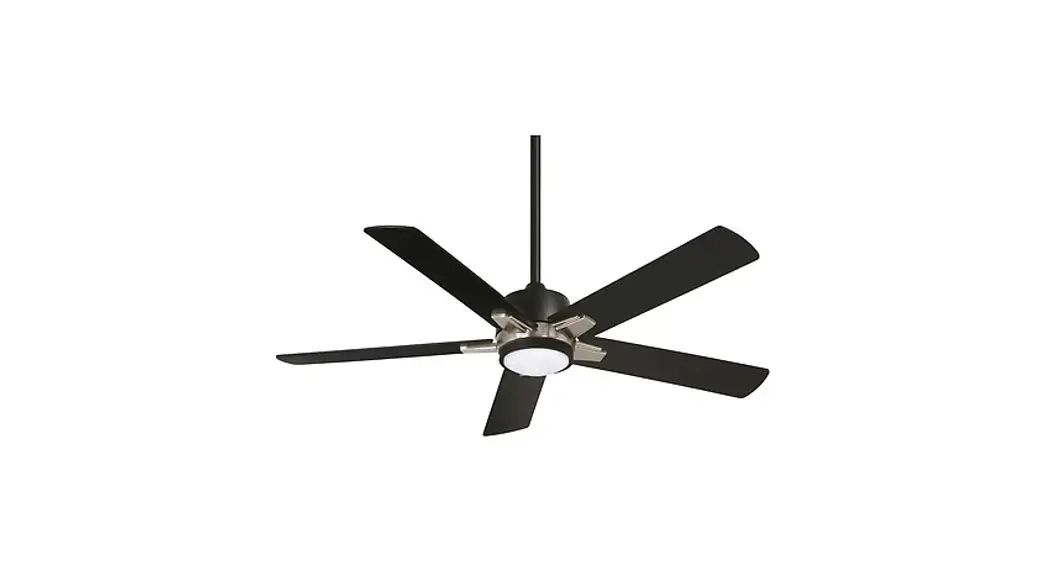
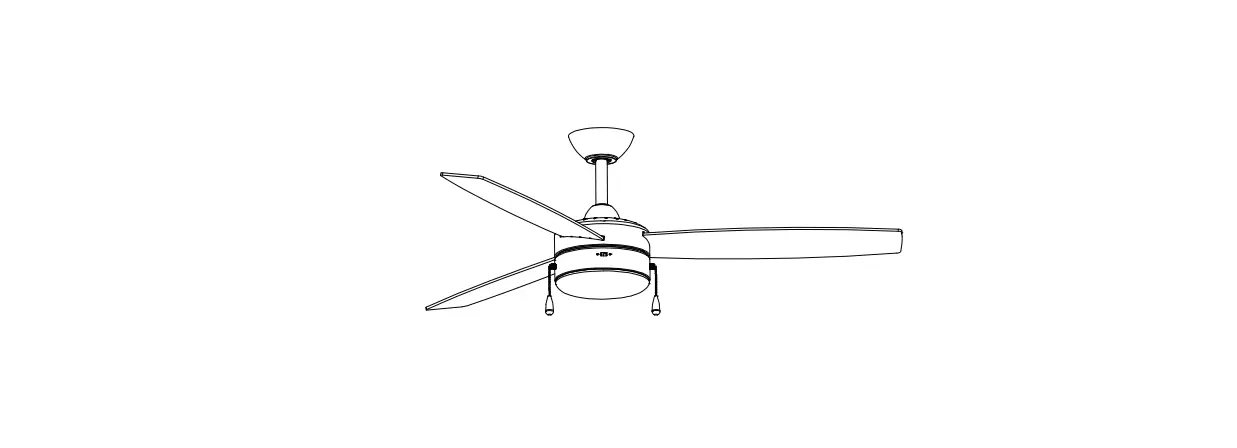
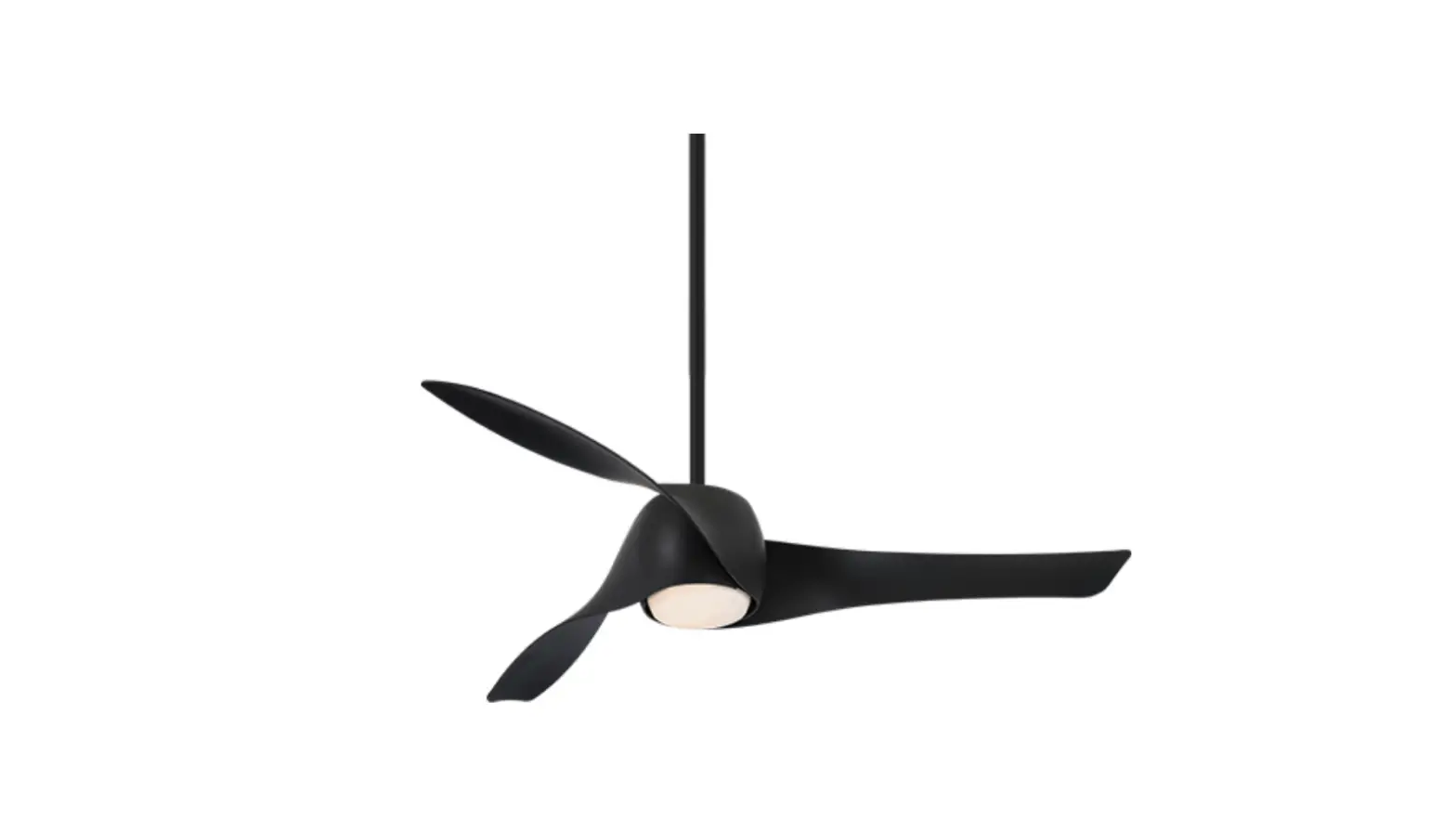
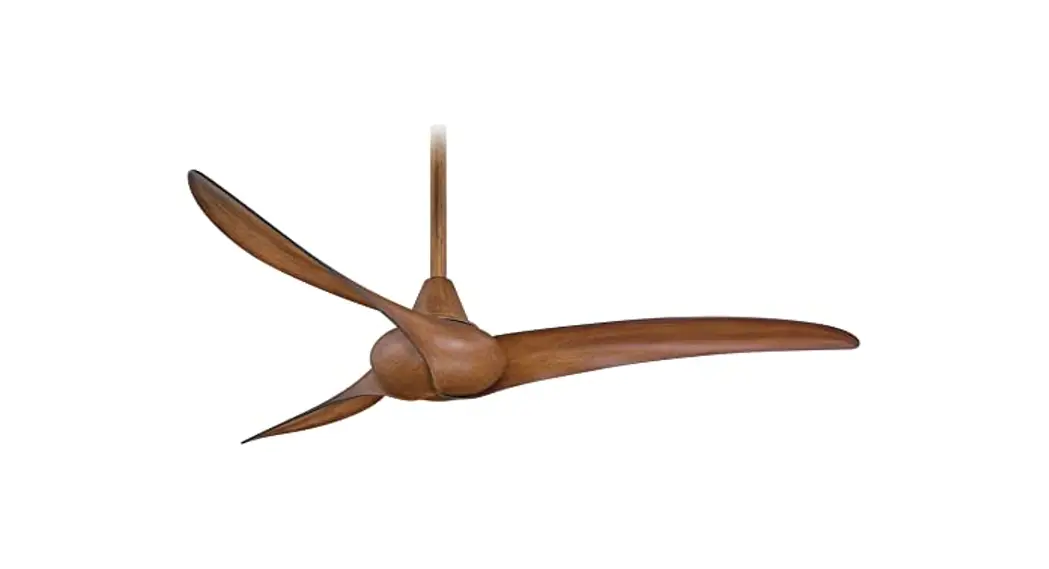
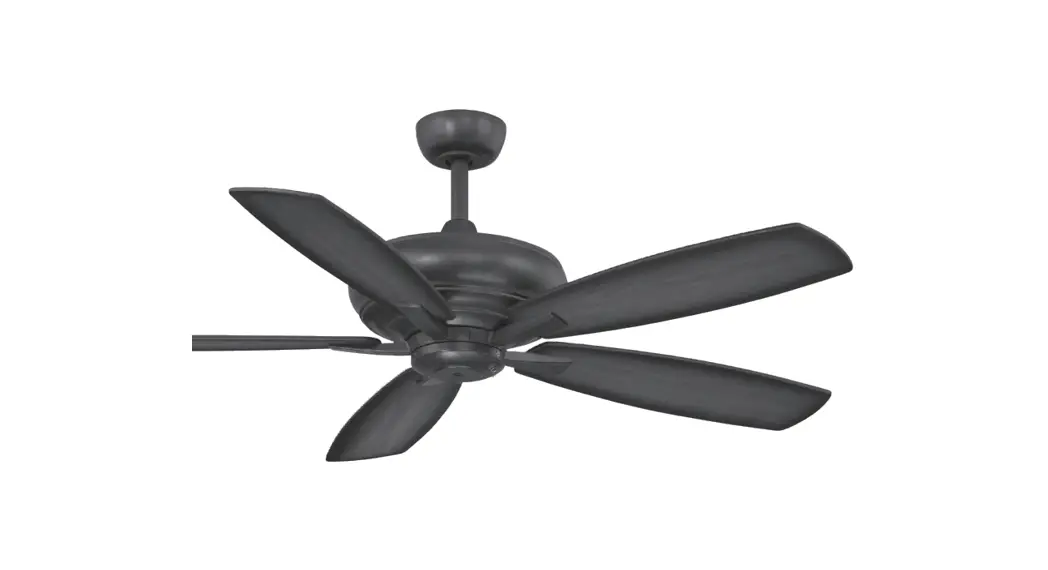
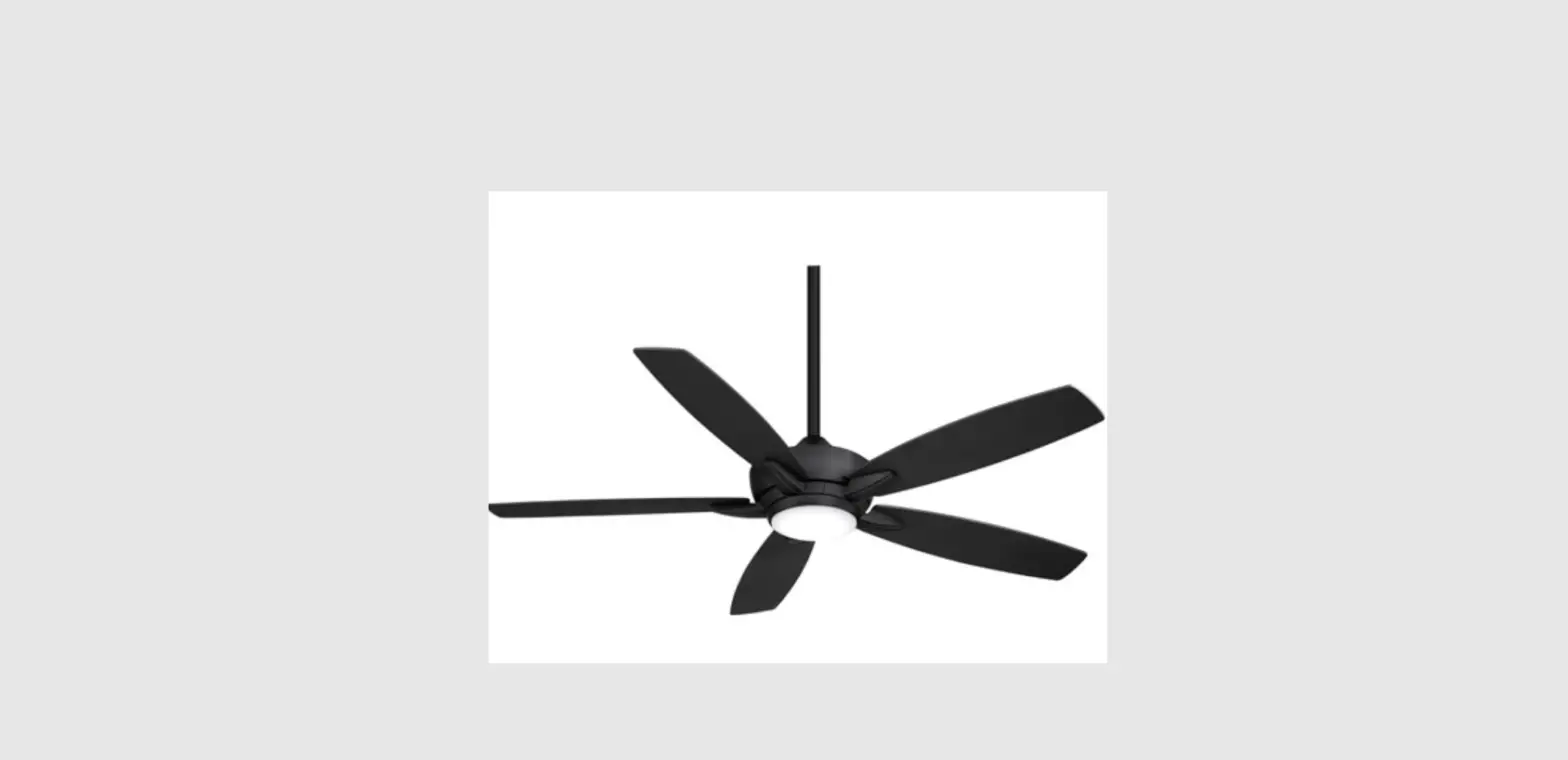
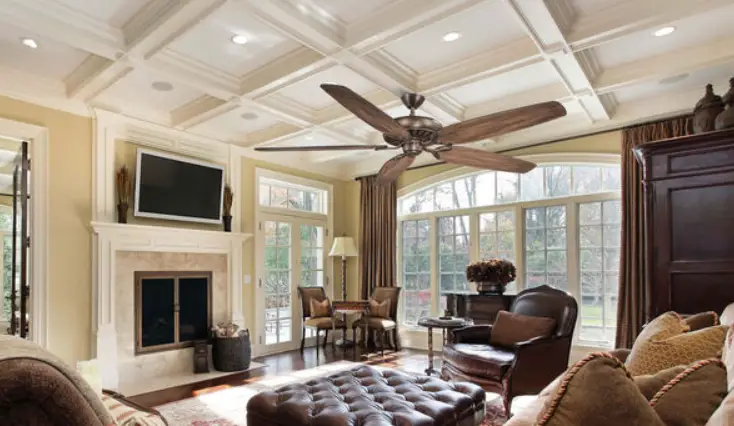
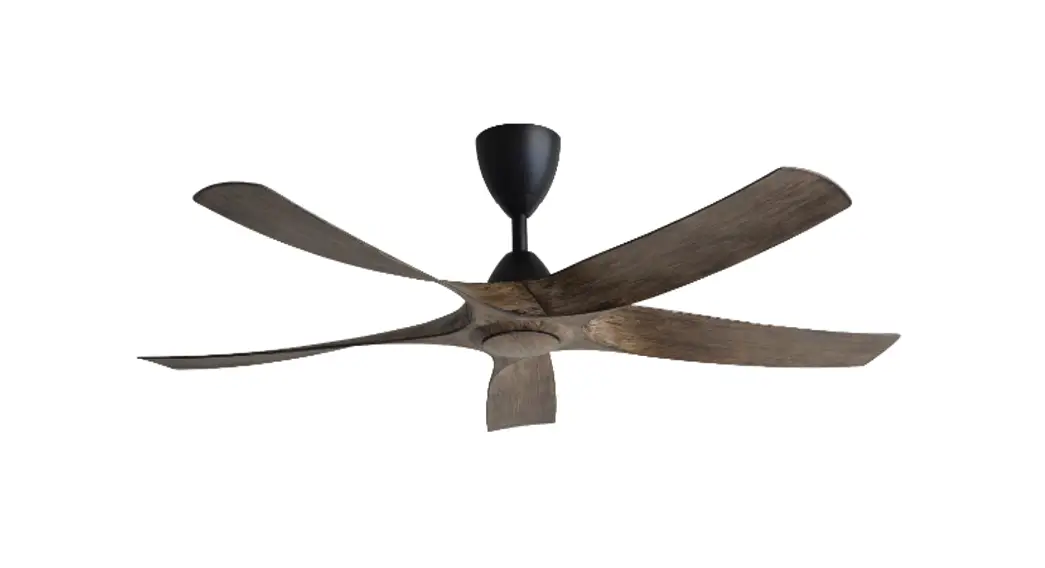
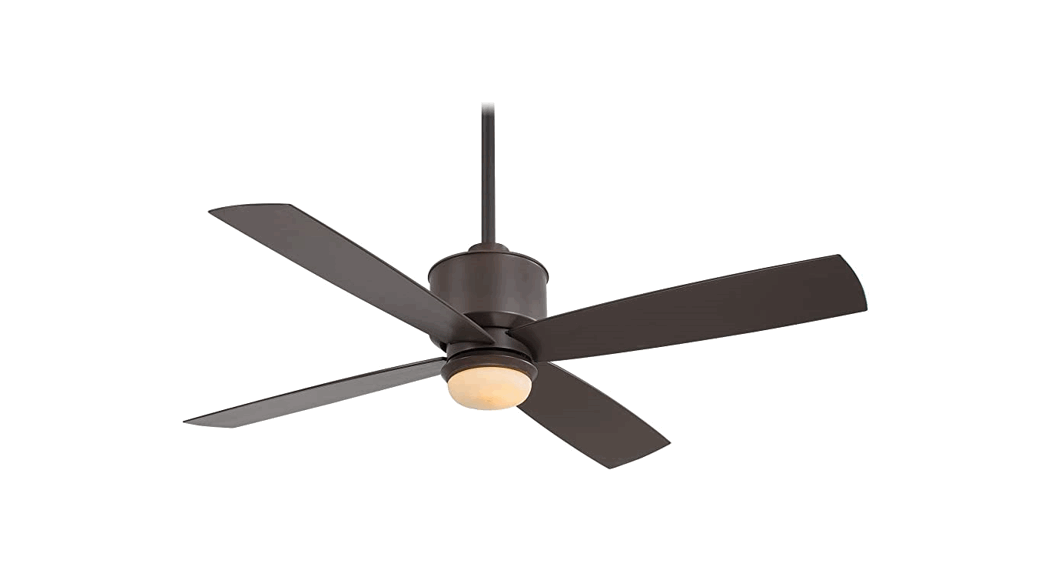
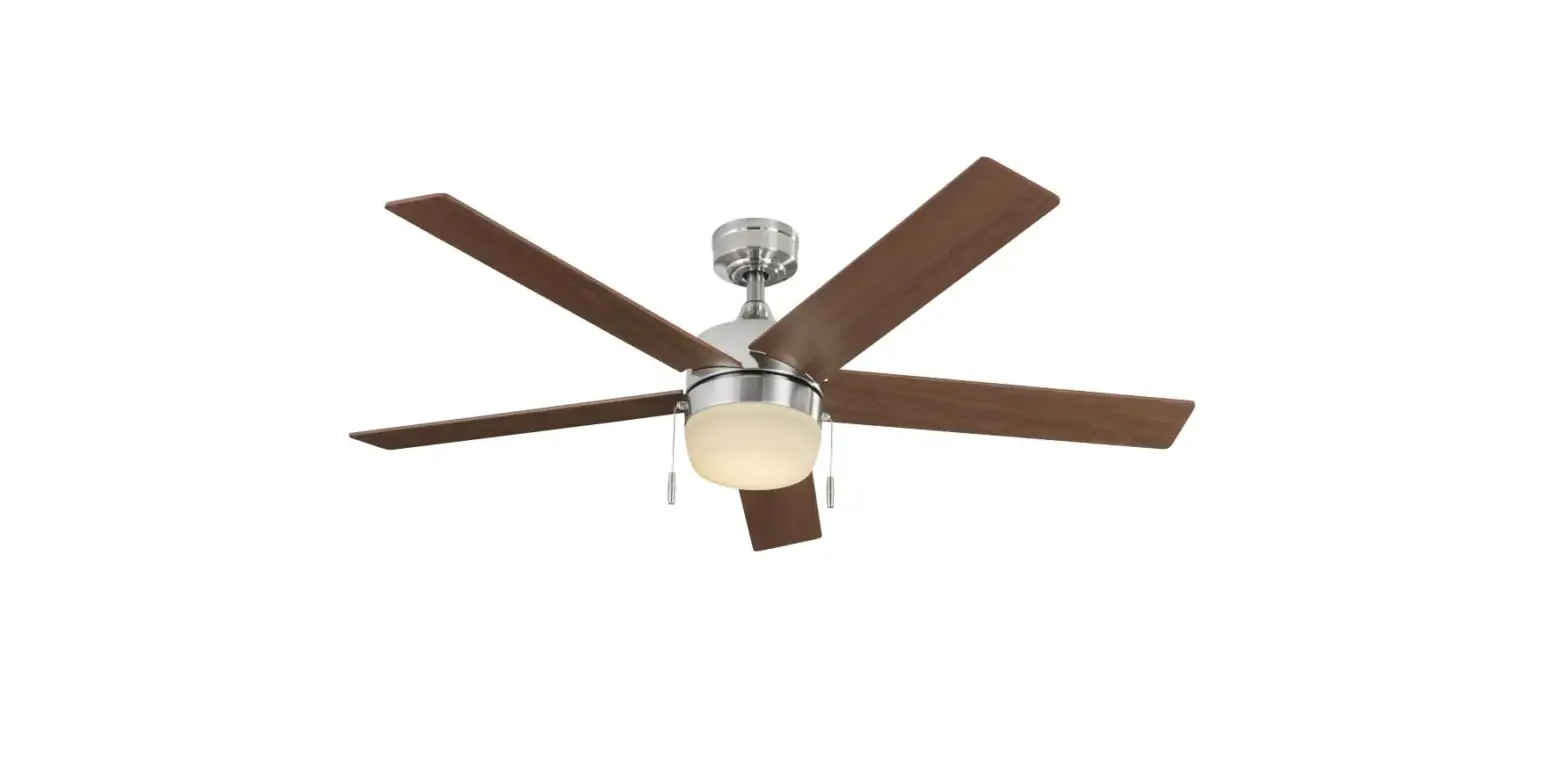
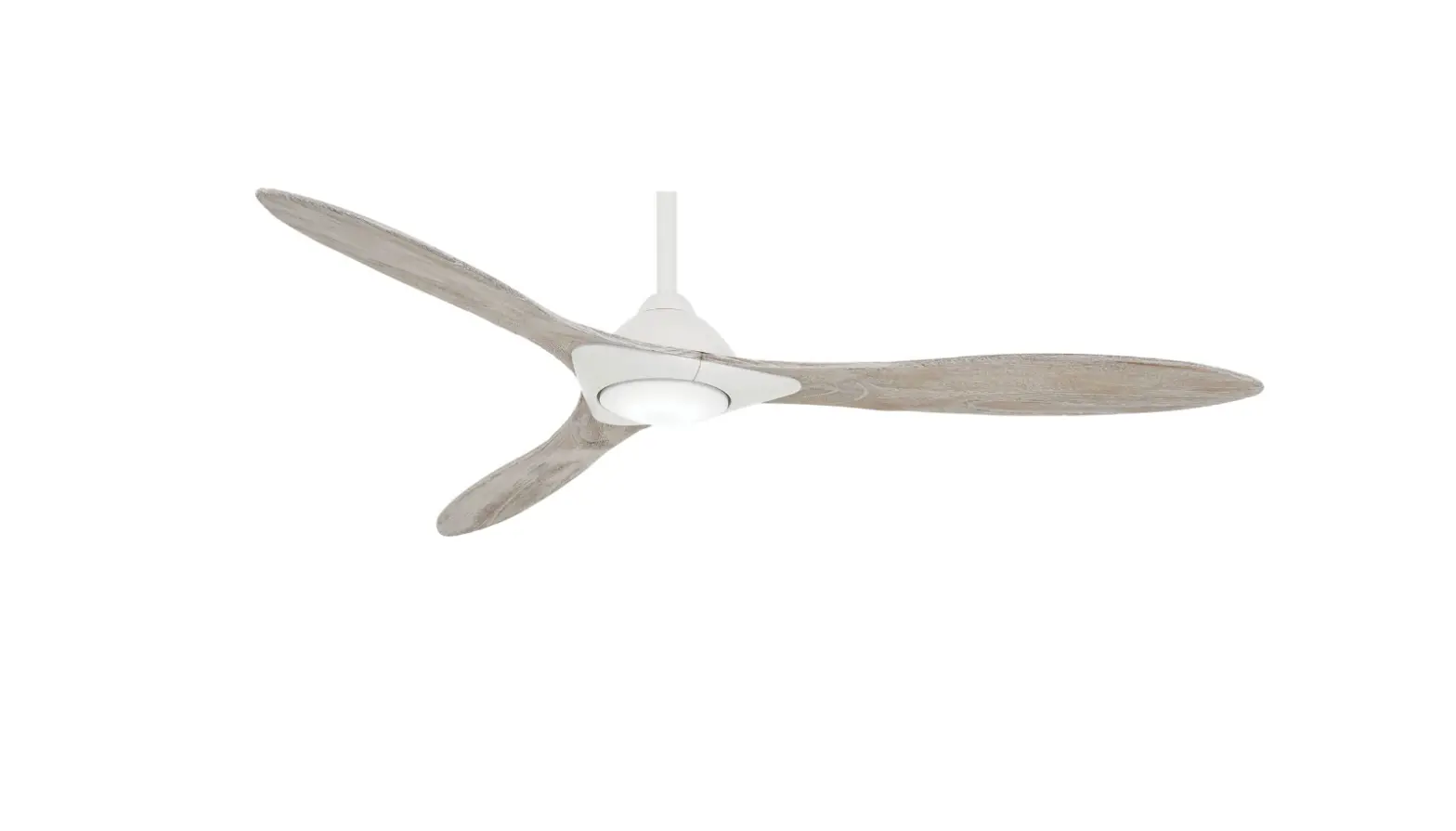
Woodhaven 60 Inch Ceiling Fan
Woodhaven 60 Ceiling Fan by Minka
Product Information:
- Model: Woodhaven 60 Ceiling Fan
- Brand: Minka
- Model Number: MKA19102502
- Weight: 35.75 lbs
- Dimensions: 60 x 60 x 29 inches
- Color: White, Black, Green/Yellow, Red, Blue, Grey, and
Purple - The fan comes with a remote control and a receiver with 8 wire
nuts - The fan has a downrod assembly, a canopy, a hanger bracket, a
light plate, a coupling cover, and a canopy cover - The fan has five fan blades and a 20W LED light
- The fan has blade attachment hardware and mounting
hardware - The fan has a balance kit and wire nut (3pcs)
- The remote control requires two 1.5V batteries (included)
Product Usage Instructions:
- Install the hanger bracket to the outlet box using the provided
screws. - Remove the hitch pin and lock pin from the downrod
assembly. - Attach the downrod assembly to the hanger bracket using the
provided clevis pin and B clip. - Attach the canopy and canopy cover to the hanger bracket using
the provided screws. - Attach the coupling cover to the downrod assembly using the
provided screws. - Screw the blade attachment hardware onto the fan blades using
the provided screws and flat washers. - Attach the fan blades to the motor using the provided screws
and flat washers. - Attach the light plate to the motor using the provided
screws. - Install the LED light onto the light plate using the provided
screws. - Install the light shade onto the LED light.
- Connect the wires from the motor and the LED light to the
receiver using the provided wire nuts. - Install the coupling cover onto the motor using the provided
screws. - Screw back the previously removed screws and tighten the light
kit. - Set up the remote control by selecting Universal Mode or
Learning Mode. - If using Learning Mode, press and hold the LEARN button for at
least 3 seconds within 60 seconds of restoring power source to your
fan. - If controlling multiple fans with a single remote transmitter,
use Learn Mode setting and restore power to both fans at the same
time before pressing the Learn button on the remote control. - The controller is capable of recording 2 frequency settings to
avoid any frequency issues. Ensure both frequencies have been
set.
Woodhaven
60″ CEILING FAN
Minka
Minka Minka
Minka
Minka
Minka
84016,84017
RC120-HL
MORE NOT LESS DC8
1. Fan body 2. 20W LED Light 3. Fan blade(5 pcs) 4. canopy 5. hanger bracket 6. light plate 7. downrod assembly 8. light shade 9. coupling cover 10. canopy cover 11. remote control with holder and 2 mounting screws(1.5V*2 pcs
batteries included)
12. receiver(8 pcs wire nuts)
A. Blade attachment hardware 3/16x6mm screws(16pcs) 5*14*1mm flat washer(16pcs)
B. Mounting hardware #8-32*38mm screw(2pcs) #10x38mm wood screw(2 pcs) 5*14*1mm flat washer(2 pcs) 5/32(4.4*9.4*0.5-1.0mm-10) star washer(2pcs) 3/16(5.2*8.4*1.0mm) spring washer(2pcs)
C. Balance kit D. wire nut(3pcs)
35
Minka
Minka
Minka
Minka
Step 2: Remove the hitch pin and lock pin from downrod assembly.Fig.6
(Fig.7&Fig.8&Fig.9)
OUTLET BOX HANGER BRACKET
HANGER BALL
B clip
CLEVIS PIN
HANGER BALL
CANOPY CANOPY COVER COUPLING COVER
DOWNROD
COUPLER SET SCREW
B clip CLEVIS PIN
COUPLING COVER
BLADE ARM
11 11
WHITE
BLACK GREEN/YELLOW
GREEN/YELLOW
WHITE RED
BLUE
GREY PURPLE
GREEN
RECEIVER
HANGER BRACKET SCREW
CANOPY CANOPY COVER
light kit Blue to Blue Step 3. Screw back the 3 previously removed screws and tighten the light kit.
LED LIGHT
13
BLADE
INSTALLING THE LIGHT KIT PLATE
light kit
light kit 14
LIGHT KIT PLATE
SCREW
light kit 16
MOUNTING PLATE
SLOT SHADE
when
ON/OFF
Dimming
There is a “Universal Mode” and “Learning Mode” with the remote control. When selecting “Universal Mode”, simply place dip (code) switch to the UP Position (COMMON CODE). There will be no need to pair your fan and remote control.
Please Note: Under the universal mode setting, your fan can be controlled by other transmitters also using the “Universal Mode” with no need to pair them.
To prevent any possible Interference with other fans in your home. Minka recommends the use of the “Learning Mode” setting by placing the dip (code) switch to the LOWER position (L. CODE) and follow the steps below.
Learn Mode setting: Within 60 second of restoring power source to your fan, press and hold the “LEARN” button for at least 3 seconds. If the fan is installed with light, the light will blink 3 times. This will indicate the process is complete and your fan is ready for use. For fans without light, check operation using remote transmitter.
Note: Power must be off for a minimum of 10 seconds, before restoring power to attempt the Learn Mode setting procedure.
Note: If Multiple fans require to be controlled by a single remote transmitter Minka Recommends Using the Learn Mode setting. Power to both fans will need to be restored at the same time and Press the Learn button on the remote control so that both desired fans can receive the remotes signal simultaneously.
Should
when
5. The controller is capable to recording 2 frequency setting, to avoid any frequency issues please ensure both frequencies have been set.
17 18
There is a “Universal Mode” and “Learning Mode” with the remote control. When selecting “Universal Mode”, simply place dip (code) switch to the UP Position (COMMON CODE). There will be no need to pair your fan and remote control. Please Note: Under the universal mode setting, your fan can be controlled by other transmitters also using the “Universal Mode” with no need to pair them. To prevent any possible Interference with other fans in your home. Minka recommends the use of the “Learning Mode” setting by placing the dip (code) switch to the LOWER position (L. CODE) and follow the steps below. Learn Mode setting: Within 60 second of restoring power source to your fan, press and hold the “LEARN” button for at least 3 seconds. If the fan is installed with light, the light will blink 3 times. This will indicate the process is complete and your fan is ready for use. For fans without light, check operation using remote transmitter. Note: Power must be off for a minimum of 10 seconds, before restoring power to attempt the Learn Mode setting procedure. Note: If Multiple fans require to be controlled by a single remote transmitter Minka Recommends Using the Learn Mode setting. Power to both fans will need to be restored at the same time and Press the Learn button on the remote control so that both desired fans can receive the remotes signal simultaneously.
60
0.09
1.65
29
501
6.5
8.5 2.04
0.54
35.75 150 6068
6
23
3,459
153
Minka 18
19
MKA19102502