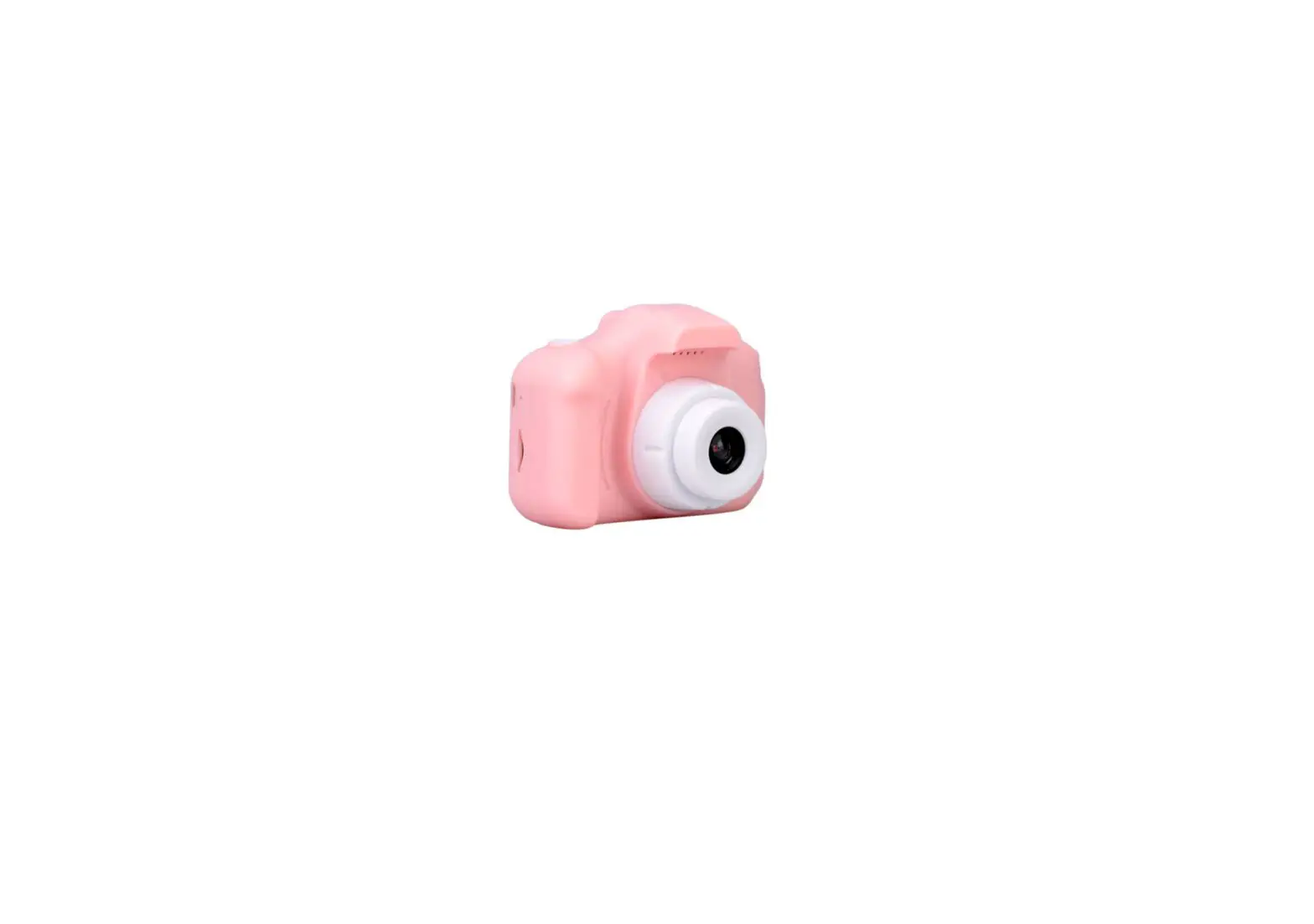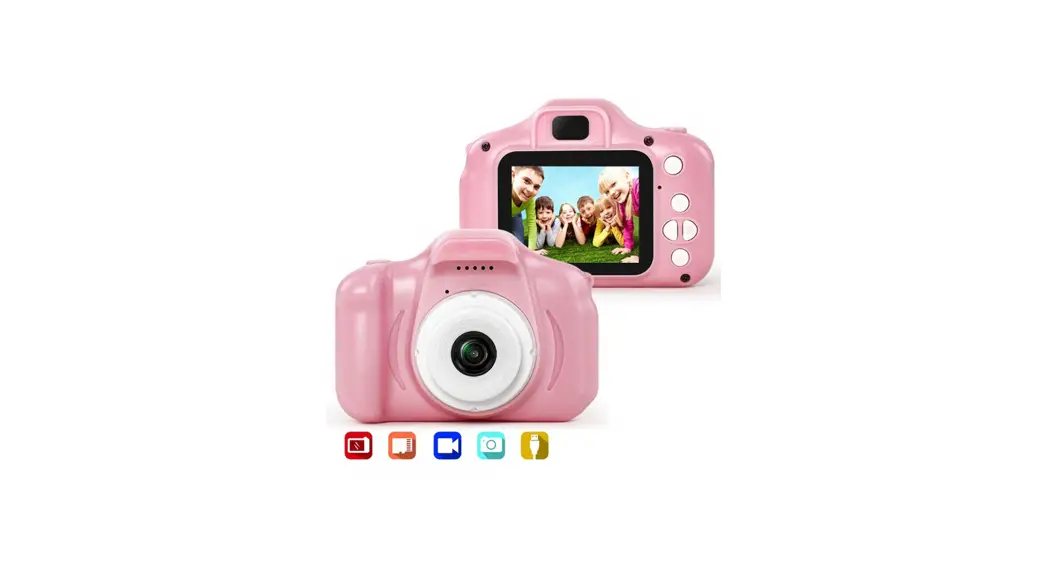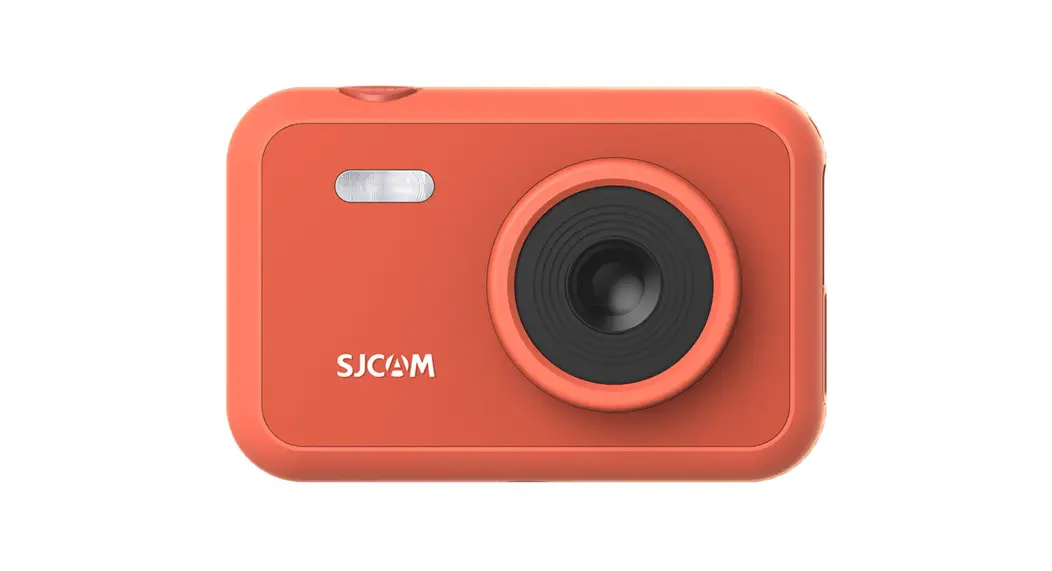

Kids Digital Camera Mini Video Camera
User Manual
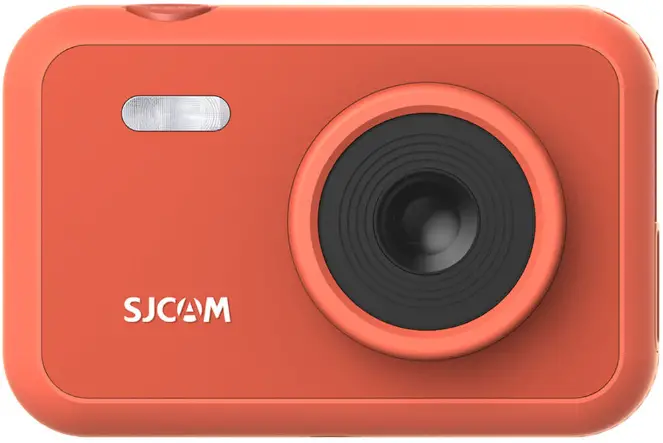
FUNCAM
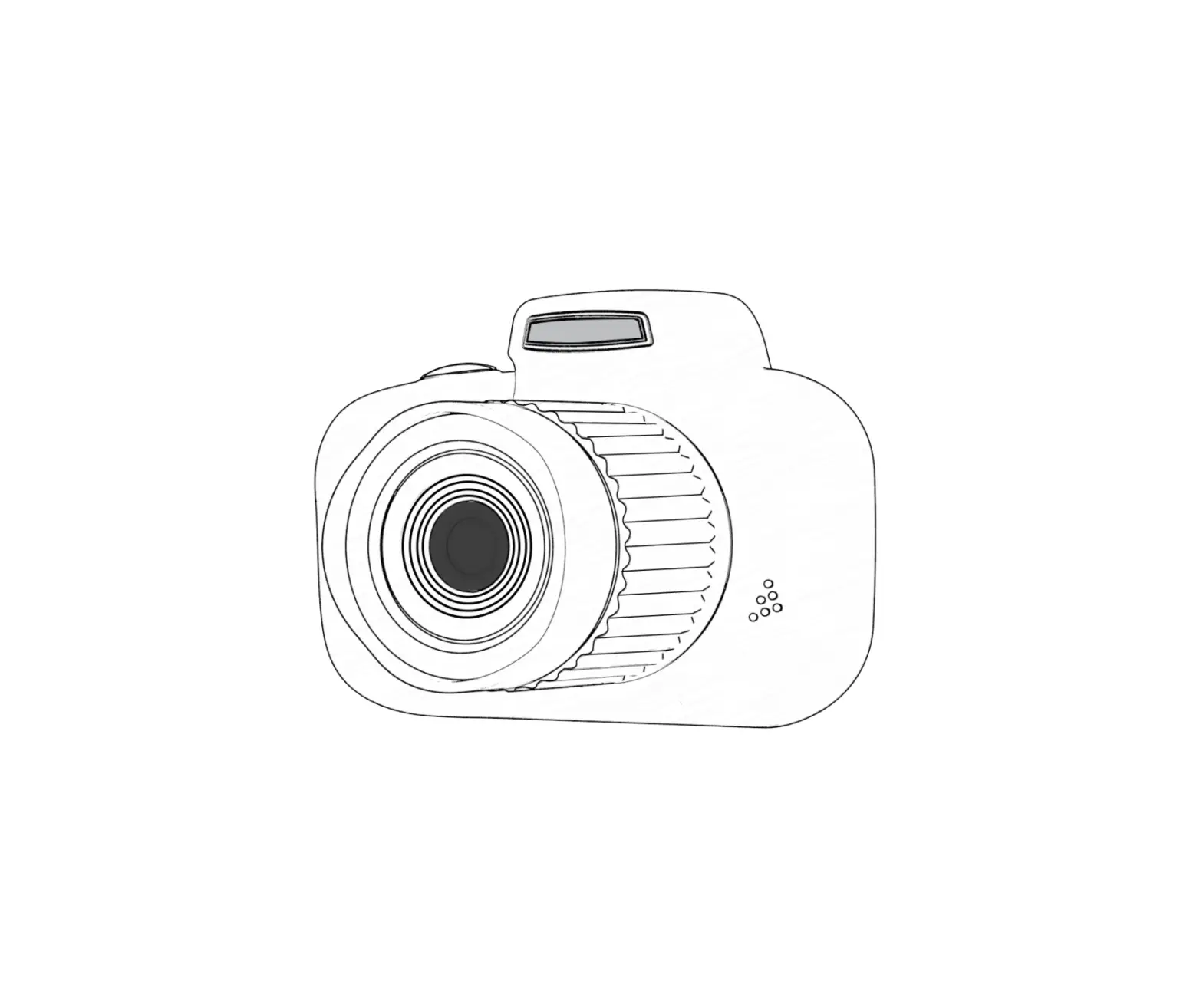
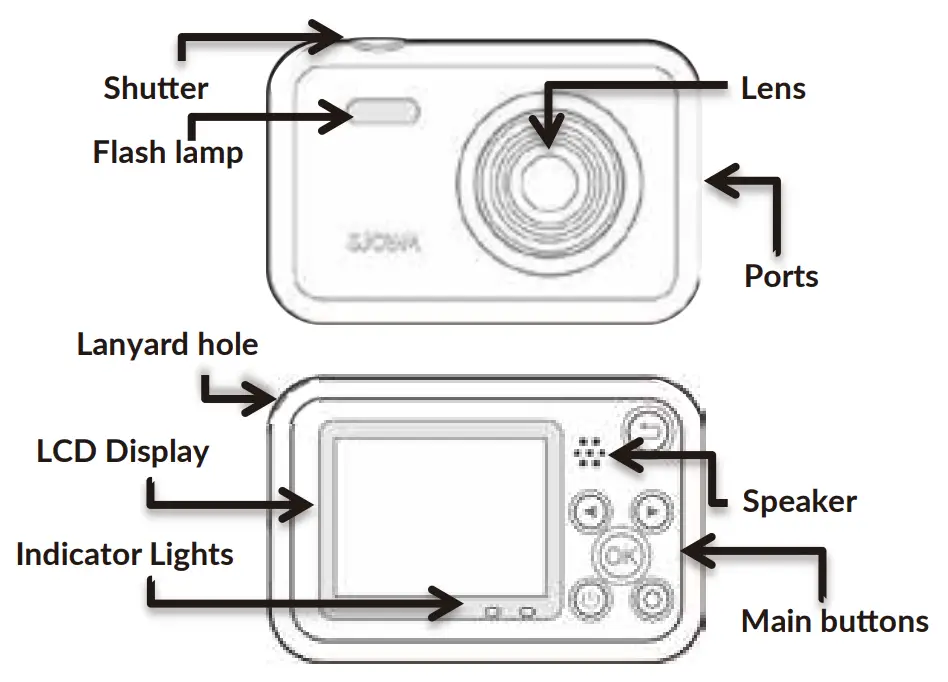
Parts of the camera
How to use FunCam
How to charge FunCam
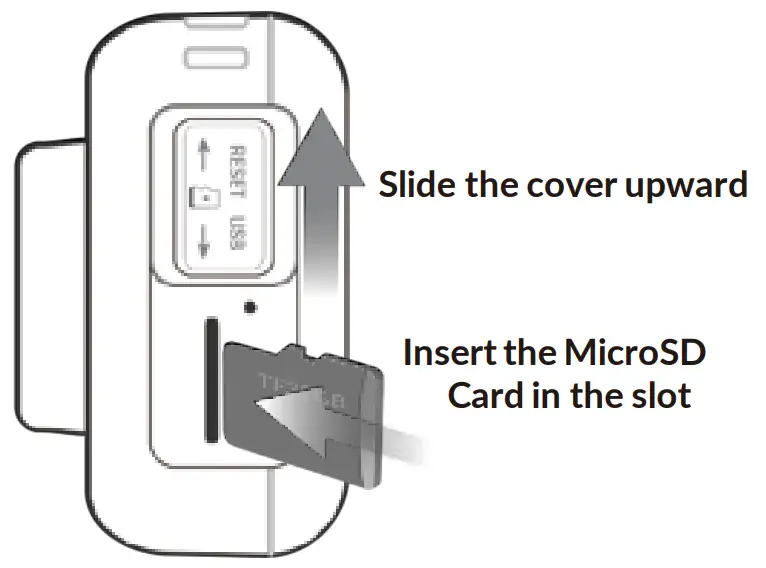
How to insert Memory Card
Switch to Video or Photo
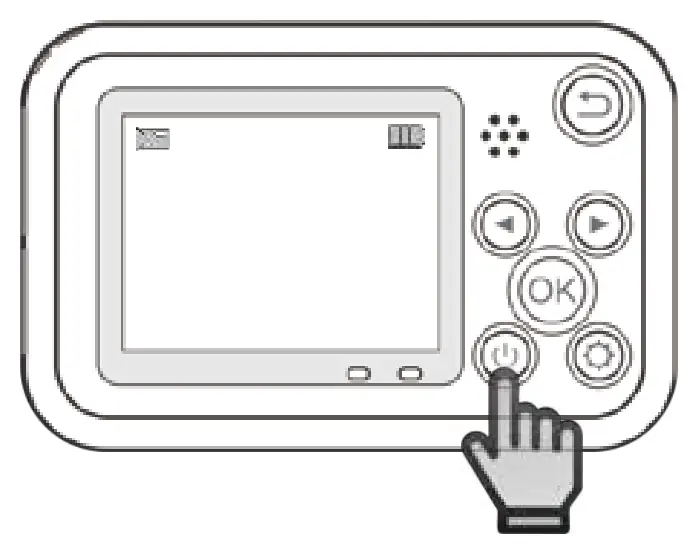
While camera is on,
Short-press to switch camera from Photo to Video mode.
Or Video to Photo mode.
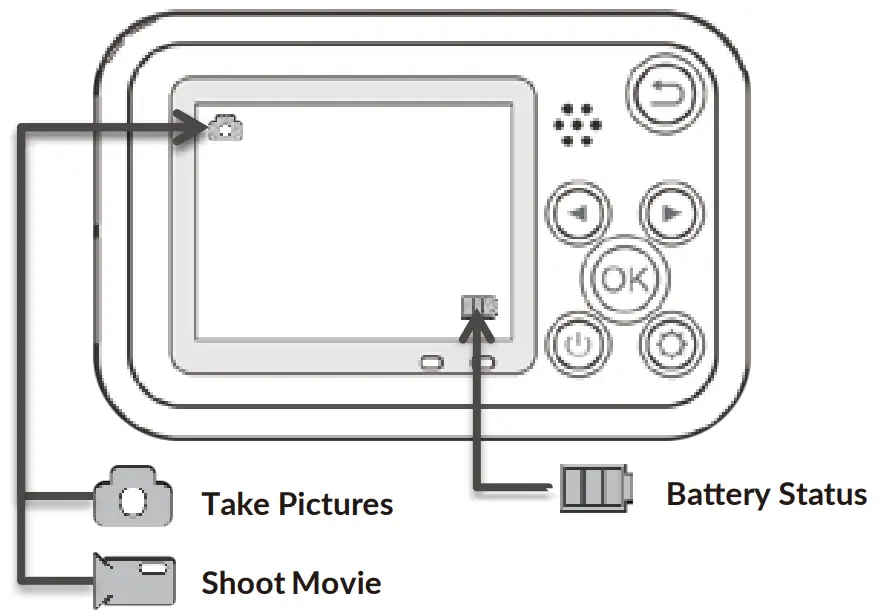
Icons on the screen
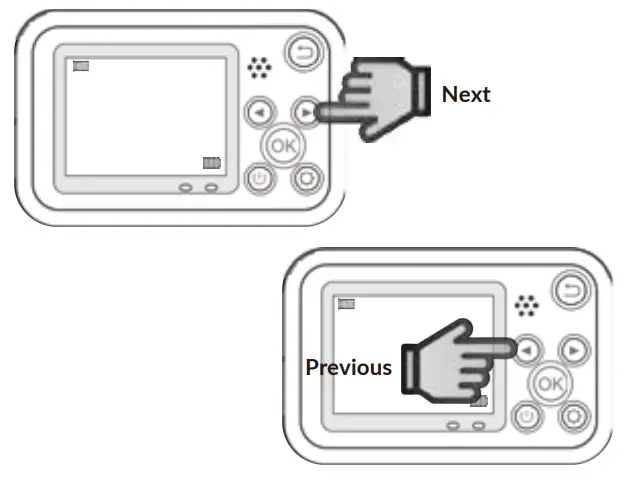
Moving around the selections
Return to previous screen
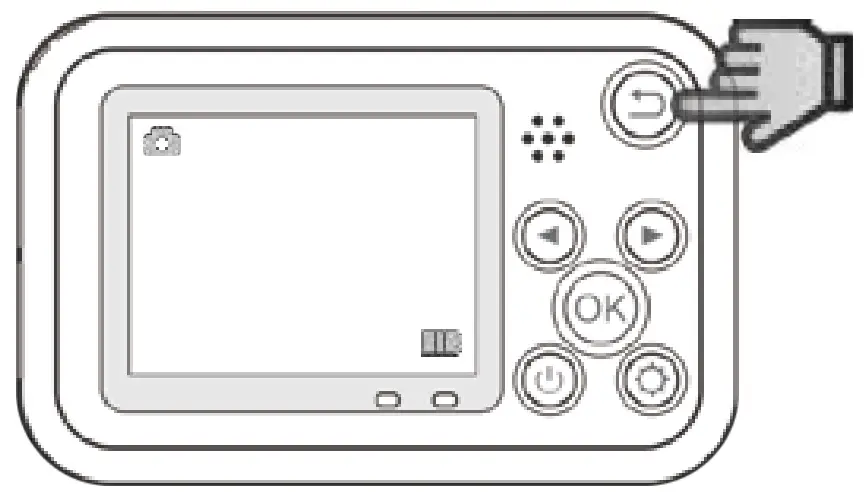
Press to enter the function interface, you can choose photo mode, video mode, media library, small games, settings and other functions
How to change backgrounds
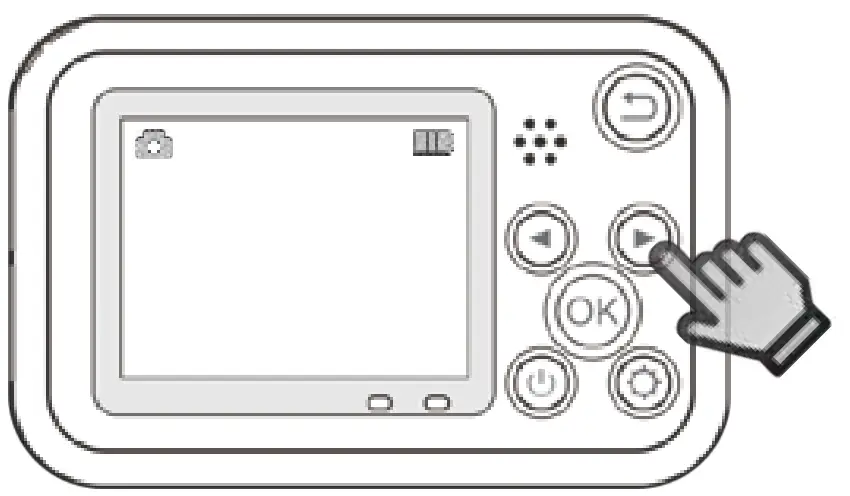
In photo mode, you can choose 24 different photo stickers by using the Previous and Next buttons (Photo Mode only)
How to change screen colors
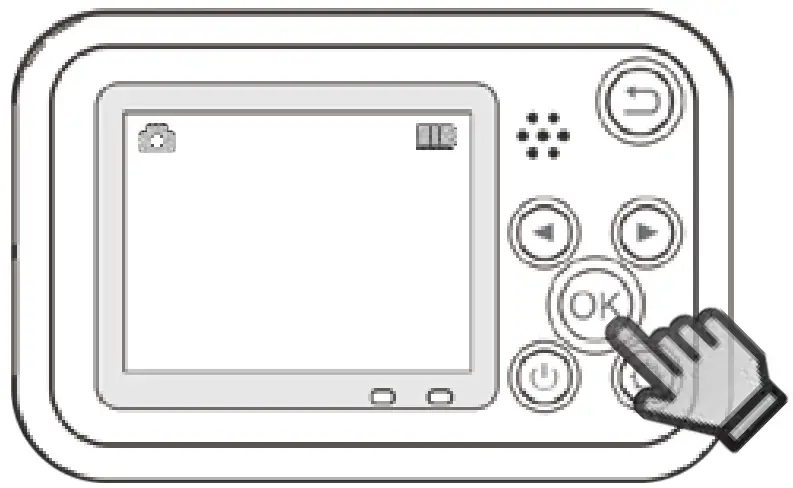
Choose from 4 image colors by pressing  .
.
How to turn the camera off
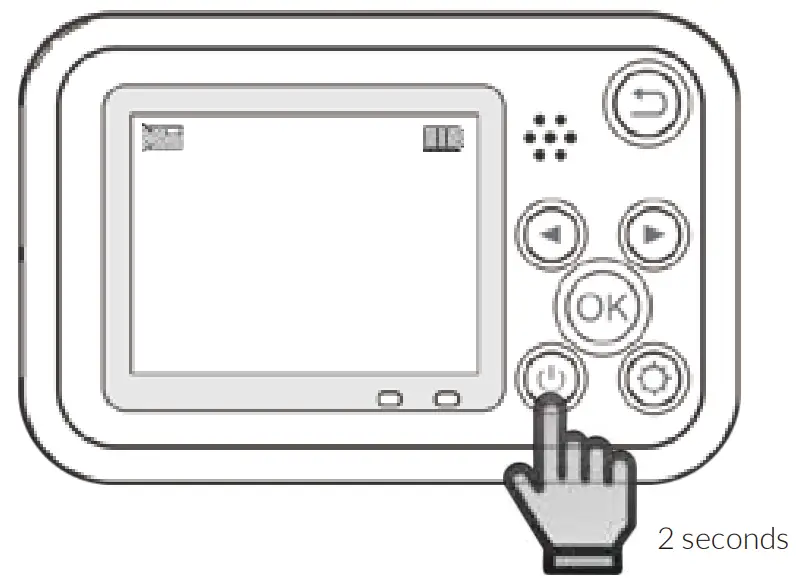
Press POWER BUTTON for 2 seconds to Turn off camera.
How to change settings
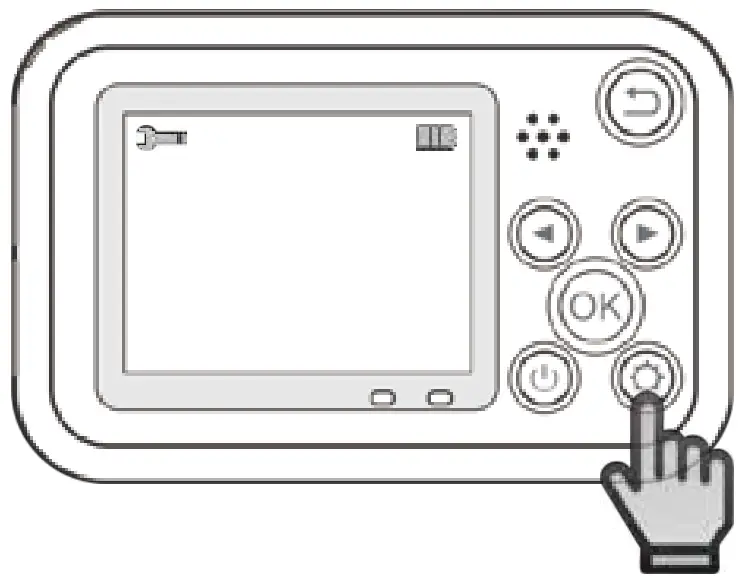
Press the setting key (wheel icon) to enter the setting interface / Click this button in the setting interface to withdraw action
This page is for grownups
- Children must always be accompanied by a grownup to always keep them safe while operating the camera.
- This camera is not suitable for underwater use, do not submerge.
- Do not leave the camera in hot environments or under direct sunlight for long periods.
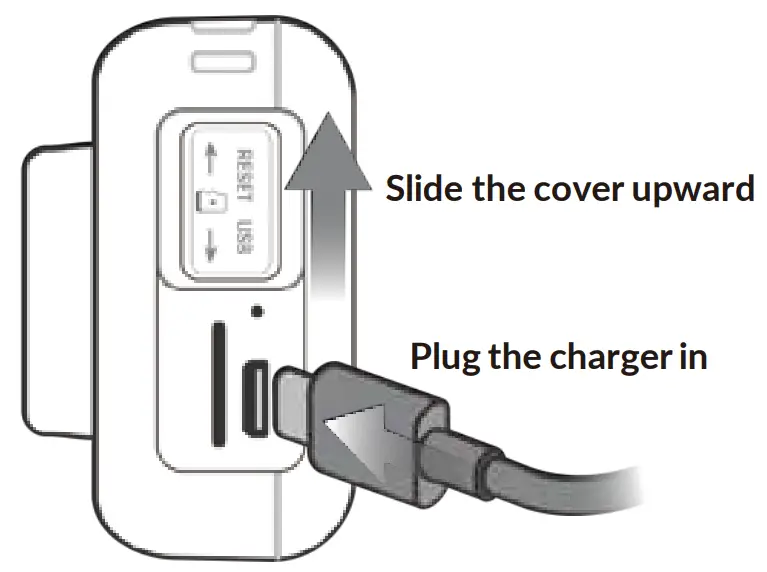
- Avoid charging for long durations. Keep it away from children and pets while charging to avoid accidents.
- Store the camera in a cool, dry, and dust-free place when not in use.
Power Button
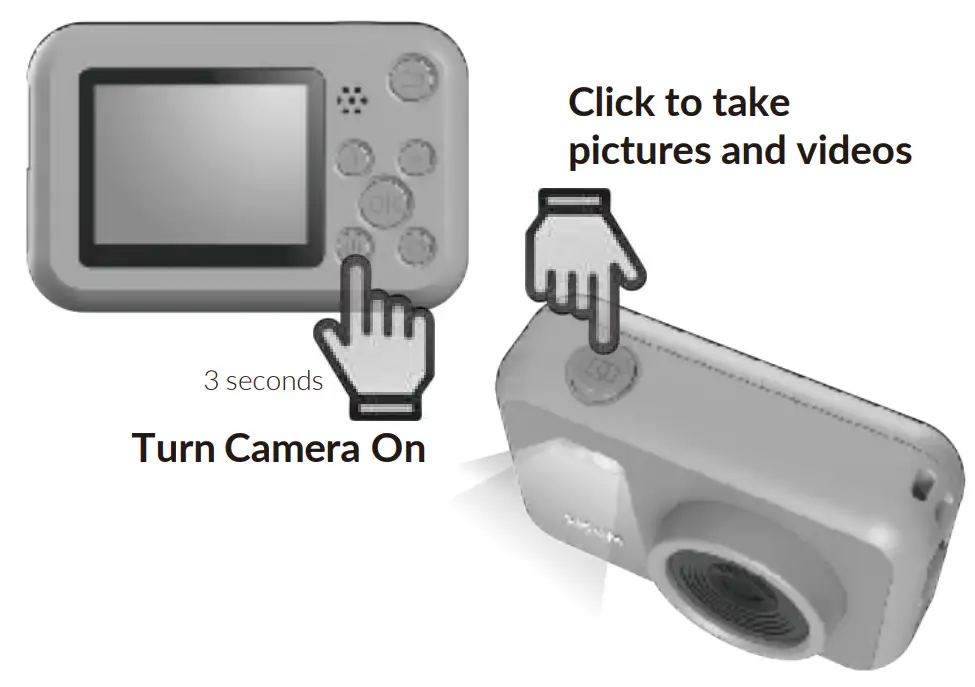
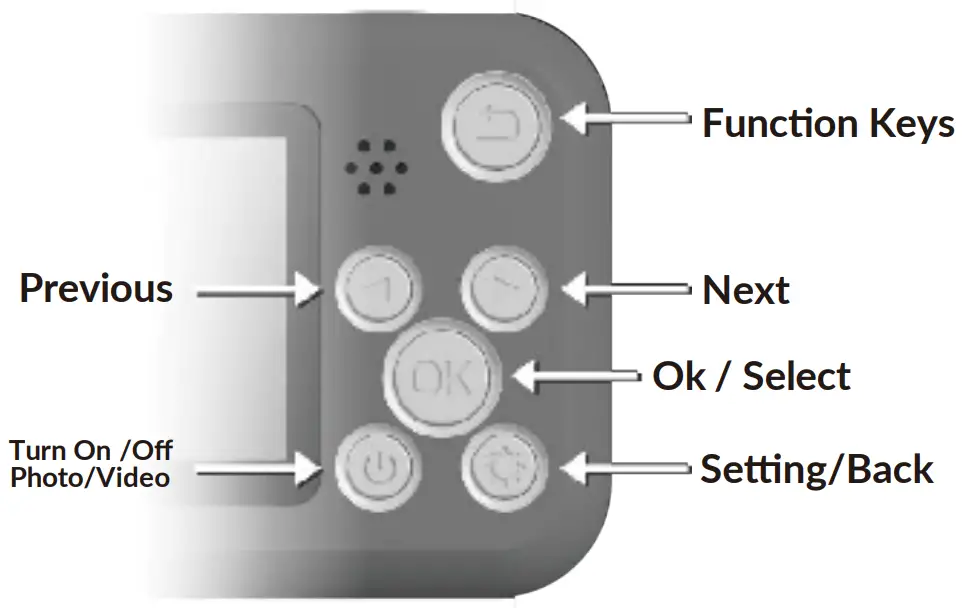
- Turn the camera ON by pressing the Power Button for 2 seconds.
- Camera will start in Photo mode.

- Press the Power Button again to switch to Video mode.

- To turn camera OFF, press the Power Button again for 2 seconds.


Previous and Next Buttons
- In photo mode, you can choose 24 different photo stickers by using the Previous and Next buttons .
OK Button
- Press OK button to select 4 different screen backgrounds color.
Function button
- Press the function button to enter the function interface.
Photo Options in Menu
USE  TO NAVIGATE. THEN TO SET.
Photo resolution : 12M 4032X3024 / 10M 3840X2880 /8M 3456X2448 / 5M 2928X2256 /3M 2400X1792 / 2M 1920X1440 / 1M 960X720
Capture mode: Single shot, 2S Delay, 5S Delay, 10S Delay.
Continous shooting: On / Off .
Date/Time: set up date, time.
Language setting: Simplified Chinese, Traditional Chinese, Japanese,English, French, German, Polish, Spanish, Russian, Roman, Czech .
Auto Power Off: Off, 3 Mintues, 5 Mintues, 10 Mintues.
Format: Cancel / ok .
Default Setting: Cancel / ok .
Version: Display current version information.
Video Options in Menu
USE TO NAVIGATE. THEN TO SET.
Video resolution: 1080P ; 720P .
Cyclic resord: Off, 3 Minutes, 5 Minutes, 10 Minutes .
Time-lapse photography: Off, Low, Medium, High .
Date/Time: set up date, time .
Language setting: Simplified Chinese, Traditional Chinese, Japanese,English, French, German, Polish, Spanish, Russian, Roman, Czech .
Auto Power Off: Off, 3 Mintues, 5 Mintues, 10 Mintues.
Format: Cancel / ok .
Default Setting: Cancel / ok .
Version: Display current version information.