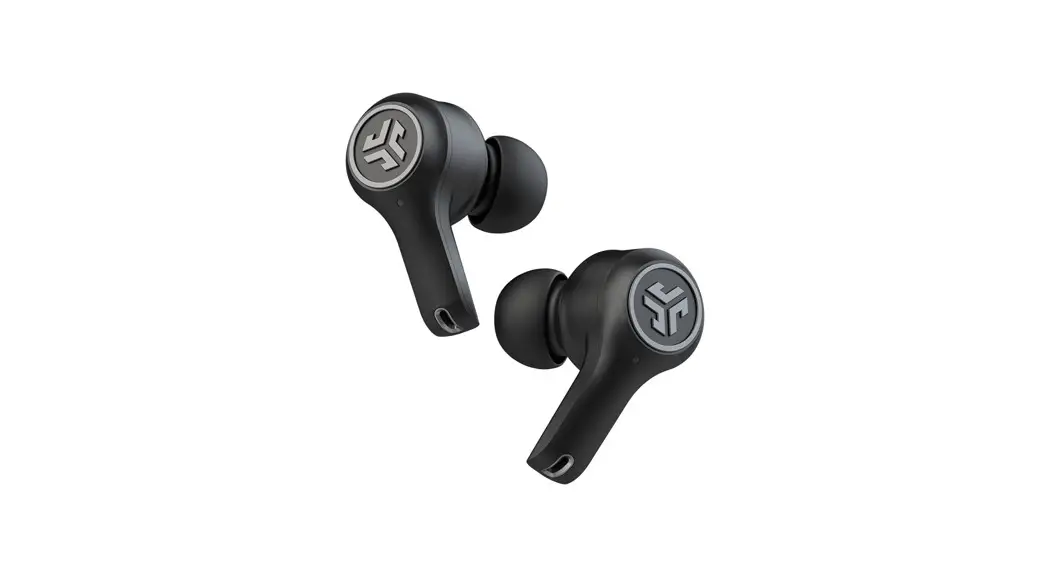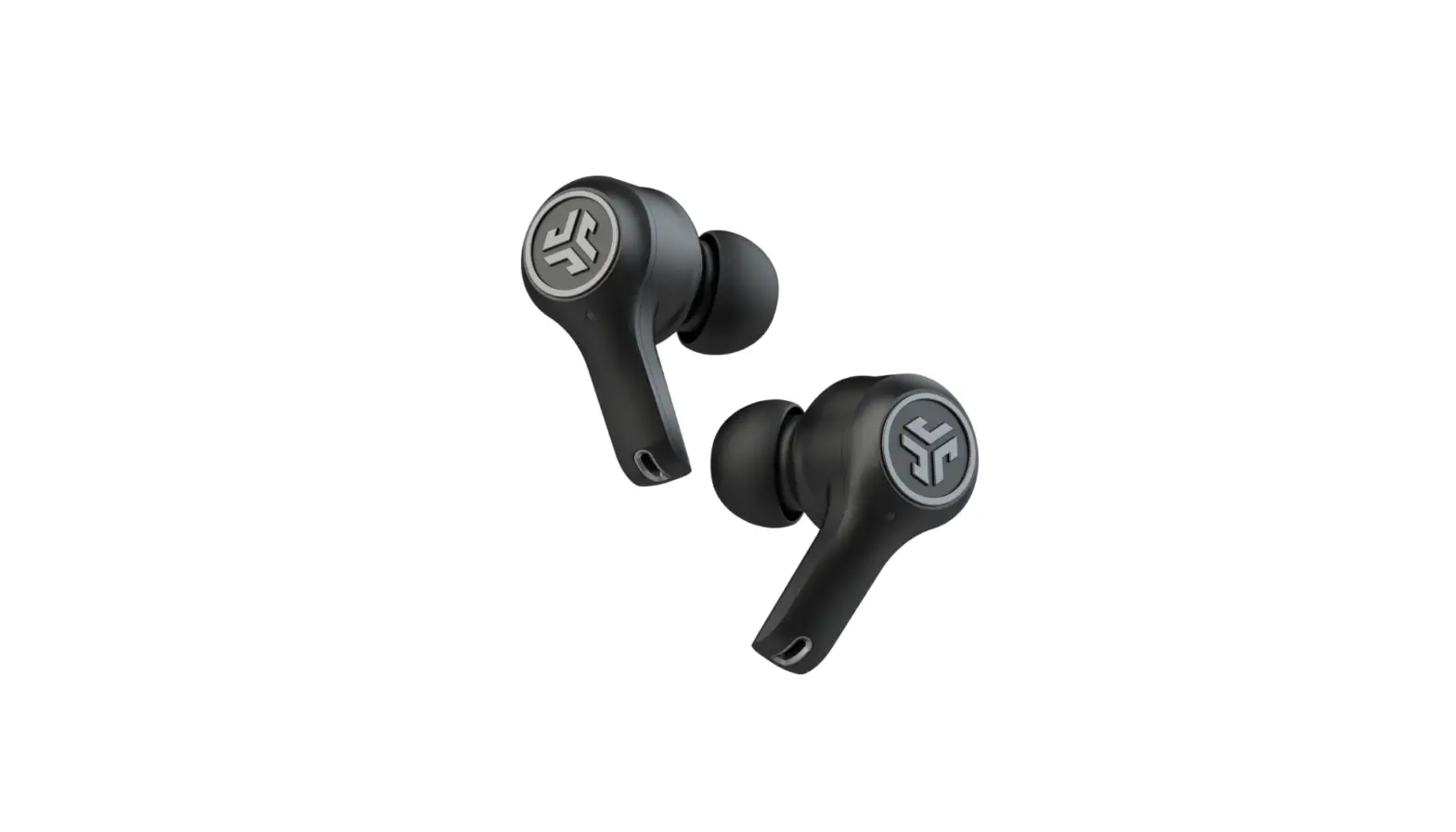
 EPIC
EPIC
USER MANUAL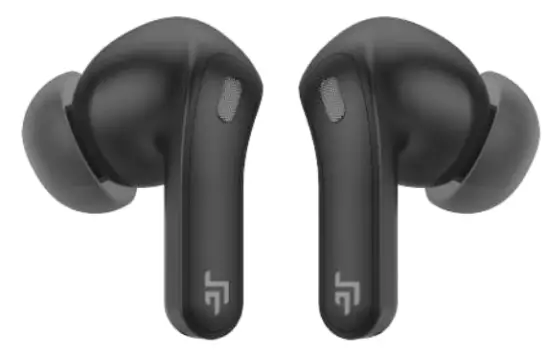
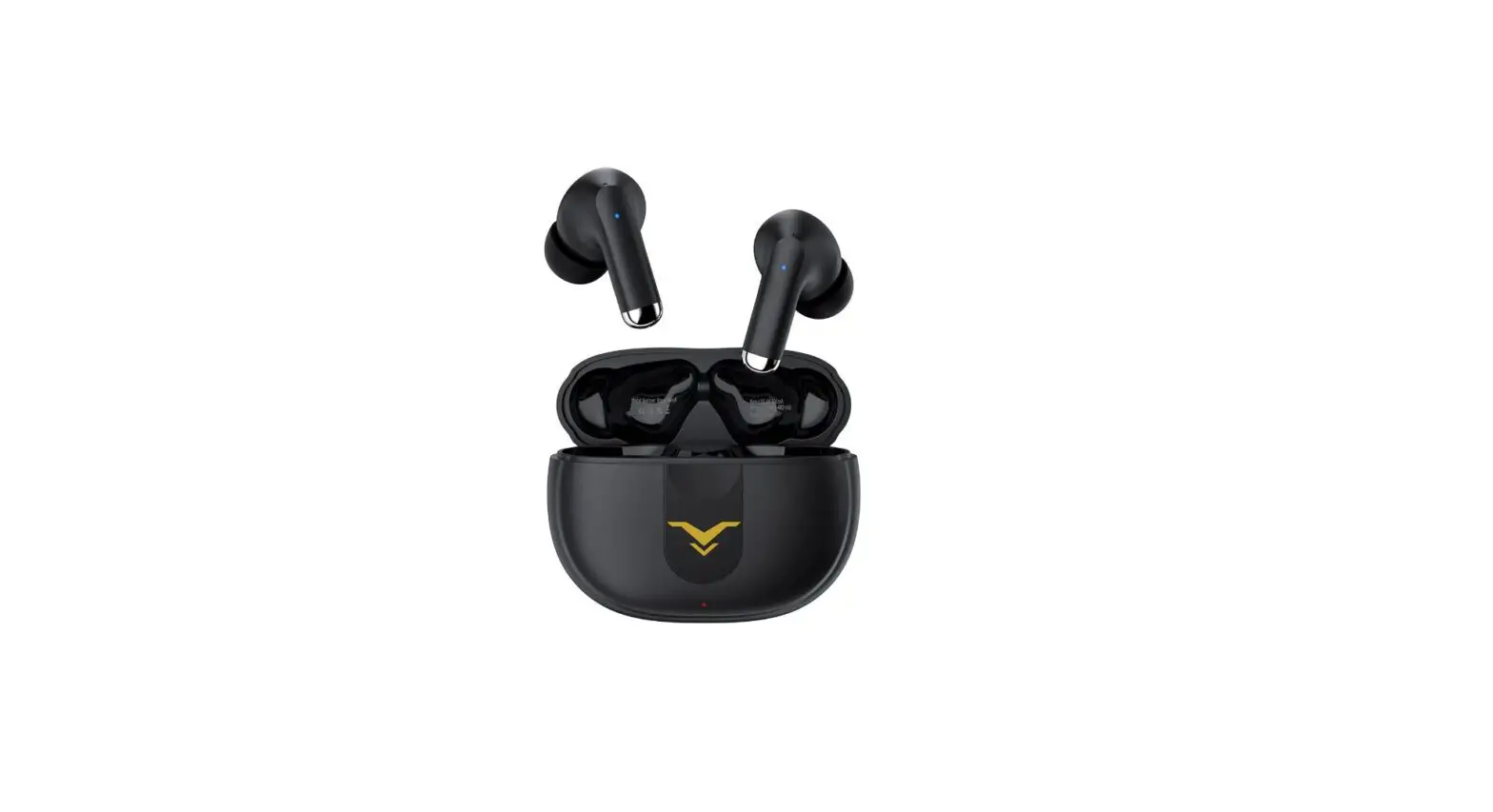
TOUCH ENABLED EARBUDS WITH ANC MODE
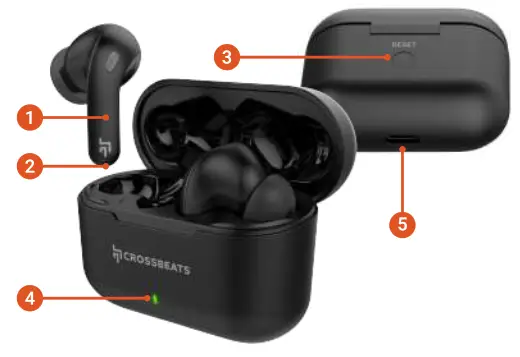
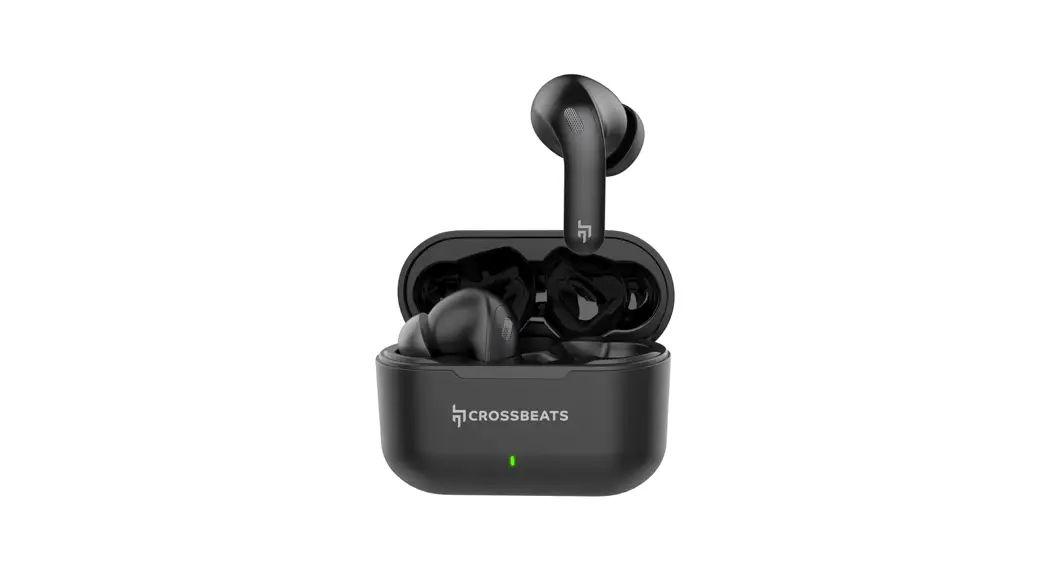
OVERVIEW
- Touch area
- Charging pin earbud
- Reset button
- LED lights on case
- USB-C charging port
FIRST TIME PAIRING
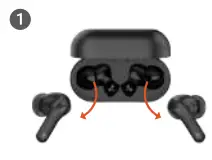
Take out the earbuds from the charging case
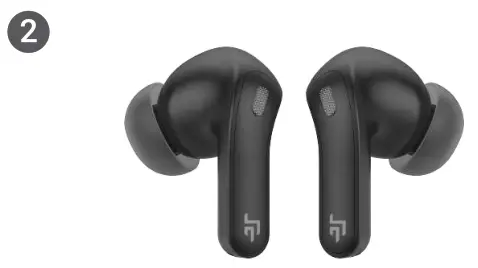 The earbuds will from the auto power ON
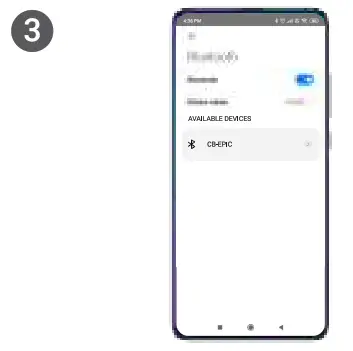 Search for CB-EPIC in your phone’s Bluetooth list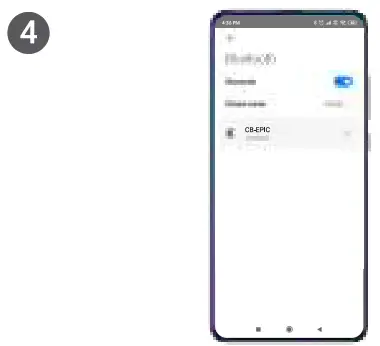
Click to connect
MONO PAIRING & RESET
MONO PAIRING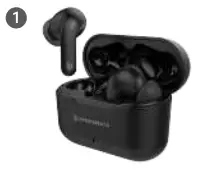
For mono mode take out either of the earbuds when already paired 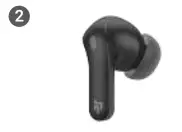 The music will automatically play in that particular earbud
RESET 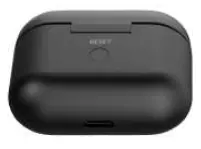 Put the earbuds inside the charging case and press the button on the charging case for 10 seconds to reset
CONTROLS
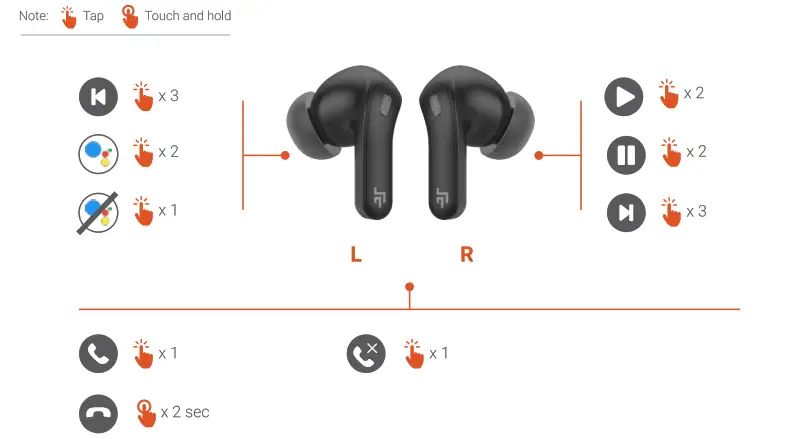
NOTE: Available only on devices that have Voice Assistant enabled
DIFFERENT SOUND MODES
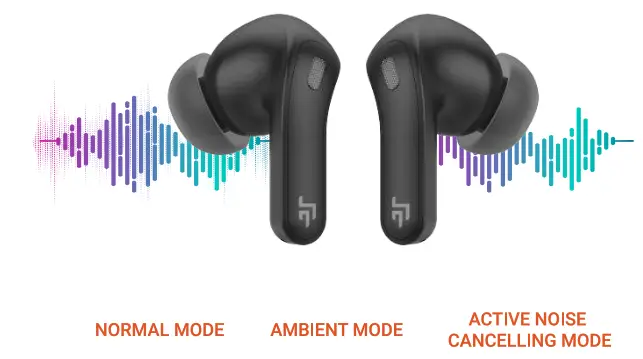
NOTE Touch and hold (L/R) earbud for 1 sec to switch between 3 different noise-canceling mode
CHARGING
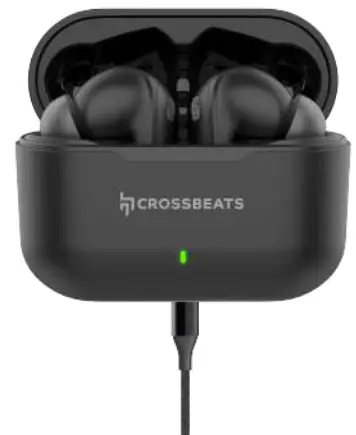 Connect and use the TYPE-C cable provided in the box for charging
LED INDICATORS ON CASE
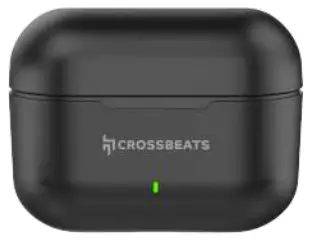
- Greenlight flashes for 1 sec when earbuds are replaced in the charging case
- You will see a red light indicating the below parameters
- 1%25% Red light flashes once
- 25%-50% Red light flashes twice
- 50%-75% Red light flashes thrice
- 75%-100% Red light flashes four times
- In case of 100% charge, Red light remains on
 [email protected]
 ( +91 96112 93293
 +91 96112 93293