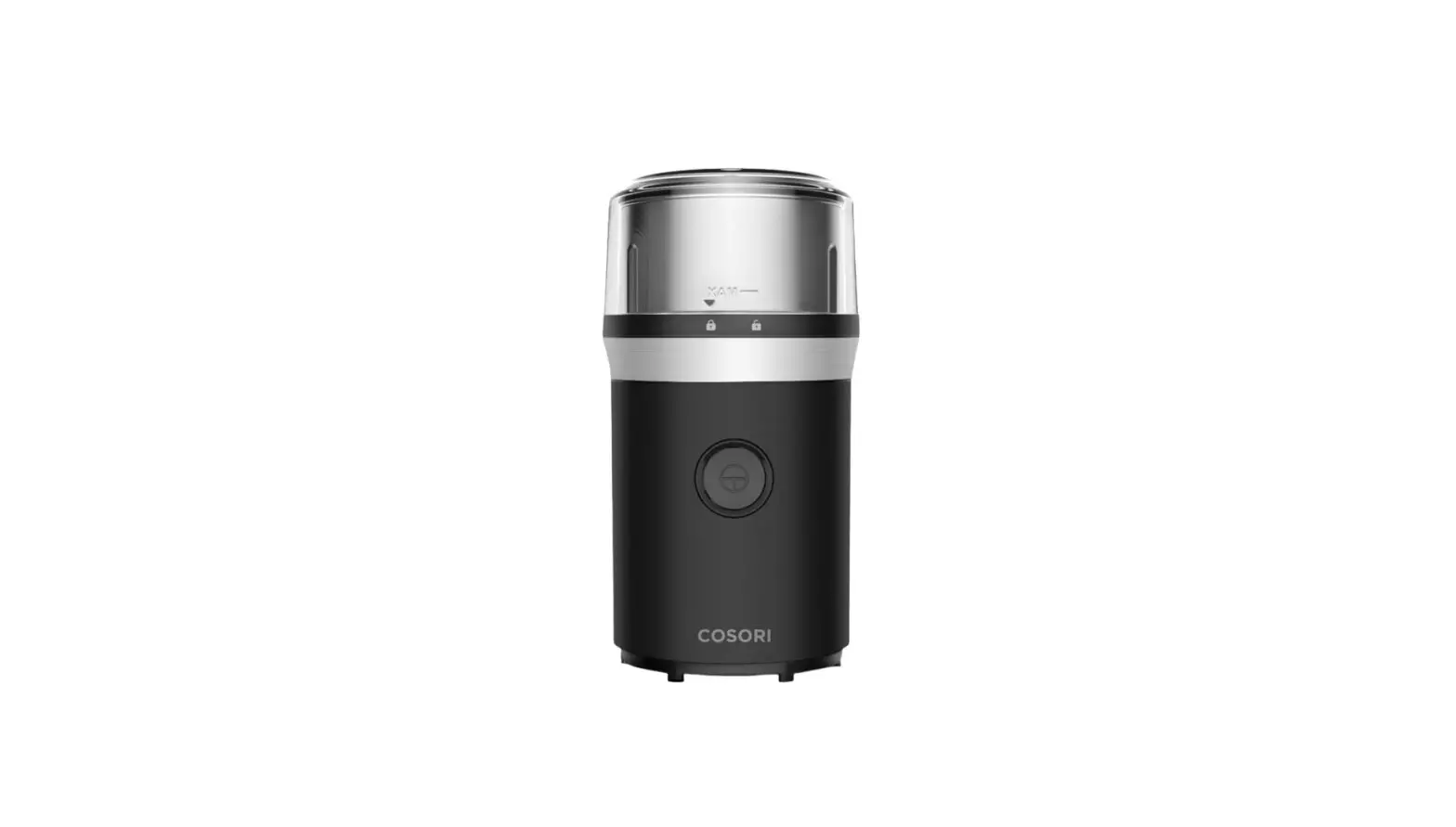
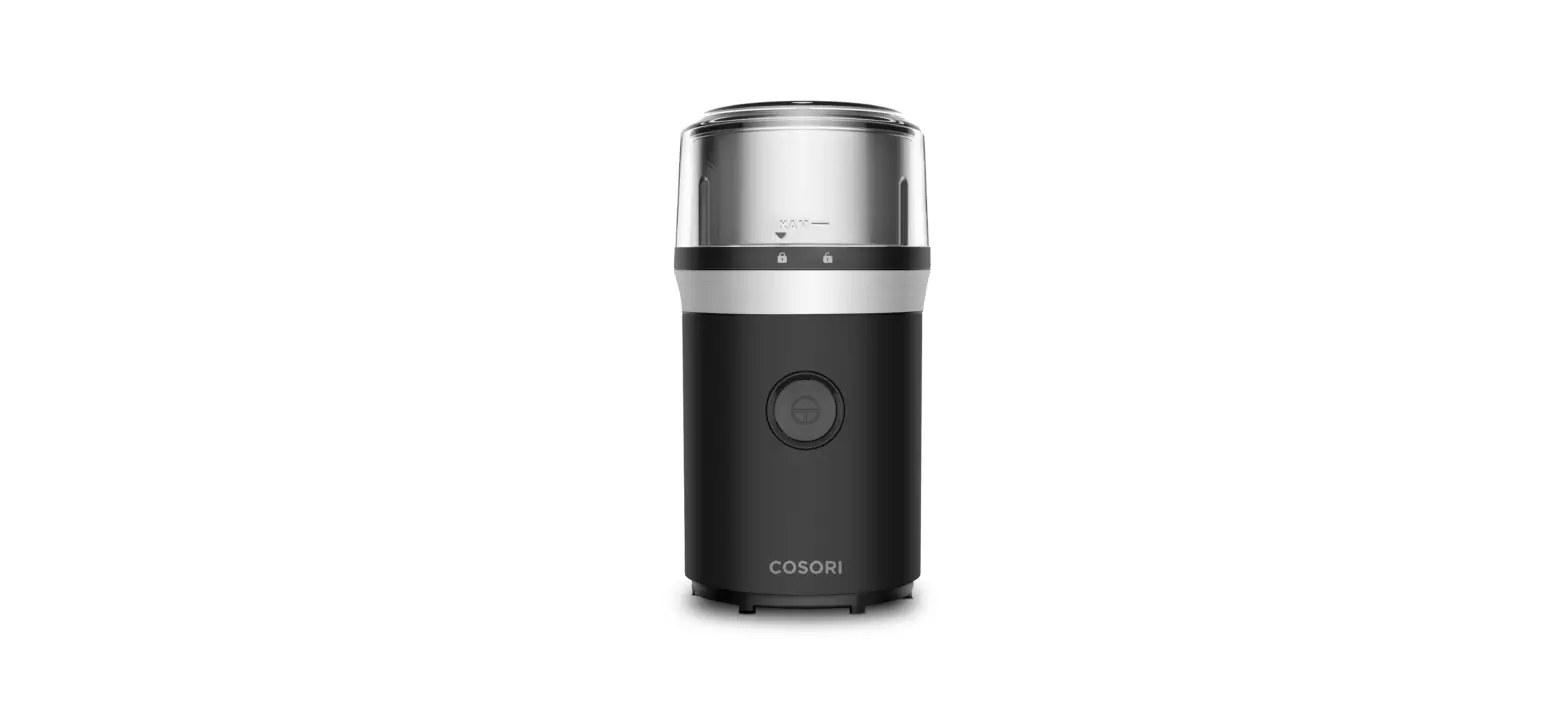
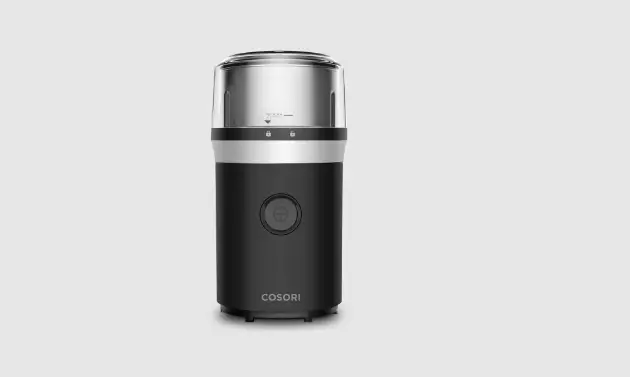
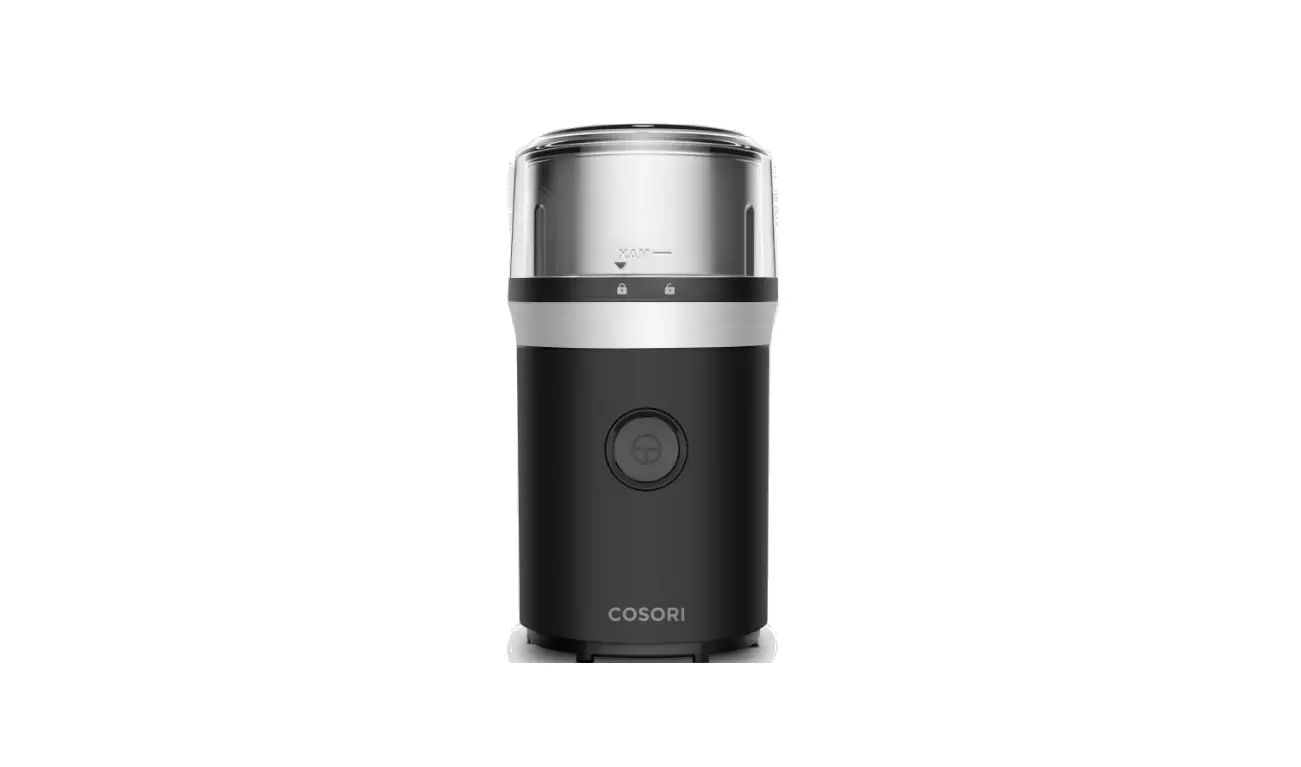
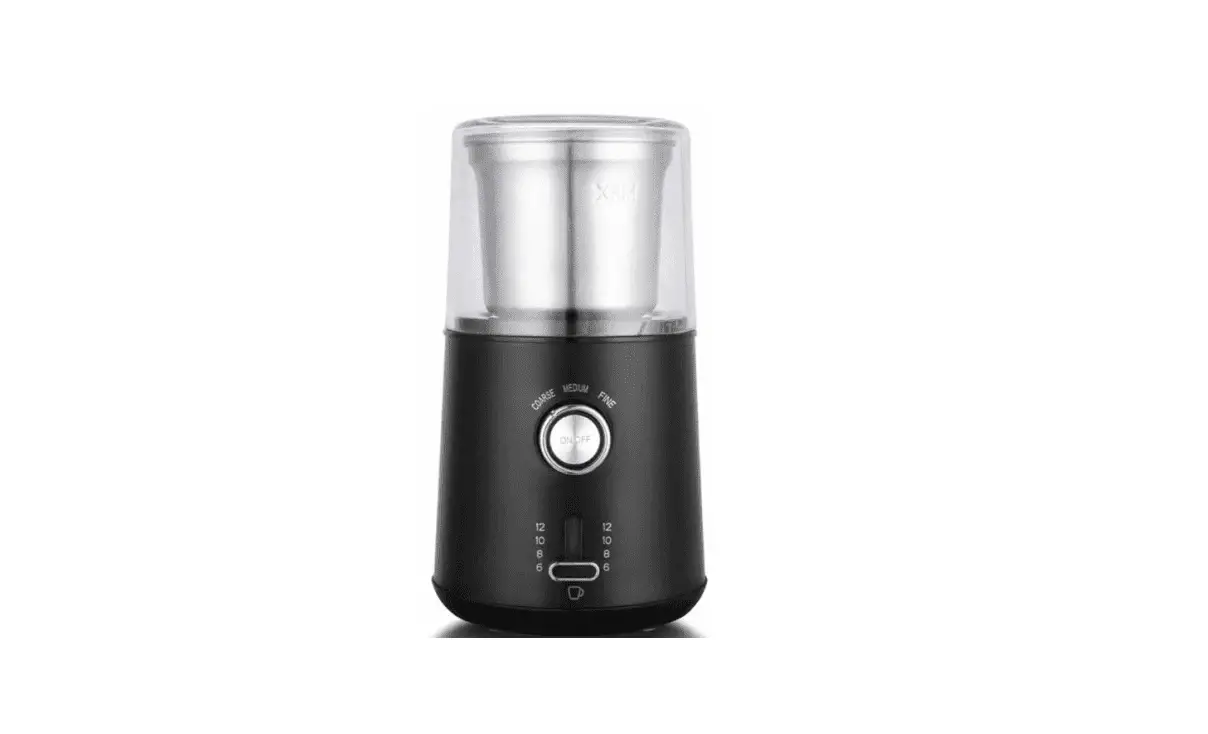
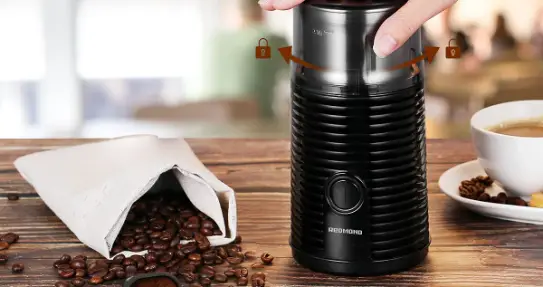
CCG-UOll-KUS Pulse Single Blade Coffee Grinder
Product Information
Package Contents
- Model: CCG-UOll-KUS
- Power Supply: AC 120V, 60Hz
- Rated Power: 200W
- Capacity: 2.5oz/70g
- Weight: 1.65lb/750g
- Dimensions: 4x4x7.6in/102x102x193.5mm
Download the free VeSync app to access original recipes and
video tutorials from the Cosori chefs, interact with our online
community, and more!
Specifications
- Model: CCG-UOll-KUS
- Power Supply: AC 120V, 60Hz
- Rated Power: 200W
- Capacity: 2.5oz/70g
- Weight: 1.65lb/750g
- Dimensions: 4x4x7.6in/102x102x193.5mm
Product Usage Instructions
Before First Use
- Remove all plastic and labels from all parts of the coffee
grinder. - Place the coffee grinder on a hard, flat surface.
- Plug in the coffee grinder.
Grinding Coffee
- Insert the grinding chamber into the base. Twist to lock into
place. - Measure out the desired amount of whole coffee beans and place
them in the grinding chamber. Note: Do not fill the grinding
chamber past the MAX fill line. - Place the grinder lid on top of the grinding chamber, aligning
the marker on the lid with the unlock symbol on the chamber. Twist
clockwise to lock into place. - Press and hold the ON/OFF button until the coffee grounds reach
the desired grind size. - Note: The drain inside the base allows the remaining grounds
and liquid to trickle out. - Grinding coffee beans for a longer duration of time will result
in finer grounds. Grinding for a shorter duration of time will
result in coarser grounds. - During grinding, if coffee grounds start collecting on the edge
of the grinding chamber, gently shake the coffee grinder so that
the coffee grounds fall back inside. - To prevent overheating, allow the coffee grinder to rest for 1
minute after 30 seconds of continuous use.
Coffee Grinding Chart
| Duration | Grind Size | Brewing Methods |
|---|---|---|
| 8-10 seconds | Coarse | French Press, Cold Brew |
| 10-12 seconds | Medium Fine | Pour Over, Drip |
| 12-15 seconds | Espresso, Moka Pot |
Grinding Food
The coffee grinder is also suitable for dried or smaller-sized
food like whole spices. Note: The drain inside the base allows the
remaining grounds and liquid to trickle out. Do not fill the
grinding chamber past half of the MAX line.
Food Grinding Chart
| 2 Blades | Dried Coffee Beans |
|---|---|
| 2 Blades | Dried Spices |
| Salt | |
| Dried Pepper |
Care & Maintenance
Cleaning the Coffee Grinder
- Unplug the coffee grinder.
- Wash the grinding chamber, grinder lid, and chamber cover by
hand or in the dishwasher. Note: If using a dishwasher, place the
grinding chamber, grinder lid, and chamber cover on the top
rack.
Table of Contents
Package Contents
3
Specifications
3
Important Safeguards
4
Getting to Know Your Coffee Grinder 6
Before First Use
7
Grinding Coffee
7
Care & Maintenance
9
Troubleshooting
9
Warranty Information
11
Customer Support
12
Package Contents
1 · Pulse Single-Blade Coffee Grinder 1 · Single-Blade Grinding Chamber 1 x Grinder Lid 1 x Chamber Cover 1 x Cleaning Brush 1 x User Manual 1 · Owck Reference Guide
Specifications
– Model CCG-UOll-KUS
Power Supply AC 120V, 60Hz
Rated Power 200W
Capacity 2.5oz/70g
Weight 1.65lb/ 750g
–
I I rmensions
o·
.
4x4x7.6in/ 102x 102x 193.5mm
Download the free VeSync app to access original recipes and video tutorials from the Cosori chefs, interact with our online community, and morel
·[!] _ .>- ·
3
READ AND SAVE THESE INSTRUCTIONS
IMPORTANT SAFEGUARDS
Follow basic safety precautions when using your coffee grinder. Read an instructions.
General Safety
· To protect against electric shock, do not immerse the coffee grinder housing, cord, or plug in water or liquid
· This coffee grinder was designed to process normal household quantities.
· The coffee grinder should not be used by children. Keep the coffee grinder and its cord out of reach of children.
· Avoid contact with moving parts. Do not attempt to defeat any safety interlock mechanisms.
· Keep hands and utensils out of the coffee grinder while grinding to reduce the risk of severe injury to persons or damage to the coffee grinder. A scraper may be used but must be used only when the coffee grinder is not running
· Blades are sharp. Handle carefully
· Never remove the transparent lid before the blades have stopped rotating
· Tum the coffee grinder off, then unplug the coffee grinder from the outlet when not in use, before putting on or taking off parts, and before cleaning. To unplug, grasp the plug and pull from the outlet. Never pull from the power cord.
· This coffee grinder is not to be used by persons (including children) with reduced physical, sensory or mental capabilities, or lack of experience and knowledge, unless they have been given supervision or instruction concerning use of the coffee grinder by a person responsible for their safety.
· Close supervision is necessary when the coffee grinder is used by or near children.
4
GETTING TO KNOW YOUR COFFEE GRINDER
A. Grinder Lid B. Upper Body C. Clutch D. Base E. Drain F. On/Off Button G. Stainless Steel Blade H. Single-Blade Grinding Chamber I. Chamber Cover 6
BEFORE Fl RST USE
Setting Up
1. Remove all plastic and labels from all parts of the coffee grinder. 2. Place the coffee grinder on a hard. flat surface. 3. Plug in the coffee grinder.
GRINDING COFFEE
1. Insert the grinding chamber into the base. Twist to lock into place.
2. Measure out the desired amount of whole coffee beans and place them in the grinding chamber.
Note: Do not fill the grinding
chamber past the MAX fill line.
3. Place the grinder lid on top of the grinding chamber, aligrung the marker on the lid with the unlock symbol on the chamber. Twist clockwise to lock into place.
4. Press and hold the ON/OFF button until the coffee grounds reach the desired grind size.
Note:
The drain inside the base allows the remaining grounds and liquid to trickle out.
Grinding coffee beans for a longer duration of time will result in finer grounds. Grinding for a shorter duration of time will result in coarser grounds.
During grinding, if coffee grounds start collecting on the edge of the grinding chamber, gently shake the coffee grinder so that the coffee grounds fall back inside.
To prevent overheating, allow the coffee grinder to rest for 1 minute after 30 seconds of continuous use.
Please refer to the Coffee Grinding Chart below for guidance on choosing a grind size for your preferred brewing method.
Coffee Grinding Chart
Duration
– Grind Size
8-10 seconds
Coarse
l Brewing Methods
French Press, Cold Brew
10-12 seconds 12-15 seconds
Medium Fine
Pour Over, Drip Espresso, Moka Pot
I I
7
GRINDING FOOD
The coffee grinder is also suitable for dried or smaller-sized food like whole spices.
Note: The drain inside the base allows the remaining grounds and liquid to trickle out.
· Do not add extra liquid or oil to food in the grinding chamber. · Do not fill ingredients like nax seeds, chia seeds, and sesame seeds to more
than half of the MAX line of the grinding chamber.
Please refer to the Food Grinding Chart below for guidance on choosing foods for your grinder type.
Food Grinding Chart
2 Blades
–
2 Blades
I
Dried Coffee Beans
1/
Dried Spices
–
Salt
@ Dried Pepper
–
–
8
CARE & MAINTENANCE
Cleaning the Coffee Grinder
The coffee grinder should be thoroughly cleaned after each use and before storing.
1. Unplug the coffee grinder. 2. Wash the grinding
chamber, grinder lid, and chamber cover by hand or in the dishwasher.
Note: If using a dishwasher, place the grinding chamber, grinder lid, and chamber cover on the top rack.
3. It cleaning by hand, carefully clean the blade area of the grinding chamber with the included cleaning brush.
4, Wipe the outside of the coffee grinder with a damp cloth.
S. Dry all parts with a cloth. Make sure all parts are completely dry before reassembling or storing.
Storage
Follow the cleaning instructions above and allow all parts to dry completely before storing. Store in a cool, dry location with the grinding chamber covered with the chamber cover.
TROUBLESHOOTING
r– Problem
The coffee grinder will not turn on.
The coffee grinder has stopped working.
Coffee grounds are getting stuck and not circulating during grinding. Coffee grounds are being ground too finely.
I The grind sizes are inconsistent.
Possible Solution
Make sure the plug is connected to a power outlet.
Make sure the grinder lid is locked into place (see page 7)
The heat sensor was triggered by the motor overheating. Unplug the coffee grinder and allow it to cool for 30 minutes before using it again.
Stop grinding and gently shake the coffee grinder up and down to redistribute the grounds.
Hold the ON/OFF button down for a shorter period of time for a coarser grind size.
Hold the ON/OFF button consistently without letting go for consistent grind sizes
If your problem is not listed, please contact Customer Support (see page 12)
9
FEDERAL COMMUNICATION COMMISSION INTERFERENCE STATEMENT – PART 15
This device complies with Part 15 of the FCC Rules. Operation is subject to the following two conditions: Ill This device may not cause harmful interference, and [21 This device must accept any interference received, including interference that may cause undesired operation. NOTE: This equipment has been tested and found to comply with the limits for a Class B digital device, pursuant to Part 15 of the FCC Rules. These limits are designed to provide reasonable protection against harmful interference in a residential installation. This equipment generates, uses and can radiate radio frequency energy and, if not installed and used m accordance with the instructions, may cause harmful interference to radio communications. However, there is no guarantee that interference will not occur in a particular installation. If this equipment does cause harmful interference to radio or television reception, which can be determined by turning the equipment off and on, the user is encouraged to try to correct the interference by one or more of the following measures
Reorient or relocate the receiving antenna. Increase the separation between the equipment and receiver. Connect the equipment into an outlet on a circuit different from that to which the receiver is connected. Consult the dealer or an experienced radio/TV technician for help. FCC Caution: Any changes or modifications not expressly approved by the party responsible for compliance could void the user’s authority to operate this equipment
10
WARRANTY INFORMATION
Product Pulse Single-Blade
Coffee Grinder
Model CCG-U011-KUS For your own reference, we strongly recommend that you record your order ID and date of
purchase. Order ID
Date of Purchase
TERMS & POLICY
Arovast Corporation (“Arovast”) warrants this product to the original purchaser to be free from defects in material and workmanship, under normal use and conditions, for a period of 2 years from the date of original purchase.
Arovast agrees, at our option during the warranty period, to repair any defect in material or workmanship or furnish an equal product in exchange without charge, subject to verification of the defect or malfunction and proof of the date of purchase.
There is no other express warranty. This warranty does not apply:
If the product has been modified from its original condition; If the product has not been used in accordance with directions and instructions in the user manual; To damages or defects caused by accident, abuse, misuse or improper or inadequate maintenance; To damages or defects caused by service or repair of the product performed by an unauthorized service provider or by anyone other than Arovast; To damages or defects occurring during commercial use, rental use, or any use for which the product is not intended; To damages or defects exceeding the cost of the product.
Arovast will not be liable for indirect, incidental, or consequential damages in connection with the use of the product covered by this warranty. This warranty extends only to the original consumer purchaser of the product and is not transferable to any subsequent owner of the product regardless of whether the product is transferred during the specified term of the warranty. This warranty does not extend to products purchased from unauthorized sellers. Arovast’s warranty extends only to products purchased from authorized sellers that are subJect to Arovast’s quality controls and have agreed to follow its quality controls. AU implied warranties are limited to the period of this limited warranty. This warranty gives you specific legal rights and you may also have other rights which vary from state to state. Some states do not allow the exclusion or limitation of incidental or consequential damages, so the above limitation or exclusion may not apply to you. If you discover that your product is defective within the specified warranty period, please contact Customer Support via support@ cosori.com. DO NOT dispose of your product before contacting us. Once our Customer Support Team has approved your request, please return the product with a copy of the invoice and order ID. Every Cosori product automatically includes a 2-year warranty. To make the customer support process quick and easy, register your product online at www.cosori.com/warranty This warranty is made by: Arovast Corporation 1202 N. Miller St., Suite A Anaheim, CA 92806
11
 COSORI - Air Fryers, Toaster Ovens, Food Dehydrators, Recipes and more
 Cosori Limited Product Warranty – COSORI