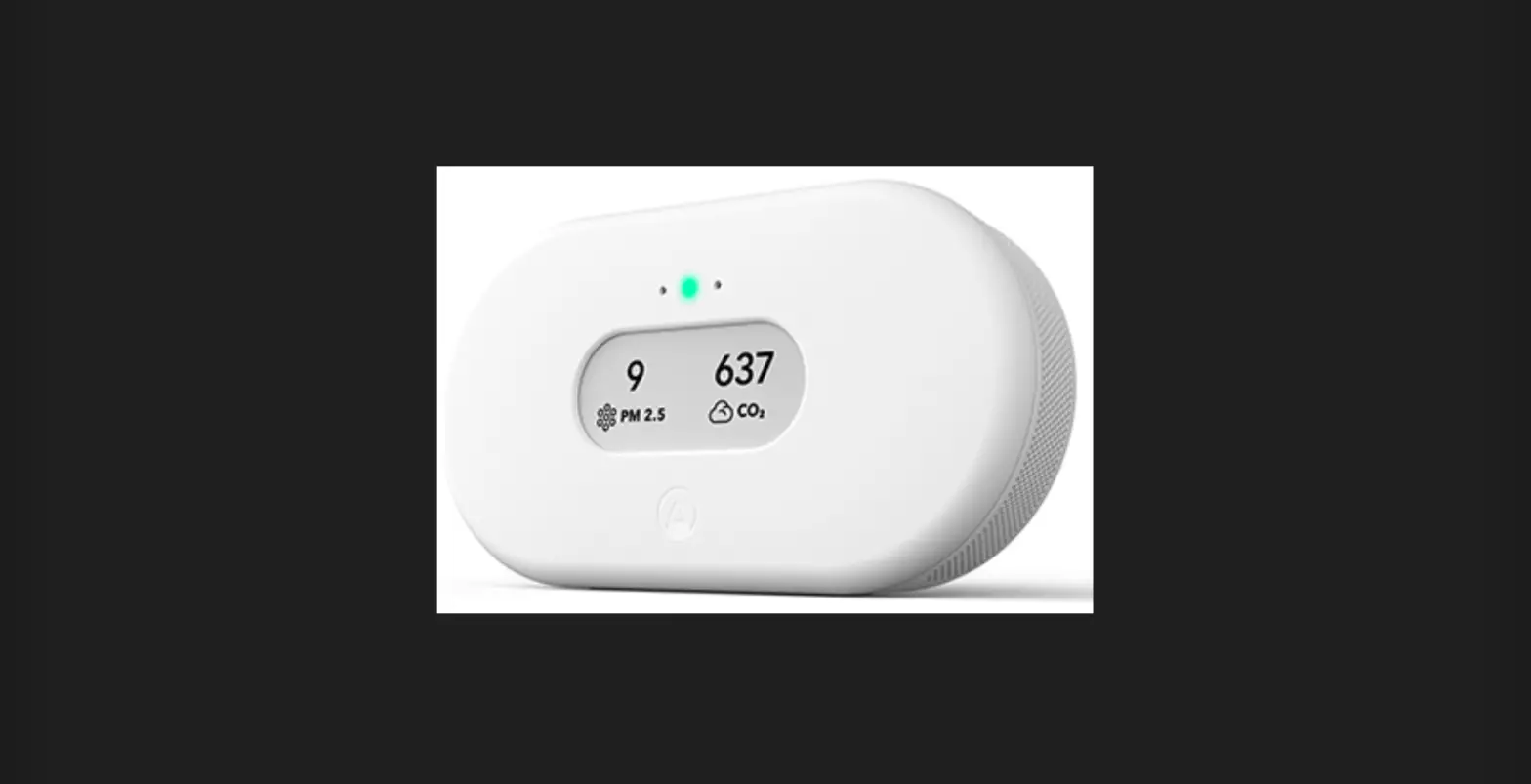
801589 Turtle Professional Air Monitoring Systems
Product Information:
The Professional Air Monitoring Systems Turtle is an outdoor air
quality sensor unit that is designed to measure air quality and
detect fine particulate matter. It is a robust and safe device that
collects data and sends it via WiFi to the residential home
network, which is then transmitted through the internet to the main
servers. The Turtle Monitoring Station was developed in
collaboration with the national research council of Italy.
The Turtle Station is classified as an ABS Enclosure, providing
protection against harmful ingress of water. It also has an
optional power supply as a backup to the photovoltaic panel. The
mode of operation is continuous. It has an IP44 classification for
outdoor use and an IP20 classification for indoor use.
The product comes with several warnings to ensure safe usage.
These include avoiding the risk of electric shock, not modifying
the equipment, not restricting the air flow of the product, and not
using it in environments with soot, excessive dust particles, or
high humidity. The module should also avoid contact with organic
solvents, coatings, pharmaceuticals, oils, and high-concentration
gases. It should not be used in environments containing corrosive
gas for a long time as it can damage the sensor. Additionally, the
module should not be used in systems involving personal safety.
The package contains the Turtle Station and an optional
charger.
Product Usage Instructions:
Placement and Setup:
- Keep the Turtle Station away from any direct source of smoke,
dust, heat, and water. - Ensure that the sensor is placed in a stable position.
- Avoid placing the sensor directly on plants to prevent blocking
the airflow.
Installation and Starting:
Turtle Overview and Controls on the Bottom Side:
- Control panel (refer to details on the right)
- Plug connector for power supply (optional)
- Temperature sensor
- Air intake for AQ sensor
- Air outtake
- Optional mounting arm sockets
- Sensor label with identification serial
Controls on the Turtle Station:
- Power switch (ON-OFF)
- 4 Status LEDs
- Push-button (to get Provisioning)
- Orientation Legend
PROFESSIONAL AIR MONITORING SYSTEMS
TURTLE
COD. 801589 PM10 – PM2,5 – TEMPERATURE- HUMIDITY
USER’S MANUAL
www.tea-group.it
Ed. 19102022 v.2.0
Table of Contents
· 1. INTENDED PURPOSE, 2. CLASSIFICATION OF EQUIPMENT, 3 . WARNINGS……………………………………….2 · 4. CONTENTS OF THE BOX …………………………………………………………………………………………………………………3 · 5. INSTRUCTIONS FOR PLACEMENT AND SETUP ………………………………………………………………………….4 · 6. INSTRUCTIONS FOR INSTALLATION AND STARTING………………………………………………………………….5 · 7. TECHNICAL SPECIFICATIONS, 8. MAINTENANCE, 9. GUARANTEE ……………………………………………….6 · 10. OPTIONAL PARTS ………………………………………………………………………………………………………………7
1. Intended Purpose
The Turtle Station is an outdoor air quality sensor unit. It was developed to be a robust and safe device for measuring air quality and detection of fine particulate matter. Collected data is sent via WiFi into the residential home network and transmitted through the internet to the main servers. The Turtle Monitoring Station was developed in collaboration with the national research council of Italy.
Please read and follow all instructions in this manual with great care.
2. Classification of Equipment
ABS Enclosure (Protection of Harmful Ingress of Water) Optional Power Supply (as backup to photovoltaic panel) Mode of Operation
IP44 Classification (outdoor use) IP20 Classification (indoor use) Continuous
3. Warnings
General Warnings
CAUTION: To avoid the risk of electric shock.
CAUTION: No modification of this equipment is allowed.
CAUTION: Do not restrict the air flow of the product.
CAUTION: Not to be used by persons (including children) with reduced physical, sensory or mental capabilities, or lack of experience and knowledge, unless they have been given supervision or instruction. Children should be supervised to ensure that they do not play with the appliance. CAUTION: Avoid deploying the device in a soot environment, with excessive dust particles or high humidity.
CAUTION: The module should avoid contact with organic solvents (including silica gel and other adhesives), coatings, pharmaceuticals, oils and high-concentration gases.
CAUTION: The module cannot be used in the environment containing corrosive gas for a long time. Corrosive gas will damage the sensor.
CAUTION: Do not use this module in systems involving personal safety.
www.tea-group.it 2
4. Contents of the box
– open and unpack with care – check contents for transport damages – read the whole manual before starting sensor
Turtle Station
Optional Charger
TURTLE
801589
Thank you for purchasing a TEA product! To see the guide for onboarding and the digital version of the user`s manual, please scan the QR code or use the link:
QR code with link to onboarding guide
Items shown here may differ from the original provided in this package. Due to the production process the appearance and colors of images in the manual may differ within reasonable boundaries from the original .
www.tea-group.it 3
5. Instructions for placement and setup
Keep away from any direct source of smoke, dust, heat and water.
Install on a level surface that is stable and where there is no risk of the sensor being pushed over. Do not place it on soft materials and make sure the bottom airflow is never blocked. Make sure the solar panel is well illuminated by sunlight during the day and faces the direction of the sun. You can find guidance on the internet about which is the best direction (depending on your geolocation and time of the year) to face any solar panel to get the maximum amount of sun hours covered during the day. Clean the glass surface of the photovoltaic solar panel with a soft damp cloth every month or if you notice any dirt on it. Handle the panel with care and make sure to not leave any scratches.
Do not expose the sensor to risk and place it stable
Do not put it directly on plants or the airflow gets blocked
www.tea-group.it 4
6. Instructions for Installation and starting
Turtle overview and controls on bottom side :
1) Control panel (see details on right) 2) Plug connector for power supply (optional) 3) Temperature sensor 4) Air intake for AQ sensor 5) Air outtake 6) Optional mounting arm sockets 7) Sensor label with identification serial
A) Power switch (ON-OFF) B) 4 Status LEDs (see table below) C) Push-button (to get Provisioning) D) Orientation Legend
START
1. Switch the Power switch to ON. (make sure sensor is fully charged by sun or power supply)
2. Onboard Turtle and set up the WiFi connection (Use provided link or QR code)
*To Provision the sensor press and hold the button “P” and switch the Power switch to ON.
1. LED L1 is on when charging with the external power supply. 2. LED L2 + L3 + L4 will flash synchronously (2 flashes per sec), during the first start-up, with the sensor not configured. 3. After configuration LED L2 + L3 + L4 will flash synchronously (1 flash per second for a short time) during boot phase.
Then only LED L2 will flash (1 flash every 5 seconds) and the LED L3 & L4 will remain off. 4. Approximately every 15 minutes LED L3 will flash with LED L2 at L1 flash per second, indicating sensor data acquisition. 5. Every 24 hours, LED L4 will flash with LED L2, about one flash per second , indicating GPS data acquisition. 6. In some cases the acquisition of GPS data may coincide with the acquisition of sensor data, in this case we will see:
LED L2 + L3 + L4 flash synchronously at one flash per second. 7. In the fail condition, L2 will flash, about 5 flashes per second, the status of L3 or L4 is irrelevant to the signal.
LED Status Table. Error codes and Flashing patterns explanations
LED 2 LED 3 LED 4 flashing per second Time laps
STATUS
solution
yes
NO NO
5x per second infinity
FAIL condition
Restart
yes
yes yes
2x per second Until APP “ON” In provisioning
Wait…
yes
yes yes
1x per second 15-30 sec
In acquisition
Wait…
yes
NO NO
1x per 5 seconds 15 min
working
/
www.tea-group.it 5
7. Technical specifications
Power Requirements: Solar panel included
Internal lead acid battery (Optional: a backup charger with Input: 100/240V ~ 50/60Hz 0,85A Output 6,0 V = 2,4A 14,4 W IP20
SENSORS Particles PM10#5 Particles PM2.5#5 Air temperature Air humidity
Type Optical particle counter Optical particle counter Solid state Solid state
Units µg/m3 µg/m3 °C %
Range#1 0-1000 µg/m3 0-1000 µg/m3 -20 / + 70 0 100
Resolution#3 1.0 1.0 0.3 1.0
Accuracy#4 10% 10% 5% 5%
Enclosure
Environmental
ABS, protection IP44 Temperature range: -20°C to +70°C
Humidity range: 0 to 100% RH Tested
Mounting Outdoor Mounting:
Size & weight
Length: 210 mm Height: 220mm Weight: 3,4kg
Mount: 350mm x 120 mm x 0,4 Kg
Communications
Raw data sent to remote server via WiFi Connection
Measurement period 30 seconds
Transmission frequency 15 minutes
Server software
Web browser based, processing of sensor output to give reading, database storage on secure server
Data access
Tables, graphs, data download, multi-user access, optional API data access
8. Maintenance
Turtle stations were tested in extreme environment and harsh conditions and resulted to be a robust and reliable outdoor sensor unit. The sensor requires periodical maintenance, periodical recalibration and periodical cleaning procedure is suggested.
Clean the glass surface of the photovoltaic solar panel with a soft damp cloth every month or if you notice any dirt on it. Handle the panel with care and make sure to not leave any scratches.
For calibration procedures it is necessary to use a certified laboratory. Standard maintenance and cleaning procedures can be operated by the users.
Never open or manipulate the device, it will render the guarantee void and is dangerous.
9. Guarantee
The Turtle sensor device is covered by legal guarantee as described in the European directive (EU) 2019/771
DIRECTIVE (EU) 2019/771 OF THE EUROPEAN PARLIAMENT AND OF THE COUNCIL
www.tea-group.it 6
10. Optional parts
802066-1 Eur
External battery charger for Turtle Input: 100/240V ~ 50/60Hz 0,85A Output 6,0 V = 2,4A 14,4 W IP20 ; Wire 3500 mm .
(To order: choose plug and relative code)
802066-2 US
802066-3 UK
801070 METAL MOUNT ARM WITH ACCESSORIES
TOOLS REQUIRED
MAX DIAMETER Ø55mm
Optional support mount and fixture accessories for on wall or on pole installation instead of regular stand-alone installation on flat surface.
MOUNTING TURTLE ON VERTICAL POLE
use level
1. TIGHTEN METAL BRAKET TO VERTICAL POLE 2. ASSEMBLE TURTLE ON METAL BRAKET
MOUNTING TURTLE ON THE WALL
8 Ø
use level
1. DRILL HOLES WITH THE PACKAGING CARDBOARD TEMPLATE
2. ASSEMBLE TURTLE ON METAL BRAKET
HEX SCREW
ORIENTATION
1. LOOSEN HEX SCREW 2. ORIENT TOWARDS THE
MAJOR SUNLIGHT SOURCE 3. TIGHTEN HEX SCREW
www.tea-group.it 7
Ø 5mm
 Home Page ITA - TEA Group srl