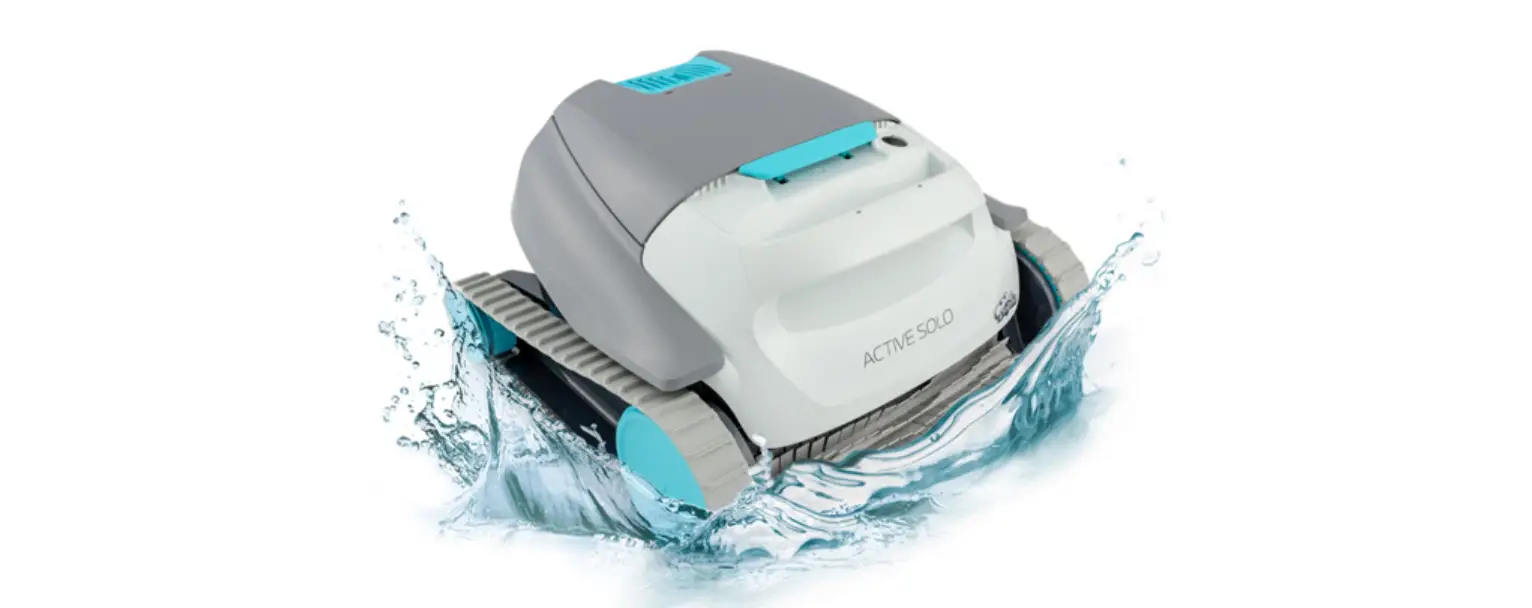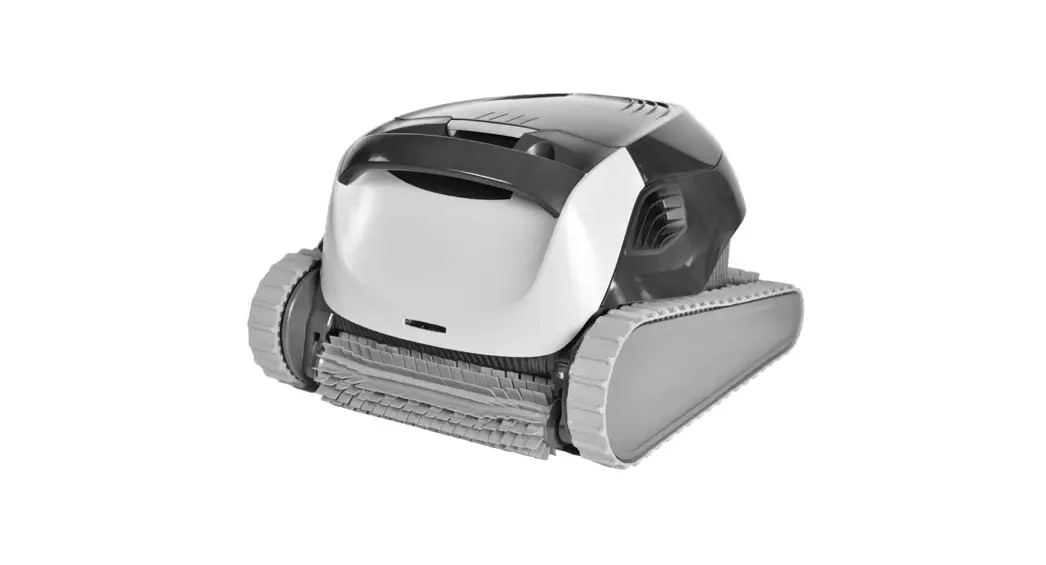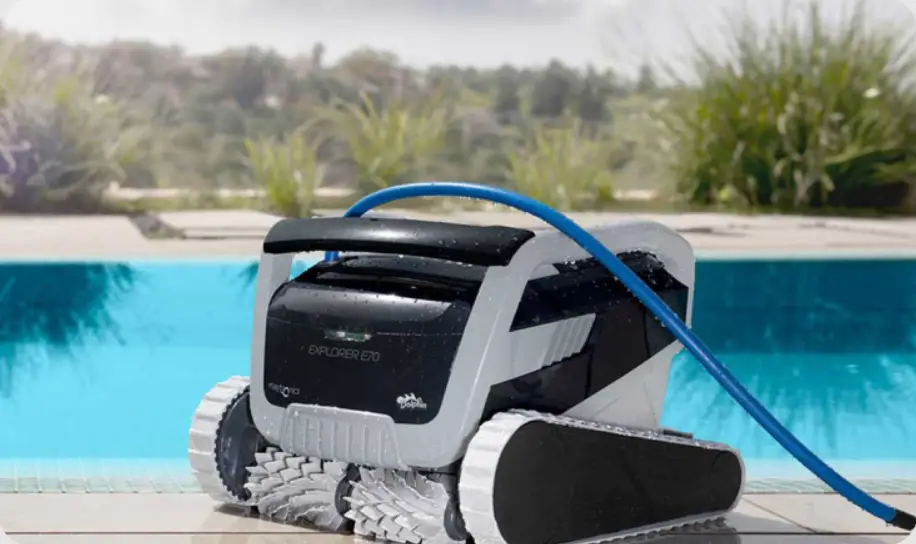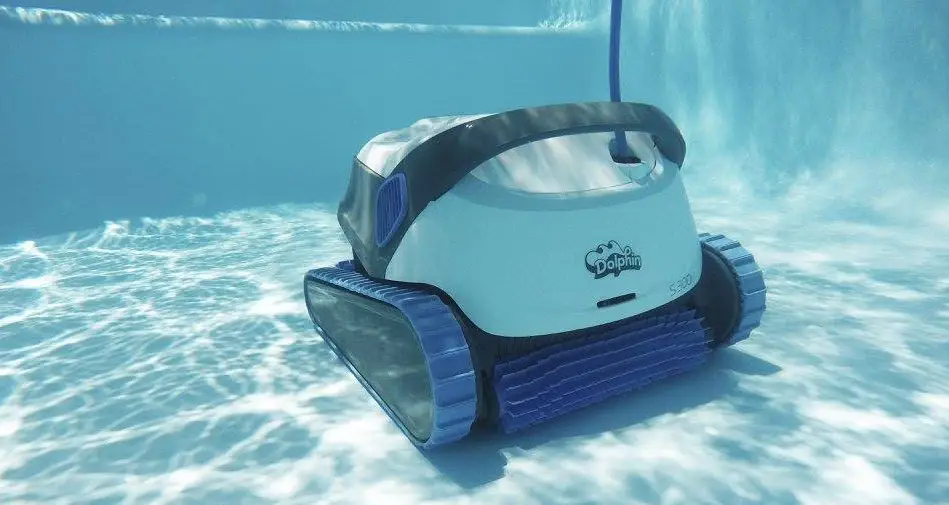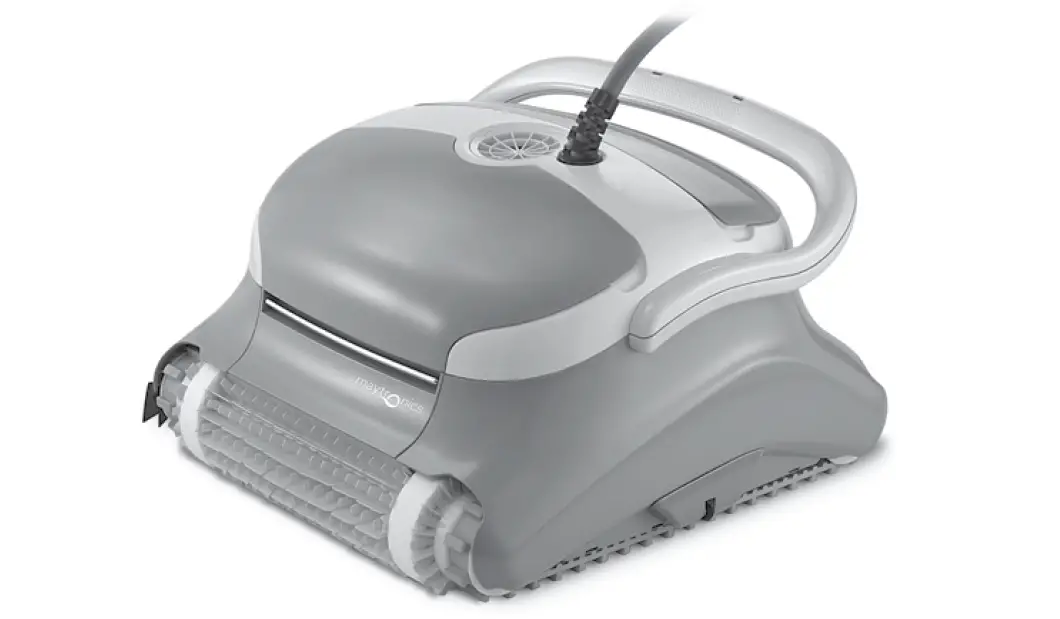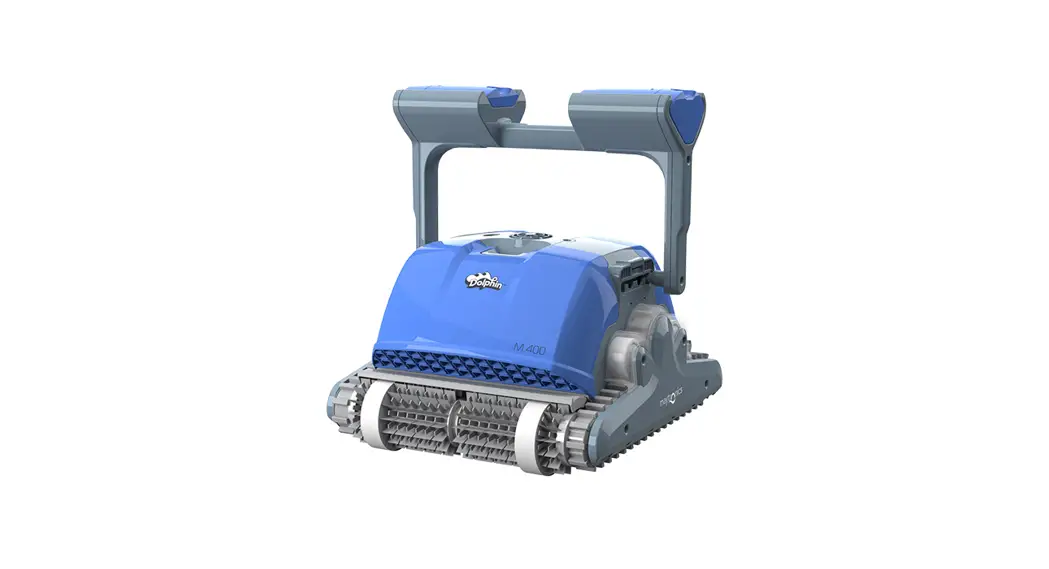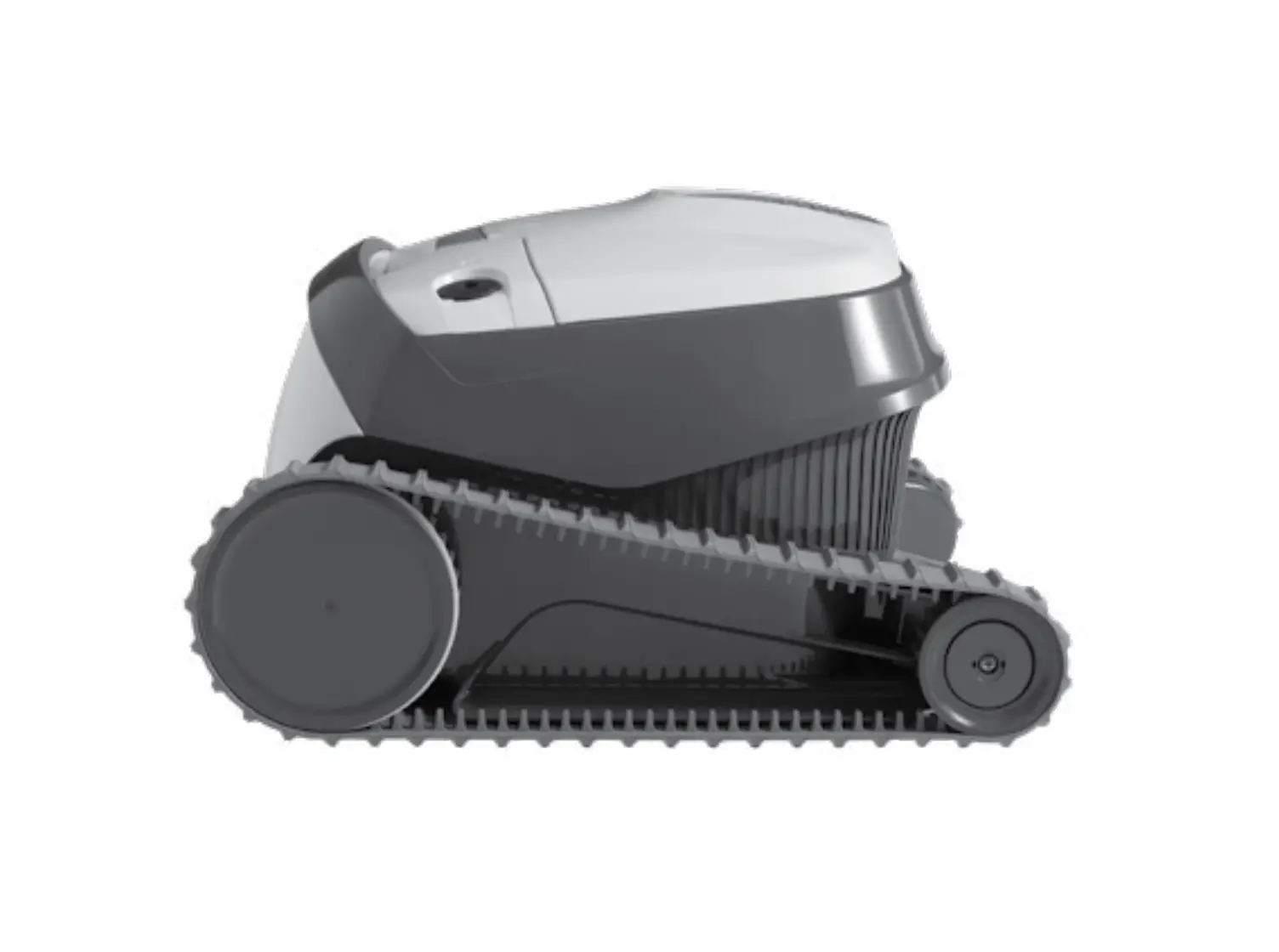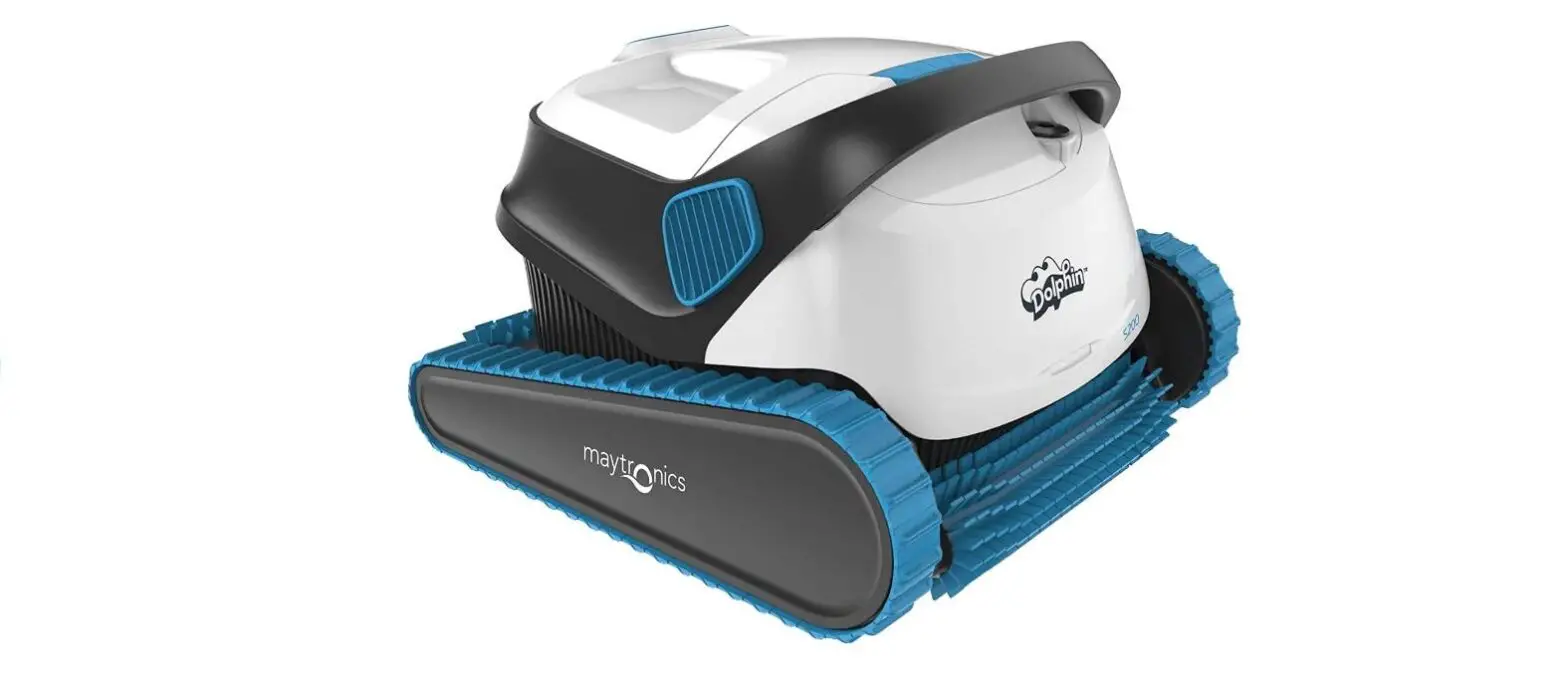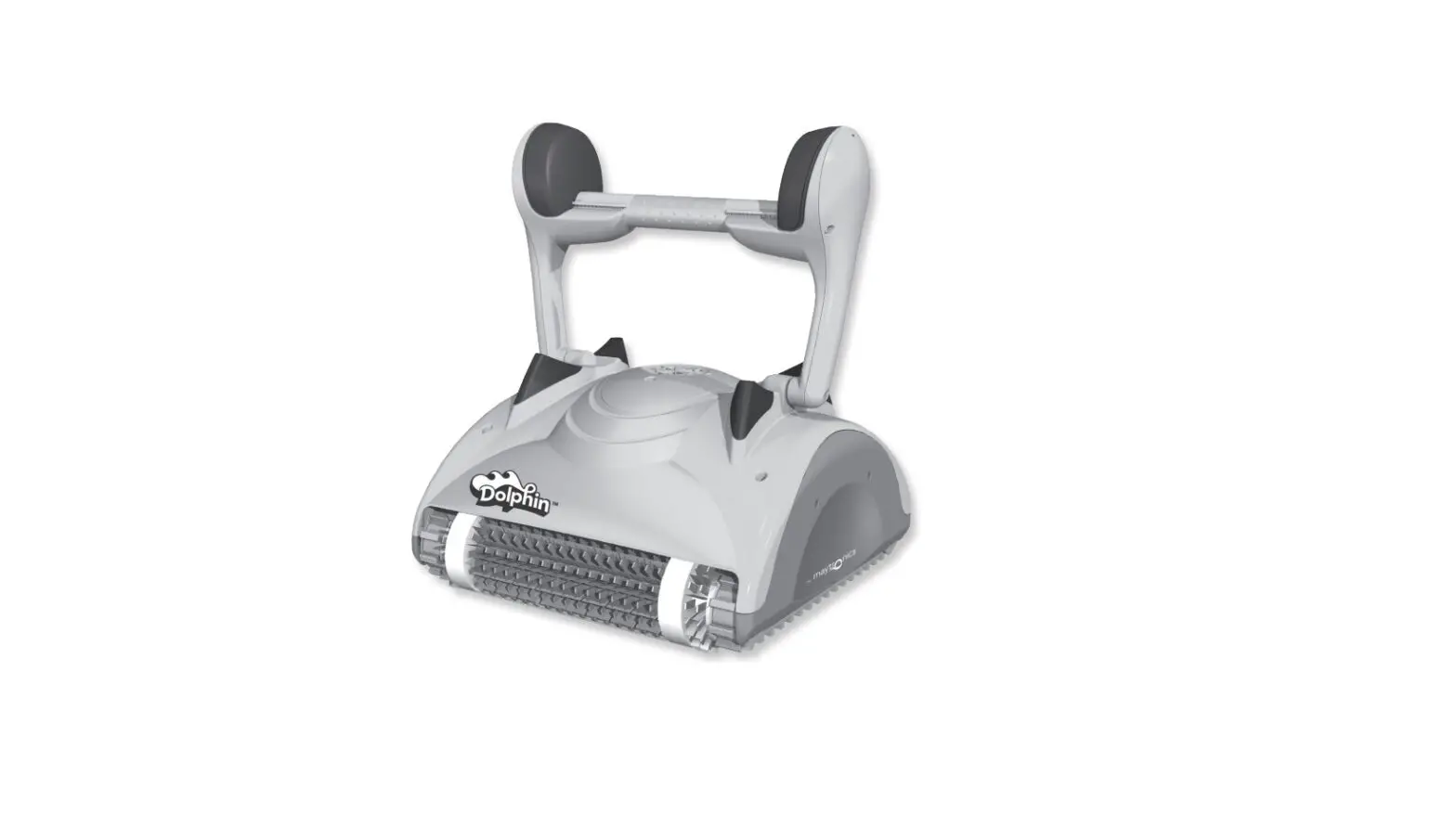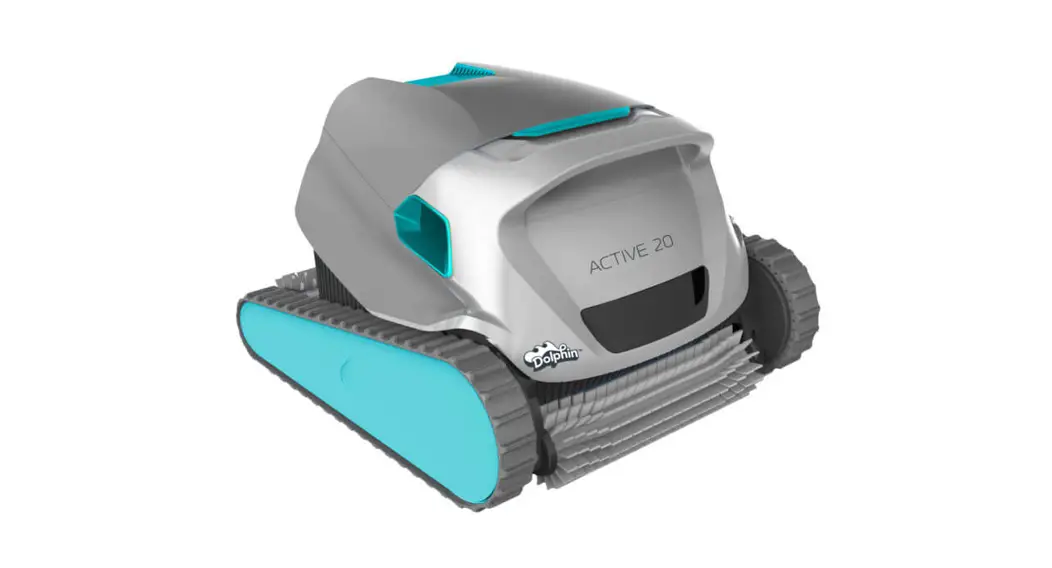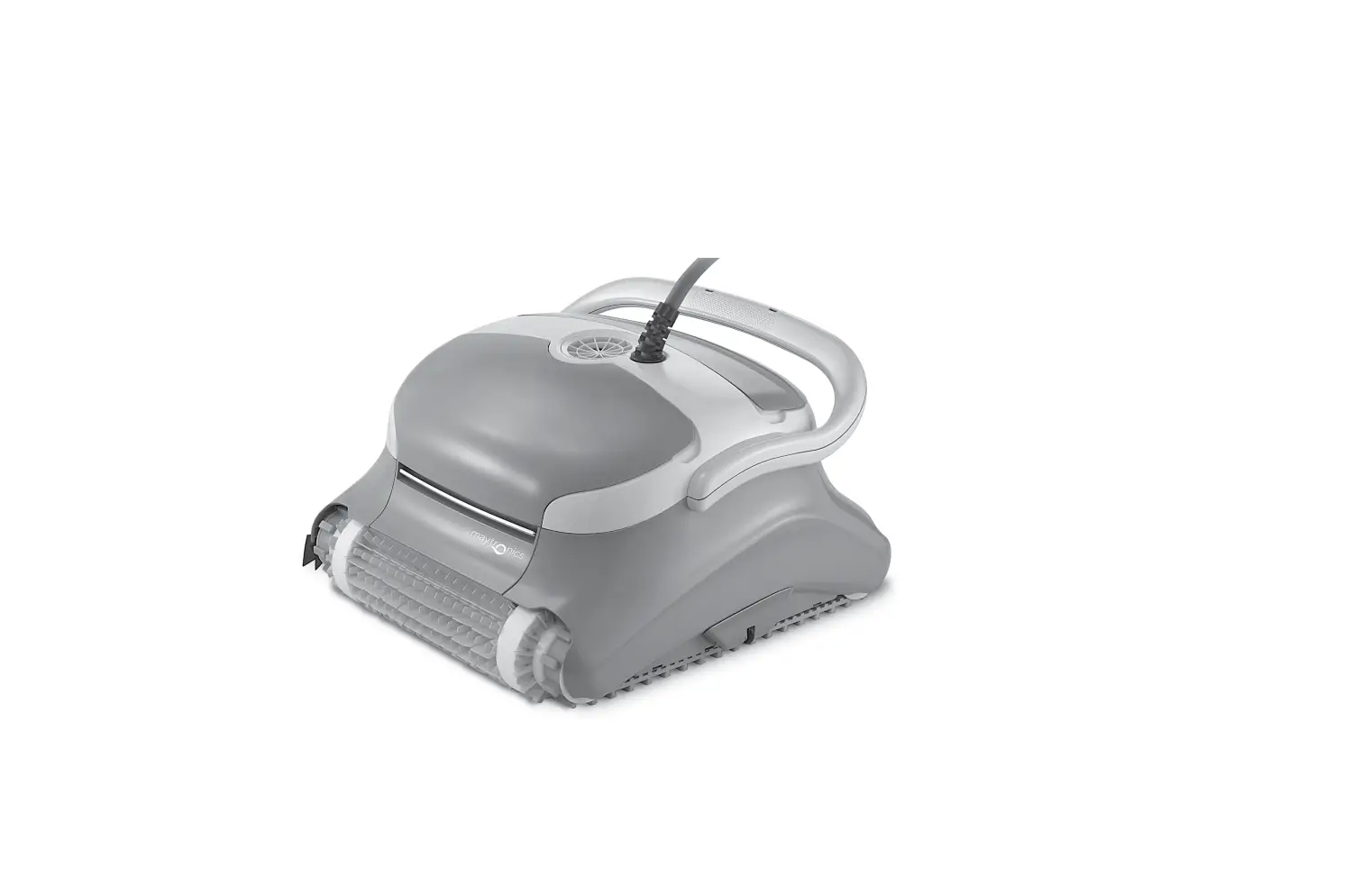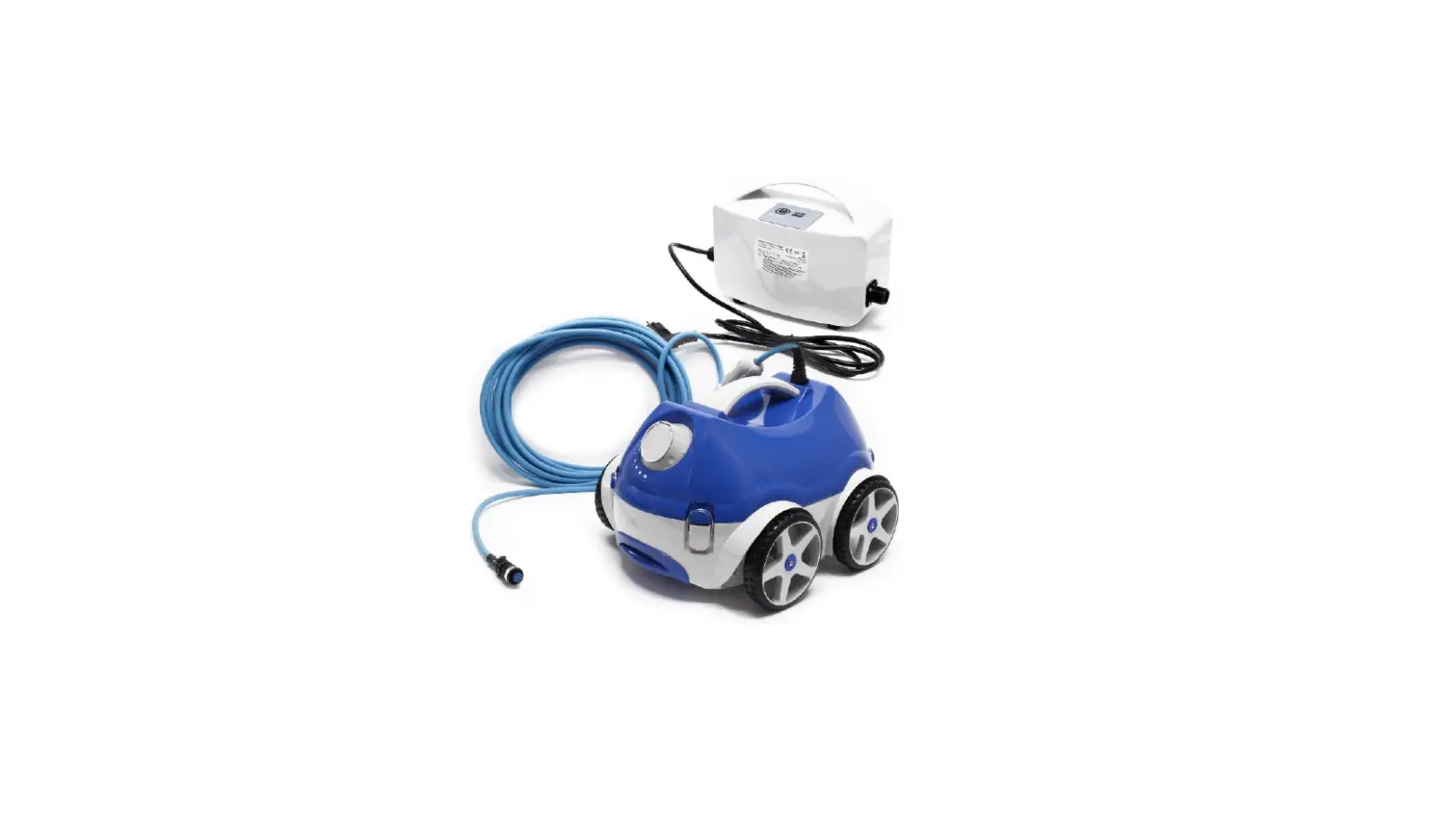
 Robotic Pool Cleaner Basic 11, Classic 11, Classic 11plus
Instruction Manual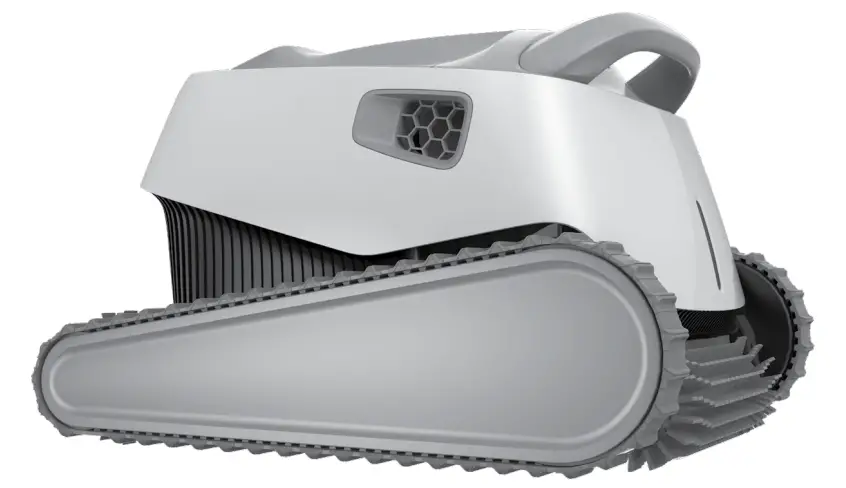
INTRODUCTION
Thank you for purchasing a Maytronics Robotic Pool Cleaner.
We are sure that your Maytronics Robotic Pool Cleaner will provide you with reliable, convenient and cost-effective pool cleaning. Its reliable filtration in all pool conditions and active brushing, enhance pool hygiene.
Robotic Pool Cleaners by Maytronics deliver advanced cleaning technologies, long-lasting performance and easy maintenance. You and your family will be free to enjoy your swim with full confidence that your pool is completely clean.
SPECIFICATIONS
| Motor protection: IP 68 | Digital Power supply |
| Minimum depth: 0.4 m (1.33 ft) | Input: 100 VAC – 125 VAC or 200 VAC – 230 VAC 50 Hz – 60 Hz |
| Maximum depth: 5 m (16.4 ft) | Output: <30 VDC IP 54 |
WARNINGS AND CAUTIONS
3.1 Warnings
- Use the originally supplied power supply only
- Ensure the electrical outlet is protected by a ground fault interrupter (GFI) or an earth leakage interrupter (ELI)
- Keep the power supply out of standing water
- Position the power supply at least 3.5 m (12 ft) away from the edge of the pool
- Do not enter the pool while the Pool Cleaner is working
- Unplug the power supply before servicing
- Keep the Robotic Pool Cleaner out of the reach of children or persons with reduced physical, sensory, or mental capabilities, or lack of experience and knowledge, unless they have been given supervision or instruction.
3.2 Cautions
Use the Pool Cleaner in the following water conditions only:
| Chlorine | 4 ppm max. |
| pH | 7.0 – 7.8 |
| Temperature | 6 °C – 35 °C (43 °F – 95 °F) |
| NaCl | 5000 ppm max. |
POOL CLEANER PARTS
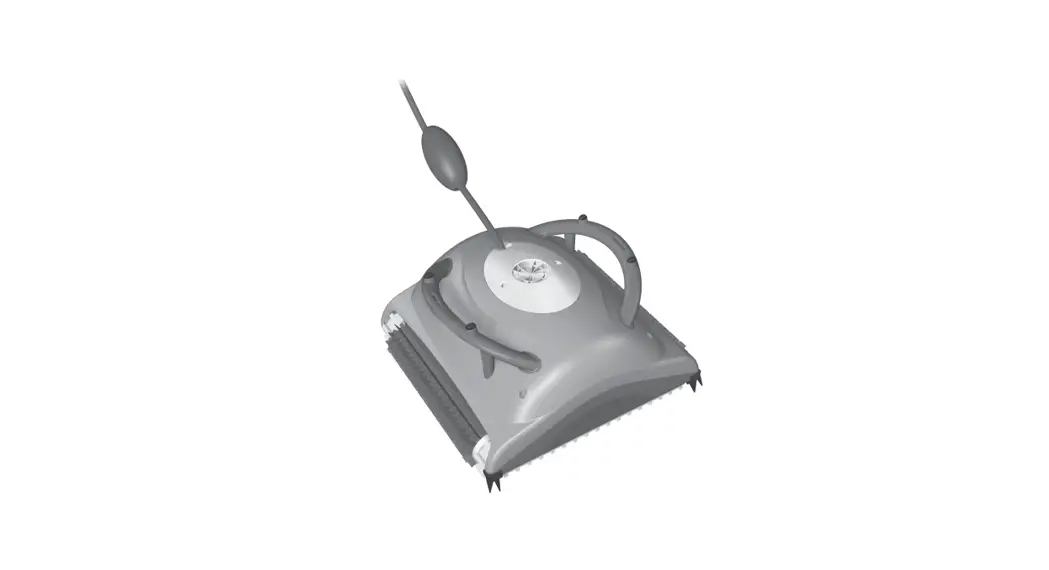
Robotic Pool Cleaner Model Basic 11 / Classic 11 / Classic 11+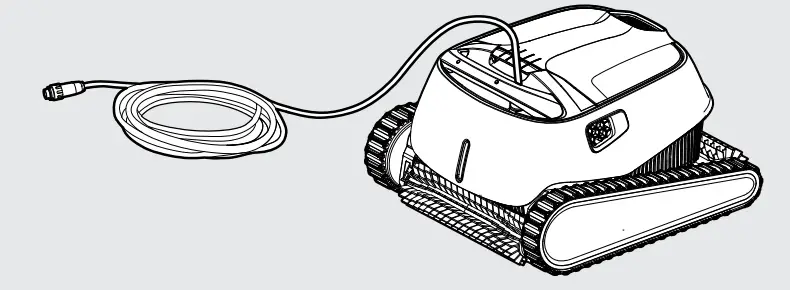
Power supply unit – options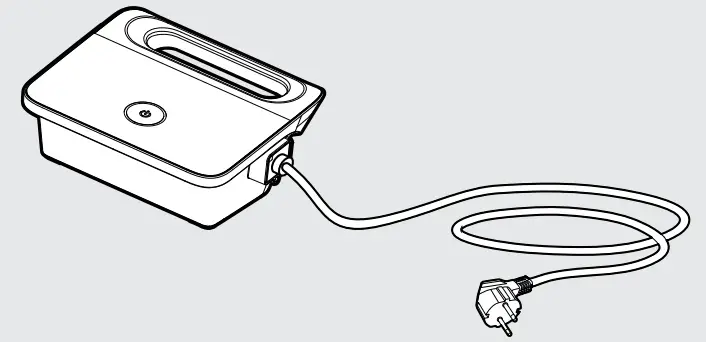
Filtration options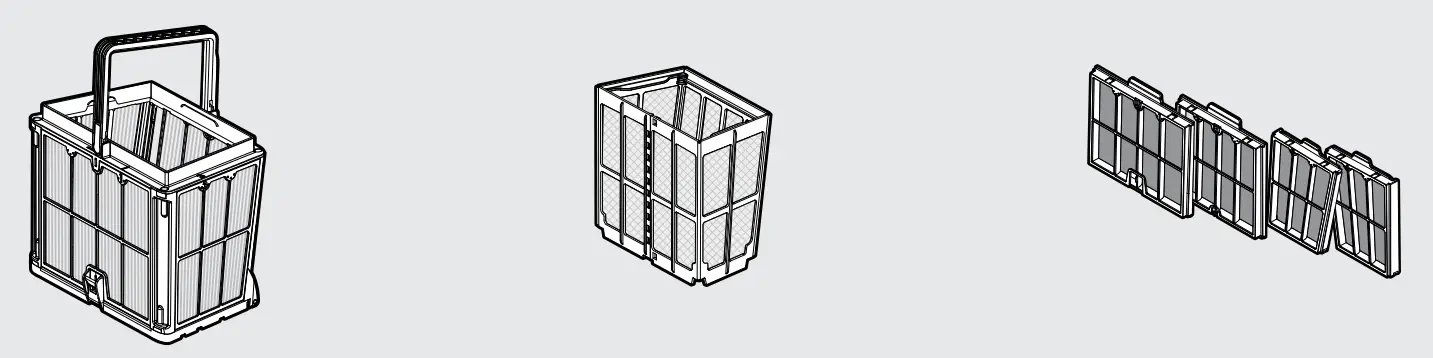
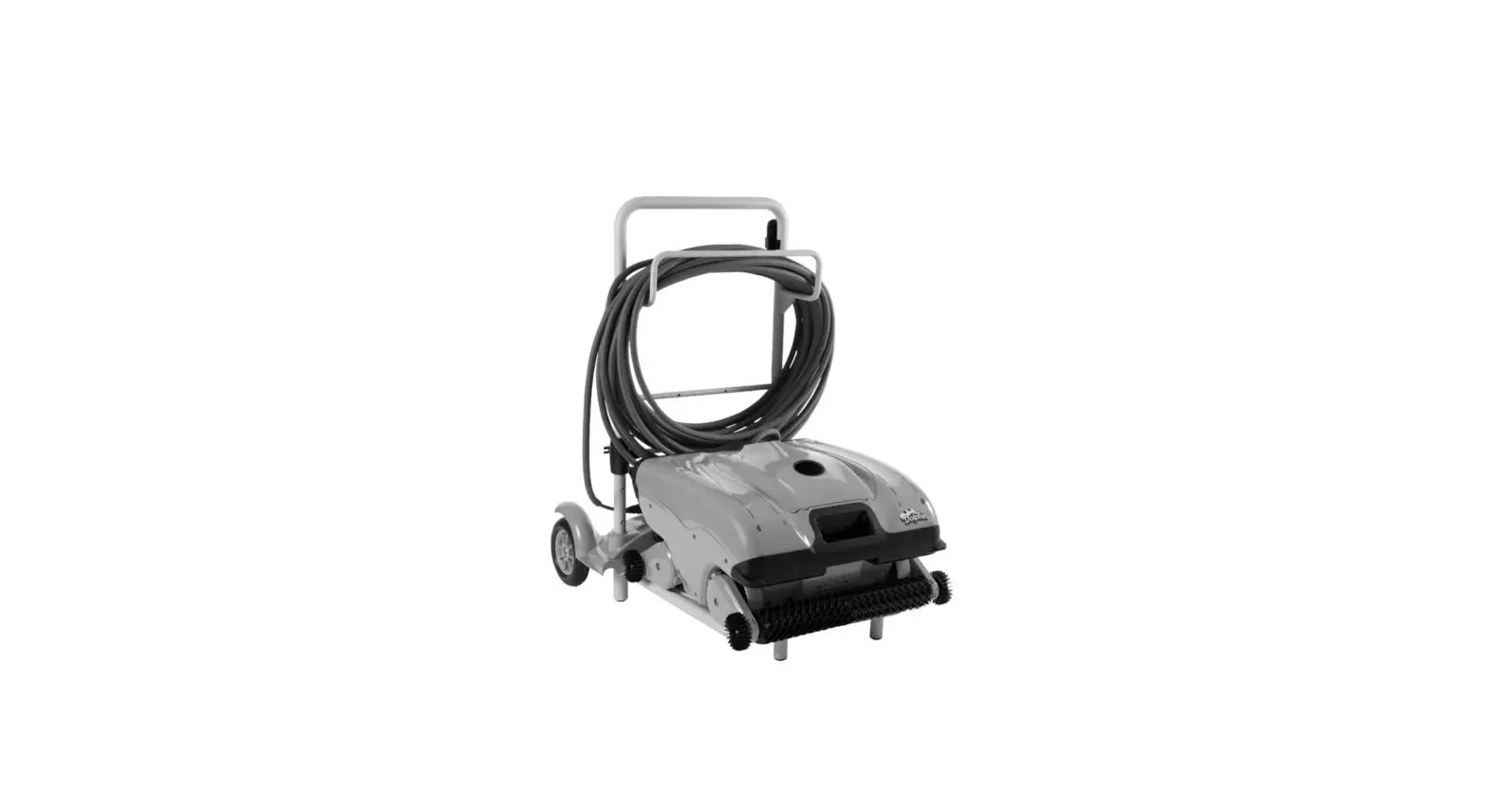
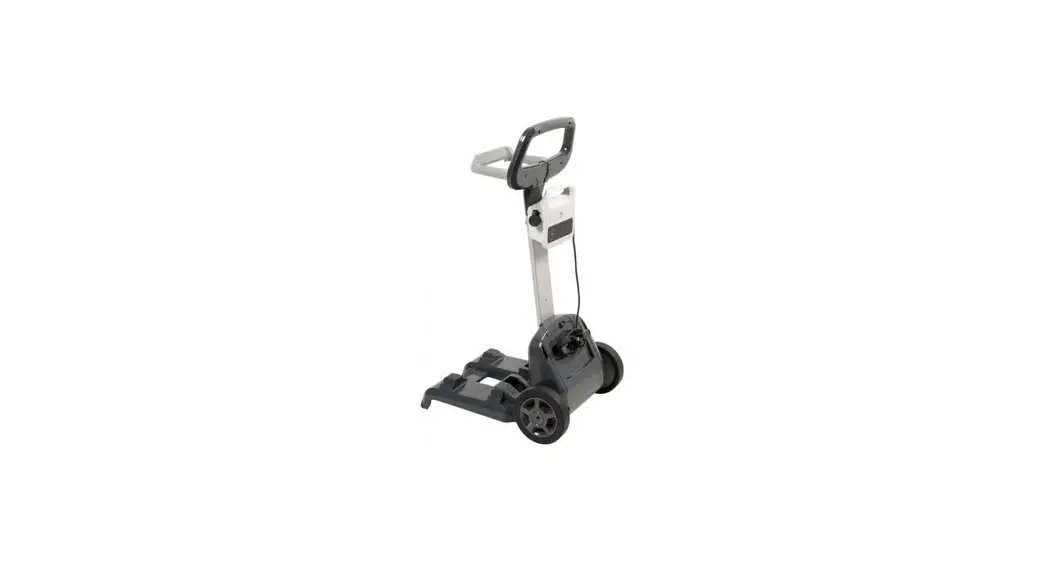
Caddy kit – optional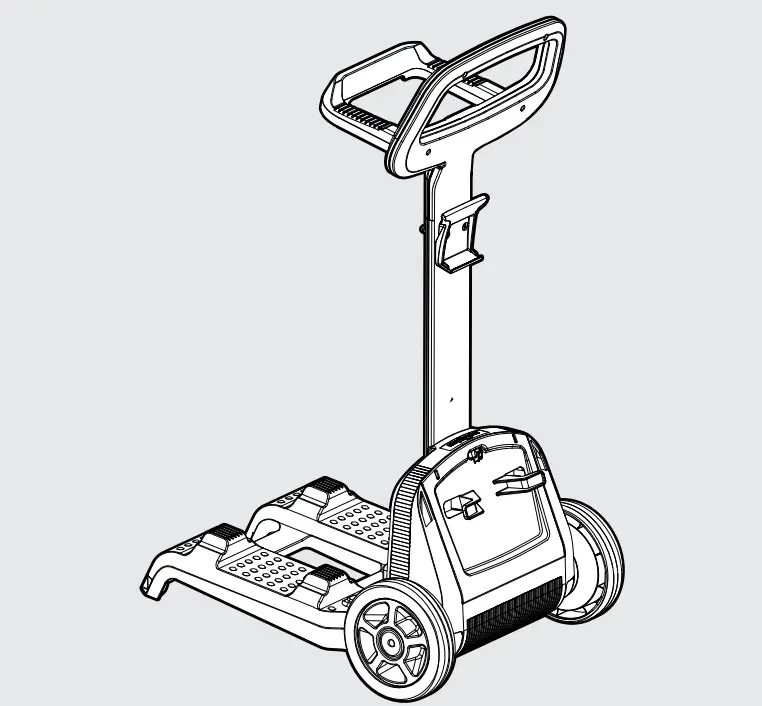
USING THE POOL CLEANER
5.1 Setup
Before using the Pool Cleaner for the first time, perform the following steps:
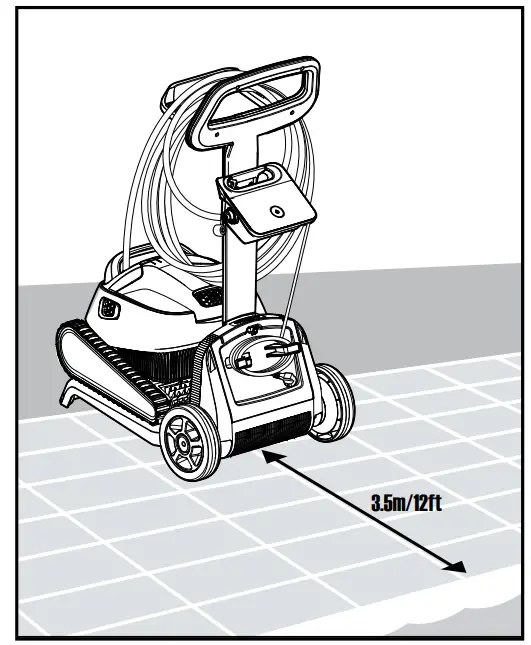
5.1.1 Position the power supply so that it is approximately in the middle of the long side of the pool at a distance of 3.5 m (12 ft).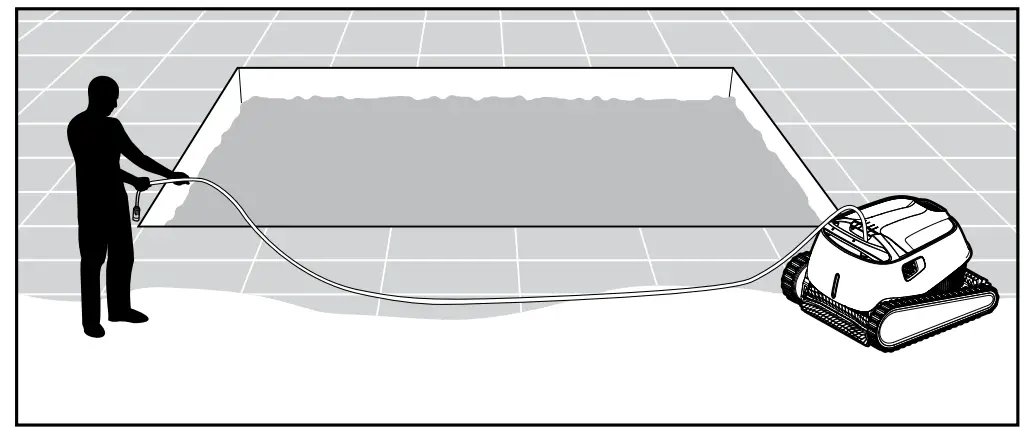
5.1.2 Unwind the cable and stretch it out completely so that it has no kinks.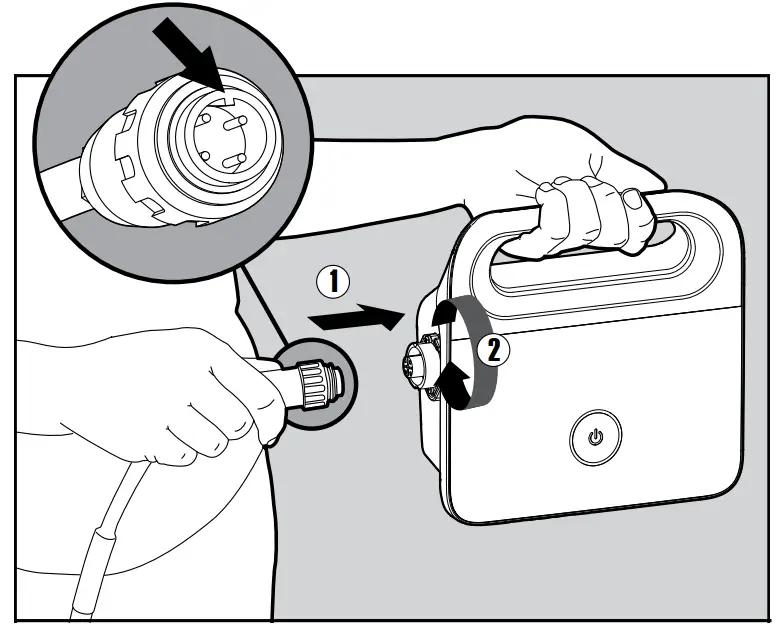 5.1.4 Plug in the power supply and leave it in the OFF position.
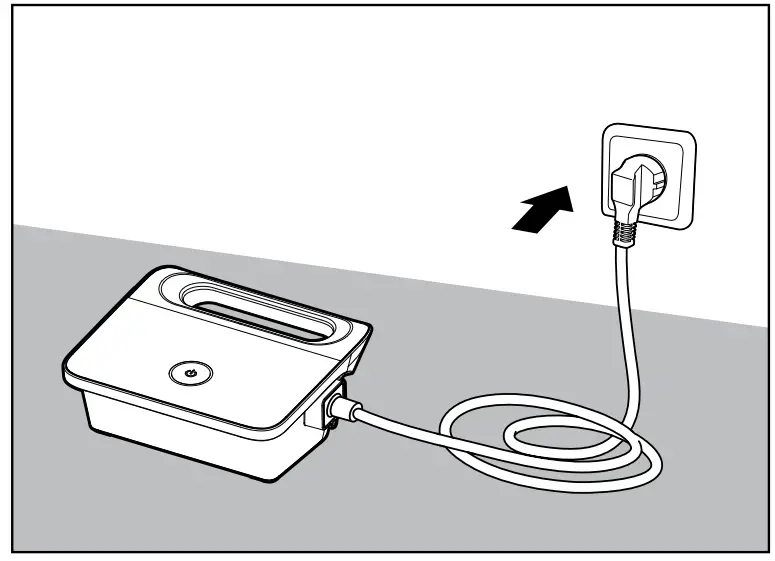
5.2 Putting the Pool Cleaner into the pool
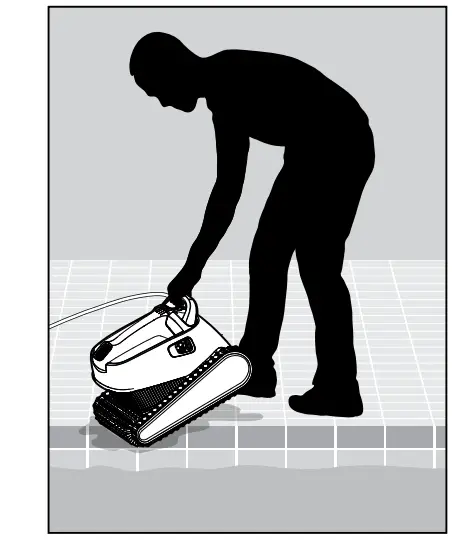
5.2.1 Put the Pool Cleaner into the pool.
Release the Pool Cleaner and let it sink to the floor of the pool.
Make sure that the floating cable is free of any obstructions.
5.2.2 Turn the power supply ON.
The Pool Cleaner will now operate until it has reached the end of the cleaning cycle.
5.3 Indicator Lights – Model Classic 11+ only
| Light | Indication |
| Blue blinking | Normal operation of the Pool Cleaner |
| Green blinking | Remote-Control or Smartphone communicate with the Pool Cleaner |
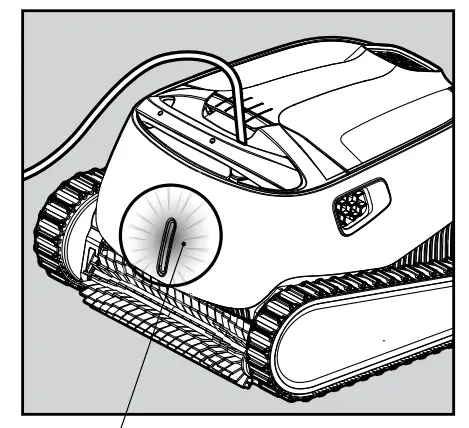 5.3.1 Indicator lights.
5.4 Removing the Pool Cleaner from the pool
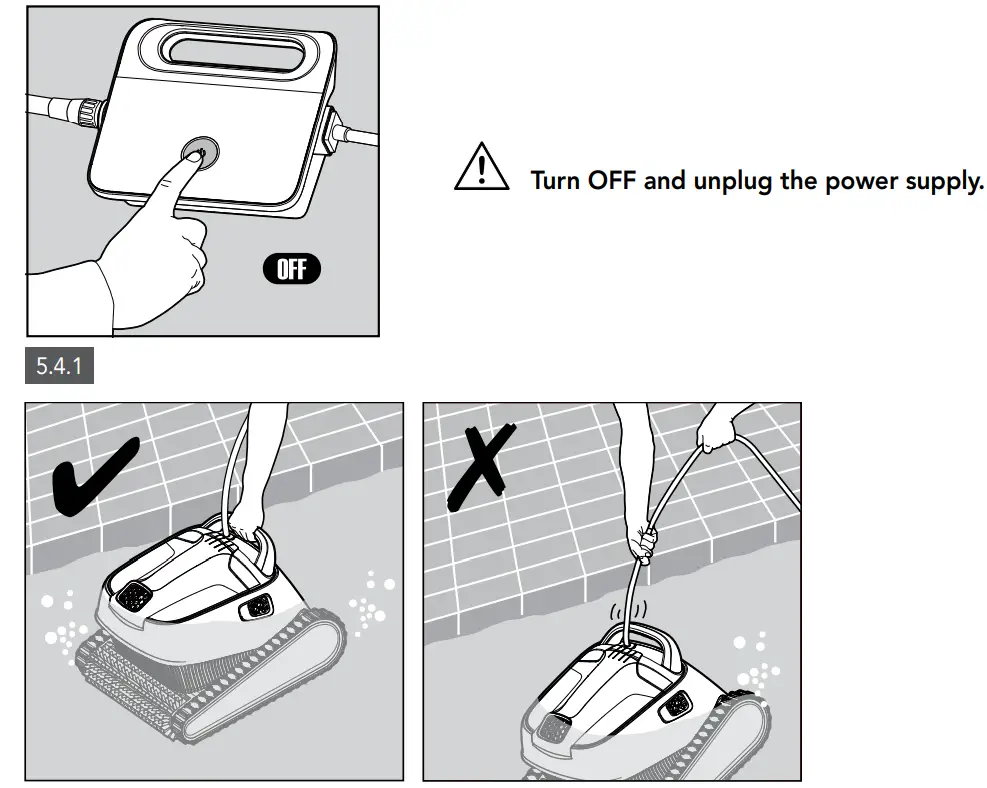
5.4.2 Using the floating cable, bring the Pool Cleaner to the pool’s edge.
Using the handle, remove the Pool Cleaner from the pool.
 DO NOT PULL THE POOL CLEANER FROM THE POOL USING THE CABLE.
5.4.3 Place the Pool Cleaner on the edge of the pool and let the water drain out.
CLEANING THE DUAL FILTER BASKET
Make sure the power supply is switched off and unplugged.CAUTION
It is highly recommended to clean the filter basket after each cleaning cycle.
Note: Do not let the filter panels dry out before cleaning.
6.1 Cleaning after use – removing and cleaning the dual filter basket

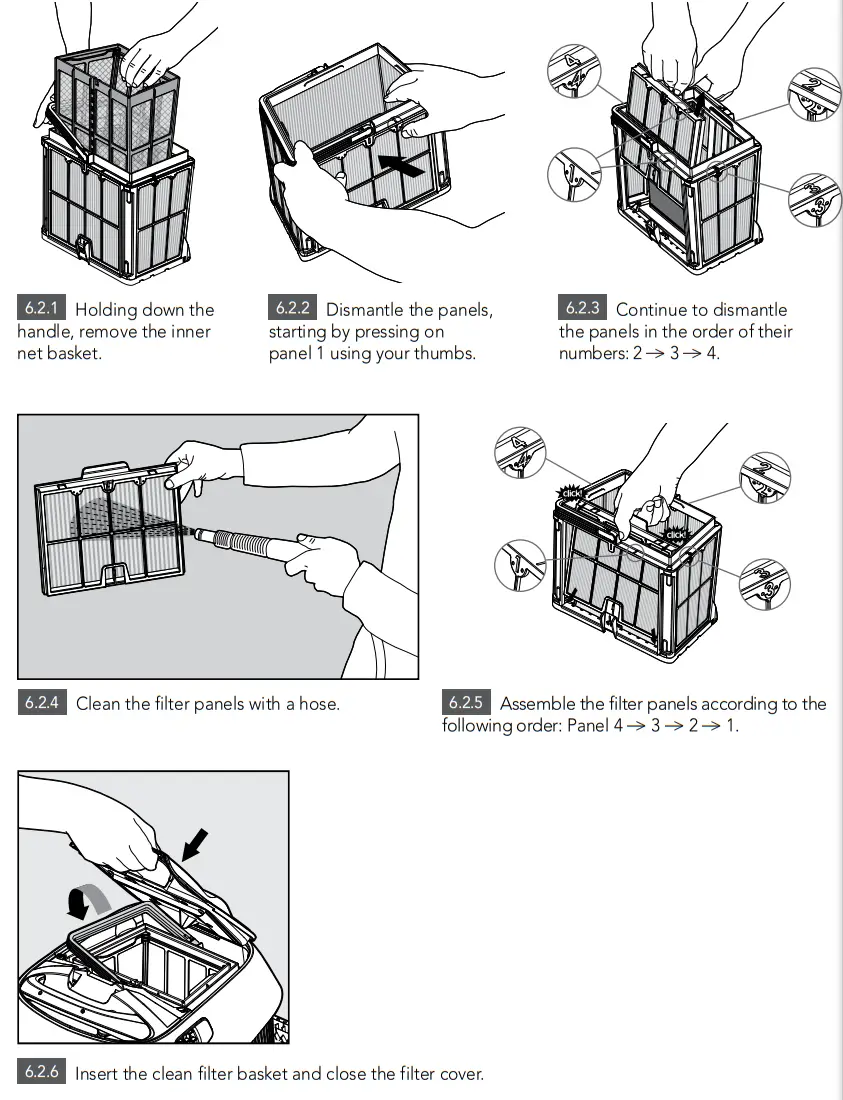
6.2 Periodic filter cleaning – recommended at least once a month
Dismantle the 4 ultra-fine filter panels of the outer basket, according to the following steps:
CLEANING THE IMPELLER
7.1 If you notice debris trapped in the impeller:
Make sure the power supply is switched off and unplugged.CAUTION
Clean the debris trapped in the impeller opening, according to the following steps: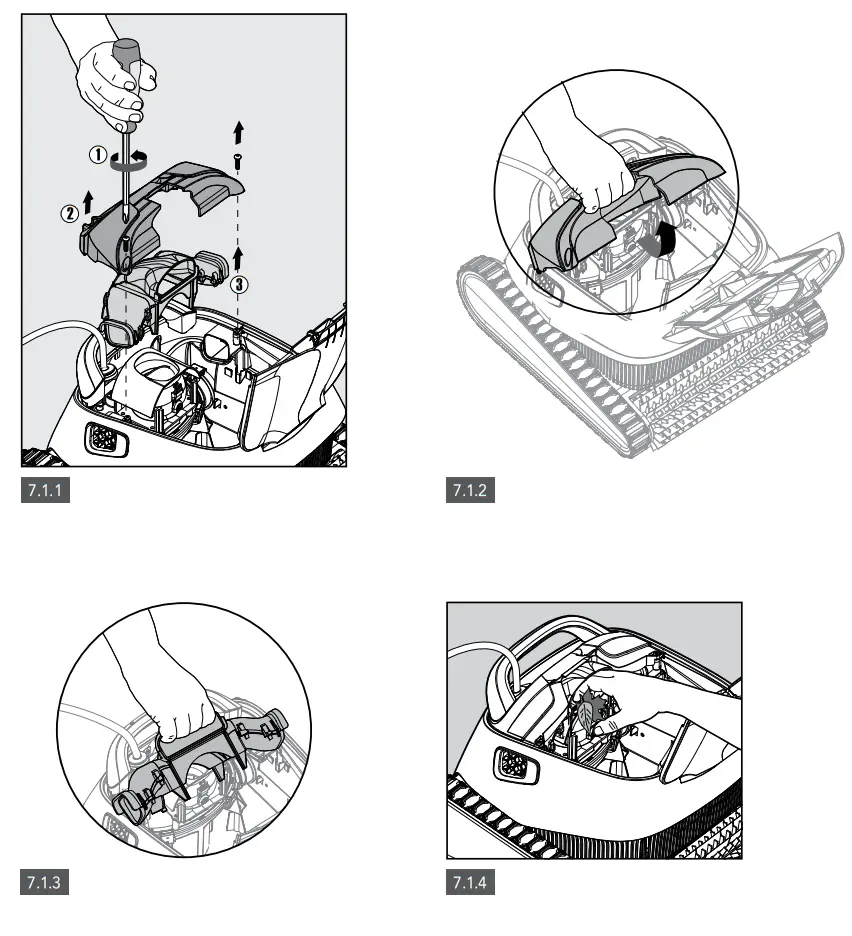
7.2 Assemble the impeller compartment according to the next steps: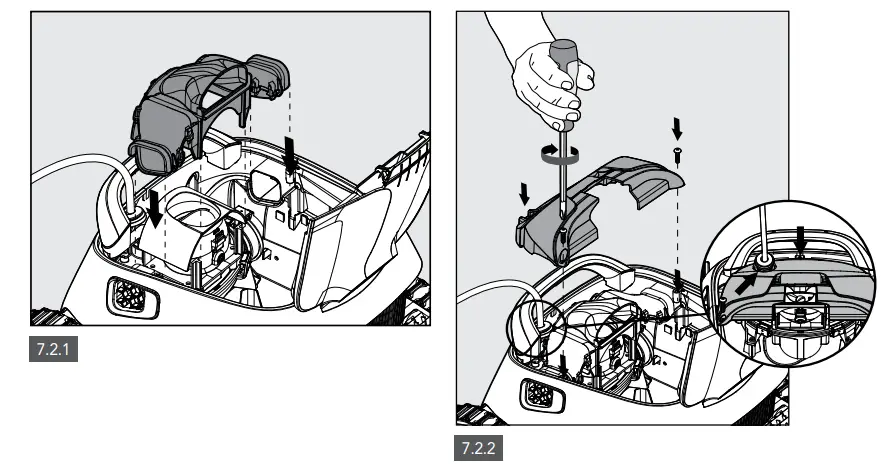
OFF-SEASON STORAGE
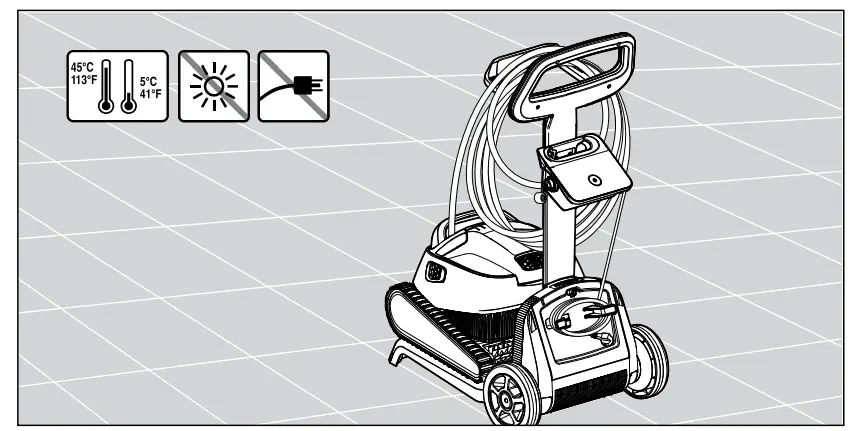
If the Pool Cleaner will not be in use for an extended period of time, perform the following storage steps:
- Make sure that no water is left in the Pool Cleaner
- Thoroughly clean the filter basket and panels and insert in place
- Roll up the cable so that it has no kinks
- Store the Pool Cleaner in a protected area out of direct sun / rain / frost, at a temperature of between 5 °C – 45 °C (41 °F – 113 °F)

TROUBLESHOOTING
If the suggested solutions do not solve the problem, please contact your dealer or Service Center.
| Symptom | Possible reason | Corrective action |
| The power-supply or its switch led are not working. | • No voltage in the power socket in the wall. • The power supply is not switched ON. • The power cable is not well connected into the power supply inlet. | • Check that there is voltage in the power socket in the wall. • Check that the power supply is plugged in and turned ON. • Check that the power cable is securely connected all the way into the power supply. • Turn the power supply off. Wait 30 seconds then turn it back on. |
| The Pool Cleaner does not move. | • The floating cable is not well connected into the power supply outlet. • An obstacle blocks the impeller, tracks or wheels. | • Check that the floating cable is securely connected all the way into the power supply. • Unplug the power supply. Open the impeller cover and check that nothing is trapped in the impeller. Verify that nothing blocks the tracks or wheels. |
| The Pool Cleaner is moving in circles. | • Clogged filter basket. • Debris stuck in the impeller-house or impeller-cover. • Power supply incorrectly positioned. • Algae or pool water is out of Spec. | • Clean the filter basket. • Remove debris stuck in the impeller-house or impeller-cover (drawings 7.2.1 & 7.2.2). • Place power supply in a position so that the Pool Cleaner can freely reach all the pool area. • Correct pool and water conditions. |
| The Pool Cleaner does not turn or moves in one direction only. | • Debris stuck in the impeller-house or impeller-cover. | • Remove debris stuck in the impeller-house or impeller-cover (drawings 7.2.1 & 7.2.2). |
| The Pool Cleaner moves but does not clean the pool. | • Clogged filter basket. • Debris stuck in the impeller-house or impeller-cover. | • Clean the filter basket. • Remove debris stuck in the impeller-house or impeller-cover (drawings 7.2.1 & 7.2.2). |
| The Pool Cleaner cleans only part of the pool. | • Power supply incorrectly positioned. • Not enough floating cable is released for the correct operation of the Pool Cleaner. | • Place the power supply in a position so that the Pool Cleaner can freely reach all the pool area. • Check that there is enough slack in the floating cable for the Pool Cleaner to reach all of the pool. • Clean the filter basket. |
| The floating cable has kinks. | • Clogged filter basket. • Debris stuck in the impeller-house or impeller-cover. | • Clean the filter basket. • Remove debris stuck in the impeller-house or impeller-cover. (drawings 7.2.1 & 7.2.2). • To remove the kinks, stretch the floating cable out completely and let it sit for at least a day in the sun. |
| The Pool Cleaner doesn’t climb the walls. | • Clogged filter basket. • Algae on walls. • Unsuitable pH level. • Debris stuck in the impeller-house or impeller-cover. | • Clean the filter basket. • Check the level of the chemicals of the water. Improper levels may allow the growth of algae making the walls slippery. If so, adjust the levels and scrub the walls. • Remove debris stuck in the impeller-house or impeller-cover (drawings 7.2.1 & 7.2.2). |
Robotic Pool Cleaner Basic 11 / Classic 11 / Classic 11+
User Instructions