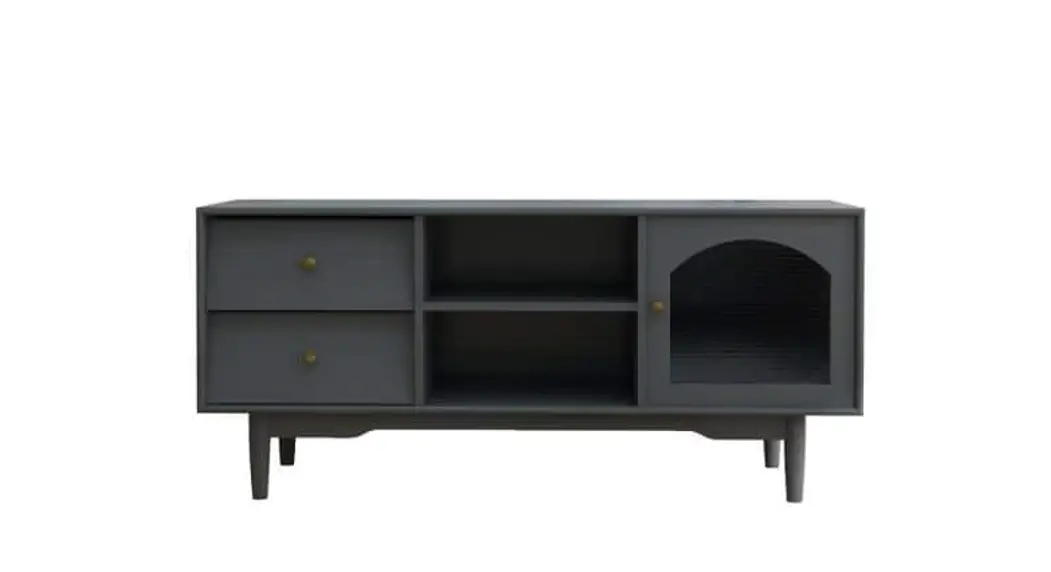
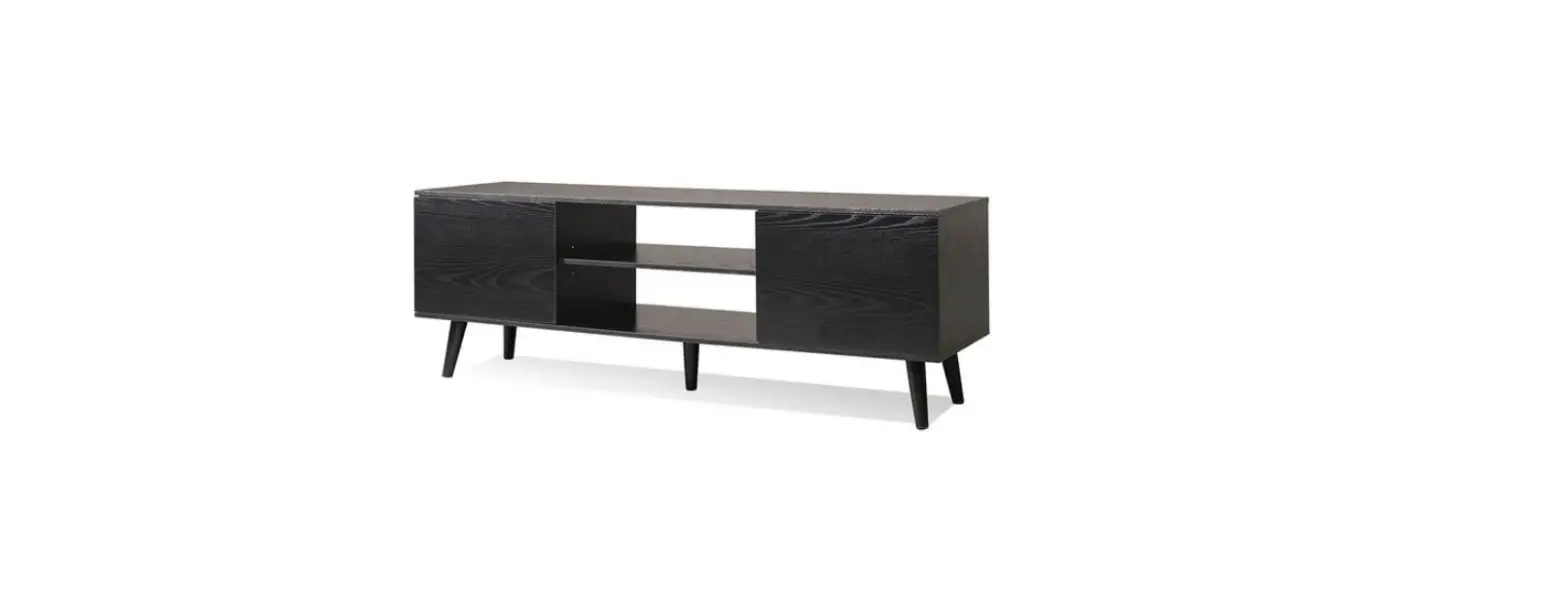
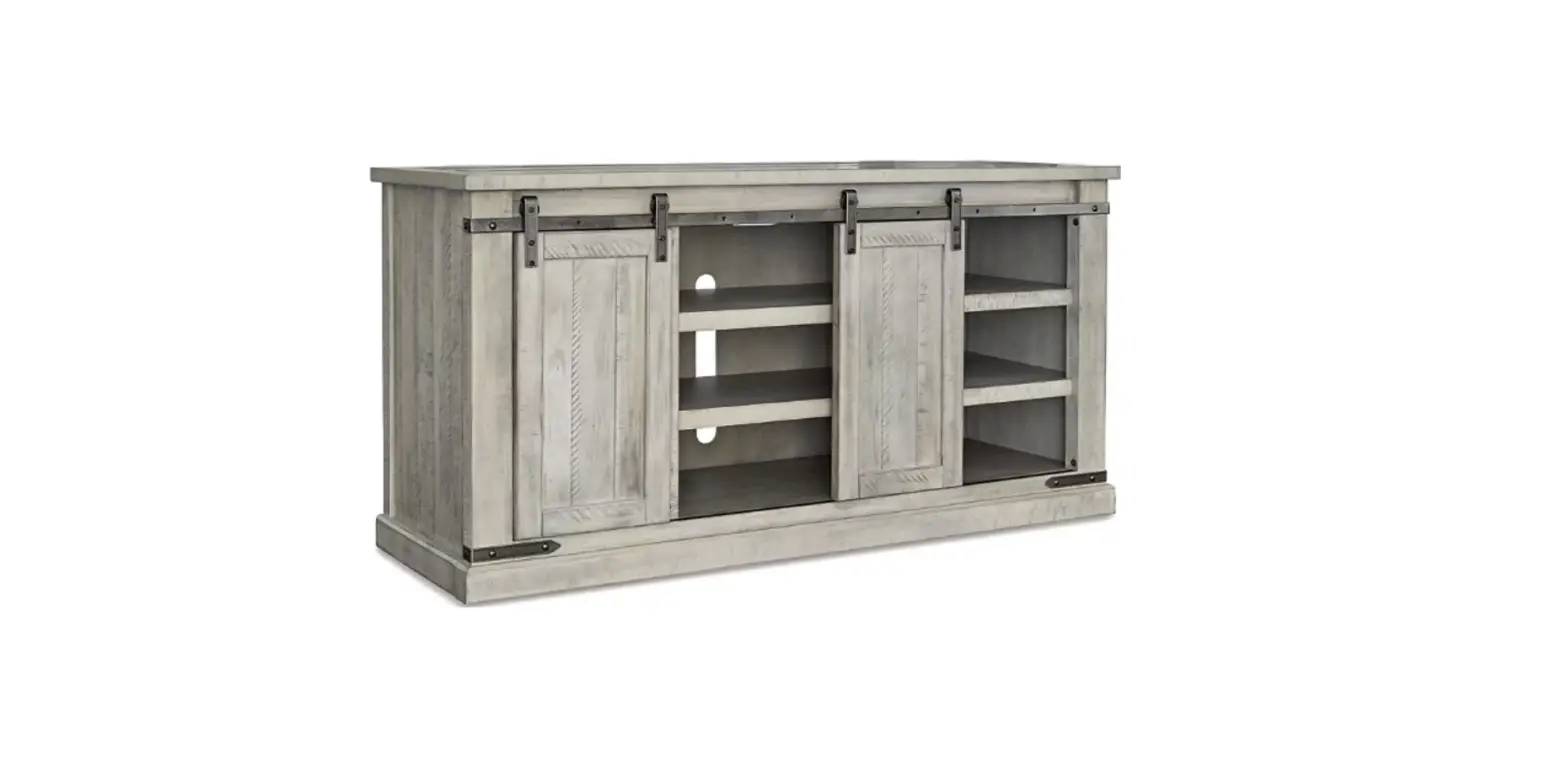
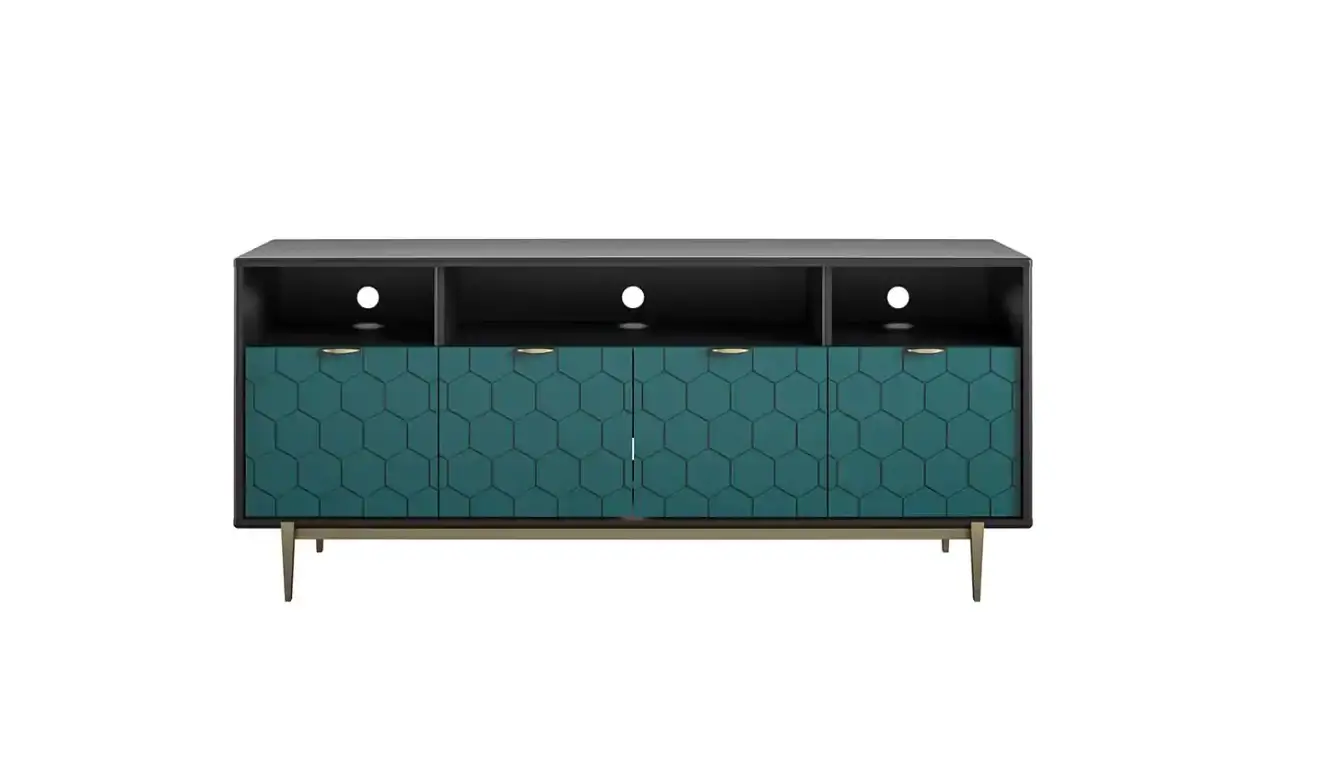
HW66-8CK-081BK Black TV Stand
Product Information
The product is a TV stand unit that requires assembly. It comes
with various parts including shelves, panels, doors, and
connectors. The assembly requires the use of cam-bolts, wood
dowels, cam-locks, magnetic catches, screws, fixed buttons, hinges,
magnetic bars, and knobs.
Product Usage Instructions
Step 1
Screw in Cam-bolt (A) into designated holes on Shelf and Bottom
Connect Bar (5). Insert Wood Dowel (C) into designated holes on
Shelf (2) and Bottom Panel (3). Attach (12) to (2 & 3) via
Cam-bolts and Wood Dowels. Insert Cam-lock (B) into designated
holes on (2 & 3) then turn clockwise to lock onto Cam-bolt. Do
not overtighten.
Step 2
Screw in Cam-bolt (A) into designated holes on Shelf and Bottom
Panel (2 & 3). Attach Magnetic Catch (G) to Divide Panel (5)
with Screw (F). Insert Wood Dowel (C) into designated holes on (5)
as shown. Attach (5) to (2) via Cam-bolts and Wood Dowels. Attach
(3) to (5) via Cam-bolts and Wood Dowels. Insert Cam-lock (B) into
designated holes on (5) then turn clockwise to lock onto Cam-bolt.
Do not overtighten.
Step 3
Screw in Cam-bolt (A) into designated holes on Left Side Panel
(4). Insert Wood Dowel (C) into designated holes on (2, 3 &
12). Attach (4) to (2, 3 & 12) via Cam-bolts and Wood Dowels.
Insert Cam-lock (B) into designated holes on (2, 3 & 12) then
turn clockwise to lock onto Cam-bolt. Do not overtighten.
Step 4
Screw in Cam-bolt (A) into designated holes on Left Side Panel
(4). Insert Wood Dowel (C) into designated holes on Top Connect Bar
(7). Attach (7) to (4) via Cam-bolts and Wood Dowels. Insert
Cam-lock (B) into designated holes on (7) then turn clockwise to
lock onto Cam-bolt. Do not overtighten.
Step 5
Screw in Cam-bolt (A) into designated holes on Right Side Panel
(6). Insert Wood Dowel (C) into designated holes on (2, 3, 7 &
12). Attach (6) to (2, 3, 7 & 12) via Cam-bolts and Wood
Dowels. Insert Cam-lock (B) into designated holes on (2, 3, 7 &
12) then turn clockwise to lock onto Cam-bolt. Do not
overtighten.
Step 6
Screw in Cam-bolt (A) into designated holes on Top Panel (1).
Insert Wood Dowel (C) into designated holes on (4 & 6). Fit
Lower Back Panel (9) and Upper Back Panel (8) to Side Panels (4
& 6) via groove on respective side panels. Attach (1) to (4, 6
& 7) via Cam-bolts and Wood Dowels. Insert Cam-lock (B) into
designated holes on (4, 6 & 7) then turn clockwise to lock onto
Cam-bolt. Do not overtighten.
Step 7
Insert Fixed Button (L) to the gap between Back Panel and Side
Panel. Fix the Fixed Button (L) by using Screw (M). Fix Back Panels
to Shelf by using Screw (J) as shown.
Step 8
Attach Hinge (I) and Magnetic Bar (H) to Door (10 & 11) by
using Screw (K) as shown. Attach Door (10 & 11) to Side Panel
by using Screw (K). Attach Knob (E) to Doors by using Knob Bolt
(D). The assembly of the TV Stand unit is complete.
PRODUCT ASSEMBLY
3*14mm
34 pcs
34 pcs
32 pcs
J
2 pcs
2 pcs 4 pcs 2pcs
L Fixed Button M
3*16 mm
2 pcs 4 pcs 5 pcs 18 pcs 4 pcs 4 pcs
Shelf
5
1/6
Top Connect Bar
Upper Back Panel
Lower Back Panel
Left Door
Right Door
Shelf and
12 Bottom Connect Bar
2 pcs 1 pc
2 pcs
PRODUCT ASSEMBLY Parts List Assembly Overview
8 9 4
2/6
1 7 7
2 5
3 10
6 12
12 11
PRODUCT ASSEMBLY
STEP 1
a) Screw in Cam-bolt (A) into designated holes on Shelf and Bottom Connect Bar (5).
2
STEP 2
5
12
3
12
b) Insert Wood Dowel (C) into designated holes on Shelf (2) and Bottom Panel (3).
c) Attach (12) to (2 & 3) via Cam-bolts and Wood Dowels.
d) Insert Cam-lock (B) into designated holes on (2 & 3) then turn clockwise to lock onto Cam-bolt. Do not overtighten.
a) Screw in Cam-bolt (A) into designated holes on Shelf and Bottom Panel (2 & 3).
3/6
3 5
2
b) Attach Magnetic Catch (G) to Divide Panel (5) with
Screw (F).
c) Insert Wood Dowel (C) into designated holes on (5)
as shown.
d) Attach (5) to (2) via Cam-bolts and Wood Dowels.
e) Attach (3) to (5) via Cam-bolts and Wood Dowels.
f ) Insert Cam-lock (B) into designated holes on (5) then
turn clockwise to lock onto Cam-bolt. Do not overtighten.
PRODUCT ASSEMBLY
STEP 3
A
B
C
12 4
12
3
2
STEP 4
a) Screw in Cam-bolt (A) into designated holes on Left Side Panel (4).
b) Insert Wood Dowel (C) into designated holes on (2, 3 & 12). c) Attach (4) to (2, 3 & 12) via Cam-bolts and Wood Dowels. d) Insert Cam-lock (B) into designated holes on (2, 3 & 12)
then turn clockwise to lock onto Cam-bolt. Do not overtighten.
a) Screw in Cam-bolt (A) into designated holes on Left Side
Panel (4).
b) Insert Wood Dowel (C) into designated holes on Top
Connect Bar (7).
c) Attach (7) to (4) via Cam-bolts and Wood Dowels. d) Insert Cam-lock (B) into designated holes on (7)
7
then turn clockwise to lock onto Cam-bolt. Do not overtighten.
7
4
4/6
PRODUCT ASSEMBLY
STEP 5
6
a) Screw in Cam-bolt (A) into designated holes on Right Side Panel (6).
b) Insert Wood Dowel (C) into designated holes on (2, 3, 7 & 12). c) Attach (6) to (2, 3, 7 & 12) via Cam-bolts and Wood Dowels. d) Insert Cam-lock (B) into designated holes on (2, 3, 7 & 12)
then turn clockwise to lock onto Cam-bolt. Do not overtighten.
CA B
7
3
2
12
12
7
4
STEP 6
a) Screw in Cam-bolt (A) into designated holes on Top Panel (1). b) Insert Wood Dowel (C) into designated holes on (4 & 6). c) Fit Lower Back Panel (9) and Upper Back Panel (8) to
Side Panels (4 & 6) via groove on respective side Panels. d) Attach (1) to (4, 6 & 7) via Cam-bolts and Wood Dowels.
8
8
9
4
1 CA
B 6
7
7
e) Insert Cam-lock (B) into designated holes on (4, 6 & 7) then turn clockwise to lock
4
onto Cam-bolt. Do not overtighten.
5/6
PRODUCT ASSEMBLY
STEP 7
STEP 8
8
M
L
9
J
F
L
M
a) Insert Fixed Button (L) to the gap between Back Panel and Side Panel. b) Fix the Fixed Button (L) by using Screw (M). c) Fix Back Panels to Shelf by using Screw (J) as shown.
6/6
FL 11
a) Attach Hinge (I) and Magnetic Bar (H) to Door
(10 & 11) by using Screw (K) as shown.
10
b) Attach Door (10 & 11) to Side Panel by using
Screw (K).
c) Attach Knob (E) to Doors by using Knob Bolt (D).
The assembly of the Tv Stand unit is complete.
CANADA UNITED STATES
UNITED KINGDOM
SPAIN
GERMANY
FRANCE ITALY
RUSSIA
JAPAN
AUSTRALIA
TIPS
Your suggestions and comments for Costway are really important to us! We sincerely solicit you to go back to our shop and leave a good rating in just a simple click. It would be quite encouraging if you could kindly do so like below:
Great products so far February 24, 2018 Great product so far. Fast delivery, easy setup, and working without any issues.
With your inspiring rating, Costway will be more consistent to offer you EASY SHOPPING EXPERIENCE, GOOD PRODUCTS and EFFICIENT SERVICE!
US office:Fontana UK office:Ipswich