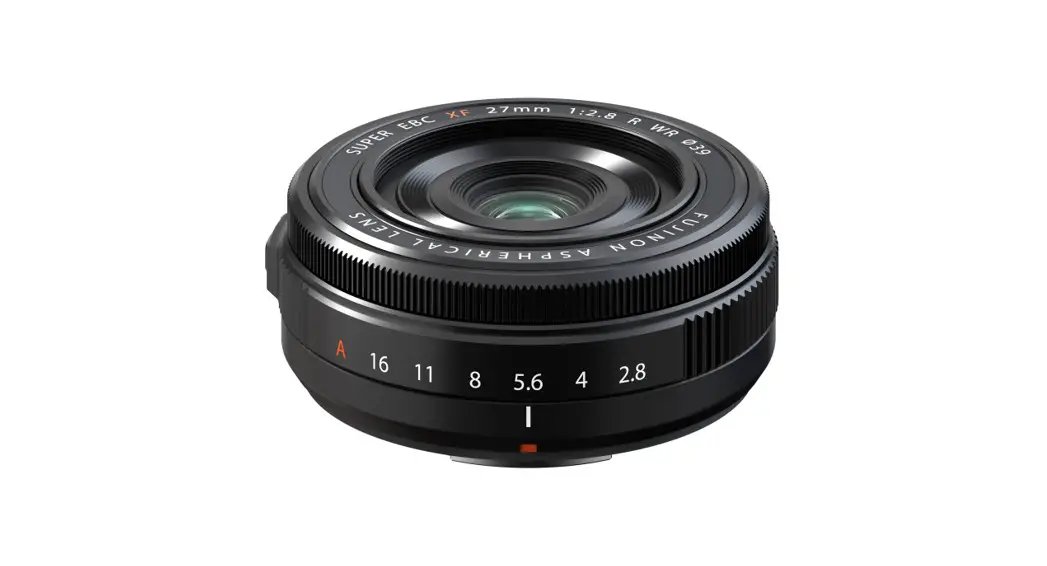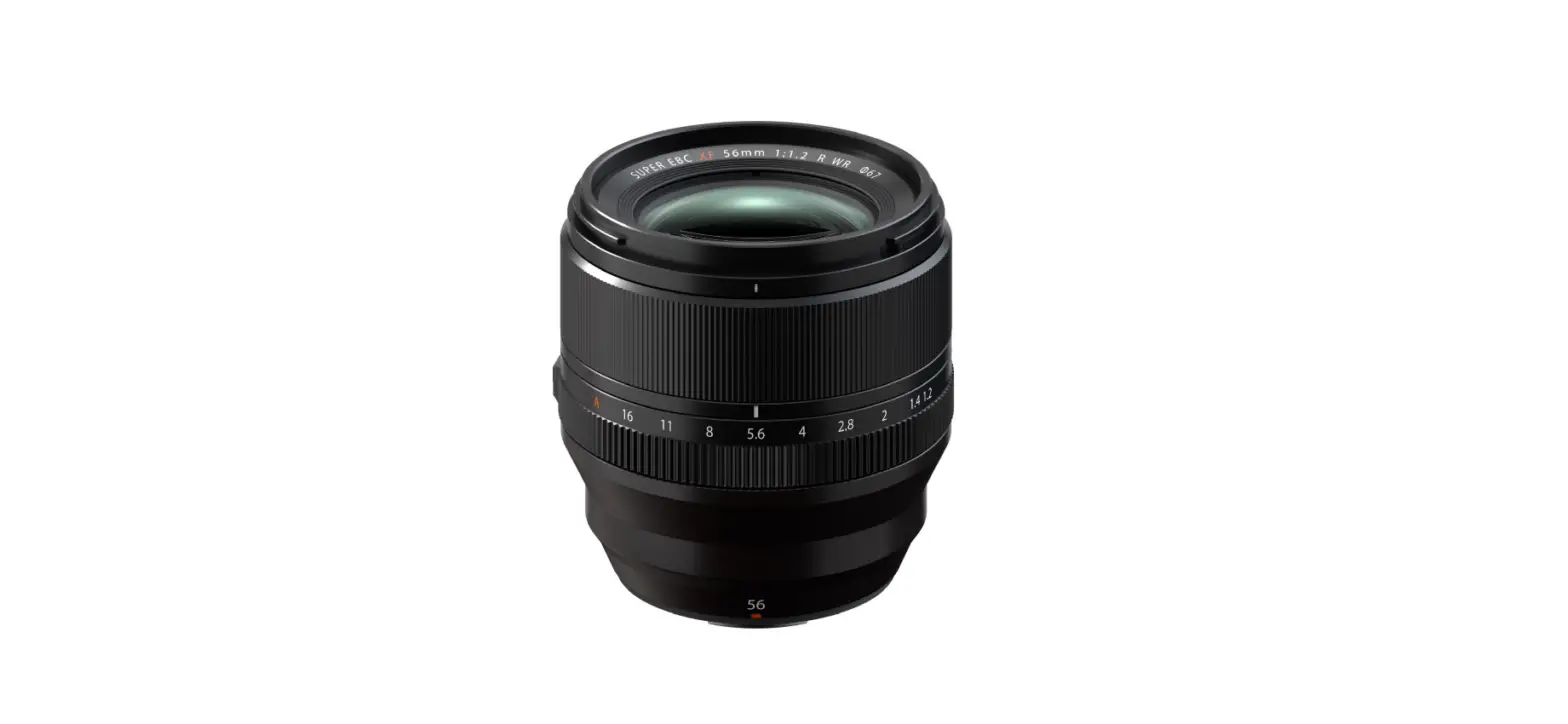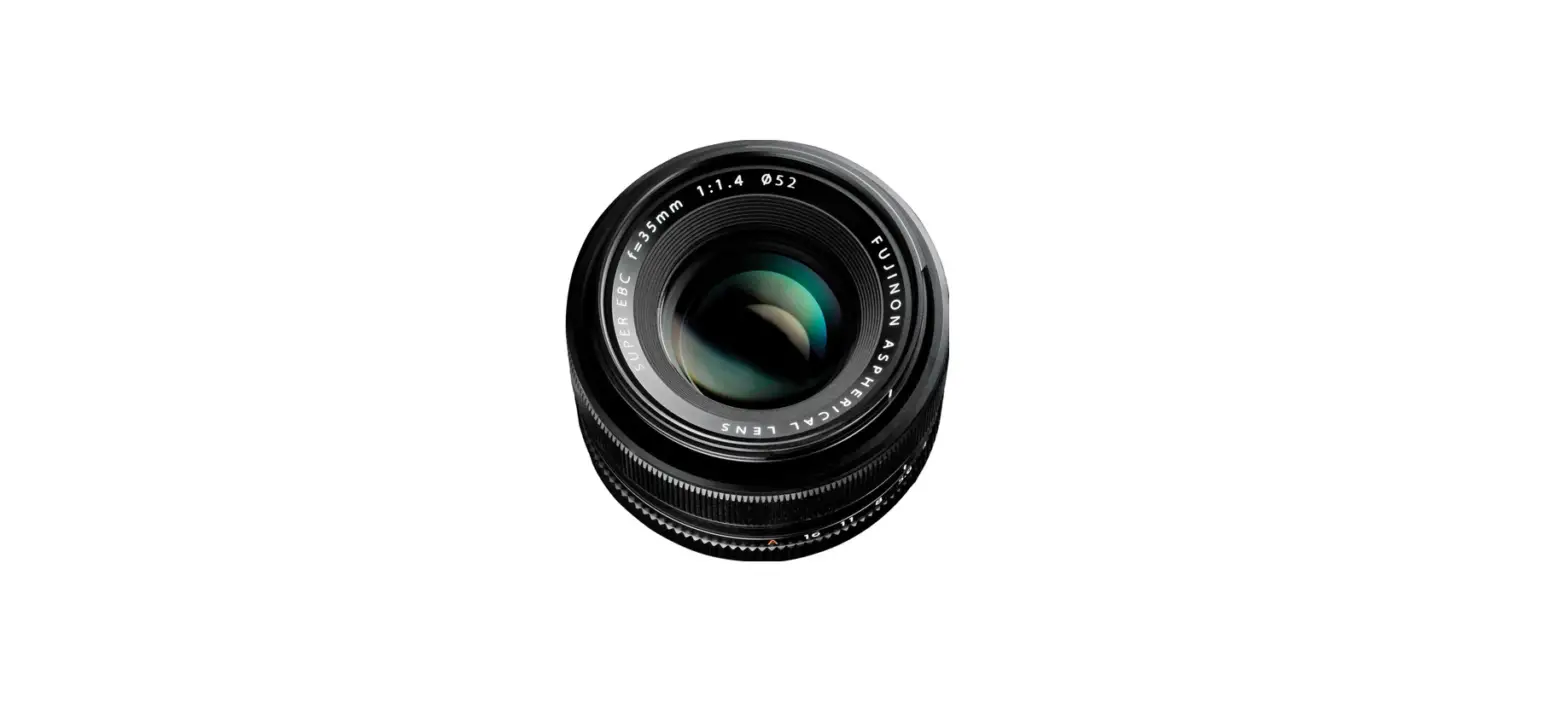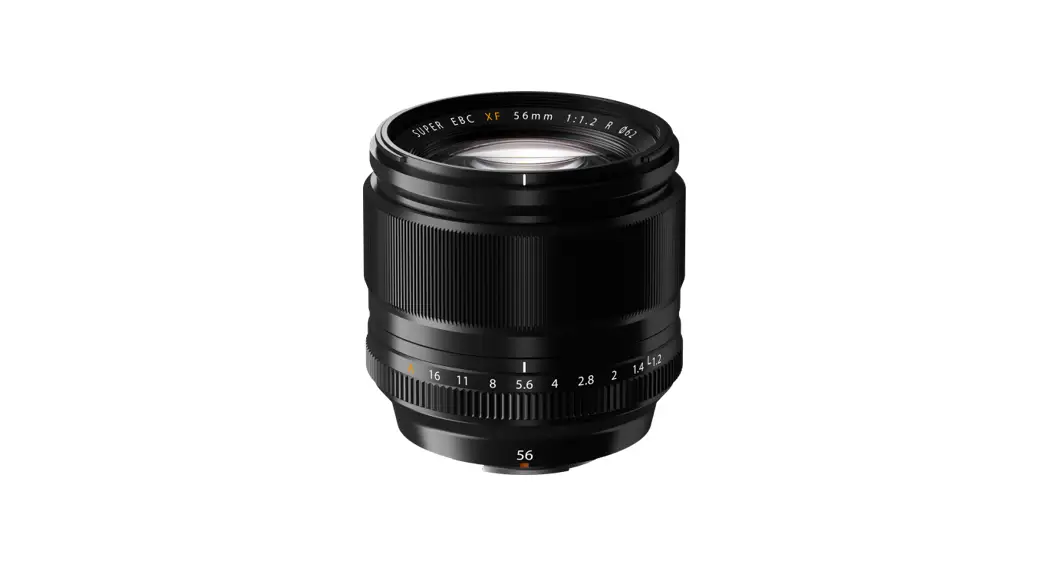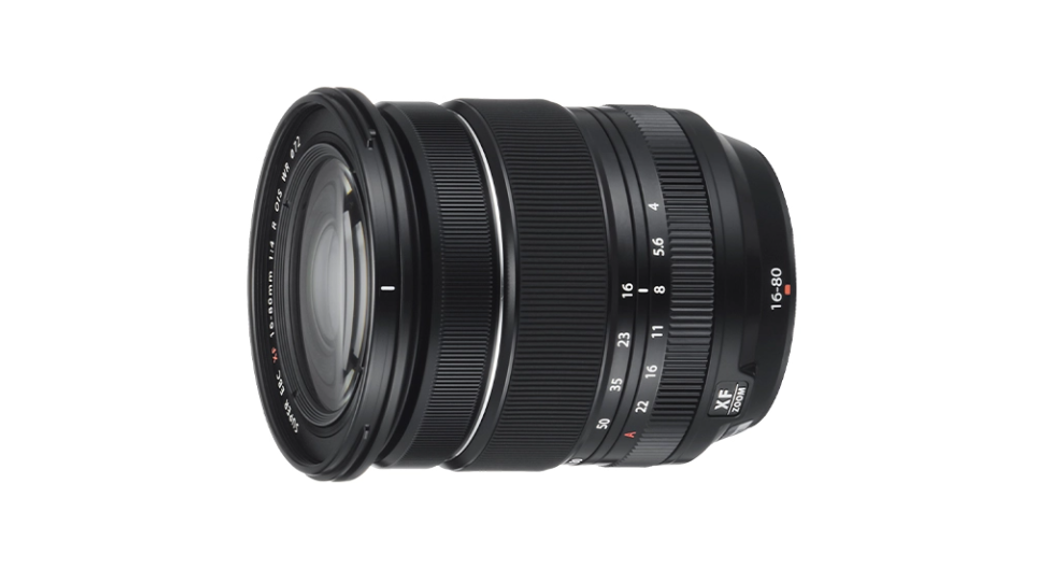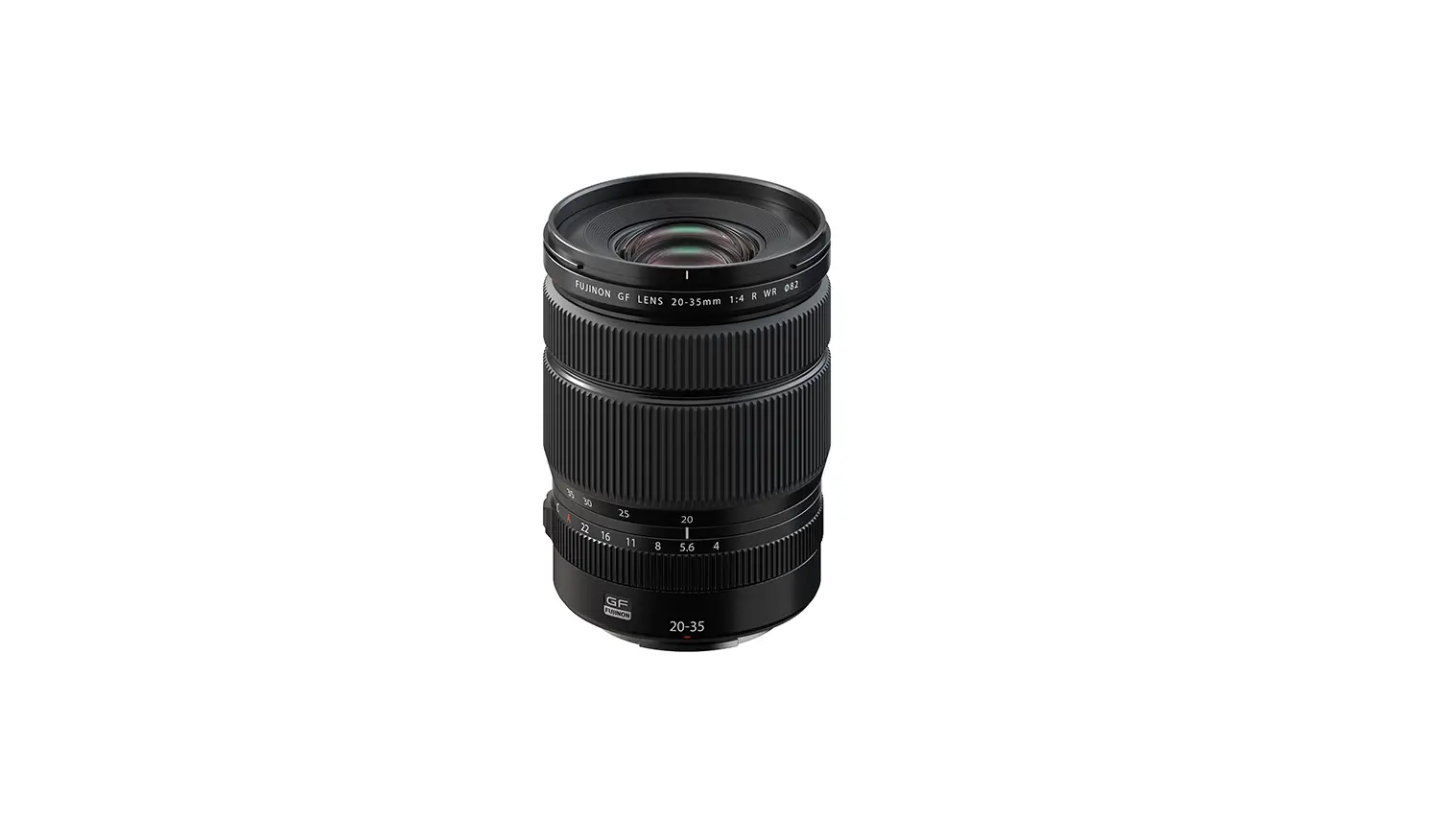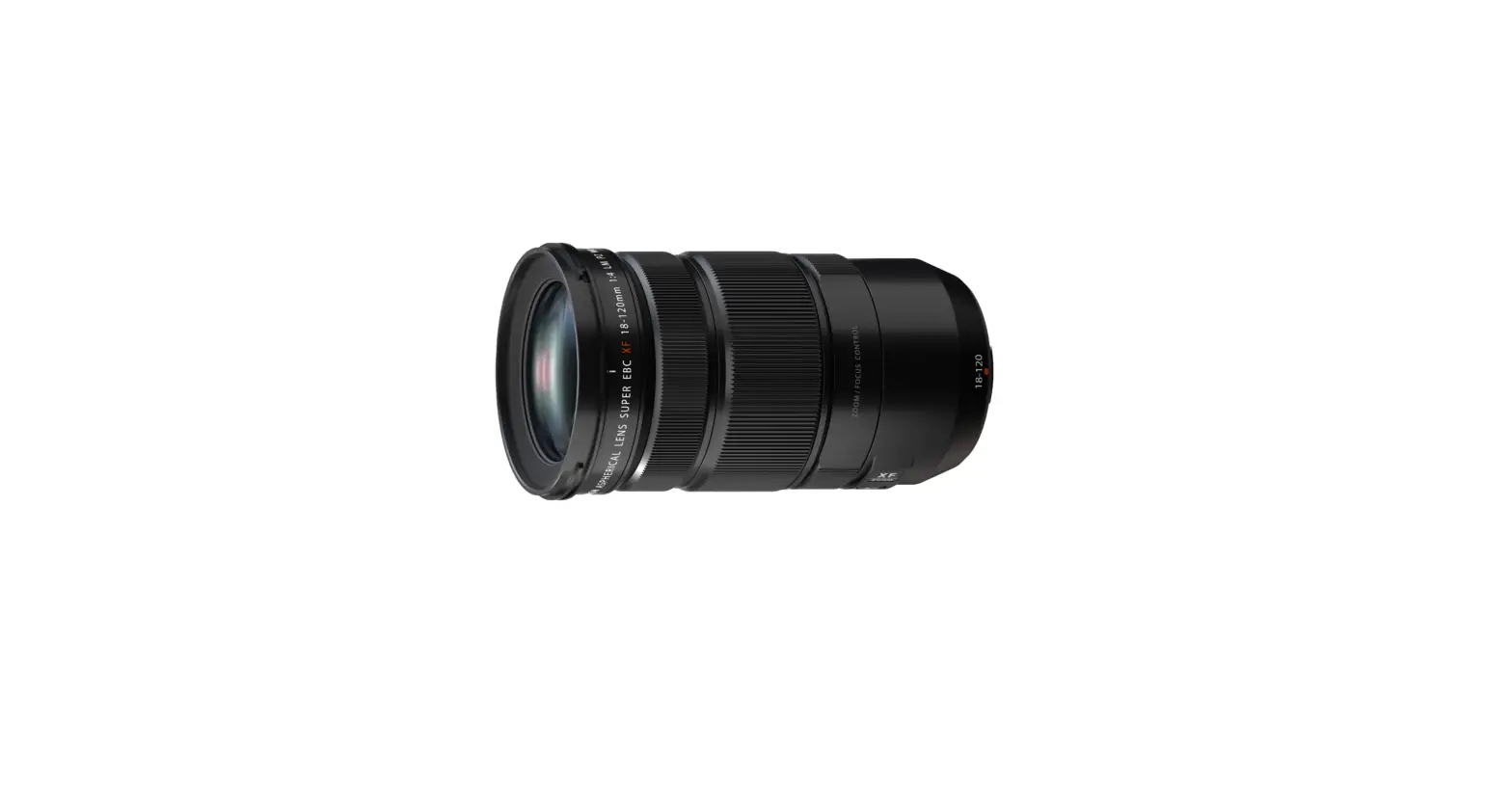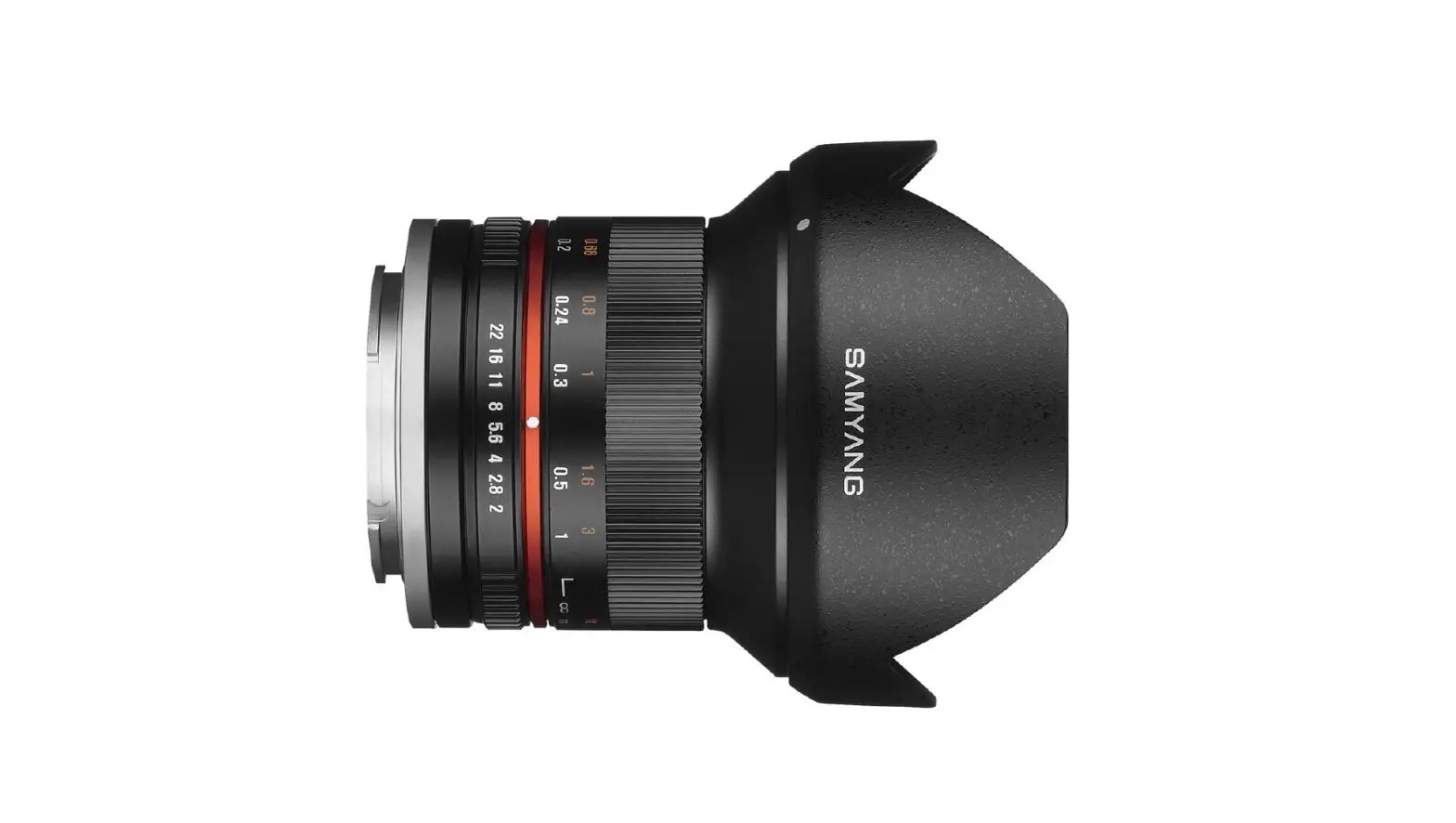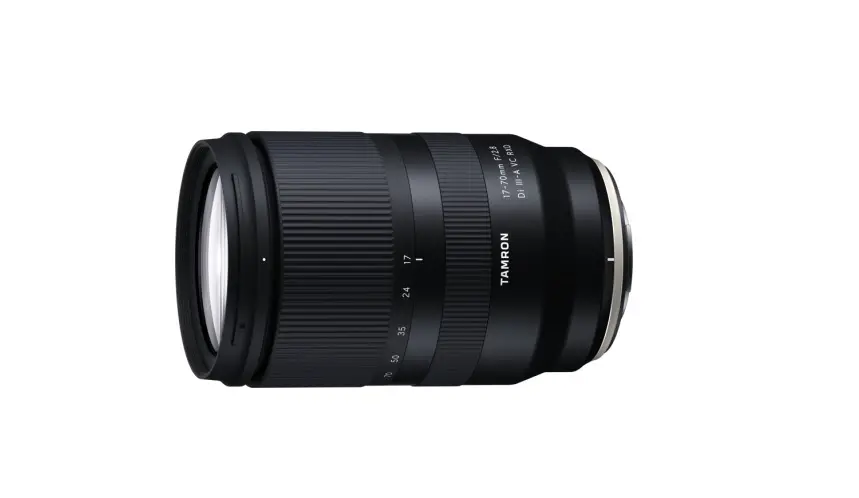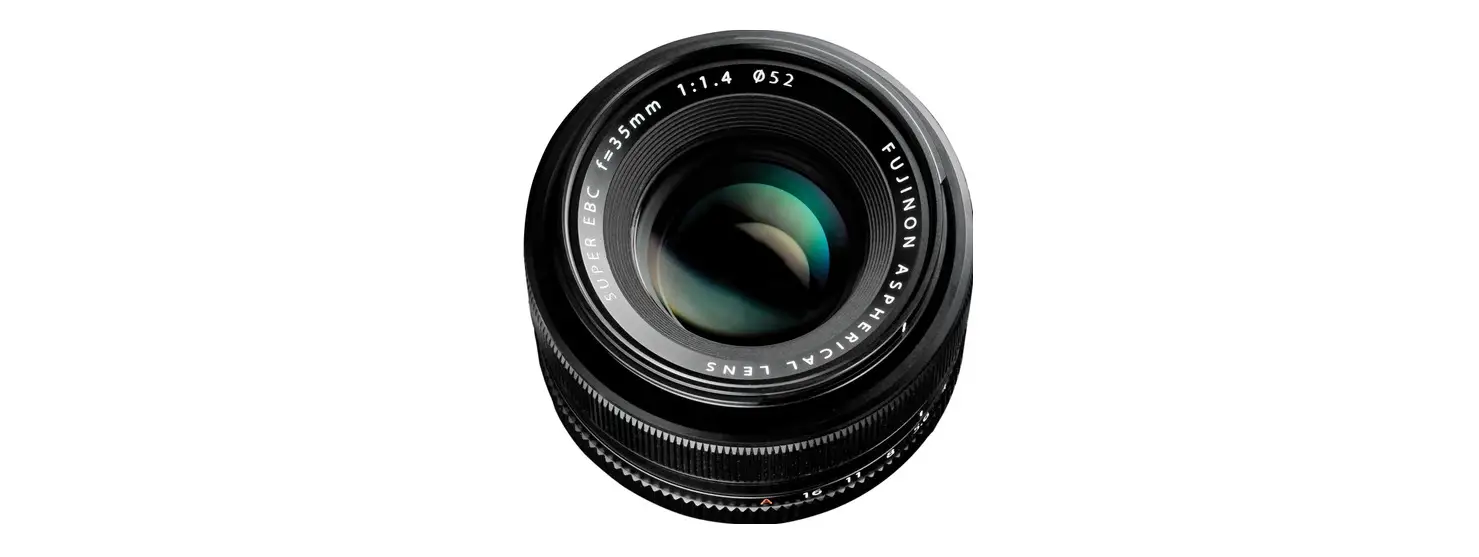

Fujifilm XF-18mm-F2R Fujinon Lens-2.0 Lens
For Your Safety
Safety Notes
Thank you for your purchase of this product. For repair, inspection, and internal testing, contact your FUJIFILM dealer. Make sure that you use the lens correctly. Read these safety notes and the camera Owner’s Manual carefully before use. After reading these safety notes, store them in a safe place.
About the Icons
The icons shown below are used in this document to indicate the severity of the injury or damage that can result if the information indicated by the icon is ignored and the product is used incorrectly as a result.
WARNING
- This icon indicates that death or serious injury can result if the information is ignored.
- This icon indicates that personal injury or material damage can result if the information is ignored
- The icons shown below are used to indicate the nature of the instructions which are to be observed.
- Triangular icons tell you that this information requires attention (“Important”).
- Circular icons with a diagonal bar tell you that the action indicated is prohibited (“Prohibited”).
- Filled circles with an exclamation mark indicate an action that must be performed (“Required”).
- Do not immerse in or expose to water.
- Failure to observe this precaution can cause a fire or electric shock.
- Do not disassemble (do not open the case).
- Failure to observe this precaution can cause fire, electric shock, or injury due to product malfunction.
- Should the case break open as the result of a fall or other accident, do not touch the exposed parts.
- Failure to observe this precaution could result in electric shock or in injury from touching the damaged parts.
- Remove the camera battery immediately, taking care to avoid injury or electric shock, and take the product to the point of purchase for consultation.
- Do not place on unstable surfaces. The product may fall, causing injury.
- Do not view the sun through the lens or camera view finders. Failure to observe this precaution can cause permanent visual impairment
- Do not use or store in locations that are exposed to steam, or smoke or are very humid or extremely dusty.
- Failure to observe this precaution can cause fire or electric shock.
- Do not leave in direct sunlight or in locations subject to very high temperatures, such as in a closed vehicle on a sunny day.
- Failure to observe this precaution can cause fire. Keep out of the reach of small children.
- This product could cause injury in the hands of a child.
- Do not handle with wet hands. Failure to observe this precaution can cause electric shock.
- Keep the sun out of the frame when shooting backlit subjects. Sunlight focused into the camera when the sun is in or close to the frame can cause fi re or burns
- When the product is not in use, replace the lens caps and store out of direct sunlight. Sunlight focused by the lens can cause fire or burns.
- Do not carry the camera or lens while they are attached to a tripod.
- The product can fall or strike other objects, causing injury.
- Do not rapidly rotate the camera while holding the grip.
- Your hand could strike the tripod or tripod collar foot, causing injury.
- Before handling the camera, fully tighten or loosen the tripod collar lock screw according to whether the camera will be used in a fixed orientation or rotated.
- If the screw is only partially tightened, the camera may move unexpectedly, causing injury.
Notes on the Grant: To comply with Part 15 of the FCC Rules, this product must be used with a Fujifilm lm-specific ed ferrite-core A/V cable, USB cable, and DC supply cord.
For Customers in Canada
CAN ICES-3 (B)/NMB-3(B)
CAUTION: This Class B digital apparatus complies with Canadian ICES-003.
IMPORTANT SAFETY INSTRUCTIONS
- Read these instructions.
- Keep these instructions.
- Heed all warnings.
- Follow all instructions.
- Do not use this apparatus near water (excluding waterproof products).
- Clean only with a dry cloth.
- Do not block any ventilation openings. Install in accordance with the manufacturer’s instructions.
- Do not install near any heat sources such as radiatorsheat registers, stoves, or other apparatus (including amplifi ers) that produce heat.
- Protect the power cord from being walked on or pinched particularly at plugs, convenience receptacles, and the point where they exit from the apparatus.
- Only use attachments/accessories specifi ed by the manufacturer.
- Unplug this apparatus during lightning storms or when unused for long periods of time.
- Refer all servicing to qualifi ed service personal.
- Servicing is required when the apparatus has been damaged in any way, such as power supply cord or plug is damaged, liquid has been spilled or objects have fallen into the apparatus, the apparatus has been exposed to rain or moisture, does not operate normally, or has been dropped
Disposal of Electrical and Electronic Equipment in Private Households
In the European Union, Norway, Iceland and Liechtenstein: This symbol on the product, or in the manual and in the warranty, and/or on its packaging indicates that this product shall not be treated as household waste. Instead it should be taken to an applicable collection point for the recycling of electrical and electronic equipment. By ensuring this product is disposed of correctly, you will help prevent potential negative consequences to the environment and human health, which could otherwise be caused by inappropriate waste handling of this product. The recycling of materials will help to conserve natural resources. For more detailed information about recycling this product, please contact your local city offi ce, your household waste disposal service or the shop where you purchased the product. In Countries Outside the European Union, Norway, Iceland and Liechtenstein: If you wish to discard this product, including the batteries or accumulators, please contact your local authorities and ask for the correct way of disposal.
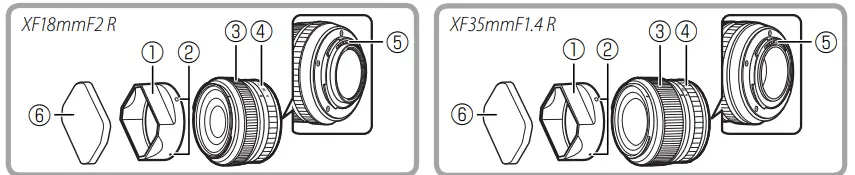
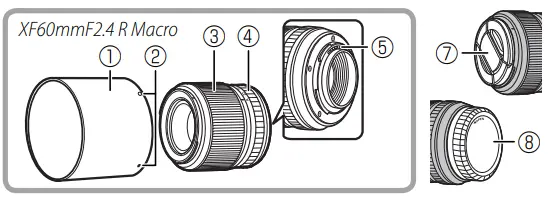
Parts of the Lens
- Lens hood *
- Mounting marks
- Focus ring
- Aperture ring
- Lens signal contacts
- Hood cap
- Front lens cap
- Rear lens cap
Attaching the Lens
See the camera manual for information on attaching and removing lenses. Note that this product is not compatible with X mount fi lm cameras.
Removing the Caps
Remove the caps as shown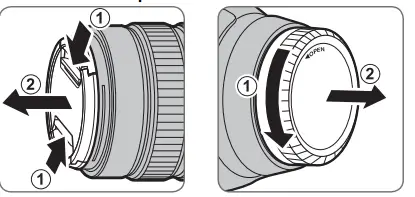
Attaching the Hood
When attached, lens hoods reduce glare and protect the front lens element.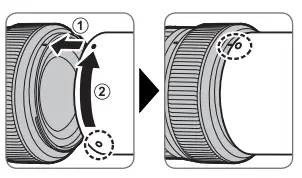
Supplied Accessories
- Front lens cap
- Rear lens cap
- Lens hood
- Cloth wrapping
- Hood cap (XF18mmF2 R and XF35mmF1.4 R only)
Product Care
- When using a lens hood, do not pick up or hold the camera using only the hood.
- Keep the lens signal contacts clean.
- Use a blower to remove dust and lint from the lens surfaces. To remove smudges and fingerprints, apply a small amount of ethanol or lens cleaner to a soft, clean cotton
cloth or lens-cleaning tissue and clean from the center outwards using a circular motion, taking care not to leave smears or touch the glass with your fi ngers. - Never use organic solvents such as paint thinner or benzene to clean the lens.
- Attach the front and rear caps when the lens is not in use.
- If the lens will not be used for an extended period, store it in a cool, dry location to prevent mold and rust. Do not store in direct sunlight or with naphtha or camphor moth balls.
- Keep the lens dry. Rusting of the internal mechanism can cause irreparable damage.
- Leaving the lens in extremely hot locations could cause damage or warping.
Specifications
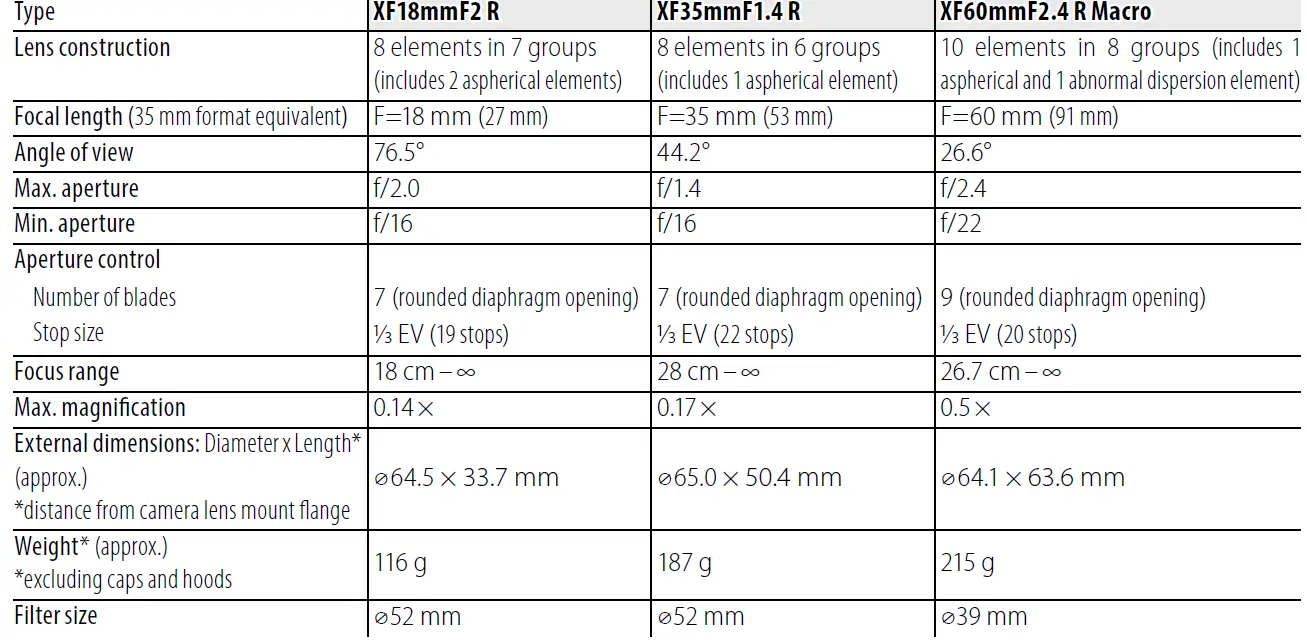
- Improvements may result in unannounced changes to specifications and appearance.
- Owing to how this lens is constructed, the “Distance indicator” displayed by the camera may in some cases differ from the actual focus distance. Use the “Distance indicator” as a guide only.
FCC Statement:
This device complies with Part 15 of the FCC Rules. Operation is subject to the following two conditions:
- This device may not cause harmful interference, and
- this device must accept any interference received, including interference that may cause undesired operation.
CAUTION: This equipment has been tested and found to comply with the limits for a Class B digital device, pursuant to Part 15 of the FCC Rules. These limits are designed to provide reasonable protection against harmful interference in a residential installation. This equipment generates, uses, and can radiate radio frequency energy and, if not installed and used in accordance with the instructions, may cause harmful interference to radio communications. However, there is no guarantee that interference will not occur in a particular installation. If this equipment does cause harmful interference to radio or television reception, which can be determined by turning the equipment off and on, the user is encouraged to try to correct the interference by one or more of the following measures:
- Reorient or relocate the receiving antenna.
- Increase the separation between the equipment and receiver
- Connect the equipment into an outlet on a circuit different from that to which the receiver is connected.
- Consult the dealer or an experienced radio/TV technician for help.
You are cautioned that any changes or modifications not expressly approved in this manual could void the user’s authority to operate the equipment.
FAQS
Is Fuji 100 400 worth it?
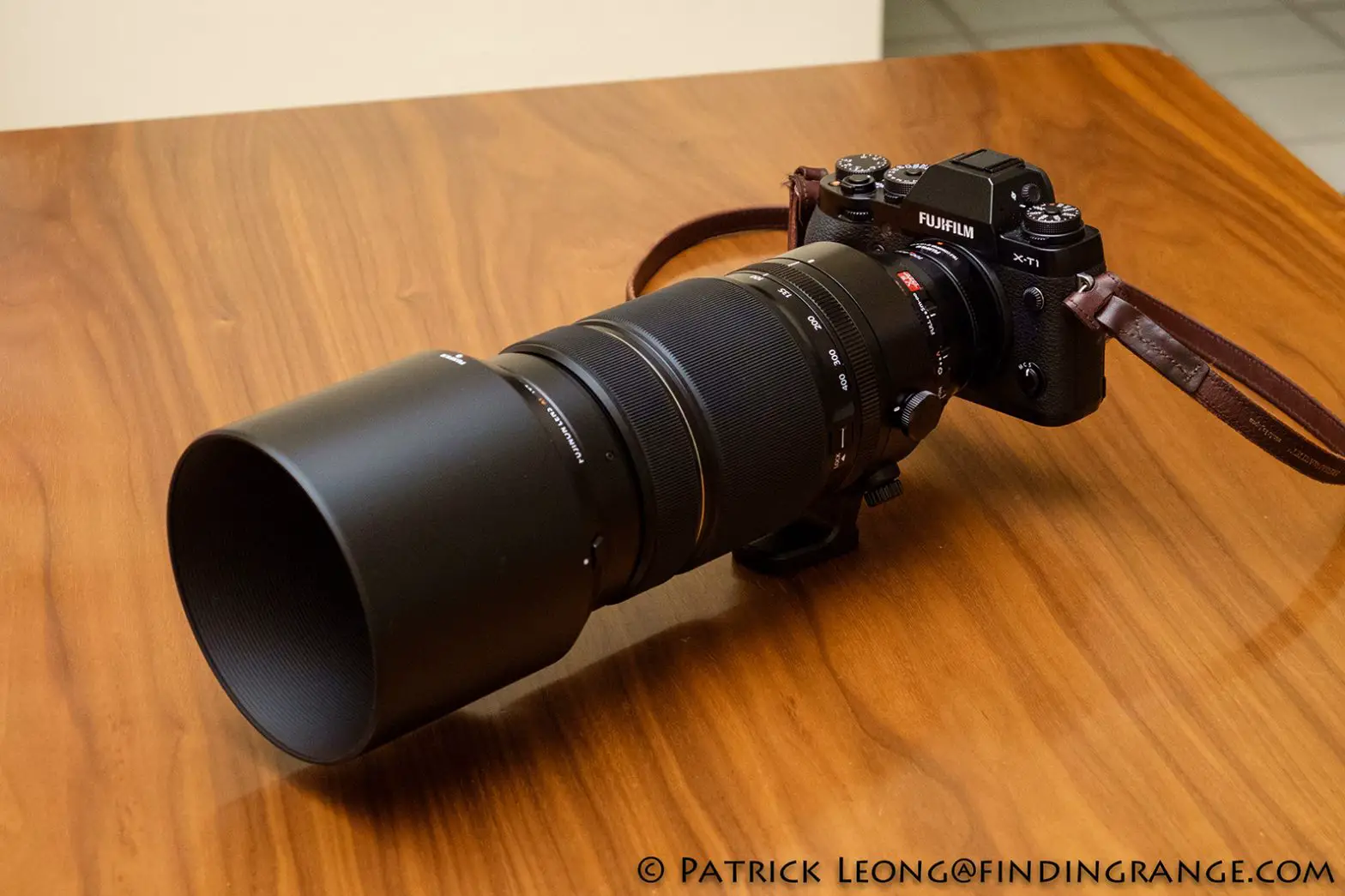
The Fujinon XF 100-400mm f/4.5-5.6 R LM OIS WR lens is a serious telephoto zoom! If you’re looking for a long telephoto lens for your Fujifilm X camera, your options are very limited, and this one might be your best bet; however, it’s bulky, heavy and, with an MSRP of $1,900, very expensive.
What is LM OIS WR?
5-5.6 R LM OIS WR is a super telephoto zoom lens that covers a 35mm focal length equivalent of 152-609mm. The high performance optical construction of 21 elements in 14 groups includes five ED lenses and one Super ED lens to help reduce chromatic aberration that often occurs in telephoto lenses
Is Fuji 50 140 worth it?
From a build quality standpoint, the Fujifilm XF 50-140mm f/2.8 is one of the most well-built lenses Fujifilm puts out. The lens feels like a premium product and it’s weather-sealed to the nines. It’s an expensive lens at just under $1,600 but it’s worth it.
What does the R mean on Fuji lenses?
R – this designation means that a given Fujinon X-mount lens has a dedicated aperture ring. It does not allow direct aperture control – it is not coupled to it by gearing, but is instead electronic.
What does OIS mean in Fuji lens?
If the lens supports optical image stabilization (O.I.S.), the image stabilization mode can be chosen in the camera menus. To activate image stabilization, slide the O.I.S. switch to ON
What is WR in Fujifilm?
List Of Fujifilm Zoom Lenses. A list of all zoom lenses for Fuji XF mount. WR means weather-sealed, OIS optical image stabilization.
Are Fuji lenses good?
Fujifilm’s XC lenses are designed for lightness and low cost, but they still perform remarkably well. Very compact and lightweight for a telephoto zoom, the Fujifilm XC50-230mm f/4.5-6.7 OIS II keeps things simple and affordable
Are XF lenses better than XC?
The main difference between the two are that XF lenses are made of metal with a metal lens mount whereas an XC lens is mostly plastic construction. Being made of plastic does mean that the lenses are lighter however they are not quite as robust as the metal construction of the XF lenses
How do you turn on OIS Fuji?
If the lens supports optical image stabilization (O.I.S.), the image stabilization mode can be chosen in the camera menus. To activate image stabilization, slide the O.I.S. switch to ON
Does this Lens come with a Hood?
Yes, it comes with a detachable hood that can be fitted in reverse in order to pack it in a lens case. The interesting thing is that the hood comes with a little window on the side that opens and closes to let you adjust your polarizing filter.
Does it work with fujiX100f?
No. The x100F is a fixed lens camera. You’ll need a body such as the XT2 that uses interchangeable lenses.
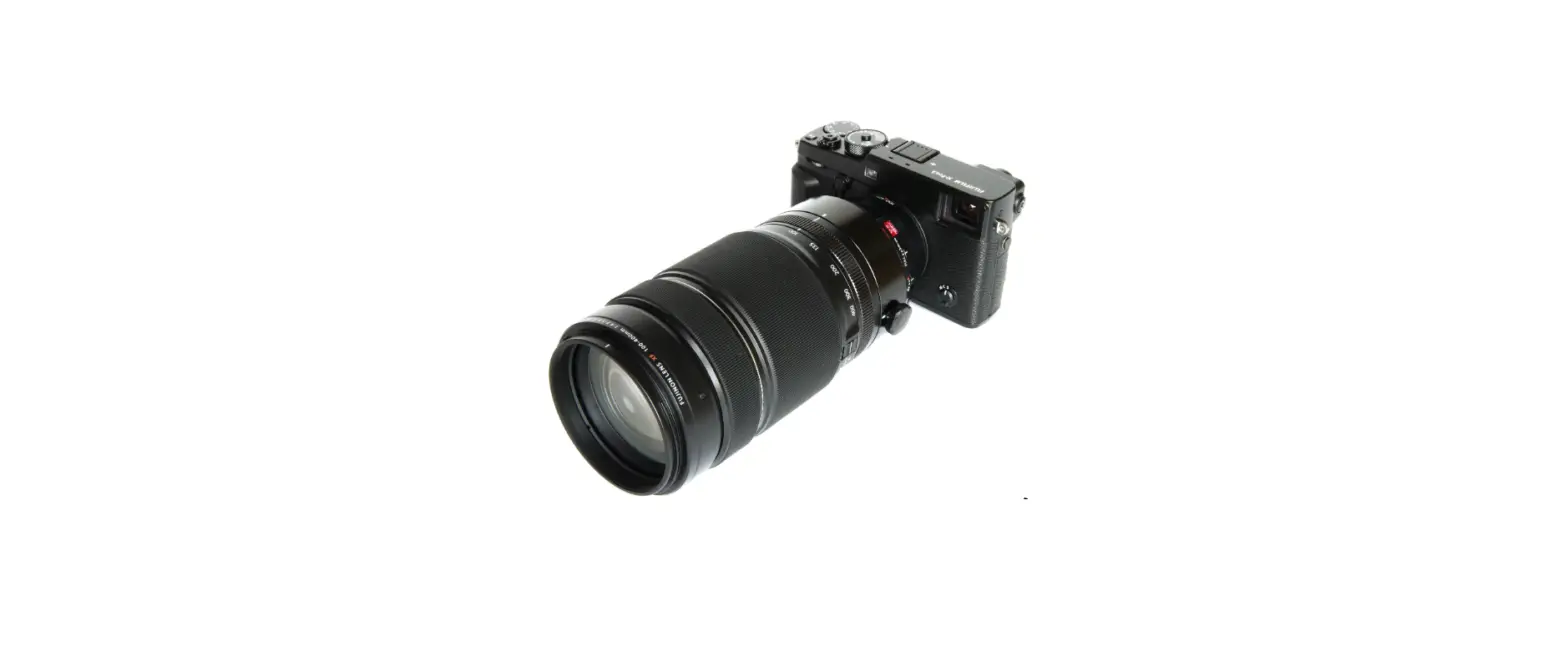
Anybody use the 100-400 with the 2x tc. How’s the image quality?
There will be image quality degradation using the X2. The x1.4 is better at keeping image quality compared to no extender.
Rotates just a tiny bit (maybe 3-5 degrees) when locked on my x-pro2, is this cause for concern?
This does not occur on my X-Pro2. The question is do the lens and body electronic contacts align so that the lens operates correctly? If so, then there is no problem, if not, there is a defect.
How’s the autofocus speed? Good enough for bird photography?
Very good autofocus speed with xpro2 and fairly decent light. Have obtained photos easily equal to the Nikon 100-400 (newer version). Seemed to focus quickly on hawk in a dark tree but I haven ‘t evaluated that too carefully. Focus has been accurate. Good sharp pictures.