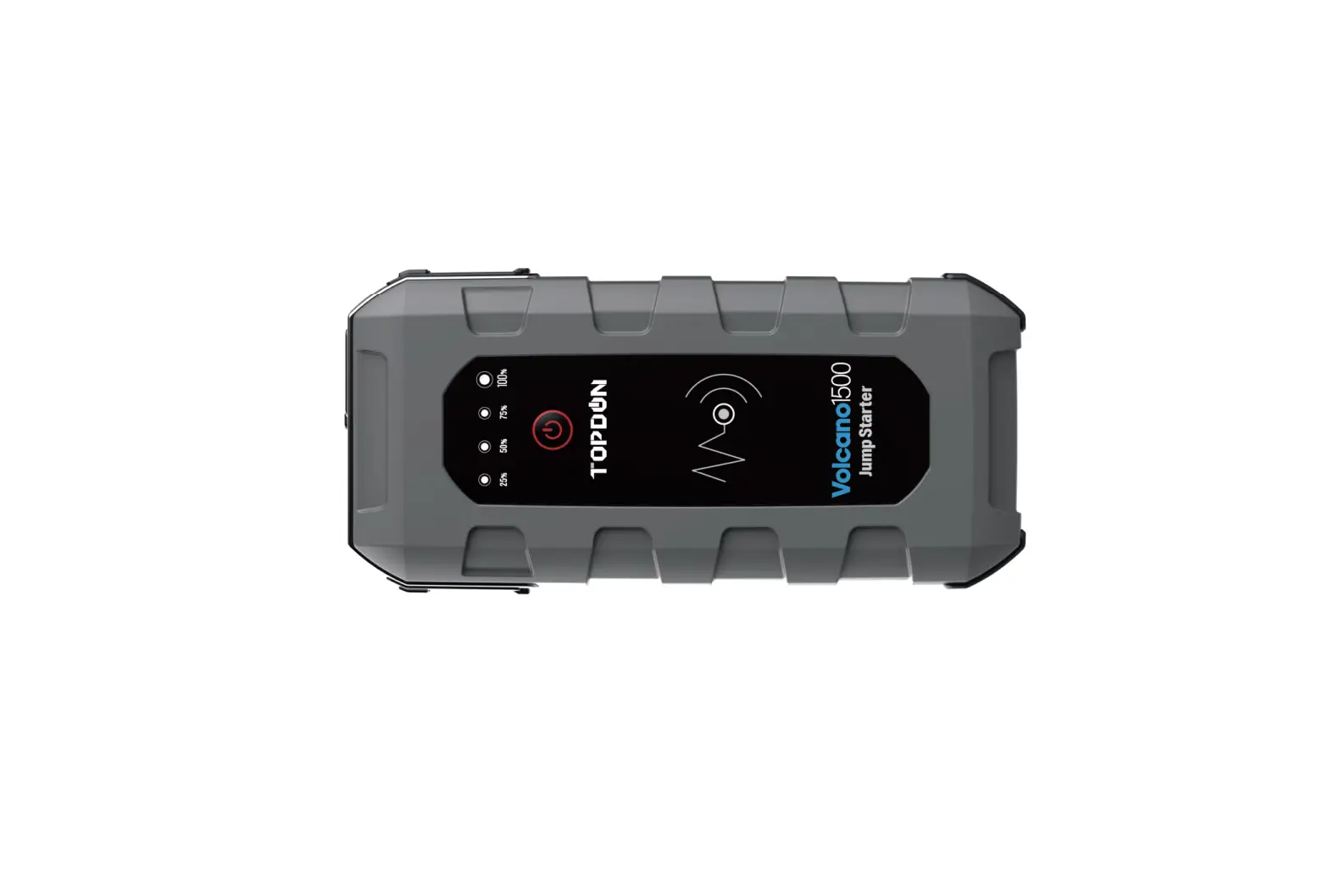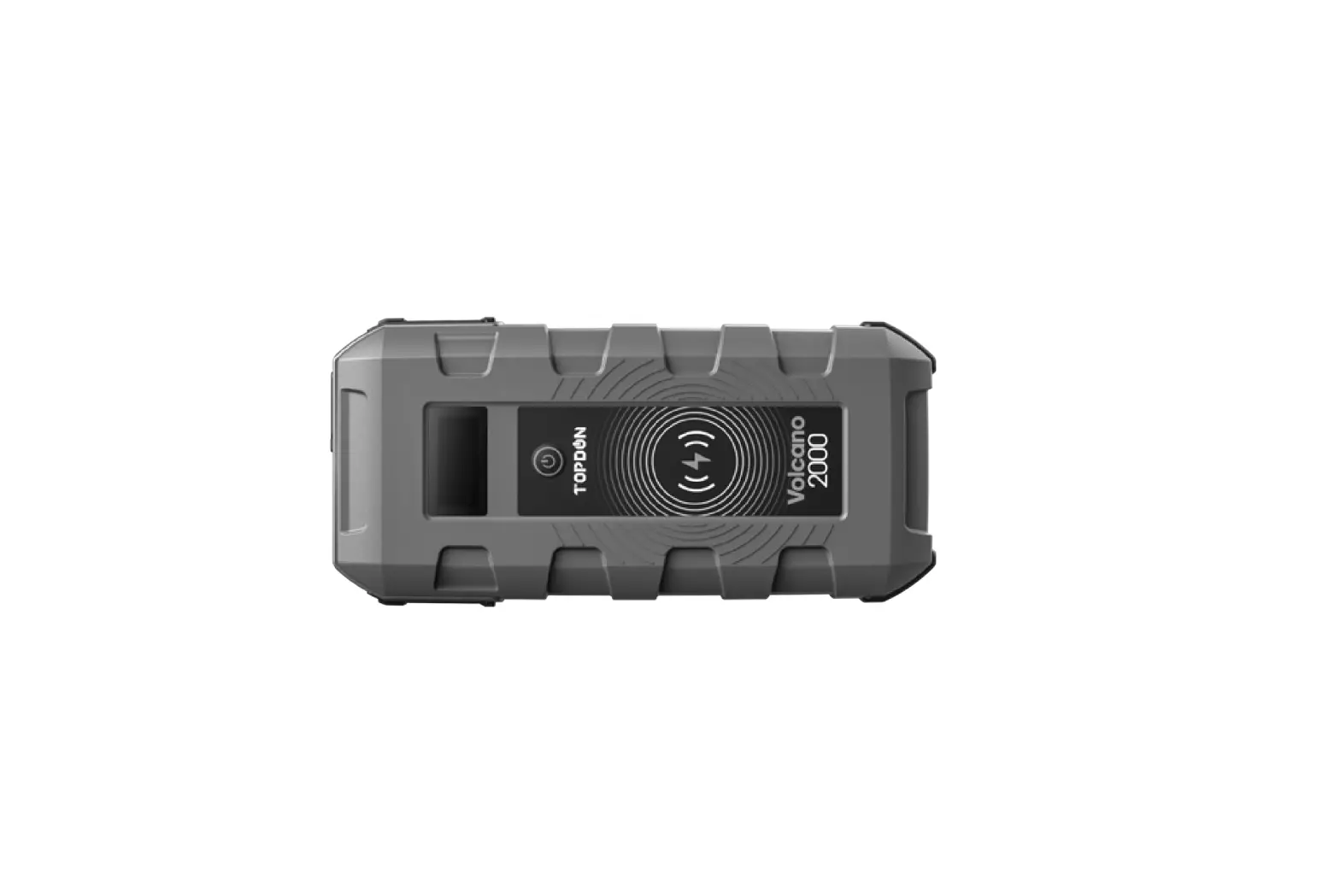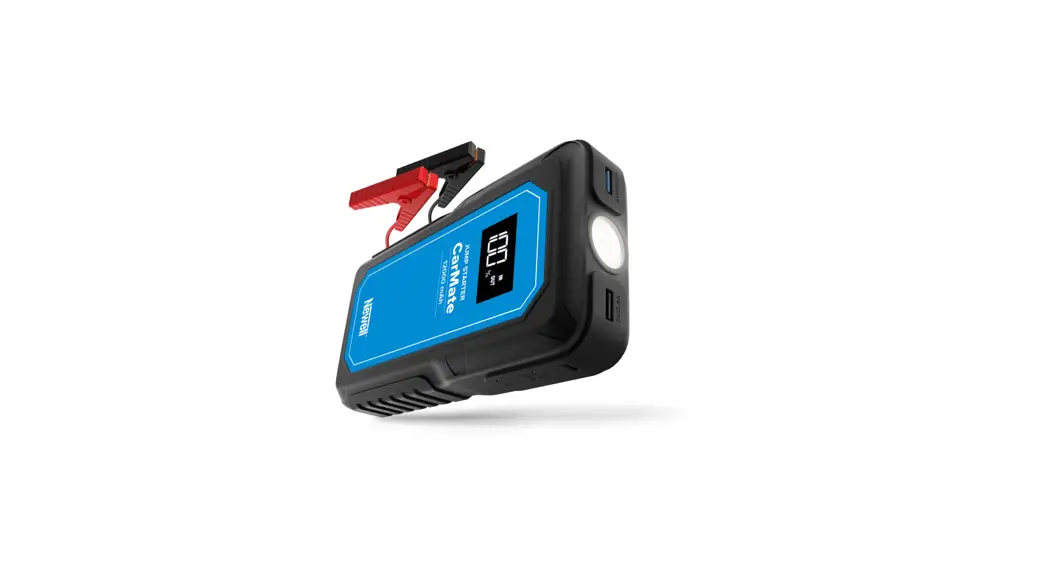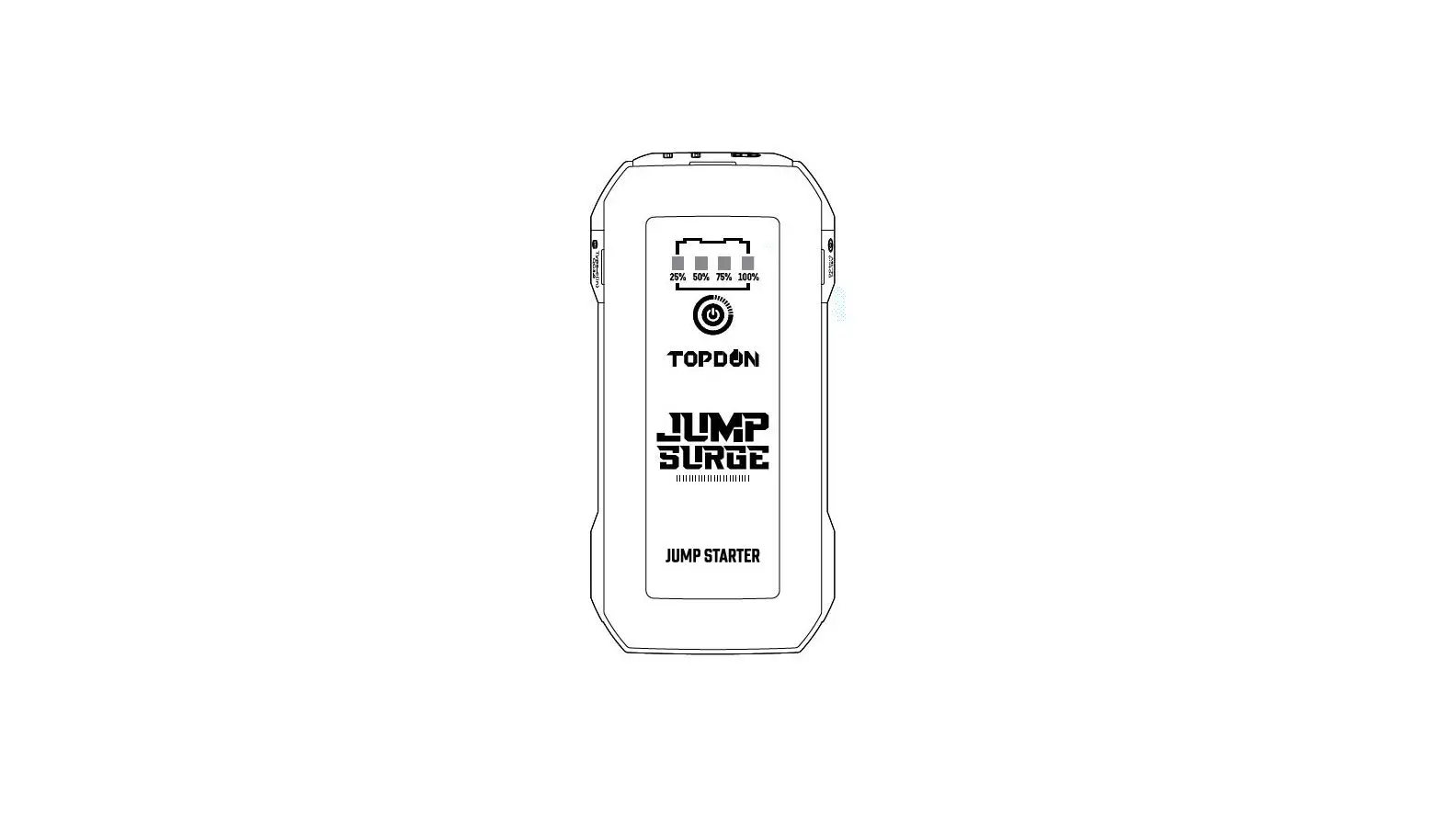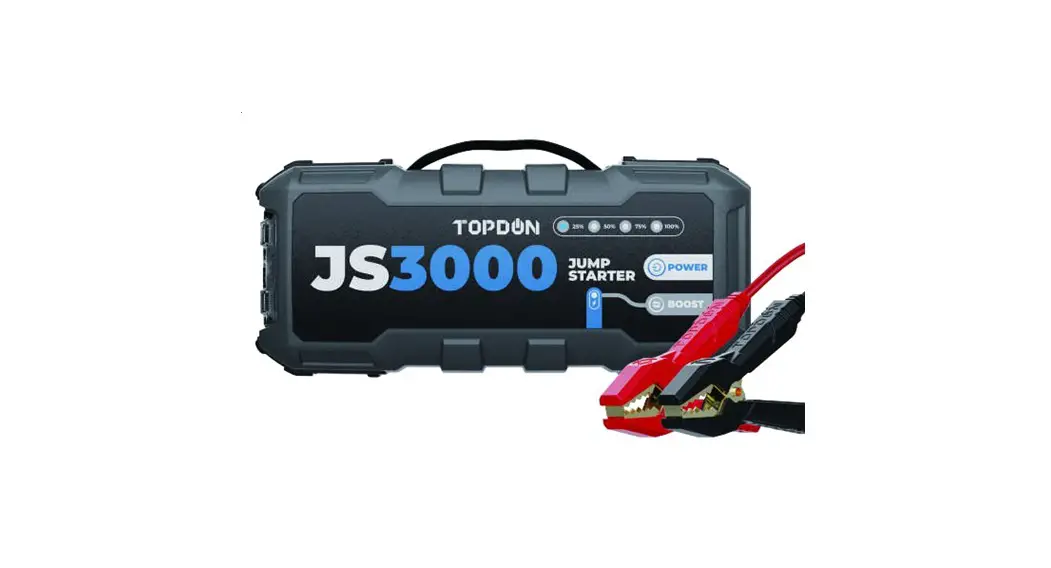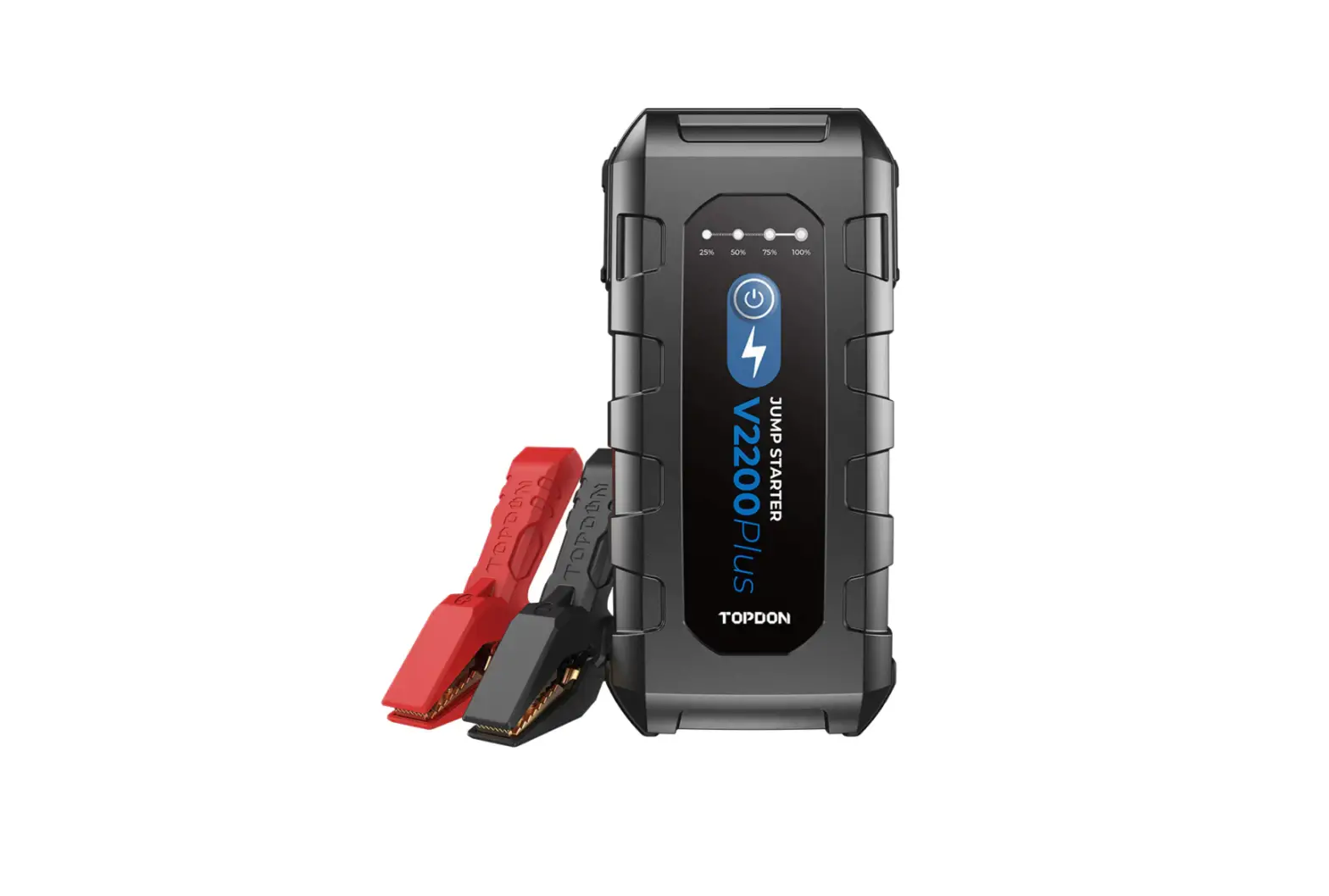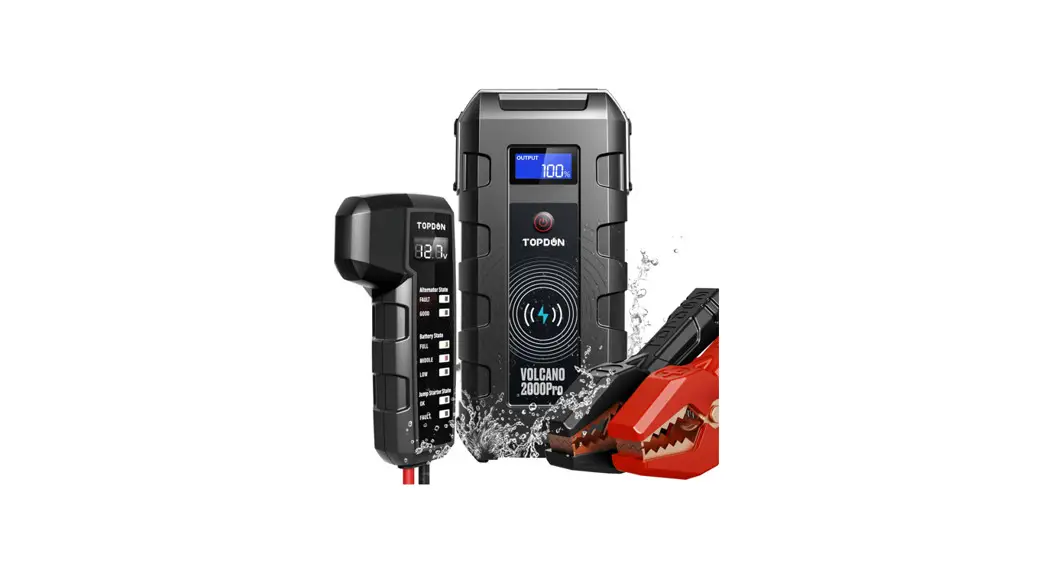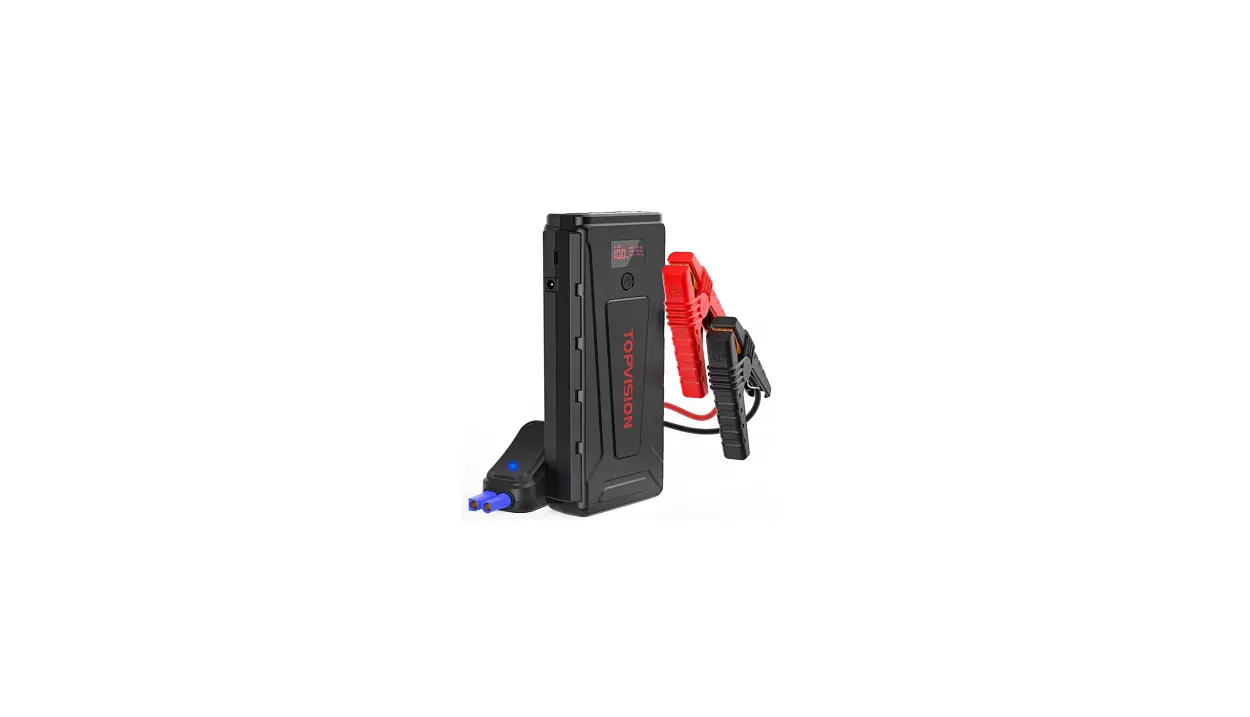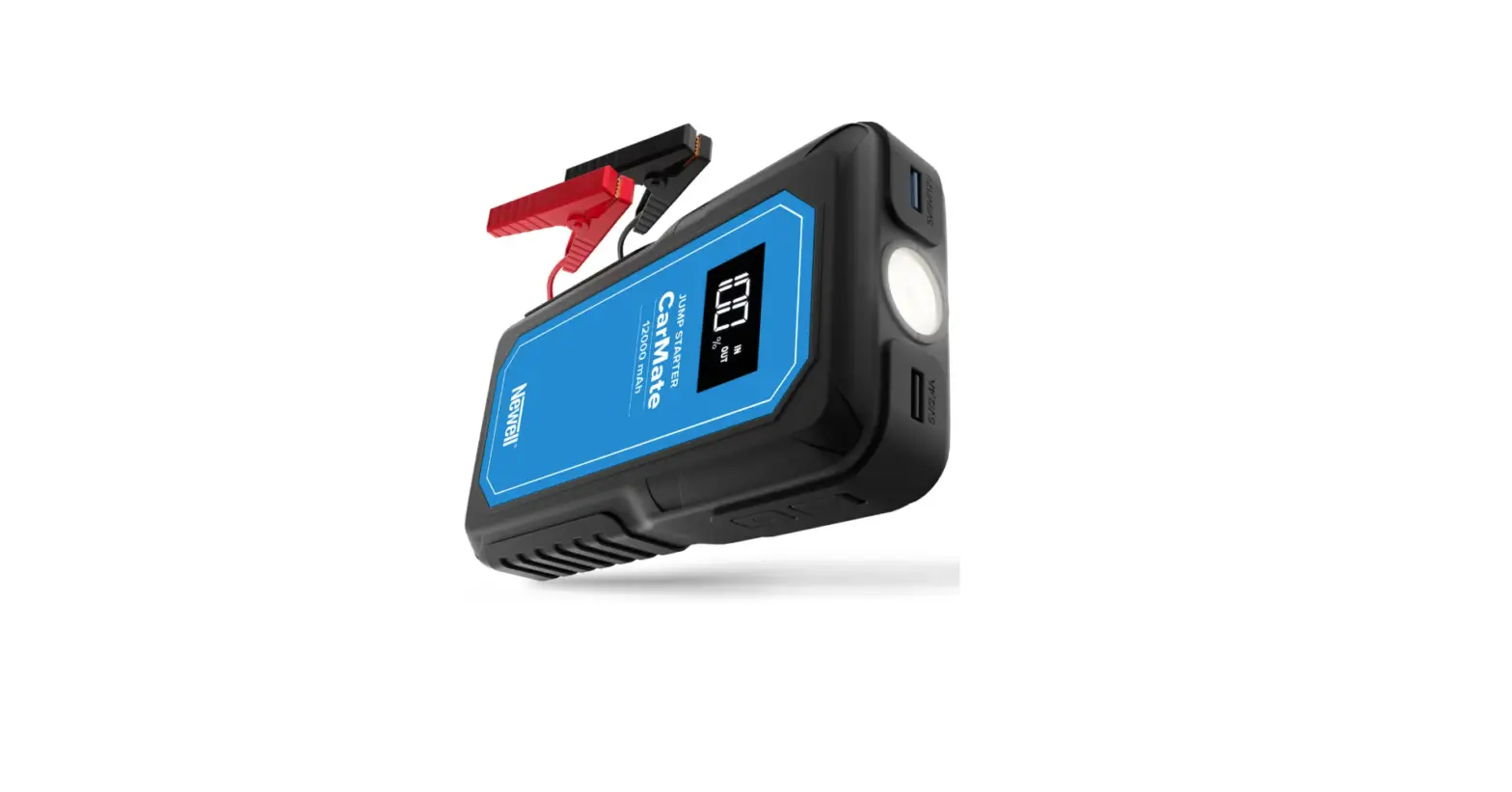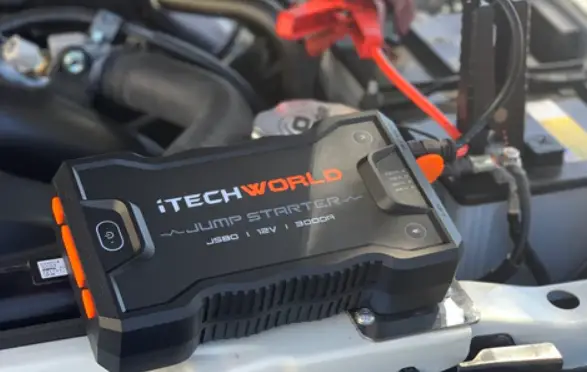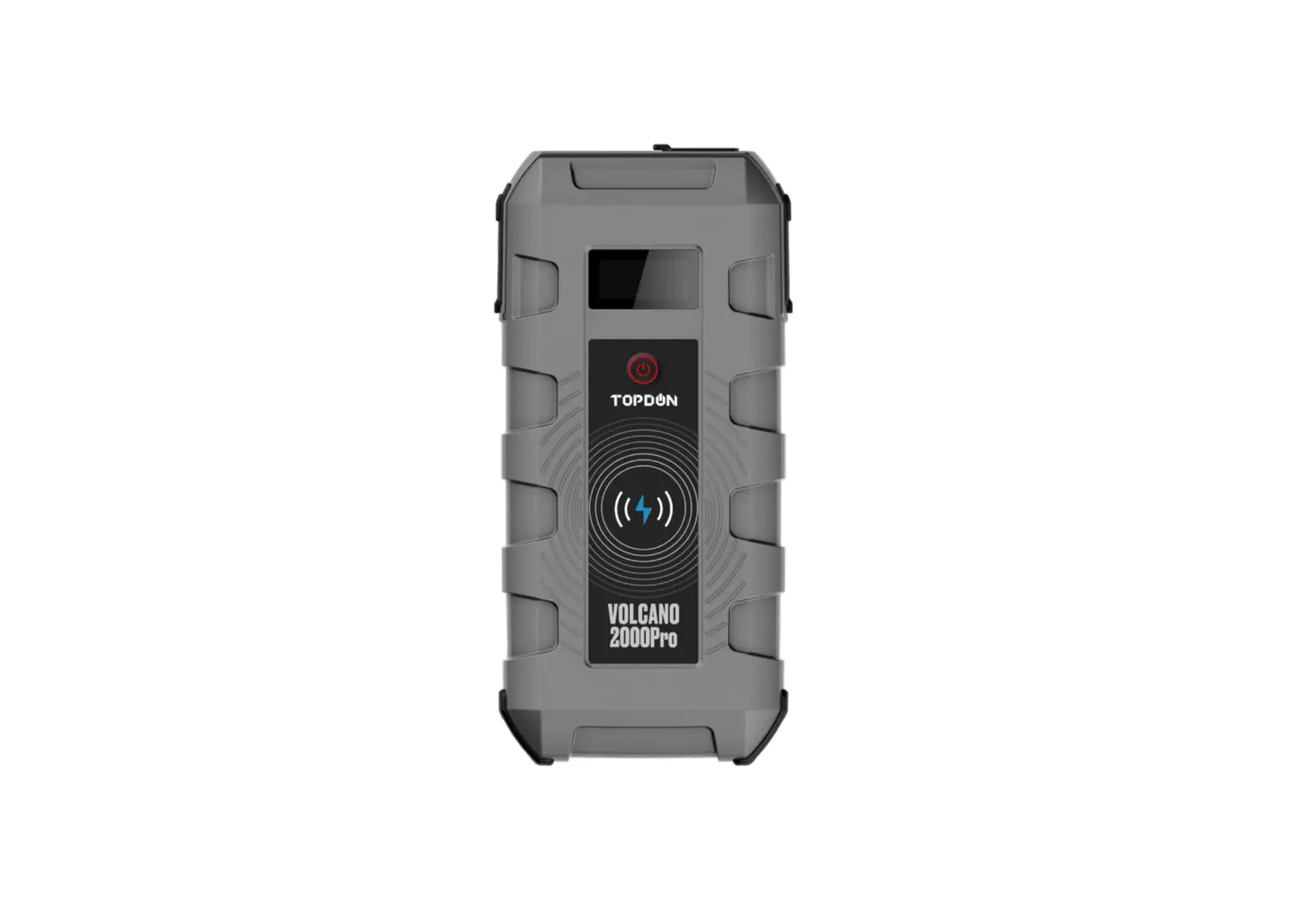
Topdon 2000Pro Portable Lithium-ion Jump Starter 12V Cars Trucks User Manual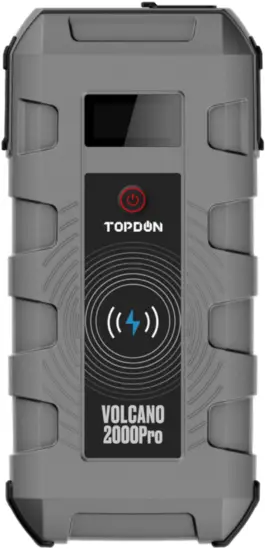
Welcome
Thank you for purchasing TOPDON Jump Starter Volcano2000Pro. Please patiently read and understand this User Manual before operating this product. If any issues arise from the operation of this product, welcome to contact [email protected] for official technical support.
About
TOPDON Volcano2000Pro serves as a portable Volcano2000Pro for cars, boats, motorcycles, ATVs, lawn mowers, caravans, tractors, trucks, etc., with 25-times boost capability on a single charge, and multiple protections against short circuits, overloads, and overcharging etc., for optimal user experience.
The Jump Starter can also be used in a variety of real-life applications for night illumination, outdoor activities, motoring life, and natural disaster emergency etc. with the added features as wireless charging, Type-C output, to be the intimate guardian in your journey.
Features
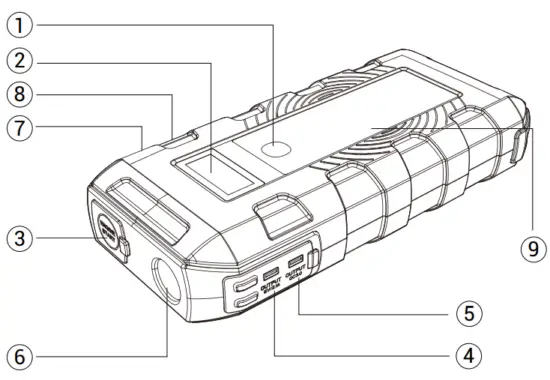
| NO. | Function | Operation |
| 1 | Power Button | Press to charge the external electronic devices as cellphones etc.; Press to check its remaining battery capacity; Hold to turn on/off the flashlight. |
| 2 | LCD Display | Display the remaining power and output status. |
| 3 | Auto Jump Starting Port | 12V, 2000A. |
| 4 | Output 5V/2.1A | Charge mobile devices and cameras etc, 50% faster than a standard charger. |
| 5 | Output QC3.0 | Charge mobile devices and cameras etc, 75% faster than a standard charger. |
| 6 | Flashlight | Serve as Steady Light, or SOS, or Strobe. |
| 7 | DC Output | Power DC-powered devices as air-compressor, GPS, Vehicle Fridge, Vehicle Vacuum Cleaner, and Vehicle Air Purifier, etc. |
| 8 | Type-C Input & Output | Output port to charge mobile devices, tablets and cameras. Input port to charge this product. |
| 9 | Wireless Charging | Charge the Qi-certified cellphones. |
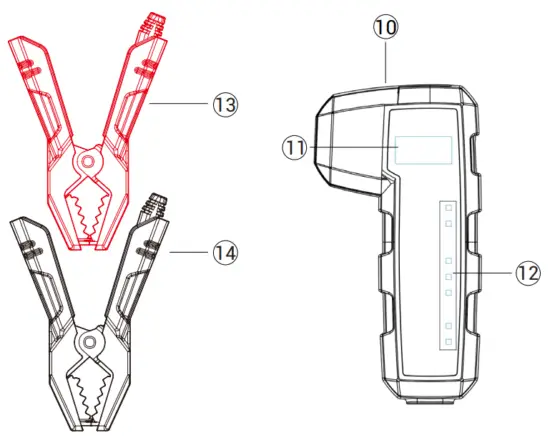
| 10 | Smart Clamp Plug | Insert the plug fully into the jump starter. |
| 11 | Digital Display | Display jump starter battery voltage/abnormal condition, vehicle battery data, and alternator output voltage after jump start. |
| 12 | LED Indicator | 7 LEDs indicates real time data of vehicle battery and jump starter test result |
| 13 | Red Smart Clamp | Connect to the positive terminal of the car battery. |
| 14 | Black Smart Clamp | Connect to the negative terminal of the car battery. |
Package Contents
- Lithium Jump Starter
- Smart Battery Clamp CP010
- Type-C Cable
- DC to Cigarette Lighter Converter
- User Manual
- Carrying Bag
Compatibility
The product is only compatible with the 12-volt lead-acid batteries, including 12V cars, trucks, pickups, motorcycles, boats, mowers, ATVs, tractors, caravans, etc. Do not use this product with any other type of batteries.
Specifications
Peak Current: 2000A
Type-C: in/out 5V/3A
Output 1: QC3.0 5V/3A, 9V/2A
Output 2: USB2.0 5V/2.1A
DC Output: 12~16.8V
Wireless charge: 10W
Short Circuit Protection: Effective
Reverse Protection: Effective
The Operation Temperature: -20°C~70°C (-4 ℉ ~158 ℉ )
Over Discharge Protection: 13V+/-0.5V
Dimensions: 206*95.5*42 mm (8.11*3.76*1.65 inches)
Weight: 1.35kg (2.98lb)
How To Use
Jump Start Your Vehicle Battery.
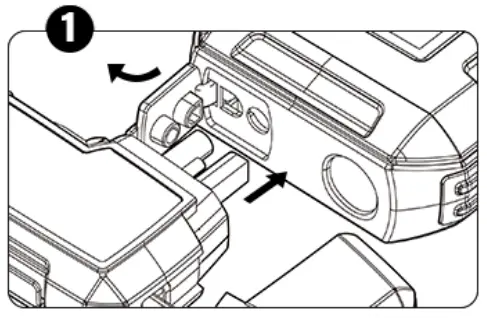
- Connect the smart battery clamp CP010 to the jump starter, the jump starter state [OK] LED will illuminate green light indicating ready to use, and [Fault] LED will illuminate red light if there is some issue;

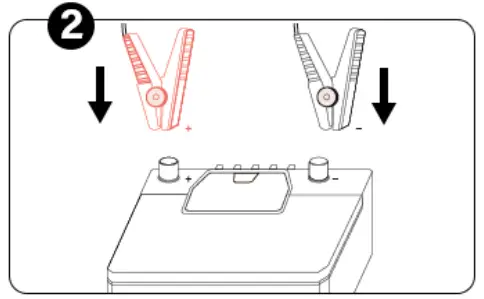
- Connect the red clamp to the positive terminal (POS, P, +) of the battery; and connect the black clamp to the negative terminal (NEG, N,-) of the battery;

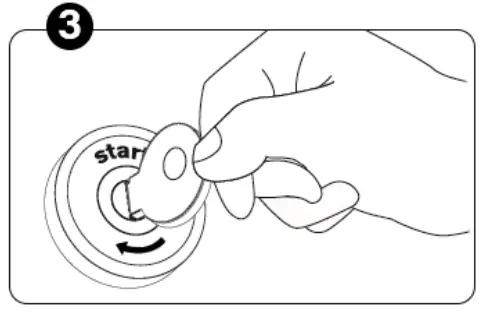
- Start the vehicle;

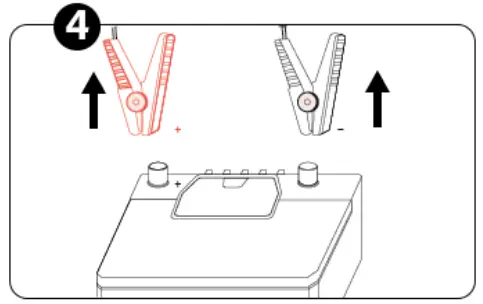
- When your vehicle is started, disconnect the clamps from the vehicle battery.

Attention:
| Digital Display | Tool Status |
| UV; showing — — — | Under voltage, jump starter battery voltage is under 10V, please charge the jump starter; or when vehicle battery is under 8V; |
| OV; showing — — — | Over voltage, Vehicle battery level is higher than jump starter’s; |
| CB; showing — — — | Current back flow, V2000 Pro battery level too low, please charge the jump starter; |
| OT; showing — — — | Over temperature, turn off V2000 Pro wait for it cool- ing down; |
| SC; showing — — — | Short circuit, clear battery posts and clamps, check the connection in between; |
| No Icon; showing — — — | Exceed connection time/overload, clear battery posts and clamps, check the connection in between. |
| LED Indicator | Alternator State | Battery State | Jump Starter State | ||||||
| Fault | Good | Full | Middle | Low | OK | Fault | |||
| Red | Green | Green | Orange | Red | Green | Red | |||
| Explanation | V2000Pro Battery | 0-14V |  | ||||||
| >14V | | ||||||||
| Vehicle Battery | 0-4.5V | ||||||||
| 4.5-11.5V |  | | |||||||
| 11.6-12V | | | |||||||
| 12.1-13V | | | |||||||
| 13.1-13.9V | | | |||||||
| 14-15.7V | | | |||||||
| >15.7V | | ||||||||
Note: √ means solid, • means flashing
- Charging the external electronic devices:
- Press the “Power” button;
- Use the USB cable to charge mobile devices as cellphones, tablets etc.;
Use the 12V DC output to power appliances as air-compressors, vehicle refrigerators; - Disconnect when the charging is completed.
- Use the LED Light as Flashlight or SOS, strobe:
- Hold the “Power” button for 3 seconds to turn on LED Light;
- Press the “Power” button to cycle the LED modes, from Steady Light, to “SOS”, and to Strobe.
Battery Charging
- Charge this product via the USB type-C input from the wall socket or other 5V output devices.
- When this product is being charged, its LCD will display “Charging” message. When it’s fully charged, the LCD will display a “100%” message.
- Please charge this product for at least 8 hours before the first use.
5V USB Charger Rating 1A 2A 3A Time 12hr 6hr 4hr
Important
- The battery jump procedure is only for use on vehicles with 12 volt batteries.
- Use only the smart battery clamps supplied with this product.
- Only jump start the vehicle when capacity is at least 50%.
- Better not get the two battery clamps contacted together.
- If the engine does not start, disconnect this product from the vehicle battery, and wait for at least 20 seconds before reconnecting. Maximum three attempts are allowed in 2 minutes.
- Once the vehicle engine is successfully started, disconnect the clamps within 30 seconds.
- DO NOT use this product if any cable, clamp or cord is damaged.
- DO NOT put the product under the direct sunlight or hot areas.
- DO NOT disassemble the equipment.
- DO NOT use chemicals or detergents to clean the product.
- DO NOT place the products in high temperature environment for a long time.
- Check the charge level of the device every four months, and charge the device if needed.
FCC Warning
This device complies with part 15 of the FCC Rules. Operation is subject to the following two conditions:
- This device may not cause harmful interference, and
- this device must accept any interference received, including interference that may cause undesired operation.
Troubleshooting Guide
Q: How to turn off this product?
A: This product will automatically power off while not being used.
Q: How long time does it need to get fully charged?
A: Via the Type-C USB 5V/3A input, the device will need approximately four to five hours to get fully charged.
Q: How many times can this device jump start a vehicle battery on a single charge?
A: Up to 25 times, it depends on the vehicle engine’s power and vehicle battery’s capacity.
Warranty
- TOPDON One Years Limited Warranty
The TOPDON Company warrants to its original purchaser that TOPDON products will be free from defects in material and workmanship for 12 months from the date of purchase (Warranty Period). For the defects reported during the Warranty Period, TOPDON will, according to its technical support analysis and confirmation, either repair or replace the defective part or product. - This limited warranty is void under the following conditions:
Misused, disassembled, altered or repaired by a non-TOPDON technical repair specialist.
Careless handling and violation of operation.
Notice: All information in this manual is based on the latest information available at the time of publication and no warranty can be made for its accuracy or completeness. TOPDON reserves the right to make changes at any time without notice.

 TOPDON|Automotive Diagnostic Tools, Battery Tools and Key Programmers – Topdon Technology Co., LIMITED