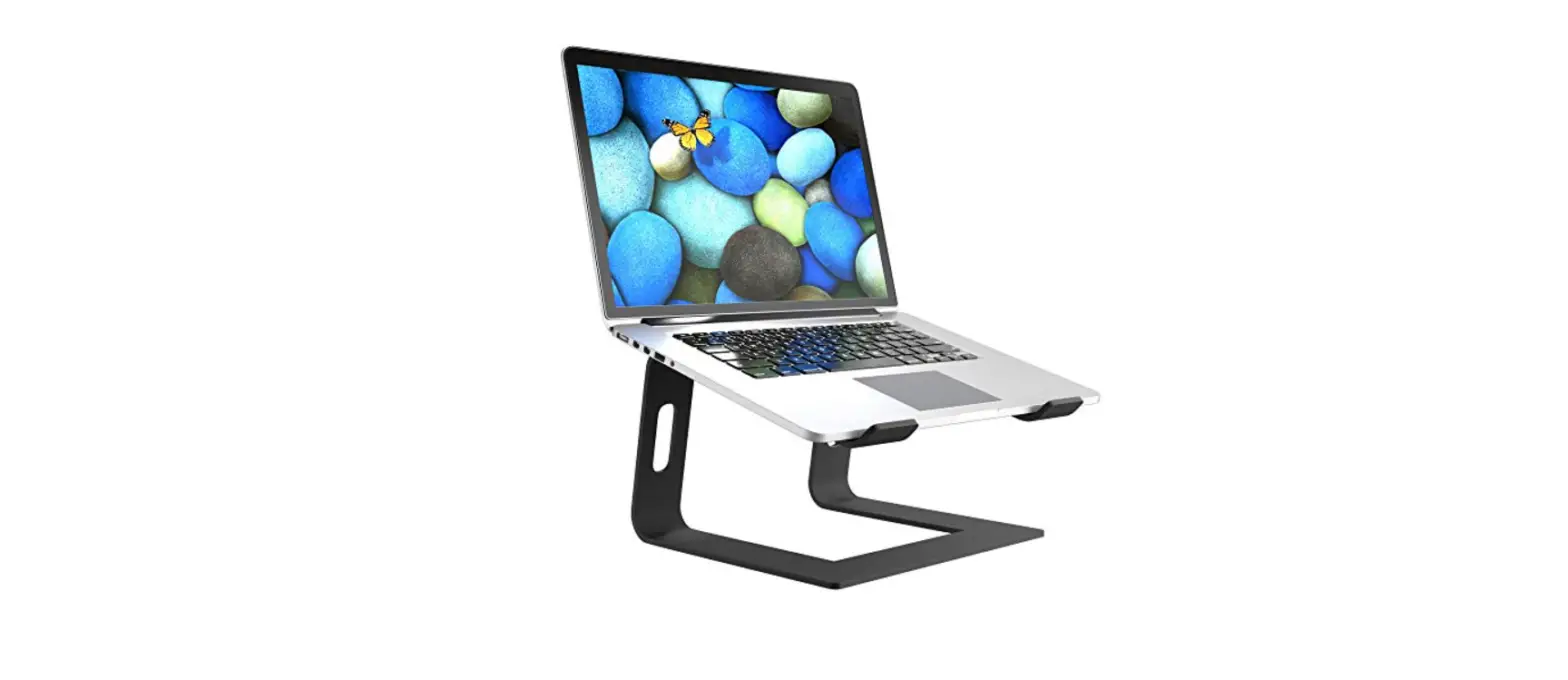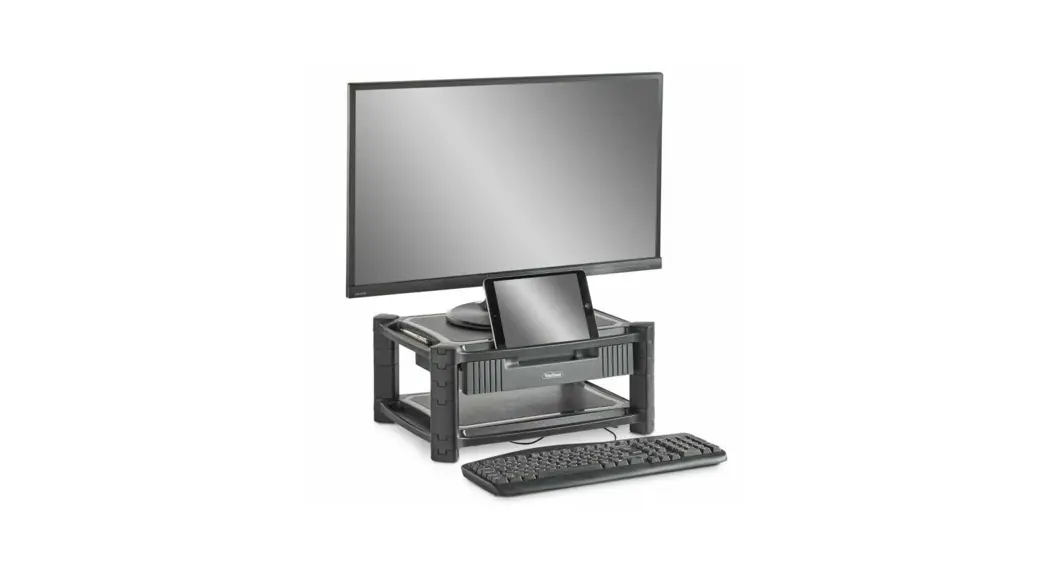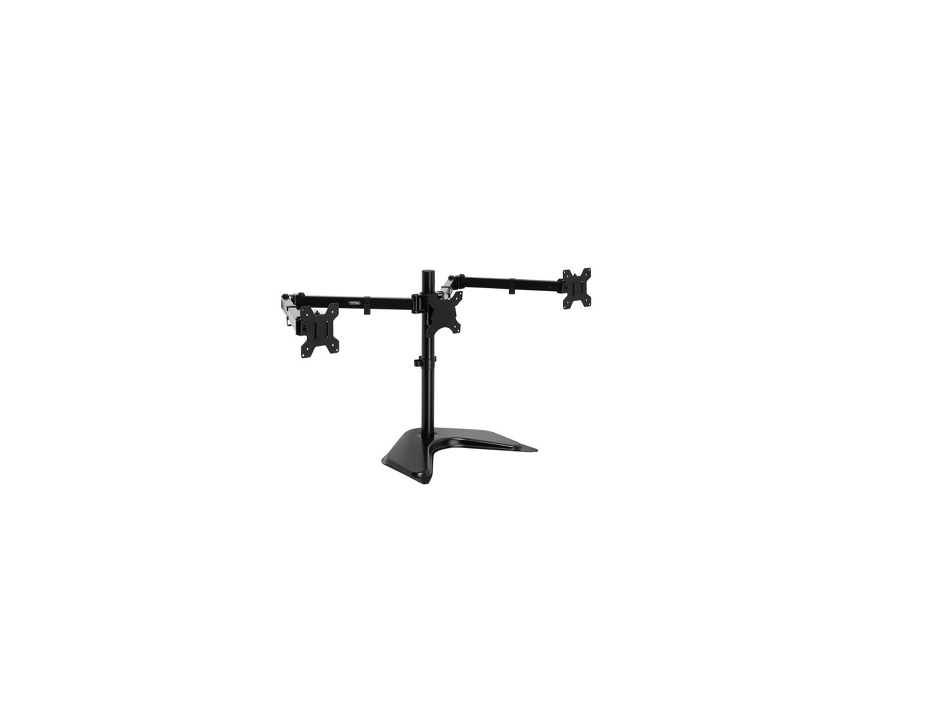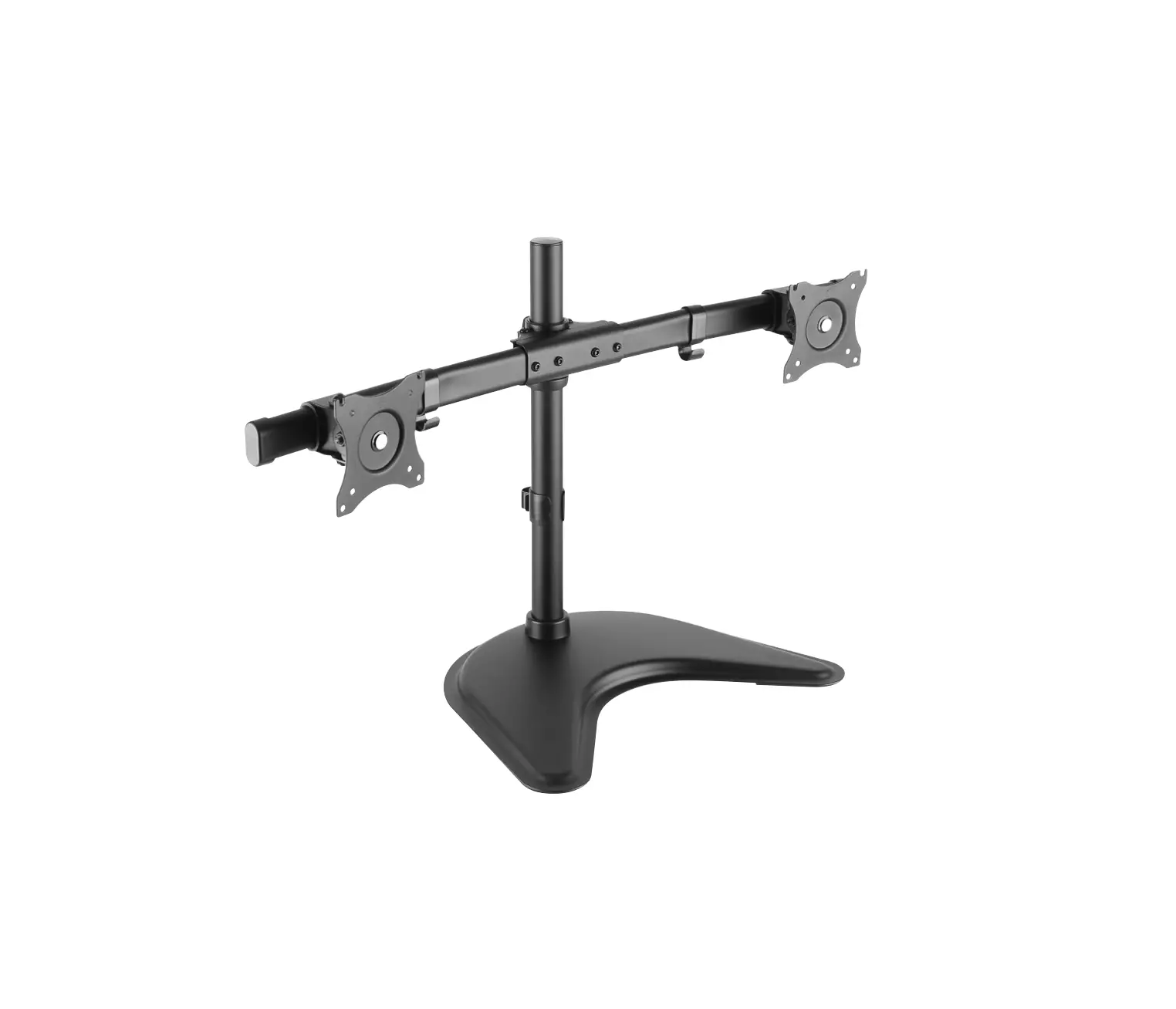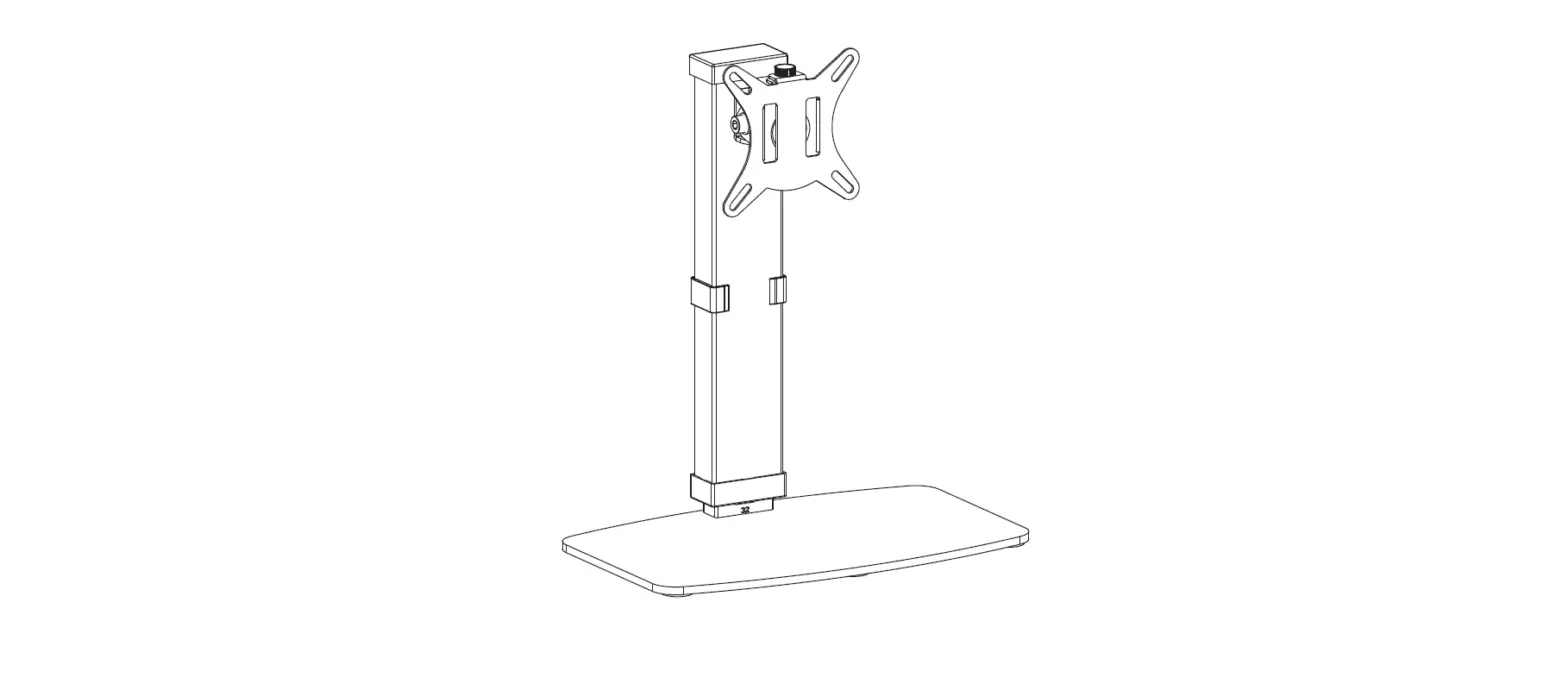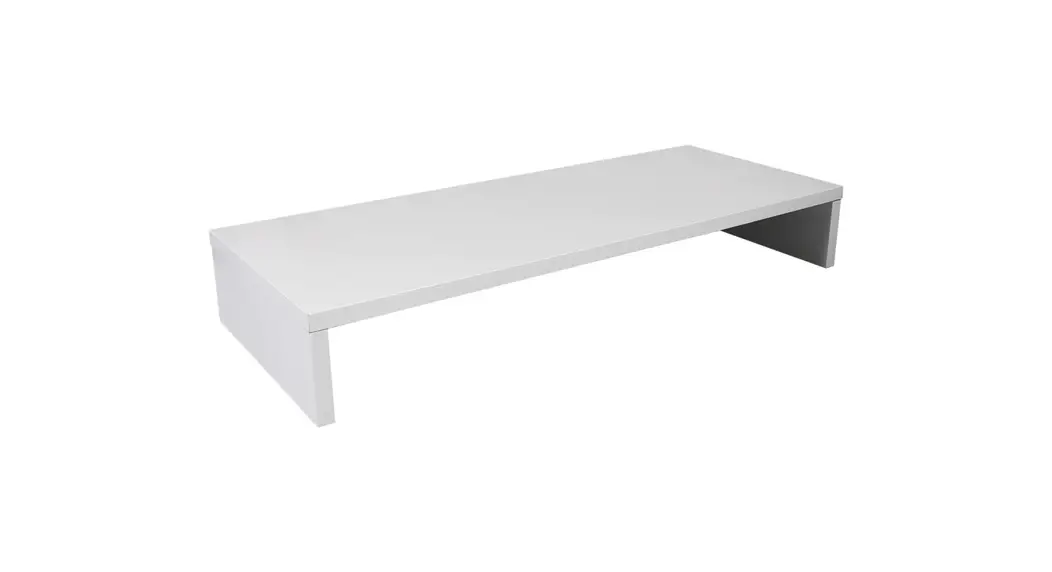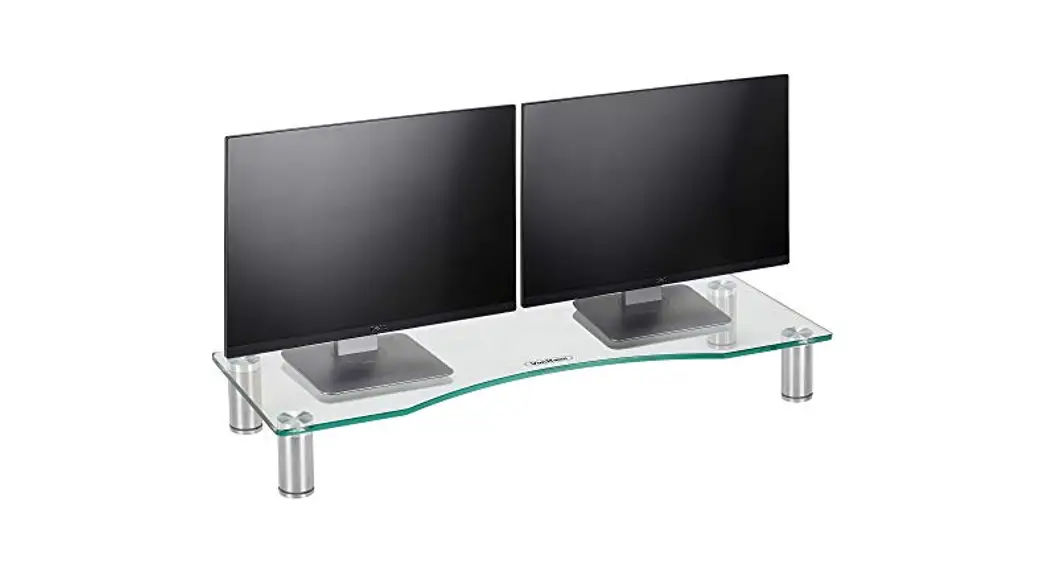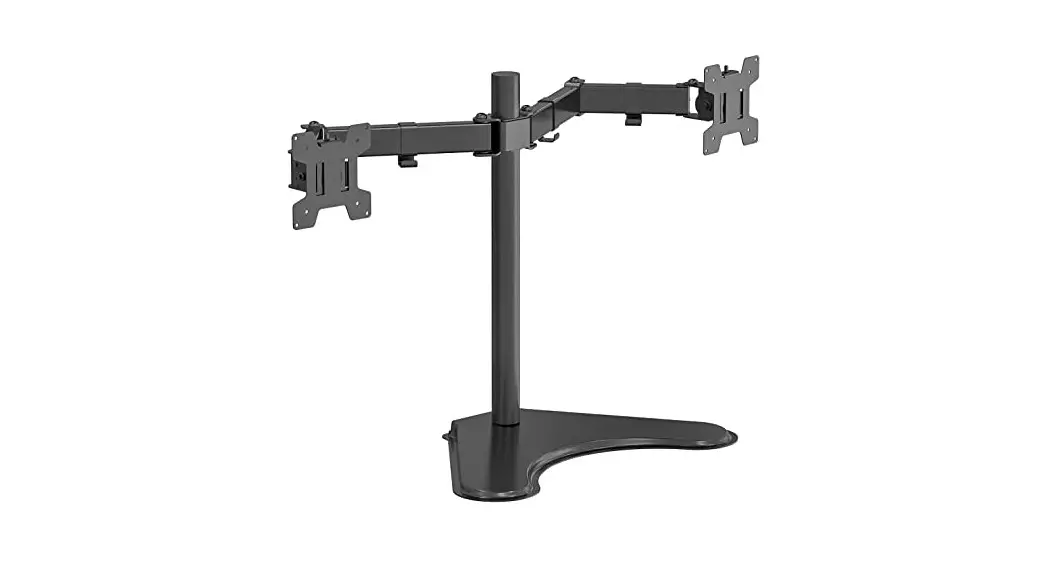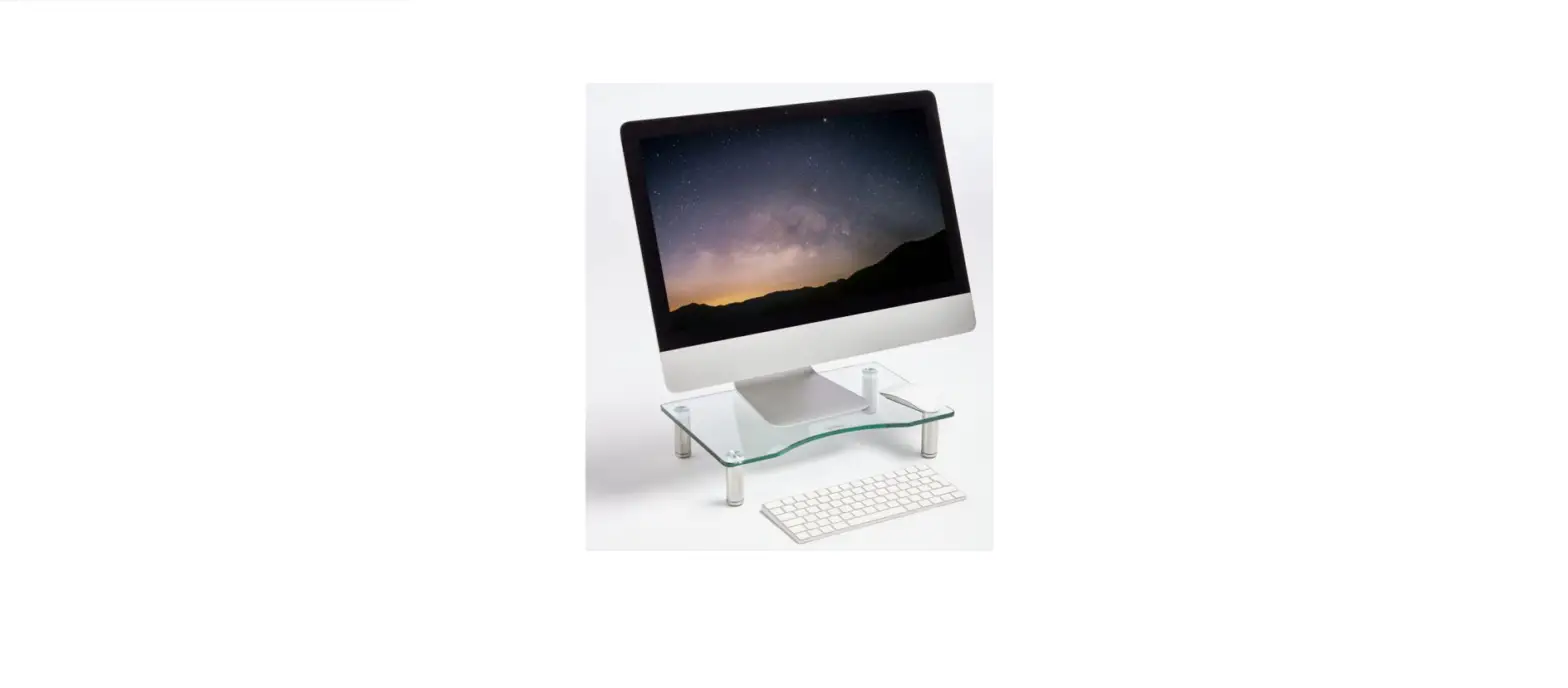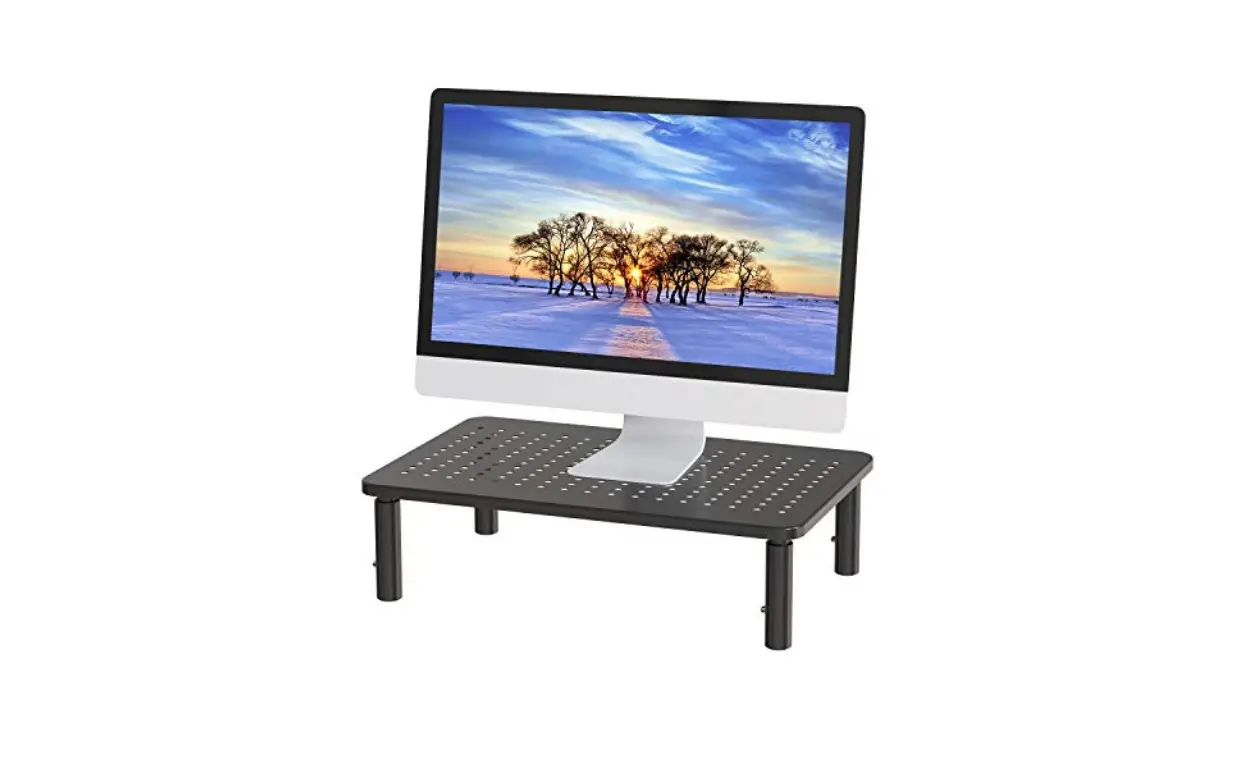

LORYERGO LEMS03 Adjustable Metal Monitor Stand
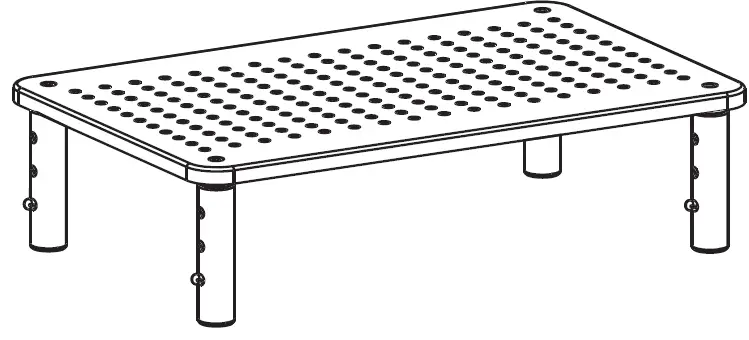
Thank you for choosing this LORYERGO product! At LORYERGO we strive to provide you with the best quality products and services in the industry. Should you have any issues, please don’t hesitate to contact us at [email protected].
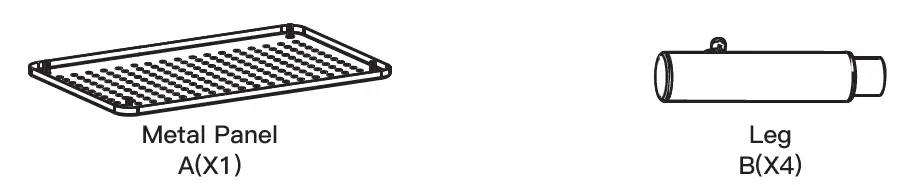
Supplied Parts
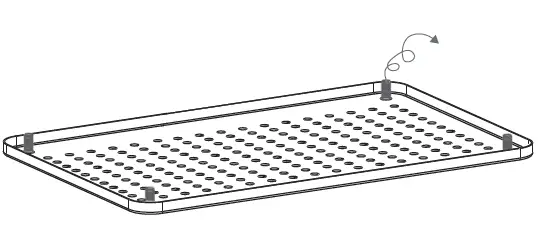
- Remove the four plastic covers preassembled on the four bolts

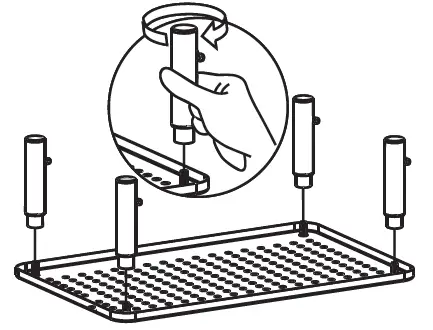
- Screw the four legs into the four bolts in the corner of the metal panel [A]

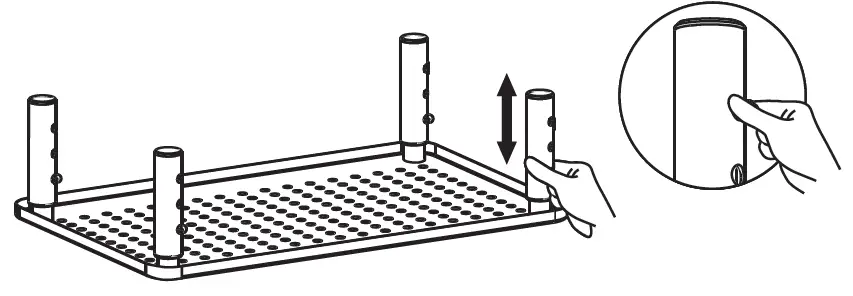
Easy Adjustment
ATTENTION: Please remove all things on this product before adjusting the height.
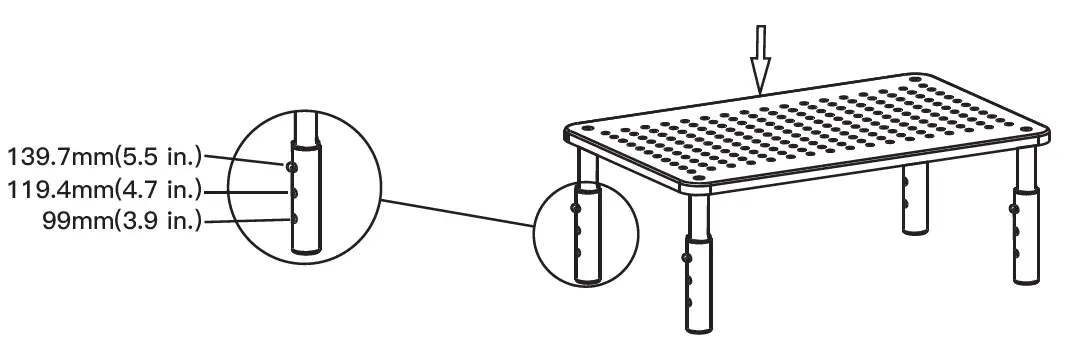
High Adjustment:
Press the button on the leg and pull up or press down the leg to lift or lower the stand.