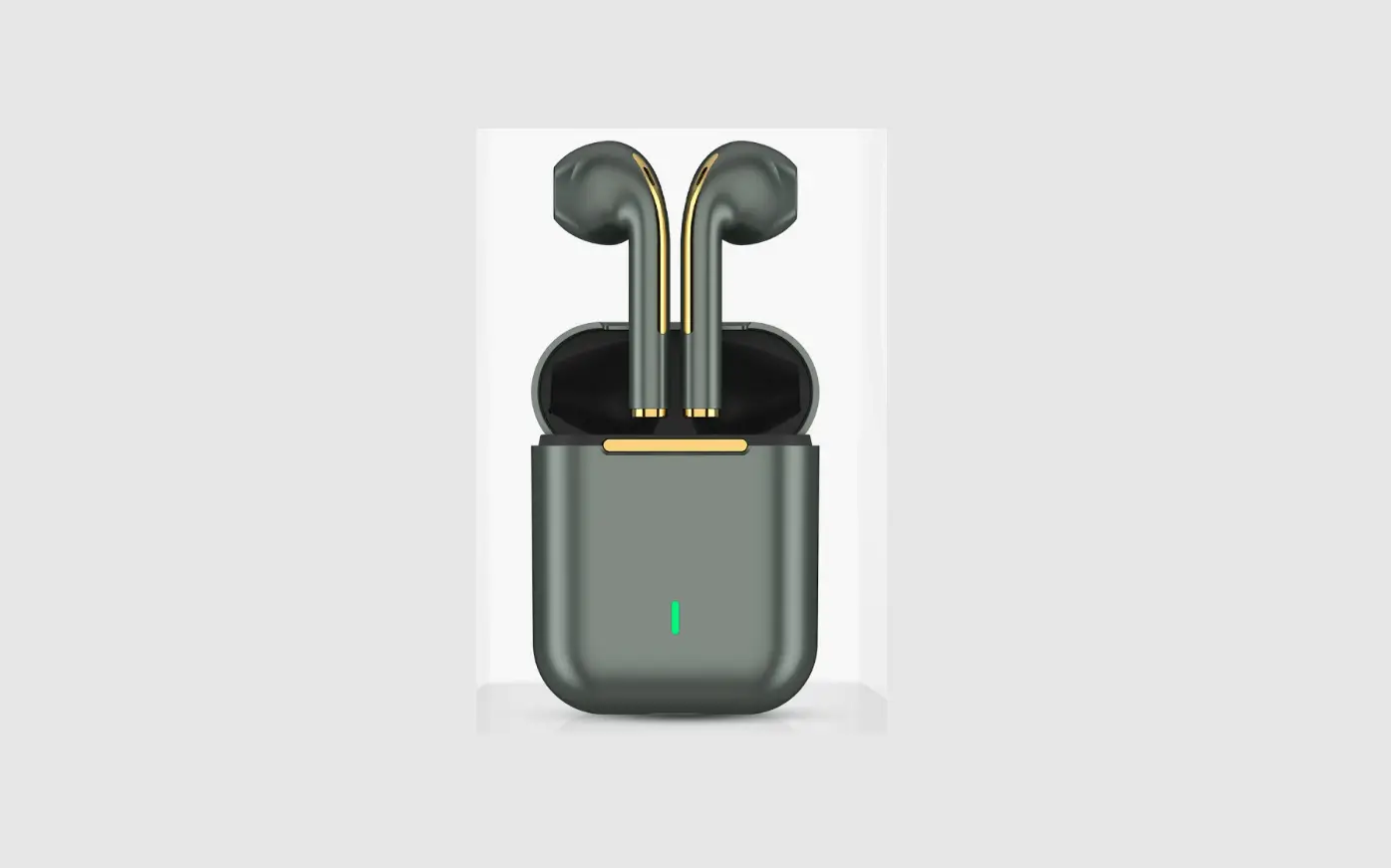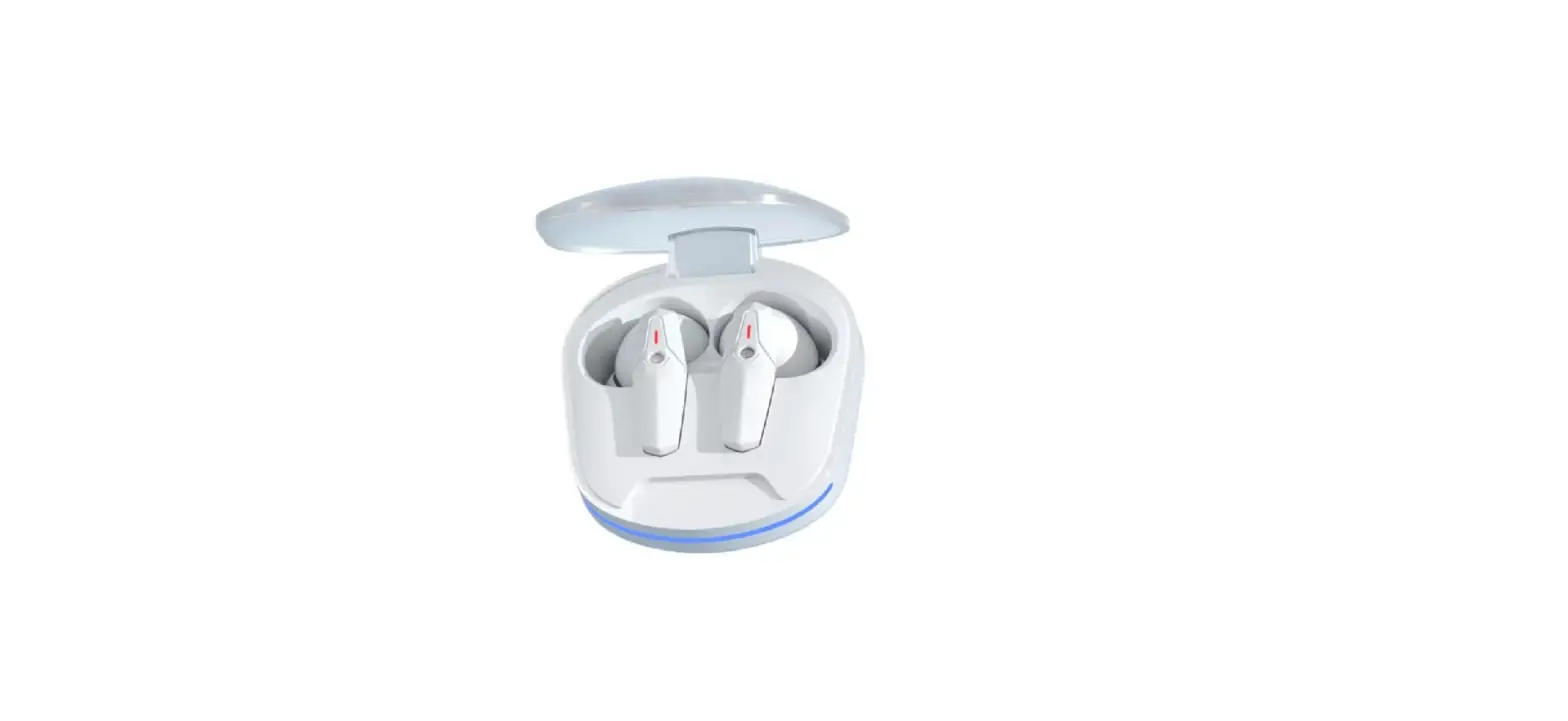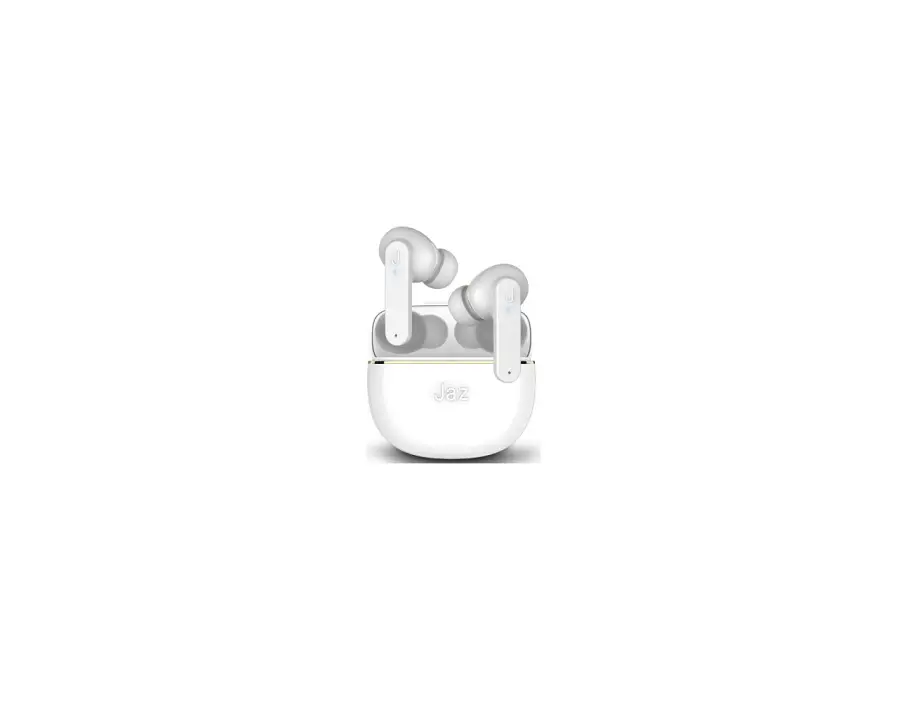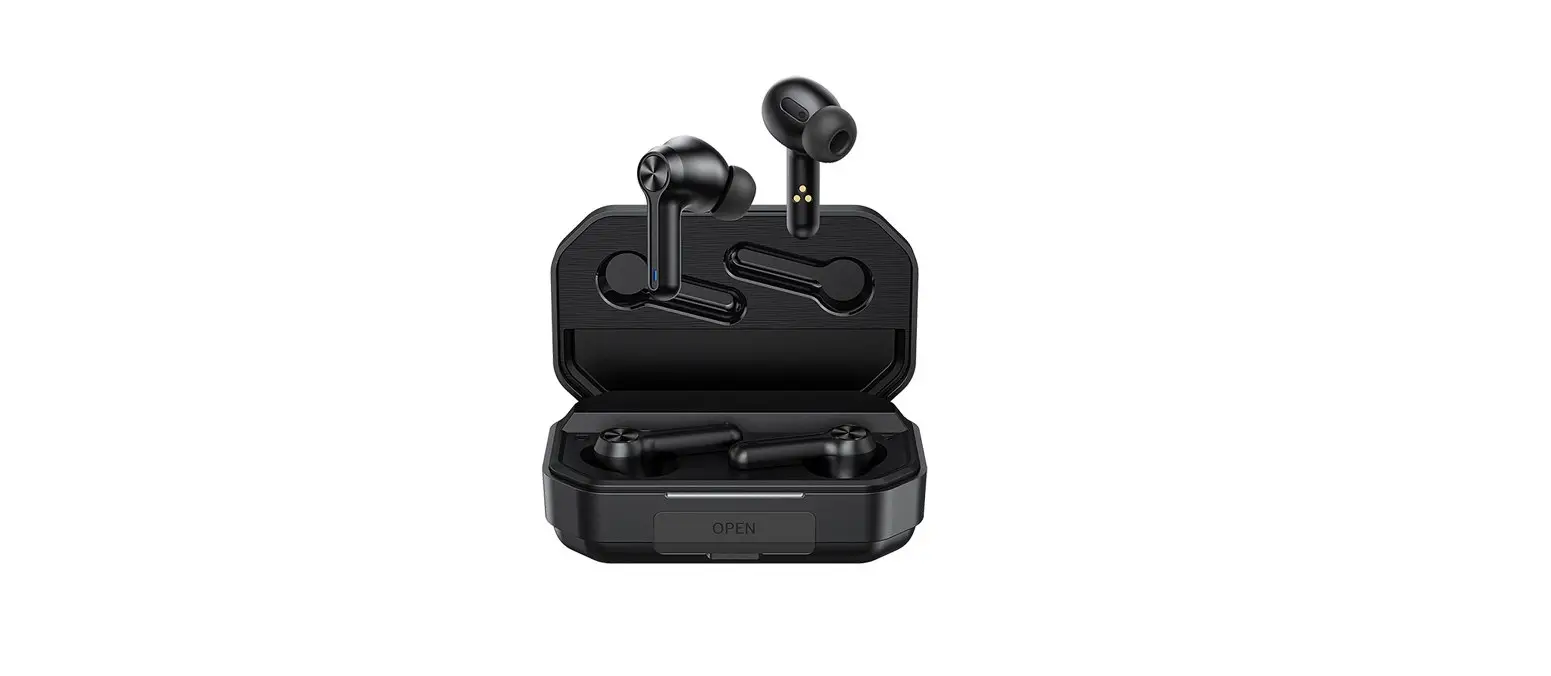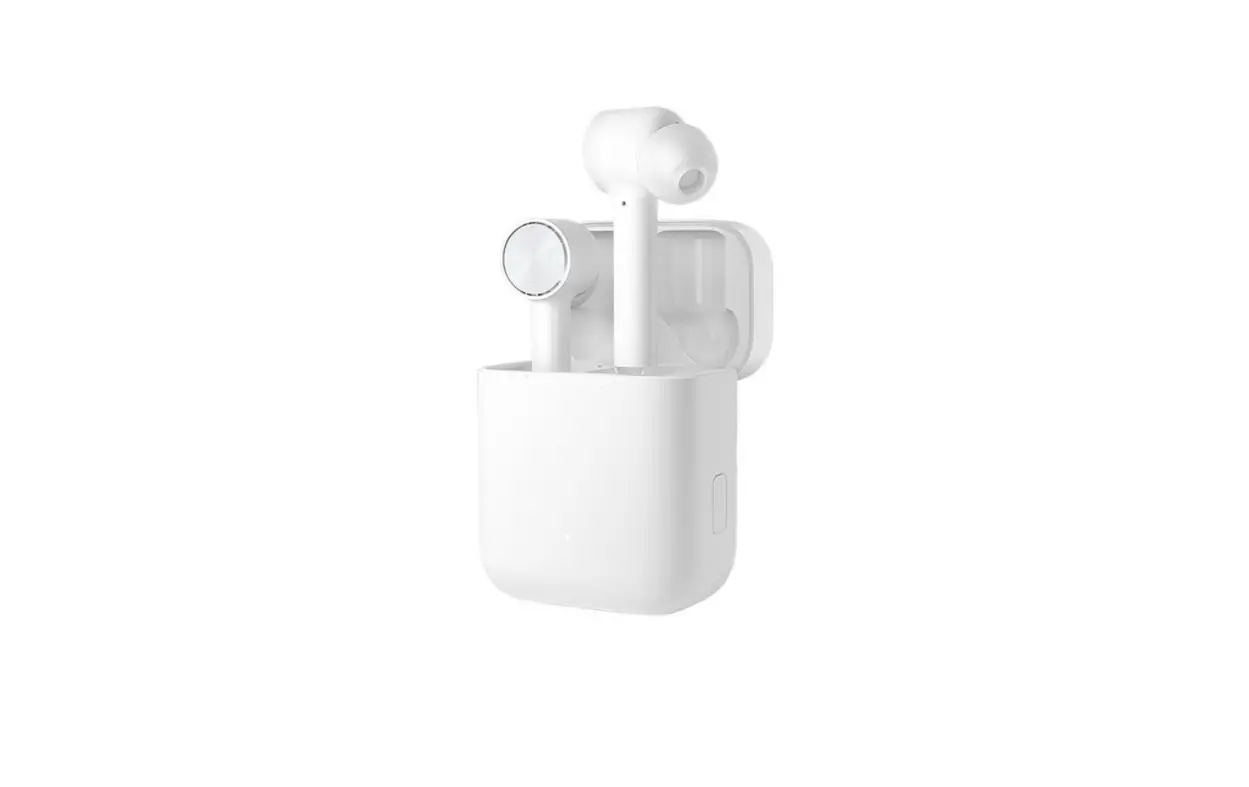
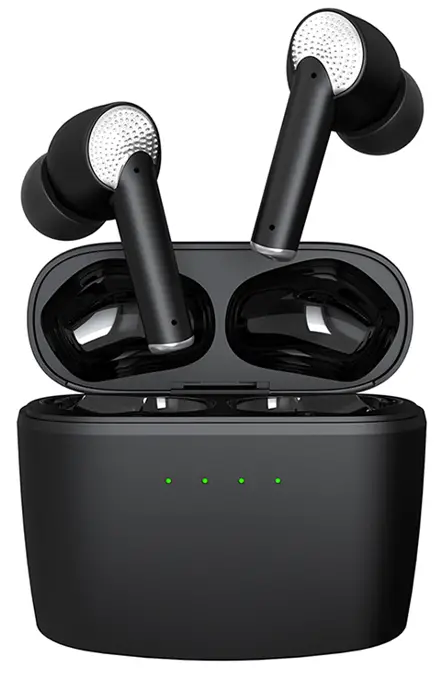
 J8 Ear Phones
 User manual
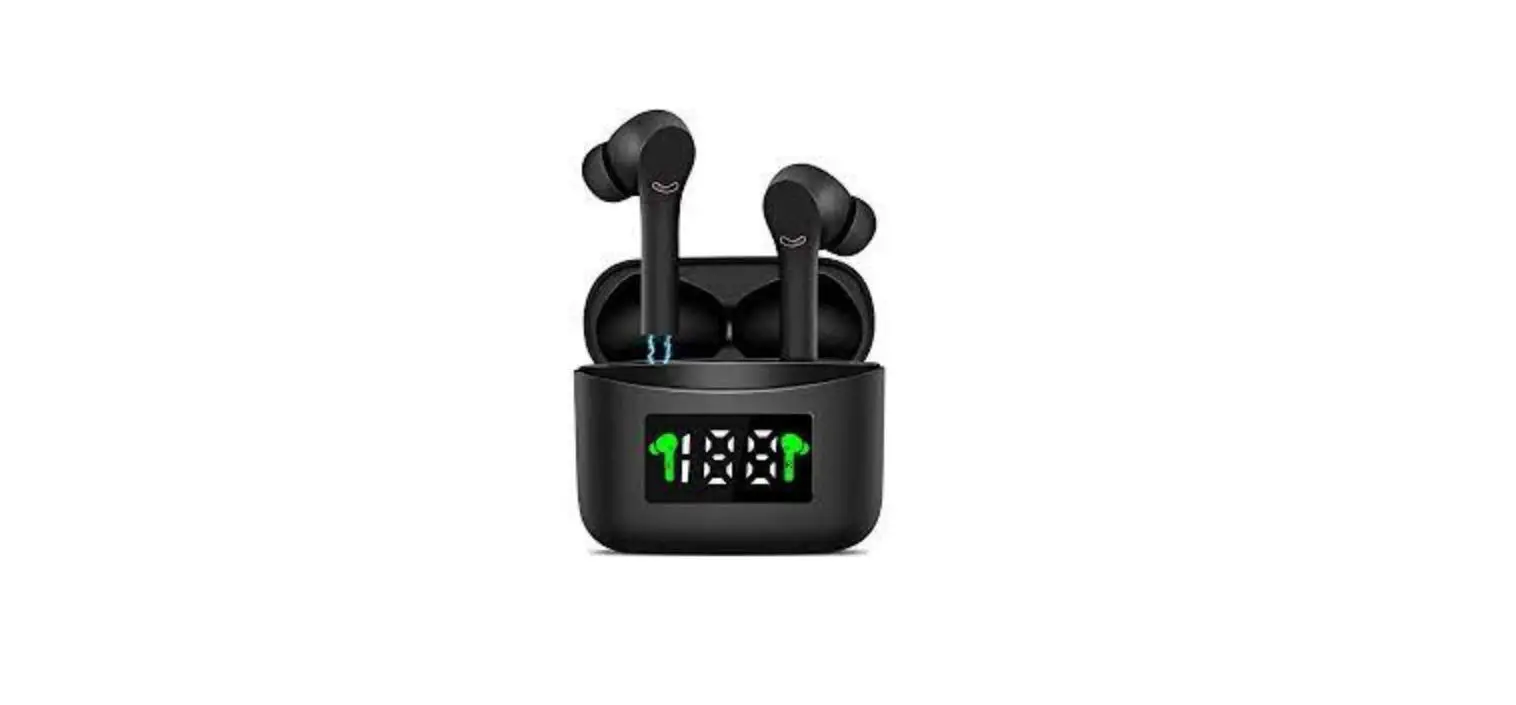
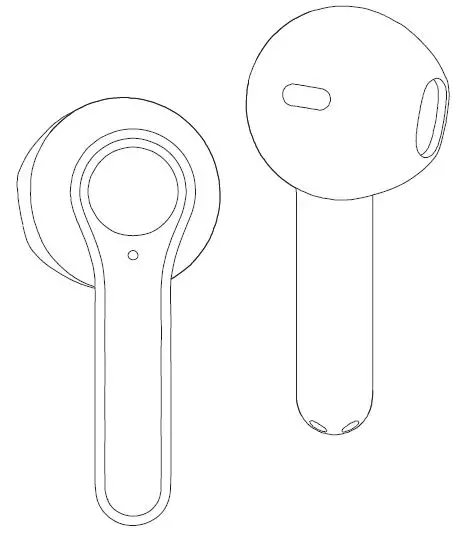
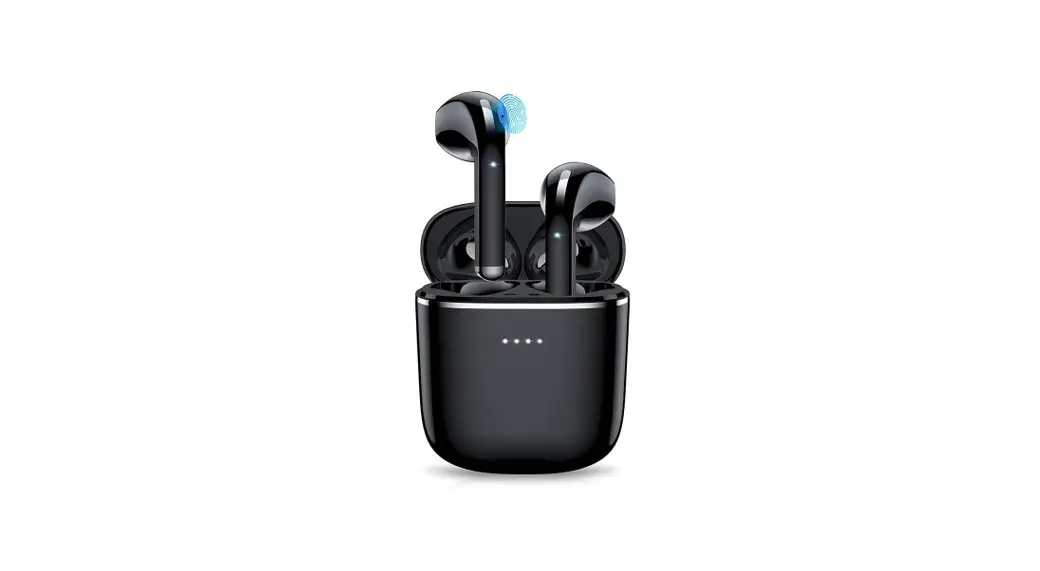
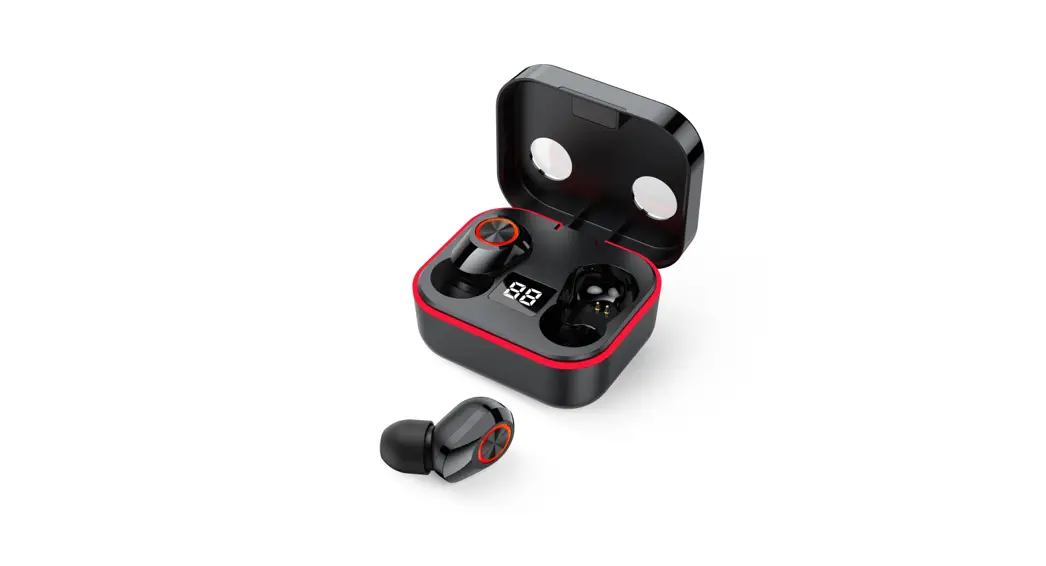
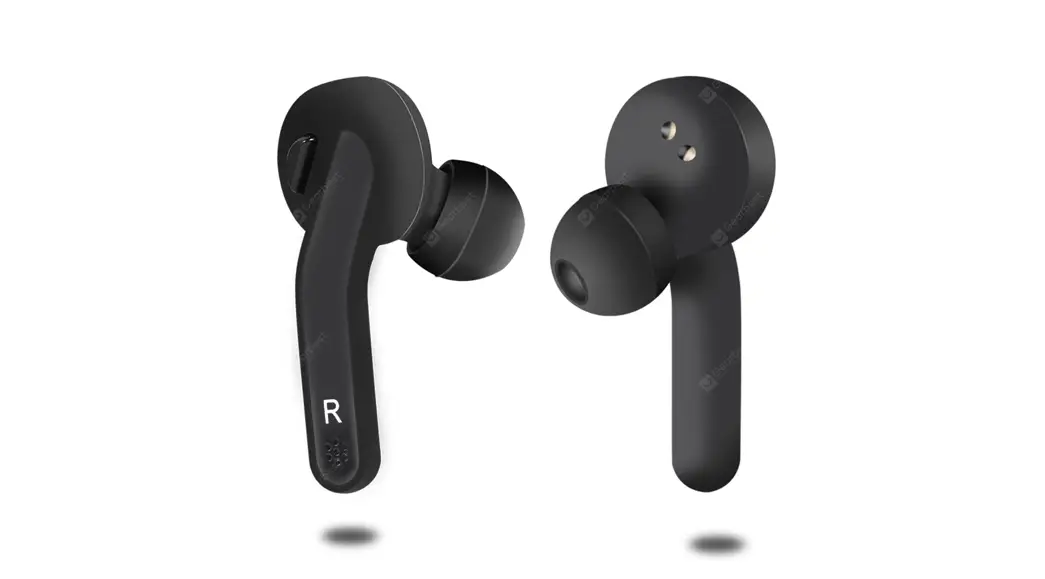
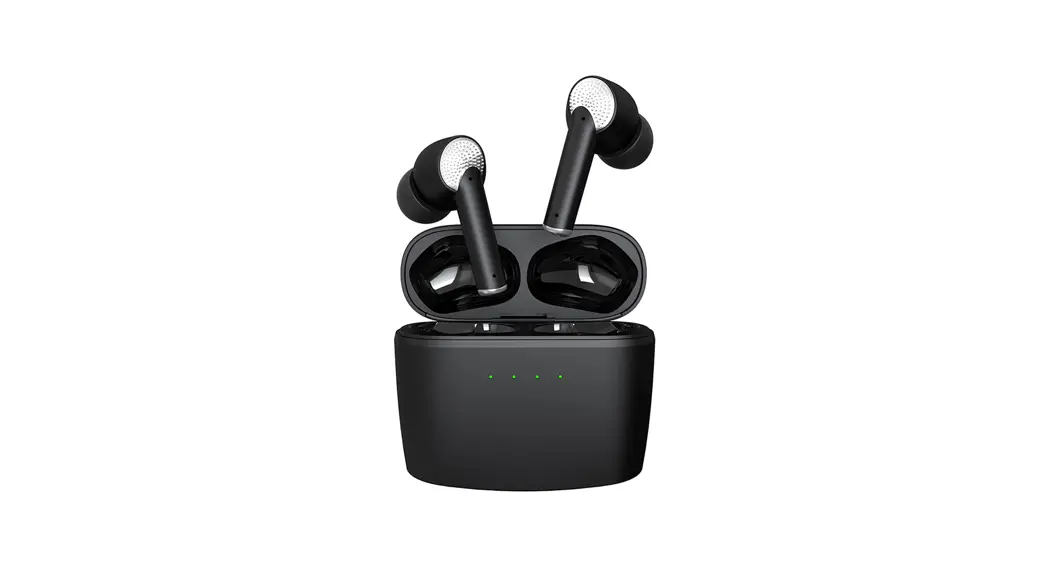
Product Function introduction
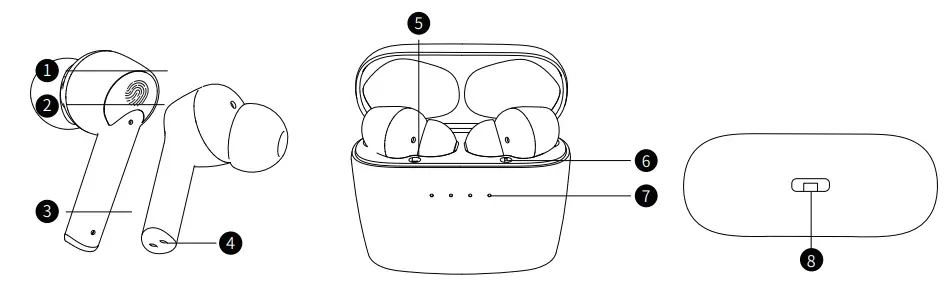
- Multi-touch point
- Display light
- Microphone
- Earphone charging contact
- Left ear logo
- Right ear logo
- Battery indicator
- Type-C charging interface
Packaging accessories
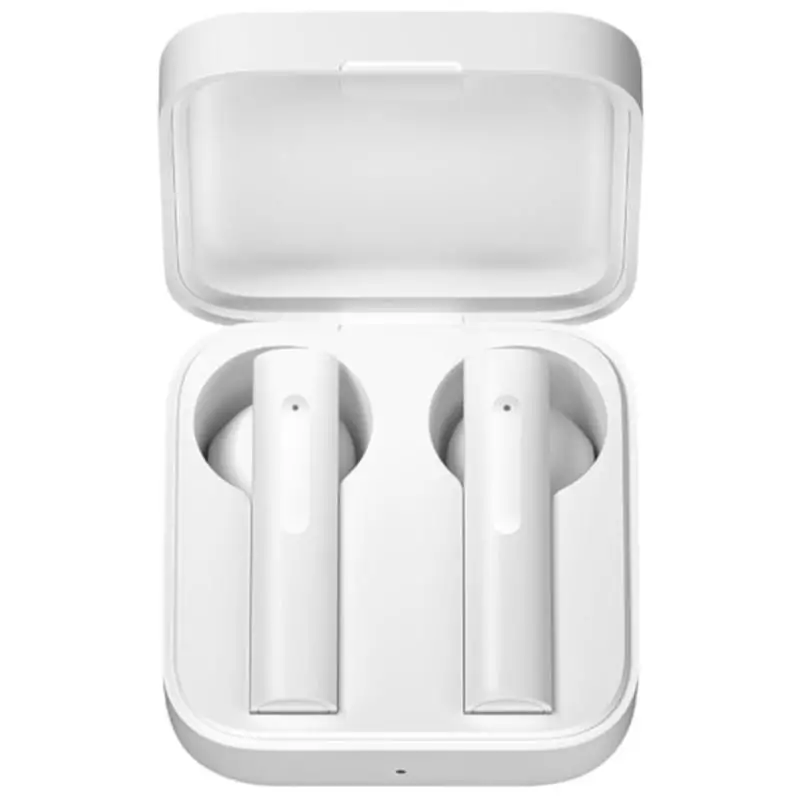
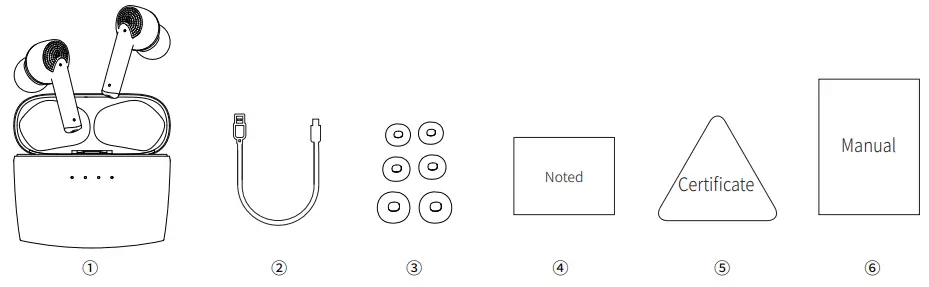
- Charging case, earphones
- Charging cable
- 3 pairs of ear-tips
- Ear cap cue cards
- Certificate
- User manual
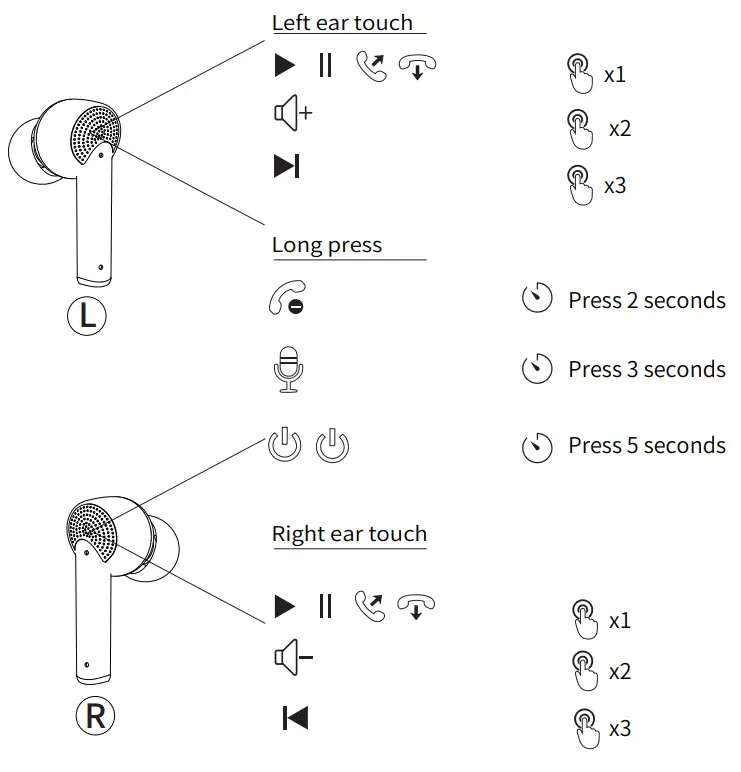
Instructions for headset touch operation
Earphone connection instructions
A.Singles-ear mode: take out a earphone.
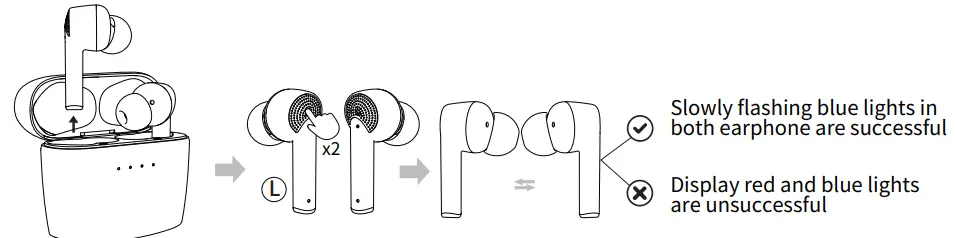
B.Binaural mode: first turn off the BT device and take out the earphone. Touch (L) left ear 2 times and wait for 3-5 seconds, when both earphones flash blue lights, the match is successful(Please refer to the index below for specific operations
- Headset pairing
 a.The earphones are automatically turned on and paired when the cover is opened, and the display will turn off after 10 seconds of displaying the current power.
b.Touch 2 times and wait for 3-5 seconds to pair successfully.
c.For the second use, open the charging cover and automatically reconnect to the bluetooth - Connection
a.Open Charging Case Connect With Devices: Open your phone or other device, search for and click Connect. “J8”
b.The left and right earphones can be connected separately.
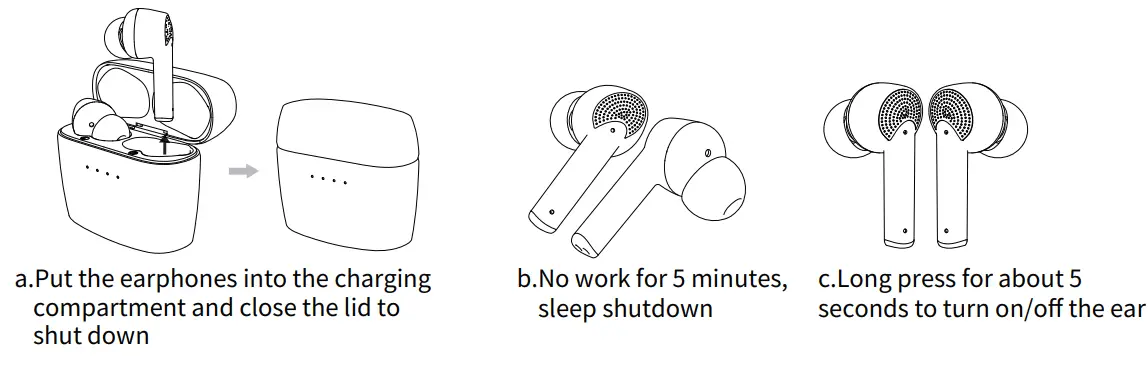
- Turn it off

 a.The earphones are automatically turned on and paired when the cover is opened, and the display will turn off after 10 seconds of displaying the current power.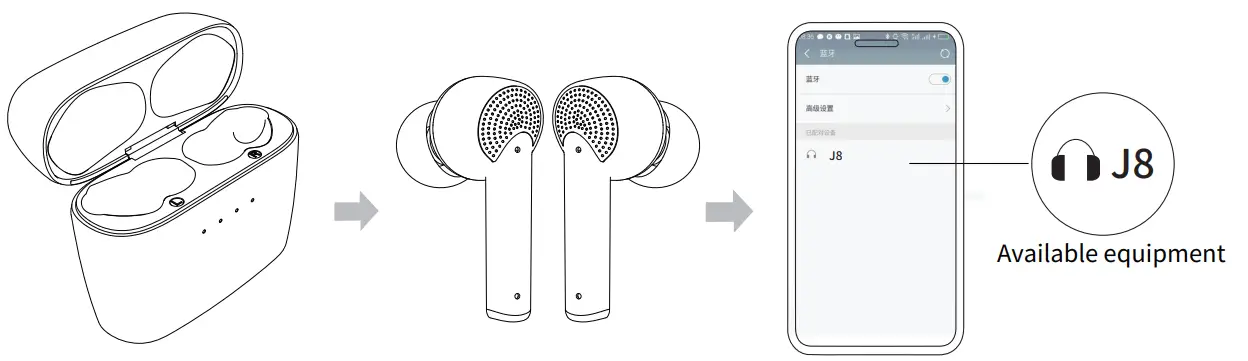
Charging instructions
- Unilateral headset charging

- Charge both left and right ears simultaneously
 a. When put earphones into the charging caseto charge them, there are 4 lights show thebattery capacity ofthe charge case,and then goout after 10 seconds
 - Charging in the charging compartment
a.After opening the lid, the four lights will gradually light up at the same time, and then display the charge compartment battery level. After 10 seconds, the lights will go out.
b.When the charging compartment uses the data cable to charge, from the left to the right (LED1 to LED4), each light is 25% of the power, and it is fully on. When the charging cable is unplugged, it turns on for 10 seconds and then turns off.
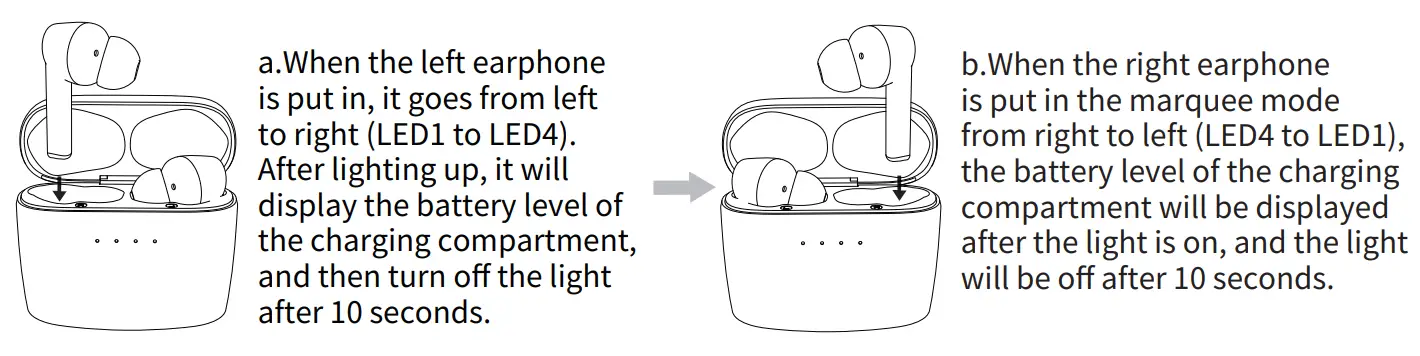
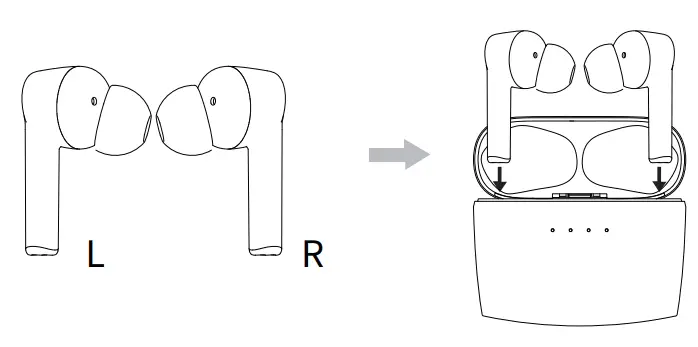 a. When put earphones into the charging caseto charge them, there are 4 lights show thebattery capacity ofthe charge case,and then goout after 10 seconds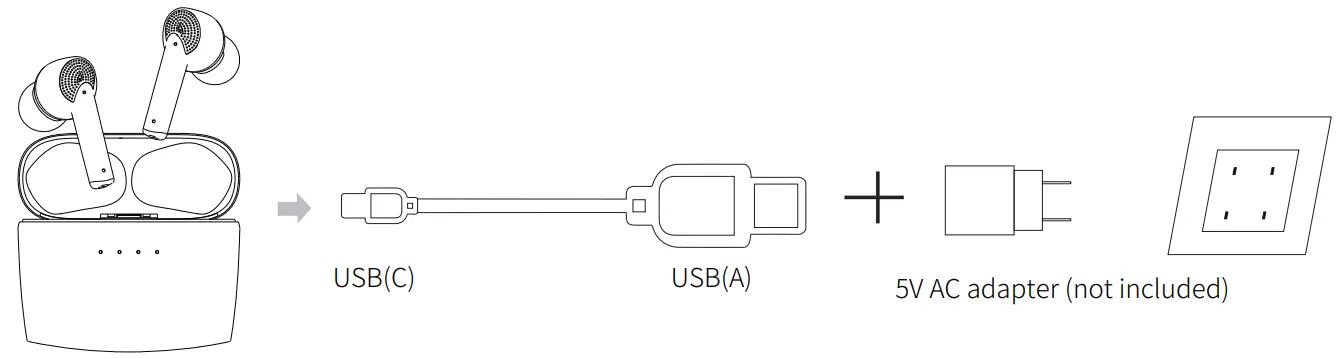
The basic parameters
| Product name | J8 | Playing time | 5-6hours |
| BT | 5. | Frequency | 2.4GHZ |
| Connection distance | 210m | Impedance | 320 |
| Charging time | about 1.5 hour | Standby time | 7-10days |
| Input | 5V-1A | Battery capacity | 50/500mah |
| Talking time | 3-4hours |
Matters needing attention
 Please make sure the product is fully charged before the first use;Or charge it first. Please use a brand charger or computer USB to charge the headset (note: 5V-1A charger). Stay away from WIFI and routers and other high frequency transmitting devices, which may affect the signal reception of the unit and cause the phenomenon of sound blocking and disconnection. Please use the product in an effective environment (15m) and there should be no physical barriers (such as walls, etc.) between the BT device and the headset. Please refer to Item 4 when there is no sound on one side of the earphone and the pairing of two ears is not successful(headset connection instructions) pair and connect the headset again, and the product will work normally after reconnection!
 Safety warning Please ensure that the product is not used or stored in high temperature or humid environment to avoid affecting the product performance. Do not drop or drop the product from high altitude to avoid damage. Please contact manufacturer if there is any product problem, and don’t disassemble the product for repair.
30 days product exchange
- 1. After receiving the product, if you find that the accessories are missing, please contact us
- If the product breaks down within 30 days, you can contact us in order to replace it
- We can extend the after-sales service period to 18 months