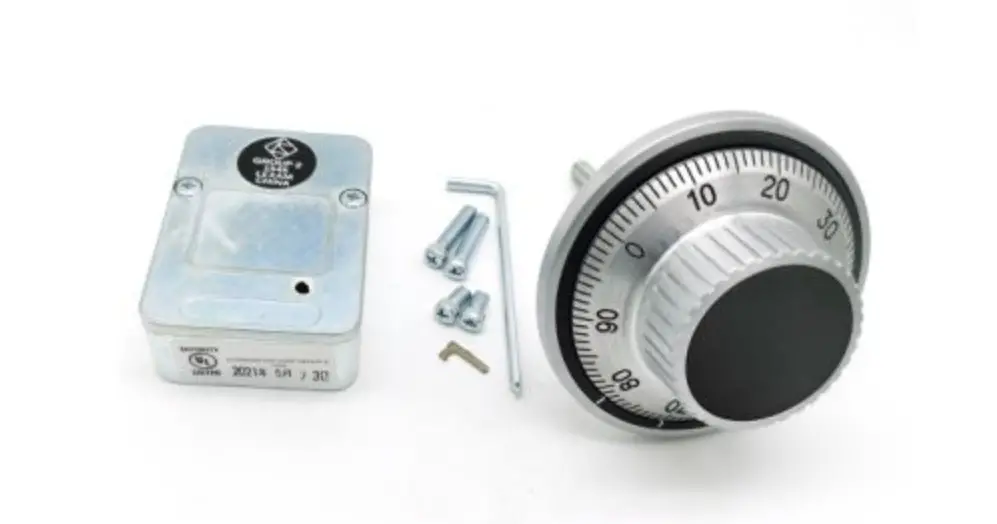
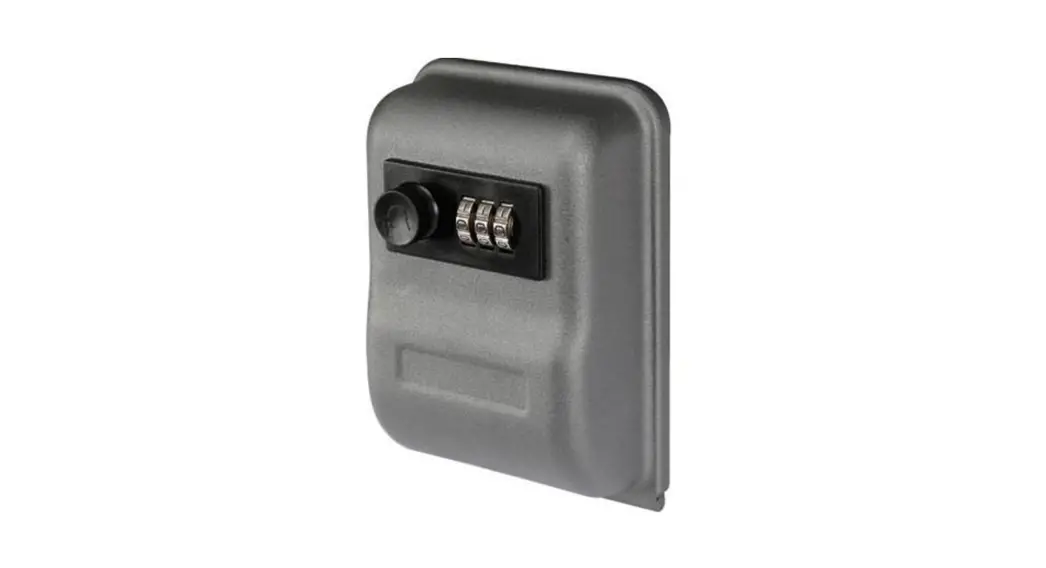
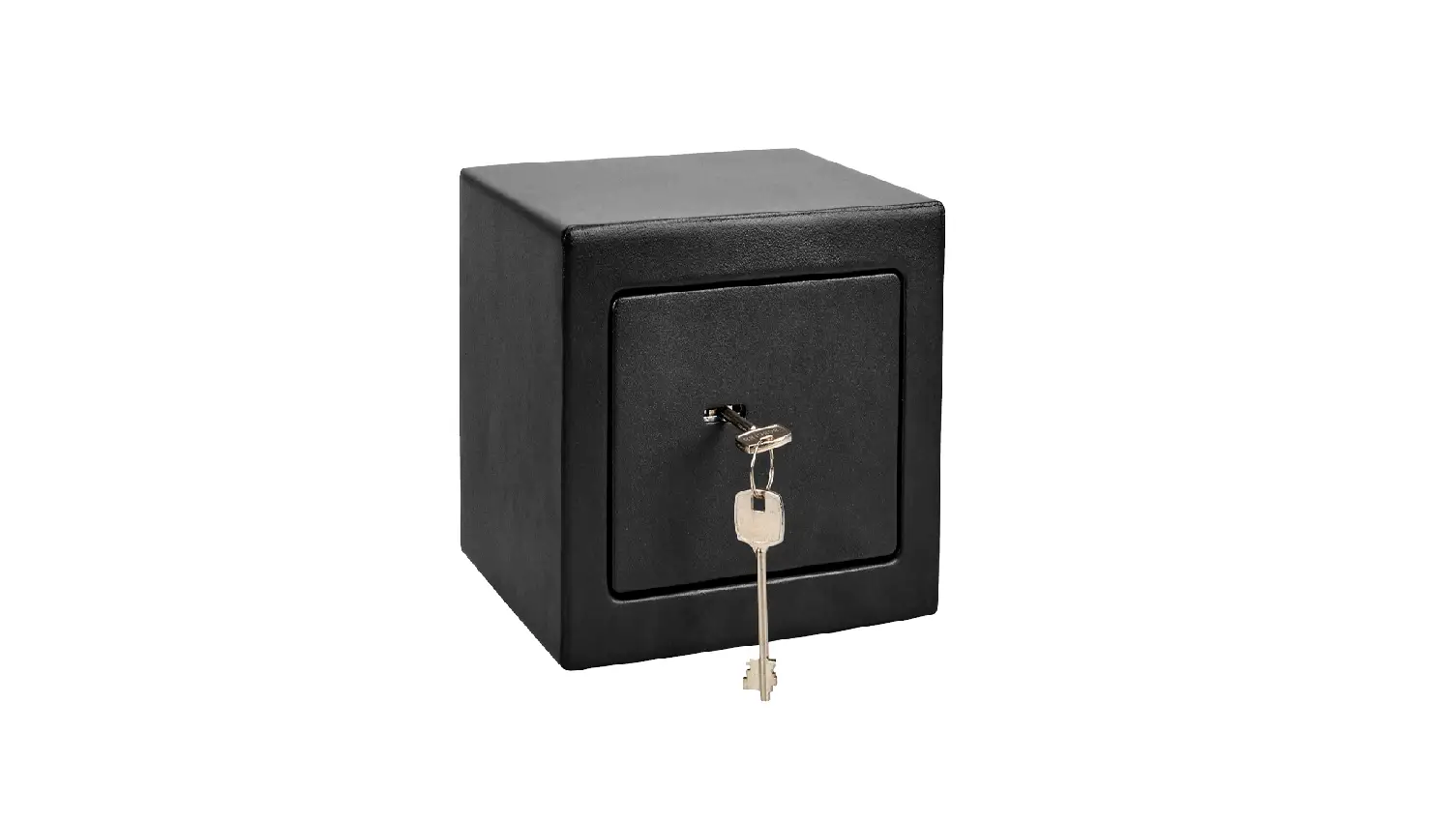
2 Wheels Key Changing Combination Lock
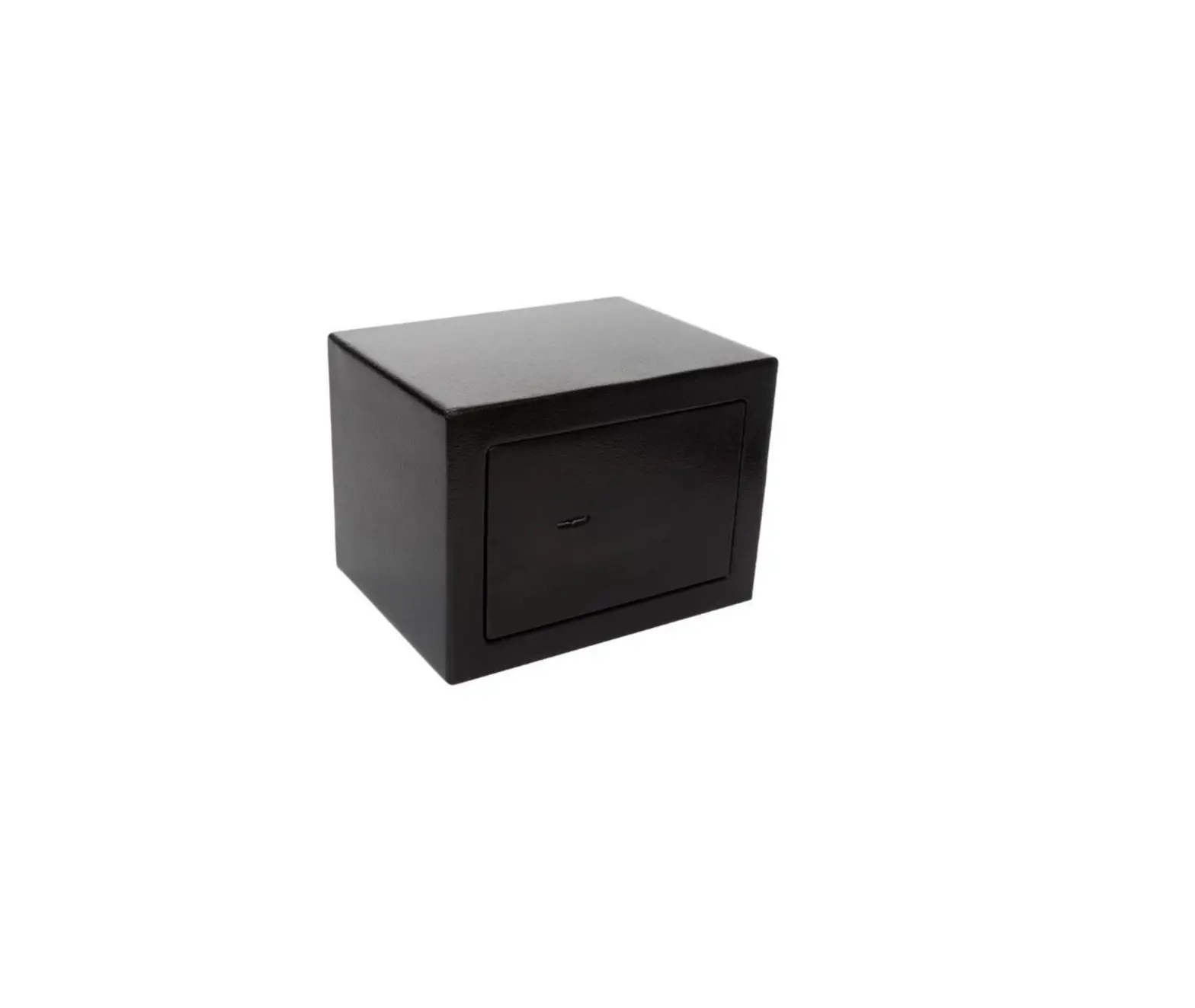
Product Information: Prestigious Safes Since 1922
The Prestigious Safes Since 1922 comes with a combination lock
that has 2 wheels and key changing feature. The lock is supplied
with an initial combination of 20-40, but the user can set their
personal combination among 12,000 possible combinations. The user
should not use red numbers for their second number while setting a
combination.
How to Dial the Combination
The user needs to turn the dial in a specific way to dial the
combination. For example, if the combination is 20-40, the user
should follow these steps:
- Starting from any number, turn right 2 times and continue up to
the 1st number (20). - Starting from the 1st number (20), turn left 1 time and
continue up to the 2nd number (40).
To Unlock
The user needs to dial the combination as per the above
instructions and then turn the dial slowly right-hand until it
stops.
To Lock
The user needs to turn left-hand at least 3 full revolutions to
break the combination completely.
Changing to a New Combination
The user needs to follow these steps to set a new
combination:
- Dial the set combination.
- Insert the changing key in the keyhole at the back of the door,
in line with direction 1 (IN) (Fig.2). If the key does not enter
freely up to a positive stop, the combination has been wrongly
dialed. Redial the combination. - Turn the key from position 1 (IN) to position 2 (changing
area). If it doesn’t turn, it was not fully inserted. - Accurately dial the new combination. The user should not use
red numbers for their second number. - Turn the key from position 2 to position 3 (OUT).
- Remove the key. The new combination is now set in the
lock. - Before closing the door, try the new combination several times.
If an error has been made in setting a new combination, the lock
cannot be unlocked, and the user should reset to zero.
How to Set to Zero
The user can set the lock to zero if they don’t know the set
combination. They need to follow these steps:
- Insert the key into the hole at the back of the door and keep
lightly pressed towards the inside of the lock. - Turn right 3 times the dial till the key advances towards the
inside (5 mm approx.). - Turn left 2 times the dial till the key advances a second
time. - Remove the key and insert it from its other side (Fig.2; D,
2). - Now set your chosen combination (D, 3…..7).
Prestigious Safes Since 1922
COMBINATION LOCK 2 WHEELS,
KEY CHANGING
The lock is supplied with the following INITIAL COMBINATION: 20 – 40 Set your personal combination. You can choose among 12.000 POSSIBLE COMBINATIONS. DON’T USE RED NUMBERS FOR YOUR SECOND NUMBER. To unlock “dial” the “set” combination by turning the dial (Fig.1).
A) HOW TO DIAL THE COMBINATION
For example 20 – 40
1 – Starting from any number, Turn right 2 times and continue up to the 1st number (20).
2 – Starting from the 1st number (20), Turn left 1 time and continue up to the 2nd number (40).
B) TO UNLOCK
Dial the combination (see point A), then turn the dial slowly right hand until it stops.
C) TO LOCK Turn left hand at least 3 full revolutions to break the combination completely.
D) CHANGING TO A NEW COMBINATION (FIG.2). This operation (SETTING A NEW COMBINATION) should be done with the door open and the combination locked.
1 – Dial the set combination (A). 2 – Insert the changing key in the key hole at the back of the door, in line with direction
1 (IN) (Fig.2). If the key does not enter freely up to a positive stop, the combination has been wrongly dialled. Redial the combination. 3 – Turn the key from position 1 (IN) to position 2 (changing area). If it doesn’t turn, it was not full inserted. 4 – Accurately dial the new combination (A).
ATTENTION! DO NOT USE THE RED NUMBERS FOR YOUR SECOND NUMBER.
5 – Turn the key from position 2 to position 3 (OUT). 6 – Remove the key. The new combination is now set in the lock. 7 – CAUTION! BEFORE CLOSING THE DOOR, TRY THE NEW COMBINATION
SEVERAL TIMES (A-B-C). If an error has been made in setting a new combination, the lock cannot be unlocked and you should reset to zero (E).
E) HOW TO SET TO ZERO (FIG.3).
This operation can be done only if, having opened the door, we don’t know which is the set combination.
1 – Insert the key (Fig.3) into the hole at the back of the door and keep lightly pressed towards the inside of the lock.
2 – Turn right 3 times the dial till the key advances towards the inside (5 mm approx.). 3 – Turn left 2 times the dial till the key advances a second time. 4 – Remove the key and insert it from its other side (Fig.2; D, 2). 5 – Now set your choosen combination (D, 3…..7).
Any reference to registered trademarks, companies, procedures, logos, models or images is purely indicative and each one
1
Juwel SRL
belongs to the legitimate owner.
ITALY – [email protected] – www.juwel.it
Ogni riferimento a marchi registrati, aziende, procedure, loghi, modelli o immagini è puramente indicativo e ognuno
appartiene al legittimo proprietaPriroo.hibited partial reproduction also | © Juwel 2009
 Home | Assistenza Tecnica Casseforti