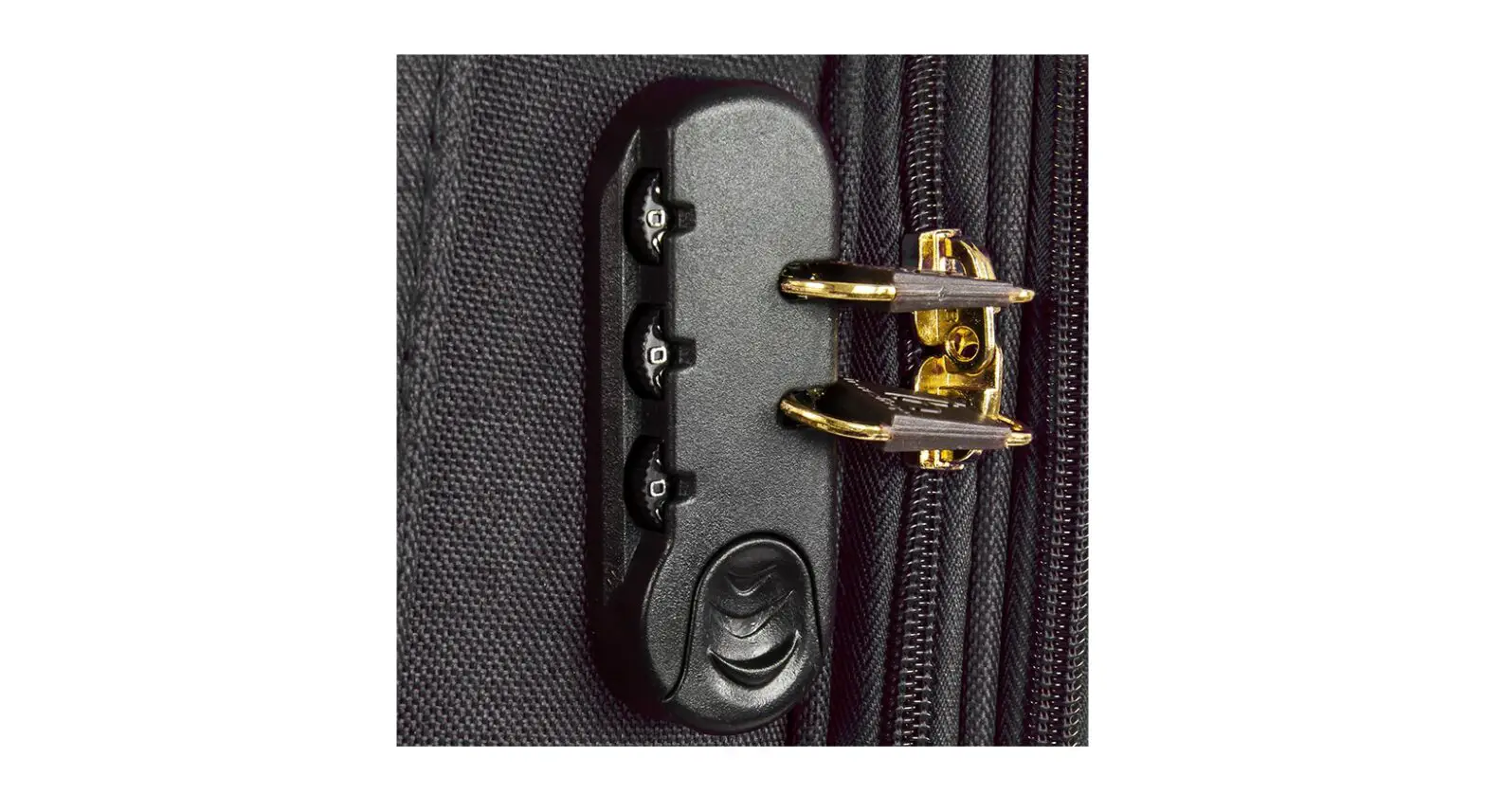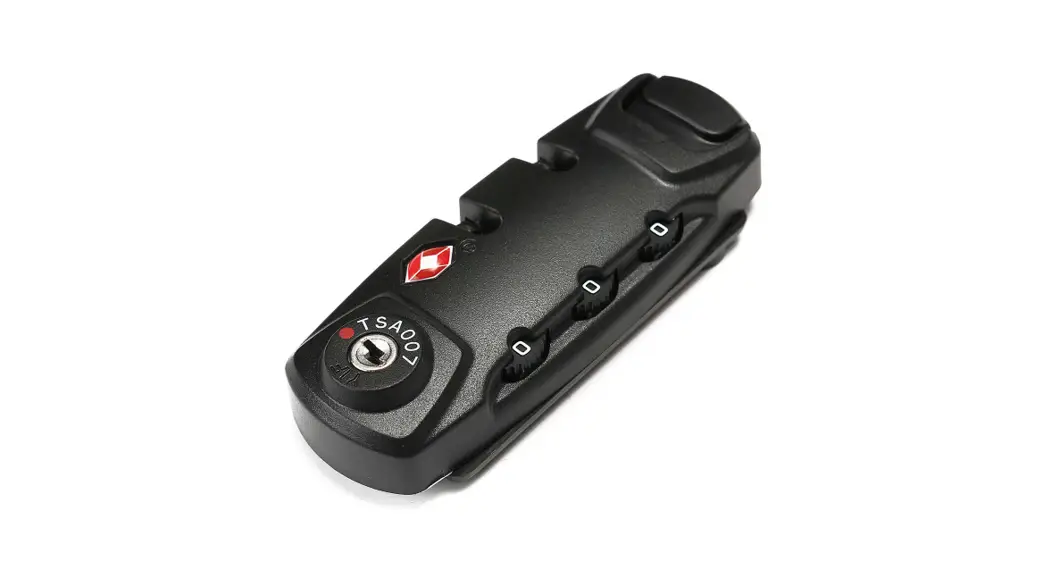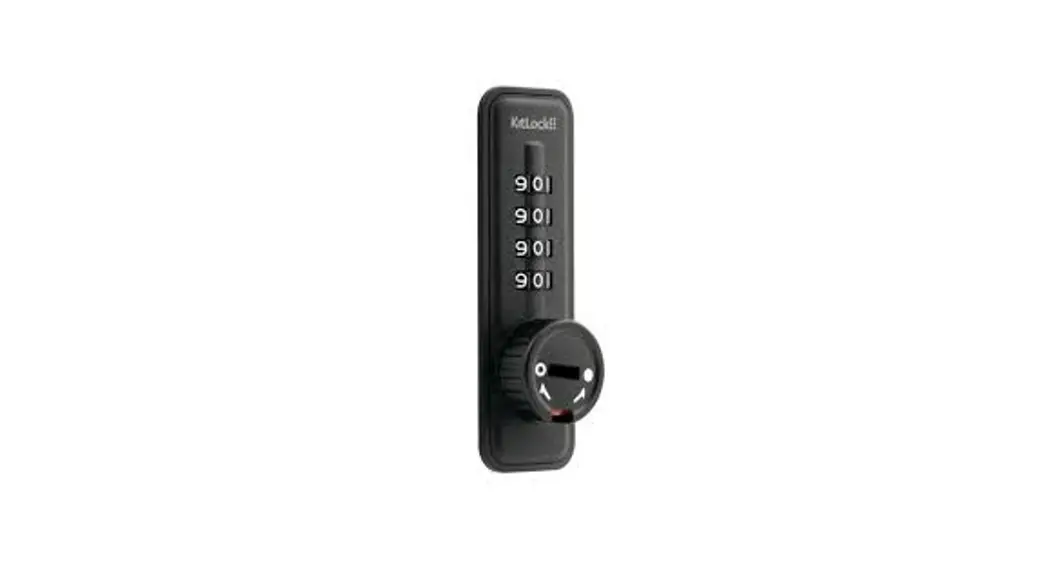

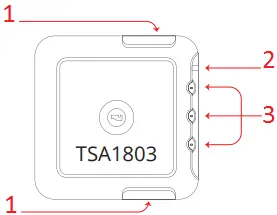
- C – LOCK BUTTON
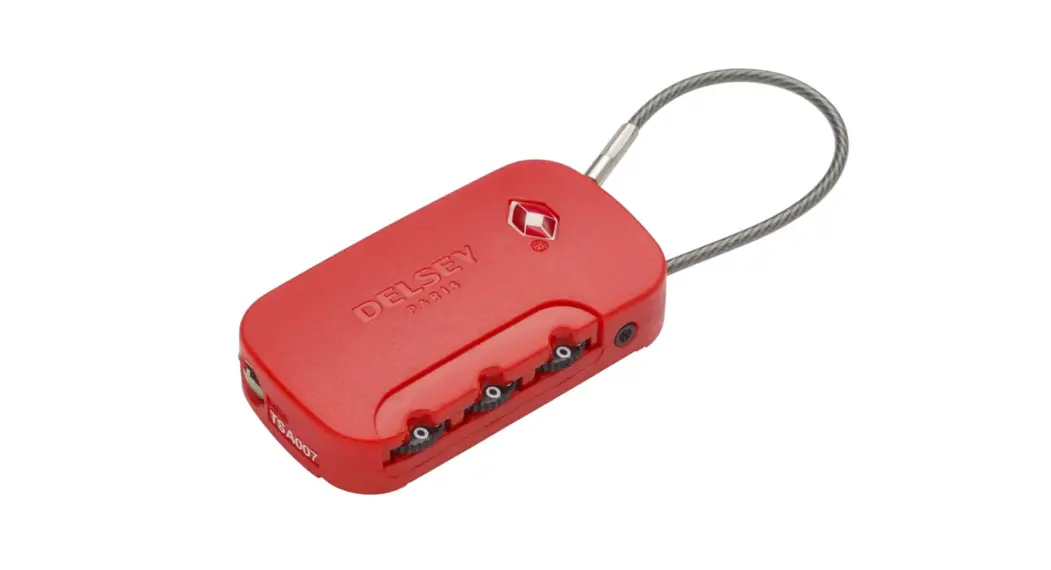
- A – RESET BUTTON
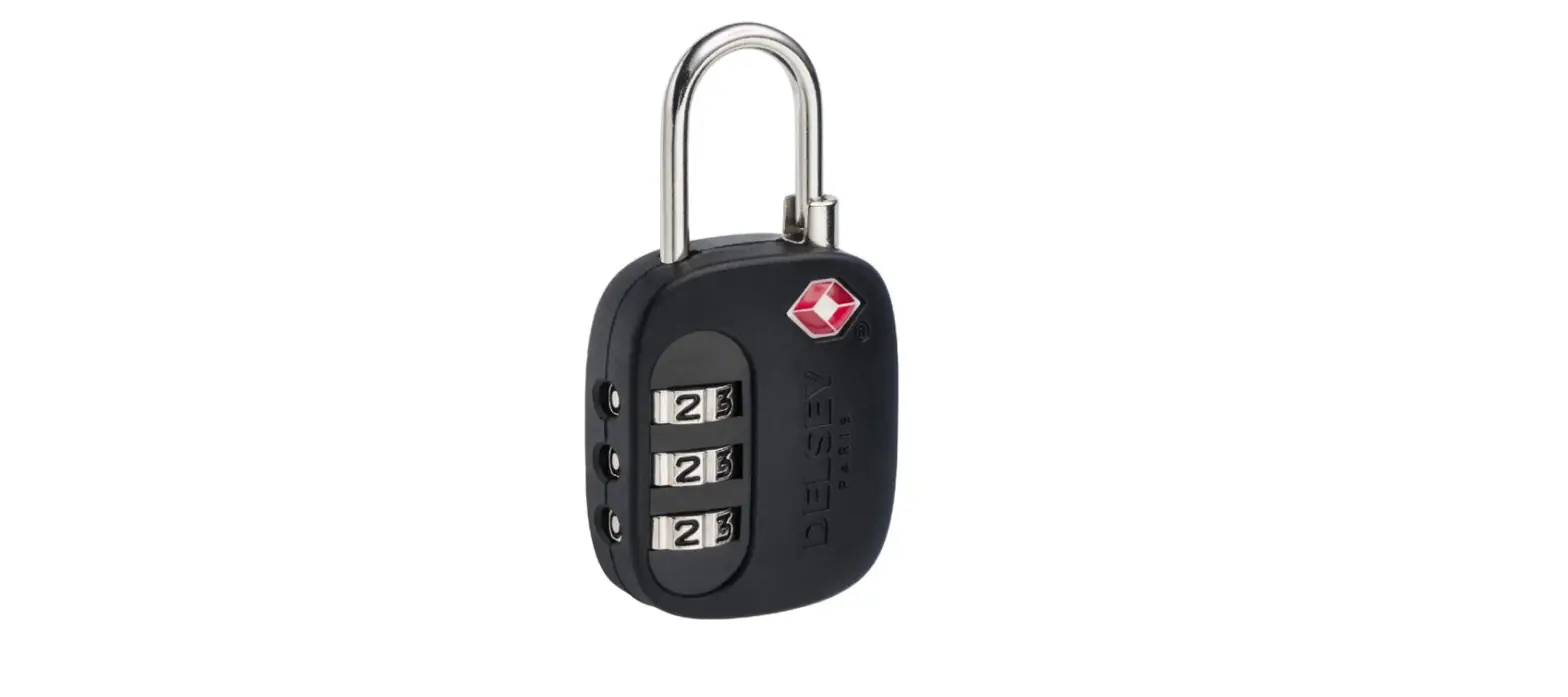
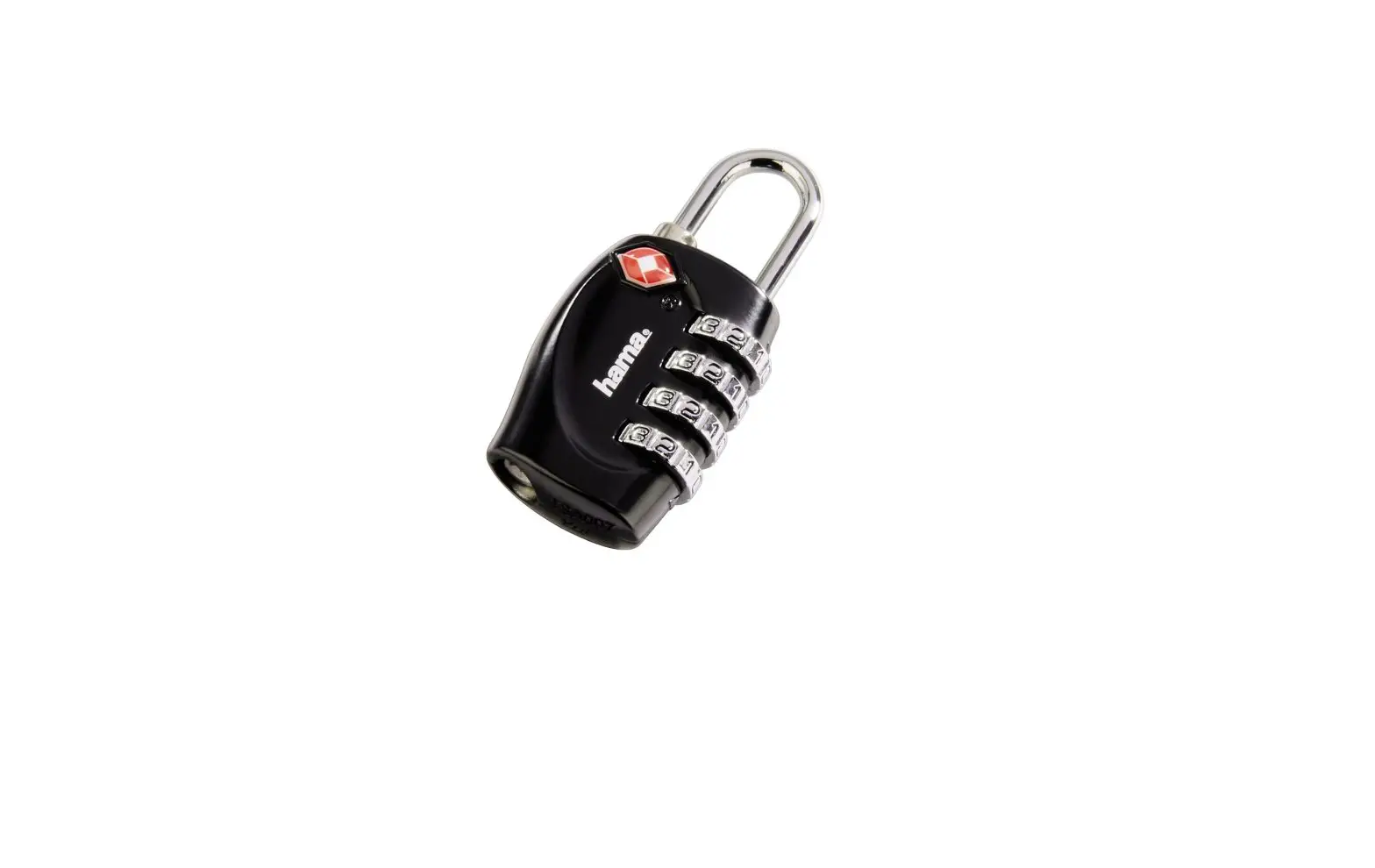
- B – DIALS
COMBINATION LOCK INSTRUCTIONS
The factory/default combination is 0-0-0. To set your personal combination please follow the instructions below:
- Turn the DIALS (B) to their original combination 0-0-0.
- Press the RESET BUTTON (A) with a pointy item.
- Set your combination by turning the dials, for example 8-8-8.
- Press both LOCK BUTTONS (C) simultaneously to set your personal combination.
Now your personal combination is set.
Please remember your personal combination by heart.