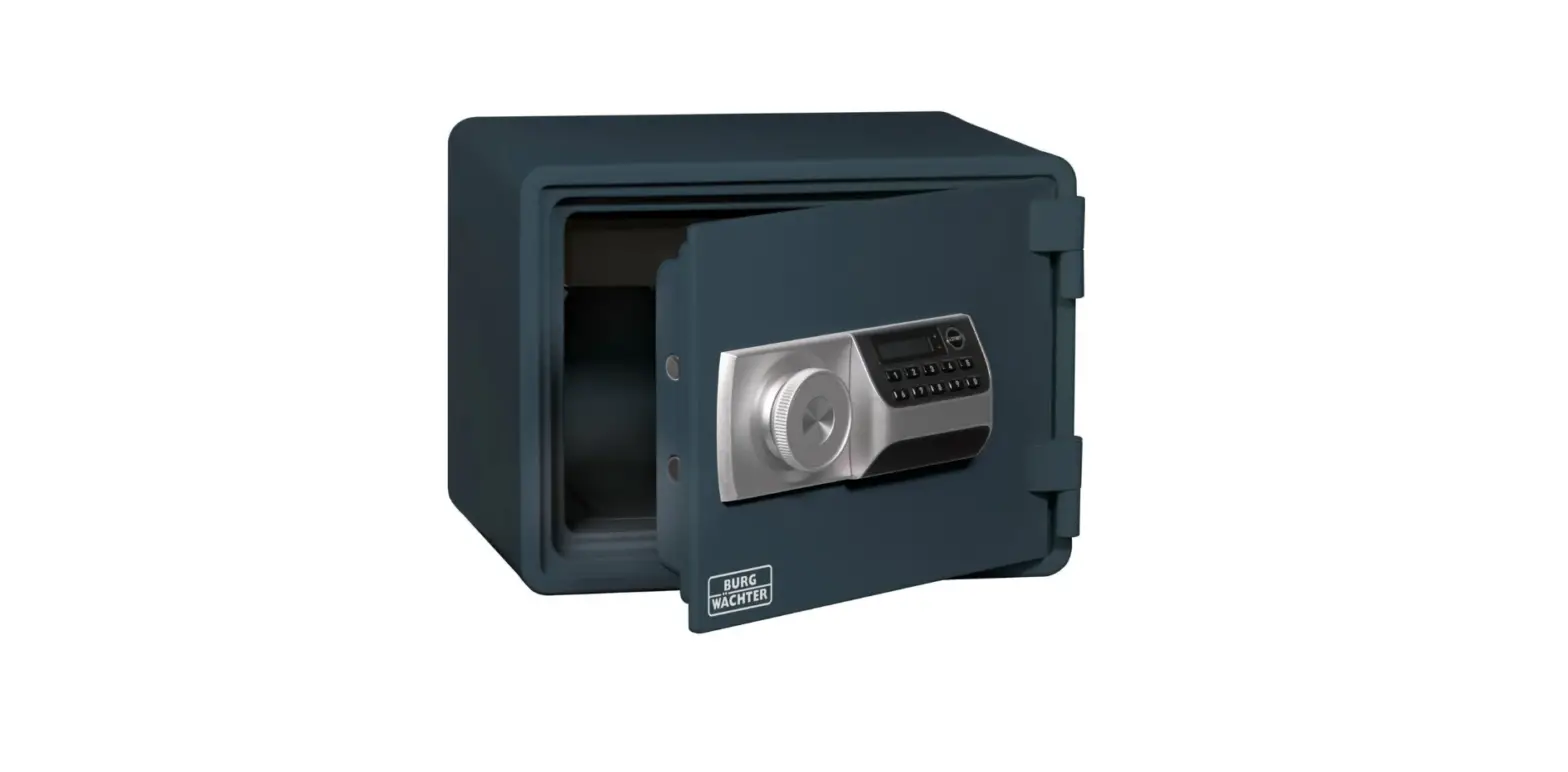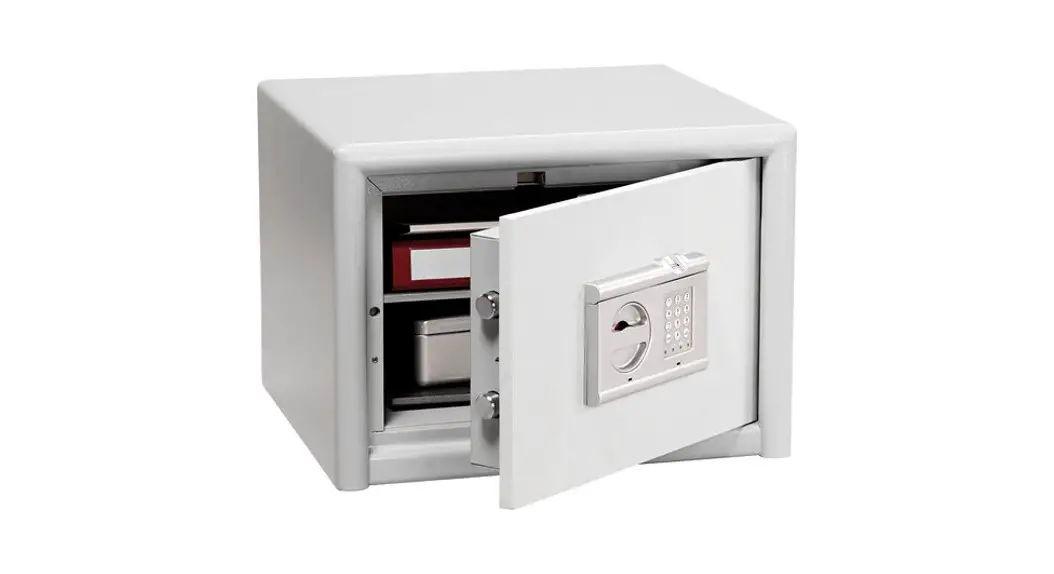
 TRSE10 SECUTRONIC Safe Locks
Instruction Manual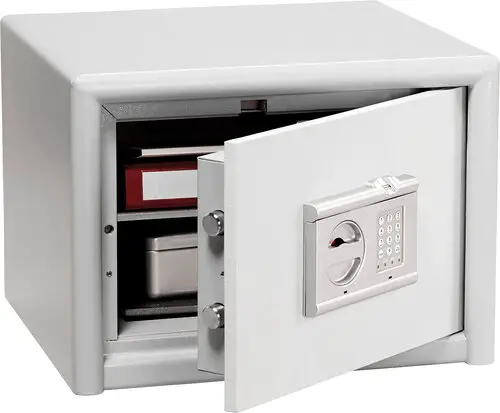
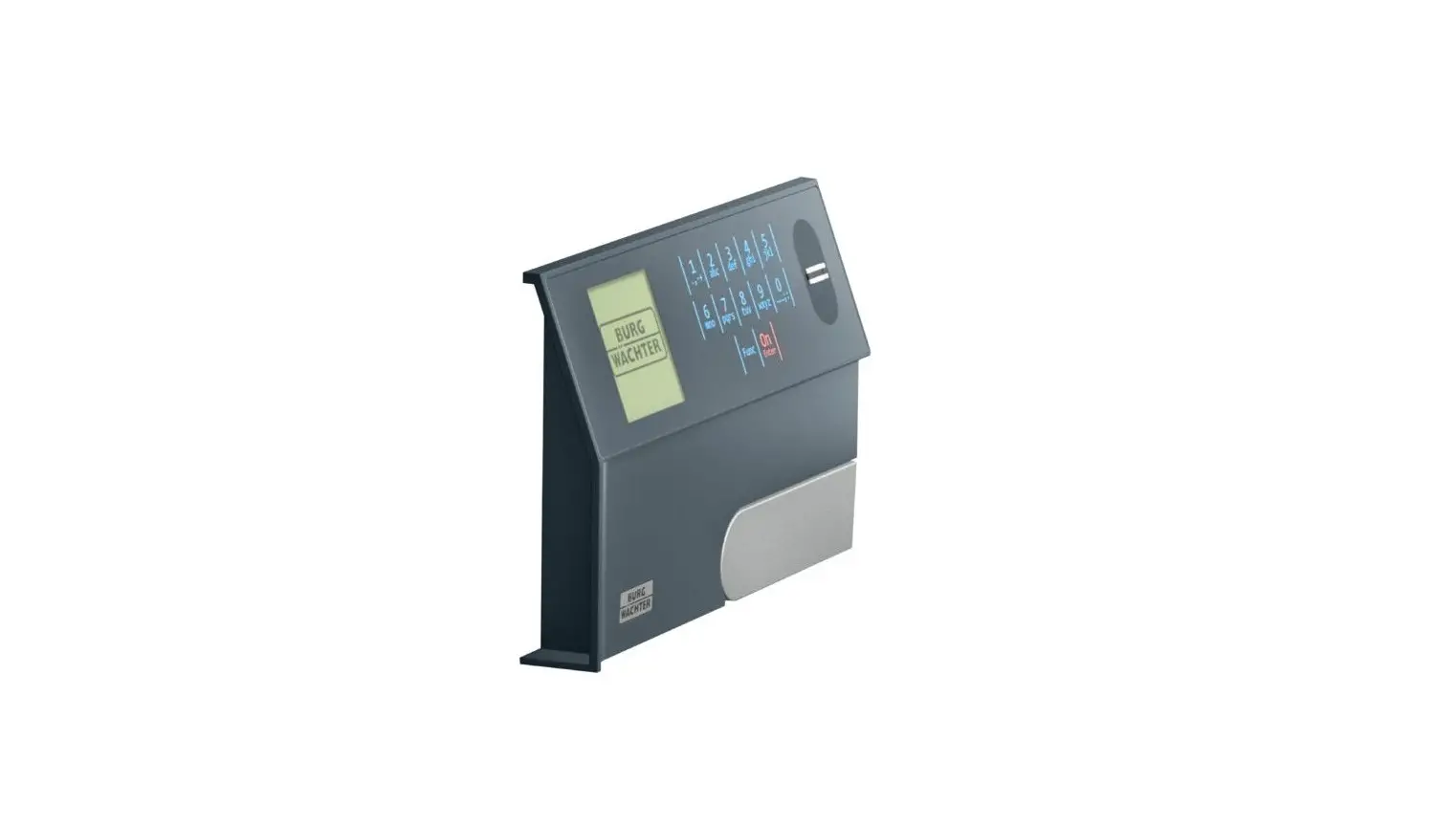
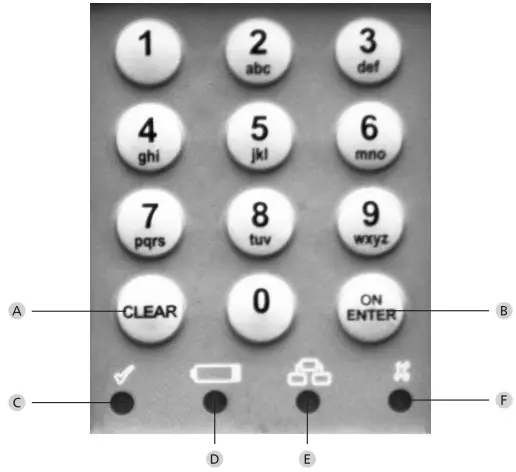
Structure
Important remarks
Technical data
| Number of Pincodes | 1 |
| Number of fingerprints | 10 |
| Blocking times | When a wrong code is entered 3 times, 5 minutes, subsequently 10 minutes after each wrong entry |
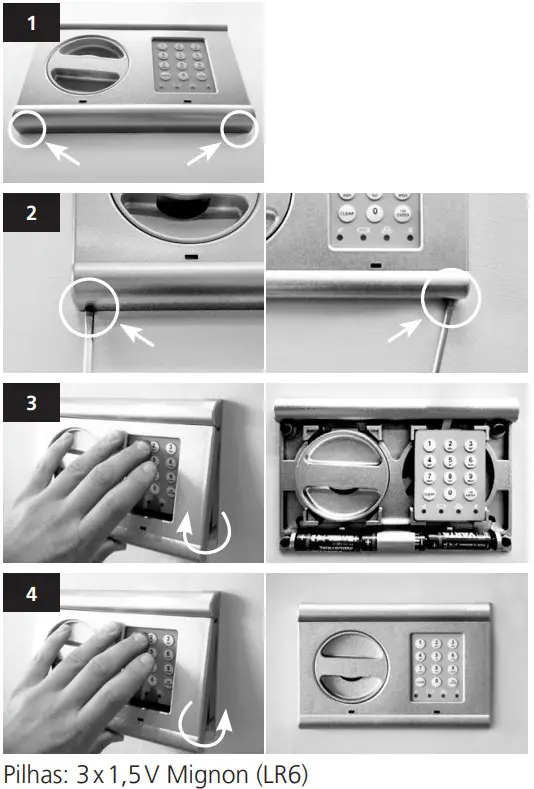
| Power supply | 3 x MIGNON LR6 / AA / ALKALINE |
| Permissible ambient conditions | – 15 °C through +50 °C |
Opening with Pincode
- Press „On/ Enter“, the yellow LED of the Readiness for entry/ programming icon goes on.
- Enter the Pincode. The green LED goes on when entered correctly, the red one when the entry is rejected.
- Press „On/ Enter“, the yellow LED of the Readiness for entry/ programming icon goes on.
- Move your 1st finger over the sensor.
The yellow LED goes off, the green LED goes briefly on when the finger is accepted, then the yellow LED goes on again. - Move your 2nd finger over the sensor.
The yellow LED goes off, the green LED goes briefly on when the finger is accepted.
- Press „On/ Enter“, the yellow LED of the Readiness for entry/programming icon goes on.
- Type numbers 76 (program mode), the yellow LED goes off.
- Press „On/ Enter“ and enter the valid Pincode.
Actions in programming mode
- Type numbers 22 (change code), then press „On / Enter“.
- Type your new code (6 digits) and confirm with „On/ Enter“.
- Enter your new code again and confirm with „On/ Enter“.
The yellow LED flashes during the whole process.
The green LED flashes in case of a successful change.
Leave the programming mode by pressing the „Clear” button twice.
Saving fingers
- Type numbers 23 (add finger), then press „On/ Enter“. The yellow LED is on.
- Move your finger over the sensor several times. During this, the yellow LED goes off whenever you have moved your finger over the sensor, until the green„ Readiness for entry/ programming” LED goes on briefly. The yellow LED is flashing, as you are still in the programming mode.
Leave the programming mode by pressing the „Clear” button twice or proceed with saving an additional finger.
- Type numbers 23, then press „On/ Enter“. The yellow LED is on.
- Move another finger over the sensor following the above indicated instructions.
Leave the programming mode by pressing the „Clear” button twice.
- Type numbers 33 (delete finger), then press „On / Enter“.
The green LED flashes in case of a successful action.
The yellow LED flashes during the whole process.
Replacement of batteries
Disposal of batteries
Dear Customer,
Please help us avoid unnecessary waste. Should you intend to dispose of this device at any time, please remember that many components of this device contain valuable materials, which can be recycled. Please do not throw out the device as general waste, but rather obtain information on the collecting points for electrical waste from the responsible authority of you municipality.
The dustbin means: Empty batteries or accumulators may not be disposed of in household waste. Please carry your batteries/accumulators to an appropriate shop or to a recycling yard of your municipality. Such return is free of charge and legally imposed.
Errors and changes reserved.
www.burg-wachter.com
BURG-WÄCHTER KG
Altenhofer Weg 15
58300 Wetter
Germany
BA TRSE 10 03 / 2014
 BURG-WÄCHTER