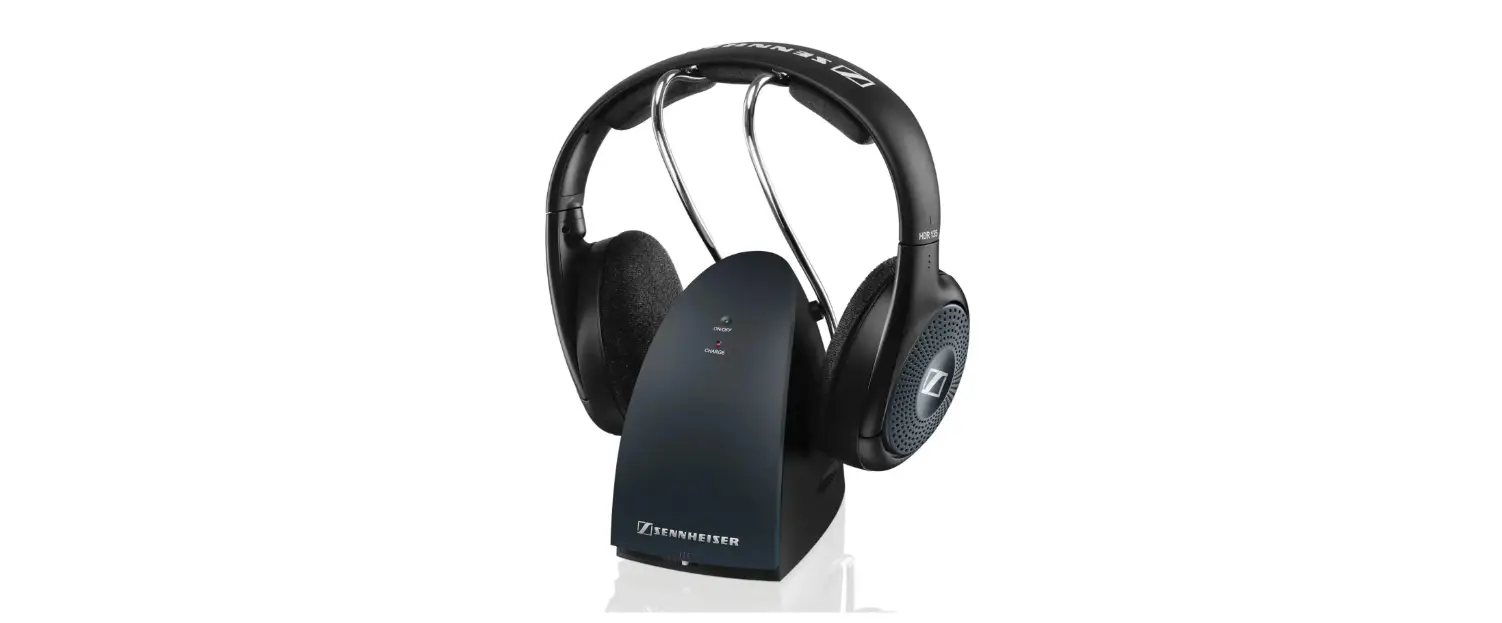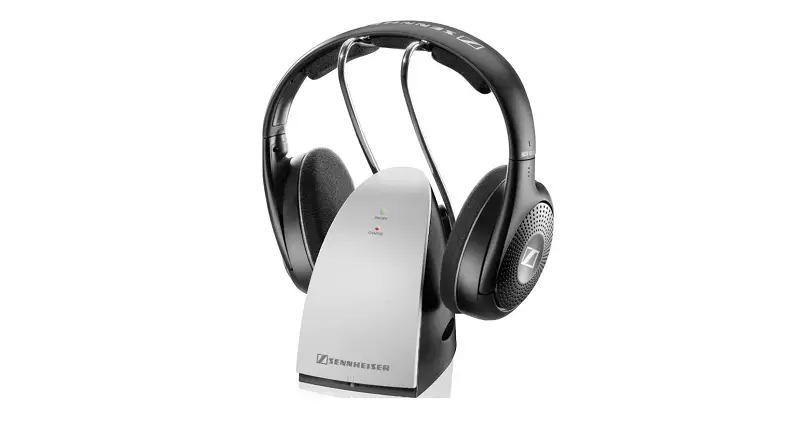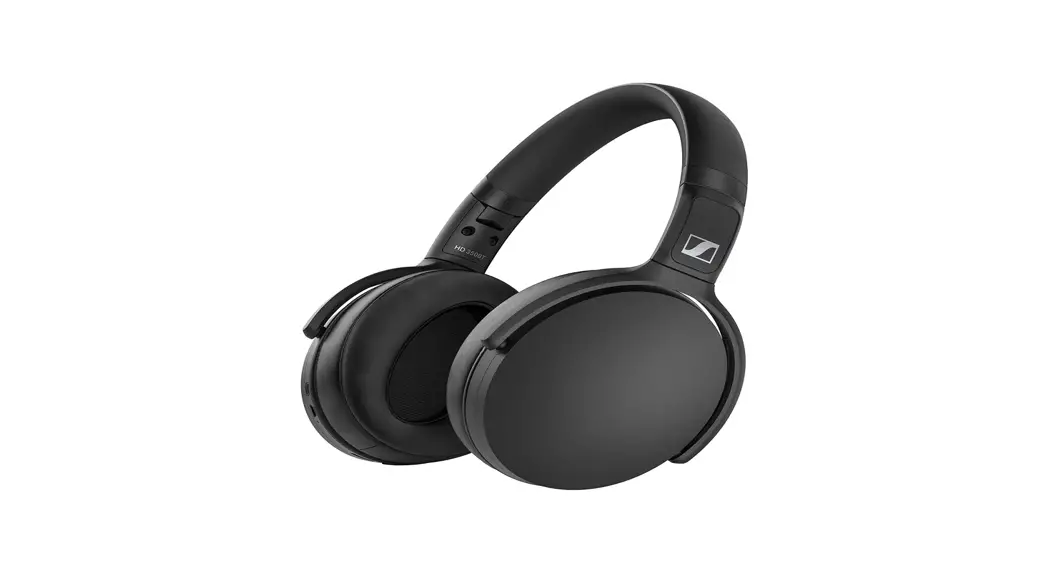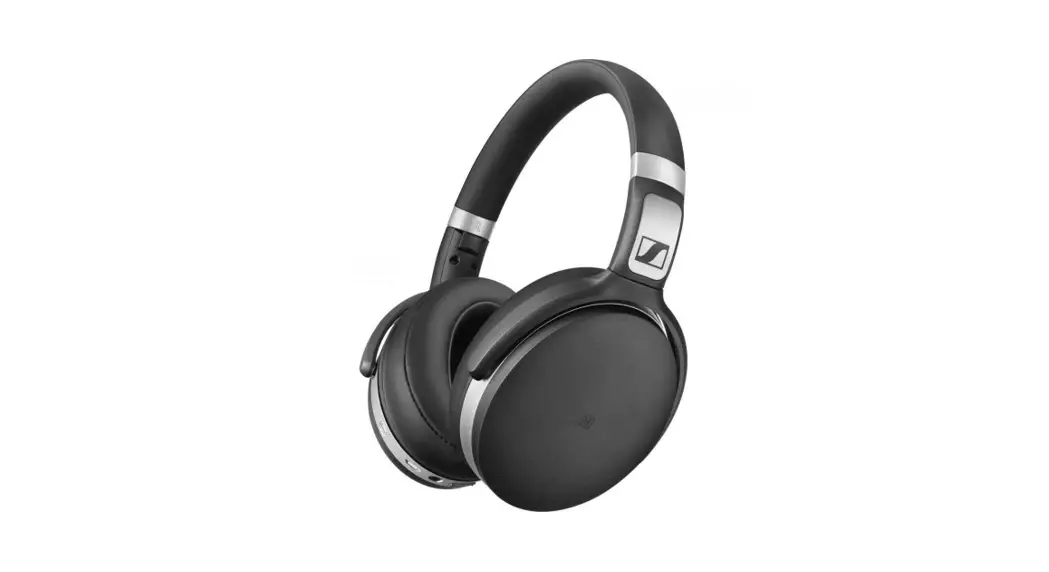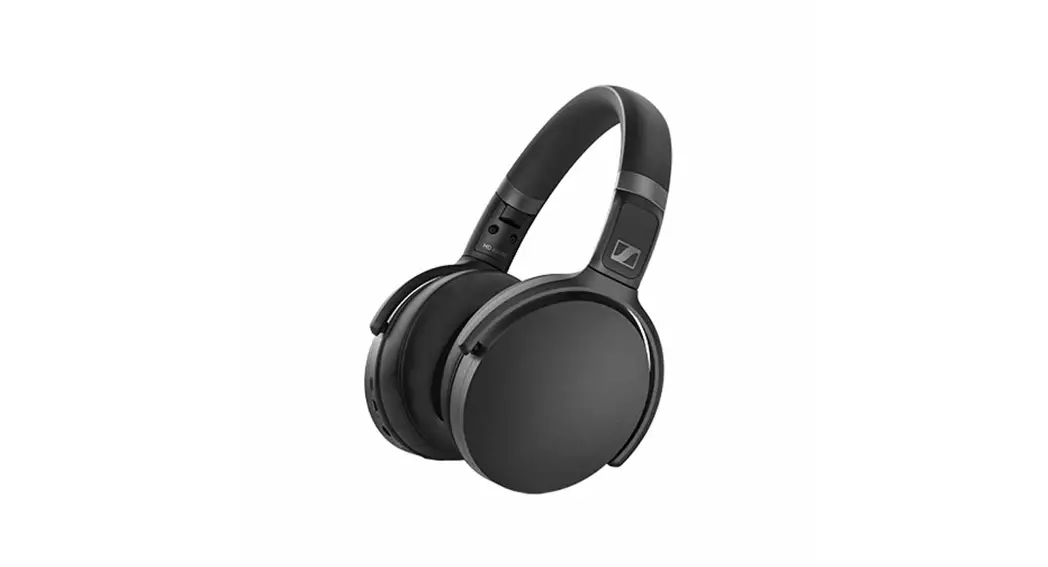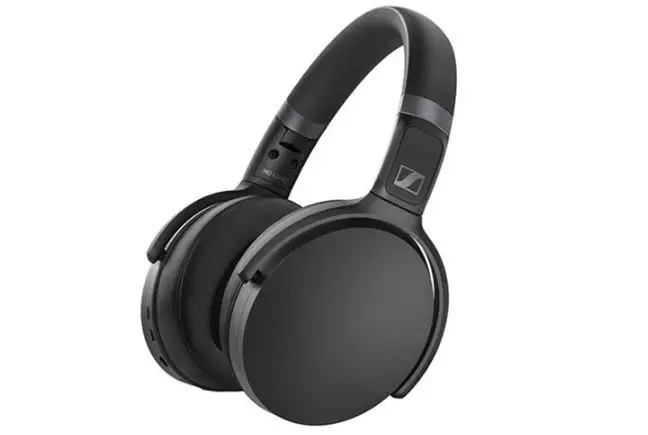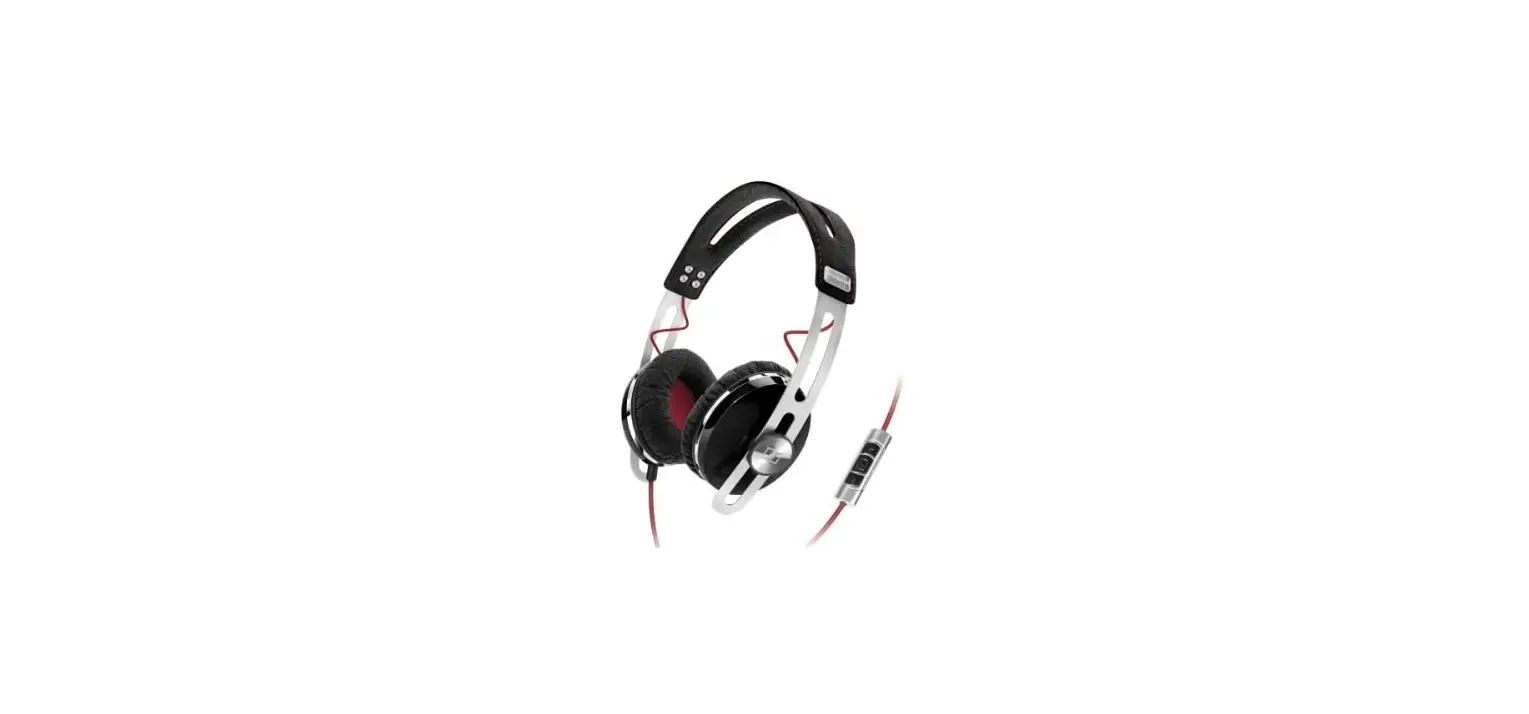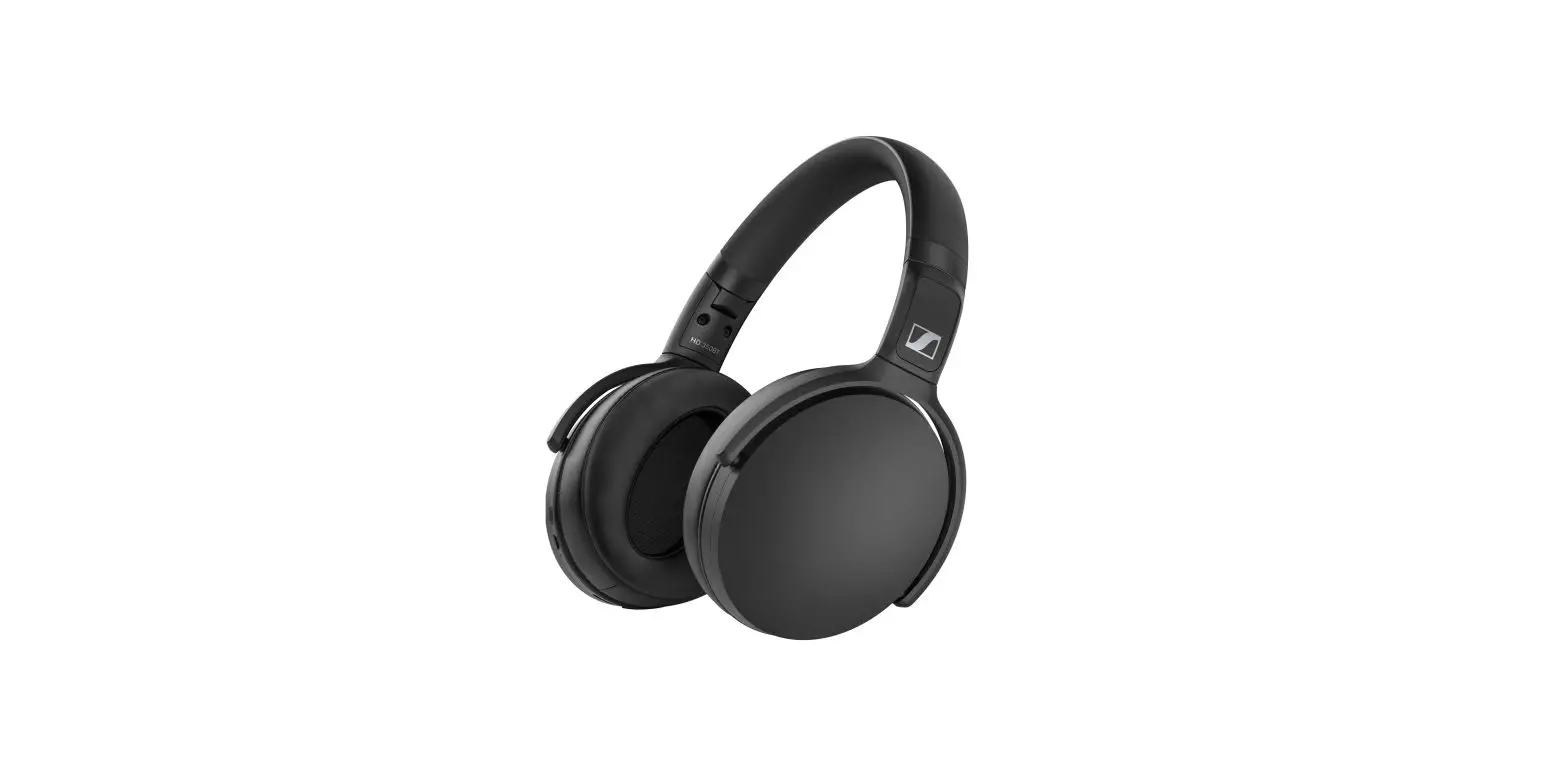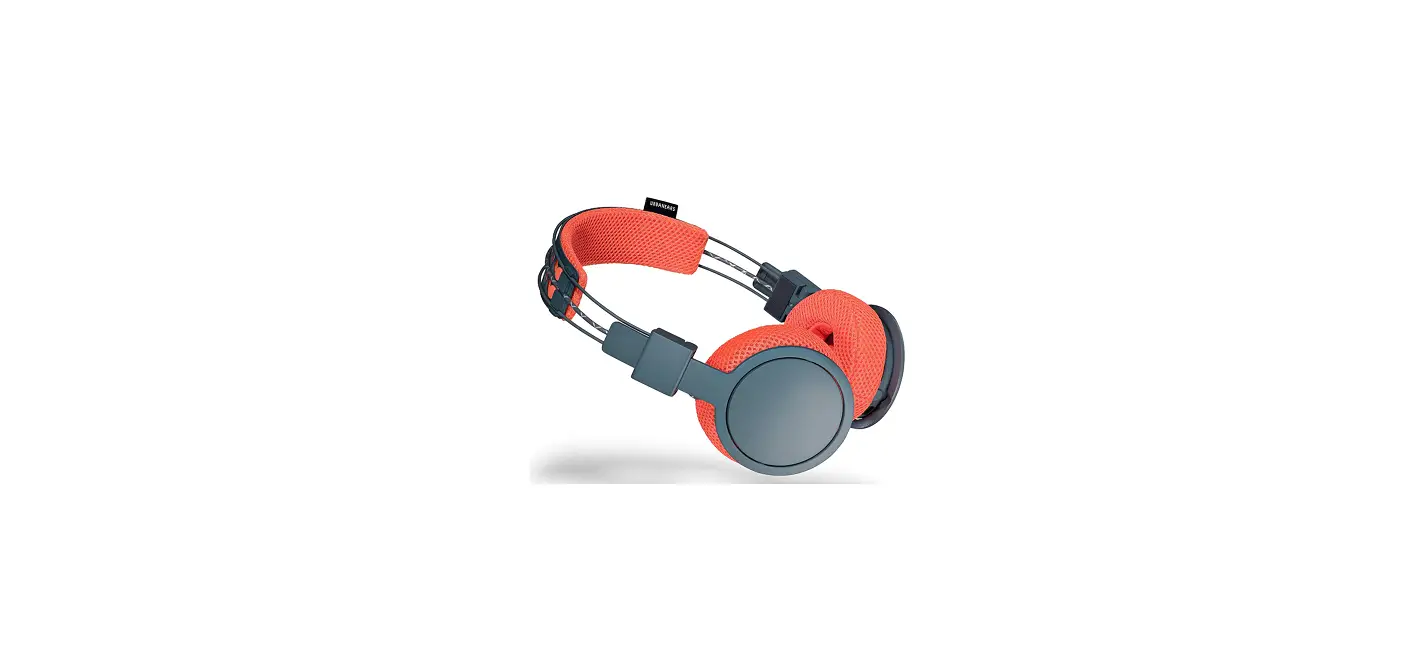

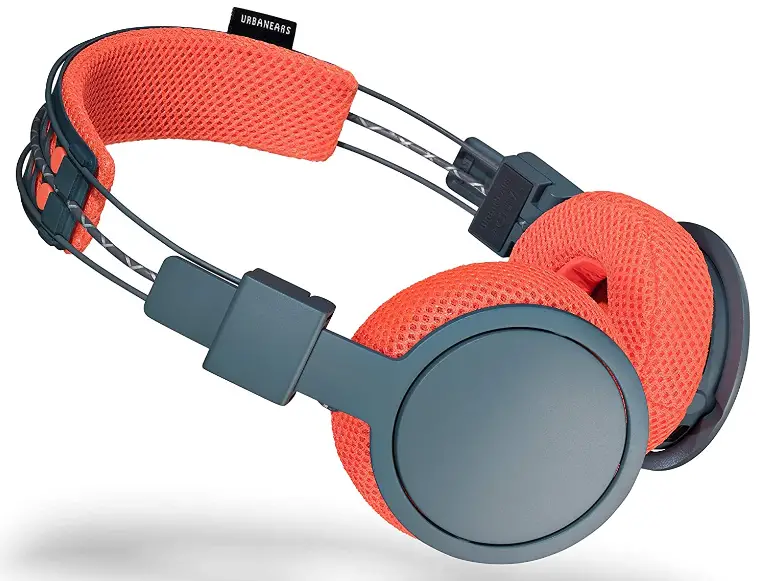
Sennheiser 4091226 On-Ear Active Wireless Bluetooth Headphones
INTERFACES
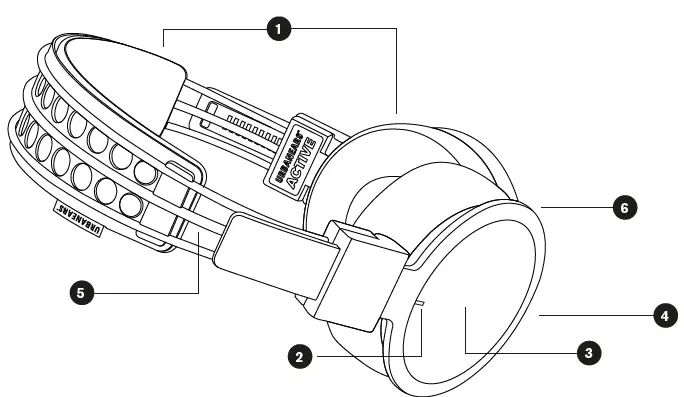
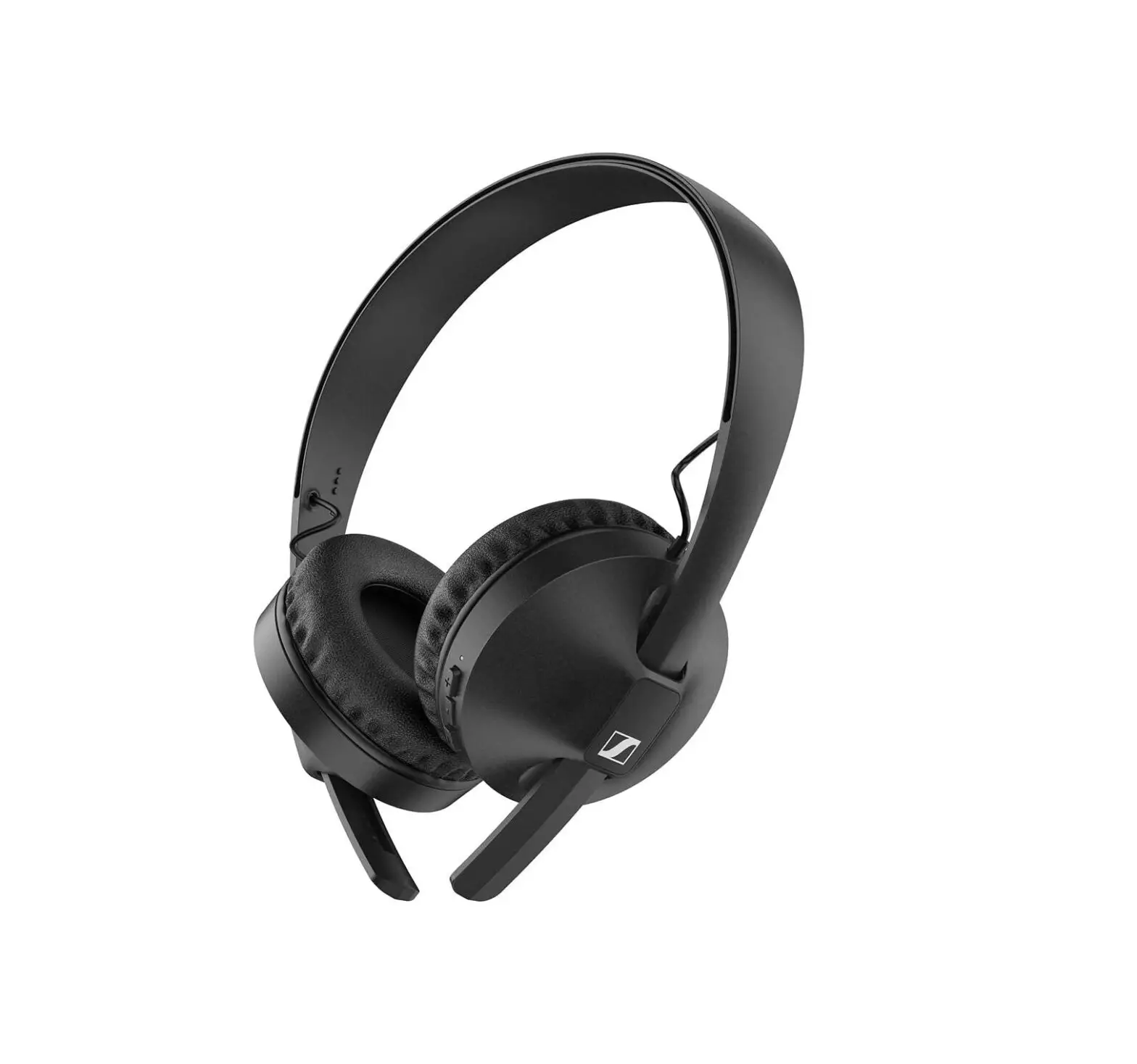
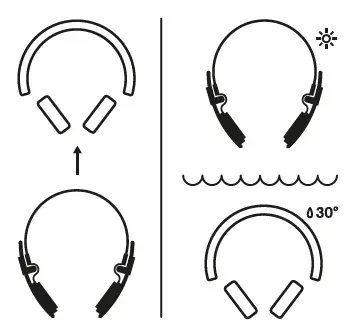
- Machine washable headband and ear cushions
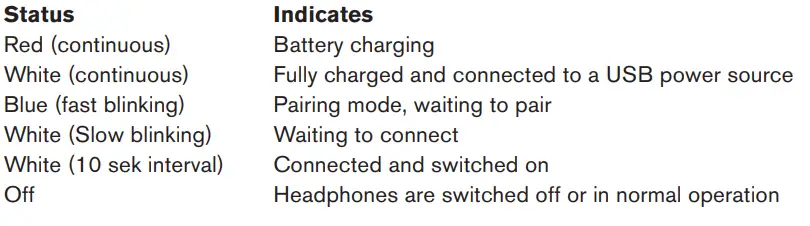
- LED indicator – Discrete and unlit during normal operation.
- Built-in touch interface (right side)
- Micro USB connector for charging the battery
- Reflective cord
- Microphone for answering phone calls
USING THE HEADPHONES
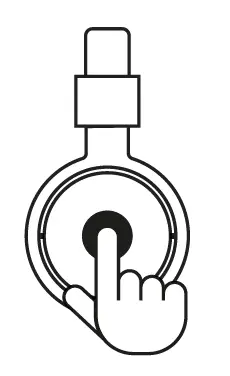
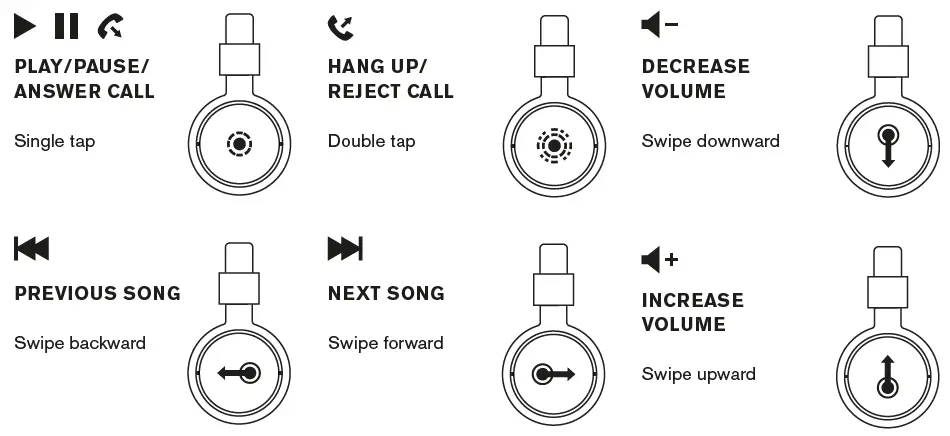
Locate the Touch Interface on the right ear cup. All user interfaces are done through commands on the touch interface. An audio signal indicates when a command is activated.
TURN THE HEADPHONES ON/OFF
Power On: Press and hold the touch interface for 4 seconds
Power Off: Press and hold the touch interface for 4 seconds.
Note! The headphones will auto shut-off if inactive and disconnected for 10 minutes
CONNECTING TO A BLUETOOTH® ENABLED SOUND SOURCE
Follow the steps below when pairing your headphones with your sound source (smartphone, tablet or computer) for the first time.
- If the device is turned off: Keep holding the touch interface for 4 seconds.
- Select and connect to HELLAS on your sound source, according to its user manual.
After the initial pairing, the two devices will auto-connect when they are switched on and within the range of 10 meters.
CONTROLS
CHARGING
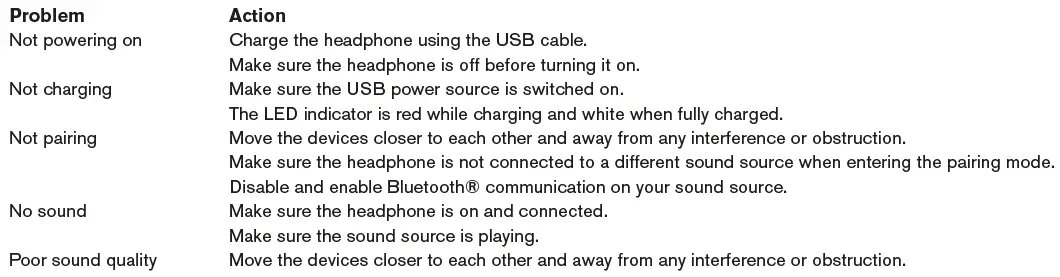
Plug the headphones into a USB power source using the micro USB cable. The USB cable can only be used for charging. 2 hours charge gives approximately 14 hours of playback at medium volume.
Charge the battery before using the headphones for the first time
CLEANING THE HEADPHONES
Detach the washable headband and ear cushions and machine-wash in 30° C (Cold/Cool). Clean the headphones with a soft, dry cloth.
Note! Do not use liquids or sprays. Happy sweating!
TROUBLESHOOTING
LED INDICATOR
IMPORTANT SAFETY INSTRUCTIONS
- Set your sound source to low volume before using the headphones.
- Do not use these headphones when operating a motor vehicle, a bicycle, or machinery or where your inability to hear outside sounds may present a danger to you or others.
- Using these headphones limits your ability to hear noises around you, regardless of listening volume. Please use caution when using these headphones.
- Do not drop, sit on, or allow the headphone to be immersed in water.
- Keep away from fire, water, and high voltage equipment.
CAUTION
- Not suitable for children under age three. Contains small parts, which may be a choking hazard.
- Long-term exposure to loud music or sounds may cause hearing loss. To prevent possible hearing damage, do not listen at high volume levels for long periods.
- This is not household waste. Instead it shall be handed over to the applicable collection point for the recycling of electrical and electronic equipment. This product was produced after Jan 1 2006.
FCC WARNING
Any Changes or modifications not expressly approved by the party responsible for compliance could void the user’s authority to operate the equipment.This device complies with part 15 of the FCC Rules. Operation is subject to the following two conditions:
- This device may not cause harmful interference, and
- this device must accept any interference received, including interference that may cause undesired operation.
This equipment complies with FCC radiation exposure limits set forth for an uncontrolled environment.
Note: This equipment has been tested and found to comply with the limits for a Class B digital device, pursuant to part 15 of the FCC Rules. These limits are designed to provide reasonable protection against harmful interference in a residential installation. This equipment generates, uses and can radiate radio frequency energy and, if not installed and used in accordance with the instructions, may cause harmful interference to radio communications. However, there is no guarantee that interference will not occur in a particular installation. If this equipment does cause harmful interference to radio or television reception, which can be determined by turning the equipment off and on, the user is encouraged to try to correct the interference by one or more of the following measures:
- Reorient or relocate the receiving antenna.
- Increase the separation between the equipment and receiver.
- Connect the equipment into an outlet on a circuit different from that to which the receiver is connected.
- Consult the dealer or an experienced radio/TV technician for help.
IC WARNING
This device complies with Industry Canada license-exempt RSS standard(s). Operation is subject to the following two conditions:
- this device may not cause interference, and
- this device must accept any interference, including interference that may cause undesired operation of the device
Frequently Asked Questions
True wireless in-ear headphones with a maximum playtime of 15 hours
The Urbanears Connected app makes it easier to set up your speaker for the first time and provides you access to all of its features. The app is available for free download on Google Play or in the App Store and works with both iOS and Android smartphones.
To enter pairing mode, press and hold the Play/Pause button for 5 seconds. After turning off the headset, hold down the Play/Pause button for five seconds to activate pairing mode. The LED indicator will blink blue and your headset will beep twice when pairing mode has been activated.
Push and hold for three seconds after turning the SOURCE knob to the Bluetooth icon. Turn on Bluetooth on your gadget (smartphone, tablet, or computer). Choose your speaker from the list of Bluetooth devices that are compatible and agree to pairing.
Make a careful soaking in the 85% alcohol of the fabric. Along the cord, move the fabric up and down. Please pay additional attention to and go over any stains that are more difficult to remove twice. Launder the cable.
For good reason, Urbanears is renowned for producing headphones that are both reasonably attractive and cosy. We previously tested headphones from the brand and found a lot to like about them, but their sound quality could have been a little better.
For 10 seconds, firmly press and hold the touch control surface on each earbud. The earbuds will begin to power on, begin the Bluetooth pairing process, and then shut off. 4. Your earphones will be reset to factory settings when you put them back in the charging case.
Disconnect Urbanears Alby by going to the Bluetooth menu on the device that presently has your earphones connected. The earbuds are now set up and prepared to pair. Select Urbanears Alby from the Bluetooth menu on the device you wish to connect to.
If the device is off, hold down the touch screen for 8 seconds. After that, the headphones will turn on and the LED will alternately display white for 4 seconds. The headphones will then make a sound to signal pairing mode after the following four seconds, and the LED will flash blue.
To turn on the speaker, press and hold the power button for two seconds (or off again). – AUX or Bluetooth can be used to connect a sound source.
Remove Urbanears Alby by going to the Bluetooth menu on the device that your earphones were previously paired with. Remove the earphones, wait five seconds, and then insert them. From the Bluetooth menu on your device, choose Urbanears Alby.
Although the headphones’ passive noise cancellation is sufficient to muffle outside noise in a coffee shop, their absence of active noise cancellation means they won’t be your best travel companion.
Use the micro USB cable to connect your headphones to a USB power source to start charging them. Approximately 12+ hours of cord-free playing are available after 2.5 hours of charging.
Simply remove the right ear cushion to disclose an aperture next to one of the screws and reset your Hellas. The reset button is located inside this aperture. To reset your headphones, push and hold the reset button for two to three seconds using a small object, such a toothpick.
Pressing both volume buttons simultaneously will turn on an LED that will show you how much battery life is remaining. To turn on the indicator, squeeze both volume buttons together.