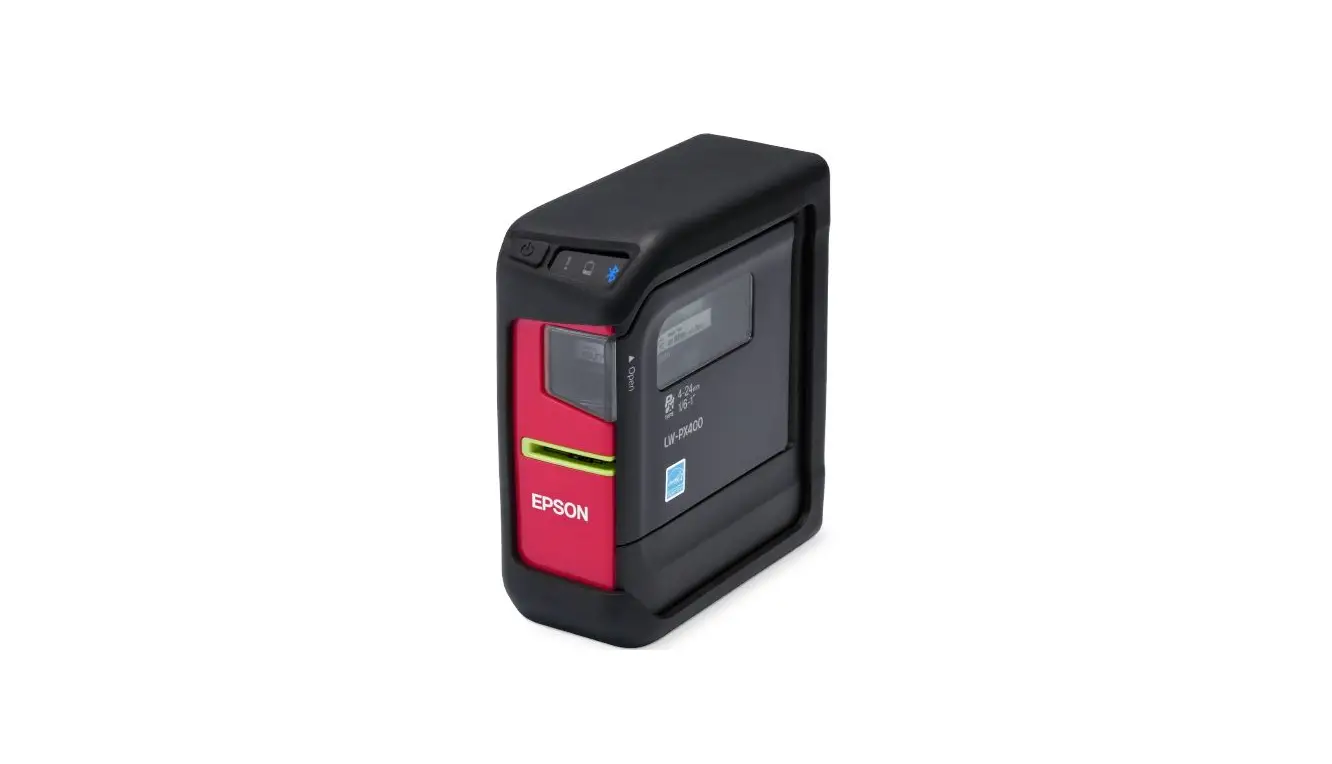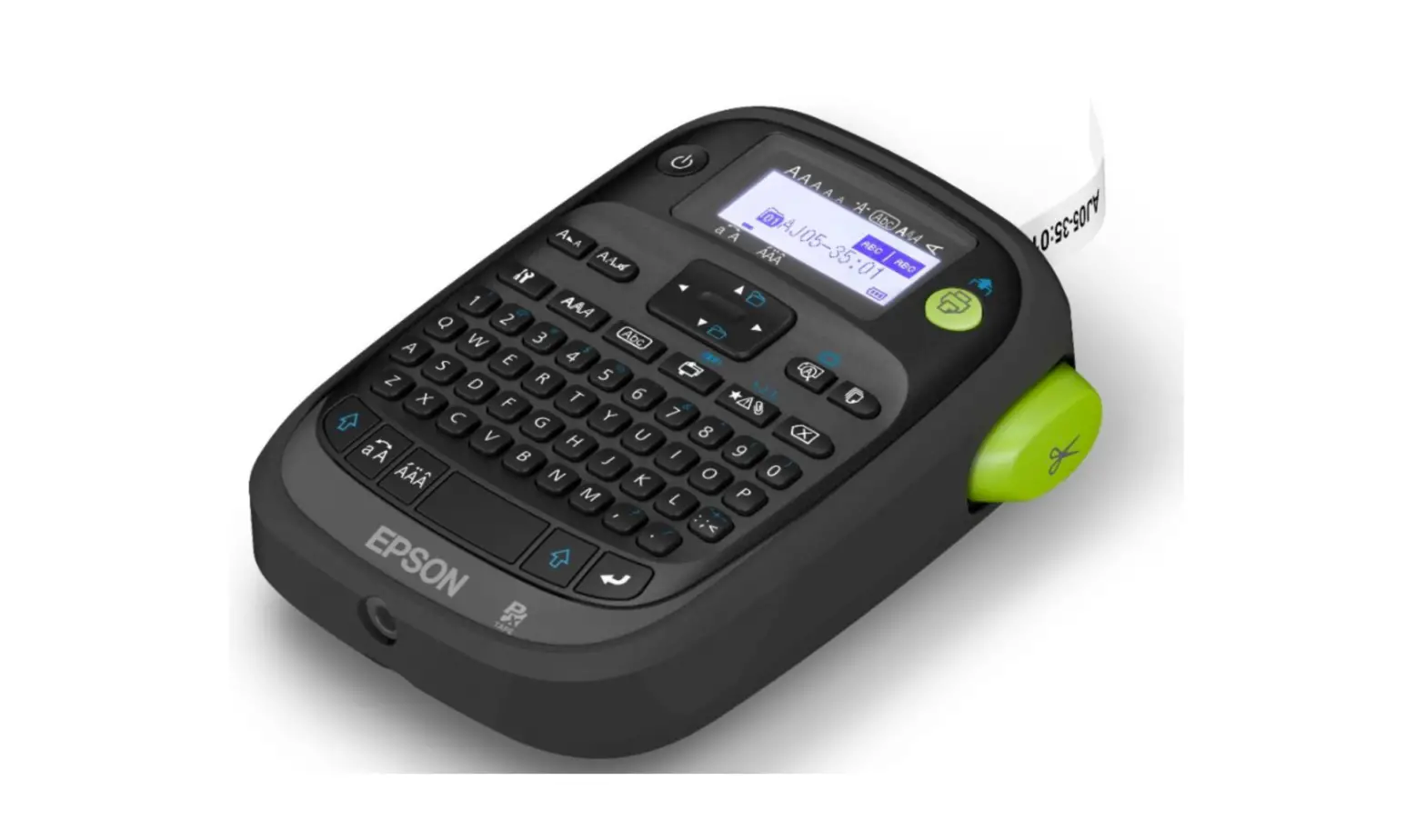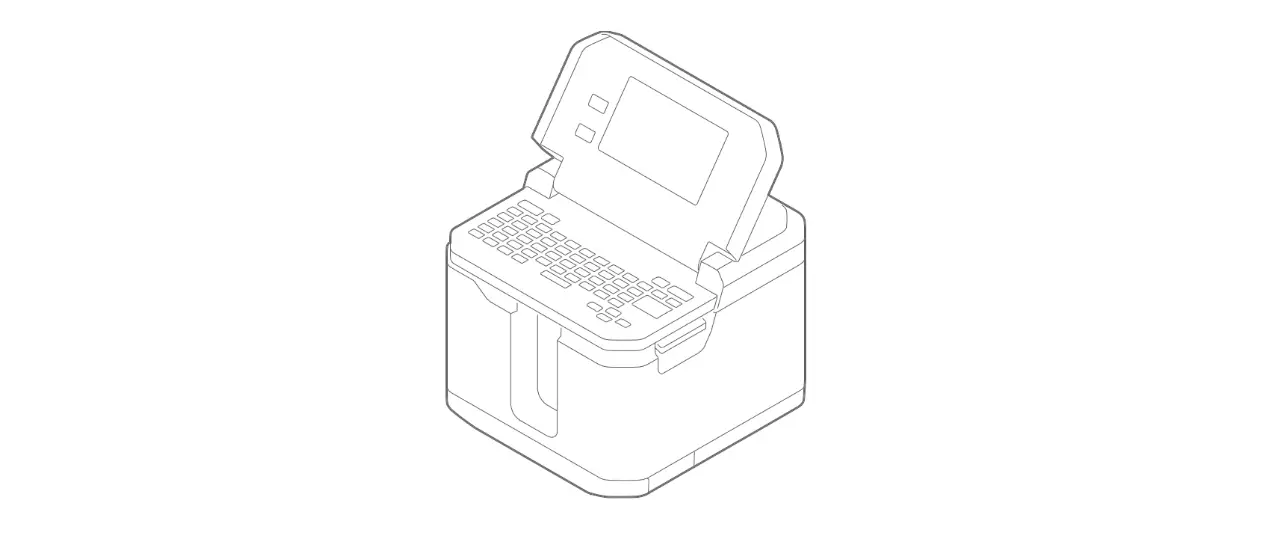

EPSON LW-Z5010 Series LABELWORKS
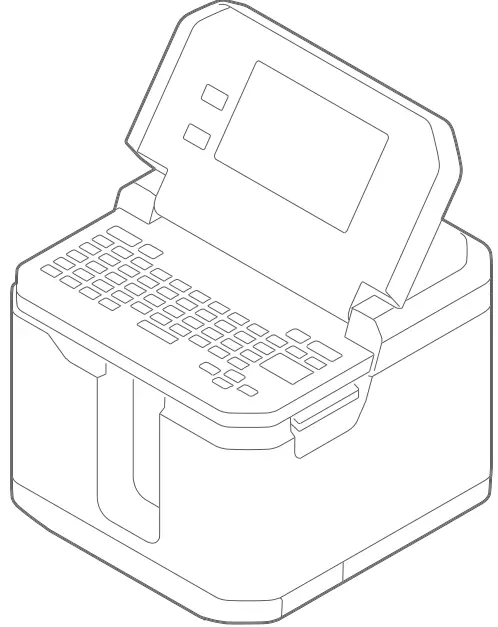
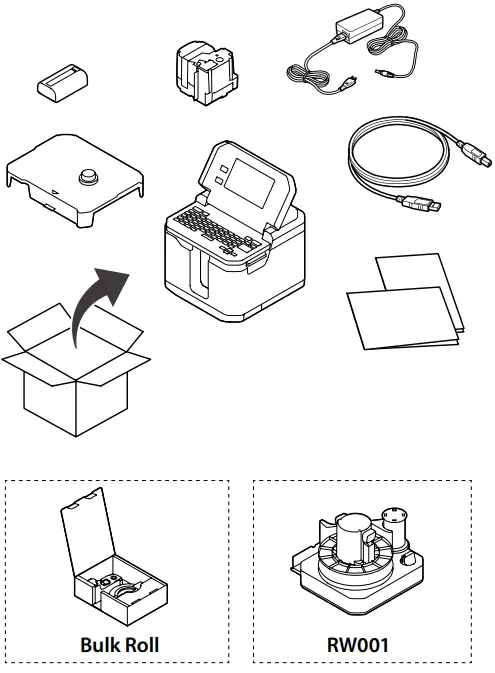
WHAT IS IN THE BOX
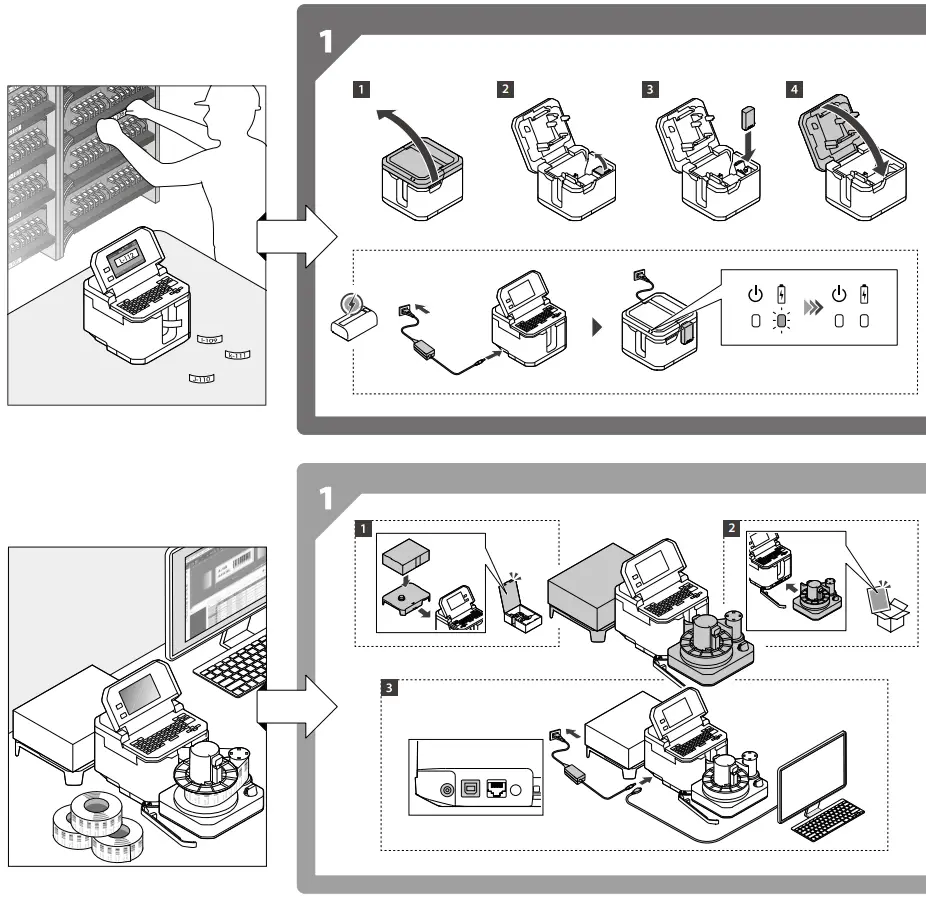
INSTALLATION
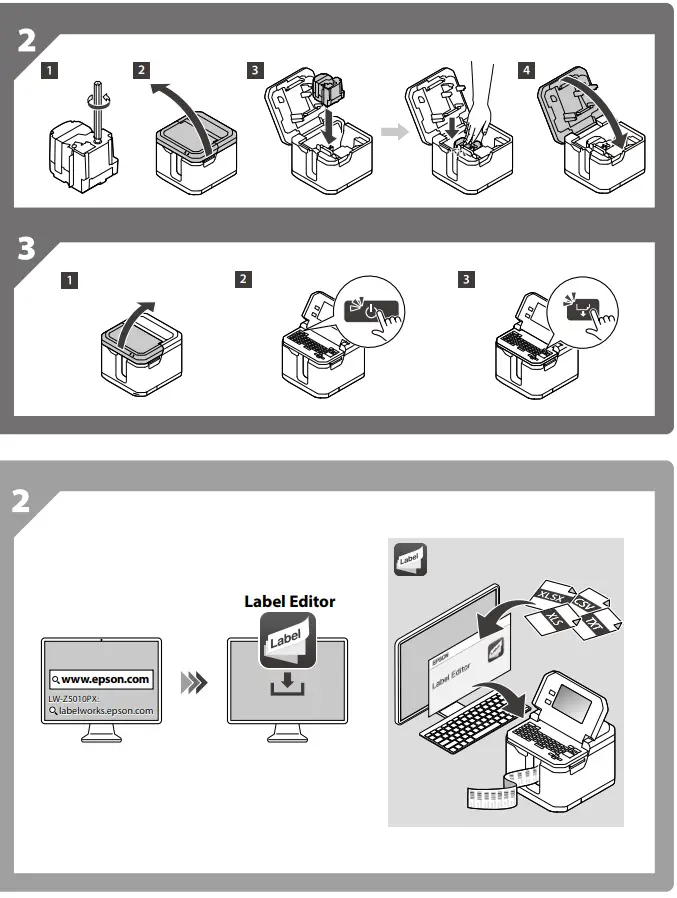
OVERVIEW
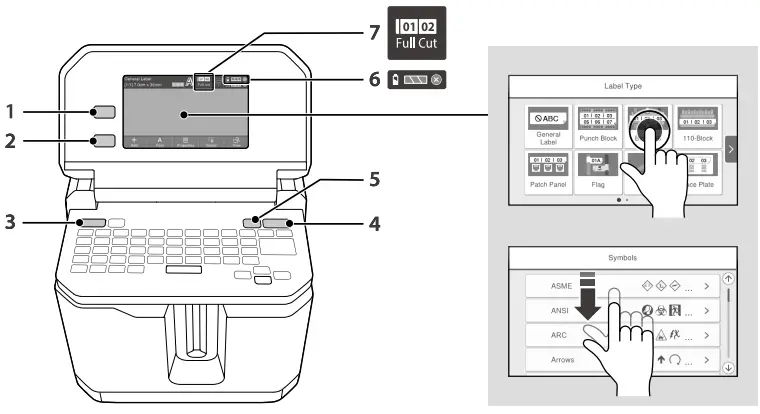
- Lets you select label type.
- Lets you return to the previous screen.
- Lets you turn the printer on or off.
- Lets you start printing.
- Lets you feed tape or feed and cut tape.
- Shows the battery level and charging status.
- Shows the current tape cut setting.
www.epson-biz.com/?prd=lw-z5010&inf=manual
 Epson LabelWorks | Industrial Label Makers +Printers + Supplies
 epson-biz.com/?prd=lw-z5010&inf=manual
 Epson – Exceed Your Vision