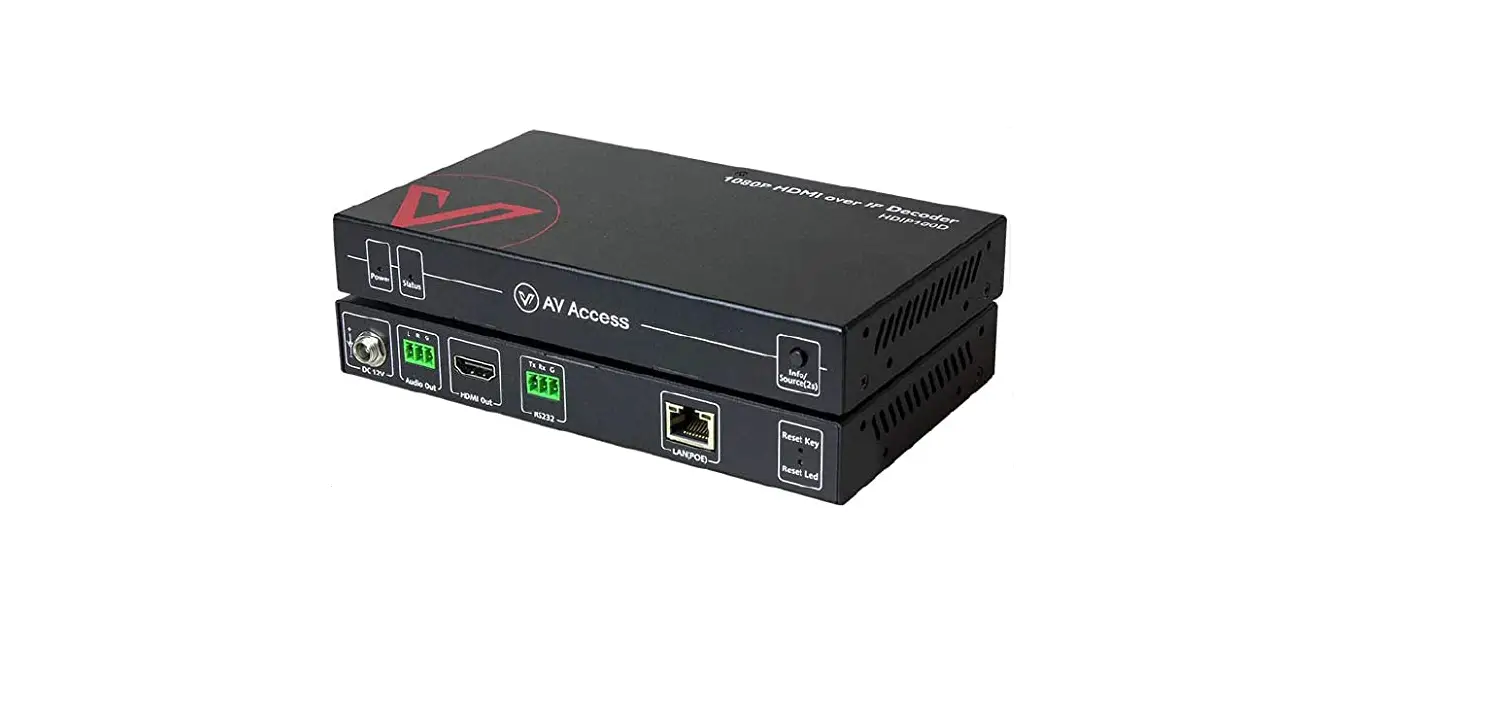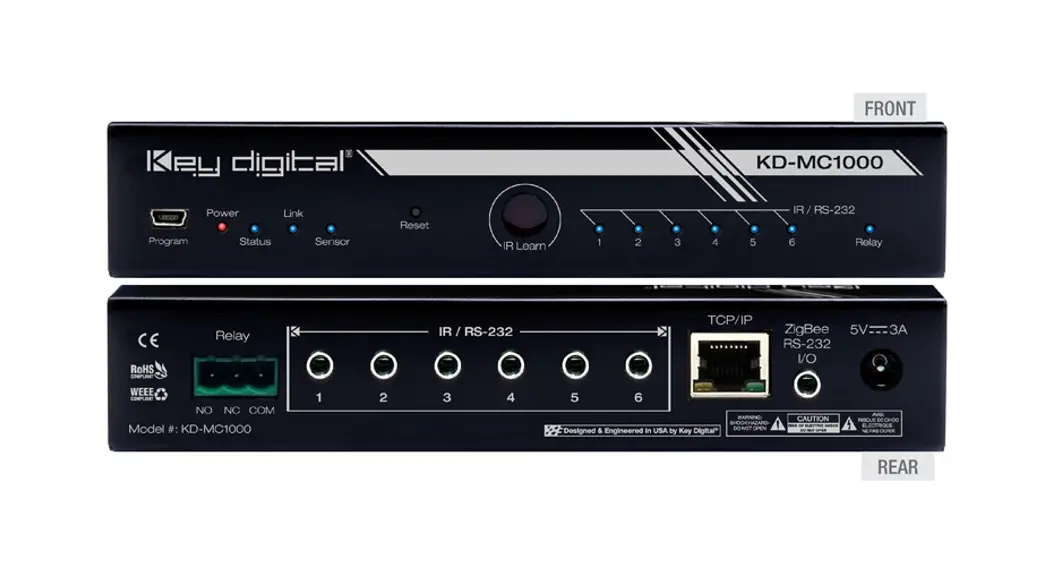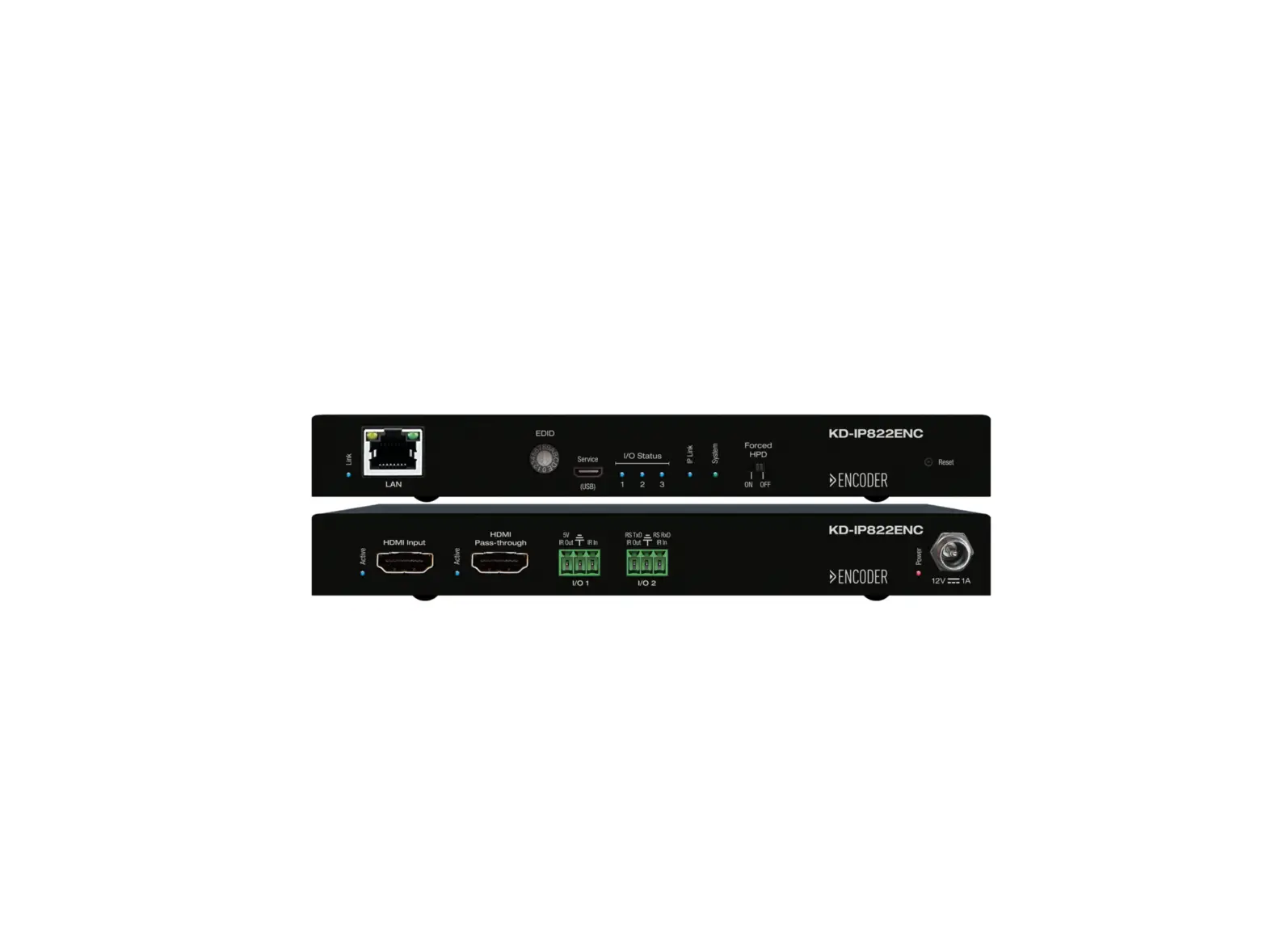
 READY Source and Display Control 4K AV Over IP + Key Digital App
User Manual
4K AV over IP Tech Guide
KD App Source & Display Control Feature
Key Digital Source & Display Control feature for 4K AV over IP systems controlled by the Key Digital iOS App, enables IR control of popular HDMI source and Display evices without any control system or programming.
System Requirements
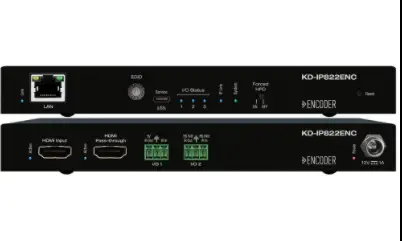
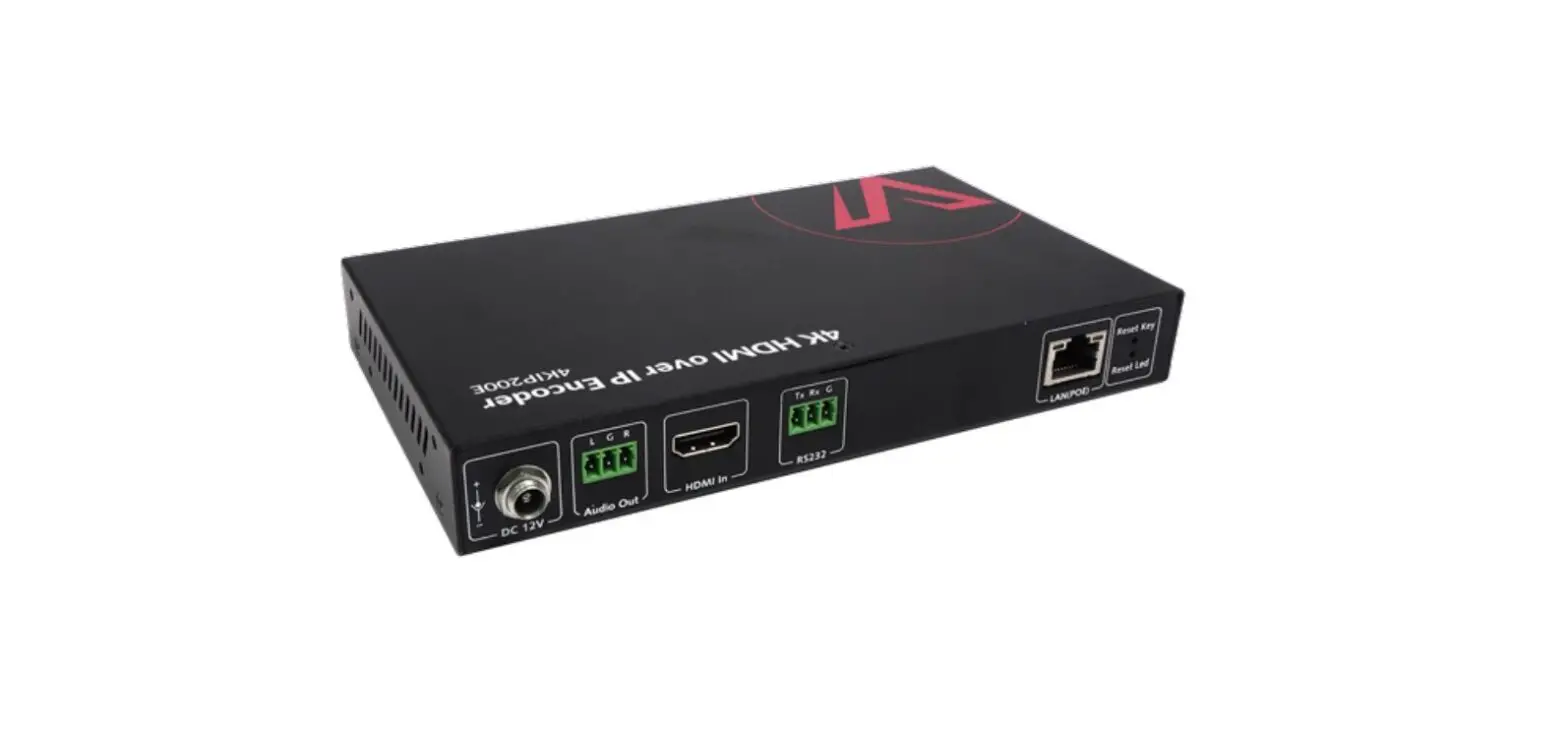
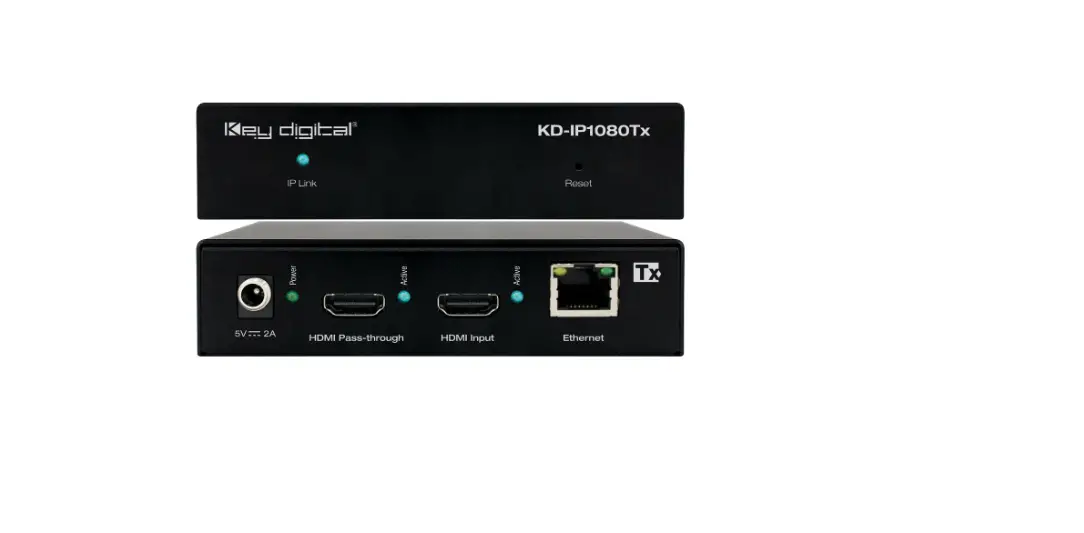
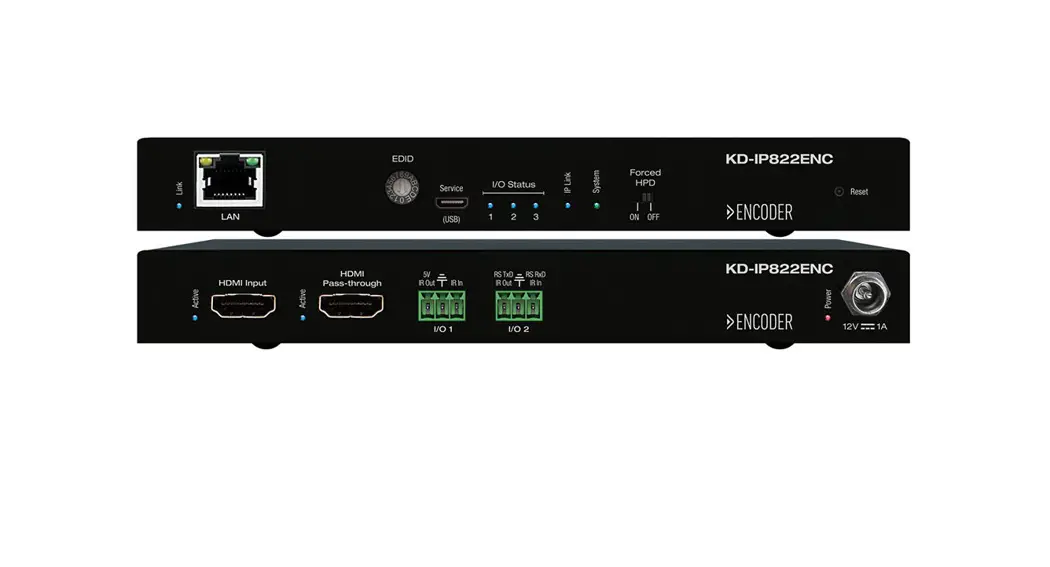
Source & Display may be configured in any Key Digital 4K AV over IP Systems on KD-IP822ENC, KD-IP822DEC, KDIP922ENC, KD-IP922DEC, KD-IP1022ENC, and KD-IP1022DEC units with firmware v1.56
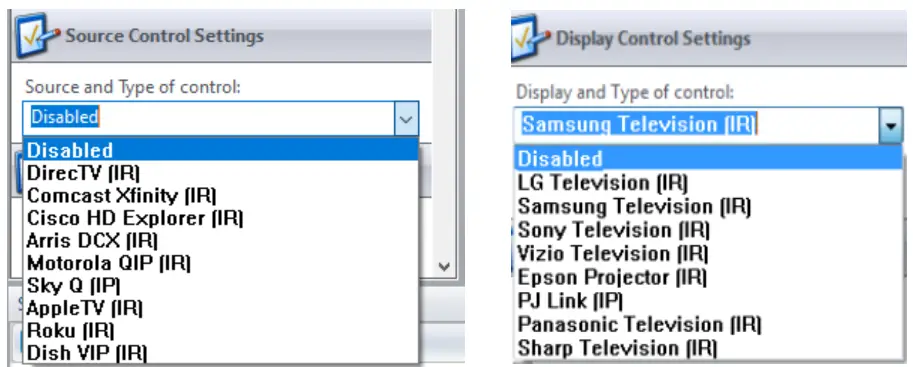
Supported Devices
| Sources | Displays |
| DirecTV H/HR | LG |
| Dish Network VIP | Samsung |
| Comcast Xfinity | Sony |
| Cisco HD Explorer | Vizio |
| Arris DCX | Epson PowerLite 2181788 |
| Motorola QIP | Panasonic |
| SkyQ | Philips Pro |
| AppleTV | Sharp |
| Roku |
Setup
Use the latest Key Digital Management Software Pro to configure Source Control in Encoders or Display Control in Decoders. Use the dropdown menu to choose your supported device.
4K AV over IP Tech Guide
Wiring
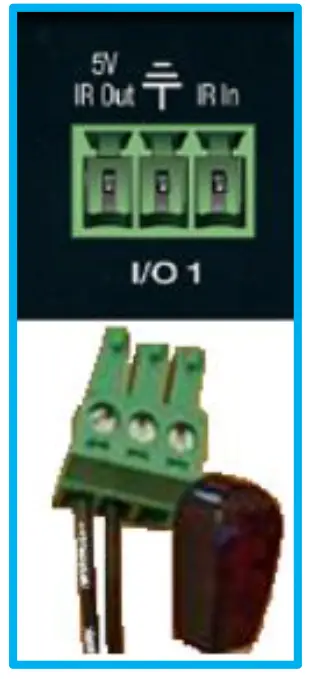
Use I/O port 1. Connect the striped wire (IR signal) to pin 1. Connect the solid wire (ground)to pin 2.
If controlling a video wall, all IR emitters for the video wall displays MUST connect into VideoWall Decoder ID 1 (AKA top-left display). This is necessary because the KD App uses Decoder1 as the control interface for the video wall.
Control
Open the KD App, scan your network, and choose your system to enter the control UI.
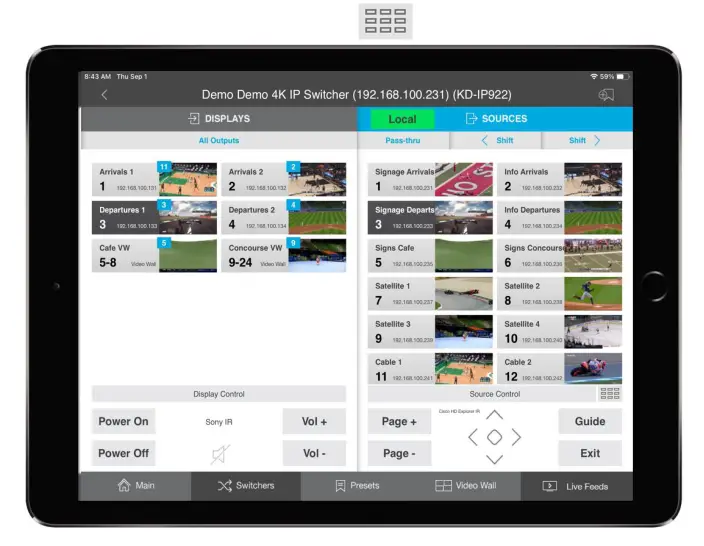
Upon selecting Displays (decoders) and Sources (encoders) with Source & Display control enabled, press the desired buttons in the respective control panels at bottom-left and bottom-right of the screen.
You may toggle between the main directional control pad and numerical keypad in the Source Control panel by pressing the numerical button icon:
 Key Digital Management Software | Key Digital