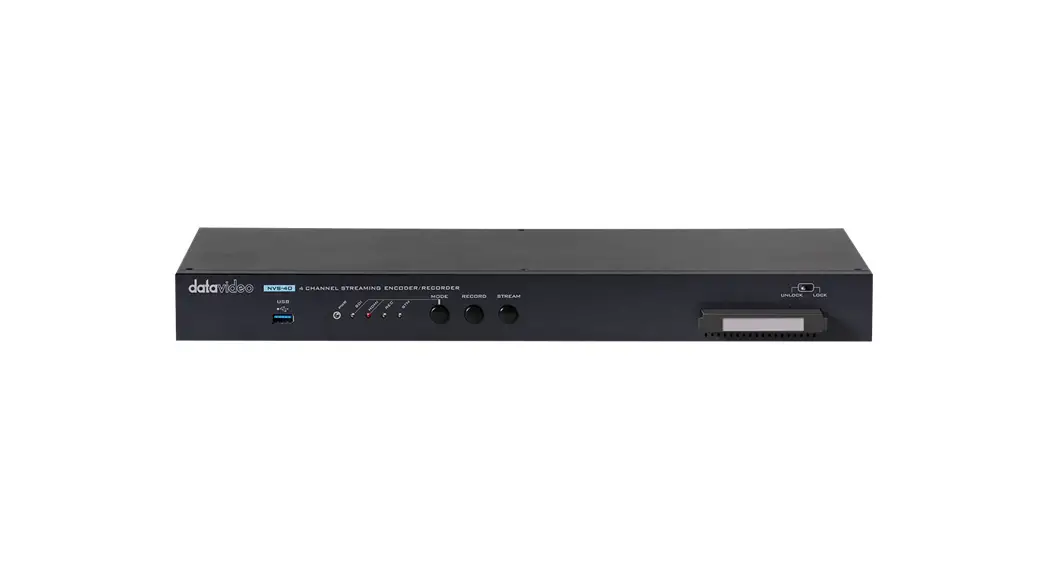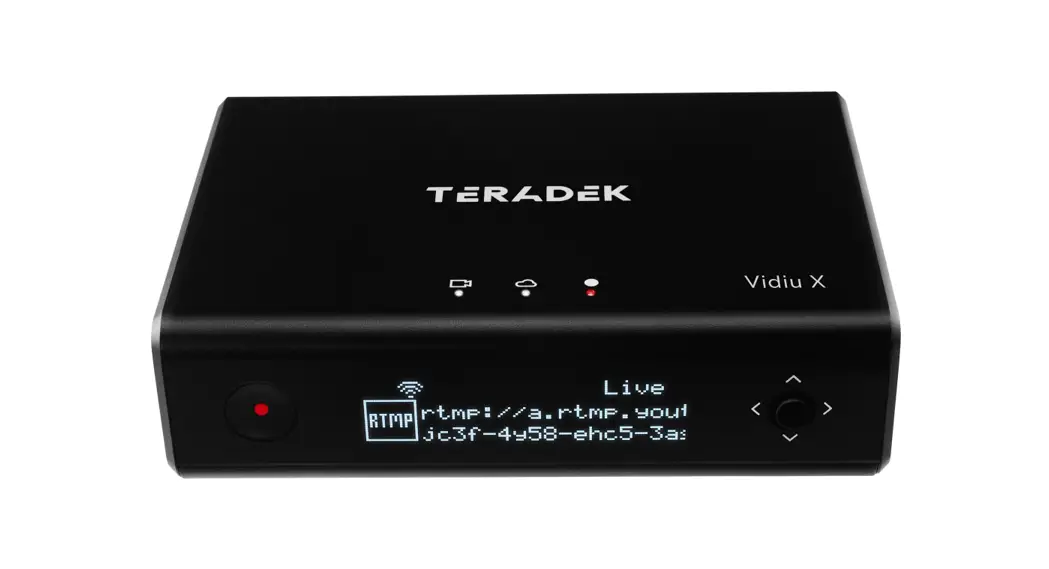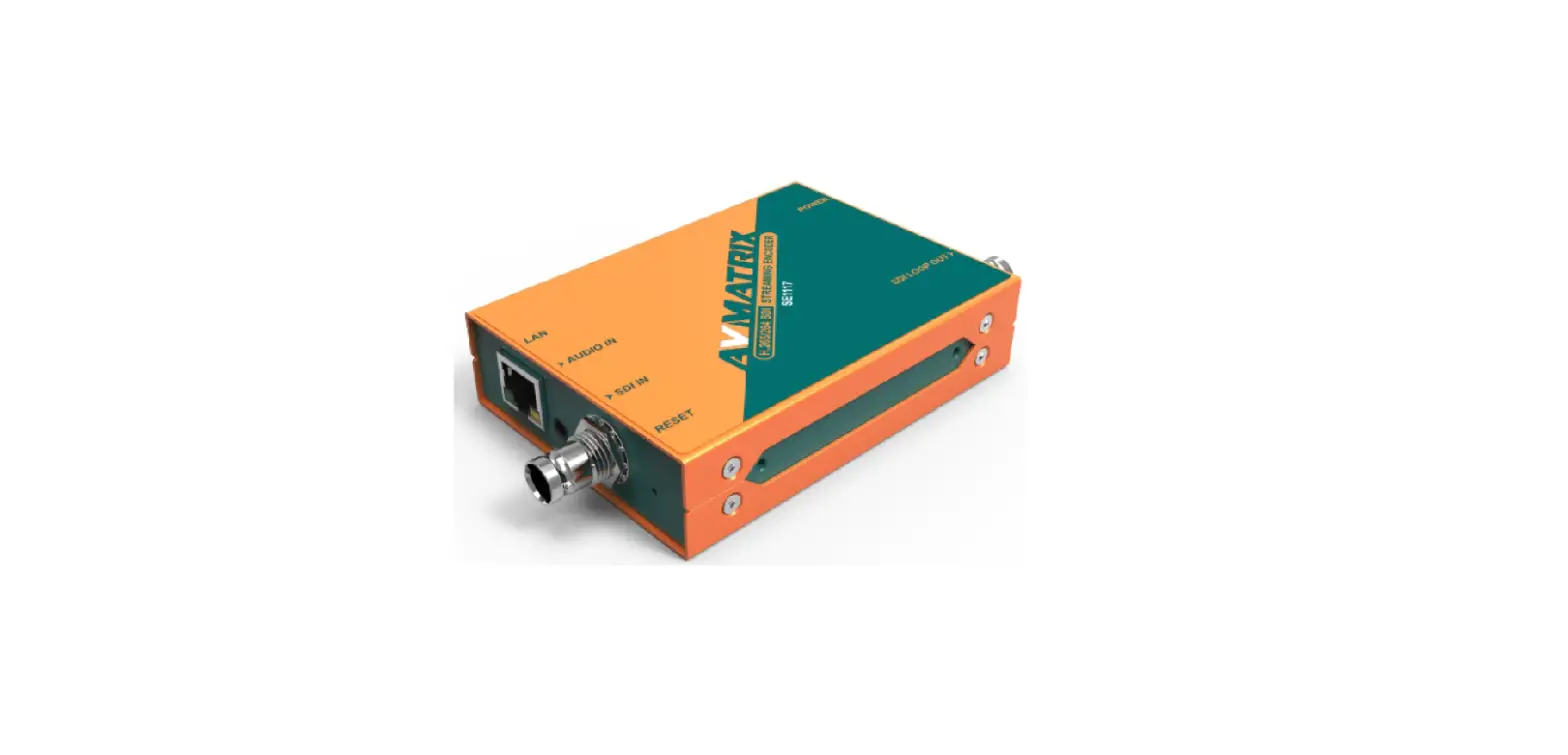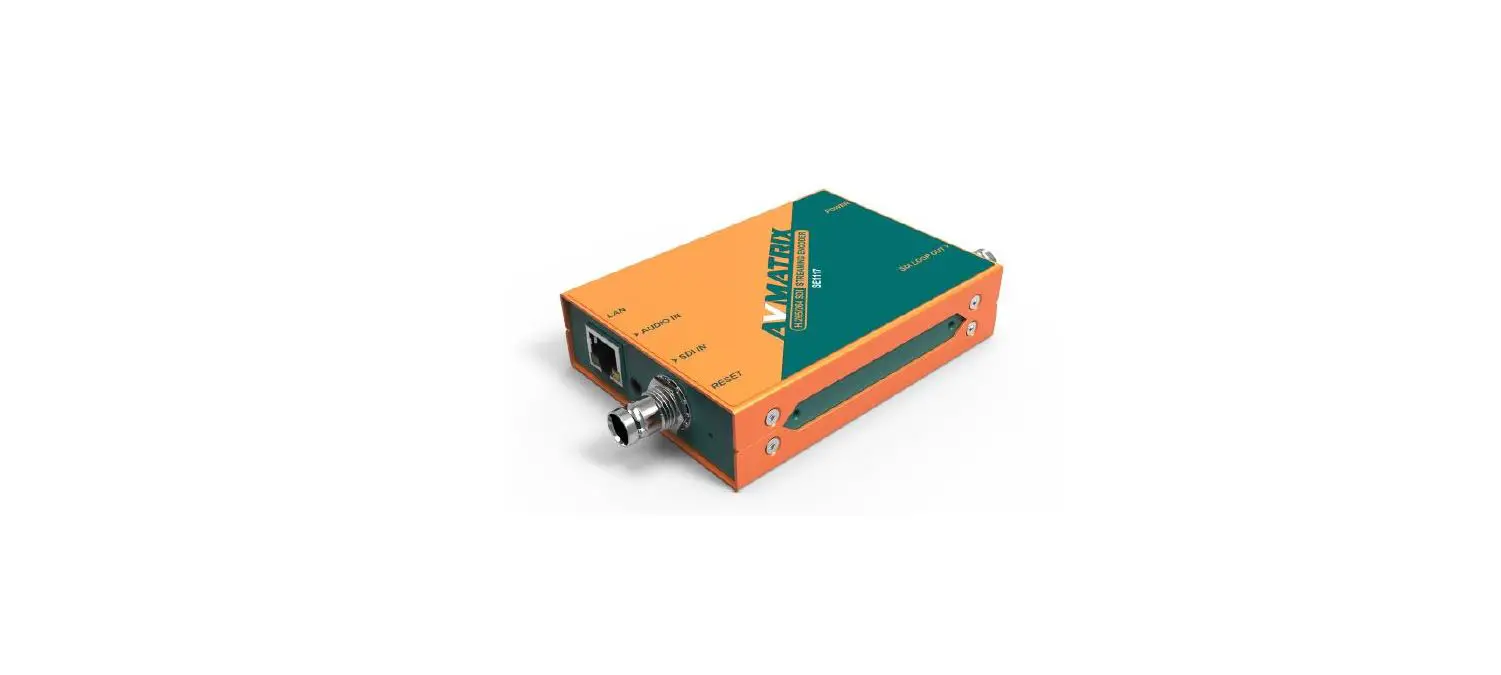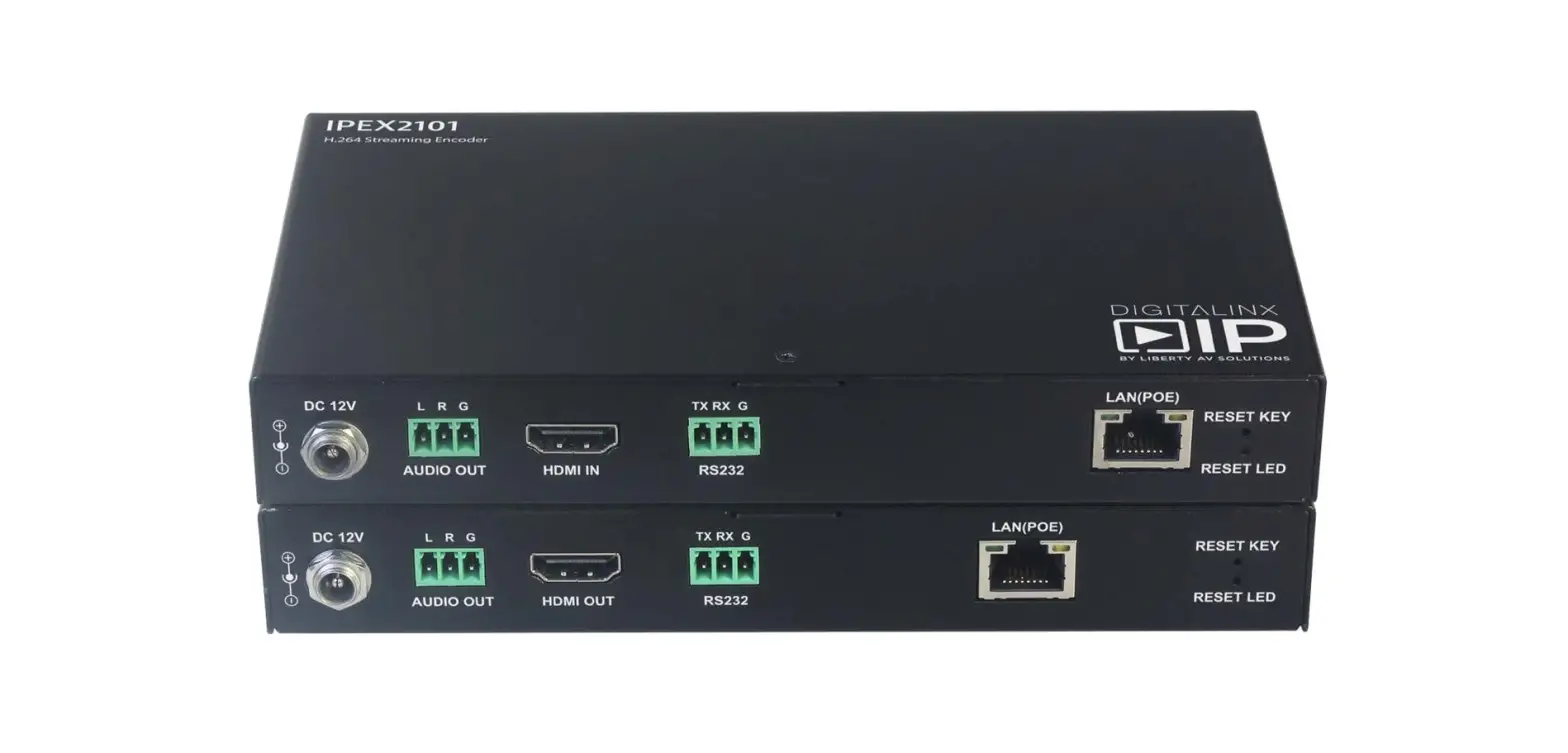

DIGITALINXIP IPEX2101 H.264 Streaming Encoder
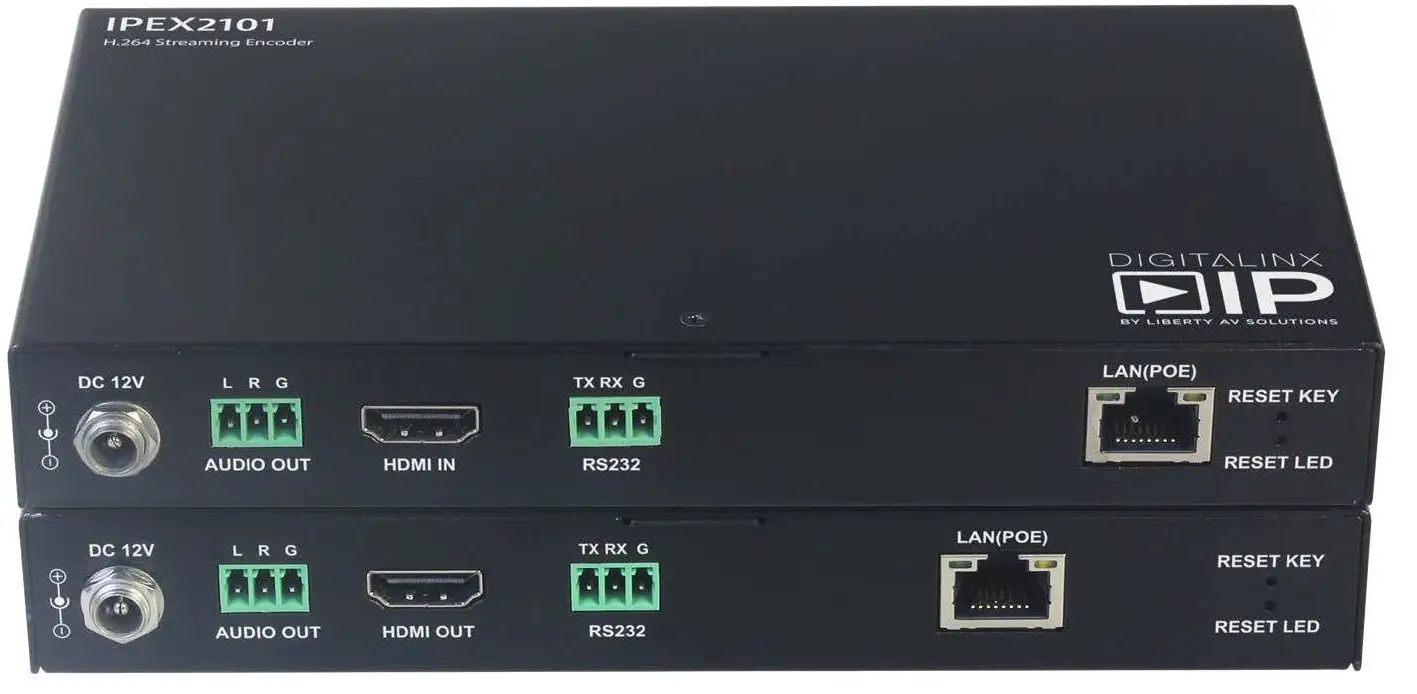
Product Overview
IPEX2101 Encoder
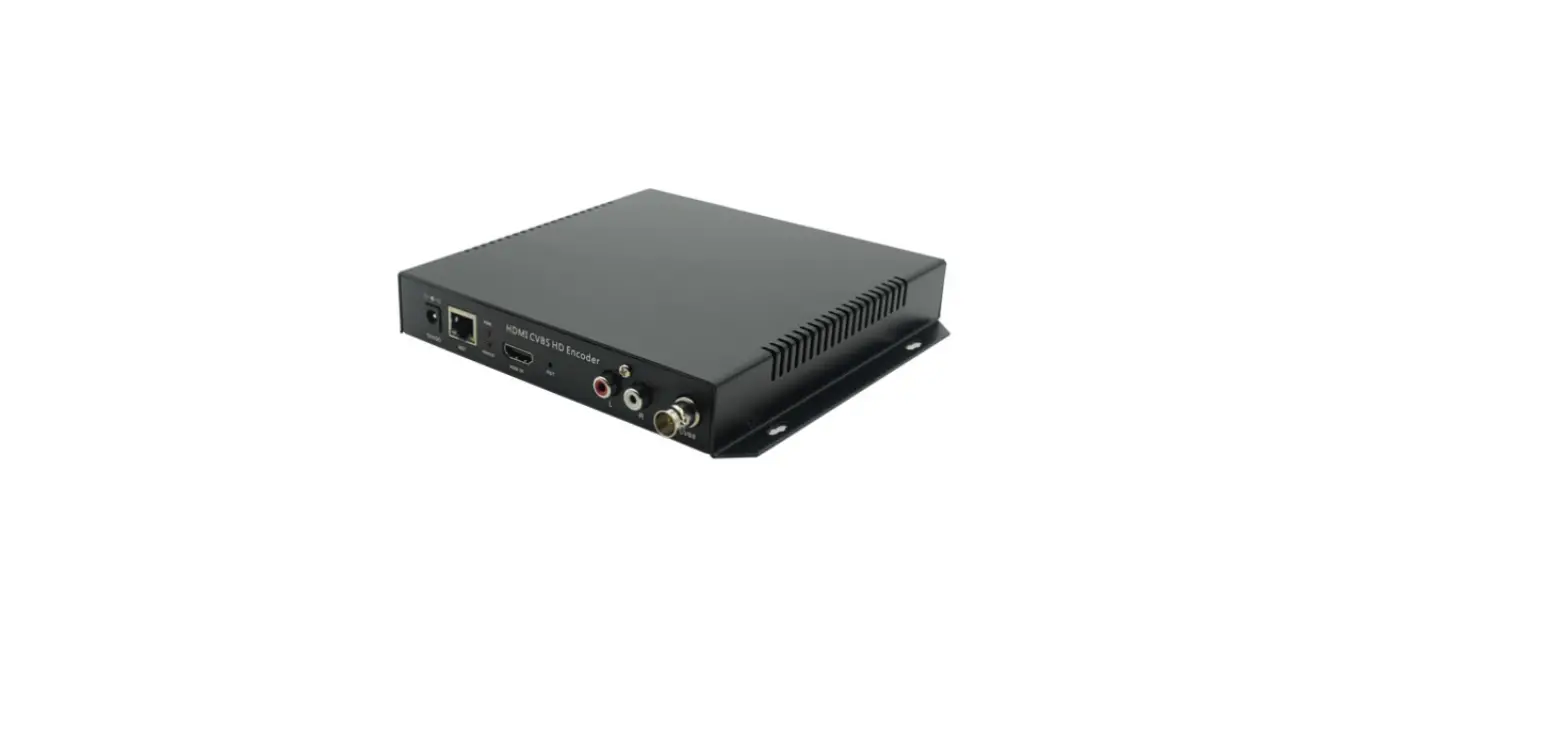
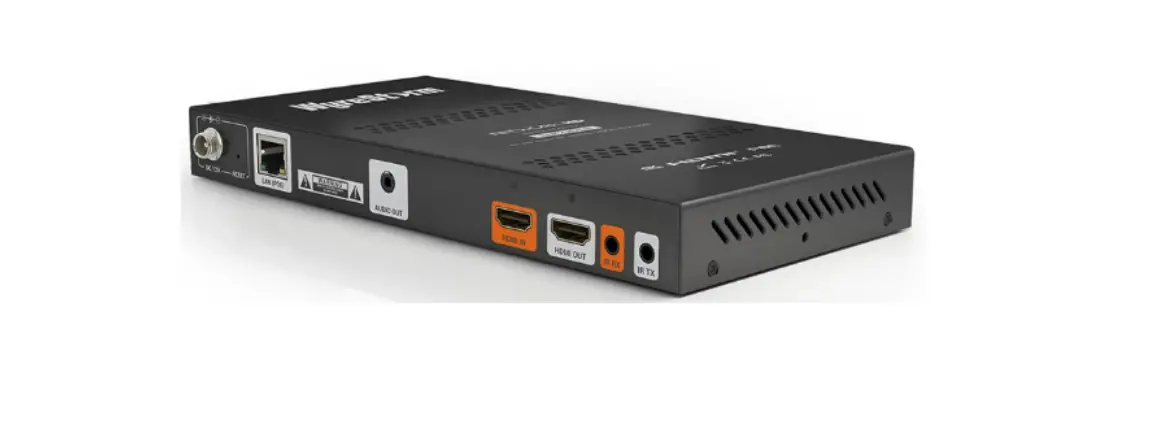
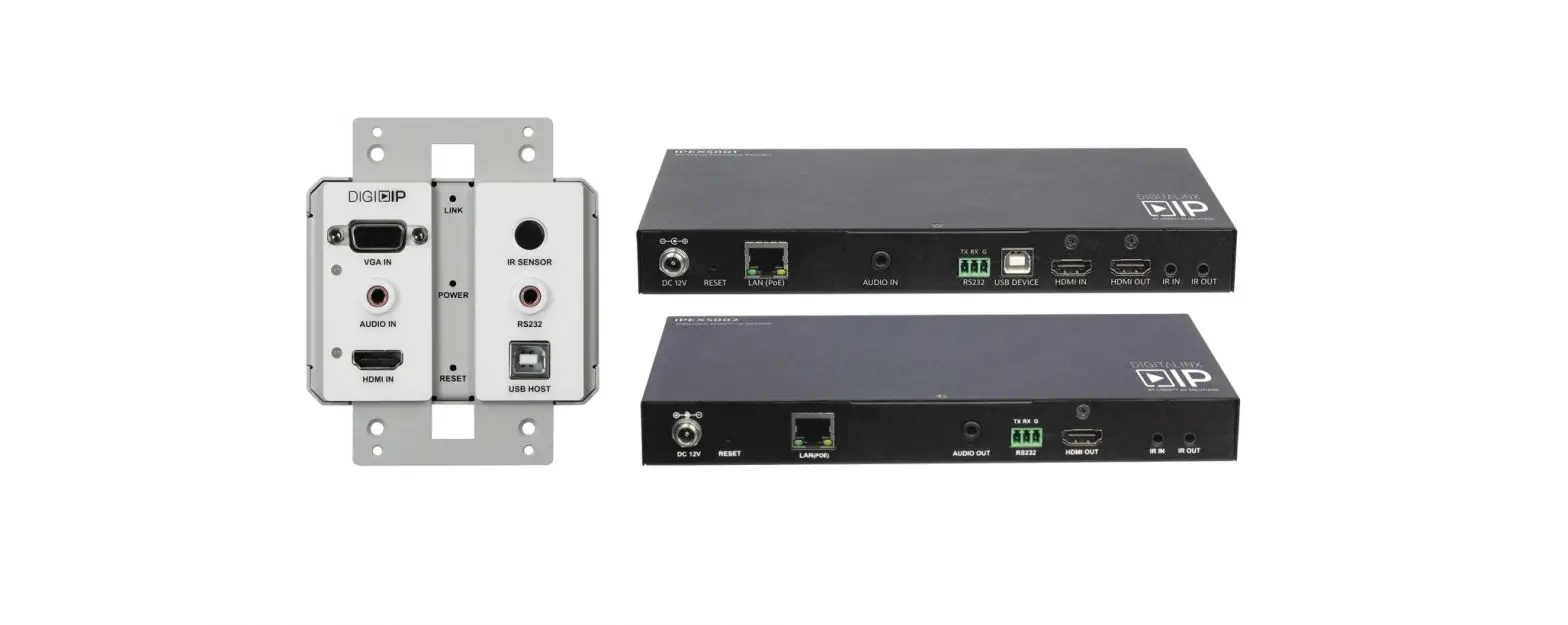
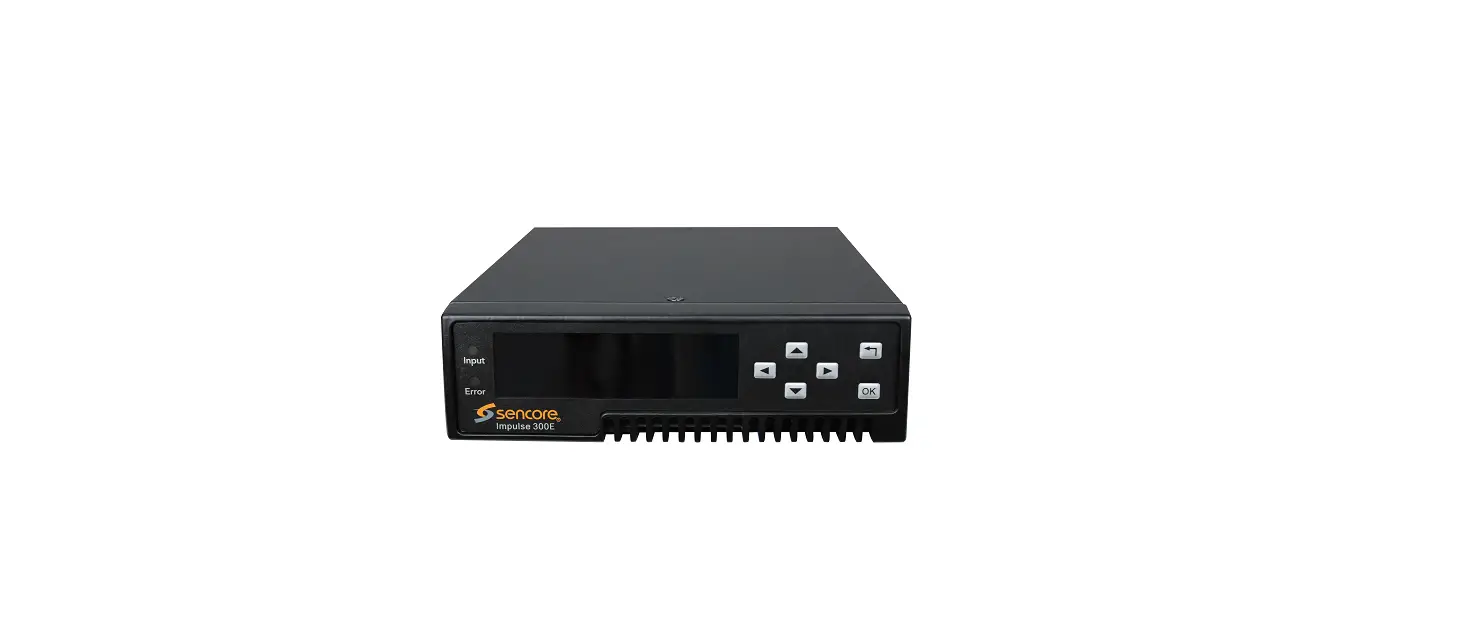
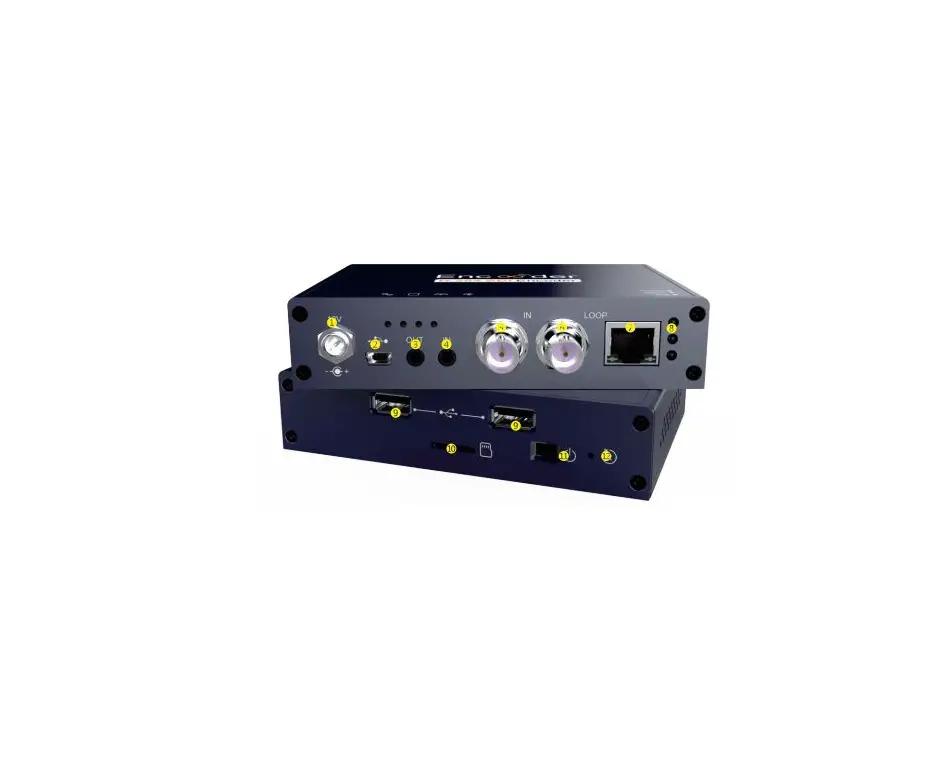
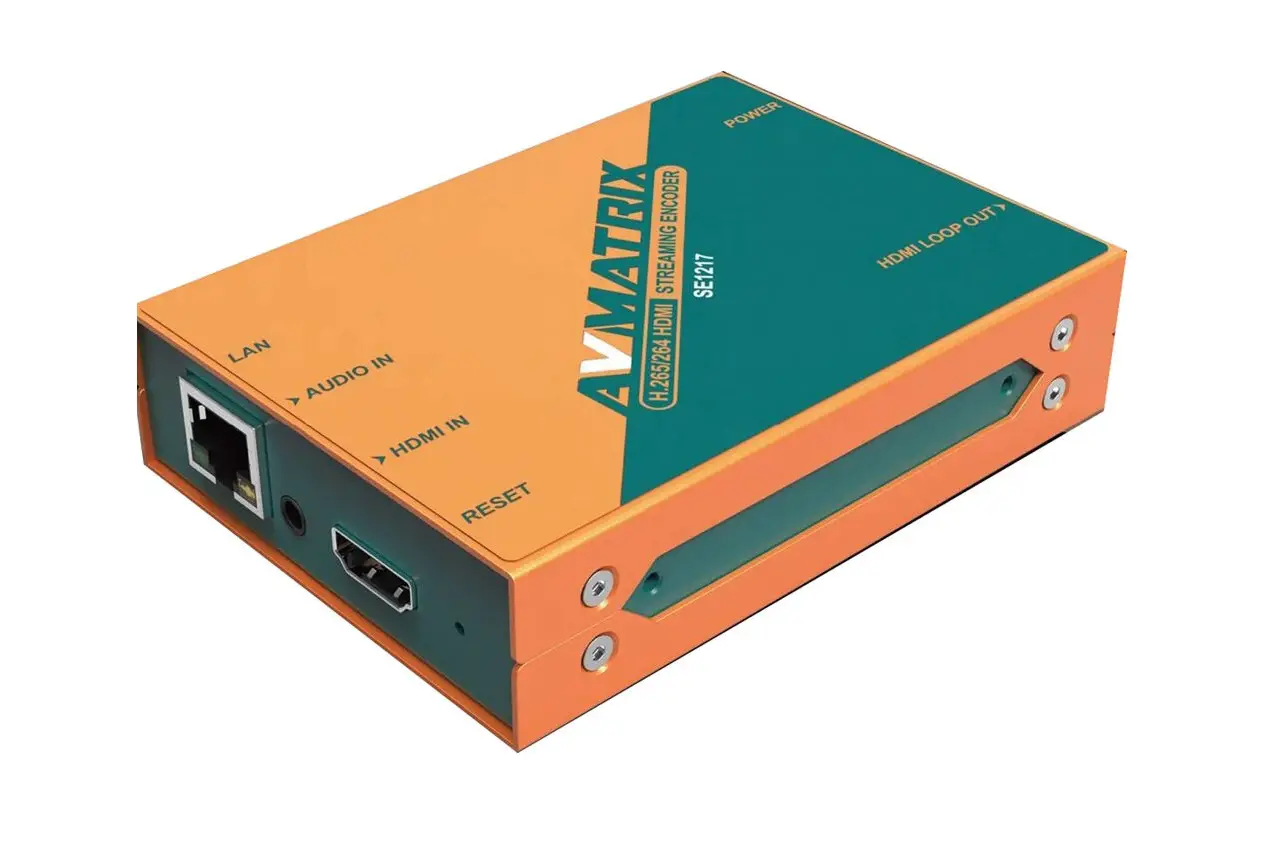
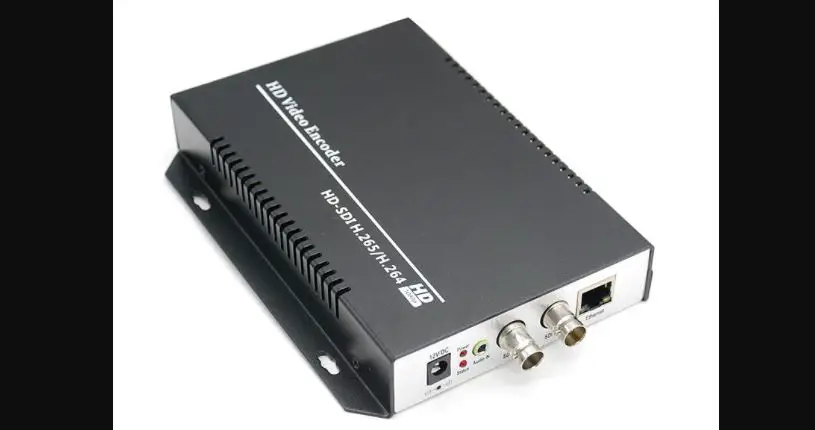
The DigitalinxIP IPEX2101 encodes / transmits HDMI video and audio over a 1Gb network infrastructure using h.264 AVC encoding with a configurable data rate up to 30 Mbps. The IPEX2101 supports video signals up to 1080p@60 Hz. An analog audio output port de-embeds 2 channel stereo audio from the embedded HDMI content ingested into encoder. The encoder supports control of 3rd party devices via RS232.
The IPEX2101 supports PoE and can be powered remotely by compatible power source equipment, such as a PoE Ethernet switch, eliminating the need for a nearby power outlet.
IPEX2102 Decoder
The Digitalinx IP IPEX2102 decodes HDMI video and audio from an IPEX2101 stream over a 1Gb network infrastructure using h.264 AVC encoding. The IPEX2102 outputs video up to 1080p@60 Hz and can scale the video content either by user defined preference or automatically based on the native resolution of the connected display while seamlessly switching between sources. Depending on the needs of the installation, multiple IPEX2102 devices can be configured to make a video wall configuration. An analog audio output port de-embeds 2 channel stereo audio from the embedded HDMI content, while still passing the audio to the HDMI output. The decoder supports control of 3rd party devices via RS232.
The IPEX2102 supports PoE and can be powered remotely by compatible power source equipment, such as a PoE Ethernet switch, eliminating the need for a nearby power outlet.
Package Contents per Device
- Installation Guide
- Power Supply with US, UK, EU, and AU adapters
- 3-pin Removable Screw Terminal (2 ea)
- Mounting Ears (2 ea)
Front and Rear Panels
IPEX2101 Front Panel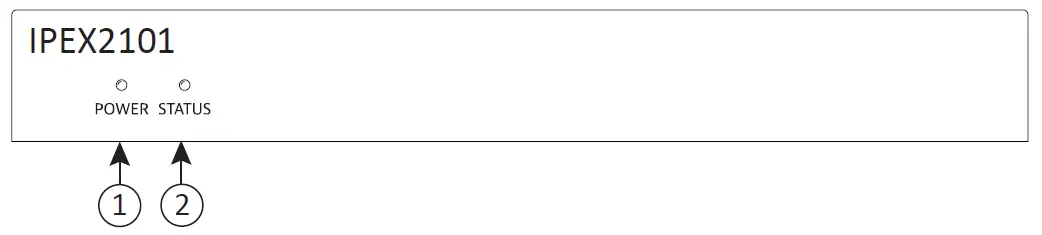
- Power indicator
- When ON; encoder is powered on
- When OFF; encoder is powered off
- Status indicator
- When ON; encoder detects valid input signal
- When BLINKING; encoder detects no input signal
- When OFF; encoder is powered OFF or in the boot up process
IPEX2101 Rear Panel
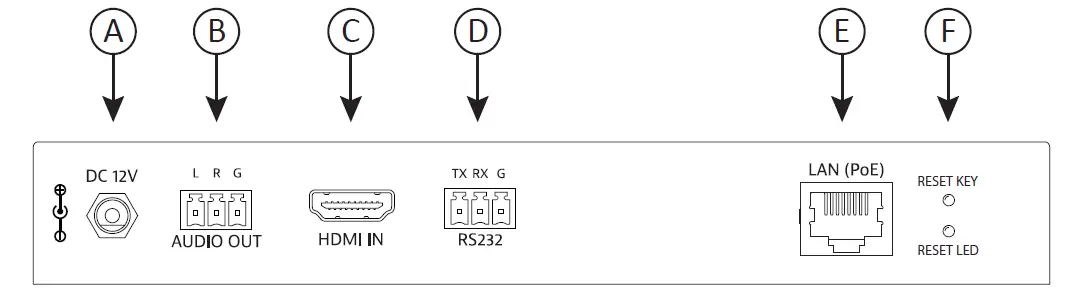
- A. 12V DC power input
- B. Analog audio output
- C. HDMI input
- D. RS232 Connection
- E. LAN connection with PoE support
- F. Factory default reset
IPEX2102 Front Panel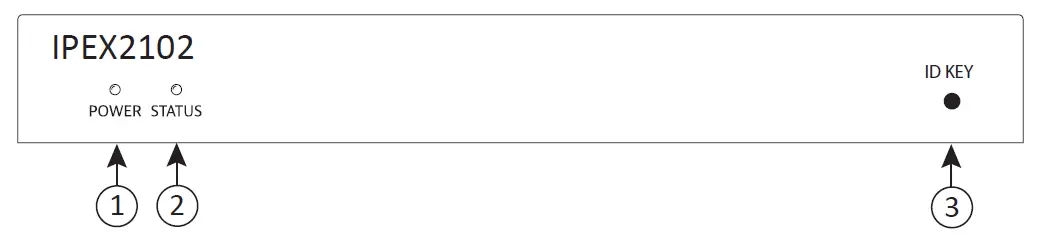
- Power indicator
- When ON; encoder is powered on
- When OFF; encoder is powered off
- Status indicator
- When ON; encoder detects valid input signal
- When BLINKING; encoder detects no input signal
- When OFF; encoder is powered OFF or in the boot up process
- Identification button – Shows hostname / alias on TV display
IPEX2102 Rear Panel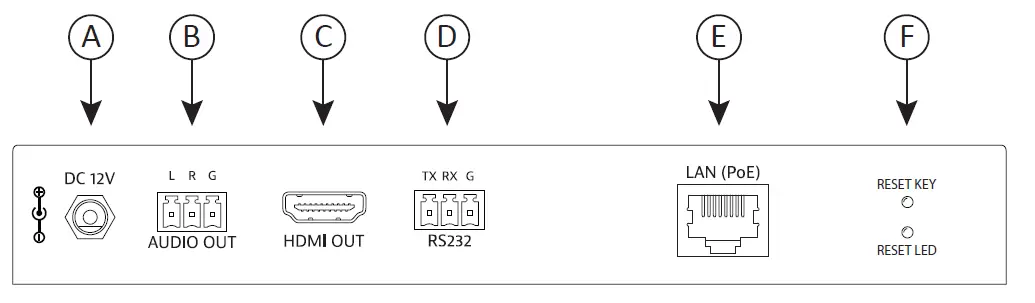
- A. 12V DC power input
- B. Analog audio output
- C. HDMI output
- D. RS232 connection
- E. LAN connection with PoE support
- F. Factory default reset
System Installation Instructions
Connecting Devices to Network Switch
A 1GbE PoE managed network switch must be configured for multicast video operation.
Liberty has documented several network switch settings for many common switch manufacturers, see documents related to this product on the product page of the Liberty AV website (www.libav.com).
Connect Category 5e/6 cable from the network switch to the appropriate 2100 devices LAN port.
Use TIA/EIA-568B crimp pattern for Category cable termination.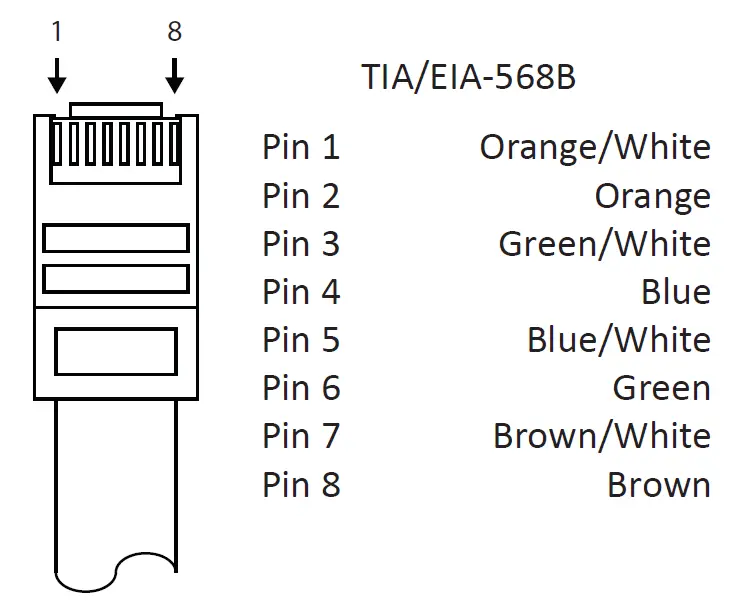
Best Practice
When installing the AV endpoints, create a spreadsheet of all 2100 devices notating the MAC address, as well as noting attached source/sync devices. This will aid in fast final system commissioning that could be done remotely by accessing the AV system server via VPN or via port forwarding. See Arranger Documentation for more information on how to access the server and set up port forwarding.
Device IP Settings
The 2100 series devices default to auto IP i.e. 169.254.0.0/16 Network ID so the devices can be found easily without the use of an IP scanner. The Arranger controller as well as the endpoints can be changed easily to DHCP so an IP address to the device automatically if desired but for initial login be sure your PC to access the Arranger server is in the 169.254.0.0/16 Network ID range.
Connecting HDMI Devices
Use only high quality High Speed HDMI cables rated for 10.2Gbps, do not exceed HDMI cable lengths over 5m/15’ for devices HDMI connections to AV sources and displays.
Connecting Audio Devices
Connect an unbalanced line level audio device either to the encoder or decoder, the 2100 devices de-embeds the two channel embedded HDMI audio stream.
Note: Audio output is 2 channel stereo audio only and is not capable of downmixing multi channel audio
Connecting Serial / RS232 Compatible Devices
The RS232 connections on the devices provide a means to control 3rd party devices using the API or through Arranger. Connect the TX, RX, and ground control signal wires to the removable 3-pole terminal block, be sure the wiring from transceiver to the device is TX – RX, RX – TX, G – G. See illustration below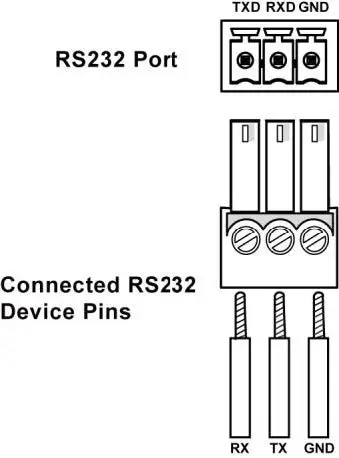
Device / System Control
Arranger is an AVoIP server application that will configure and manage the IPEX2101 and the IPEX2102 endpoints on an AV IP Network. Arranger is licensed per endpoint for one AV Network and a license unlock code should have been provided upon purchase of the Arranger DigiIP 2100 series license.
If you are missing the license unlock code contact [email protected] and have serial number of the hardware controller nearby to confirm system license
Connect Arranger Controller
The provided Arranger hardware controller with the DigitalinxIP system should be hardwired via Ethernet to the AV network switch.
Arranger Server Login
Once the hardware controller has been connected to the AV Network, the Arranger server application can be accessed via web browser on any PC that is connected to the same AV Network switch. By default the IP address for the Arranger server is 169.254.1.1. For initial system setup your PC will need to be in the same Network ID, i.e. 169.254.1.1/16.
Upon first login of the Arranger server you will be asked for an unlock code for your license, once the license has been entered you will be prompted for login credentials, by default the user name is admin and the password is admin to login to the system initially.
Once logged in you will be asked to change the admin login password.
Best Practice
Log the changed password that you created in your project documentation spreadsheet.
Once logged in you can configure, manage and control all signal types for the DigitalinxIP 2100 series devices. A complete operation manual and API for the Arranger system is located in the Arranger server application.
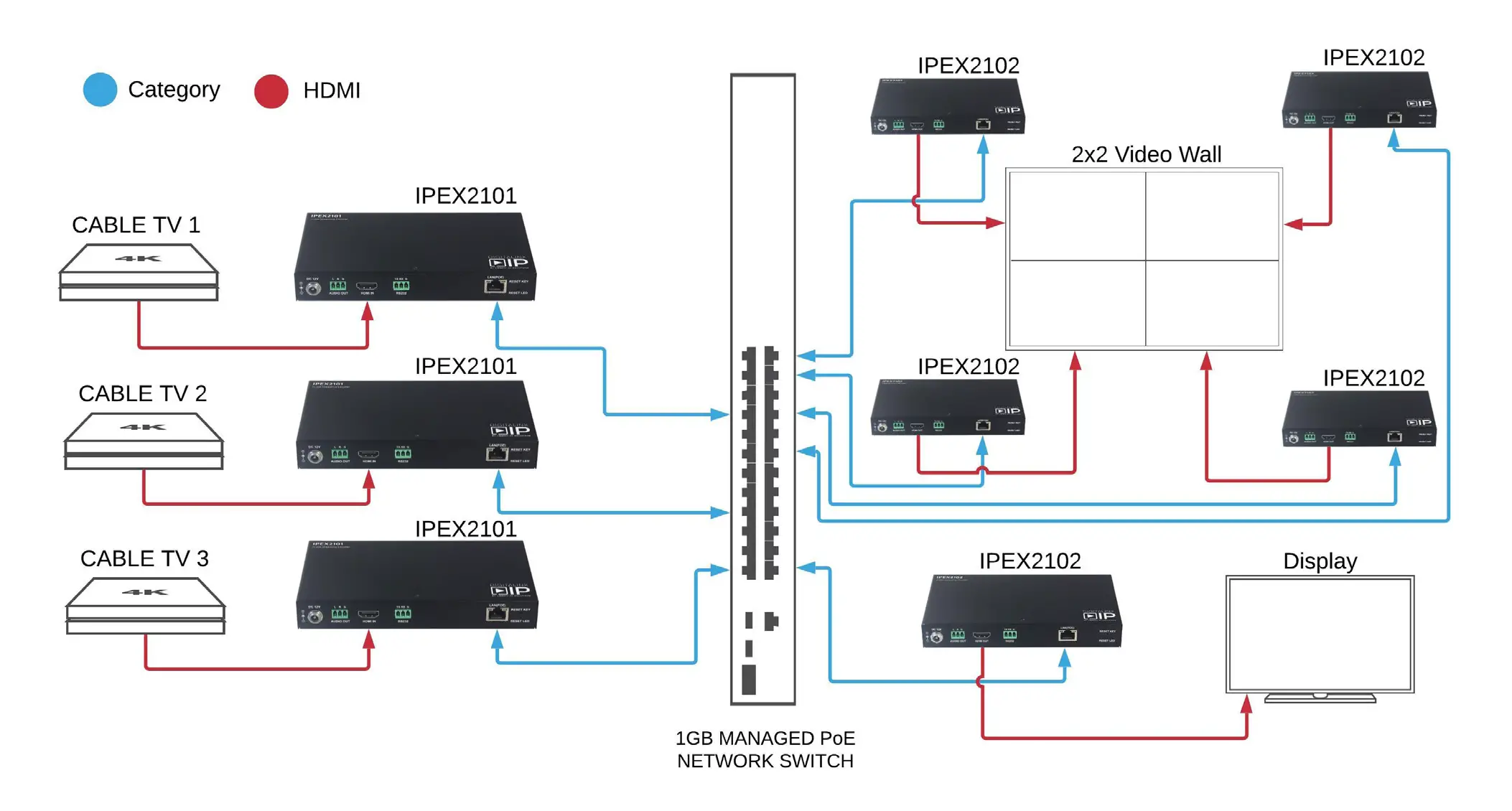
Application Diagrams IPEX2101 Technical Specifications
 IPEX2101 Technical Specifications
| Input/Output Connections | |
| HDMI Input | One (1) HDMI Type A Receptacle |
| LAN | One (1) 8P8C port (Shielded RJ45) |
| Power | One (1) 5.5 mm OD, 2.6 mm ID Threaded Barrel |
| RS232 Port | One (1) 3-pin Removable Terminal Block Connector |
| Audio Output | One (1) 3-pin Removable Terminal Block Connector |
| Supported Audio, Video and Control | |
| Input Video Resolution Support | 640 x 480@60Hz, 480p@60Hz, 576i@50Hz, 576P@50Hz, 800 x 600@60Hz, 1024 x 768@60Hz, 720p@50Hz, 720p@60Hz, 1280 x 800@60Hz, 1280 x 1024@60Hz, 1360 x 768@60Hz, 1366 x 768@60Hz, 1400 x 1050@60Hz, 1440 x 900@60Hz, 1680 x 1050@60Hz, 1920 x 540@60Hz, 1080i@50Hz, 1080i@60Hz, 1080p@50Hz, 1080p@60Hz |
| Video Compliance | HDMI 1.3 and HDCP 1.4 |
| Embedded Audio | PCM 2 Channel Stereo |
| De-embedded Audio | 2 Channel Stereo |
| ARC (Audio Return Channel) | No |
| HEC (HDMI Ethernet Channel) | No |
| CEC (Consumer Electronics Control) | Yes |
| Supported Baud Rates | 2400, 4800, 9600, 19200, 38400, 57600, 115200 |
| Streaming Signal Characteristics | |
| Maximum Distance (point to point) | 100 m (328 ft) |
| Cable Requirements | Solid Core Category 5e or greater with TIA/EIA-568B crimp pattern |
| Encoding Data Rate | Up to 30 Mbps, Support CBR and VBR |
| Encoding Method | H.264/MPEG-4 AVC |
| End to End Latency | Low Latency Mode: 80 ms High Quality Mode: 250 ms |
| Chassis and Environmental | |
| Construction | Black Steel |
| Dimensions (H x W x D) | 25 mm x 100 mm x 175 mm (0.98in x 3.9 in x 6.9 in) |
| Operating Temperature | 0° to +40° C (+32° to +104° F) |
| Operating Humidity | 20% to 90%, Non-condensing |
| Storage Temperature | -10° to +60° C (+14° to +140° F) |
| Storage Humidity | 20% to 90%, Non-condensing |
| Power and Regulatory | |
| Power Input | 12V DC 1A or 48V DC PoE (Power over Ethernet) |
| Power over Ethernet (PoE) Compatibility | 802.3af Alternative A |
| Power Consumption | 6 watts |
| ESD Protection | 8kV air, 4kV contact |
| Regulatory | FCC, CE, RoHS |
| Other | |
| Warranty | 5 years |
| Diagnostic Indicators | Power and Status |
| Included Accessories | Installation Guide, Power Supply with US, UK, EU, and UK adapters, 3-pin Removable Screw Terminal (2 ea), Mounting Ears (2 ea) |
| Required System Controller | IPEXAR-2100 |
| Compatible Decoders | IPEX2002, IPEX2102 |
IPEX2102 Technical Specifications
| Input/Output Connections | |
| HDMI Output | One (1) HDMI Type A Receptacle |
| LAN | One (1) 8P8C port (Shielded RJ45) |
| Power | One (1) 5.5 mm OD, 2.6 mm ID Threaded Barrel |
| RS232 Port | One (1) 3-pin Removable Terminal Block Connector |
| Audio Output | One (1) 3-pin Removable Terminal Block Connector |
| Supported Audio, Video and Control | |
| Input Resolution Support | From 480p@60Hz to 1920×1080@60Hz |
| Output Video Resolution Support | 640 x 480@60Hz, 480p@60Hz, 576P@50Hz, 800 x 600@60Hz, 1024 x 768@60Hz, 720p@50Hz, 720p@60Hz, 1280 x 800@60Hz, 1280 x 1024@60Hz, 1366 x 768@60Hz, 1400 x 1050@60Hz, 1440 x 900@60Hz, 1680 x 1050@60Hz, 1920 x 540@60Hz, 1080p@24Hz, 1080p@25Hz, 1080p@30Hz, 1080p@50Hz, 1080p@60Hz |
| Video Compliance | HDMI 1.3 and HDCP 1.4 |
| Embedded Audio | PCM 2 Channel Stereo |
| De-embedded Audio | 2 Channel Stereo |
| ARC (Audio Return Channel) | No |
| HEC (HDMI Ethernet Channel) | No |
| CEC (Consumer Electronics Control) | Yes |
| Supported Baud Rates | 2400, 4800, 9600, 19200, 38400, 57600, 115200 |
| Streaming Signal Characteristics | |
| Maximum Distance (point to point) | 100 m (328 ft) |
| Cable Requirements | Category 5e or greater with TIA/EIA-568B crimp pattern |
| Decode Support | H.264/MPEG-4 AVC (IPEX2101, IPEX2001 only) |
| End to End Latency | Low Latency Mode: 80 ms High Quality Mode: 250 ms |
| Maximum Video Wall Size | 16 x 16 |
| Bandwidth | up to 40Mbps |
| Chassis and Environmental | |
| Construction | Black Steel |
| Dimensions (H x W x D) | 25 mm x 100 mm x 175 mm (0.98in x 3.9 in x 6.9 in) |
| Operating Temperature | 0° to +40° C (+32° to +104° F) |
| Operating Humidity | 20% to 90%, Non-condensing |
| Storage Temperature | -10° to +60° C (+14° to +140° F) |
| Storage Humidity | 20% to 90%, Non-condensing |
| Power and Regulatory | |
| Power Input | 12V DC 1A or 48V DC PoE (Power over Ethernet) |
| Power over Ethernet (PoE) Compatibility | 802.3af Alternative A |
| Power Consumption | 6 watts |
| ESD Protection | 8kV air, 4kV contact |
| Regulatory | FCC, CE, RoHS |
| Other | |
| Warranty | 5 years |
| Diagnostic Indicators | Power and Status |
| Included Accessories | Installation Guide, Power Supply with US, UK, EU, and UK adapters, 3-pin Removable Screw Terminal (2 ea), Mounting Ears (2 ea) |
| Required System Controller | IPEXAR-2100 |
| Compatible Encoder | IPEX2001, IPEX2101 |
Thank you for your purchase.
For Technical Support please call our toll free number at
800-530-8998 or email us at
[email protected]
www.libav.com
11675 Ridgeline Drive Colorado Springs, Colorado 80921 USA
Phone: 719-260-0061 Fax: 719-260-0075
Toll-Free: 800-530-8998