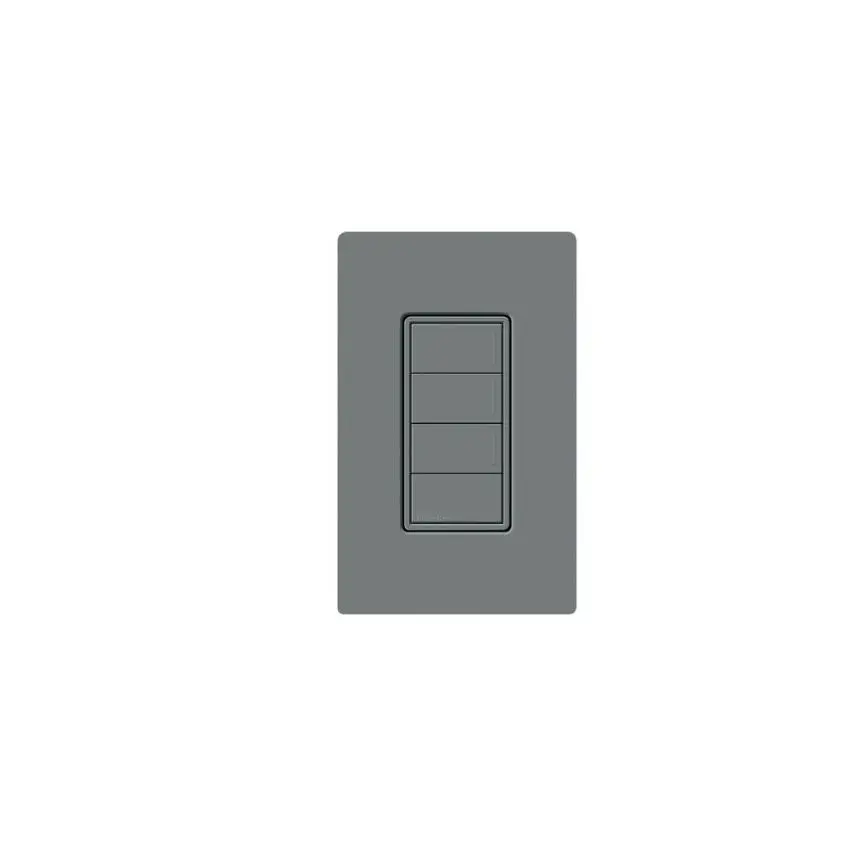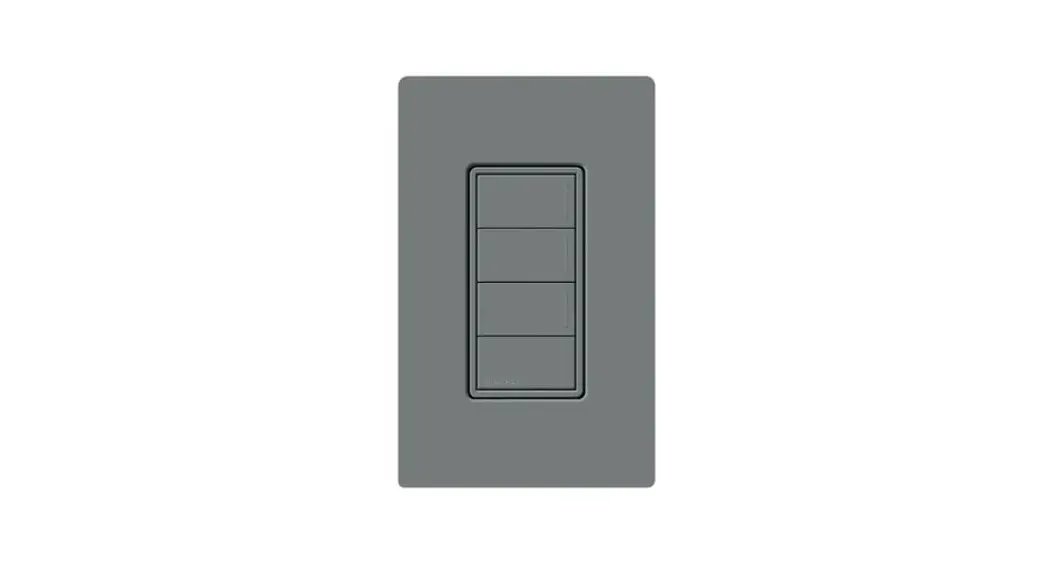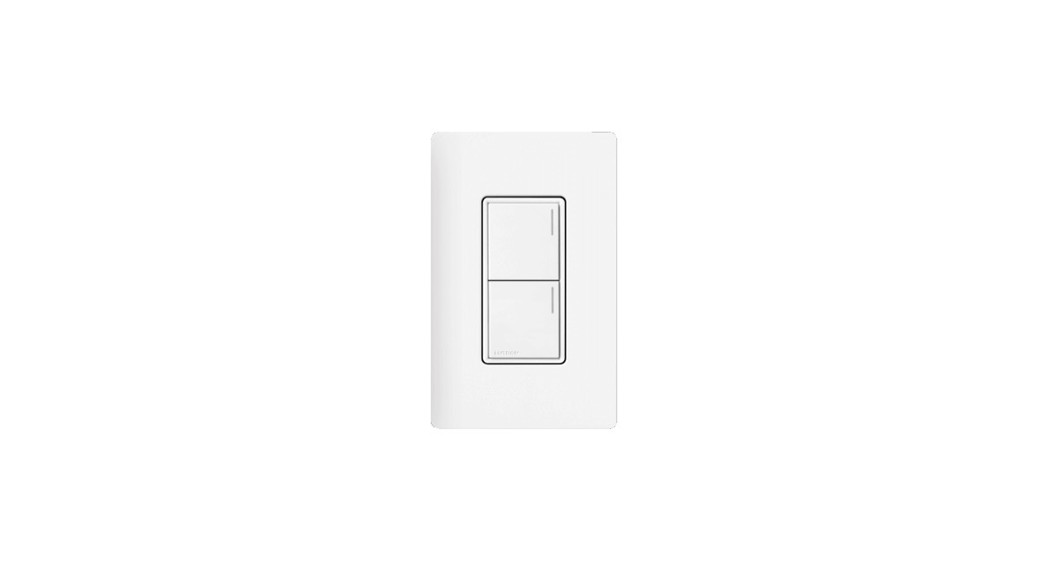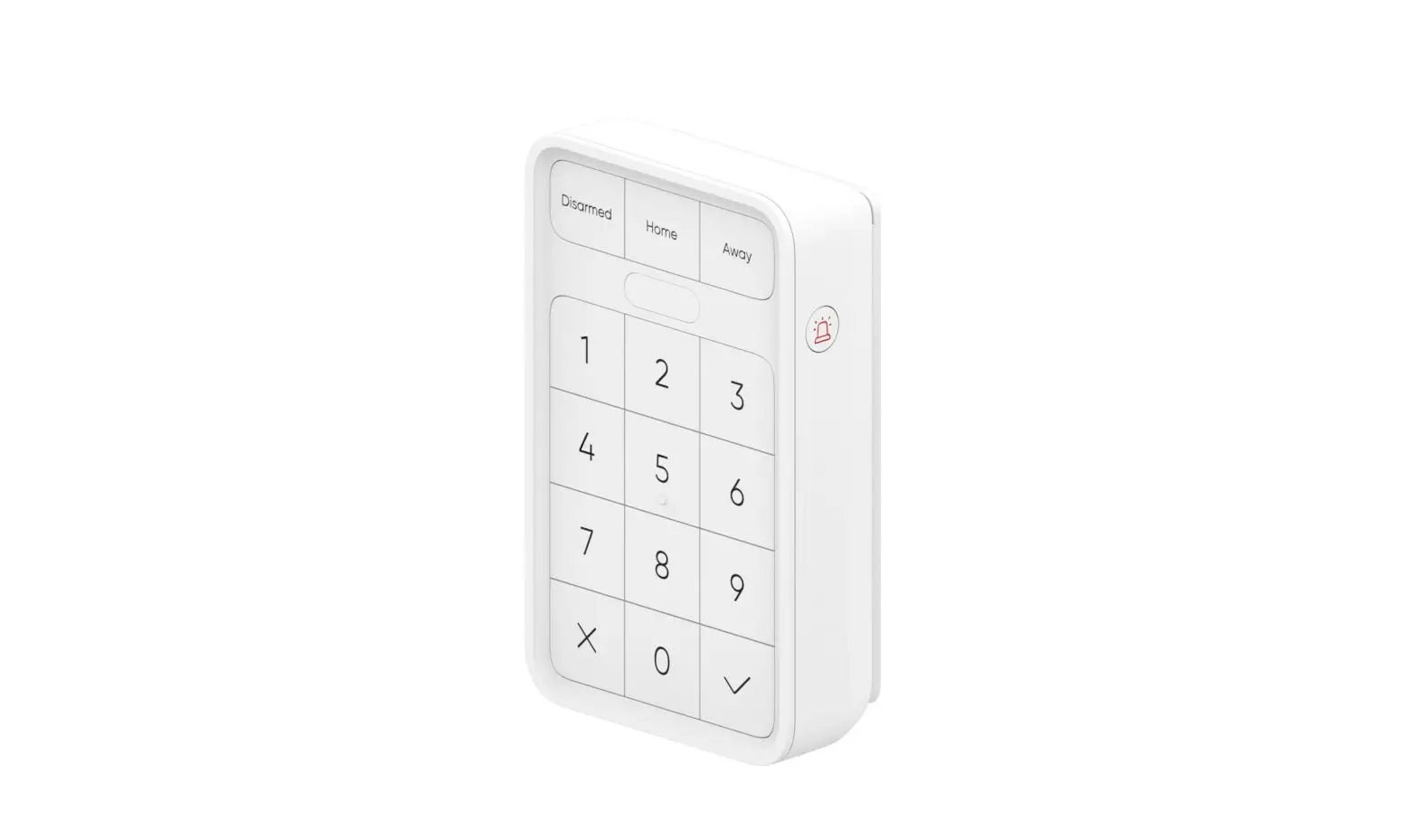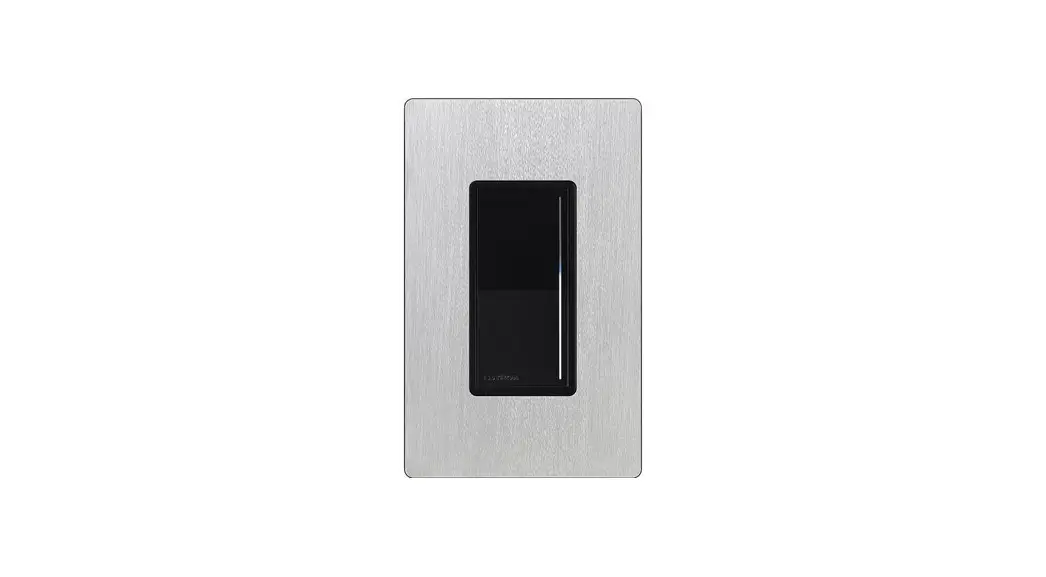


SUNNATA HRST-W Keypad
User Manual
Keypad
Please read before installing.
HRST-W
120–277 V~ 50 / 60 Hz 0.25 A
P/N 043545 REV A
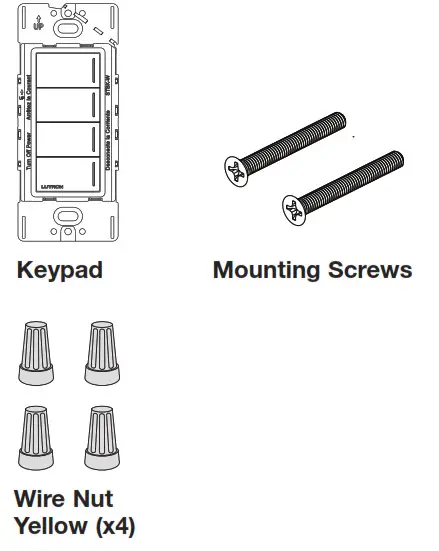
Included Components
Turn power OFF at circuit breaker
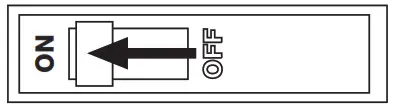
 WARNING: ELECTRIC SHOCK HAZARD.
May result in Serious Injury or Death. Turn off power at the circuit breaker or fuse before installing.
Prepare the wires
When making wire connections, follow the recommended strip lengths and combinations for the supplied wire nuts. Note: Wire nuts provided are suitable for copper wire only.
| AWG |  |
| 12 & 14 AWG (2.5 & 1.5 mm2) | 3/8 in (10 mm) |
| 18 AWG (0.75 mm2) | 7/16 in (11 mm) |
IMPORTANT NOTES
Codes: Install in accordance with all local and national electrical codes. Type 1 action independently mounted operating control. Pollution degree 2, Impulse voltage 4 kV.
Environment: Ambient operating temperature: 32 °F to 104 °F (0 °C to 40 °C), 0 to 90% humidity, non-condensing. Indoor use only.
Wallplates: Use only Lutron wallplates with these keypads. The mechanical design of the keypad may not be compatible with non-Lutron wallplates. Non-Lutron wallplates may not sit flush against the wall. Claro and Satin Colors wallplates are designed for the best color match and clean aesthetic appearance. Do not paint controls, buttons, or wallplates.
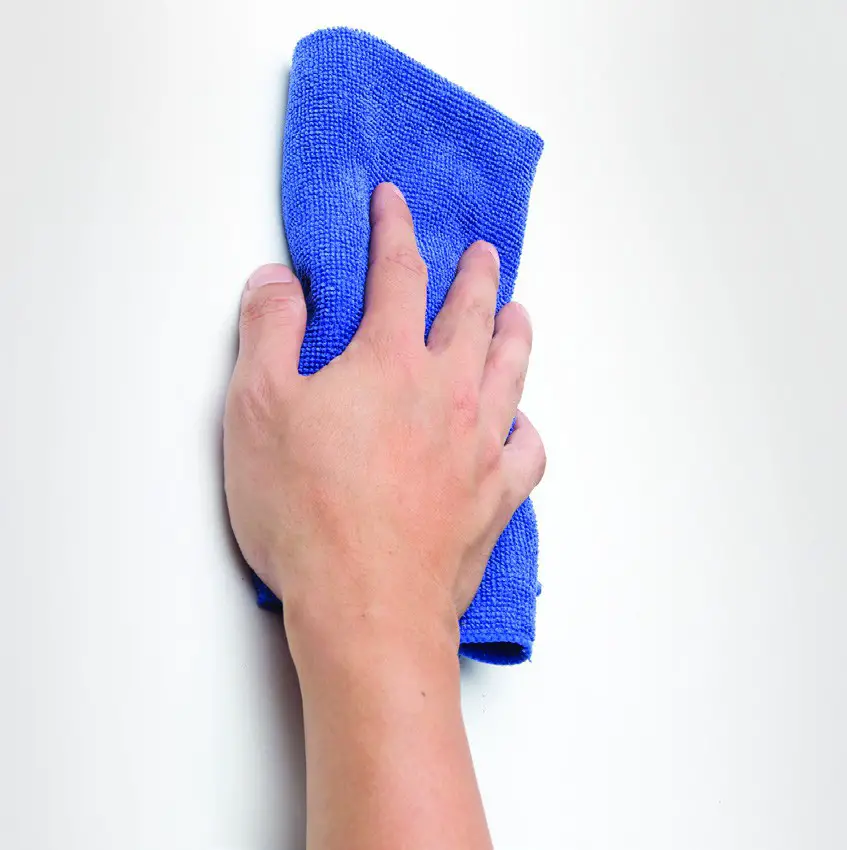
Cleaning: For disinfecting the keypad, please refer to App Note #758 (048758). See HomeWorks Support Center link in Help Section.
Wall boxes: All keypads require a U.S. wallbox. 3 ` in (89 mm) deep recommended 2 1 in (57 mm) deep minimum. RF Device Placement: For reliable performance in a system, this device should be placed within 25 ft (7.6 m) of two additional compatible wireless devices, such as HomeWorks Sunnata products, Ketra, and the HomeWorks Clear Connect Gateway – Type X. For more information and a full list of compatible wireless devices please refer to the Wireless Setup guide, which can be found in the HomeWorks Support Center link in the Help Section.
System Programming: Programming and activation (addressing) must be accomplished through the HomeWorks software.
Wire the control
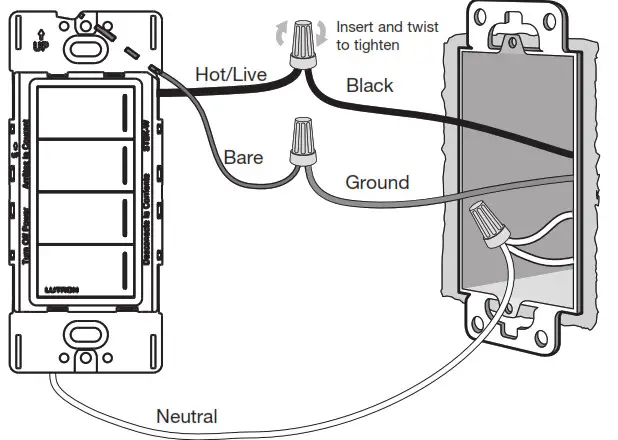
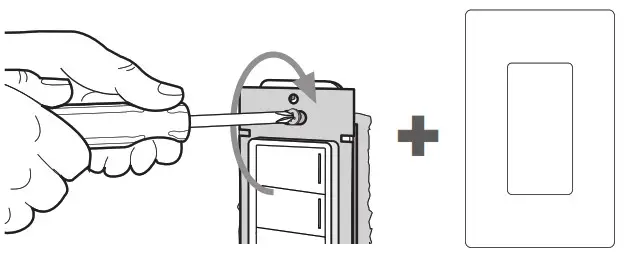
Mount the wall plate adapter
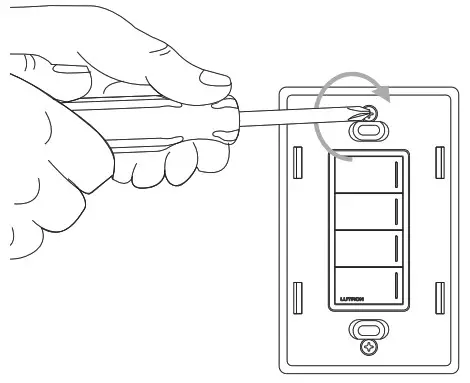
Mount the dimmer and attach the wallplate
Turn power ON at circuit breaker
System setup
This keypad must be used in a HomeWorks system with a Clear Connect Gateway – Type X for control of dimmers, switches, and shades. Use the HomeWorks programming software to setup the system (training is required to access the software).
Troubleshooting
| Symptom | Cause | Action |
| Status LEDs on the keypad don’t light up when buttons on it are pressed. | Power not present at keypad | Circuit breaker OFF. Turn ON breaker |
| Incorrect wiring | Wire the keypad according to the Installation section | |
| A specific dimmer, switch or shade/drapery is not controlled when a button is pressed on the keypad. | The dimmer, switch or shade/drapery is not assigned to the keypad | Refer to the HomeWorks programming software and ensure the device is assigned to the keypad. Perform a transfer and make sure it is successful |
| Failure has occurred on the lamp(s) controlled by the dimmer/switch | Replace the lamp(s) | |
| There is no power to the dimmer. switch, shade/drapery | Ensure that the device is powered and that the FASS switch is pushed in | |
| Devices are out of range | Ensure this device is placed within 25 ft (7.6 m) of two additional compatible wireless devices, such as HomeWorks Sunnata products and the HomeWorks Clear Connect Gateway — Type X | |
| Dimmer, switch or shade/drapery does not go to the desired level or position when a button on the keypad is pressed. | The button was not programmed correctly | Refer to the HomeWorks programming software and ensure the device is assigned to the keypad. Perform a transfer and make sure it is successful |
| Devices are out of range | Ensure this device is placed within 25 ft (7.6 m) of two additional compatible wireless devices, such as HomeWorks Sunnata products and the HomeWorks Clear Connect Gateway — Type X | |
| All status LEDs on the keypad flash when any button is pressed. | The keypad is in the Factory Settings mode and has not been configured to work in a system | Refer to the HomeWorks programming software and ensure the device is assigned to that keypad. Perform a transfer and make sure it is successful |
Return to factory settings
Note: Returning a keypad to its factory settings will remove the keypad from the system and erase all programming.
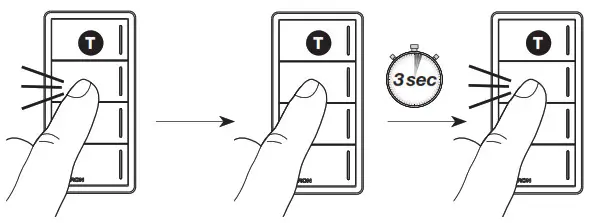
Step 1: Triple tap any button on the keypad (except raise / lower). DO NOT release after third tap.
Step 2: Keep the button pressed on the third tap until all the status LEDs start to flash slowly (approximately 3 seconds).
Step 3: Immediately release the button and triple tap the button again. The status LEDs on the keypad will flash quickly.
The keypad has now been returned to its factory settings.
FCC/IC/IFT Information
This device complies with part 15 of the FCC Rules and Industry Canada license-exempt RSS standard(s). Operation is subject to the following two conditions:
(1) This device may not cause interference, and (2) This device must accept any interference, including interference that may cause undesired operation. Modifications not expressly approved by Lutron Electronics Co., Inc. could void the user’s authority to operate this equipment.
NOTE: This equipment has been tested and found to comply with the limits for a Class B digital device, pursuant to part 15 of the FCC Rules. These limits are designed to provide reasonable protection against harmful interference in a residential installation. This equipment generates, uses and can radiate radio frequency energy and, if not installed and used in accordance with the instructions, may cause harmful interference to radio communications. However, there is no guarantee that interference will not occur in a particular installation. If this equipment does cause harmful interference to radio or television reception, which can be determined by turning the equipment off and on, the user is encouraged to try to correct the interference by one or more of the following measures:
- Reorient or relocate the receiving antenna
- Increase the separation between the equipment and receiver
- Connect the equipment into an outlet on a circuit different from that to which the receiver is connected
- Consult the dealer or an experienced radio/TV technician for help.
This equipment complies with FCC radiation exposure limits set forth for an uncontrolled environment. The user should avoid prolonged exposure within 7.9 in (20 cm) of the antenna, which may exceed FCC radio frequency exposure limits.
This Class B digital apparatus complies with Canadian ICES-003.
Help
HomeWorks Support Center
For additional support in installing, programming, and troubleshooting lutron.com/HWsupport

Limited Warranty:
For warranty information, please see the Warranty enclosed with the product, or visit www.lutron.com/resiinfo )Lutron, Lutron, HomeWorks, Claro, Satin Colors, Sunnata and the sunburst logo are trademarks or registered trademarks of Lutron Electronics Co., Inc. in the US and/or other countries.
App Store is a service mark of Apple Inc., registered in the U.S. and other countries.
All other product names, logos, and brands are the property of their respective owners.
©2021 Lutron Electronics Co., Inc.
Call us:
U.S.A. | Canada | Caribbean
1.844.LUTRON1 (588.7661) (24/7)
Mexico +1.888.235.2910
Others +1.610.282.3800