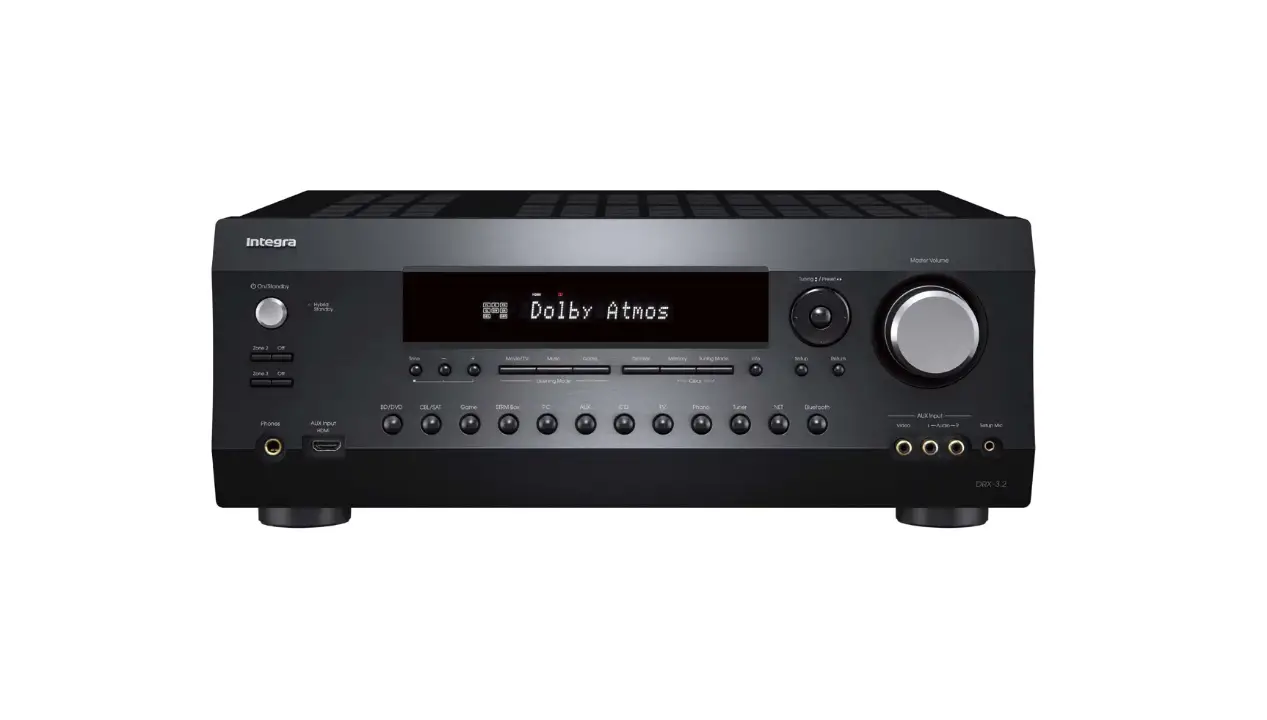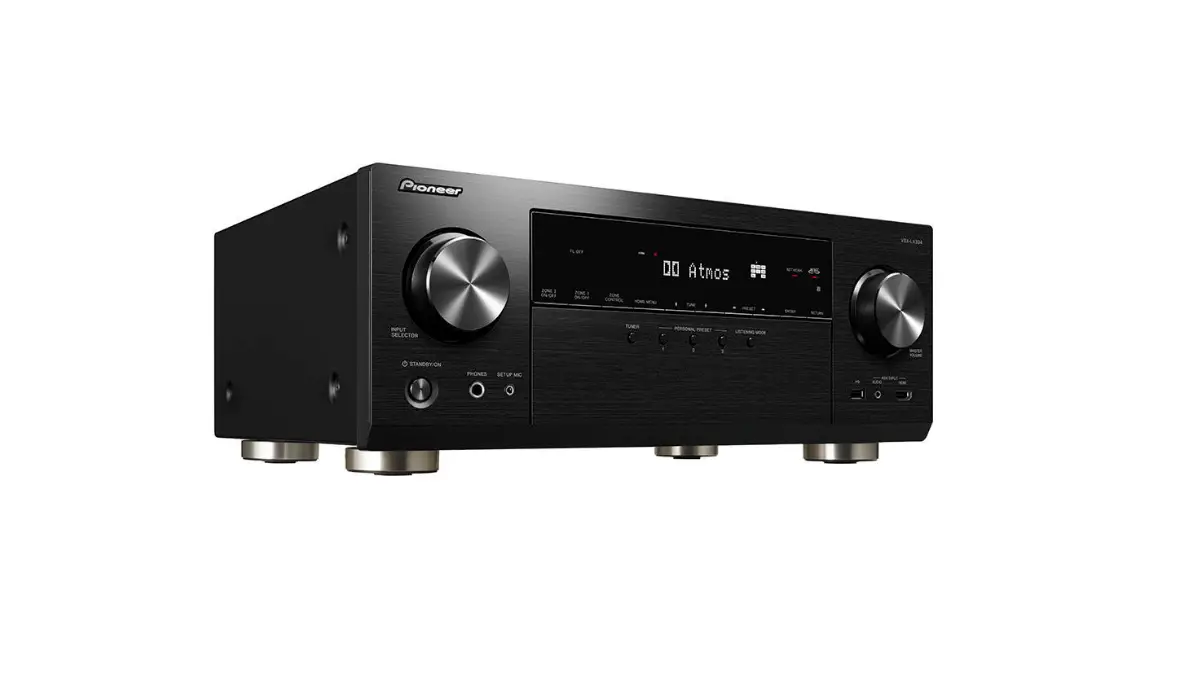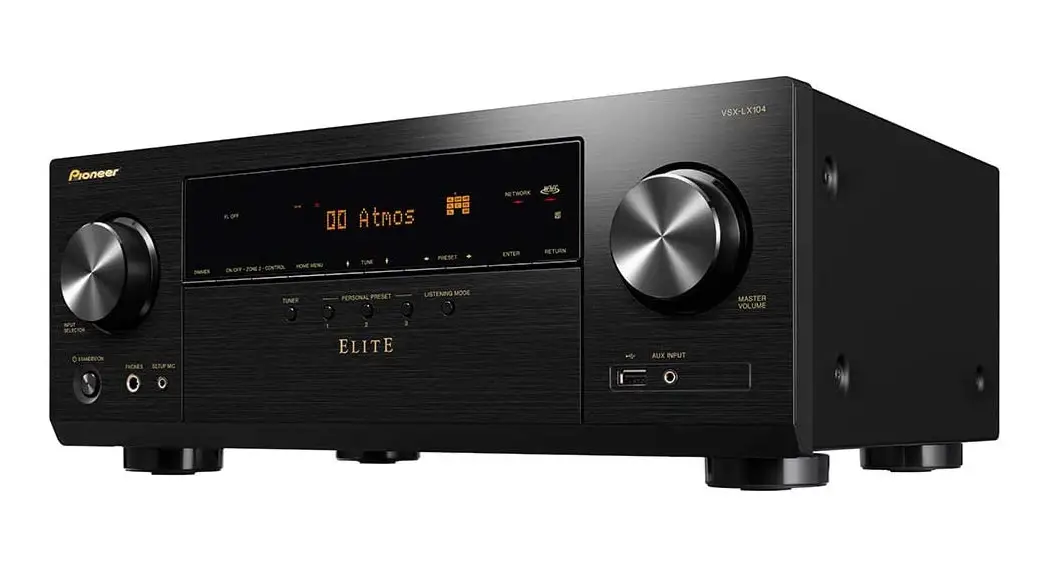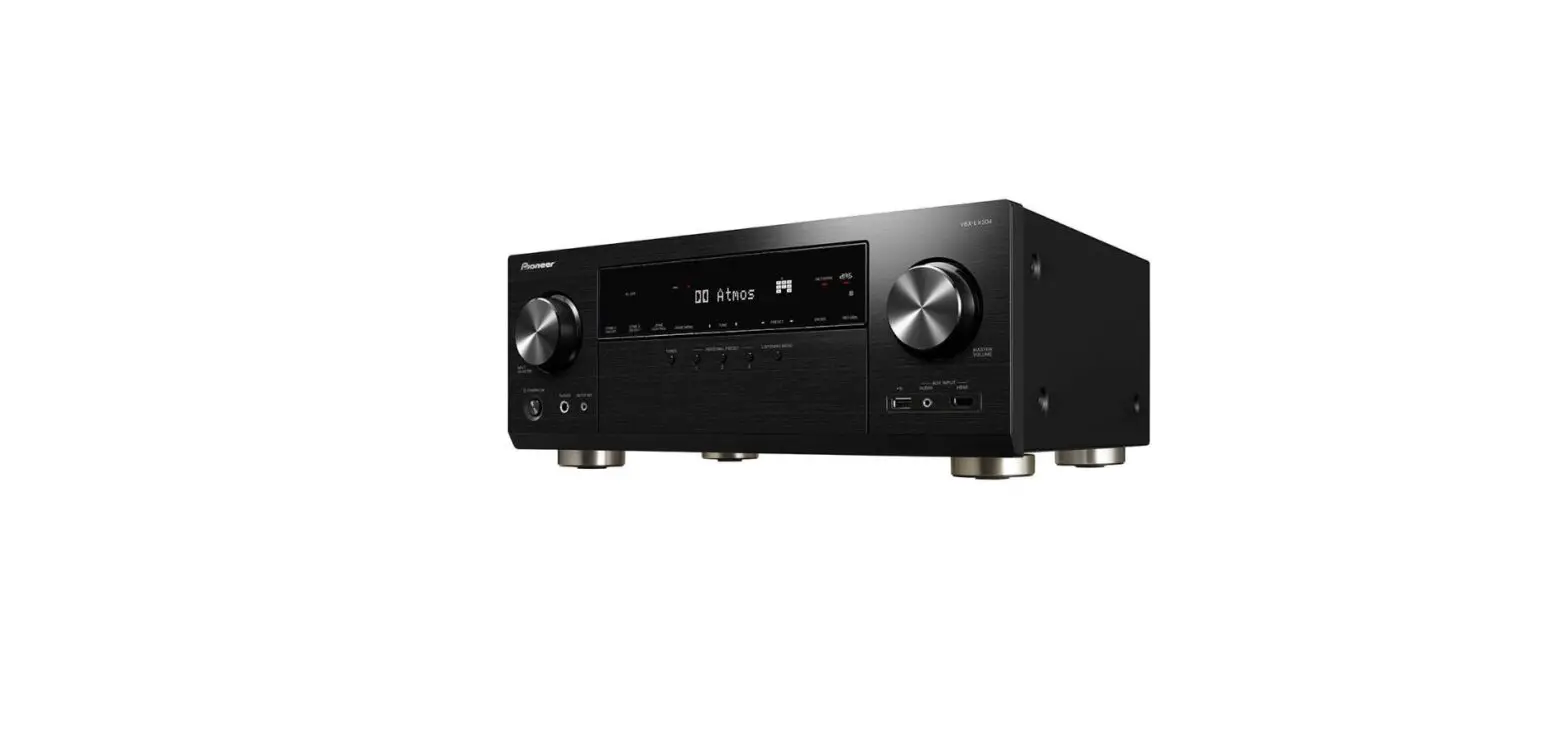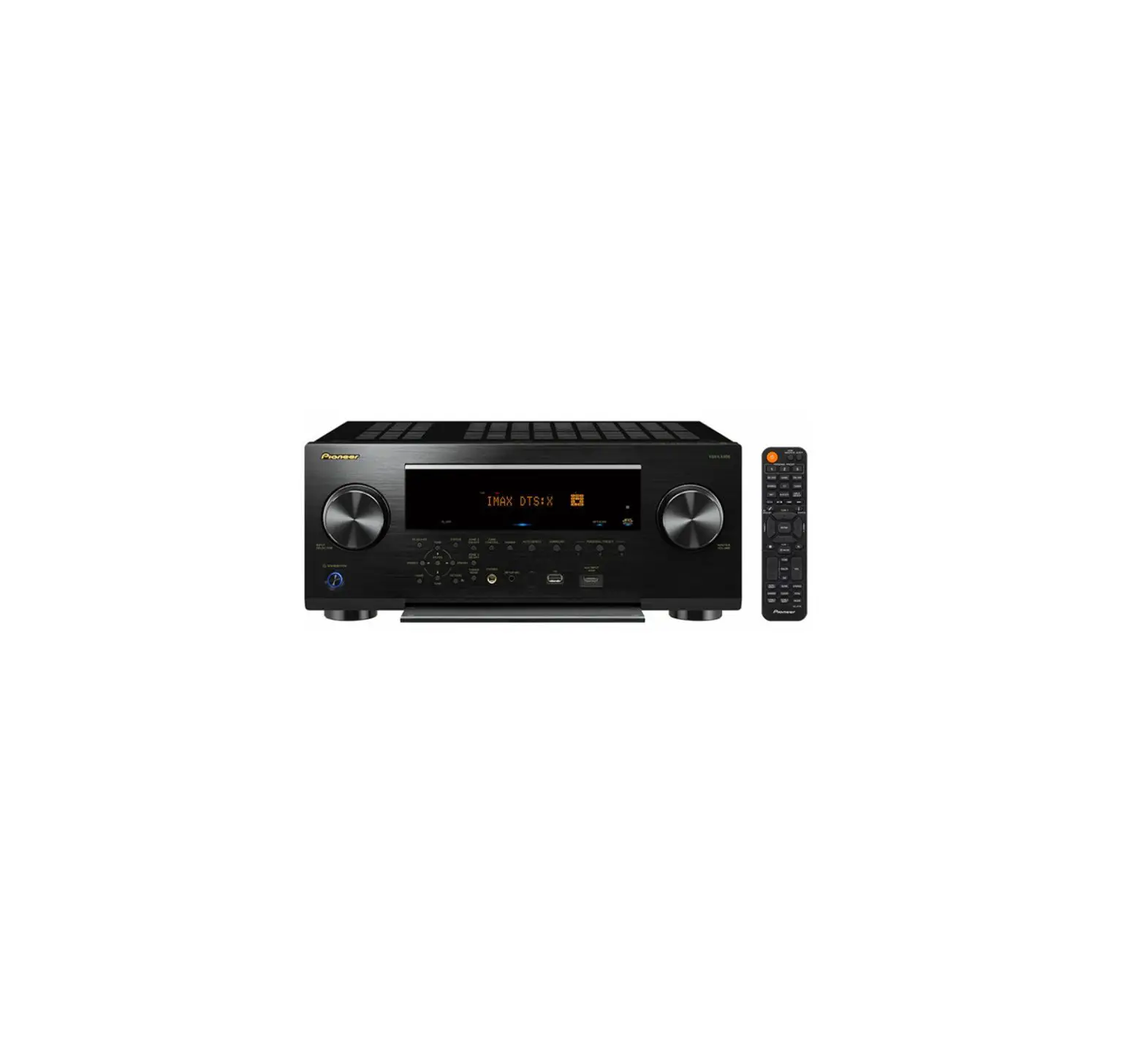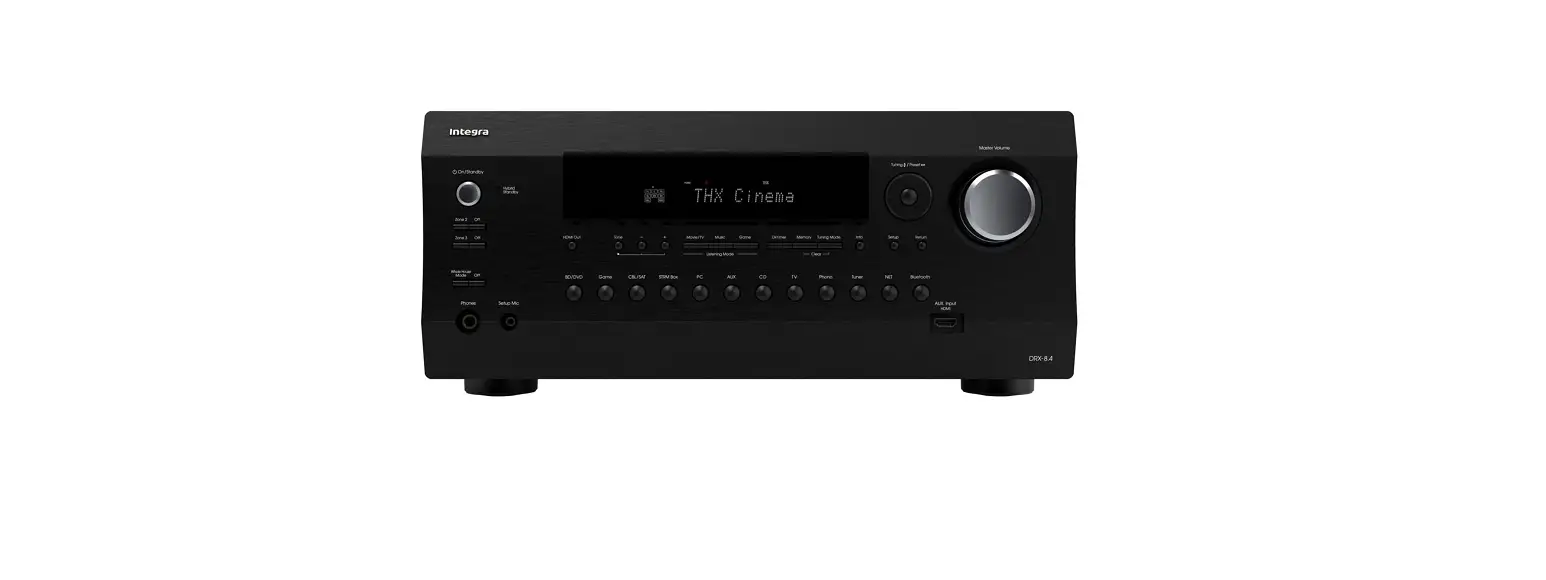

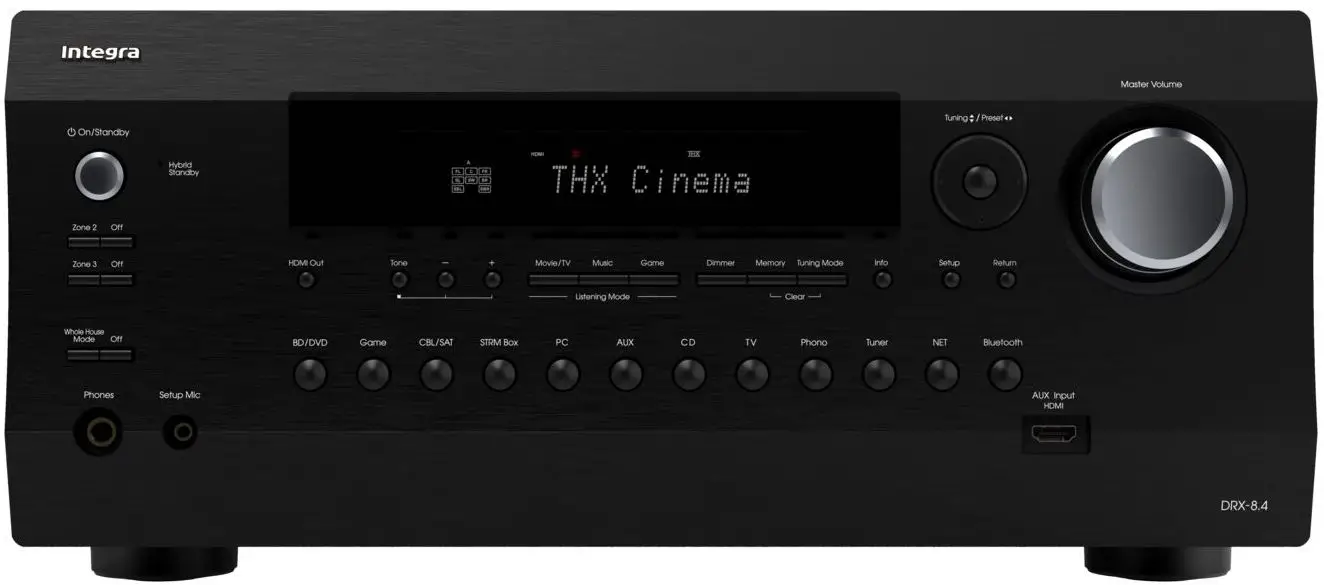
INTEGRA DRX-8.4 AV Receiver
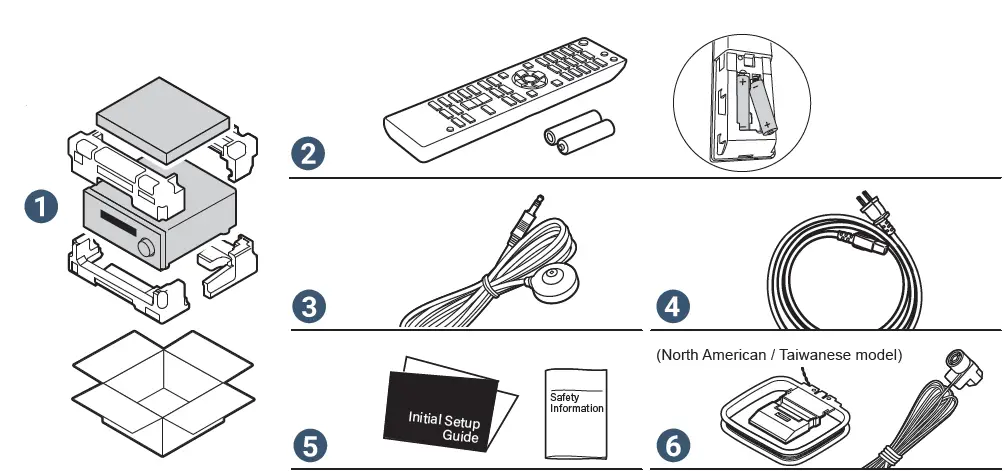
WHATS IN THE BOX
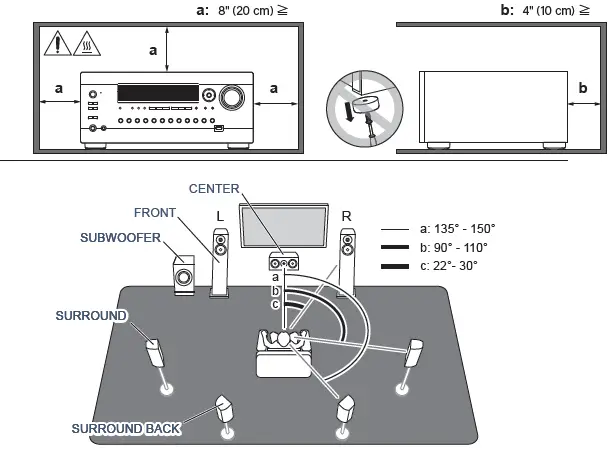
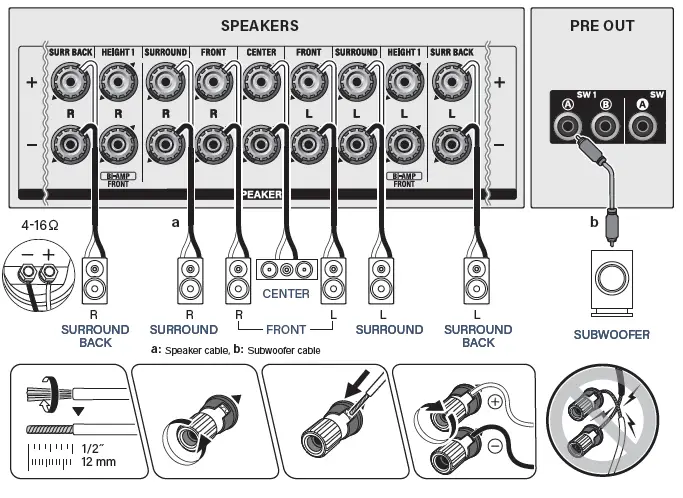
This document uses a 7.1 channel system as an example when describing use. Refer to the online instruction manual when using other than a 7.1 channel system.

INSTALLATION INSTRUCTIONS
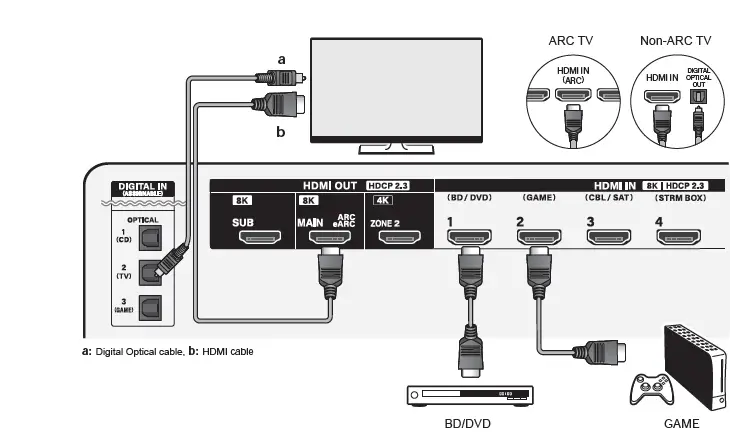
- a: Digital Optical cable,
- b: HDMI cable
Be sure to insert the HDMI cable all the way in.
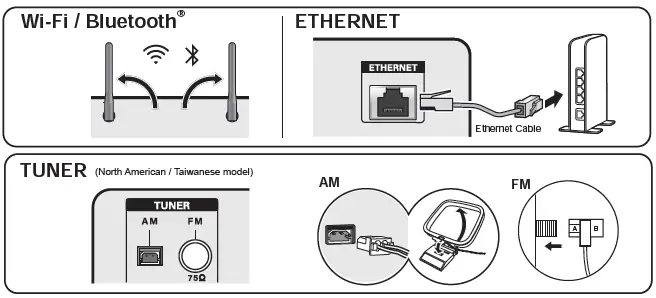
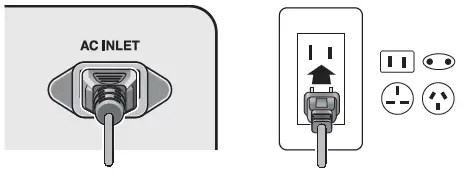
Follow the guidance displayed on the screen to complete Initial Setup
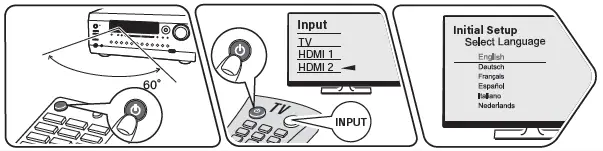
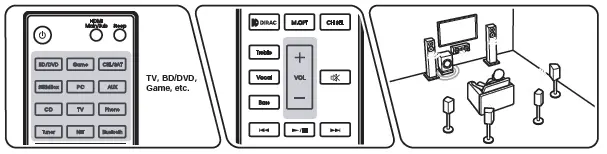
To redo the initial setup Playing audio and video
Troubleshooting
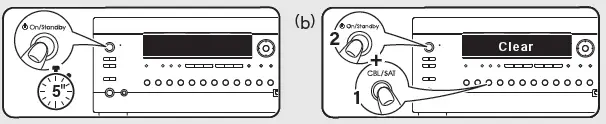
Try restarting the unit. Switch this unit to standby, then do
- (a). If the problem is not fixed, try the following: Unplugging the power cord and HDMI cables then replugging them in again / Initializing the settings (do
- (b) while this unit is ON) / Updating the firmware
Voice Control Guide
https://integraworldwide.com/manual/playback/vcg.pdf

ChromeCast Built-in
https://integraworldwide.com/manual/playback/chromecast.pdf

 HOME | INTEGRA HOME THEATER