
THE NEW GENERATION IN TECHNOLOGY
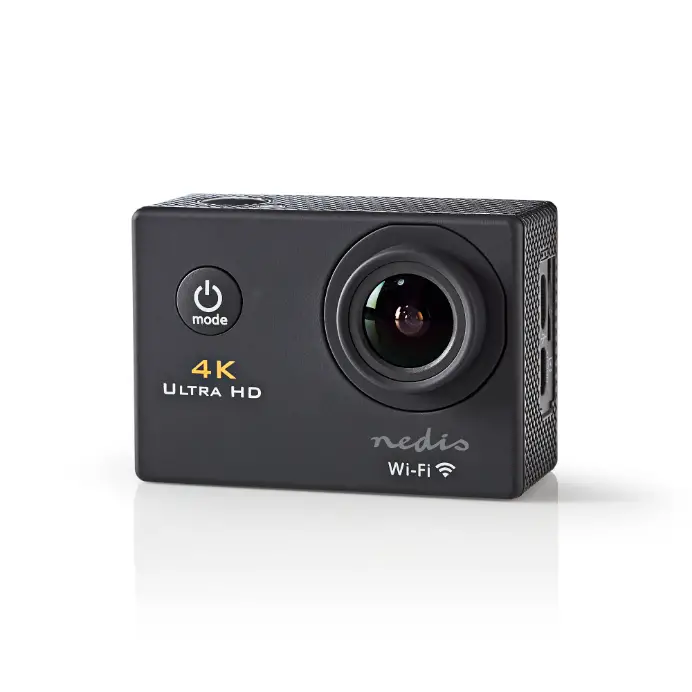
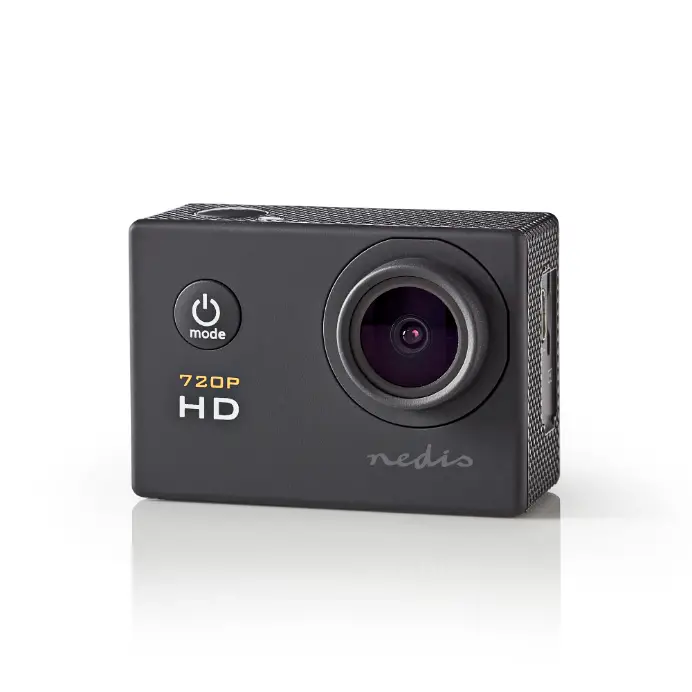
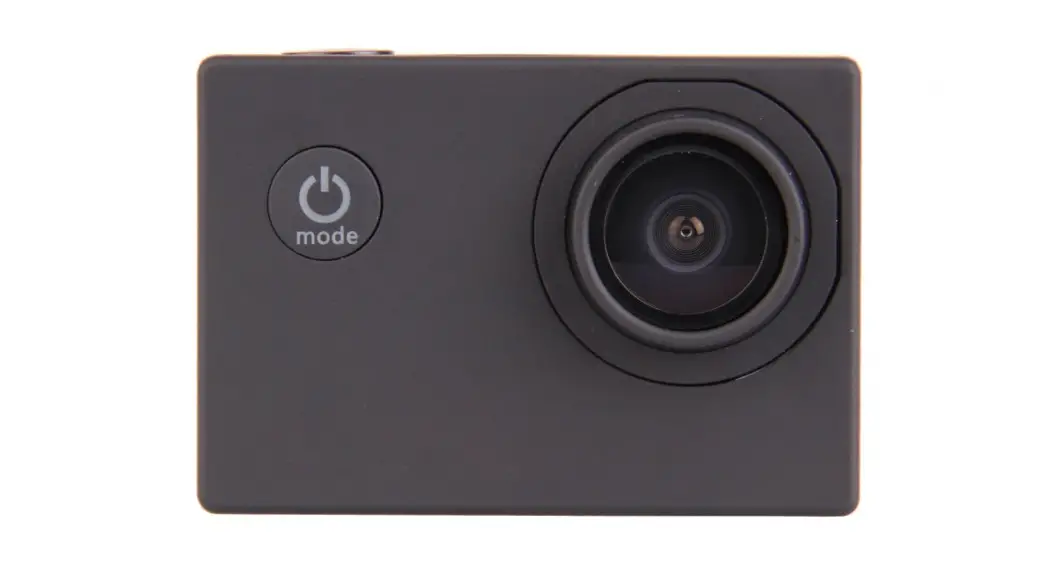
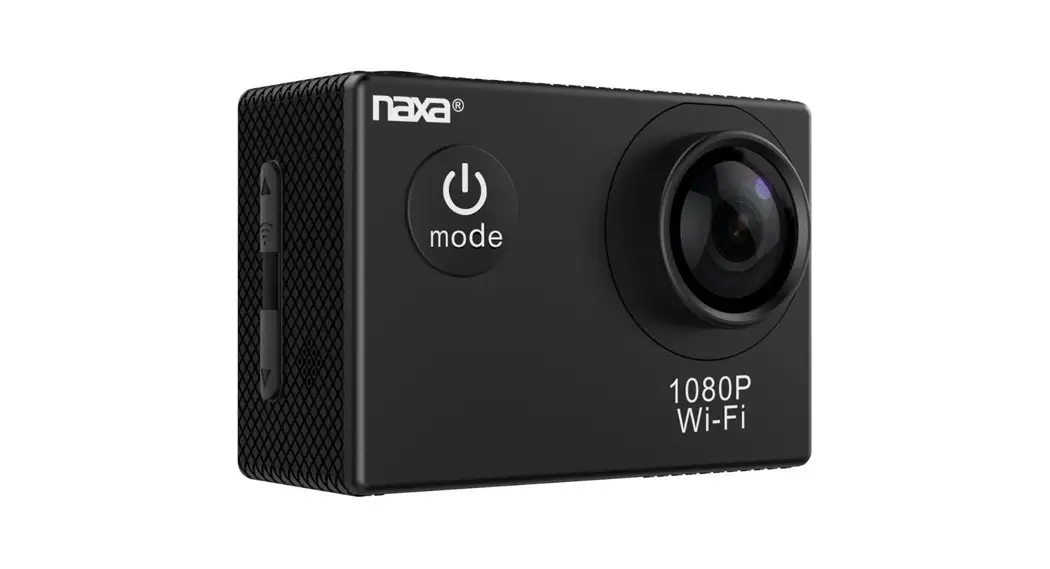
Action Camera
Waterproof • Full HD
PLEASE NOTE Instructions for viewing video on mobile phones When using IPHONE, Video on ” GoPlus Cam ” apps cannot be saved directly to your iPhone. You must first save the video on your computer change the format from AVI to MP4 and then transfer it to your iPhone. When using an Android phone, Video on ” GoPlus Cam ” apps can be saved directly to your Android phone

Warning
- This is a high-precision product. Do not drop or impact the product, doing so may cause damage.
- Do no expose this product to strong magnetic objects, such as magnets and/electrical motors. Avoid strong radio waves as well. Strong magnetic fields may cause the product to break down, or damage to image and audio performance.
- Never leave this product exposed to high temperatures and direct sunlight.
- Please choose branded Micro SD cards for use. Other SD cards can not be guaranteed to operate normally.
- Do not place the Micro SD card near objects with strong magnetic fields, in order to avoid data loss.
- In the case of overheating, smoke, or an unpleasant smell while charging, unplug your device immediately to prevent fire hazards.
- While charging, keep the product out of the reach of children. Tampering with the charging cable leaves children at risk of accidental suffocation or electric shock.
- Keep the device in a cool, dry, and dust-proof space.
Preface
This product is a high-definition digital motion video recording device tailored to market demand. It has a variety of industry-leading features, including digital video recording, photo shooting, audio recording, video display, and a detachable battery. All of this makes it perfect for vehicle data recording, photo-sharing, outdoor sports, home security, deep-water probing, and much more. With this product, you can freely film anytime, anywhere. It also has a variety of patents.

Product Features
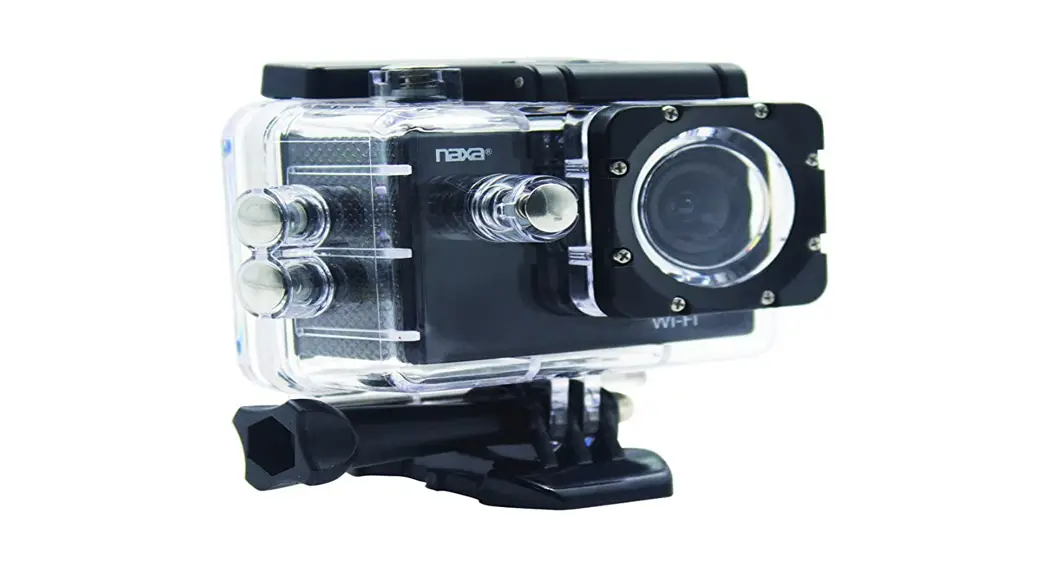
A water-resistant casing that allows you to film fascinating water sports. The casing is water-resistant for up to 30 meters. and photos you record in 1080P resolution (max interpolated).
- Detachable battery that is easy to replace and prolongs camera life
- Can record videos while charging
- Can record videos with battery
- 5MP resolution
- Supports SD cards with storage of up to 32 GB (max.)
- Supports and operates with Wi-Fi functionality
- Offers multiple video recording formats, such as: 1080P (interpolate)/720P (real)/ VGA
- Has video encryption capabilities
- Compact, durable design. Comes in diversified colors.
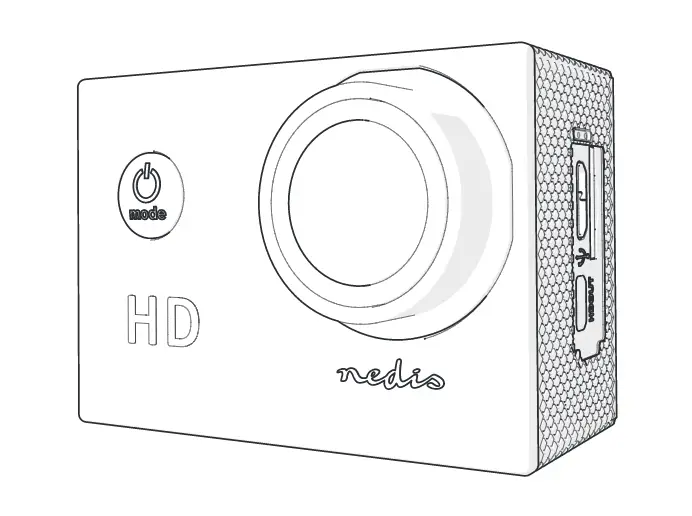
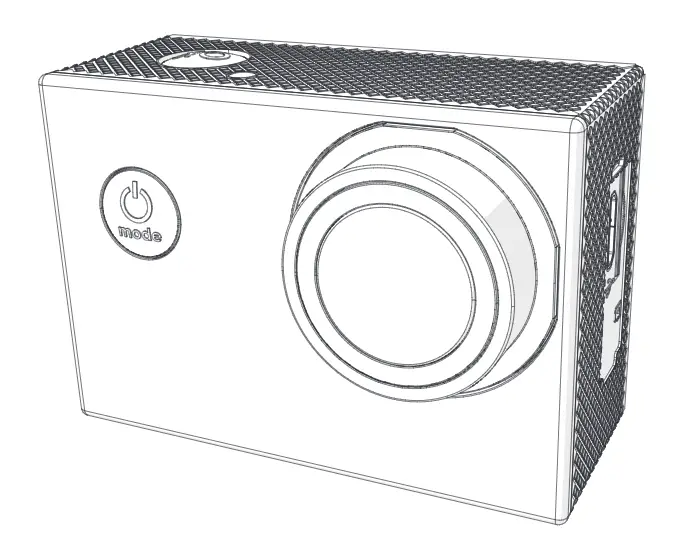
Product Overview
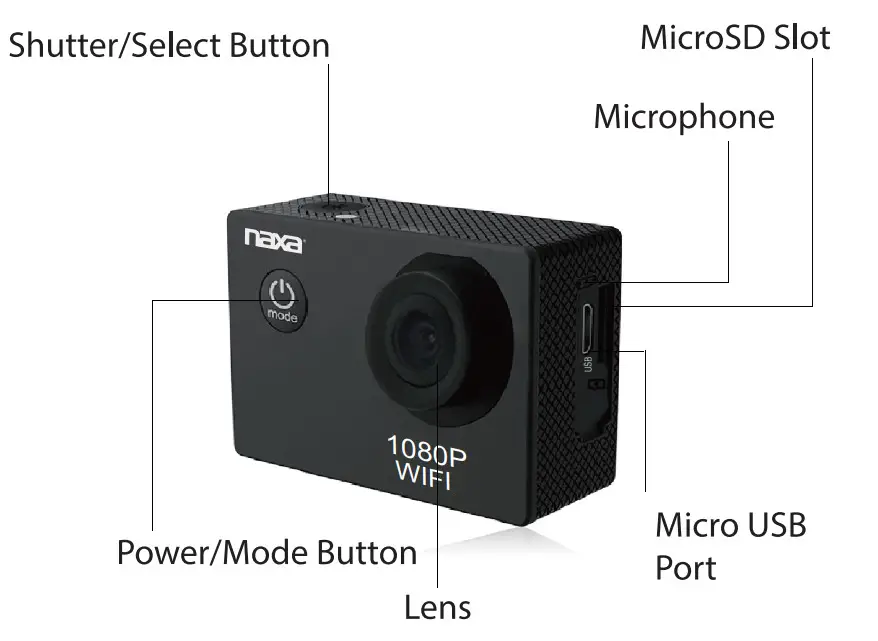
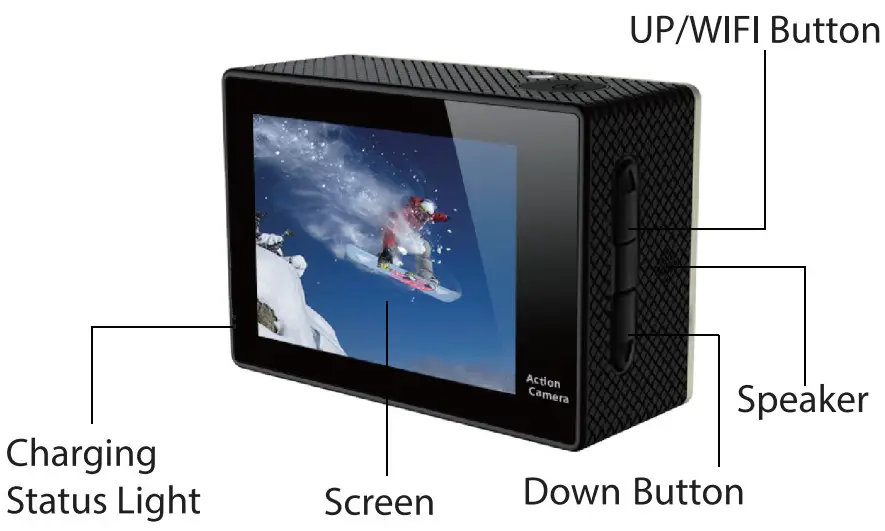
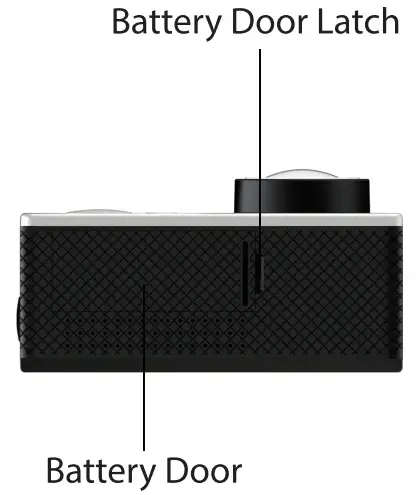
ACCESSORIES
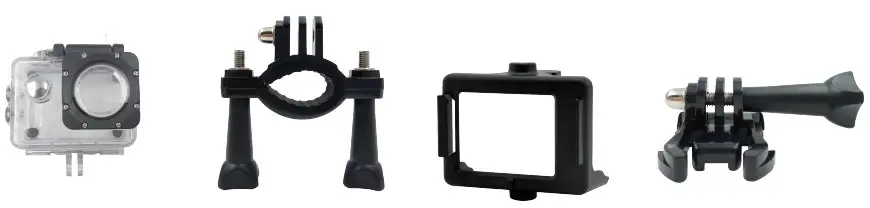 | |||
| Waterproof Housing | Handle Bar/ Pole Mount | Clip 1 | Mount 1 |
 | |||
| Mount 2 | Mount 3 | Mount 4 | Bandages |
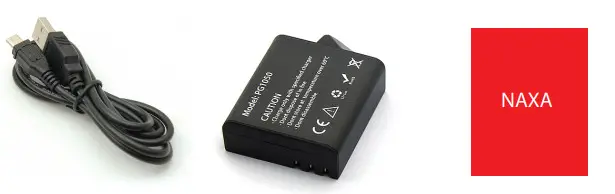 | ||
| USB Cable | Battery | Manual |
Operation
- Inserting Micro SD Card
Note: Please choose branded Micro SD card and format it on the computer before use. cards are not guaranteed to work normally. - Installing and Removing B batteries
A. Press on the battery to open
B camera, as indicated by +/- symbols and direction marking.
C. Battery Gauge: Please refer to the diagram.
D.Remove Battery: Open to take the battery out. - Charging
A. You can charge the product by either connecting it to a computer or with a power adapter.
B. You can freely charge the product while traveling by a car charger.
C. This product can record video while it is charging. D. This product does not need to be turned on in order to charge - Turning the Camera on and off
A. Press and hold the power button for 3 to 5 seconds to turn it on/off.
B. Turn the product on and off by turning the display screen on and off. - Mode Switching
Switch between video recording/photo shooting/playback/menu by pressing the “Power On-Off’ button. - How to Record Videos and Configure Recording Settings
- Video Recording
Switch to recording mode and there’ll be an ( ) in the upper left corner of the screen. Press “OK” to start recording and the ( ) icon in the upper left corner of the screen will start to flash. Press “OK” again if you want to stop and the icon will disappear.
 - Photo hooting & Settings
Switch the camera on and press “Mode” to select “Photo hooting Mode” be an icon in the upper left corner of the display screen the camera is in photo shooting mode. Press “OK” to take photos.
 - File Storage & Playing
After you are done recording, use a USB cable to export the videos onto a computer to play. Or you can take the Micro SD card out and access the image with a card reader.
7. Wifi connection
The App GoPlus cam lets you control your camera remotely using a smartphone or tablet. features include full camera control, live preview, photo playback sharing of select content, and more. - Download the App GoPlus cam to your smartphone or tablet the Apple App Store or Google Play.
- In your smartphone or table Wi-Fi settings, connect to the network” followed by a series of numbers.
- Enter the passwor12345“ NDC-407 which shows on your camera LCD screen. 678
- Open the App on your smartphone or tablet.
 ) in the upper left corner of the screen. Press “OK” to start recording and the (
  icon in the upper left corner of the display screen the camera is in photo shooting mode. Press “OK” to take photos.
Time Synchronise
Please follow the below steps to synchronize the time on the device when connecting with app
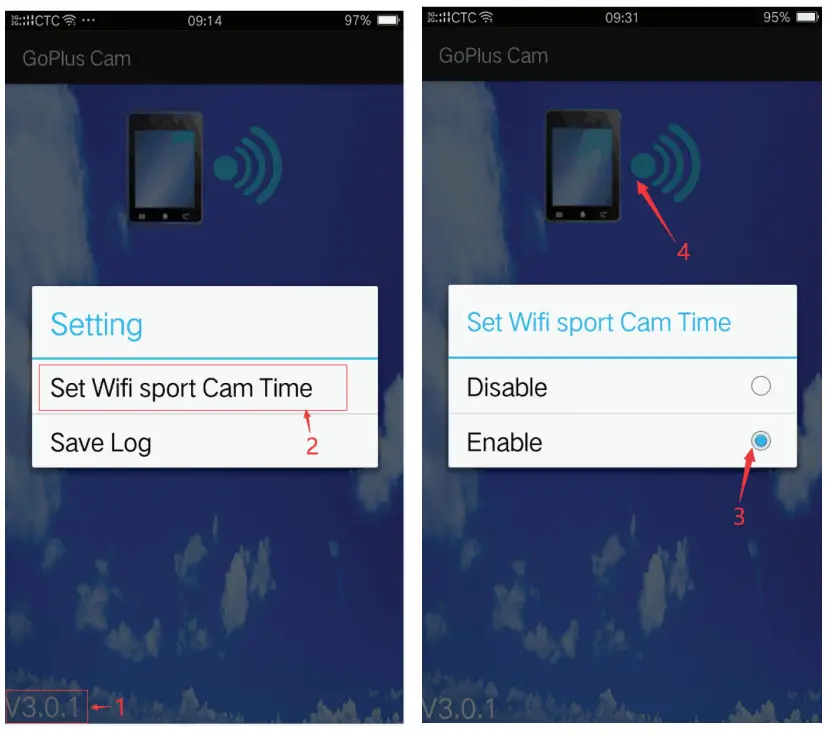 Make sure wifi is connected with smartphone and device first
Step 1: click on the left bottom version number
Step 2: Chose set Wifi Sports Cam Time
Step 3: Chose Enable
Step 4: Click the connect device symbol
FCC Notice
Warning: Changes or modifications to this unit not expressly approved by the party responsible for compliance could void the user’s authority to operate the equipment.
NOTE: This equipment has been tested and found to comply with the limits for a Class B digital device, pursuant to Part 15 of the FCC rules. Limits are designed to provide reasonable protection against harmful interference in a residential installation. This equipment generates, uses, and can radiate radio frequency energy and, if not installed and used in accordance with the instructions may cause harmful interference to radio communications. However, there is no guarantee that interference will not occur in a particular installation. If this equipment does cause harmful interference to radio or television reception, which can be determined by turning the equipment off and on, the user is encouraged to try to correct the interference by one or more of the following measures: from that to which the receiver is connected. help.
Specifications
| Display | 2″ TFT |
| Lens | 120° |
| Language Options | Multi-Language |
| Video Resolution | 1080P 1920*1080 (interpolated) 1080P 1440* 1080 (interpolated) 720P 1280*720 (real) WVGA 848*480 VGA 640*480 |
| Video Format | AVI |
| Photo | 1 6M/12M/10M/8M/5M/3M |
| Storage | Micro SD |
| Frequency of Optical Source | 50Hz / 60Hz |
| USB Interface | USB2.0 |
| Power Source Interface | 5V1A |
| Battery Capacity | 900MAH |
| Power Dissipation | [email protected] |
| Recording Time | About 90 minutes |
| Charging Time | About 3hours |
SUPPORT
Please visit us on the web at www.naxa.com to get up to
the minute news, alerts, and
documentation for your device. For additional
assistance, please contact Naxa Technical
Support.
NAXA Technical Support
232o East 49th St.
Vernon, CA 90058
http://www.naxa.com/supportcenter/ Made in China