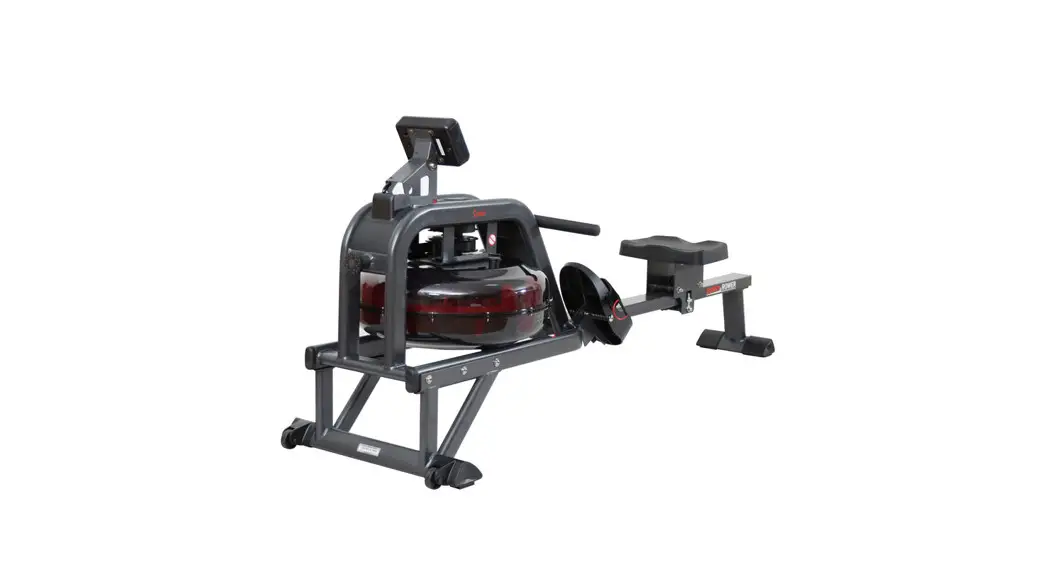
RO 1028-100 Rower Machine
Product Information:
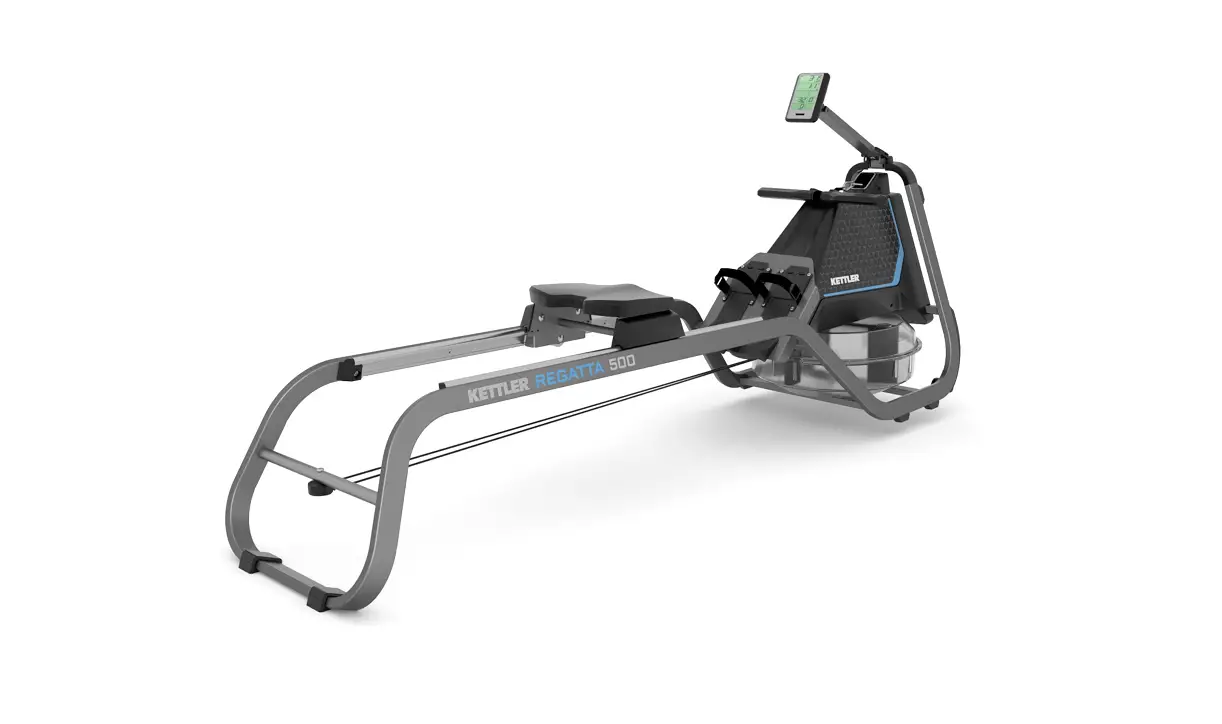
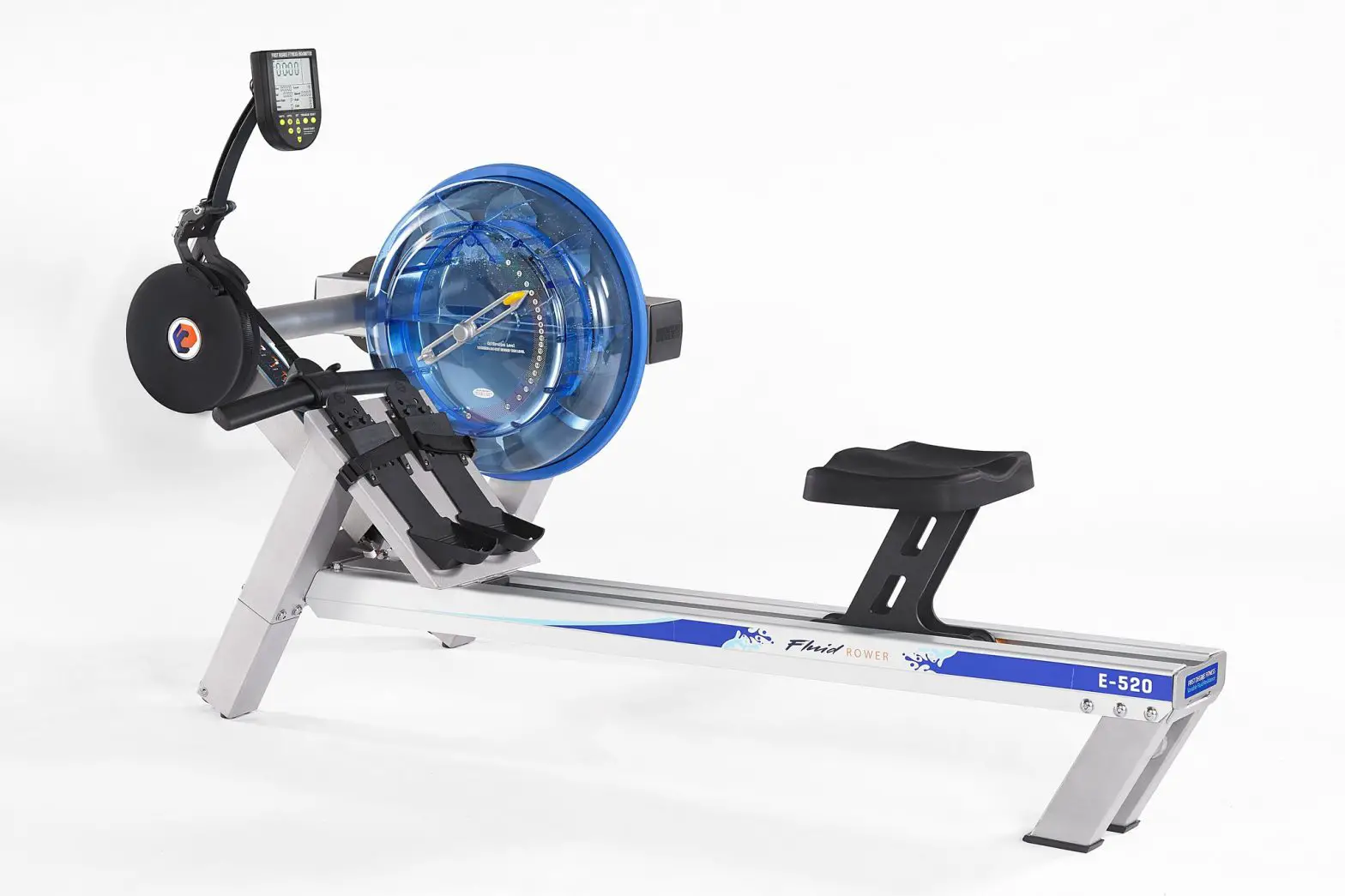
- Product Name: Axos Rower 2.0
- Weight: 31kg
- Dimensions: 1,93m x 0,46m x 0,80m
- Maximum User Weight: 120kg
Product Usage Instructions:
- Important Information:
Read the instructions carefully before installation and first
use. Keep the instructions for future reference, maintenance, or
ordering replacement parts. - Scope of Delivery:
The package includes the following items:
- 1x Axos Rower 2.0
- 1x Allen key (M5x12)
- 1x Torque wrench (M8x16)
- Various screws and bolts
Follow the instructions in the booklets “Safety Instructions and
Instructions for Initial Operation and Maintenance” and
“Computer/Training Instructions, Handling, Biomechanics”.
Refer to the user manual for instructions on how to change the
batteries.
If you need to order replacement parts, refer to the user manual
for more information.
Rower 2.0 I RO 1028-100 Rudergerät
DE MONTAGEANLEITUNG EN ASSEMBLY INSTRUCTIONS FR INSTRUCTIONS DE MONTAGE
INHALT
DE Wichtige Hinweise ………………………………………………..4 Lieferumfang ………………………………………………………… 8 Handhabungshinweise …………………………………………… 13 Batteriewechsel ……………………………………………………. 14 Ersatzteilbestellung ………………………………………………. 16
EN Important Information …………………………………………..4 Scope of delivery …………………………………………………… 8 Handling ………………………………………………………………. 13 Battery change ……………………………………………………… 14 Spare parts order ………………………………………………….. 16
FR Remarques importantes………………………………………..5 Contenu de la livraison…………………………………………… 8 Utilisation ……………………………………………………………..13 Changement de piles …………………………………………….. 14 Commande de pièces de rechange………………………….. 16
2
RO1028-100 Axos Rower 2.0 31kg A x B x C (m) 1,93 x 0,46 x 0,80
max. 120 kg
C B A
30 45 Min.
3
DE WICHTIGE HINWEISE
Bitte lesen Sie diese Anweisung vor der Montage und der ersten Benutzung aufmerksam durch. Sie erhalten wichtige Hinweise für Ihre Sicherheit sowie den Gebrauch und die Wartung des Gerätes. Bewahren Sie diese Anleitung zur Information bzw. für Wartungsarbeiten oder Ersatzteilbestellungen sorgfältig auf. Dieses Symbol weist auf einen wichtigen Warnhinweis hin. Diese Anleitung kann auch unter www.kettlersport.com heruntergeladen werden.
1.0 BENUTZERINFORMATION
· Achtung! Beachten Sie auch unbedingt die Hin-
weise in den Heften ,,Sicherheitshinweise und Informationen zum gebrauch”1 3 und ,,Compu-
ter- / Trainingsanleitung, Bedienung, Biomechanik”3 3 .
· Dieses Symbol
weist auf einen In-
busschlüssel hin.
· Dieses Symbol
weist auf einen
Drehmomentschlüssel hin.
· Dieses Sportgerät entspricht der DIN EN ISO
20957-1:2014, sowie …
· ISO 20957-7:2005, Genauigkeit HB
EN IMPORTANT INFORMATION
Important! Please read these instructions carefully before installation and first use. You will receive important information for your safety as well as for the use and maintenance of the appliance. Keep these instructions somewhere safe for information purposes or for maintenance
work or ordering replacement parts. Pass these instructions on with the appliance if the owner of
the appliance changes. This symbol indicates an important warning. These instructions can also be downloaded at www.kettlersport.com
1.0 USER INFORMATION
· Caution! Please ensure you observe the ins-
tructions in the booklets “Safety Instructions
and Instructions for Initial Operation and Maintenance”1 3 and ,,Computer/training instructions, handling, biomechanics”3 3 .
· This symbol
indicates an Allen key.
· This symbol
indicates a torque
wrench.
· This sport appliance corresponds to DIN EN ISO
20957-1:2014, and …
· ISO 20957-7:2005, Accuracy HB
4
REMARQUES IMPORTANTES
FR
Important ! Veuillez lire attentivement les instructions avant le montage et la première utilisation. Vous y trouverez des conseils importants pour votre sécurité ainsi que pour l`utilisation et la maintenance de l`appareil. Conservez soigneusement ces instructions à titre d`information, pour
les travaux de maintenance ou la commande de pièces de rechange. En cas de changement de pro-
priétaire de l`appareil, remettez aussi ces instructions. Ce symbole attire l`attention sur un avertissement important. Ces instructions peuvent également être téléchargées sur www.kettlersport.com
1.0 INFORMATION UTILISATEUR
· Attention ! Suivez aussi impérativement les
conseils dans les cahiers ,,Conseils de sécurité et informations pour l`utilisation” 1 3 et ,,Inst-
ructions ayant trait à l`ordinateur / l`entraînement, utilisation, biomécanique”3 3 .
· Ce symbole
attire l`attention sur
une clé mâle à six pans.
· Ce symbole
attire l`attention sur
une clé de serrage dynamométrique.
· Cet appareil de sport répond à la norme DIN EN
ISO 20957-1:2014 ainsi que…
· ISO 20957-7:2005, précision HB
5
ÜBUNGSBEREICH
EN Exercise area FR Zone pour exercices
/ FREIBEREICH
/ / clearance area. / Zone libre.
1 m 1 m
Übungsbereich Freibereich
TYPENSCHILD
DE Beispiel Typenschild – Seriennummer EN Example Type label – Serial number FR Example Plaque signalétique – Numèro de serie
TRISPORT AG Boesch 67 CH 6331 Huenenberg A/N 847847847847847-847847847 S/N 847847847847847847847 847847847847847 847847847847 DIN EN ISO 20957-1:2014 DIN EN ISO 20957-847:2017, VASVSA
max. xxx kg
6
MESSHILFE FÜR VERSCHRAUBUNGSMATERIAL
EN Measuring help for screw connections FR Gabarit pour système de serrae
M5x40
M5x40
ø22 M8
M8x40
ø3,9×13
ø16
M6
ø12
M5
0
10
20
30
40
50
60
70
80
90 100 110 120 130 140 150 160 170
DE Benötigtes Werkzeug Gehört nicht zum Lieferumfang. EN Tools required Not included. FR
13
10
7
Lieferumfang
EN Scope of delivery FR Contenu de la livraison
1x 1x 1x
1x
1x 1x 1x 1x 1x 1x
1x
M5x12 |2x
1x
M8x16 |2x
1x 1x
1x 1x
8
37
2x
M8x55
1x
M8x118
4x
M8x20
M6x80 2x
4x
ø 8×16
1x
ø 13×24
ø 8×22
2x
ø 8×19
2x
M8
1x
M8
2x
M6
2x
2x
2,9×30
4x
2,9×16
1x
1.
1.1.
1.1.
2x M8x55
ø8×19
SW6 | = 15 Nm
2.
10
2.1. 2.6.
2.2. 2.5.
2.4. 2.3.
2.5.
2.6.
2x M6x80
M6 2x M8x20 ø8×16
SW10
SW6
9
3.
3.3. 3.2.
3.1.
3.3. 1x
ø13×24
3.2. 1x
M8x118
M8
SW13
4.
13
3.4.
3.4. 1x
13
4.1.
4.2.
4.2. 2x M8x55
SW6 |
ø8×19 = 15 Nm
10
5.
5.1. 5.2.
5.2. 2x ø8×22 M8
SW13
6.
6.3.
6.4.
6.2.
7.5.
6.1.
6.6.
6.6. 2x M8x20 ø8×19
SW6
13
5.2. 5.1.
6.5. 6.7.
11
7.
7.4.
6.2.
7.5.
7.3.
7.3. 3x
2,9×30
7.4. 1x
2,9×16
7.5. 2x
M5x12
8.
7.3. 7.1.
7.2.
8.1.
8.2.
8.3.
12
HANDHABUNGSHINWEISE
EN Handling FR Utilisation
H2.
H2. H4.
H1.
H3.
H5.
H7.
H6.
H3. H7.
H8.
13
DE BATTERIEWECHSEL
Eine schwache oder erloschene Computeranzeige macht einen Batteriewechsel erforderlich. Der Computer ist mit zwei Batterien ausgestattet. Nehmen Sie den Batteriewechsel wie folgt vor: · Nehmen Sie den Batteriefachdeckel ab und ersetzen Sie
die Batterien durch zwei neue vom Typ AA 1,5V. · Achten Sie beim Einsatz der Batterien auf die Kennzeich-
nung im Batteriefachboden. · Sollte es nach dem Wiedereinschalten zu Fehlfunktionen
kommen, klemmen Sie die Batterien noch einmal kurz ab und wieder an. Wichtig: Aufgebrauchte Batterien fallen nicht unter die Garantiebestimmungen.
Entsorgung von gebrauchten Batterien und Akkus. Batterien dürfen nicht in den Haushaltsmüll!
Dieses Symbol weist darauf hin, dass Batterien und Akkus nicht mit dem normalen Hausmüll entsorgt werden dürfen. Die Buchstaben Hg (Quecksilber) und Pb (Blei) Pb unter der durchgestrichenen Mülltonne weisen zusätzlich darauf hin, dass in der Batterie/dem Akku ein Anteil von mehr als 0,0005% Quecksilber oder 0,004% Blei
enthalten ist. Falsches Entsorgen schädigt Umwelt und Gesundheit, Materialrecycling schont kostbare Rohstoffe. Entfernen Sie bei der Stillegung dieses Produktes alle Batterien/Akkus und geben Sie sie an einer Annahmestelle für das Recycling von Batterien oder elektrischen und elektronischen Geräten ab. Informationen über entsprechende Annahmestellen erhalten Sie bei Ihrer örtlichen Kommunalbehörde, Entsorgungsbetrieb oder der Verkaufsstelle dieses Gerätes. Nahezu alle Batterien enthalten Chemikalien, die ungefährlich für die Haut sind, aber sie sollten dennoch wie jede andere Chemikalie behandelt werden. Treffen Sie immer Vorsichtsmaßnahmen, wenn Batterien ausgelaufen sind und säubern Sie den Gerätebereich gründlich. Die ausgelaufene Batterie muss fachgerecht entsorgt werden. Schützen Sie Ihre Hände mit Handschuhen und waschen Sie sie anschließend gründlich. Wird Batteriesäure verschluckt oder gelangt in die Augen, suchen Sie umgehend einen Arzt auf.
EN BATTERY CHANGE
A weak or an extinguished computer display makes a battery change necessary. The computer is equipped with two batteries. Perform the battery change as described below: · Remove the lid of the battery compartment and replace the
batteries by two new batteries of type AA 1,5V. · When inserting the batteries pay attention to the designa-
tion an the bottom of the battery compartment. · Should there be any misoperation after switching on the
computer again, shortly disconnect the batteries once again and re-insert them. Important: The guarantee does not cover worn-out batteries.
Disposal of used batteries and storage batteries Batteries must not be disposed of in the household waste!
This symbol tells you that batteries and storage batteries must not be disposed of with the normal household waste. The symbols Hg (mercury) and Pb (lead) undernePb ath the crossed-out rubbish bin also tell you that the battery or storage battery contains more than 0.0005% mercury or more than 0.004% lead. Improper disposal damages the environment and can dama-
ge people’s health. Recycling of materials conserves precious raw materials. When disposing of the appliance, remove all batteries and storage batteries from the product and hand them over to the collection point for the recycling of batteries or electrical or electronic appliances. Information about the appropriate collection points can be obtained from your local authorities, your waste disposal team or in the outlet where this appliance was sold. Almost all batteries contain chemicals which are harmless for the skin, but they should nevertheless be treated like any other chemical. Always take precautions in case of batteries have leaked and thoroughly clean the device area. The leaked battery has to be disposed of properly. Protect your hands with gloves and afterwards wash them properly. If battery acid has been swallowed or comes into contact with the eyes, please visit a doctor immediately.
FR CHANGEMENT DE PILES
Un affichage de l`ordinateur faible ou éteint impose un changement des piles. L`ordinateur est équipé de deux piles. Effectuez le changement comme suit: · Enlevez le couvercle du logement des piles et rempla-
cez-les par deux piles neuves du type AA 1,5V. · Veillez au marquage au fond du logement lors de la mise
en place des piles. · En cas de dysfonctionnement après la remise en marche,
enlevez brièvement les piles et remettez-les ensuite. Important: Les piles usées sont exclues des dispositions de
garantie.
Elimination des piles et des accumulateurs usagés. Les piles ne doivent pas être jetées aux ordures ménagères !
Ce symbole indique que les piles et les accumulateurs ne doivent pas être éliminés avec les déchets ménagers ordinaires. Les lettres Hg (mercure) et Pb (plomb) situées Pb sous la poubelle barrée indiquent en outre que la pile/l’accumulateur contient une part de plus de 0,0005 % de mercure ou de 0,004% de plomb. Une mauvaise élimination nuit à l’environnement et à la santé ; le recyclage des matériaux épargne de précieuses matières premières. Enlevez toutes les piles/accumulateurs lorsque ce produit est mis hors service et remettez-les dans un dépôt afin de recycler les piles ou les appareils électriques et électroniques. Vous trouverez des informations concernant les dépôts correspondants auprès de votre commune, d’une entreprise de
14
traitement ou dans le point de vente où l’appareil a été acheté. Presque toutes les piles contiennent des produits chimiques, qui sont inoffensifs pour la peau. Néanmoins, ils doivent être traités de la même manière que les autres produits chimiques. Prenez toujours des précautions lorsque des piles ont coulées et nettoyez soigneusement la partie de l’appareil souillée. La pile ayant coulé doit être mise au rebut de manière appropriée.
Portez des gants pour protéger vos mains et lavez-les ensuite soigneusement. Si l’acide de la pile est avalé ou entre en contact avec les yeux, consultez immédiatement un médecin.
15
ERSATZTEILBESTELLUNG
EN Spare parts order FR Commande de pièces de rechange
16
1 1x 2 1x 3 1x 4 1x 5 1x 6 1x 7 2x 8 1x 9 1x 10 1x 11 1x 12 1x 13 2x 14 1x 15 1x 16 1x 17 1x 18 1x 19 1x 20 1x 21 1x 22 1x 23 1x 24 4x 25 1x 26 4x 27 2x 28 1x 29 1x 30 2x 31 1x 32 1x 33 1x 34 1x 35 2x 36 1x 37 1x 38 1x 39 1x
AXOS Rower 2.0 RO 1028-100 68009283 X 69050090 68009286 X 68009863 68009285 68009865 X 68009866 68009867 68009868 X 68009869 69050092 69050093 68009872 X 68009873 68009874 68009875 X 68009876 X 68009877 X 68009878 X 68009879 68009880 X 69050094 69050095 68009883 X 68009884 68009885 X 68009886 X 68009887 68009888 X 68009889 68009890 68009891 X 68009892 X 68009893 68009894 X 68009895 68009955 X 68009756 69050091
ERSATZTEILBESTELLUNG
33
31
9 15
35
2
3
16 17 32
14
5 11 39 4
30 12
27
10 8 29
6
38
1 36
19 18
7 34
13
20
21
24
23
37
25 26
22 28
17
docu 1028-100a/20.05
KETTLER Sport and Fitness Europe by TRISPORT AG BOESCH 67 CH-6331 HUENENBERG SWITZERLAND www.kettlersport.com
 KETTLER SPORT (Official) - Welcome to the new Movement