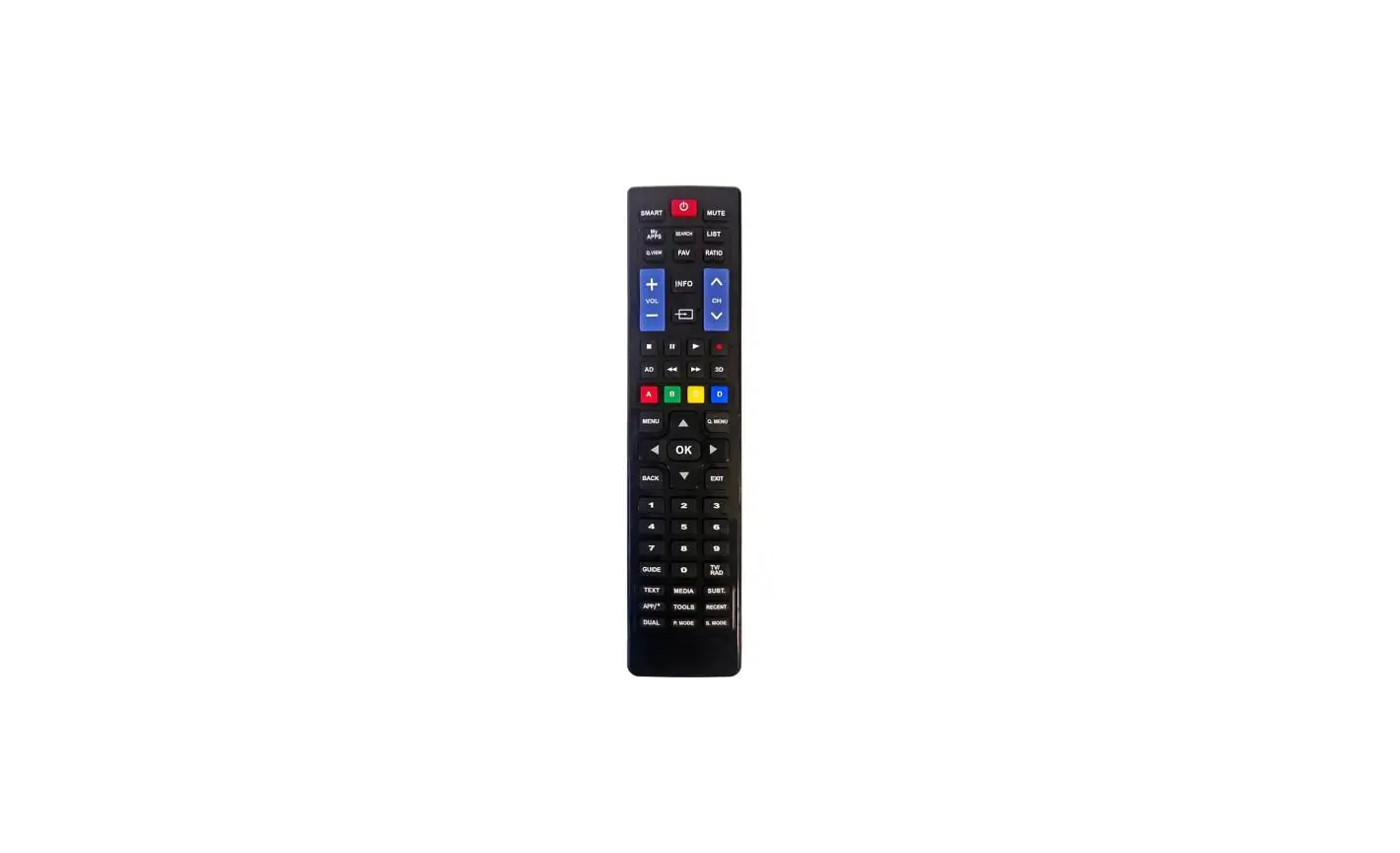
CR4-2 Remote Control
Product Information
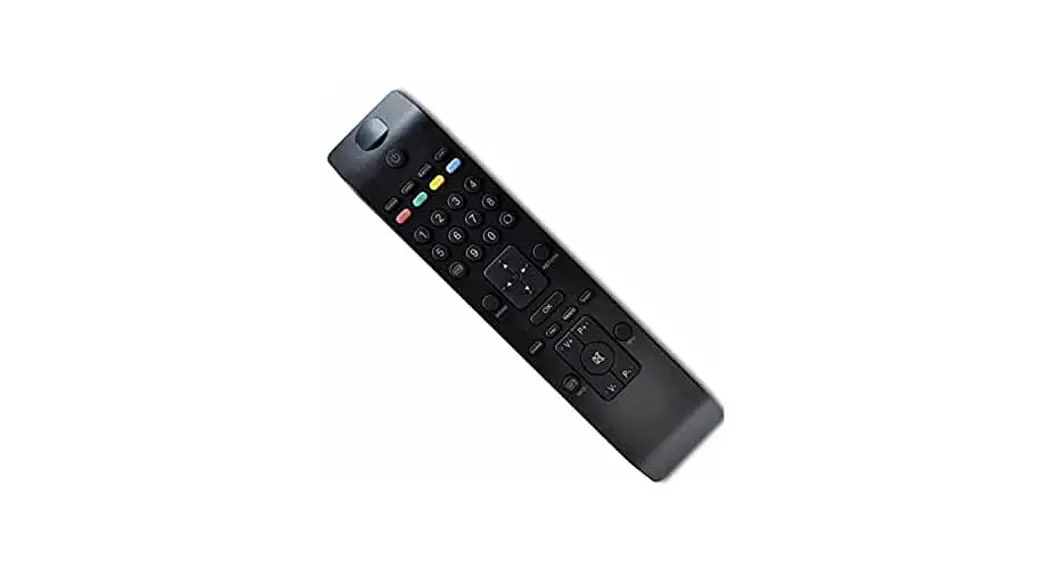
The CR4-2 and CR4B-2 are remote controls designed for use with
Philips, LG, Samsung, and RCA TV models. These remote controls
require 2 AAA batteries for operation.
Battery Installation
- With the keypad facing away from you, slide the dark lens cover
away from you (STEP 1) and lift the lid from the back (STEP
2). - Install 2 AAA batteries. Ensure that the + and – symbols on the
metal hinge of the battery compartment correspond with the + and –
end of each battery. - Close the cover by gently pressing it down (STEP 1) and sliding
it until it aligns with the front (keypad) of the device (STEP
2).
Note: The optional screw for the battery
compartment is taped to the (blue) box’s lid.
Product Usage Instructions
Testing Battery Installation:
- Press the power button on the remote control.
- The LED should light up, indicating correct battery
installation. - If the LED fails to light up, check if the batteries are
incorrectly inserted or dead.
Operating Your Philips Commercial TV:
Using the Clean Remote CR4-2 and CR4B-2, operating your Philips
Commercial TV is effortless. No setup is required; simply install
batteries.
Did You Know?
Your Philips TV can power on to a TV Channel or the Home
Screen.
Note: The CR4-2 and CR4B-2 have a dedicated
INPUT button, unlike the original Philips remote. When pressed, the
INPUT button will take you to the home screen, where you can access
the TV’s inputs via the Channel Listing function.
INSTRUCTIONS FOR CR4-2 and CR4B-2
*Philips, LG, Samsung and *RCA TV Remote Control
Battery Installation
1
2
3
Step 2
4
Test the remote by
Step1
+ –
pressing the power
button. The LED should
light up, indicating the
Step 2
batteries are in correctly. If the LED fails to light up,
Step 1
the batteries are either incorrectly inserted
Install 2 AAA batteries.
With the keypad facing
or dead.
Looking at the keypad, slide the dark lens cover away from you (STEP 1) and lift the lid from the back (STEP 2).
Make sure the + and symbols on the metal hinge of the battery compartment correspond with the + and – end of each battery.
away from you, close the cover by gently pressing
it down (STEP 1) and sliding it until it aligns with the front (keypad) of
the device (STEP 2).
Important:
The optional screw for the battery compartment is taped to the (blue) boxes lid.
The Remote Is Now Ready To Operate ANY *Philips, LG, Samsung or *RCA TV
*RCA & *Philips Hospitality TVs
Philips TV Tips
Operating your Philips Commercial TV with the Clean Remote CR4-2 and CR4B-2 is effortless. All of the TV’s functions can be accessed instantly without any setup required; simply install batteries.
Did you know your Philips TV can power on to a TV Channel or the Home Screen?
The following options may be helpful but are not required: Your TV’s home screen serves as the central hub for many TV features. By default, the Philips TV powers ON to this screen, providing guests with easy access to popular streaming apps like NETFLIX and YouTube, as well as casting. However, if your property does not offer these smart features, you can adjust the “Switch On Settings” so that the TV turns ON and displays regular TV channels instead. For more information on changing your TV’s “Switch On Settings” contact your Philips Dealer or visit the FAQ page on cleanremote.com. Regardless of the setting you choose, launching TV, streaming, and casting options can be done from the home screen.
Note: The CR4-2 and CR4B-2 feature a dedicated INPUT button, unlike the original Philips remote. When pressed, the INPUT button will take you to the home screen, where you can access the TV’s INPUTS via the Channel Listing function.
Copyright© 2023, Starlight Electronics LLC, Command In Hand Inc. rev.3-23-2023
 Clean Remote