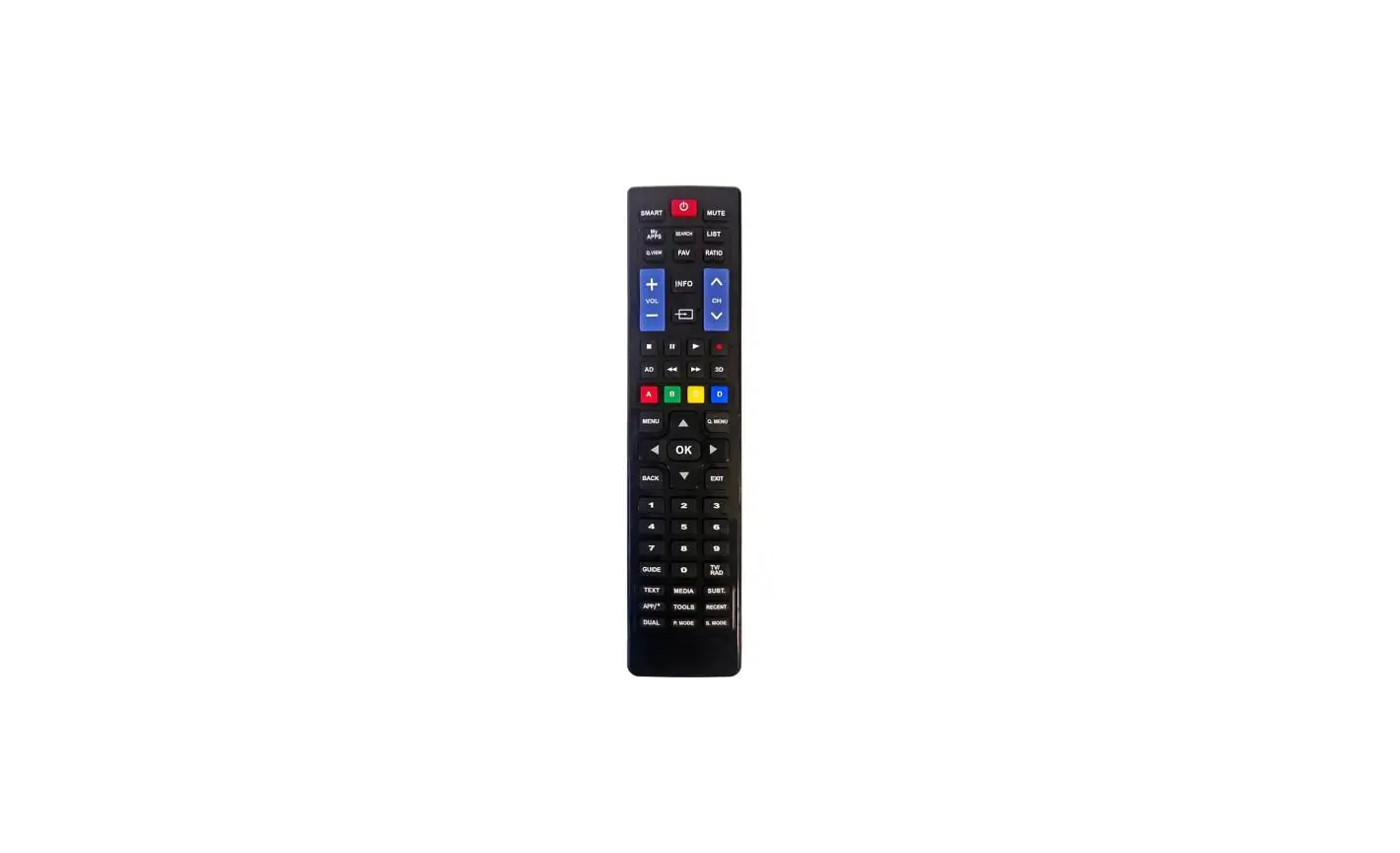
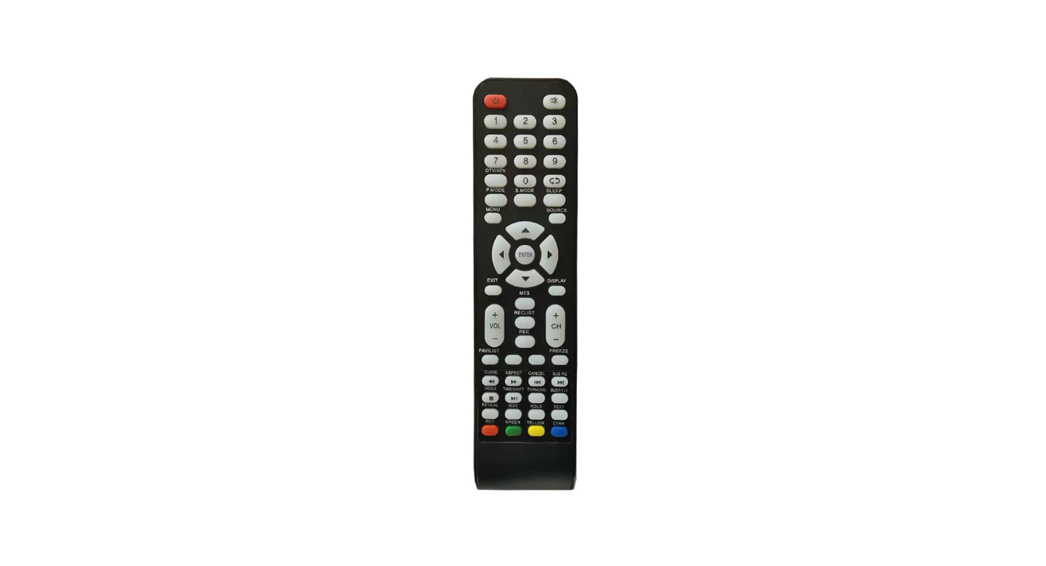
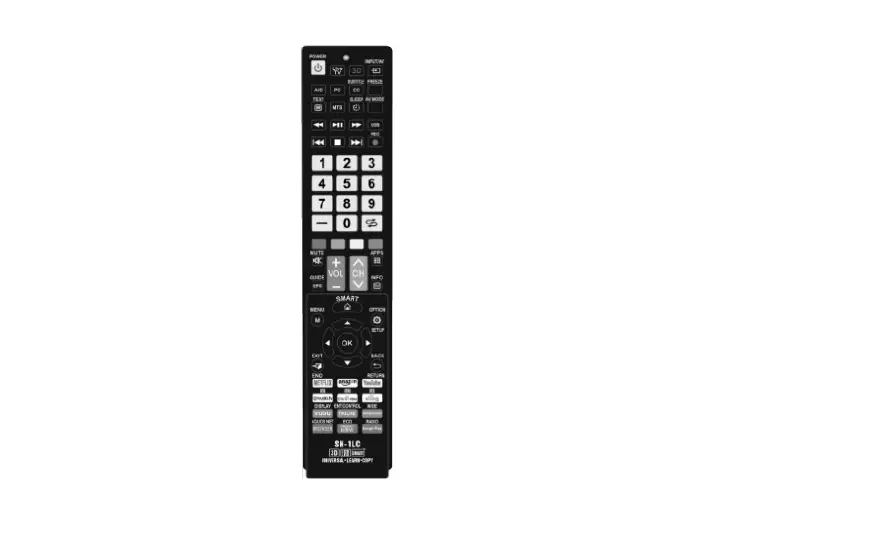
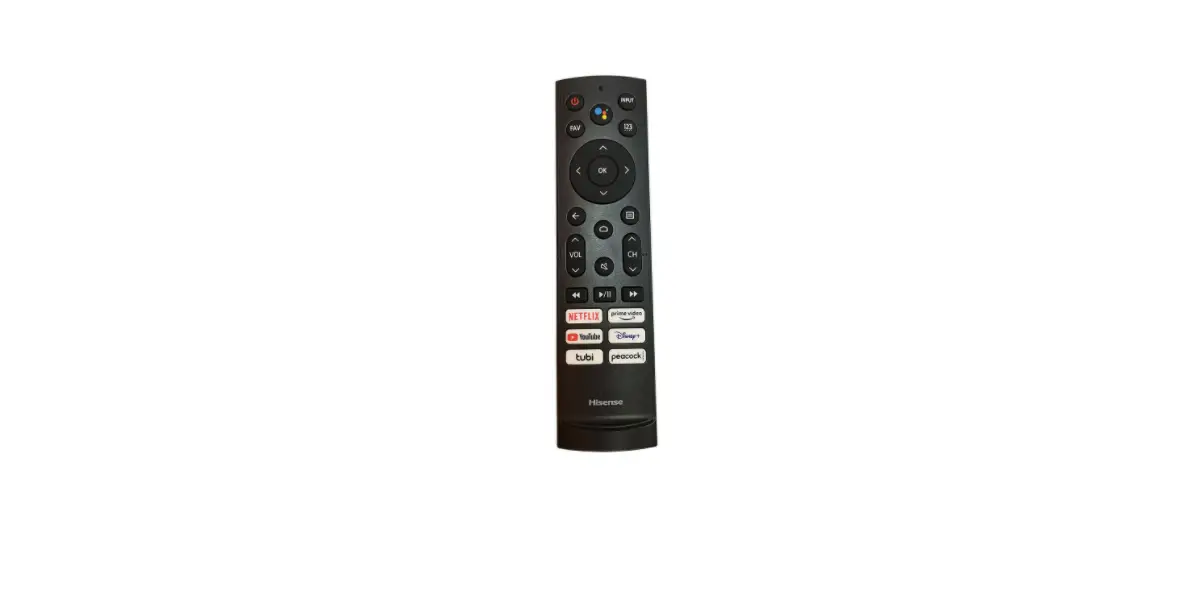
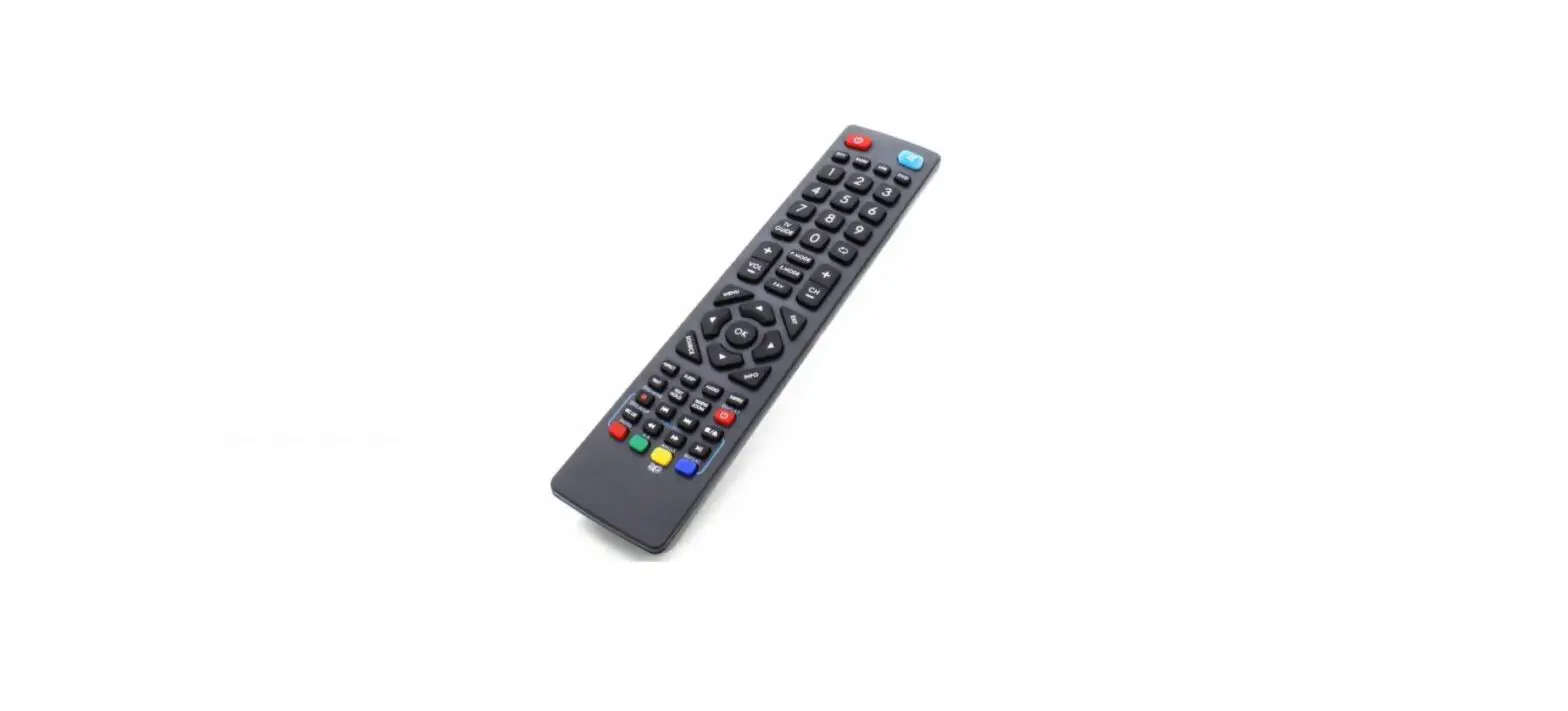
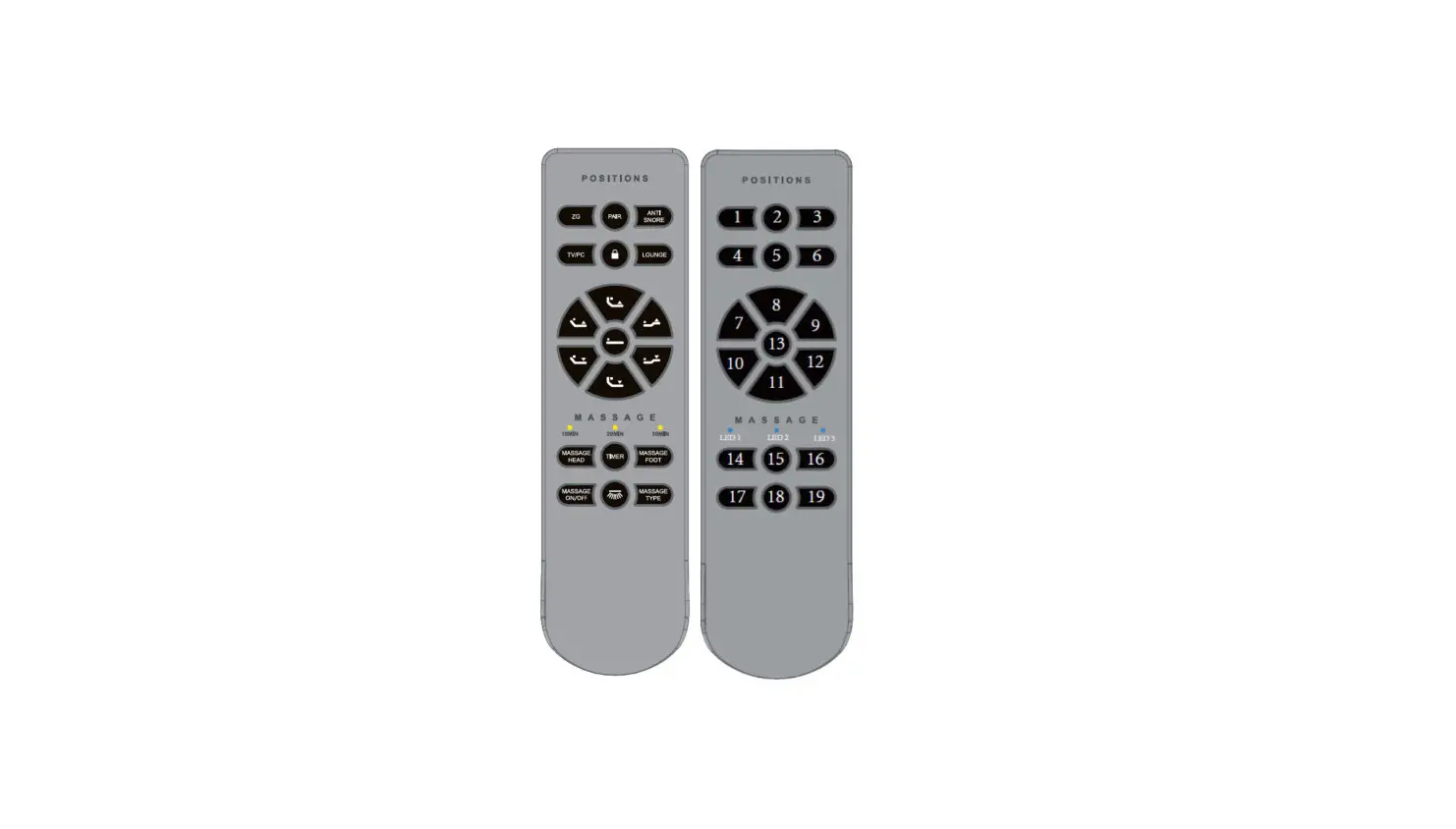
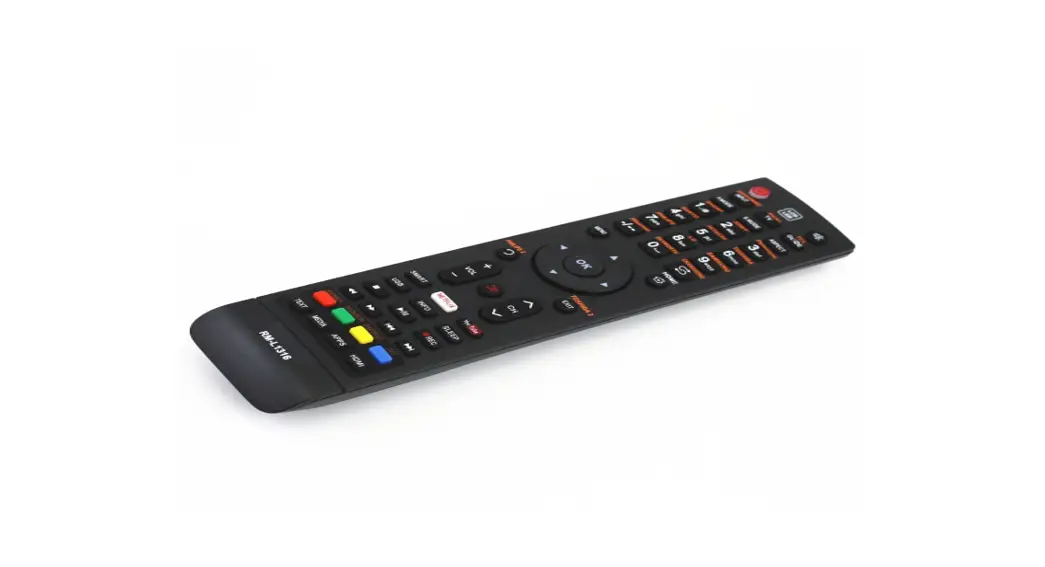
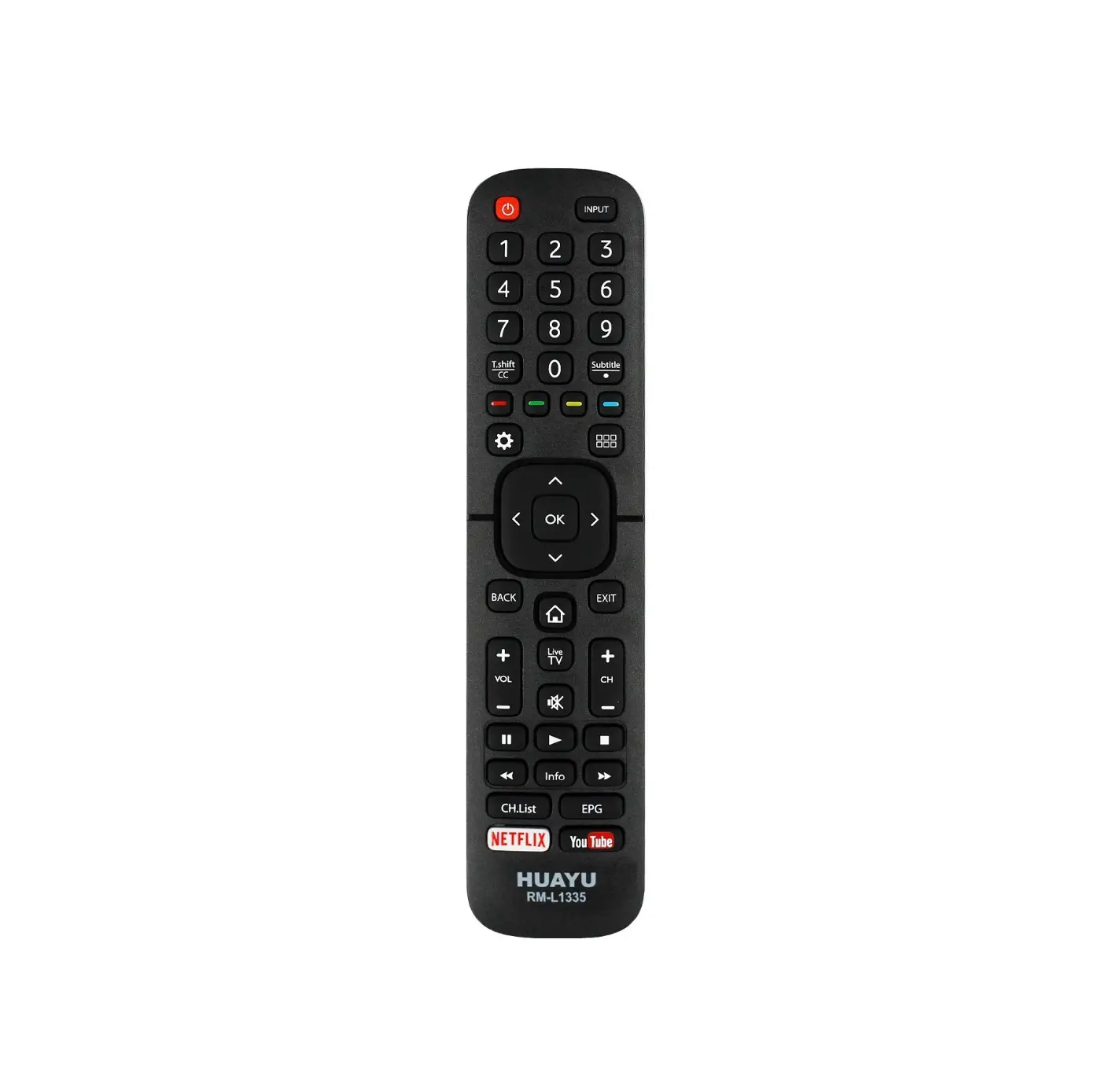
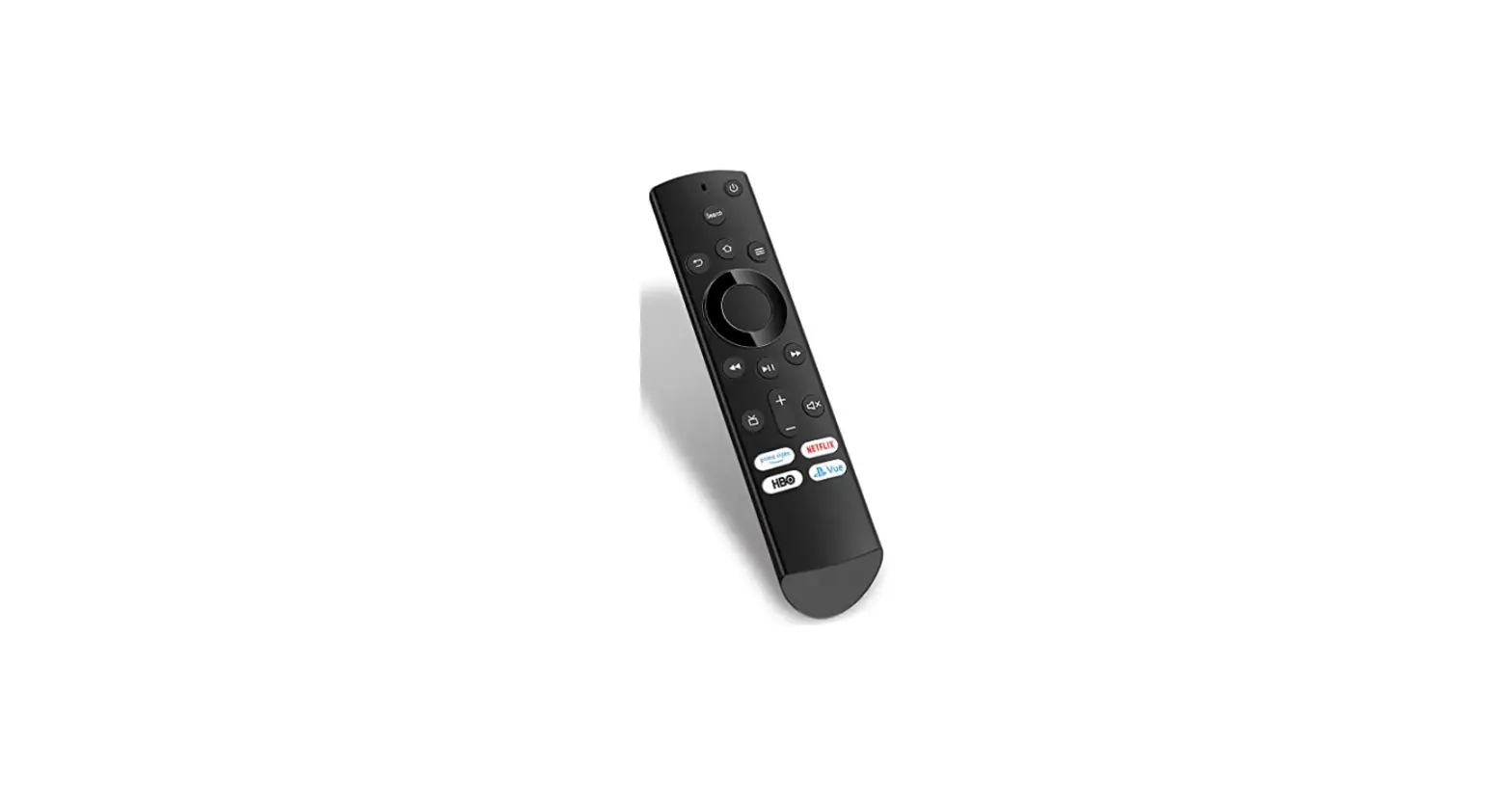
BR100B Clean Remote Control
Product Information
The BR100B remote is a preprogrammed remote that can operate
most LG, Samsung, RCA, Philips, Vizio, Hisense, Panasonic, and
Zenith TVs without the need for setup. It is compatible with a wide
range of TV brands and offers convenient control over your
television.
Product Usage Instructions
1. Initial Setup
- Insert batteries into the remote.
- If you have one of the compatible TV brands mentioned above,
simply insert the batteries and you’re done. The remote is
preprogrammed to work with these brands.
2. Reprogramming the Remote
If you want to reprogram the remote to work with a specific
brand:
- Manually turn on the TV.
- Press and hold the SET-UP key until the LED blinks and stays
on, then release the button. - Enter the 3-digit code from the code table. After entering the
code, the indicator light will turn off, indicating
completion. - If the LED blinks rapidly after entering the code, you may have
entered an invalid code. Double-check the code list and try
again. - If volume and channel functions don’t work, try another code
from the list.
3. Code Search
If your TV brand is not listed or the TV doesn’t respond to the
preprogrammed codes, you can use the code search feature:
- Turn on the TV.
- Press and hold the SET-UP key until the LED blinks and stays
on, then release the button. - Press the channel up button slowly and repeatedly (can take 60
or more times) until the channel changes. - Press ENTER to lock in the code.
- If you pass the code, press the CH- key to go backward through
the library until the TV changes channels again, then press ENTER
to lock in the code.
4. Code Identification
If you want to identify the code for future use:
- Turn on the TV.
- Press and hold the SET-UP key until the LED blinks and stays
on. - Press the SET-UP key again and release.
- Slowly press each number key from 0 to 9. When the LED blinks,
that is the first digit of your code. Repeat step 4 to find the
next digit and repeat once more for the third digit.
5. Sleep Mode
This remote has an internal timer, allowing it to work even if
your TV doesn’t have a sleep feature.
- Turn on the TV.
- Press Sleep.
- If the Sleep Timer message appears on the TV screen, select the
desired time by repeatedly pressing the Sleep key.
6. Factory Setting
If you want to return to the factory settings:
- Press and hold SETUP until the LED stays on.
- Press CC.
BR100B Instructions
This remote is preprogrammed to operate the following brands without setup:
Most LG, Samsung, RCA, Philips, Vizio, Hisense, Panasonic, and Zenith TVs. If you have one of these brands of TV, simply insert batteries and you’re done.
Note: Reprogramming the remote will make it operate only the brand you reprogrammed it for.
Reprogramming your Remote: 1. Manually turn on the TV. 2. Press and hold the SET-UP key until the LED blinks and stays on, now release the button. 3. Enter the 3-digit code from the code table. After entering the code, the indicator light will turn off, indicating completion.
Note: If the LED blinks rapidly after entering the code, you may have entered an invalid code. Doublecheck the code list and try again. If volume and channel functions don’t work, try another code.
Important: If your TV code is not listed or the TV doesn’t respond, try using code search:
1. Turn on the TV. 2. Press and hold the SET-UP key until the LED blinks and stays on, then release the button. 3. Press the channel up button slowly and repeatedly (can take 60 or more times) until the channel changes. 4. Press ENTER to lock in the code.
Note: If you pass the code, press the CH- key to go backward through the library until the TV changes channels again, then press ENTER to lock in the code. You can identify the code for future use with the following step.
Code Identification: 1. Turn on the TV. 2. Press and hold the SET-UP key until the LED blinks and stays on. 3. Press the SET-UP key again and release. 4. Slowly press each number key from 0 to 9. When the LED blinks, that is the first digit of your code. Repeat step 4 to find the next
digit and repeat once more for the third digit.
Sleep mode: This remote has an internal timer, so it can work even if your TV doesn’t have a sleep feature.
1. Turn on the TV. 2. Press Sleep. If the Sleep Timer message appears on the TV screen, select the desired time by repeatedly pressing the Sleep key.
You’re done.
Note: If no display is observed on the TV after pressing Sleep, follow steps 3-5. 3. Press and hold the Sleep key until the LED blinks and stays on, then release the key. 4. Choose a time between 0 and 99 minutes (two-digit number). The LED will blink and remain off. The timer is now set. Important: The remote must be pointed towards the TV so it can send the signal to shut off the TV when the time elapses. Ensure that there are no obstructions blocking the signal, or it won’t work. 5. To deactivate sleep mode, either press the power key or press and hold the sleep key.
To return to Factory Setting: 1. Press and hold SETUP until the LED stays on. 2. Press CC.
BR100B Codes
TV Brand Advent Aiko Akai AOC AOMNI Apex Ascoli Aspect Audiovox Belcor Bell&Howell Blue Diamond Bradford Brockwood Broksonic Candle Celebrity Celera Changhong Citizen Clairtone Coby Concerto Contex Craig Crosley Crown
Curtis/Curtis Mathes
CXC Daewoo Daytron Dumont Durabrand Dynex Electric Mirror Electroband Electrohome Element
Emerson
Envision ESA Fisher Fujitsu Funai Futuretec GE GFM Gibralter Global Vue GoldStar Grundy
Haier
Hallmark Hannspree Harvard HCI Hisense Hitachi HP
Codes 911, 932, 933, 614, 303, 201, 301, 909, 919, 920, 934, 082, 109 900 601, 903, 922, 027, 038, 039, 041, 117 079, 601, 617, 103, 076, 077, 078, 080, 156 161 000, 618, 604, 140, 155 237 606 100, 901, 900, 101, 015, 016, 133 617 620, 611 407 901 617 902, 614 601, 619 605 092, 094 618 903, 601, 619, 900, 614 103 135, 136, 151 619 901, 103, 234 901 303, 301 901 400, 301, 620, 100, 500, 232, 231, 903, 044, 621, 606, 619, 611, 603, 102, 153, 127, 168, 169, 170, 171, 172, 173, 174, 175, 930 901 100, 617, 900, 101 617 700, 617 902, 901, 201, 614, 615, 914, 918 614, 085, 086, 109, 110, 112, 620, 903, 619, 910 225 605, 103 614 112, 160, 113, 114, 115, 116, 152 620, 902, 022, 614, 901, 200, 201, 607, 617, 615, 602, 103, 101, 930, 903, 112 079, 601, 076, 077, 078, 080 901, 201, 601, 903 620, 801 615, 300 901, 615, 022, 201 901 400, 202, 100, 200, 607, 608, 802, 042 201, 022, 133 700, 601, 617 125, 126 601, 607, 617, 619 901, 615 914, 918, 043, 045, 092, 093, 094, 095, 096, 097, 130, 131, 127, 122, 626 607 080, 627 901 020 (bed 1), 021 (bed 2) 112, 614, 902, 138 606, 619, 611, 005, 238, 916, 060, 150 075
ILO Infinity Infocus Inteq
Insignia
Iris JBL JCB JC Penny JVC KEC Kenwood KLH KTV Kolin Konka LG Logik Luxman LXI
Magnavox
Majestic Marantz Matsushita Megatron MEI
Memorex
MGA Midland Minutz Misakai Mitsubishi Motorola MTC Multitech NAD NEC Nikko Norcent Noshi NTC Olevia ONN Onwa Optimus Optonica Orion Panasonic PDI Philco
Philips
Pilot Pioneer
Polaroid
Portland Prima Prism
Proscan
921, 925, 609, 201, 059 301 400 700 084, 614, 112, 303, 201, 301, 909, 919, 920, 934, 081, 082, 083, 085, 086, 108, 109, 110, 111, 117, 620, 903, 619, 910, 930 250 301, 000, 604, 618 605 400, 609, 202, 903, 601, 607, 608, 617, 800 701, 159, 157, 226 901 601, 617 618 901, 601, 103 023, 024, 025, 026 904, 001, 304, 002, 003, 041, 083, 117 619, 227, 910, 700 611 619 400, 301, 620, 609, 607 301, 302, 303, 601, 615, 617, 803, 078, 905, 906, 907, 908, 199, 034, 909, 011, 035, 036, 037, 040, 046, 047, 048 611 301, 601 004 607, 606 103 118, 620, 004, 614, 104, 095, 607, 615, 611, 700, 303, 201, 301, 909, 919, 920, 934, 012 104, 601, 607, 617, 500 400, 700, 202 608 201 500, 104, 607, 617, 601 500, 802 903, 601, 617, 619, 103 901 609, 607, 603 601, 617, 619 601, 607, 900 078, 079 800 900 923, 023, 024, 025, 026, 228 400 901 620, 004, 603 500, 610 902, 614, 615, 109 004, 202, 802, 610, 301, 302, 303, 055, 056 007, 008, 009, 010 301, 614, 601, 606, 617 301, 302, 303, 305, 601, 615, 617, 803, 078, 905, 906, 907, 908, 909, 011, 034, 035, 036, 037, 040, 046, 047, 048, 080 601, 617 603, 600 400, 910, 913, 915, 229, 917, 920, 012, 013, 028, 029, 030, 031, 032, 033, 041, 083, 084, 109, 113, 117, 128 617, 900 085 202 400, 074, 085, 112, 127, 234, 233, 235, 168, 169, 170, 171, 172, 173, 174, 175, 232, 231, 230, 930
Proton Proview Pulsar Quasar RadioShack Realistic
RCA
Rhapsody Roomconx Roku Runco Sampo Samsung Sansui Sanyo Sceptre Scotch Scott Sears Seiki Sharp Sharp (LCD) Shogun Signature Simpson Sony Soundesign Soyo Squareview SSS Starlite Superscan Supersonic Supreme Sylvania Symphonic Syntax Tandy Tatung TCL (non-Roku) Technics Techwood Teknika TMK Toshiba Trutech Upstar Venturer Vertex Victor Vidtech Viewsonic Viore Vivitek Vizio Wansa Wards Westinghouse White Westinghouse Yamaha X2-GEN Zenith
607, 102 112, 113, 114, 115, 116 700, 617 004, 202, 610, 802 400, 620, 610, 901, 621, 607, 617, 619 620, 610, 901, 601, 607, 617, 619
400, 112, 237, 074, 158, 230, 617, 800, 280, 296, 232, 231, 234, 612, 299, 281, 297, 501, 298, 619, 127, 600, 402, 403, 401, 404, 405, 623, 042, 406, 168, 169, 170, 171, 172, 173, 174, 175, 930, 609
103 614, 615, 902, 924 084 (Roku TV only not for Roku stick or player) 700, 601 601 930, 903, 601, 607, 617, 619 614, 902, 615, 109, 234, 235, 233 620, 801, 931 605 607 902, 901, 607, 617, 615 400, 301, 620, 609, 607, 615, 622, 801, 201, 402 112, 113, 114, 115, 116, 160, 152 500, 610, 501, 929 912, 929, 156 617 611 803 605 901, 607, 615 061, 062, 063, 064, 065, 066, 067, 068, 069, 070, 071, 072, 073 201 901, 617 901 201, 500, 912, 929 234 605 301, 601, 022, 201, 901 901, 201, 022 023, 024, 025, 026 500 802 400 004, 202 202, 619 301, 901, 104, 605, 617, 615, 619, 611, 900 607, 619, 602 609, 903, 613, 910, 619, 058, 620 101, 201, 617, 900, 015, 016, 017 176, 177 015, 016, 133 236 701 607, 617 087, 088, 089, 090, 091, 098, 099, 105, 106, 107, 019, 132 903, 119, 120, 121, 122, 123, 124, 626, 154, 127 058 927, 011, 013, 014, 626 237 301, 610, 601, 607, 608, 617, 615, 619, 611 926, 928, 049, 050, 051, 052, 053, 054, 624, 625, 626, 127, 129, 152 614, 101, 605 601, 617 057 700, 614, 611, 900, 619, 910, 215, 216