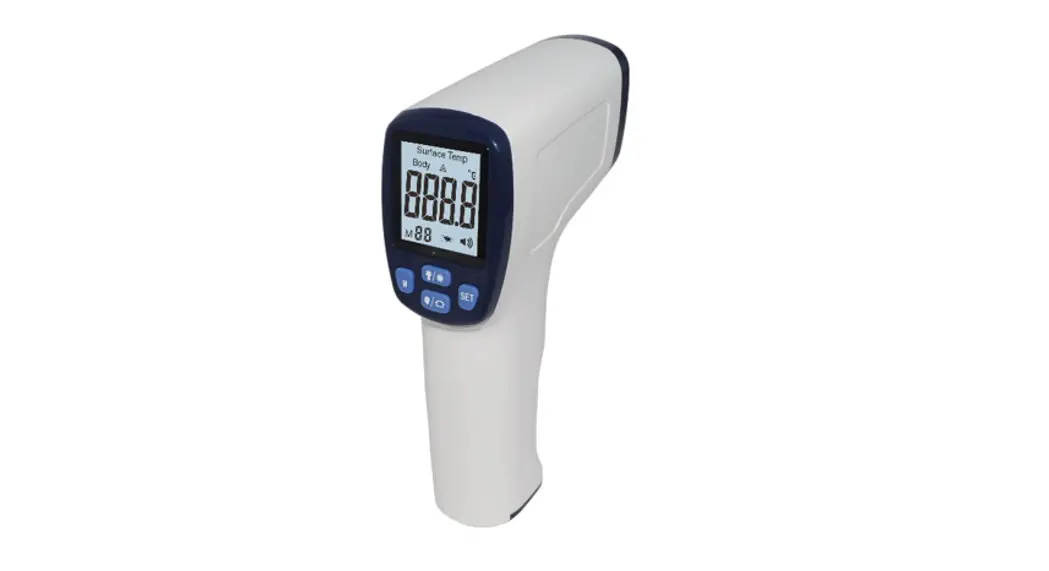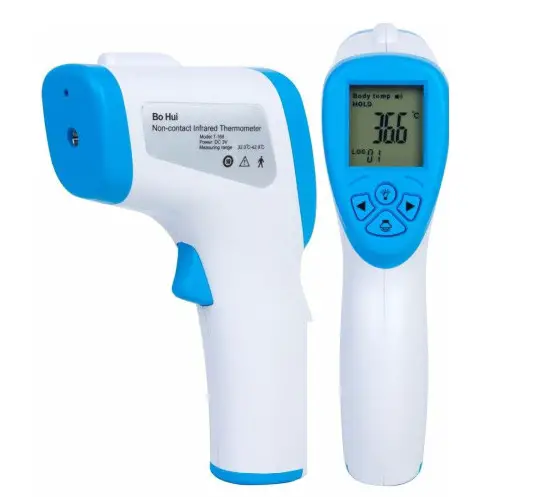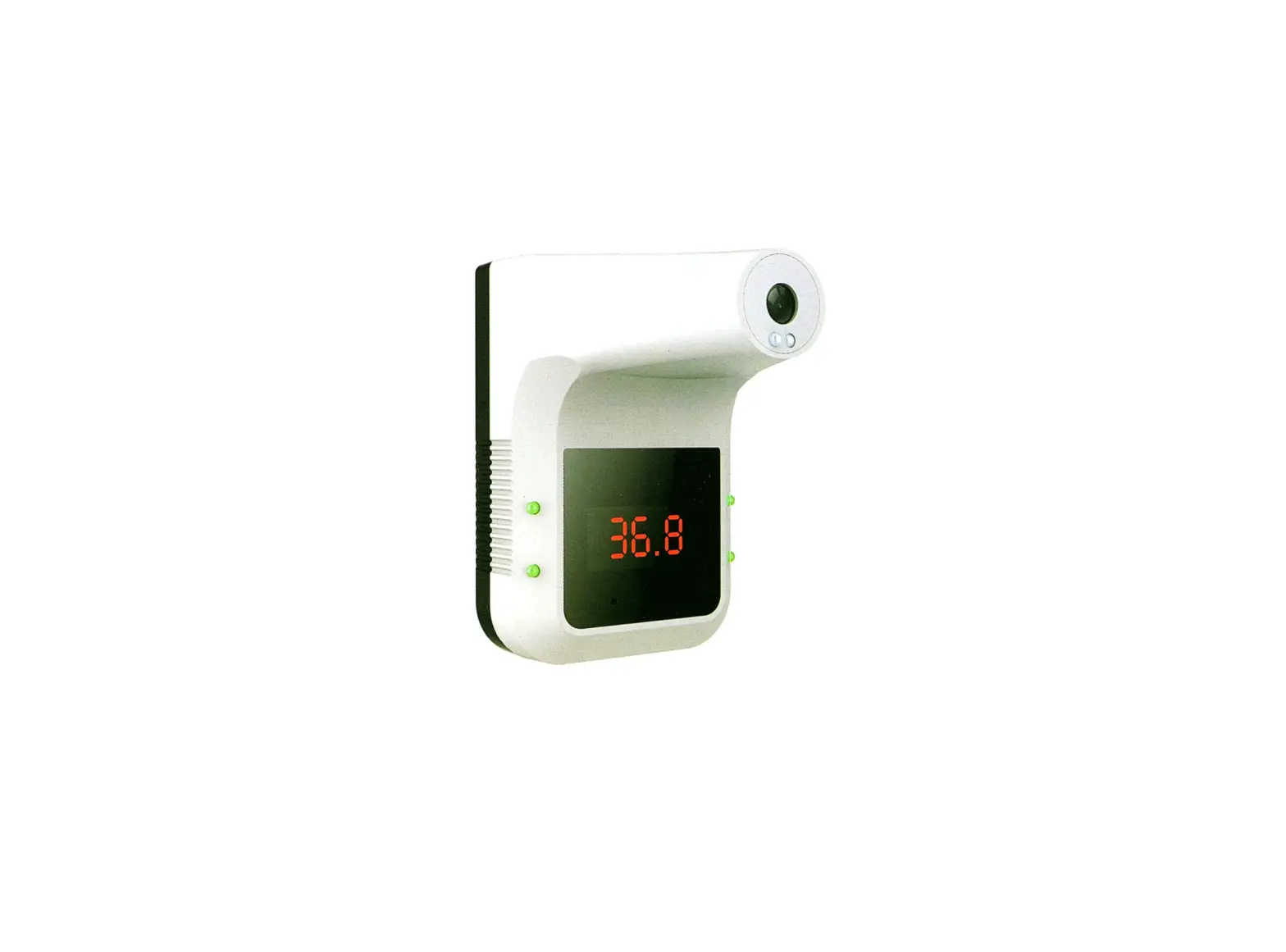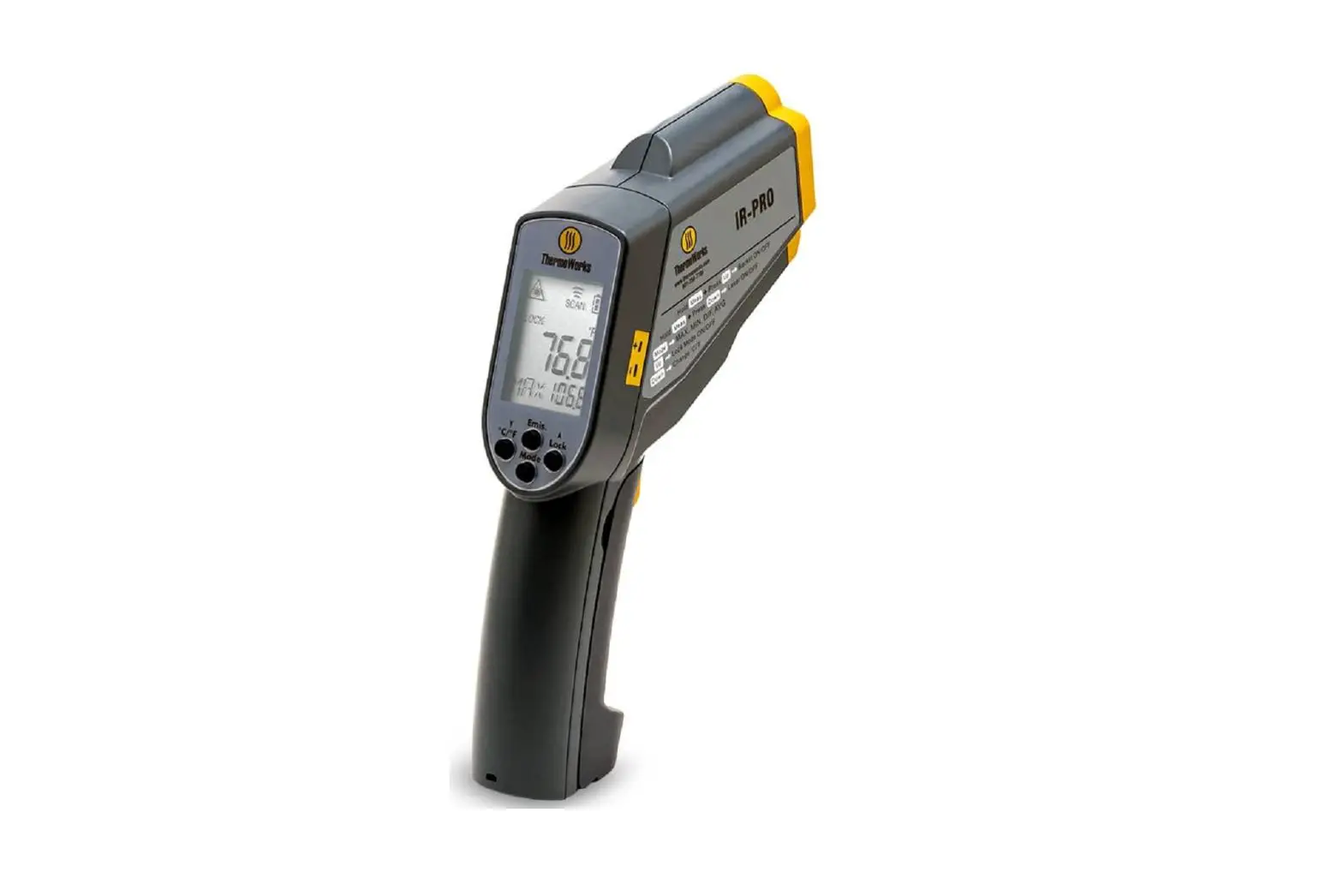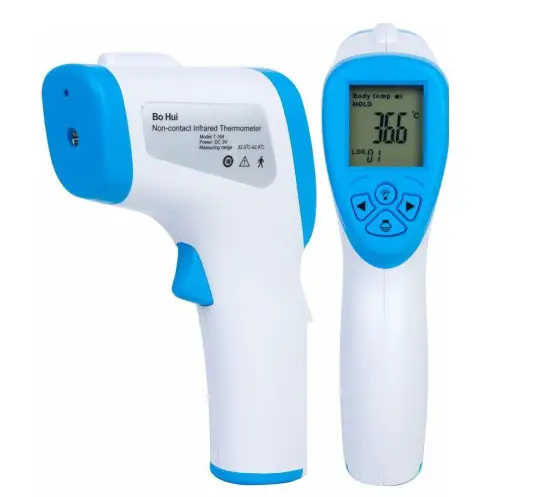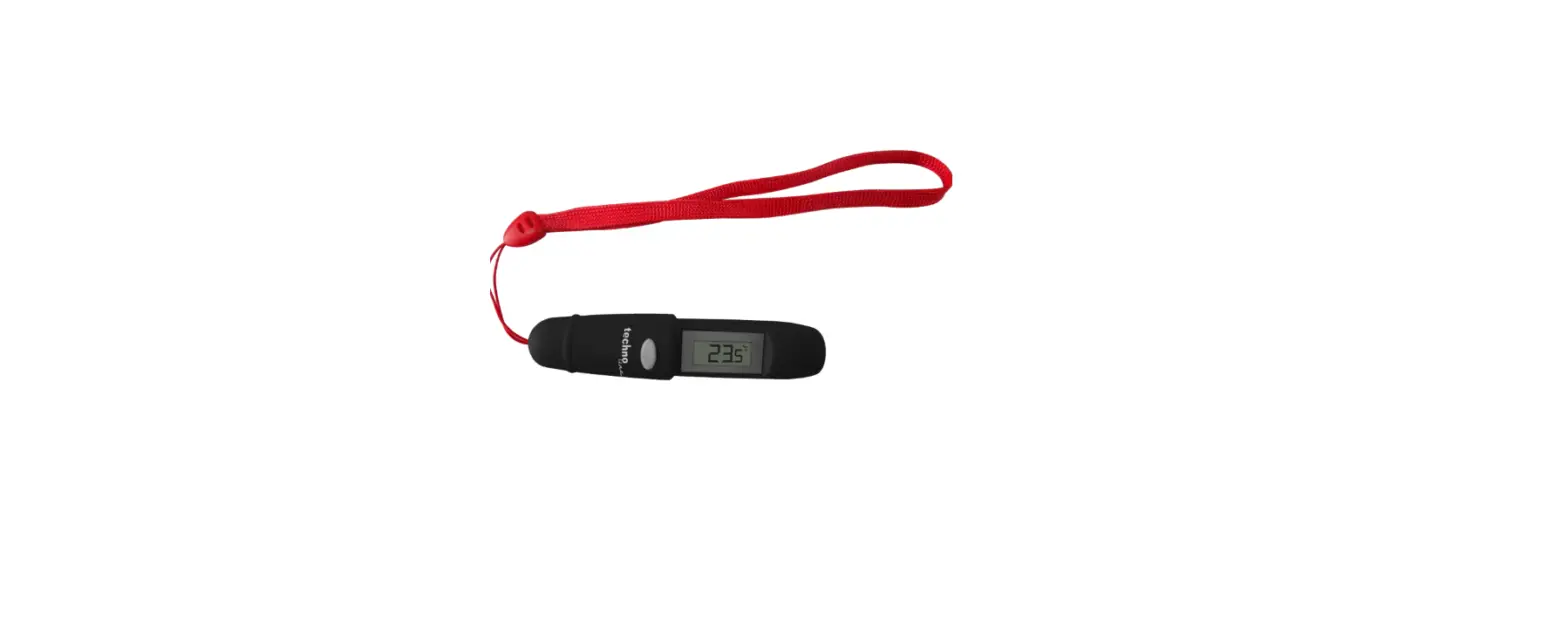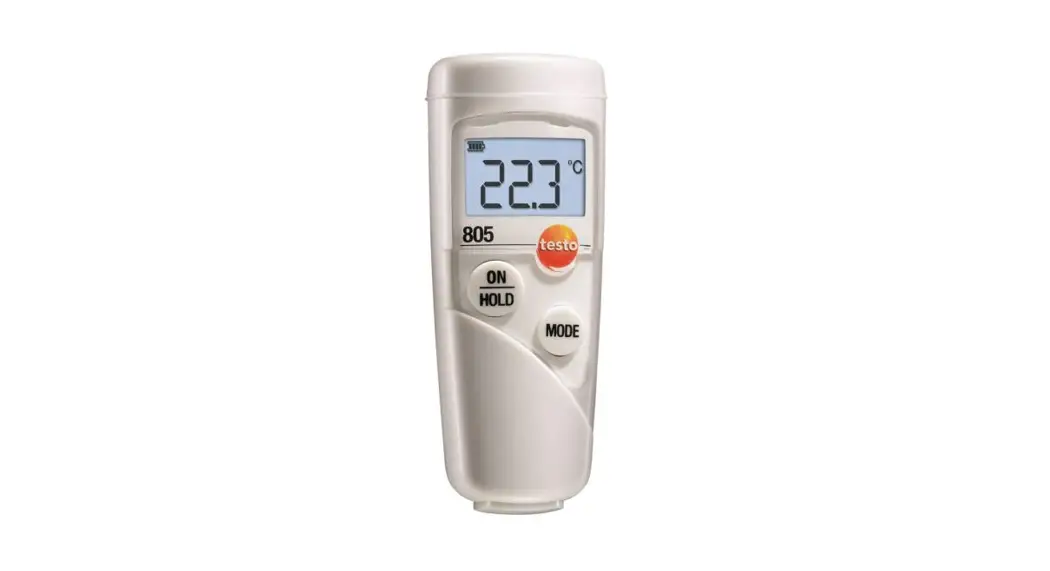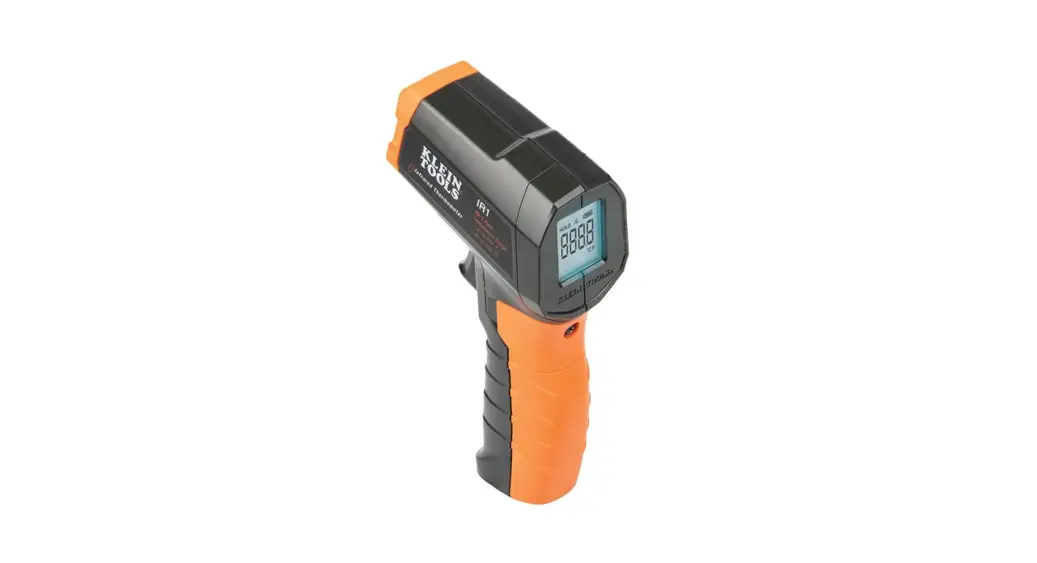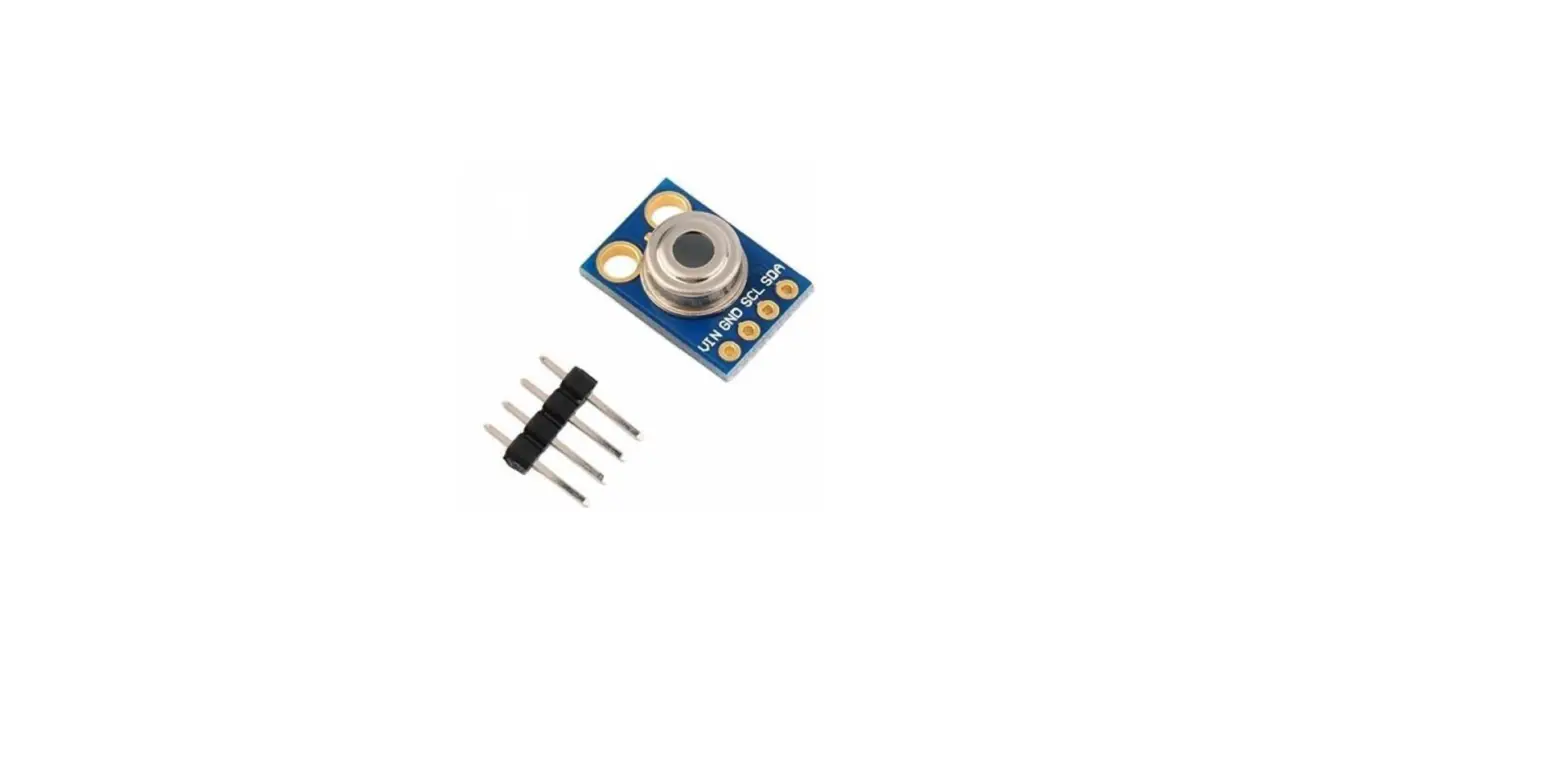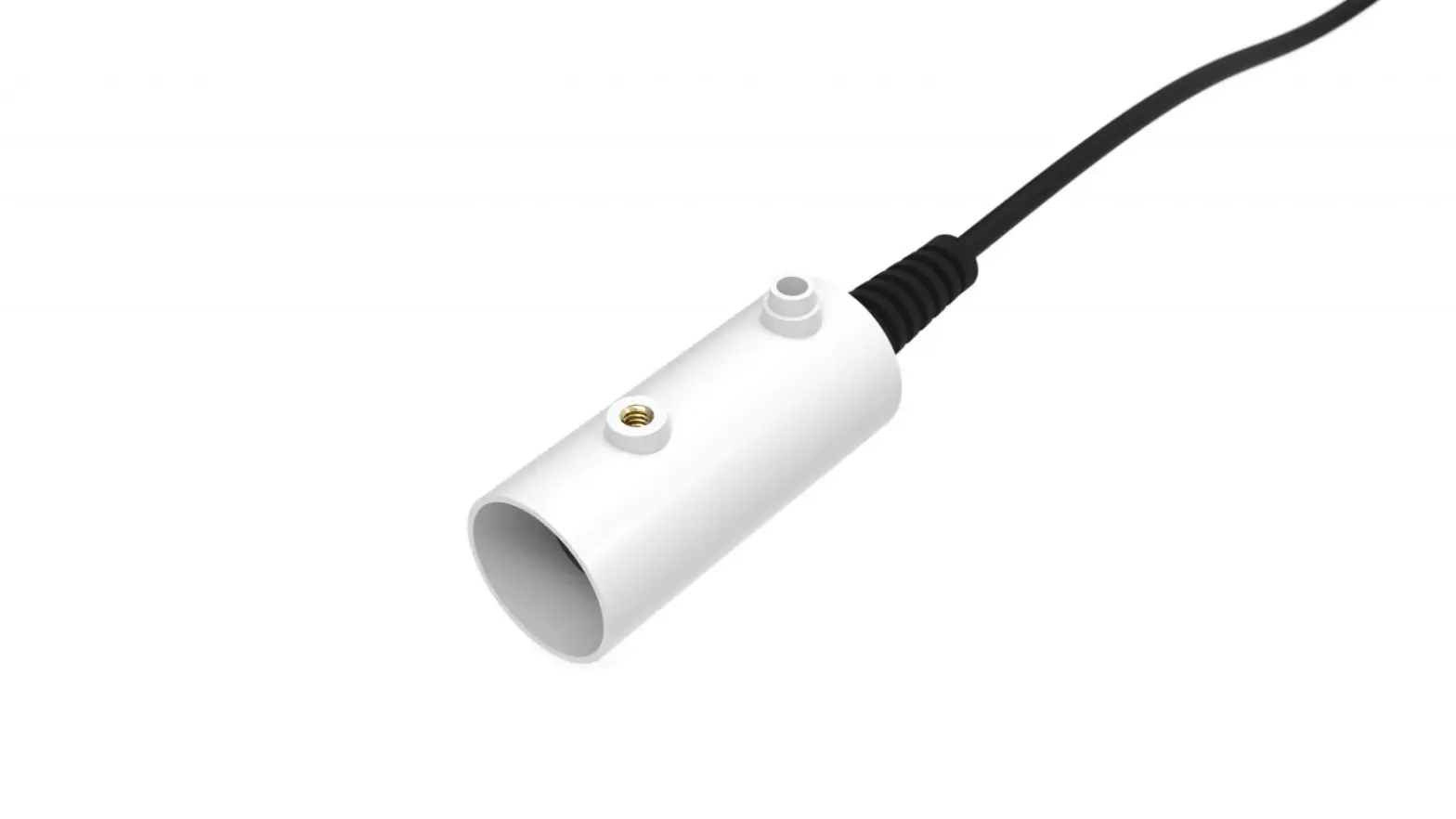

Infrared Thermometer ZL6
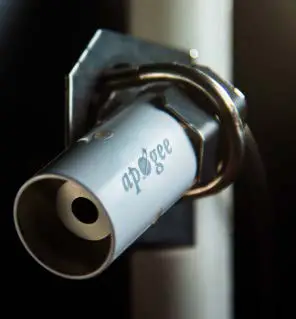
Preparation
Inspect and verify components are intact. The installation will require a 31.8- to 50.8-mm (1.25- to 2-in) diameter mounting pole and a mounting bracket. Before beginning installation, consider the surroundings and avoid obstructions.
Set up and test the system (sensors and data loggers) in a lab or office. Ensure the data loggers are using up-to-date firmware and software. Check the following locations for firmware and software updates:
metergroup.com/zl6-support
metergroup.com/environment/articles/buy-browse-meter-legacy-data-loggers
All products have a 30-day satisfaction guarantee.
Installation
Mount the sensor to get the desired field of view (FOV). For help in calculating the FOV, use the calculator from Apogee found at apogeeinstruments.com/irr-calculators. Plug the sensor cable into the data logger. Use data logger software to apply appropriate settings to the sensors plugged into each data logger port. Gather and secure the cables to the mounting pole in one or more places to relieve strain on the connections.
METER Group, Inc. USA
2365 NE Hopkins Court, Pullman, WA 99163 T +1.509.332.2756 F +1.509.332.5158
E [email protected] W metergroup.com
NORTH AMERICA
E [email protected] T +1.509.332.5600
EUROPE
E [email protected] T +49 89 12 66 52 0
 METER Legacy Data Loggers | METER chat