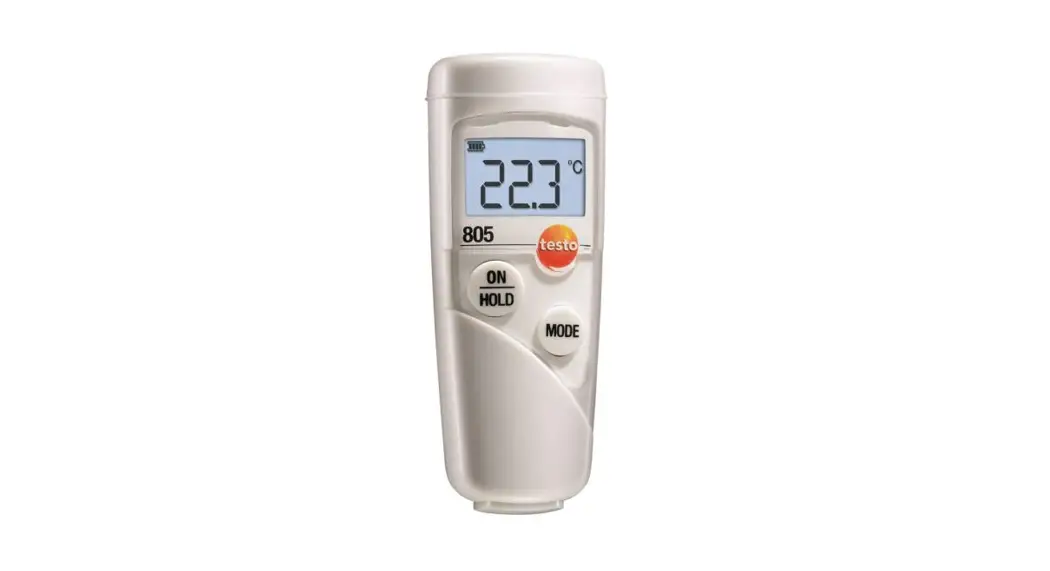

testo 805
Infrared thermometer
Instruction manual
General Information
Please read this document carefully and familiarise yourself with the operation of the product before putting it to use. Keep this documentation to hand so that you can refer to it when necessary.
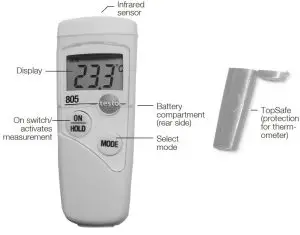
Product Description
Safety Information
 Avoid electrical hazards:
 Please adhere to the required safe distance when measuring live parts!
 Preserving product safety /warranty claims: Operate the instrument properly and according to its intended purpose and within the parameters specified. Do not use force. Do not expose to electromagnetic radiation (e.g. microwaves, induction heating systems), static charge, heat, or extreme fluctuations in temperature. Do not store together with solvents (e.g. acetone). Open the instrument only when this is expressly described in the documentation for maintenance purposes.
 Ensure correct disposal: Dispose of defective rechargeable batteries and spent batteries at the collection points provided. Send the instrument directly to us at the end of its life cycle. We will ensure that it is disposed of in an environmentally friendly manner.
Protect the environment: The button cell used in the instrument contains 1,2Dimethoxy ethane (CAS 110714). See EC Regulation No. 1907/2006 (REACH) Art. 33.
Intended Purpose
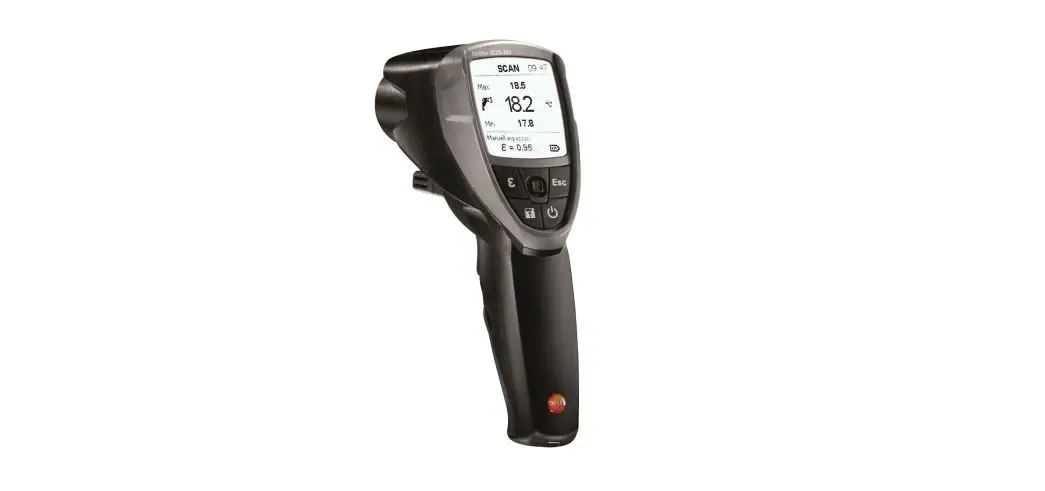
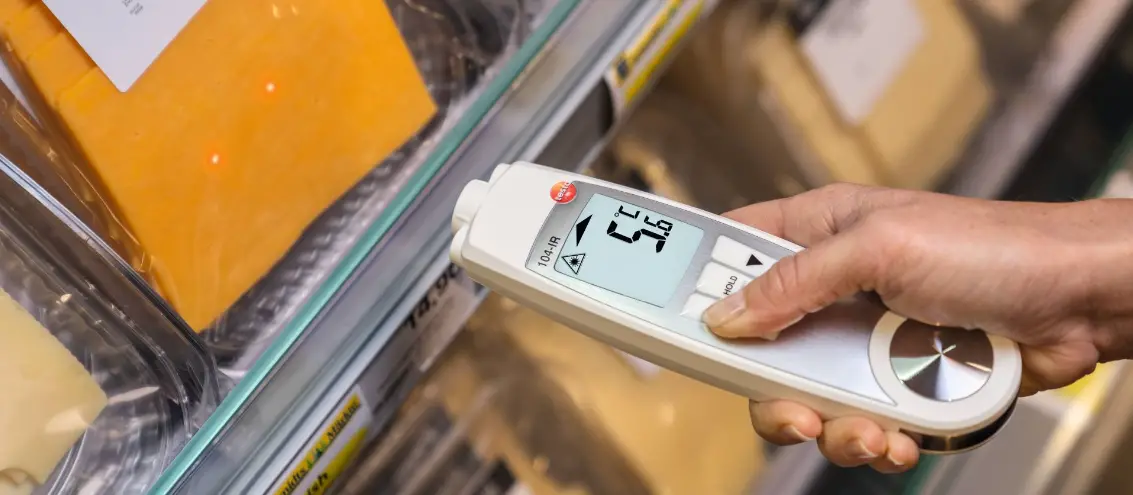
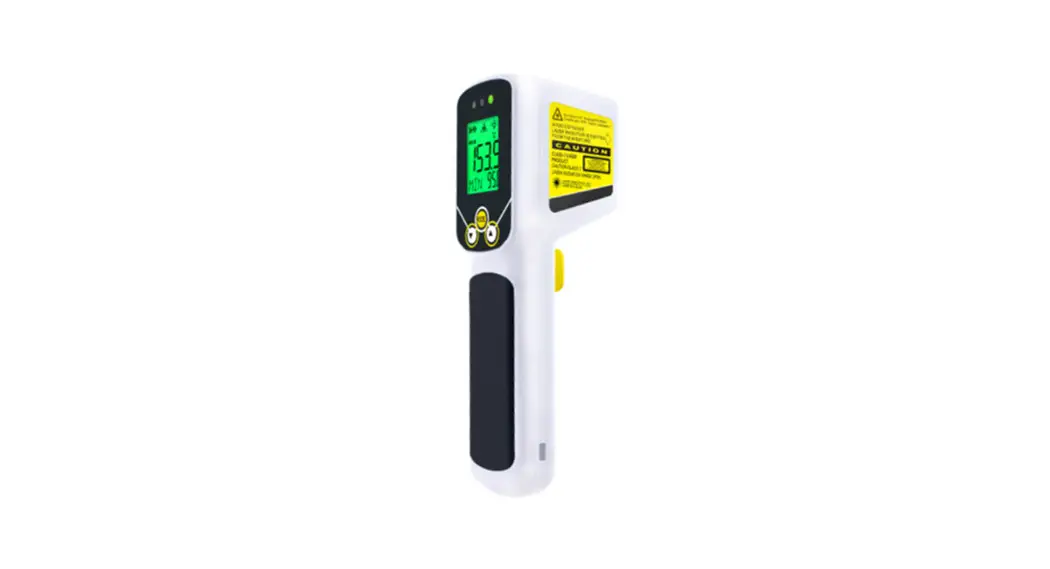
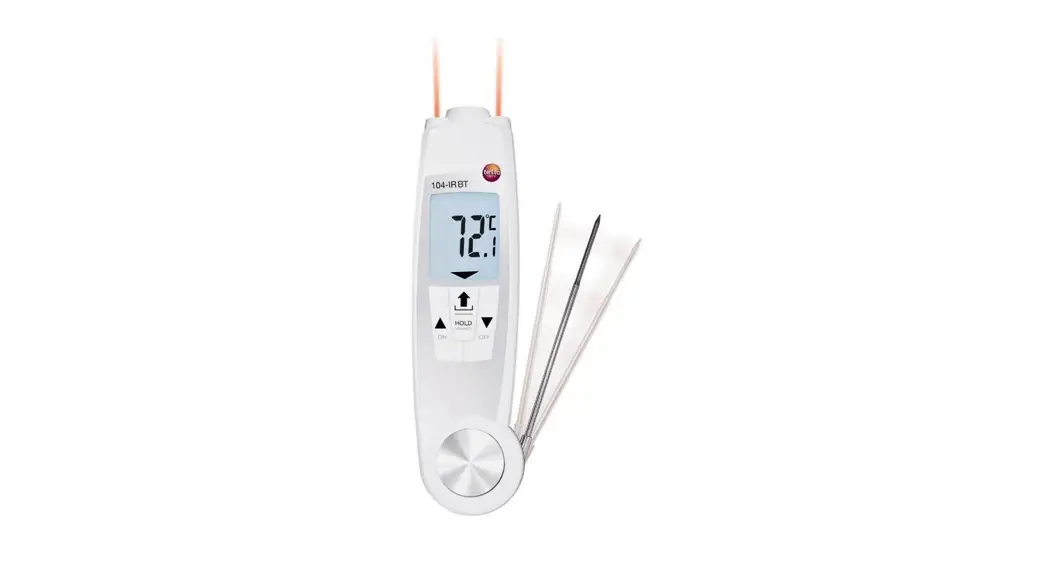
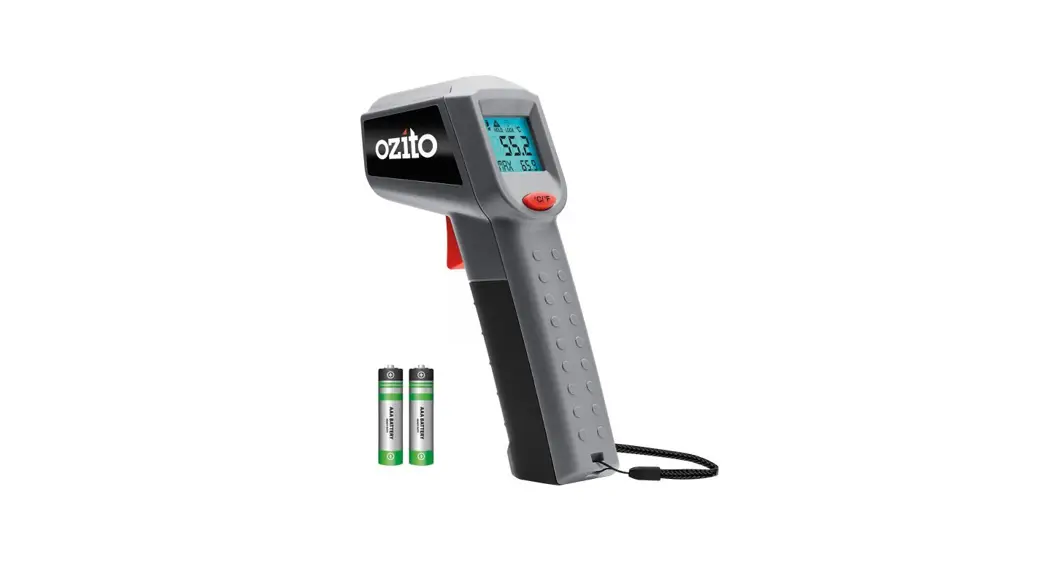
testo 805 is a compact infrared thermometer for noncontact measurement of surface temperatures. Not suitable for diagnostic measurements in the medical sector.
Technical Data
| Feature | Values |
| Measurement range | -25 to +250 °C |
| Resolution | 0.1 °C at -9.9 to +199.9 °C, 1 °C in the remaining range |
| Accuracy | ±3 °C at -25 to -21 °C ±2 °C at -20 to -2.1 °C ±1 °C at -2.0 to +40.0 °C ±1.5 °C at +40.1 to +150.0 °C ±2 % of reading at +150.1 to +250 °C |
| Response time | <1 s |
| Emissivity | 0.95 fixed |
| Optics | 1 : 1* (Distance : Spot) |
| Working temperature | ±0 to +50°C |
| Transport / Storage temperature | -20 to +65°C |
| Power | 1 x round cell type CR2032 |
| Battery life | 40 h (typically) |
| Housing | ABS, PMMA |
| Protection class | With TopSafe: IP65 |
| Dimensions | 80 x 31 x 19 mm (without TopSafe) |
| CE guideline | 2014/30/EC |
* + Opening diameter of the sensor (6mm).
Initial Operation
- Open battery compartment: Turn cover in an anticlockwise direction.
- Remove the battery interrupt strip.
- Close battery compartment: Turn cover in a clockwise direction.
- The instrument is ready to operate.
Operation
Switching On/Off
Switch on an instrument:  .
.
- Battery symbol and set temperature unit light up.
The thermometer switches off automatically after approx. 15s if the buttons are not activated.
Measuring
Take note of the information on infrared measurement.
The instrument is switched on.
Carrying out spot measurement Locate object to be measured and activate measurement: .
- The reading is displayed.
Carrying out scan measurement Locate object to be measured and activate scan: Keep pressed.
The scan measurement will run for as long as is kept pressed (1 measurement per second).
Carrying out minimum value scan measurement
- Activate MIN mode:
 –>
–>  .
.
- MIN lights up. - Locate object to be measured and activate scan: Keep pressed.
The scan measurement will run for as long as is kept pressed (1 measurement per second). The lowest reading from the scan measurement is shown. - Deactivate MIN mode:
 –>
–> Carrying out maximum value scan measurement
- Activate MAX mode: 2 x > .
– MAX lights up. - Locate object being measured and activate scan: keep pressed.
– The scan measurement will run for as long as the button is kept pressed (1 measurement per second). The highest reading from the scan measurement is shown. - Deactivate MAX mode: .
Carrying out automatic scan measurement
- Activate LOCK mode: 3 x > .
LOCK lights up. The automatic scan measurement starts auto matically (1 measurement pers). - Deactivate LOCK mode: .
 The automatic switch-off of the instrument is deactivated in the LOCK mode.
Changing the temperature unit
The instrument is switched on.
- Activate setting mode: 4 x .
The temperature unit set flashes. - Change temperature unit: .
Service and Maintenance
Changing the Battery
- Open battery compartment: Turn cover in an anticlockwise direction.
- Remove the empty battery and insert the new battery (Type CR2032) such that the (+) symbol is visible.
- Close battery compartment: Turn cover in a clockwise direction.
Cleaning the Instrument
Do not use abrasive cleaning agents or solutions. Rub-down the housing with a damp cloth. TopSafe can be cleaned in the dishwasher. Clean the sensor stop and the sensor area carefully with cotton buds dipped in water or medical alcohol.
Questions and Answers
| Query | Possible causes | Possible solution |
 | Battery almost empty remaining power: approx. 10h. | Keep spare battery ready. |
 (flashes) (flashes) | Battery empty. | Change battery. |
| The instrument cannot be switched on | Battery empty. | Change battery. |
 | The temperature of the object being – measured is outside the measurement range. | – |
 | Large fluctuations in – ambient temperature. | – |
 | Ambient temperature – outside working range. | – |
 + other digits + other digits | Various. | Remove the battery for approx. 1 min and reinsert. If the message comes again: Contact your local dealer or Testo´s Customer Service. |
If we have not answered your query, please contact your local dealer or Testo´s Customer Service.
Information on Infrared Measurement
Measurement Method
Infrared measurement is an optical measurement
Keep sensor stop and sensor area clean.
Do not measure if the sensor area is clouded.
Keep measurement field (area between instrument and object being measured) free of interferences: no dust or dirt particles, no moisture (rain, steam), or gases.
Infrared measurement is a surface measurement
If there is dirt, dust, frost, etc. on the surface, only the top layer will be measured, i.e. the dirt.
In the case of shrinkwrapped foodstuffs, do not measure in air pockets.
If values are critical, always subsequently measure using a contact thermometer. Particularly in the food sector, the core temperature should be measured with the penetration/immersion thermometer.
Emissivity
Materials have different emissivities, i.e. they emit different levels of electromagnetic radiation. The emissivity of testo 805 is fixed at 0.95. This is the ideal value for measuring nonmetals, plastics, and food (paper, ceramics, plaster, wood, colors, and varnishes). Bright metals and metal oxides are only suited to a limited extent to infrared measurement on account of their low or nonuniform emissivity.
Apply emissivity-increasing coatings such as varnish or emis severity adhesive tape (Type No. 0554 0051) to the object being measured. If this is not possible: measure with a contact thermometer.
Measurement spot, Distance
A specific spot is determined depending on the distance from the measuring instrument to the object being measured. testo 805 has an optical resolution of 1:1. The diameter of the spot is as large as the measurement distance + the diameter of the sensor opening (6mm).
Examples:
| Measuring distance | Spot diameter |
| 1cm | 1 + 0.6cm = 1.6cm |
| 10 cm | 10 + 0.6cm = 10.6cm |
| 20cm | 20 + 0.6cm = 20.6cm |