CREALITY CRE-4008030031 3D Pad Display Touch Screen User Manual
Parts Included
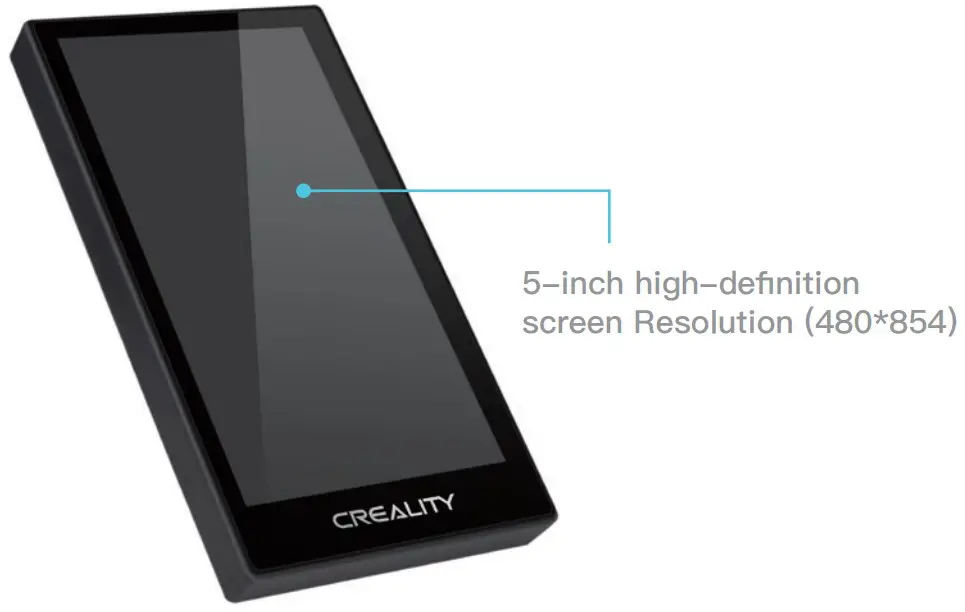
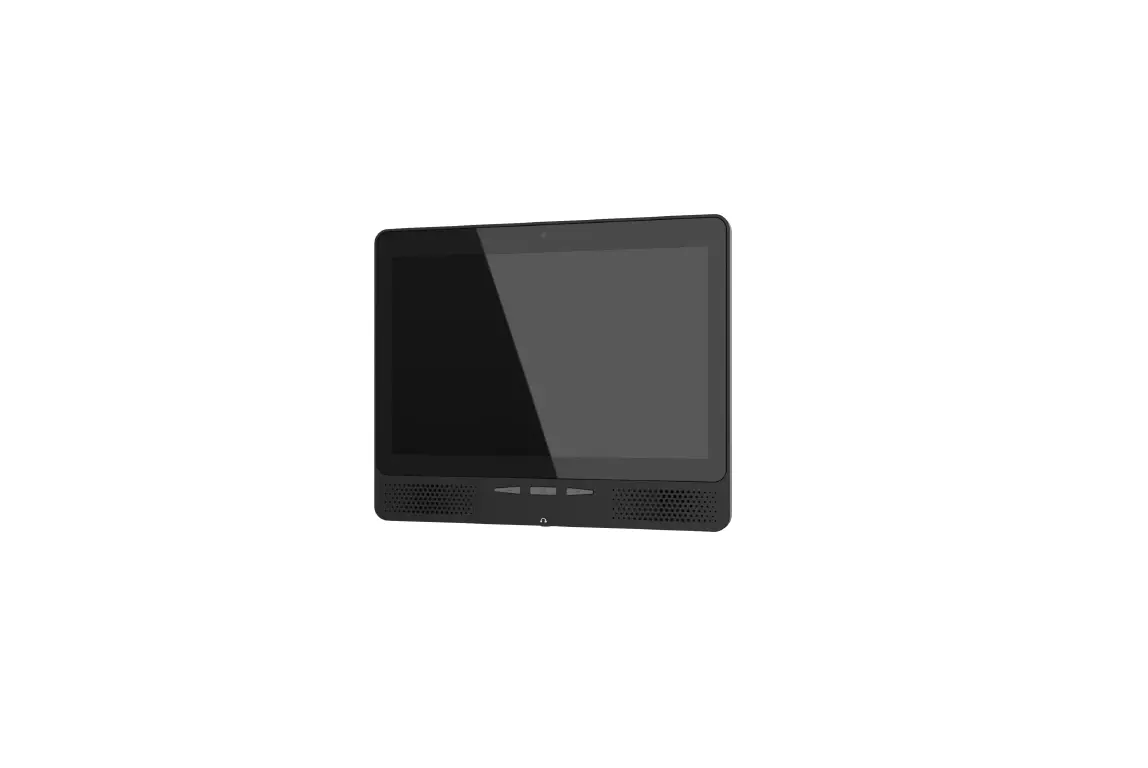
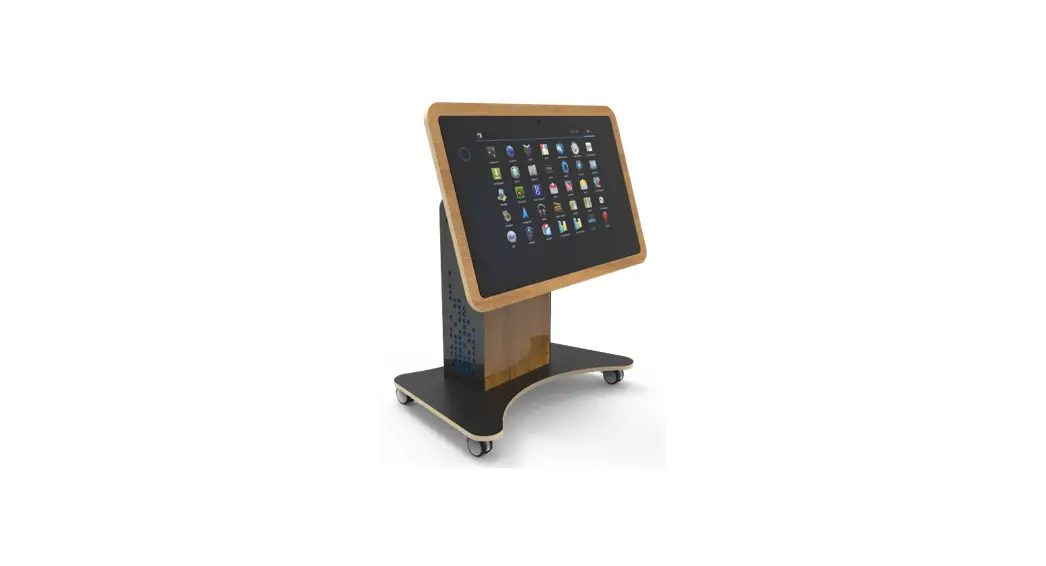
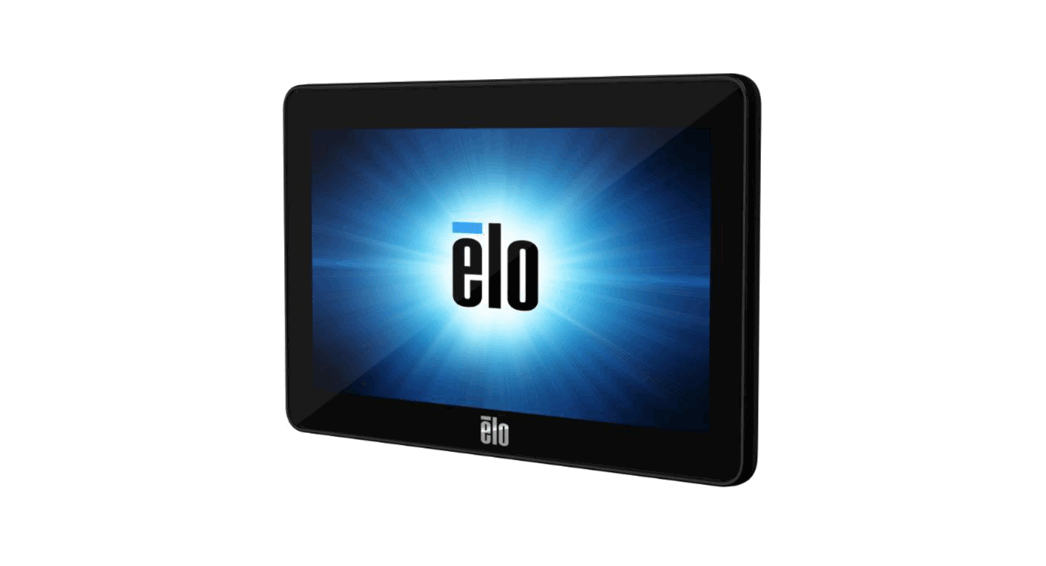
Creality 3D Pad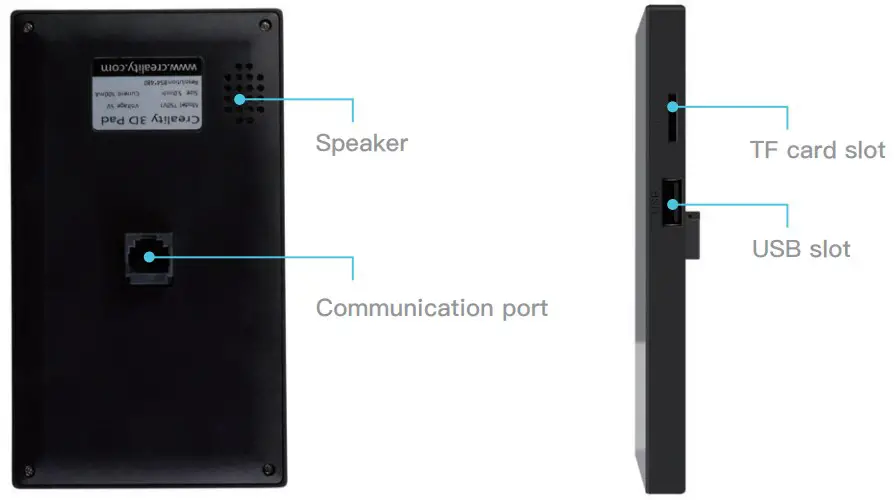
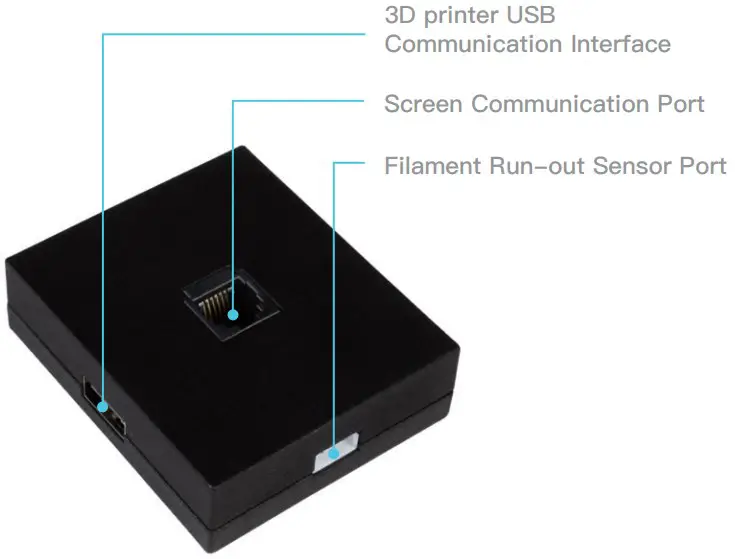
Communication Box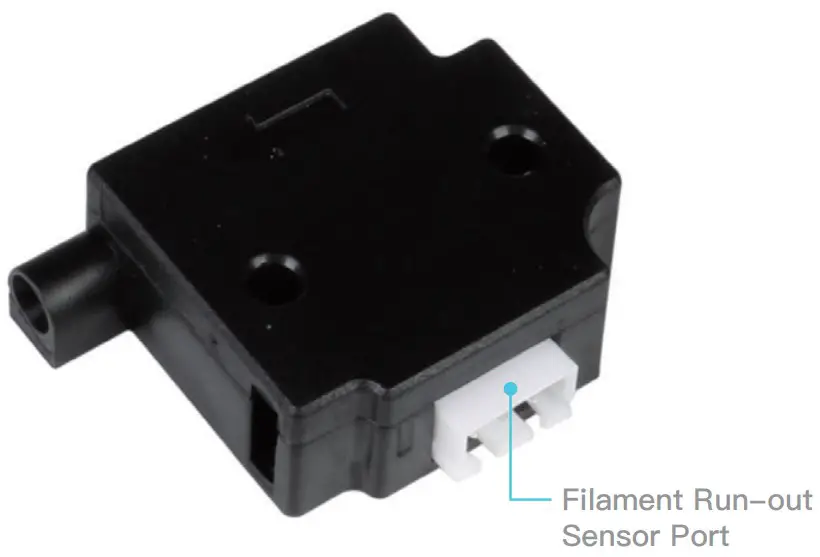
Filament Run-out Sensor
Installation Guide of Creality 3D Pad
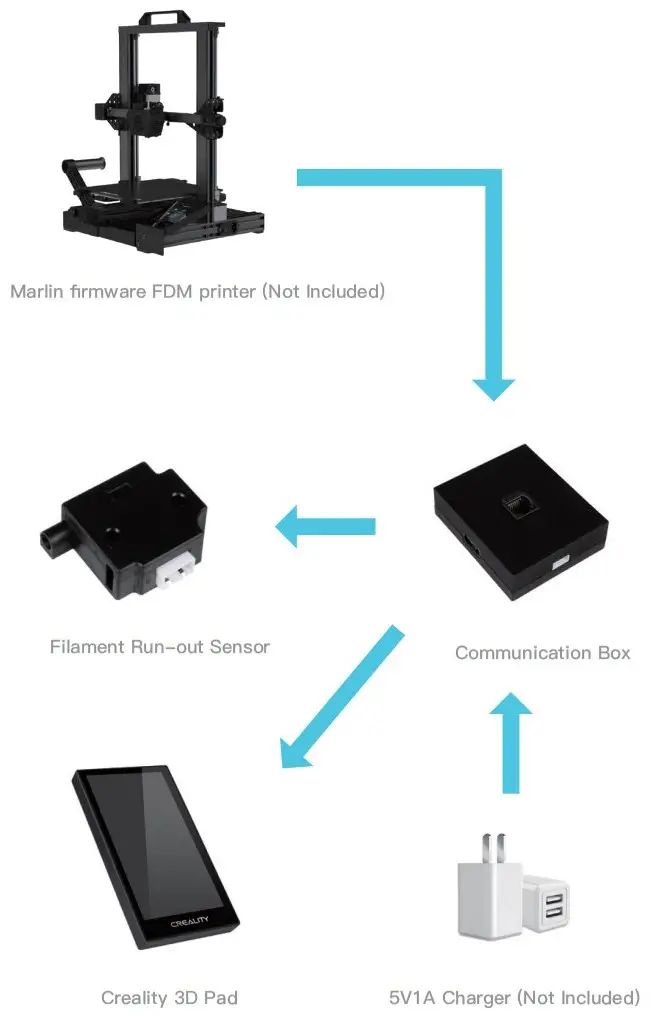
Direction of Use for Creality 3D Pad
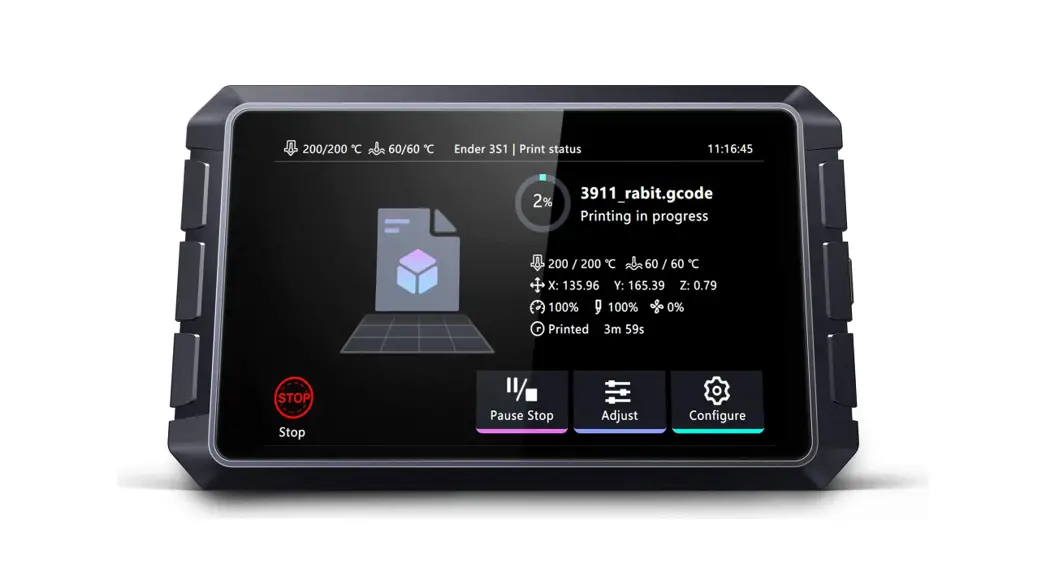
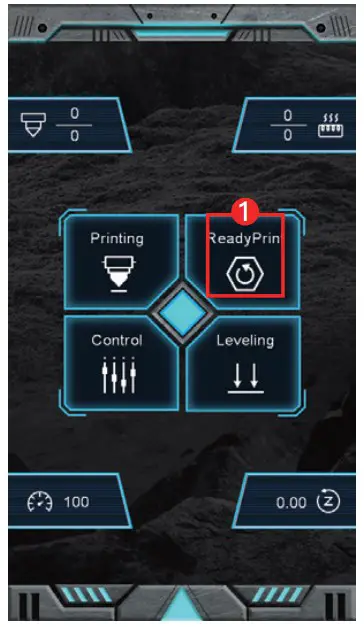
Print with 3D Pad
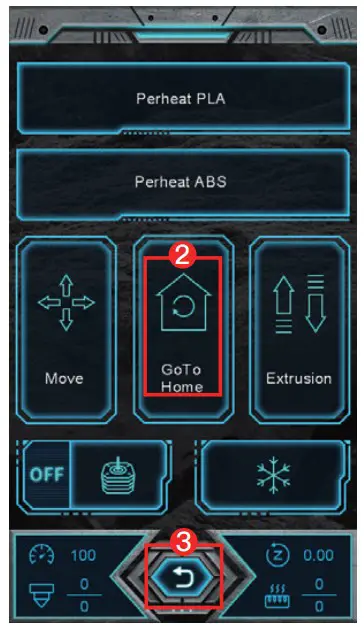
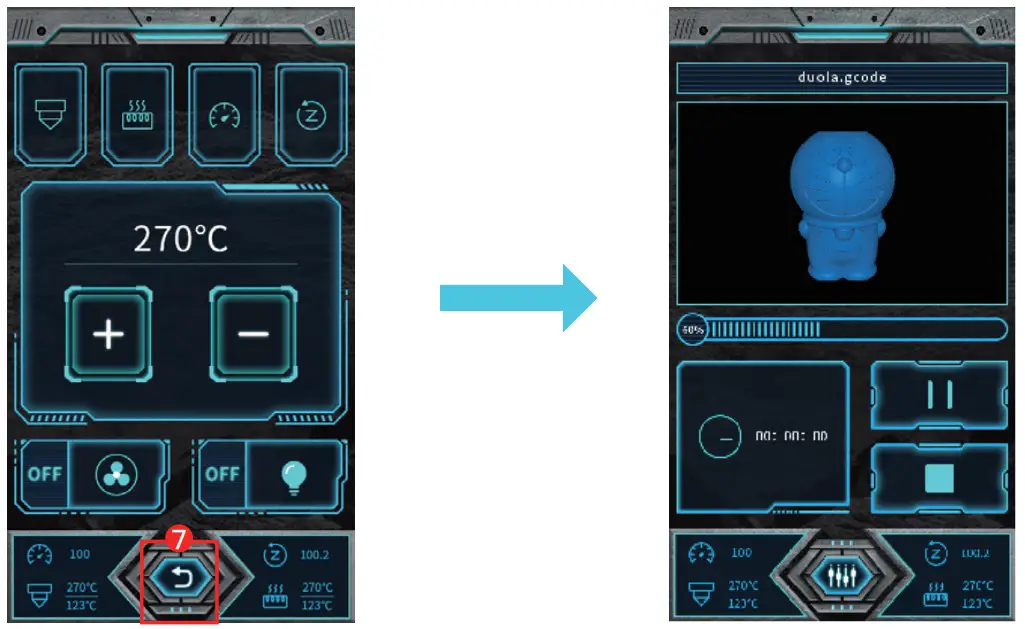
- Preparation before printing

- Auto Home
- Return to Main Page
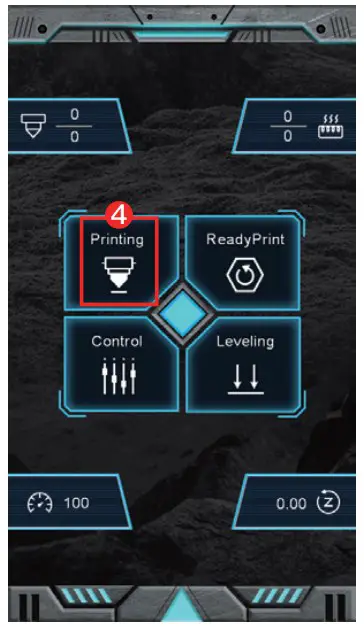
- Click to Print
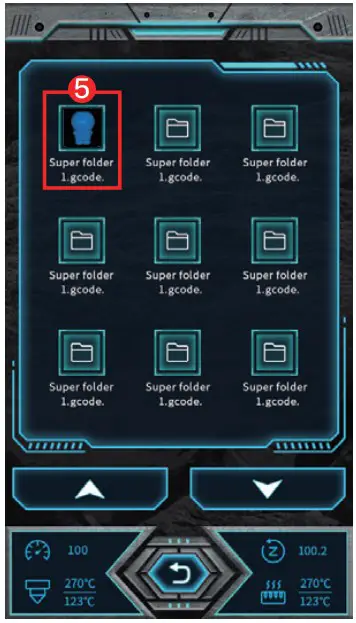
- Select G-code File

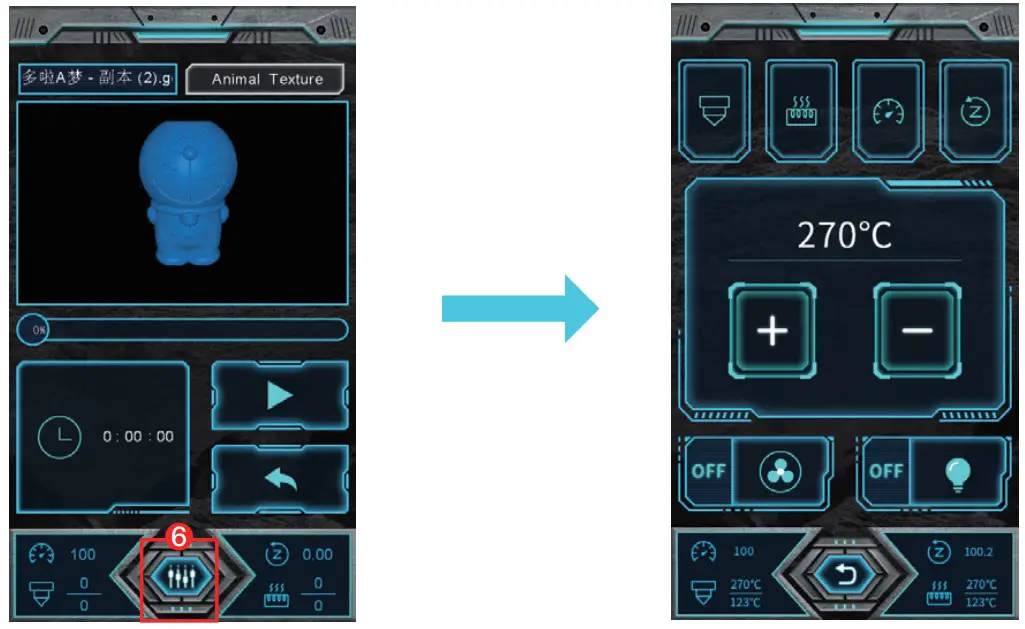
- Printing Adjustment
(Print head, hot bed temperature, speed & Z axis data adjustable)
- Return to Print Page
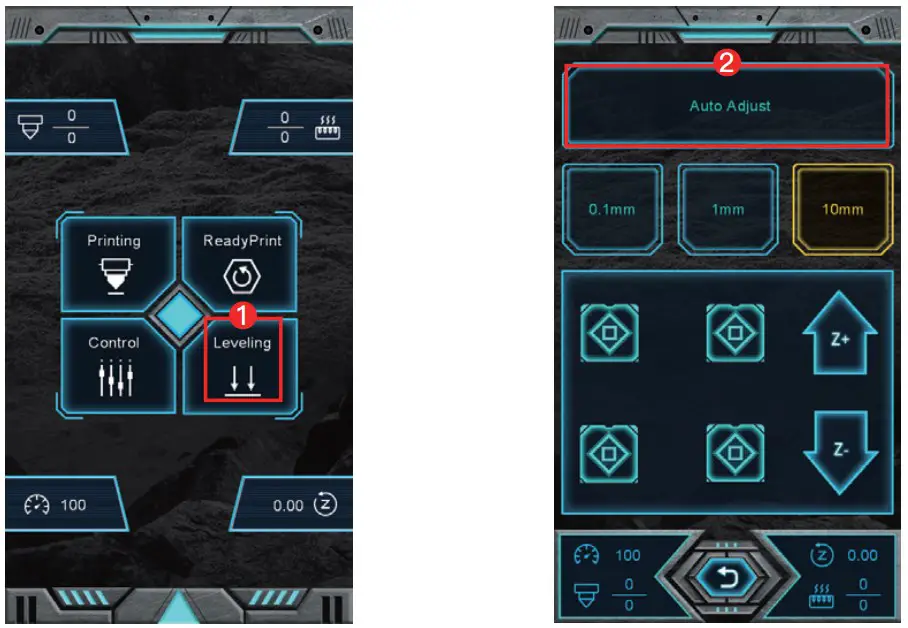
Leveling Process
- Click to level
- Automatic leveling
(Printer comes with automatic leveling)
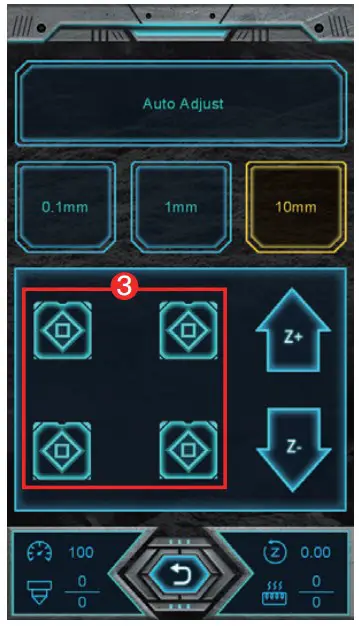
- Manual leveling

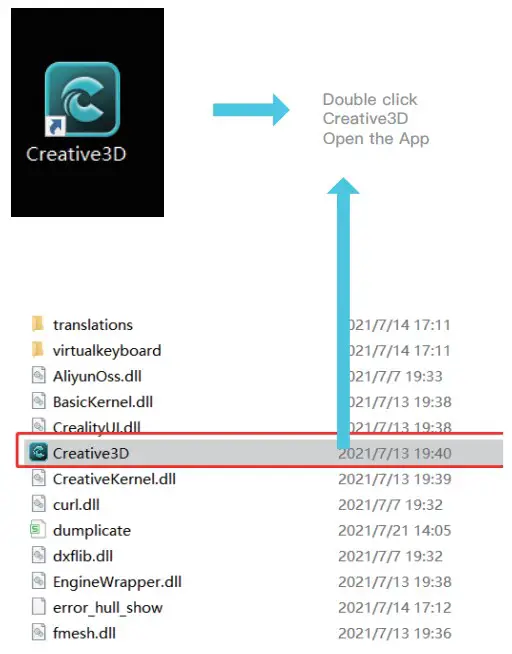
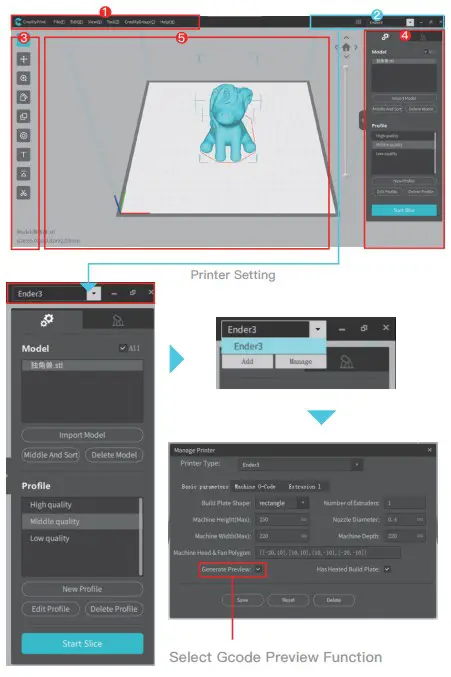
Direction of Use for Creative3D Slicing Software
Firmware and slicing software download URL:
https://www.creality.com/download
Creality 3D Pad bracket download URL: https://www.crealitycloud.cn/model
- Main Menu;
- Printer Setting;
- Model Adjustment Window;
- Slice Setting;
- Model View

Matters Needing Attention and Maintenance
- The power adapter of Creality 3D Pad is 5V/1A;
- To avoid errors, please unplug the original screen while using Creality 3D Pad
- Please plug printer and Creality 3D Pad separately, make sure that the printer is plugged earlier than Creality 3D Pad, or at the same time at least.
- Creality 3D Pad comes with filament run-out sensor, plug and print. The original sensor will be disabled.
- Creality 3D Pad works with Marlin Firmware FDM printers, and single-hotend printers;
- To preview models on Pad, the printing model has to be sliced by Creality 3D Pad-v3.3.1.-10-win64-Alphaon.
Support
QR Code:
Business Name: WLS Panda GmbH
Business address: Eleonorastr. 40 45136 essen Germany
SHENZHEN CREALITY 3D TECHNOLOGY CO., LTD. Add: 18F, JinXiuHongDu Building, Meilong Blvd., Longhua Dist., Shenzhen, China 518131
Official Website: www.creality.com
Tel: +86 755-8523 4565
E-mail: [email protected]
[email protected]

 3D Printer Slicer Software& Firmware Download - Creality 3D
 创想云-一体化3D打å°æœåŠ¡å¹³å°