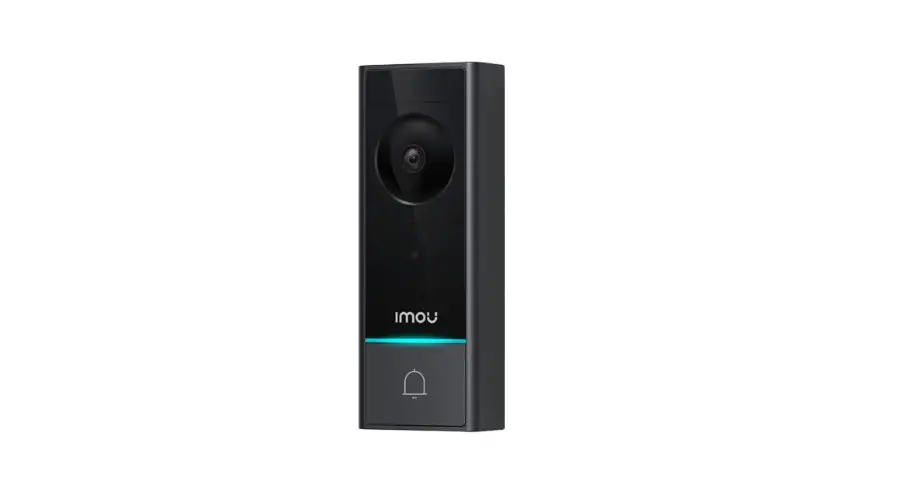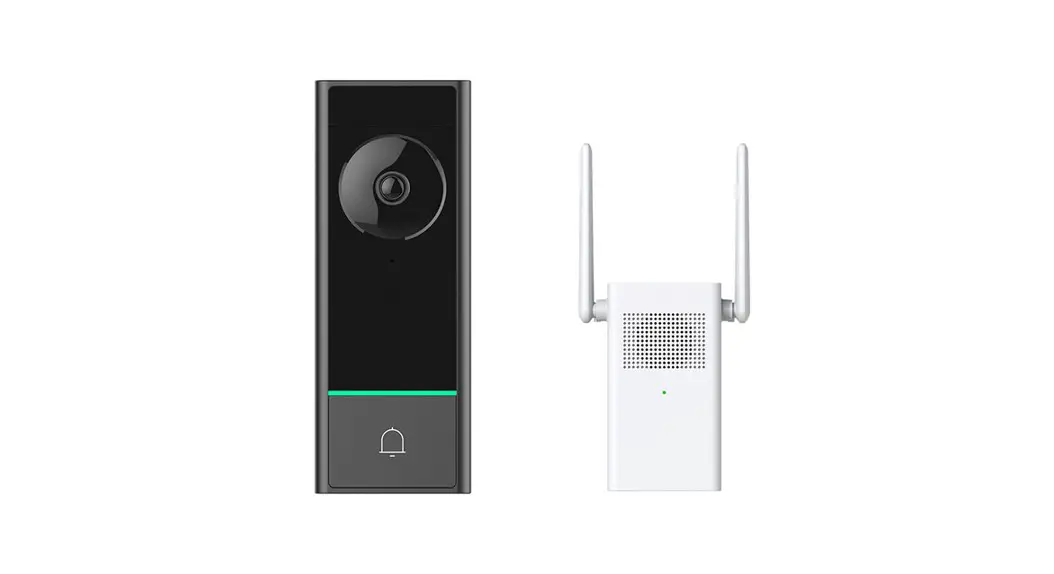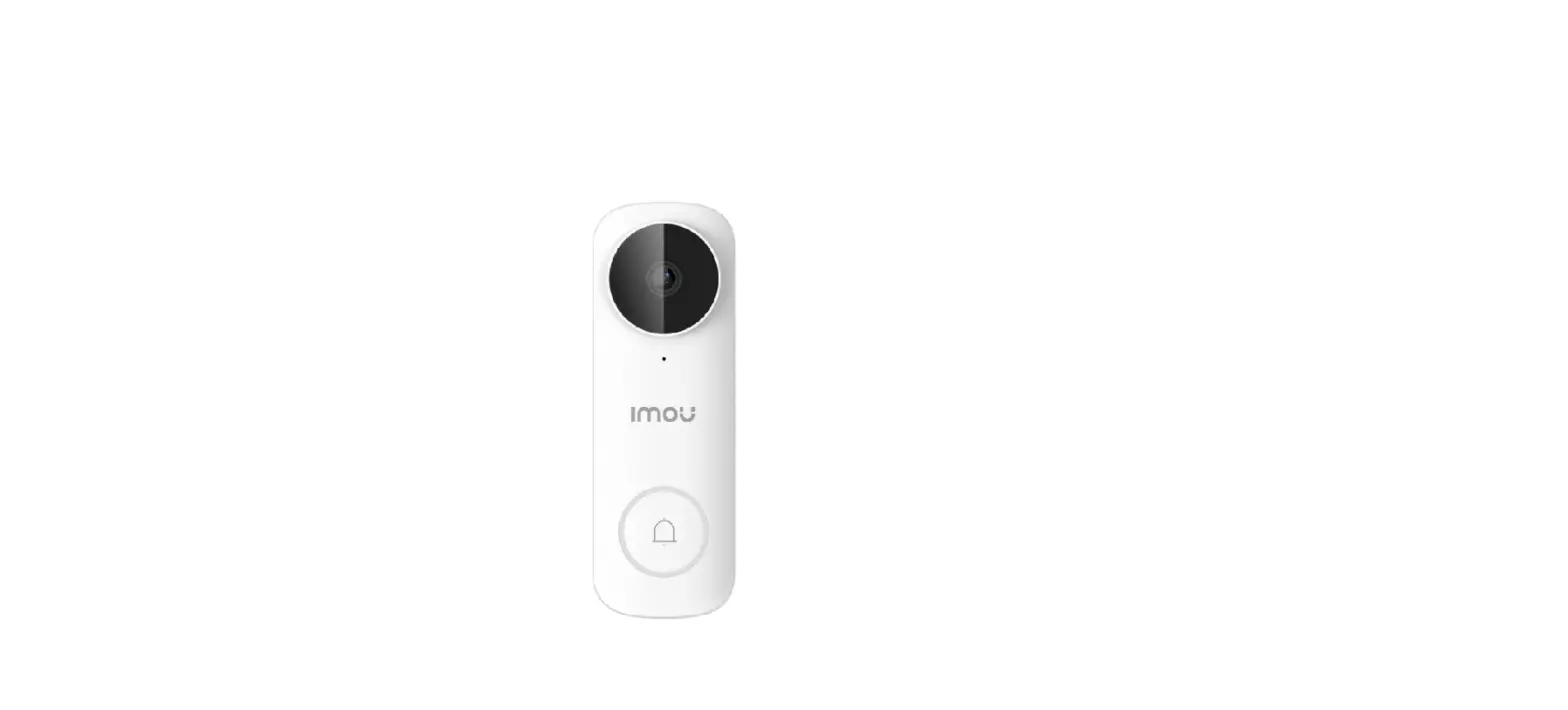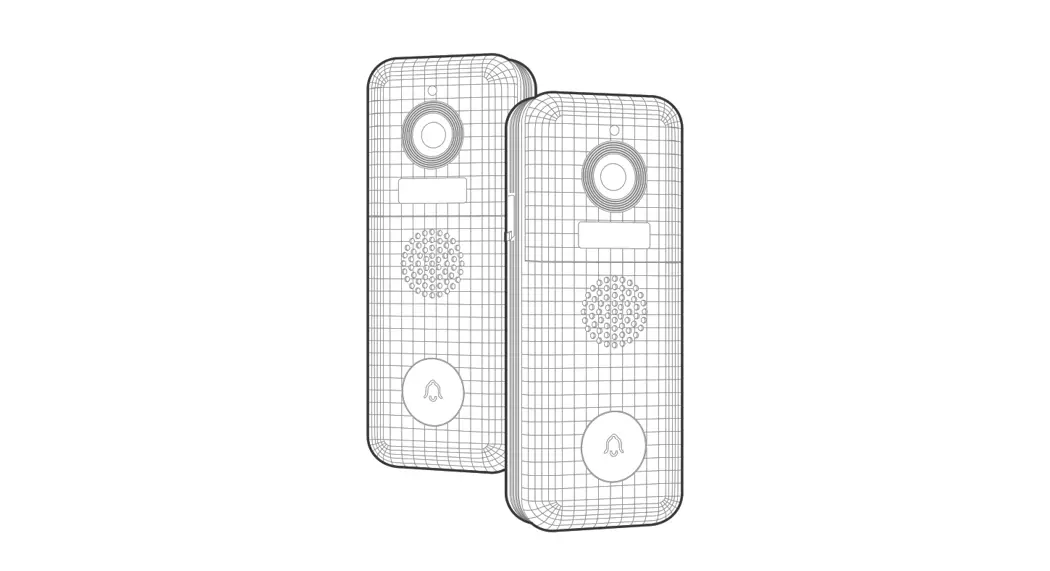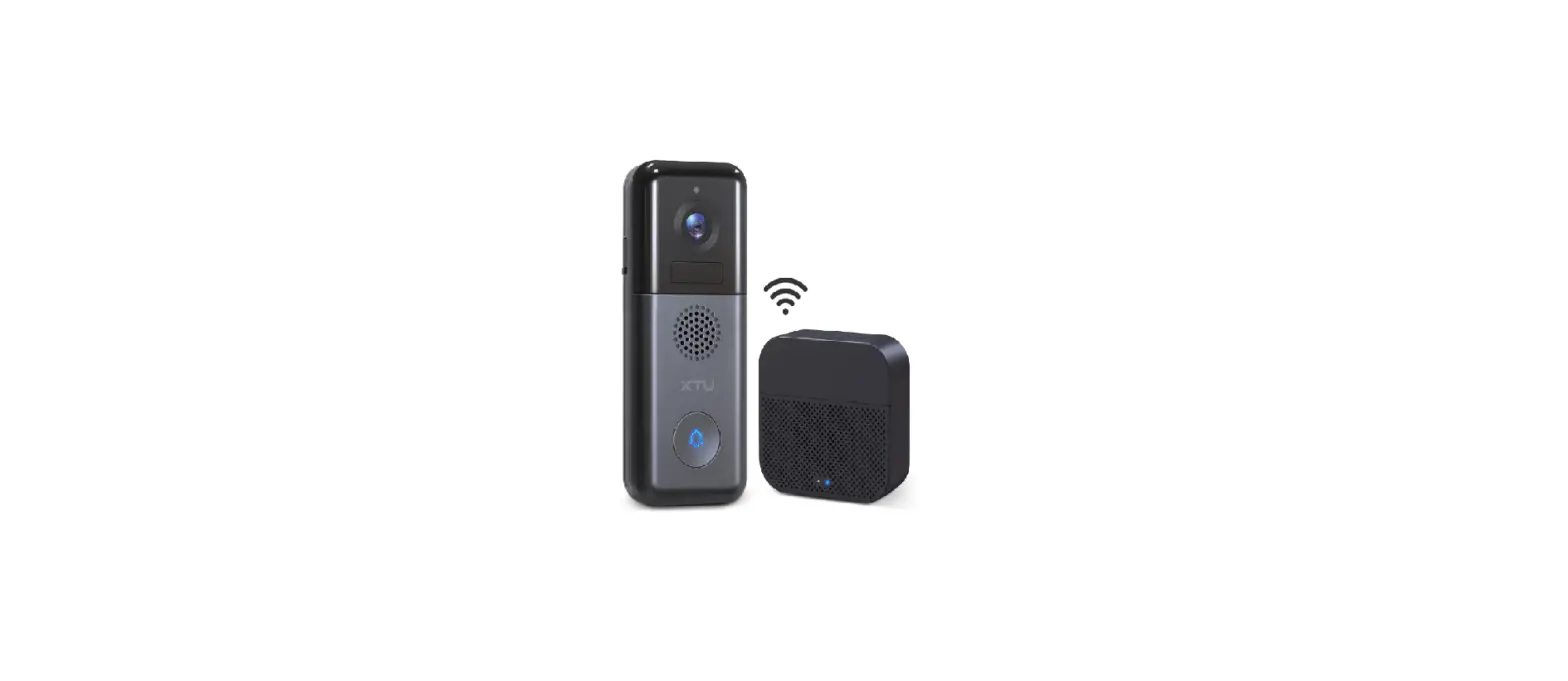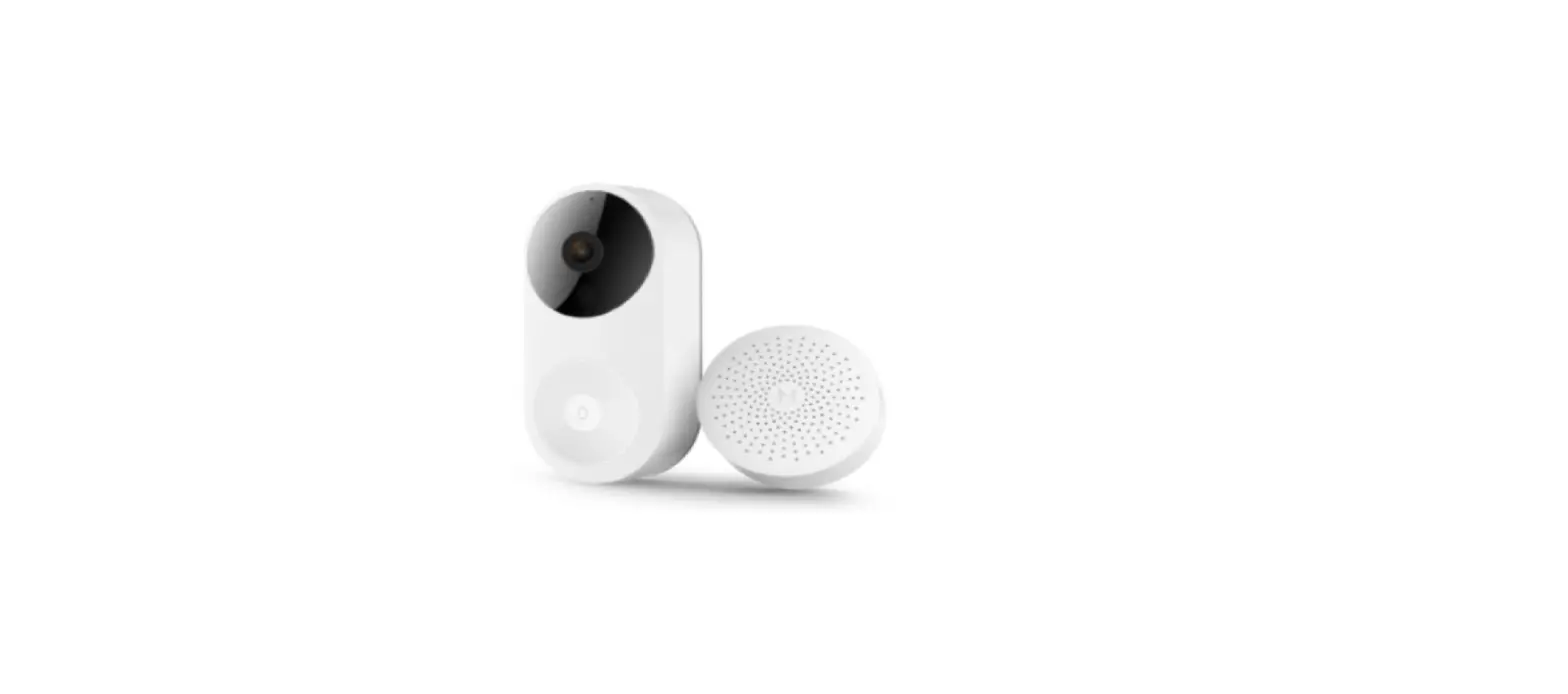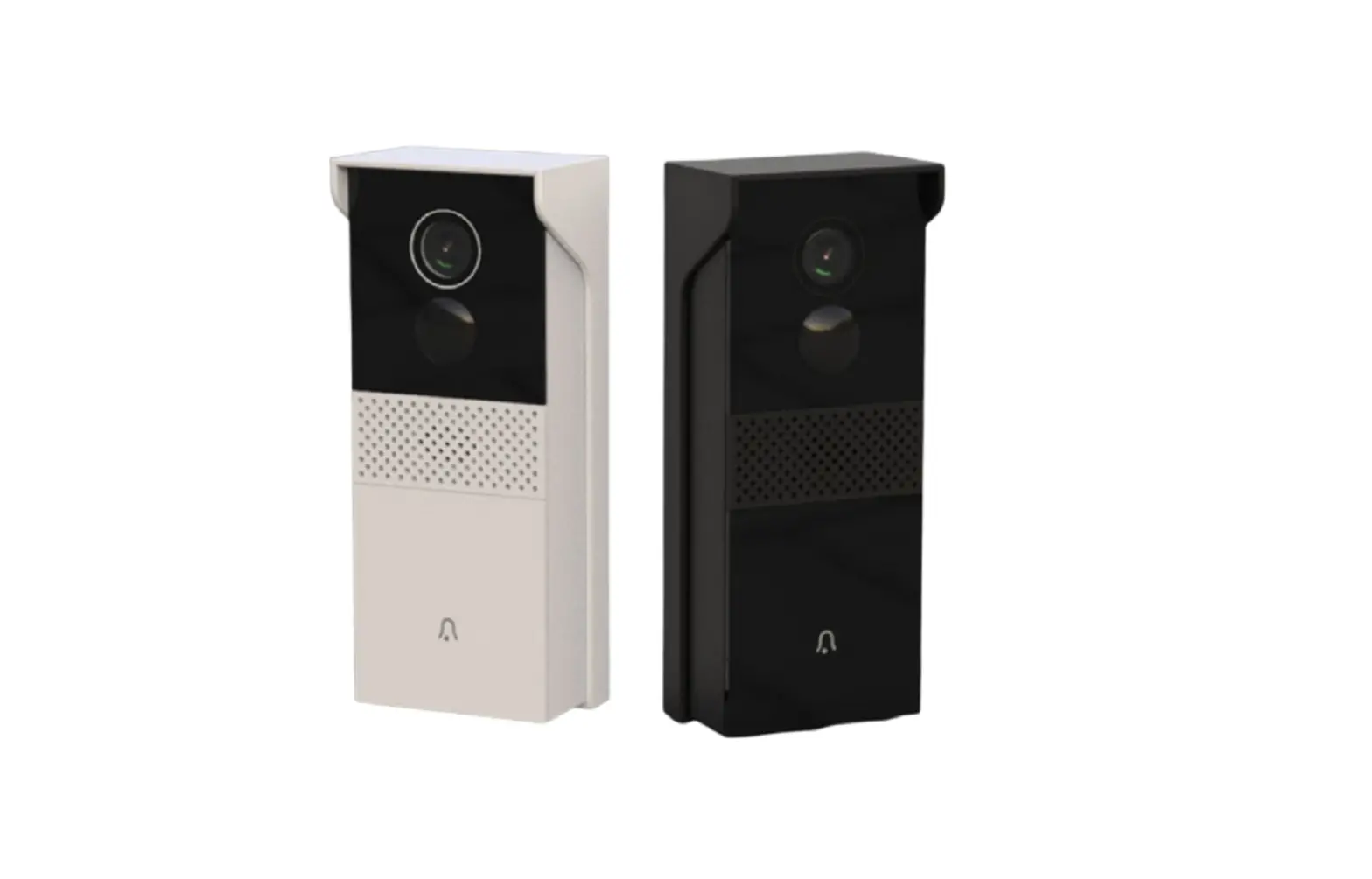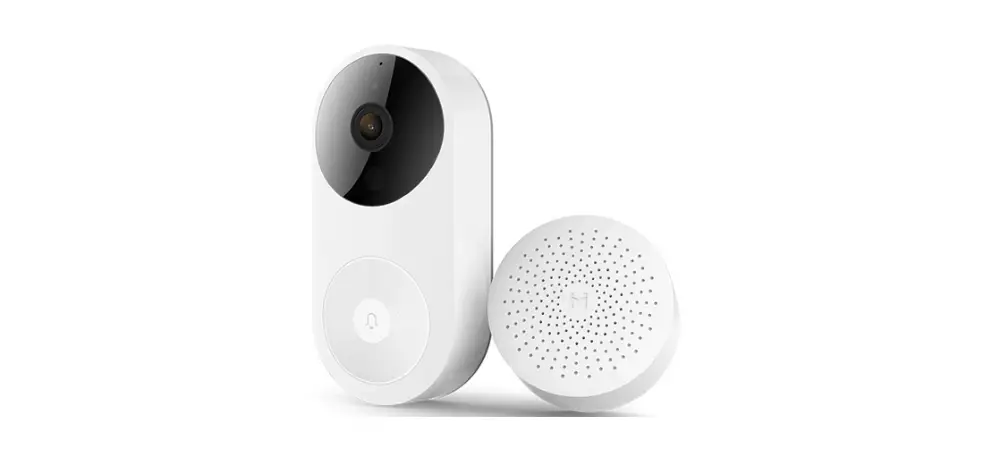
IMOU DB60 5MP Video Doorbell Kit User Guide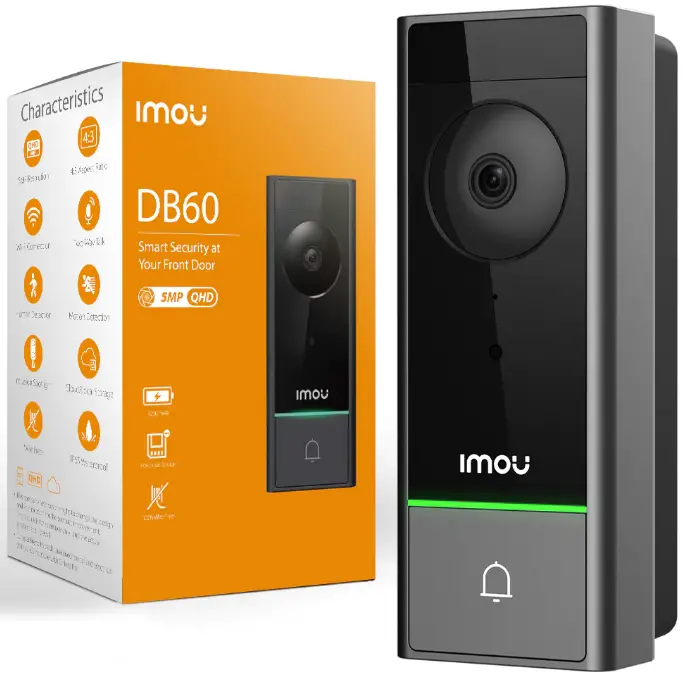
Charging instruction
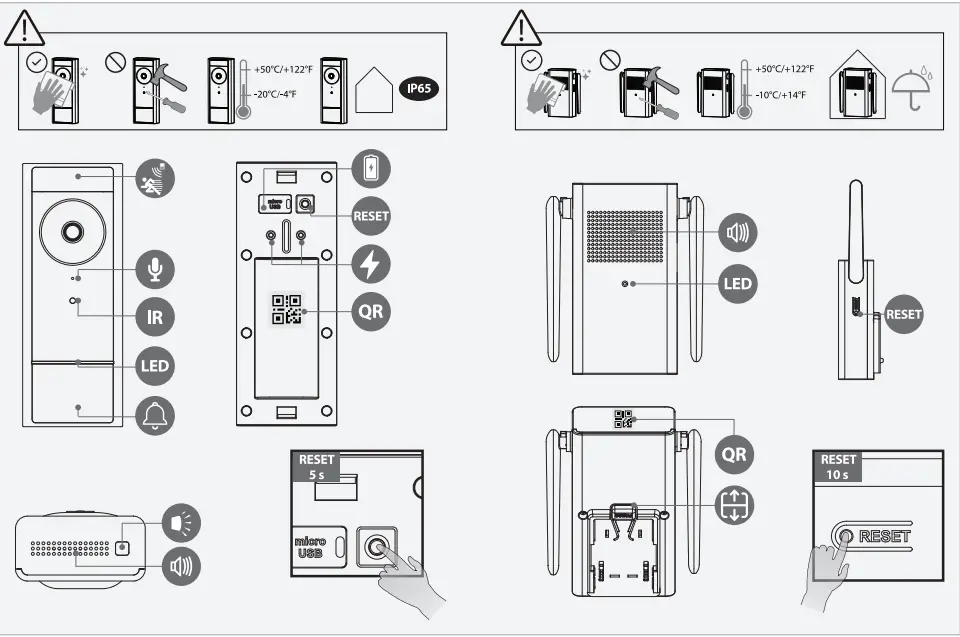
Charge the Doorbell
Full. Charge the doorbell before using or installing it (see part 1).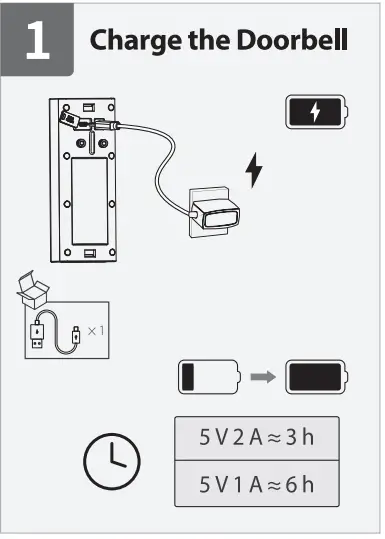
Install the Chime
Install the chime where you can hear the ringtone easily (see part 2).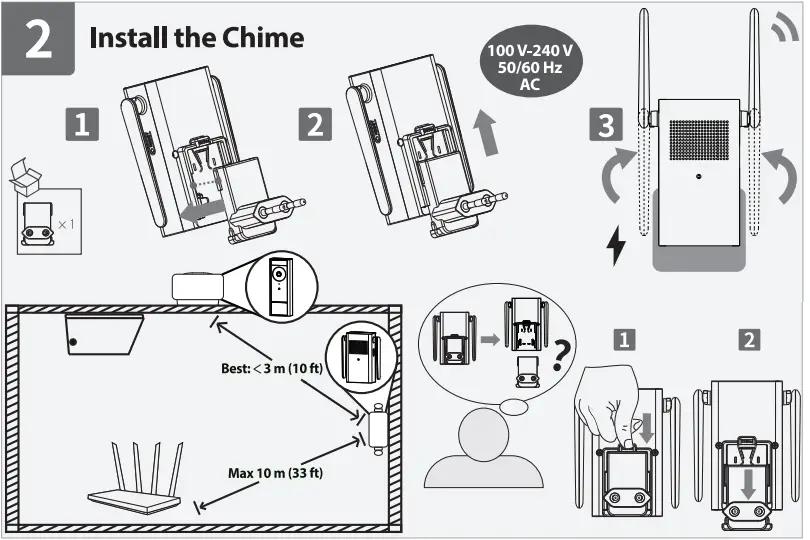
Get the Imou Life App
Scan the QR code or search for “Imou Life” to download and install the app (see part 3). Create an account and log in.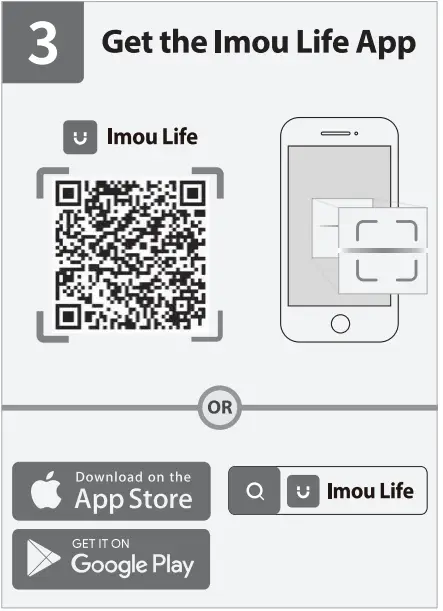
QR CODE
Power On the Doorbell
Press the doorbell button and the reset button together for 5 s to turn on the doorbell (see part 4).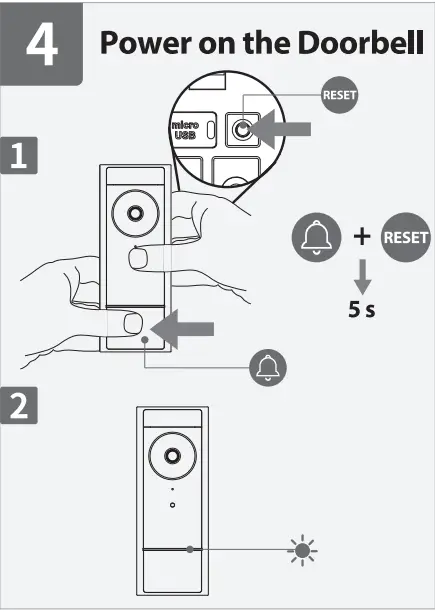
Set Up the Chime
Follow on-screen instructions to complete adding the chime. Tap Dora and stay on the Quick Setup page (see part 5).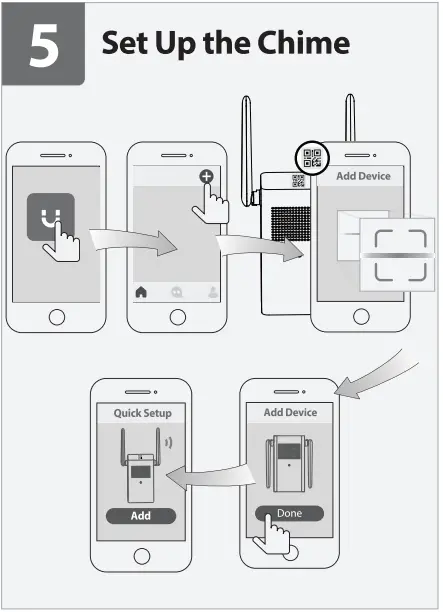
Link the Doorbell to the Chime
Your chime is an all-in-one solution that can not only give you audible notifications, but also be a Wi-Fi extender and a bridge to have quick access to your doorbell. Ensure the LED indicator of the doorbell is flashing green. Follow apps guides on the Quick Setup page to set up your doorbell and link it to the chime (see part 6).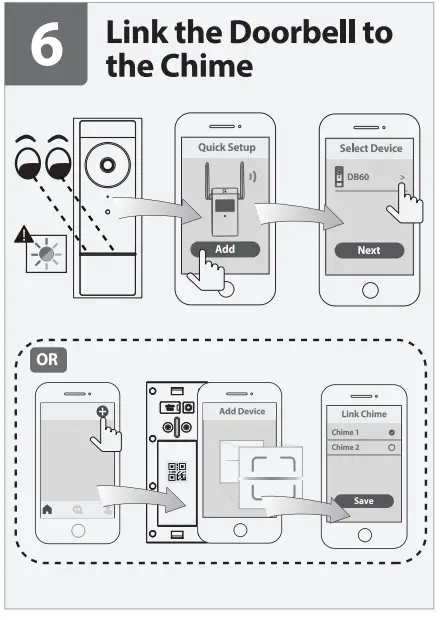
 If you do not want the Quick Setup, you can also add the doorbell to your account first and link it to the chime (see the part in a dashed line rectangle under part 6).
Install the Doorbell
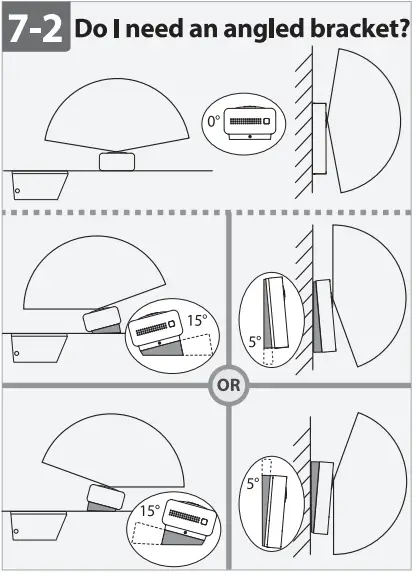
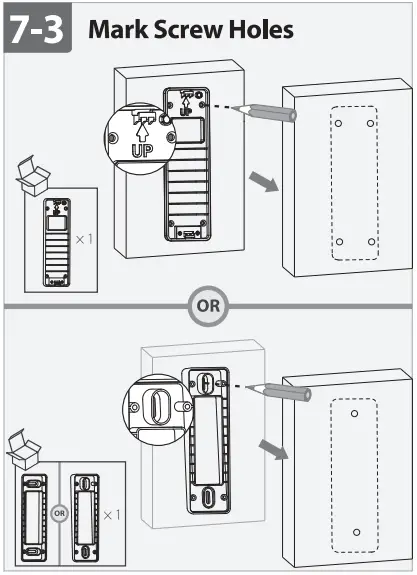
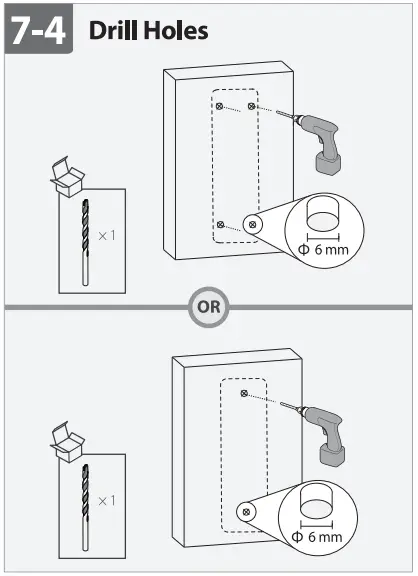
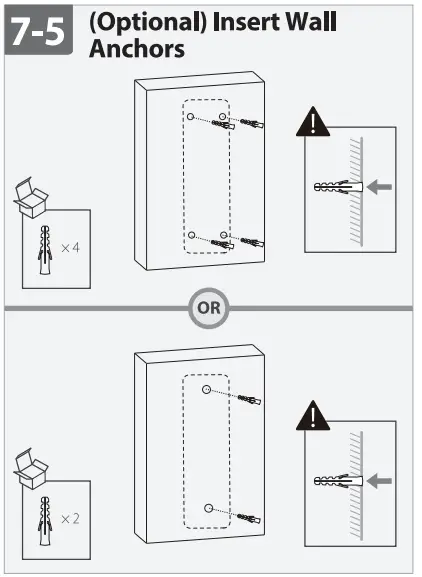
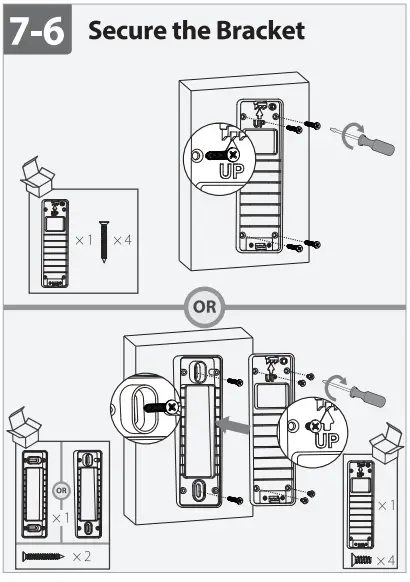
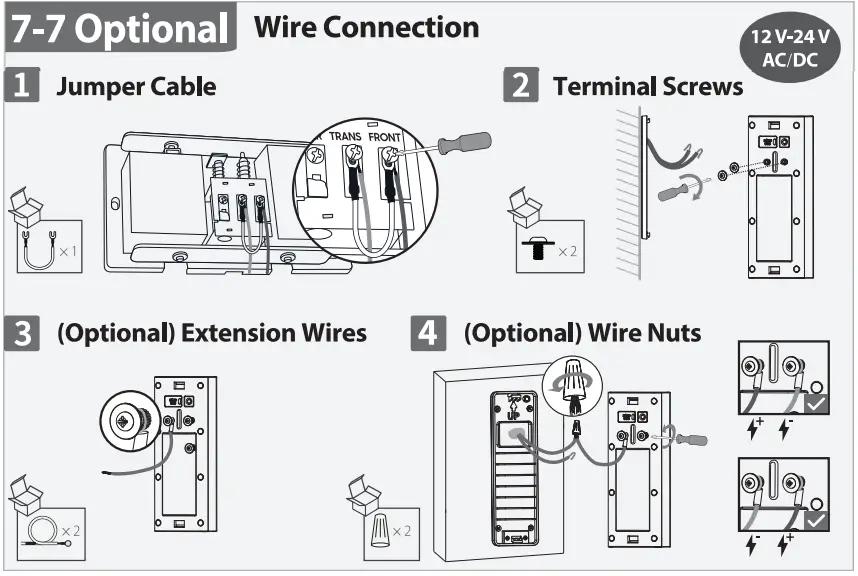
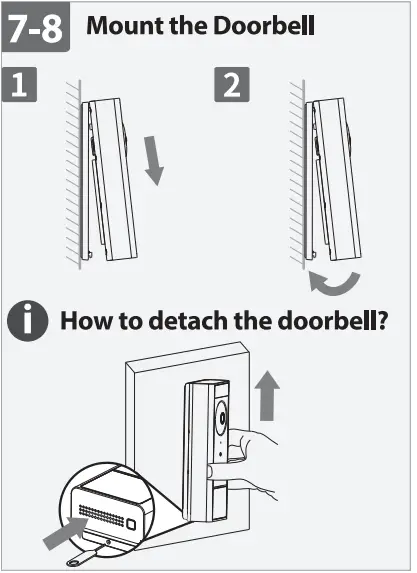
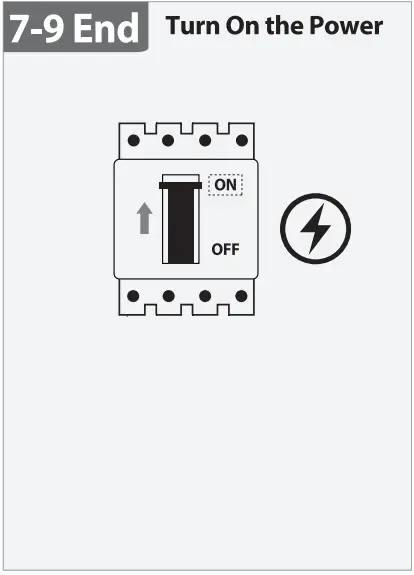
Do not let the doorbell face a high traffic area so as to avoid unwanted motion alerts and keep the battery from draining too fast. For detailed installation process, please see part 7.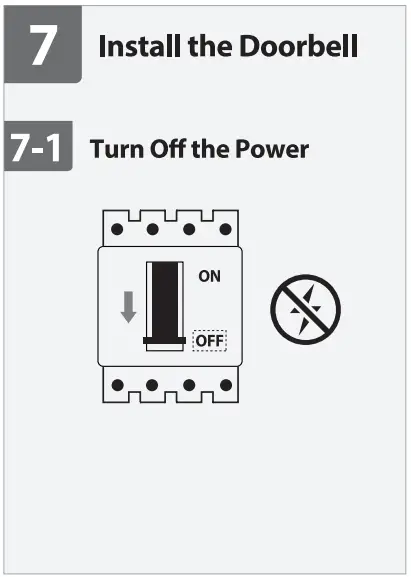
LED Status | Device Status |
| For Doorbell & chime | |
Sold green | Operating correctly |
| Flashing green | Setup successful ready to set up the device |
Solid red | Booting/restarting |
| Flashing green and red | Resetting to factory default network disconnected Updating Firmware |
| For doorbell Only | |
Solid blue | Talking |
| Flashing blue | Motion/Human deleted |
Flowing blue | Calling |
| Flashing green | Charging |
Solid green | Fully charged |

 Imou | Enjoy Smart Life