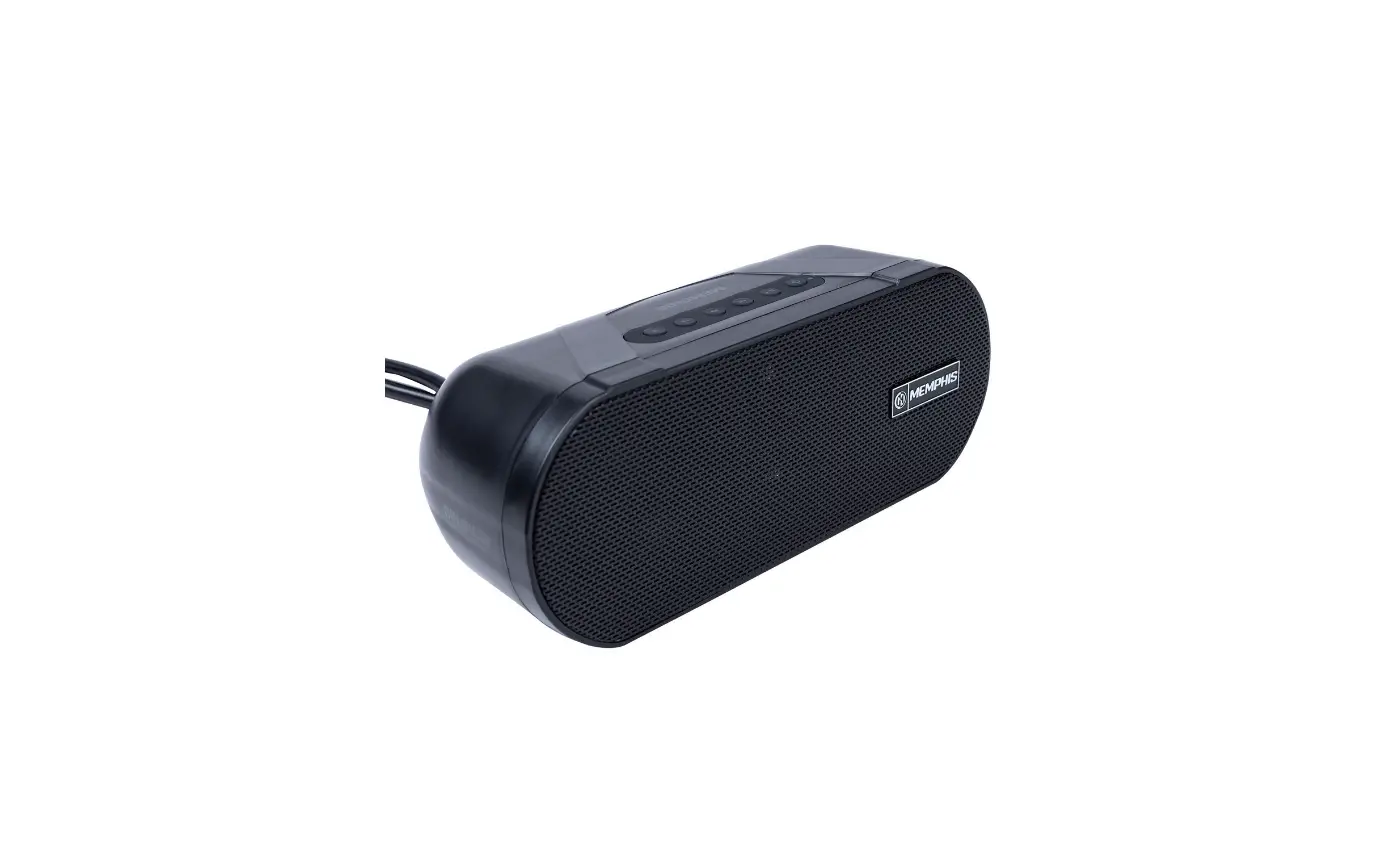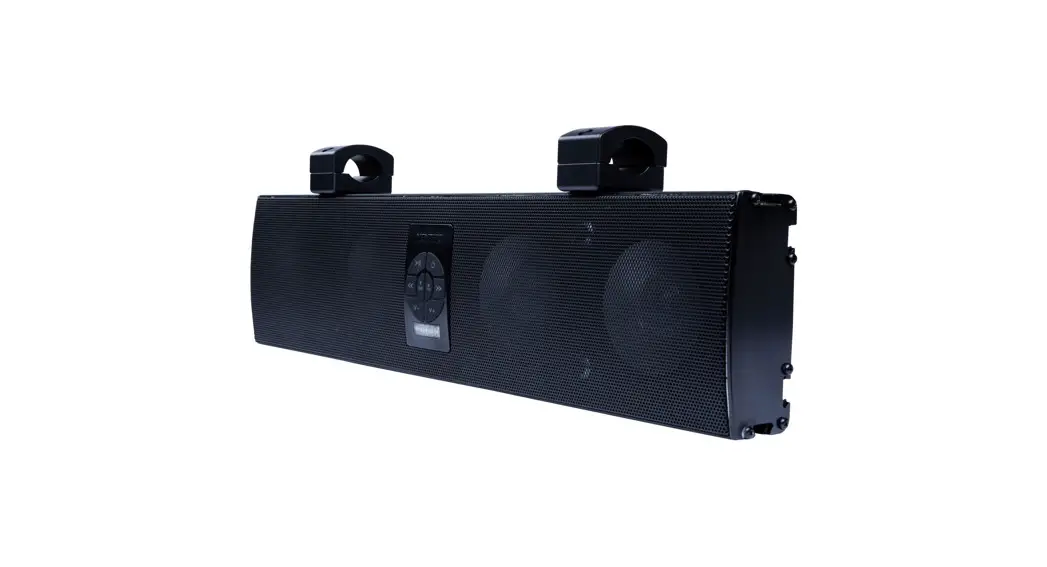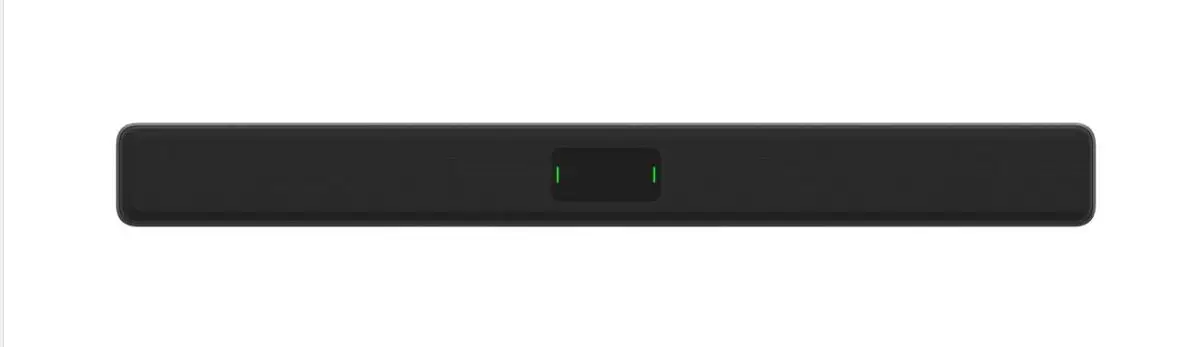
MEMPHIS AUDIO MXASB35V3 35 Inch Clamp Mount Soundbar Instruction Manual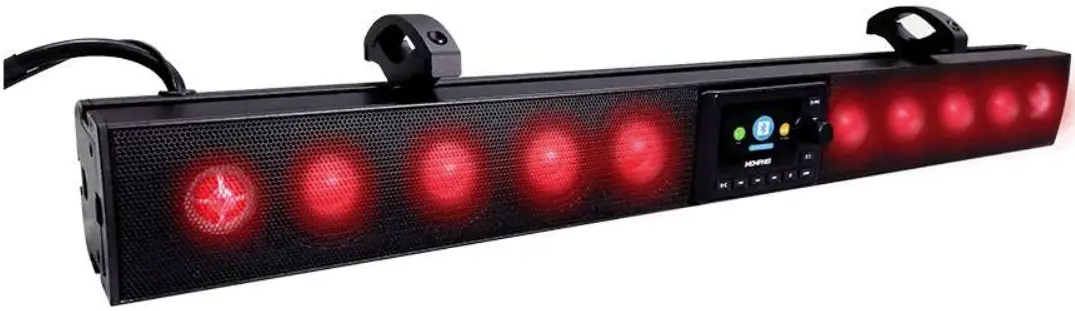
READY TO TURN IT UP? READ THIS FIRST
Memphis Audio built a 50+ year legacy in the audio industry engineering the highest quality products to produce the best possible listening experience for our fans and loyal supporters. To fully appreciate our products we recommend taking the time to read and follow the instructions in this manual. As always, we recommend all installation and service to be performed by an authorized Memphis Audio dealer.
 For optimal performance, Memphis recommends using only Memphis Connection accessories. Outfitting our system with properly sized Memphis Connection wire and accessories will dramatically boost your listening experience and increase the durability of your Memphis Audio products.
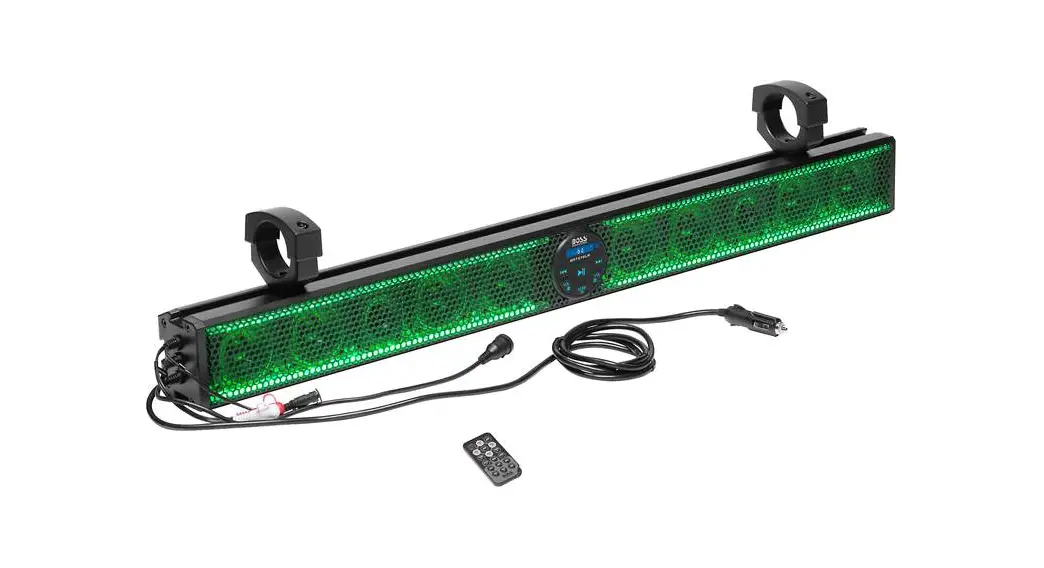
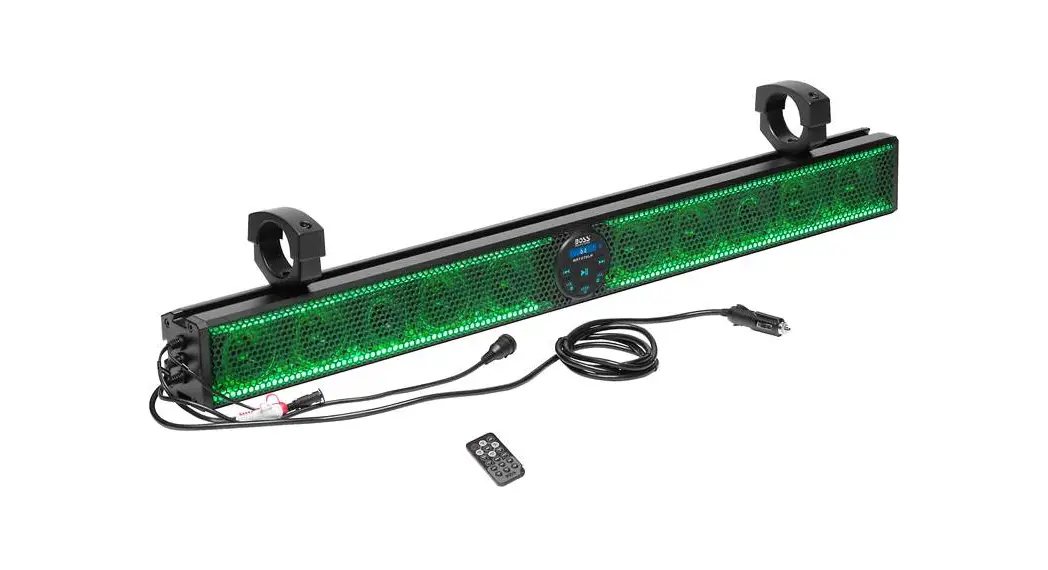
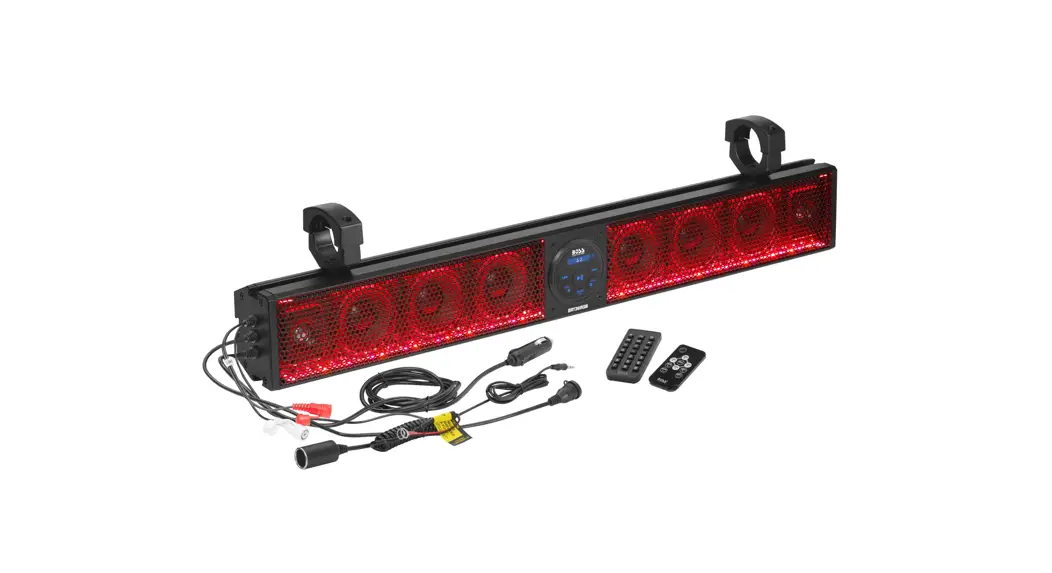
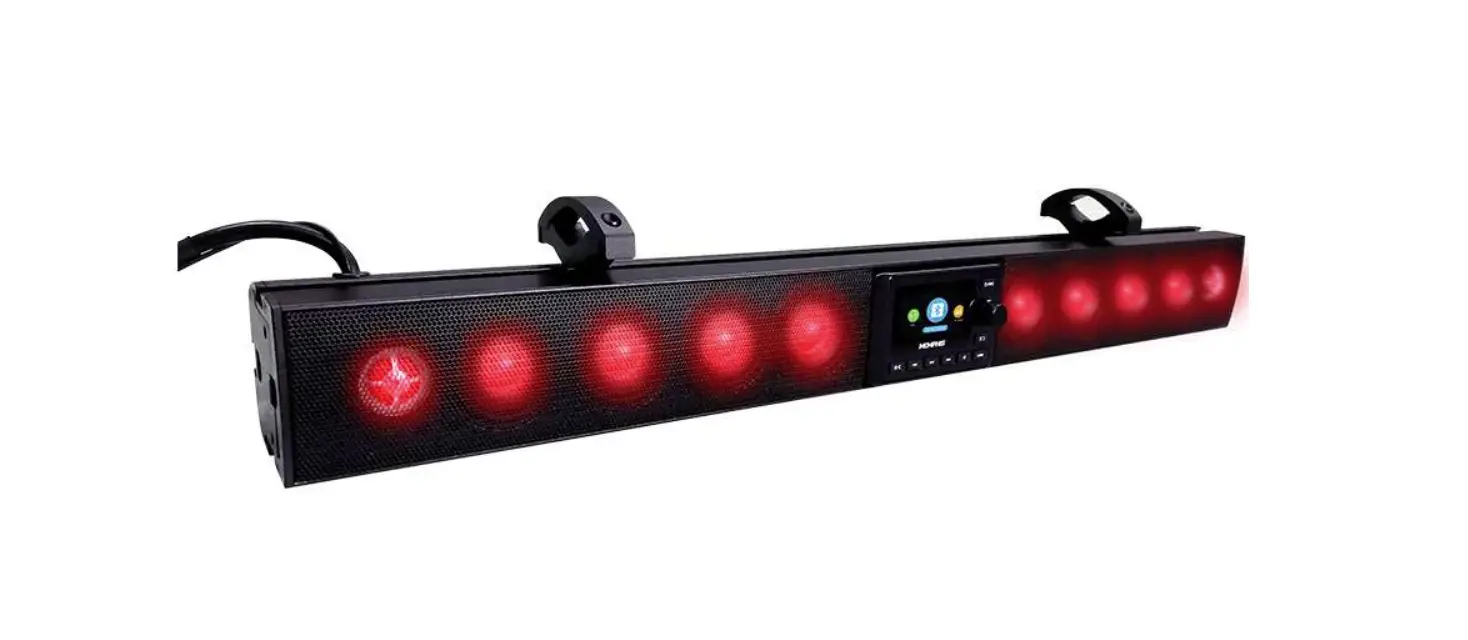
The Memphis MXASB35V3 sound bar is designed to make it easy to bring Memphis sound to any environment. This unit is easy to install and features multiple mounting options allowing it to fit on a wide variety of machines. The MXASB35V3 is IP66 rater to resist water and the elements allowing you to take Memphis sound wherever the trails take you.
FEATURES
- RGB Illuminated Speakers With RGB Output
- Customizable Equalizer
- Optional Wired Remote (MXA1MCR)
- Backup Camera Input With Trigger Wire
- Subwoofer Output
- Zone 2 line Output
- Bluetooth, AUX, USB, Weather band, AM/FM W/ RDS
- 18 FM Presets, 12AM Presets
- Day and Night Mode illumination
- Wet Bonded 3”TFT color Display
- IP66 Water Resistant Rating
- Built-in 400 WattAmplifier
- Plug & Play Solution!
- Protective Grill Included
SPECIFICATIONS
- Model Number: MXASB35V3
- Color: Black
- Speaker Size (x8): 3”
- RMS/Peak (w): 200/400
- Dimensions (in): 36.06(L) x 3.46(w) x 4(h)
- Clamp fit (in): 1.25“ – 2.25
- Plug & Play/Universal Fit: YES (Power & Ground Connection)
WARNING
For your safety, always inspect the mounting location carefully to ensure you are not drilling into any electrical, hydraulic, fuel or fluid lines. Always check your speaker load with a multi-meter before connecting the amplifier. Connecting any speaker load lower than the rated impedance of the amplifier will result in damage to the amplifier. Damage of this nature is NOT covered under warranty. Please pay close attention to what connections are made to the amplifier.
If you are uncertain or uncomfortable proceeding with your installation, please contact your local Authorized Memphis Audio Dealer
MOUNTING
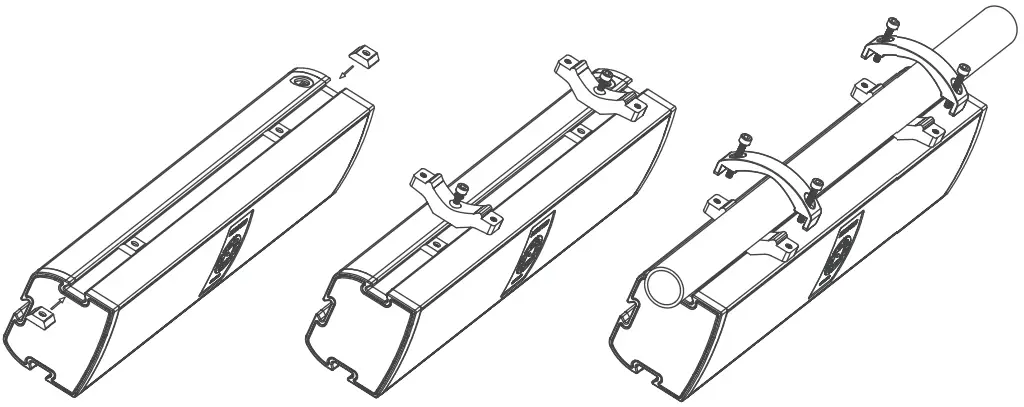
- Take 14 mm bolt with lock washer and place it through bottom of clamp and slightly thread into Dove tailed piece.
- Slide assembly into one of the three dove tail recessed areas placing the unit at the desired angle.
- Tighten bolt to securely hold bracket in place.
- Repeat this step for both included brackets. Both brackets must be used during installation.
- Use bracket top half and tighten down over bar using the four included bolts, two per clamp.
- Tighten until the unit is secure.
- Connect wires to power, ground, and optional Aux-in our Audio out.

TROUBLESHOOTING
| NO POWER | IGNITION SWITCH NOT ON | SWITCH IGNITION KEY TO ACC |
| FUSE IS BLOWN | REPLACE THE FUSE | |
| NO SOUND | VOLUME IS TURNED DOWN | ADJUST VOLUME KNOB UP |
| WIRING NOT PROPERLY CONNECTED | CHECK WIRING CONNECTION | |
| OPERATION KEYS DO NOT WORK | BUILT-IN MICRO COMPUTER NOT OPERATING PROPERLY DUE TO NOISE | PRESS RESET BUTTON |
| RADIO DOES NOT WORK RADIO STATION AUTO-SELECT DOES NOT WORK | ANTENNA CABLE NOT CONNECTED | RECONNECT ANTENNA CABLE |
| SIGNALS ARE TOO WEAK | SELECT A STATION MANUALLY |
PAIRING DEVICES
In Bluetooth mode, device will be automatically discoverable. Open Bluetooth settings on your Bluetooth device and search for MXASB35V3. Connect device to MXASB35V3 on your Bluetooth device to pair.
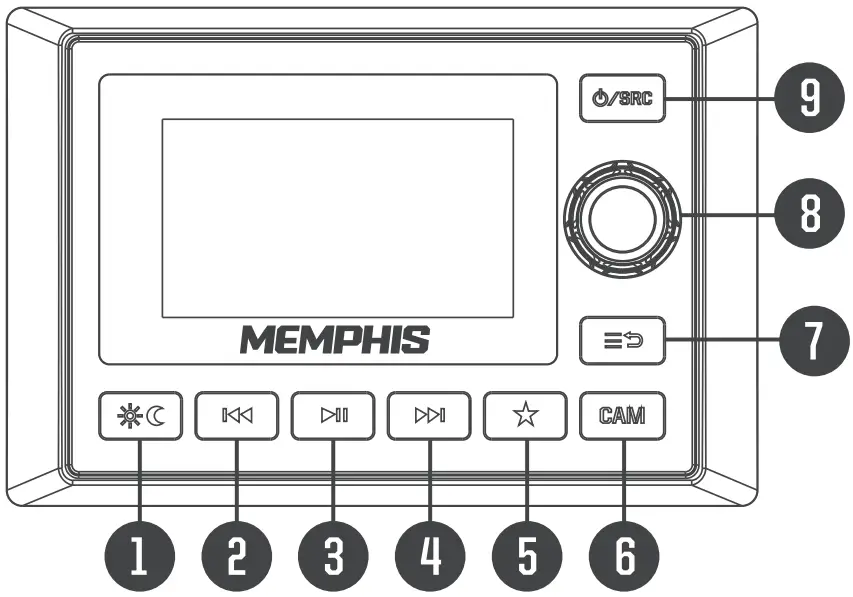
BUTTON | ACTION | RADIO | USB |
| SHORT | SOURCE CHANGE (Rotate Volume To Select Source) | SOURCE CHANGE (Rotate Volume To Select Source) |
| LONG | POWER OFF | POWER OFF | |
| SHORT | CAMERA SOURCE | CAMERA SOURCE |
| LONG | N/A | N/A | |
| SHORT | SETTING MENU/BACK | SETTING MENU/BACK |
| LONG | EXIT MENU | EXIT MENU | |
| SHORT | NIGHT/DAY | NIGHT/DAY |
| LONG | DIMMER (HIGH/LOW) | DIMMER (HIGH/LOW) | |
| SHORT | PRESET [Rotate Volume To Select) | USB SETTING |
| LONG | Manual Save Station | N/A | |
| SHORT | MUTE ON/OFF | PLAY/PAUSE |
| LONG | AUTO STORE | N/A | |
| SHORT | SEEK DOWN | PREVIOUS FILE |
| LONG | MANUAL TUNE DOWN | FAST REVERSE | |
| SHORT | SEEK UP | NEXT FILE |
| LONG | MANUAL TUNE UP | FAST FORWARD | |
 VOL KNOB | ROTARY | ZI1Z2/SUB VOLUME UP/DOWN | 11/22/SUB VOLUME UP/DOWN |
| SHORT PUSH | ZONE 2 VOL/ SUB VOLUME | Z2/SUB VOLUME UP/DOWN | |
| LONG PUSH | IN FM: RDS MENU IN AM S WB: N/A | N/A |

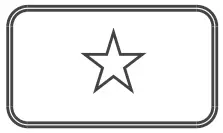
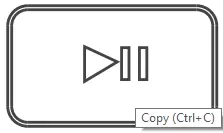
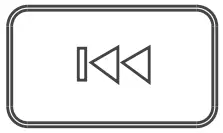
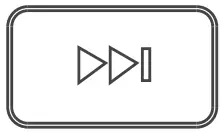
| BUTTON | ACTION | AUX | BT MUSIC | STANDBY |
 | SHORT | SOURCE CHANGE (Rotate Volume To Select Source) | SOURCE CHANGE (Rotate Volume To Select Source) | POWER ON |
| LONG | POWER OFF | POWER OFF | POWER ON | |
| SHORT | CAMERA SOURCE | CAMERA SOURCE | N/A |
| LONG | N/A | N/A | N/A | |
| SHORT | SETTING MENUIBACK | SETTING MENU/BACK | N/A |
| LONG | EXIT MENU | EXIT MENU | N/A | |
| SHORT | NIGHT/DAY | NIGHT/DAY | N/A |
| LONG | DIMMER (HIGH/LOW) | DIMMER (HIGH/LOW) | N/A | |
| SHORT | N/A | N/A | N/A |
| LONG | N/A | BT DISCONNECT/RECONNECT | N/A | |
| SHORT | MUTE ON/OFF | PLAY/PAUSE | N/A |
| LONG | N/A | N/A | N/A | |
| SHORT | N/A | PREVIOUS TRACK | N/A |
| LONG | N/A | N/A | N/A | |
| SHORT | N/A | NEXT TRACK | N/A |
| LONG | N/A | N/A | N/A | |
 VOL KNOB | ROTARY | Z1/Z2/SUB VOLUME UP/DOWN | Z1/12/SUB VOLUME UP/DOWN | N/A |
| SHORT PUSH | Z2/SUB VOLUME UP/DOWN | Z2/SUB VOLUME UP/DOWN | N/A | |
| LONG PUSH | N/A | N/A | N/A |

CONNECTION
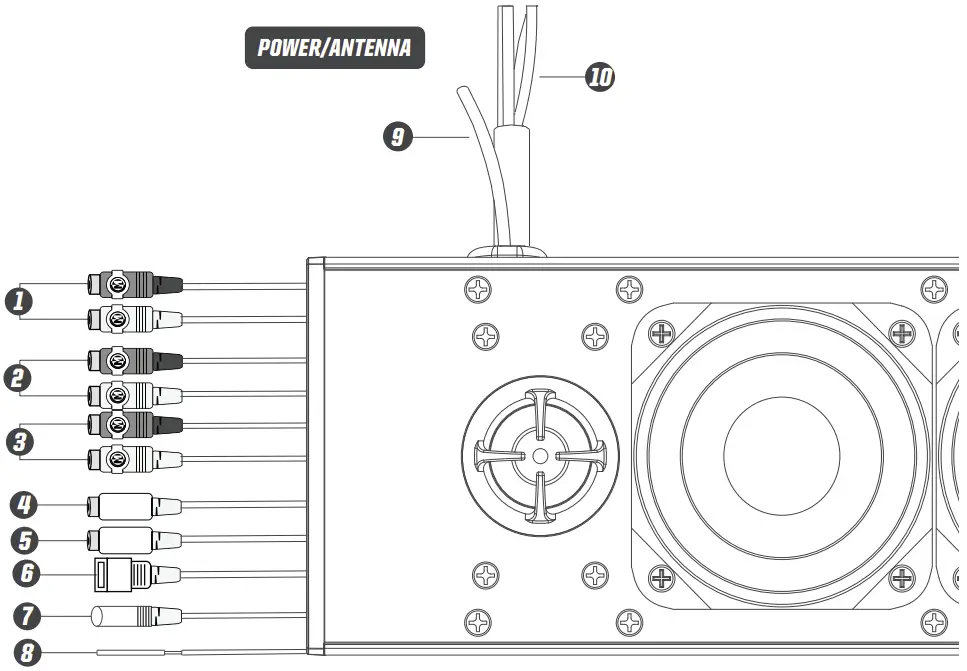
- Line Outputs (Zone 2) (Black Wires)
- Subwoofer Outputs (Zone 1) (Brown Wires)
- AUX Input (Green Wire)
- Camera Input (Yellow)
- RGB Output
- USB INPUT (Black)
- Radio Wired Remote
- Camera Trigger (Pink)
- Antenna
- Power
POWER/AUDIO OUTPUTS
- Red// 12V+ Ignition
- Black // Ground
- Blue // Remote Turn On
- Yellow // B+ Battery
RGB LED LIGHTING
On the right side of the soundbar there is a button which controls the RGB LED speaker lighting.
LONG PUSH: Turns RGB LED Lighting ON/OFF SHORT PUSH: Cycles through colors
WARRANTY
Electronics limited warranty (including Memphis accessories) When purchased from an Authorized Memphis Dealer, Memphis warrants this product to be free from defects in material and workmanship under normal use for a period of ONE (1) YEAR from date of original purchase (receipt required),THREE (3)YEARS years if installed by an authorized Memphis dealer (receipt required). If this product is identified as “Refurbished” or “B Goods”, the warranty is limited to a period of THREE (3) MONTHS from date of original purchase. In all cases you must have the original receipt. Should service be necessary under this warranty for any reason due to manufacturing defect or malfunction during the warranty period, Memphis will repair or replace (at its discretion) the defective merchandise with equivalent merchandise. Warranty replacements may have cosmetic scratches and blemishes. Discontinued products may be replaced with more current equivalent products. Warranty is valid only for the original purchaser and is not extended to owners of the product subsequent to the original purchaser. Any applicable implied warranties are limited in duration to a period of the express warranty as provided herein beginning with the date of the original purchase at retail, and no warranties, whether express or implied, shall apply to this product thereafter.
NOTE: This equipment has been tested and found to comply with the limits for a Class B digital device, pursuant to part 15 of the FCC Rules. These limits are designed to provide reasonable protection against harmful interference in a residential installation. This equipment generates, uses and can radiate radio frequency energy and, if not installed and used in accordance with the instructions, may cause harmful interference to radio communications. However, there is no guarantee that interference will not occur in a particular installation. If this equipment does cause harmful interference to radio or television reception, which can be determined by turning the equipment off and on, the user is encouraged to try to correct the interference by one or more of the following measures:
- Reorient or relocate the receiving antenna.
- Increase the separation between the equipment and the receiver.
- Connect the equipment into an outlet or a circuit different from that to which the receiver is connected.
- Consult the dealer or an experienced radio/TV technician for help.
Warning: Changes or modifications to this unit not expressly approved by the part responsible for Compliance could void the user’s authority to operate the equipment.
FCC Radiation Exposure Statement
This equipment complied with FCC radiation exposure limits set forth for an uncontrolled environment. This equipment should be installed and operated with minimum distance 20cm between the radiator & your body.
Support
 WWW.MEMPHISCARAUDIO.USA
 @MEMPHISCARAUDIO
 @MEMPHISCARAUDIOUSA