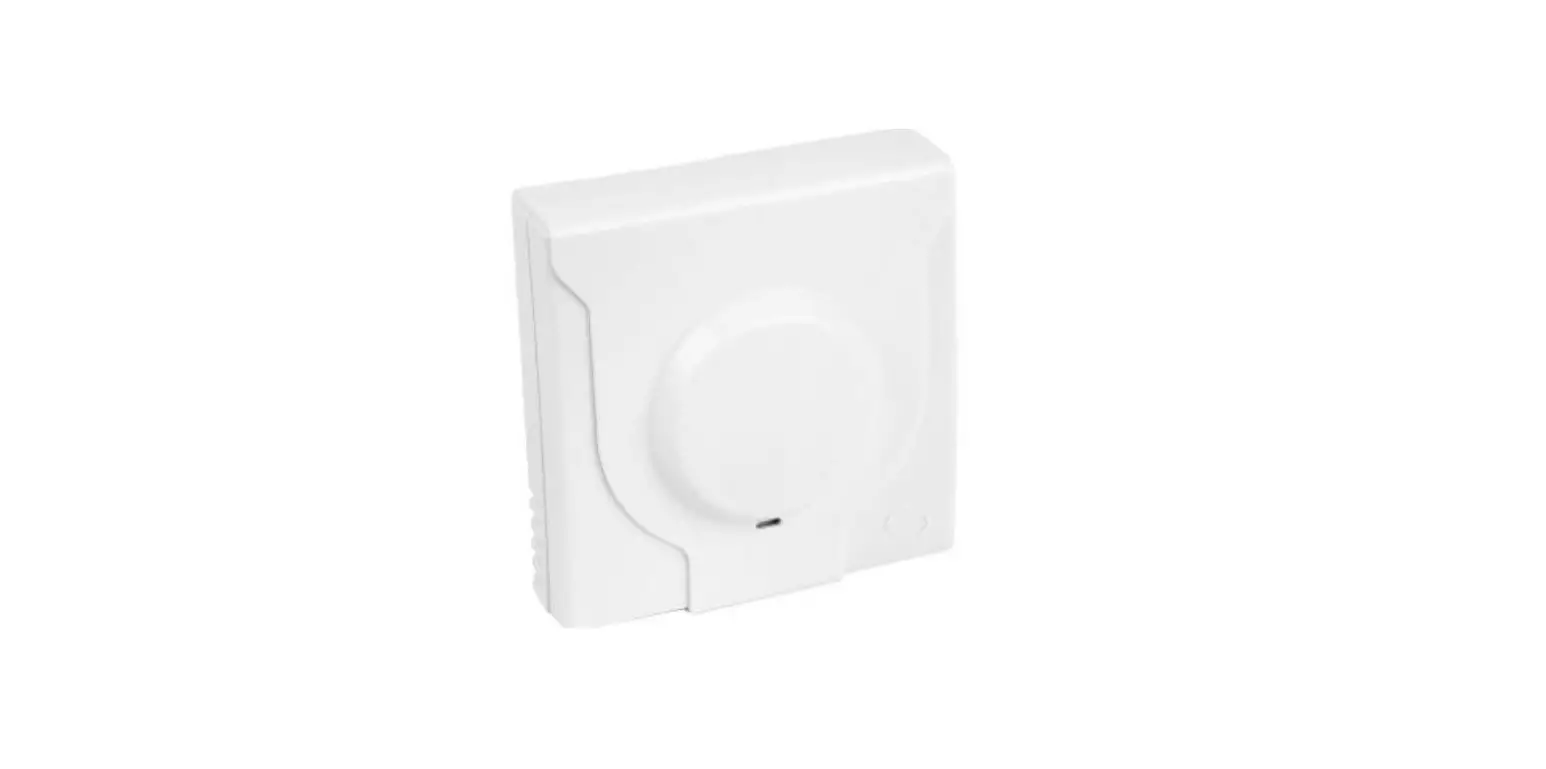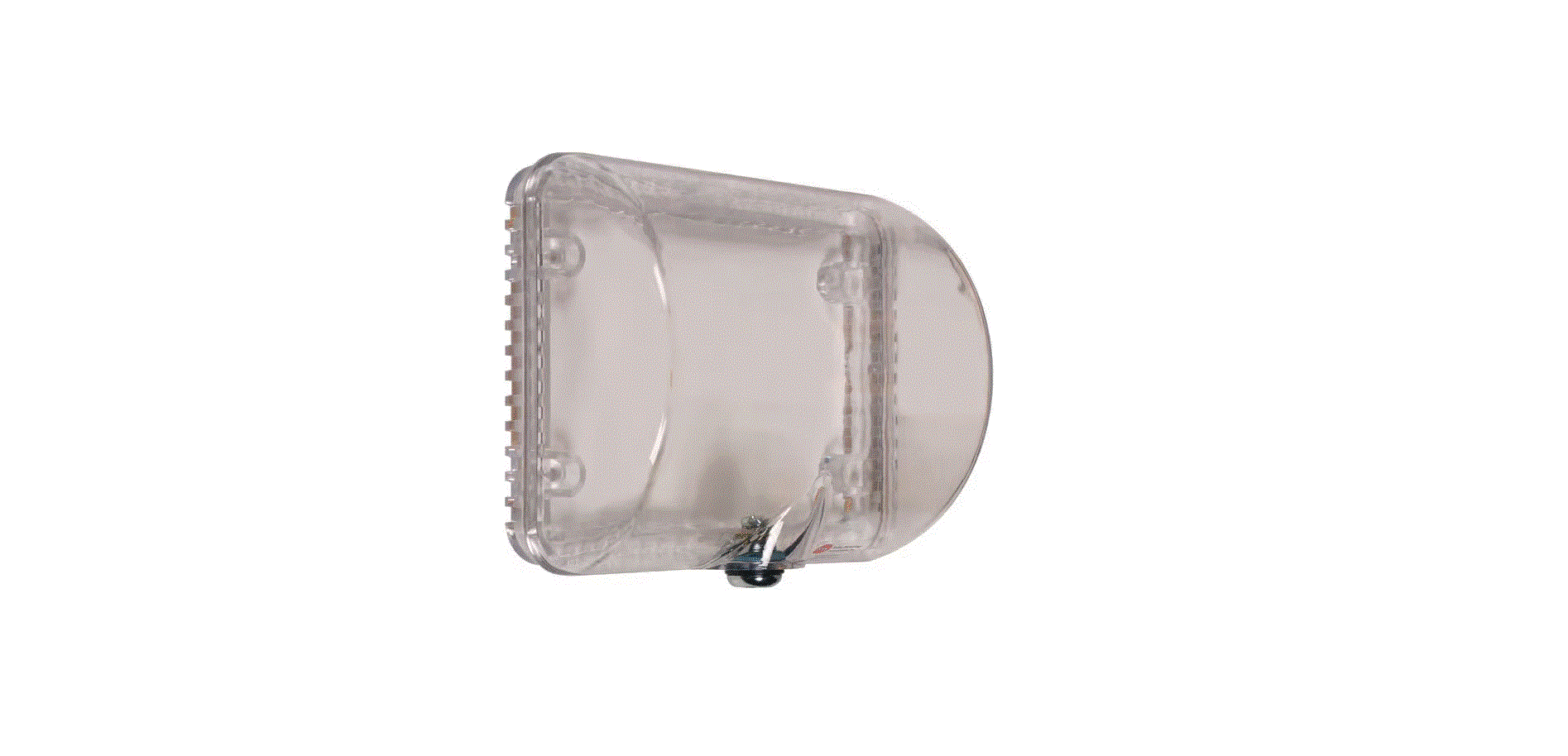

Safety Technology International STI-9105 Thermostat Protector
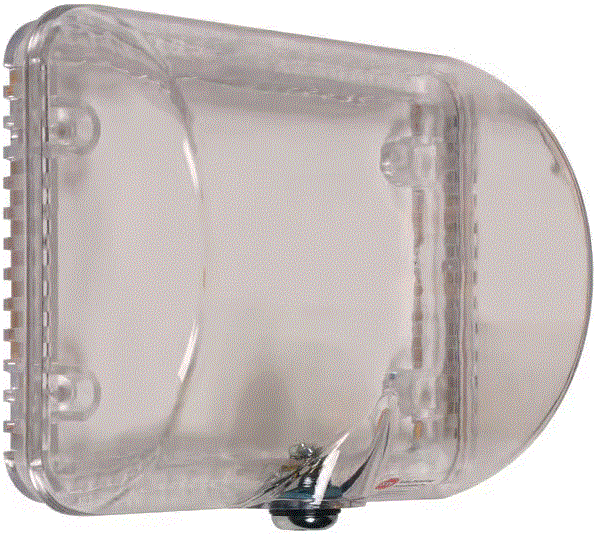
Product Information
| Product Name | STI-9105 Thermostat Cover |
|---|---|
| Model Number | 9105IS APR2022 |
| Dimensions | 8.2 in. (207mm) x 6.9 in. (174mm) x 0.9 in. (23mm) |
| Weight | Not specified |
| Additional Clearance Options |
|
| Warnings | This product can expose you to chemicals including Dichloromethane, which is known to the State of California to cause cancer, and Bisphenol A (BPA), which is known to the State of California to cause birth defects or other reproductive harm. For For more information go to www.P65Warnings.ca.gov. |
| Warranty | Three-year warranty or a one-year limited warranty (from the date of purchase) on most products. See website for details. Electronic warranty form at www.sti-usa.com/wc14. |
Product Usage Instructions
- Do not remove the thermostat. Prior to drilling anchor holes, cover the thermostat with a damp cloth to prevent dust from penetrating the sensor.
- Center the frame over the existing thermostat. Mark and drill four (4) anchor holes using a 1/4 in. (6.3mm) drill bit.
- Insert the four (4) provided anchors into the drilled holes.
- Insert the three (3) slots on the cover over the tabs on the top surface of the frame.
- Rotate the cover downward onto the frame and turn the key (two keys provided) to lock it in place.
Cleaning Instructions
To clean the cover, remove it from the wall and rinse it with water to remove abrasive dust and dirt. Wash with soap or mild detergent using a soft cloth (DO NOT SCRUB). Rinse once more, then dry with a soft cloth or chamois. To remove grease or wet paint, rub gently with a cloth wetted thoroughly with naphtha. Then wash and rinse.
INSTALLATION INSTRUCTIONS
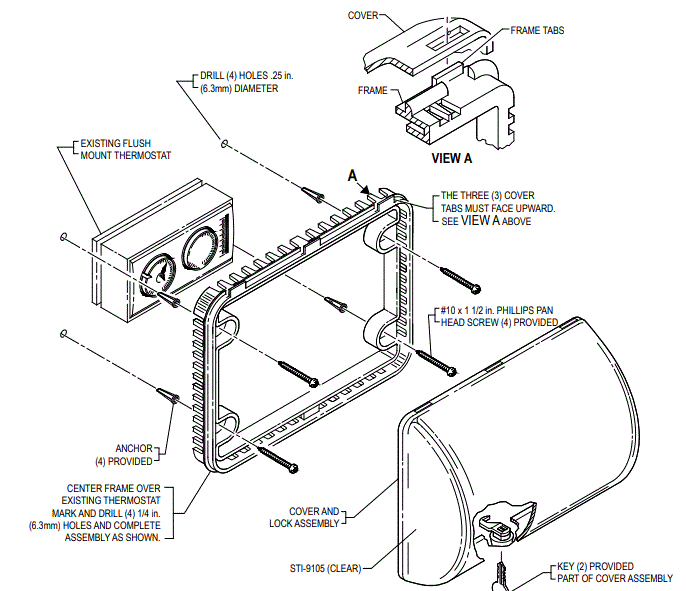
- Do not remove thermostat. Prior to drilling anchor holes, cover thermostat with a damp cloth to prevent dust from penetrating the sensor.
- Center frame over existing thermostat. Mark and drill (4) anchor holes using a 1/4 in. (6.3mm) drill bit. Insert the (4) anchors and complete installation as shown.
- NOTE The (3) tabs on the frame must face upward (View A).
- Insert the (3) slots on the cover over tabs on the top surface of frame. Rotate cover downward onto the frame and turn key to lock.

Dimension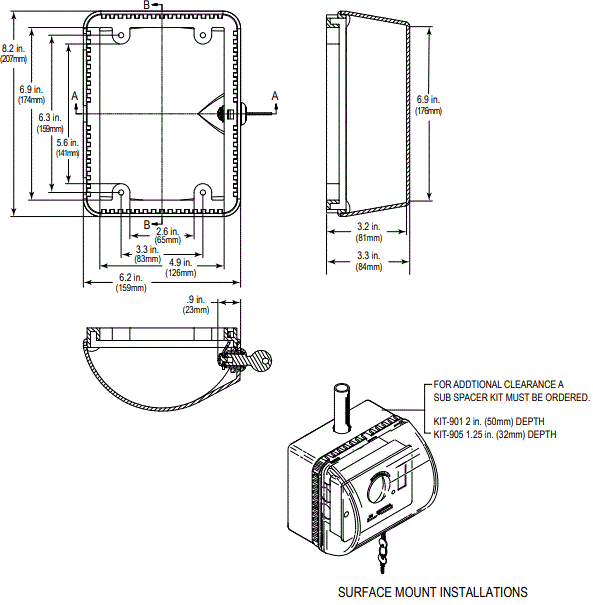
CLEANING INSTRUCTIONS
- To clean the cover, remove it from the wall. Rinse with water to remove abrasive dust and dirt. Wash with soap or mild detergent using a soft cloth (DO NOT SCRUB). Rinse once more, then dry with a soft cloth or chamois. To remove grease or wet paint, rub gently with a cloth wetted thoroughly with naphtha. Then wash and rinse.
- WARNING: This product can expose you to chemicals including Dichloromethane, which is known to the State of California to cause cancer, and Bisphenol A (BPA), which is known to the State of California to cause birth defects or other reproductive harm.
- For more information go to www.P65Warnings.ca.gov.
Three-year warranty or a one-year limited warranty (from the date of purchase) on most products. See website for details. Electronic warranty form at www.sti-usa.com/wc14. STI-9105 THERMOSTAT COVER
All specifications and information shown were current as of publication and are subject to change without notice. 9105IS APR2022
- 2306 Airport Road
- Waterford Michigan 48327-1209
- Phone: 248-673-9898
- E-mail: [email protected]
- Web: www.sti-usa.com
 P65Warnings.ca.gov
 Warranty & Returns - STI US