
welldana External Display Water Analytic

General information
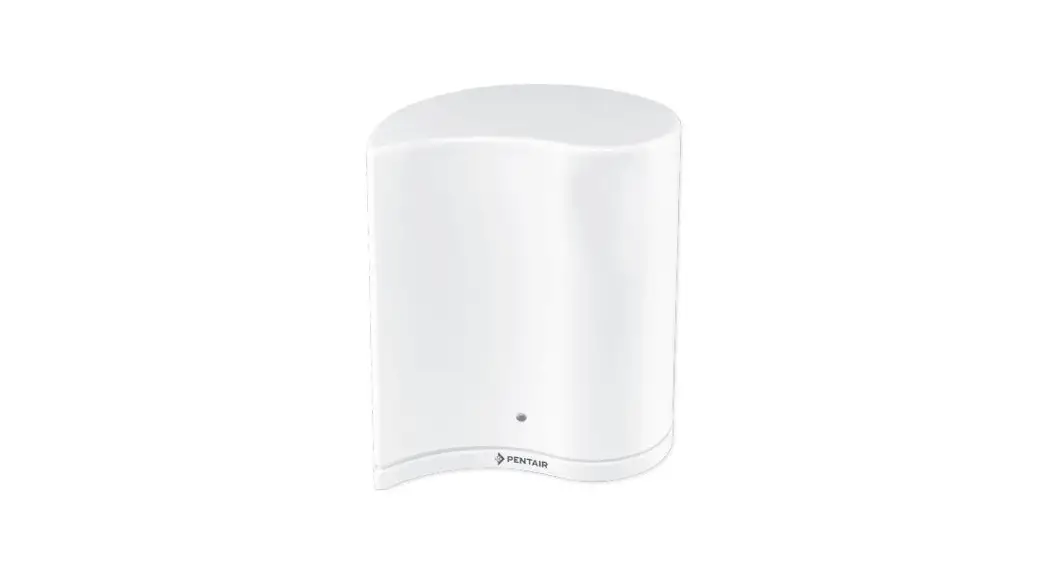
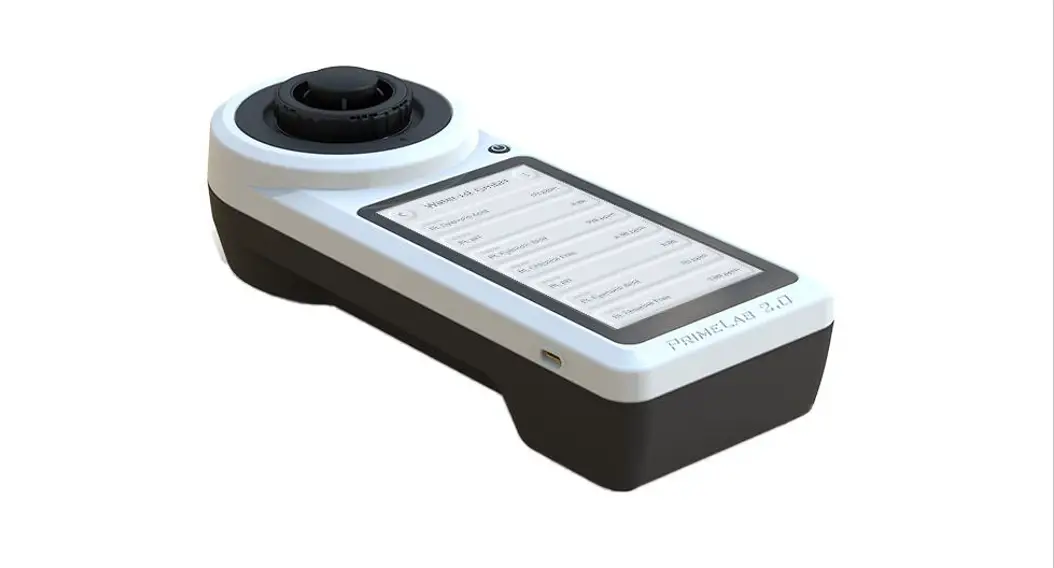
External display will llow you to monitor the pool condition in remote area, insted of directly on the ASIN Aqua. You can run filter backwash setup required values and state of the fitration. Display is made from steinless-steel and glass for the best impression of look and touch. It is possible to connect the display to all ASIN Aqua devices (except PROFI).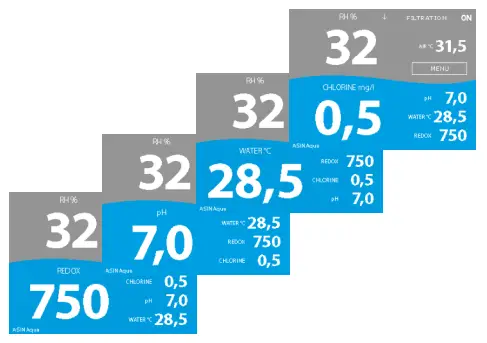
lower part of the display can show informations about water temperature, pH, Redox or Chlorine
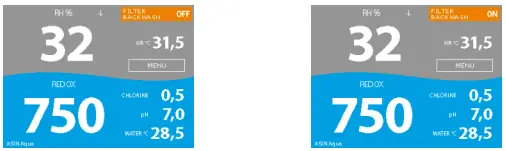
Filter backwash on/off
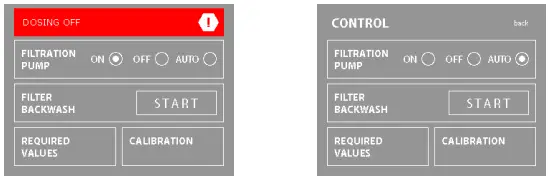
State of the filtration ON/OFF and Auto. Once you turn OFF the filtration, the dosing will be switched off.
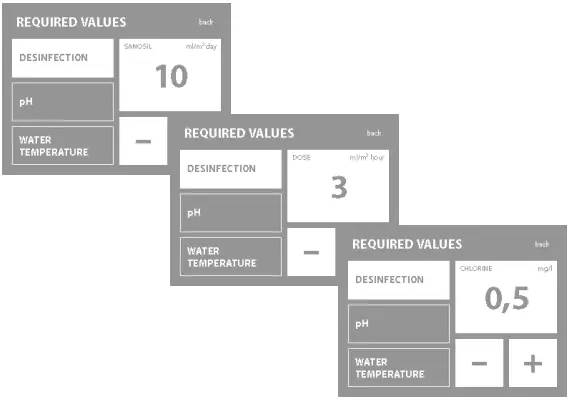
Setup of required values for SANOSIL, DOSE, CHLORINE, pH and water temperature
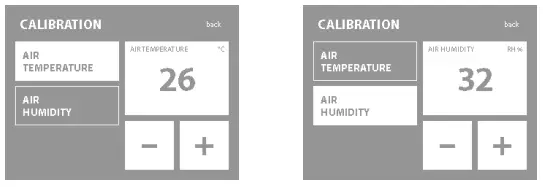
Calibration menu for air temperature and humidity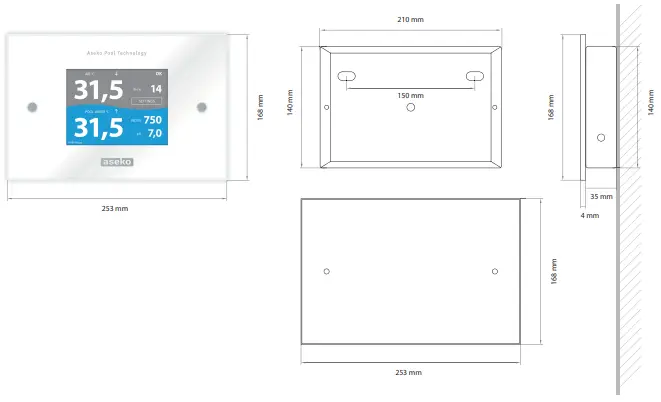
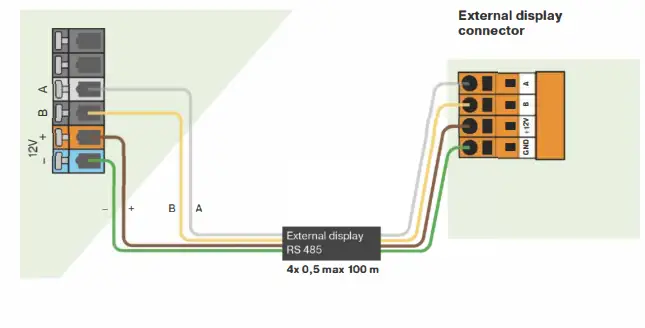
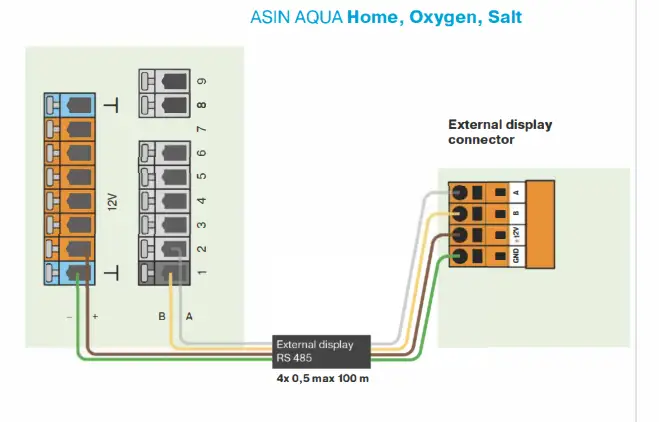
Connection External display
ASIN AQUA Net