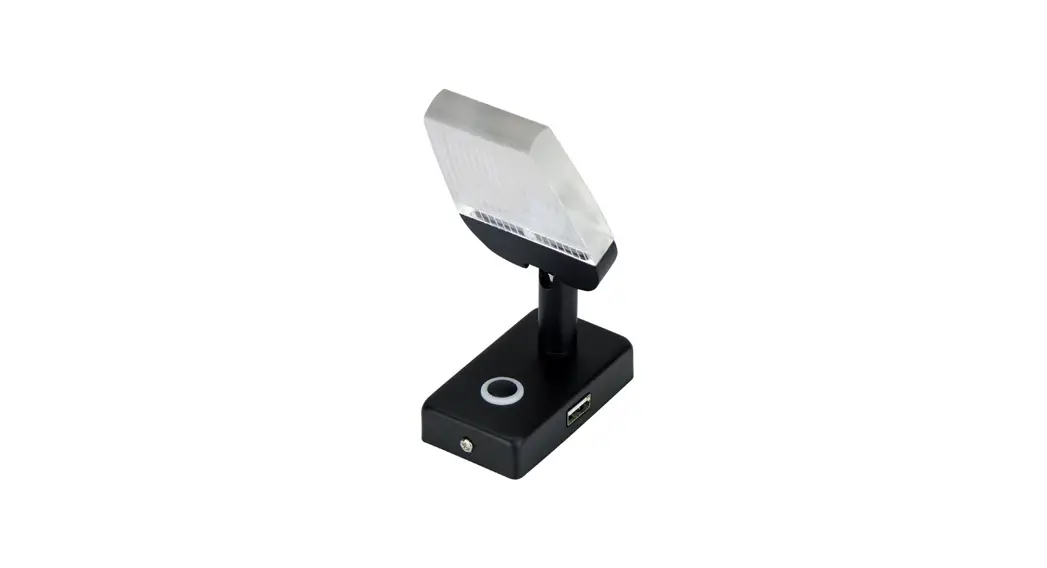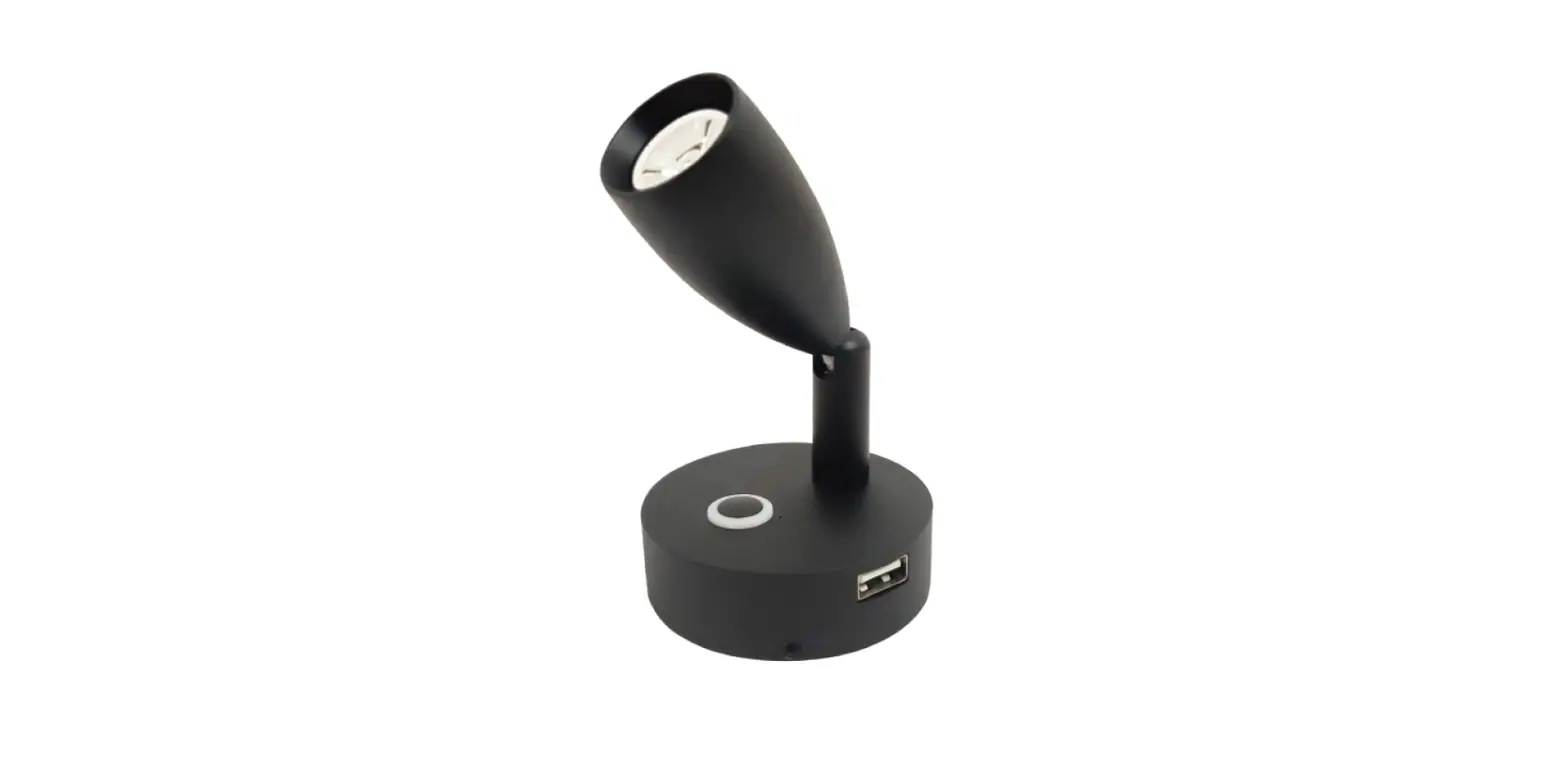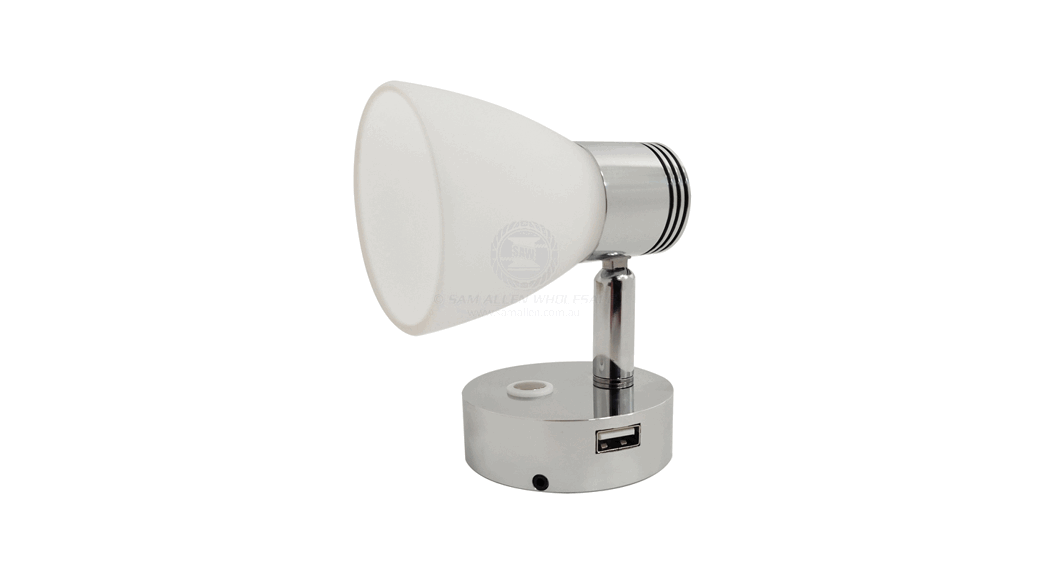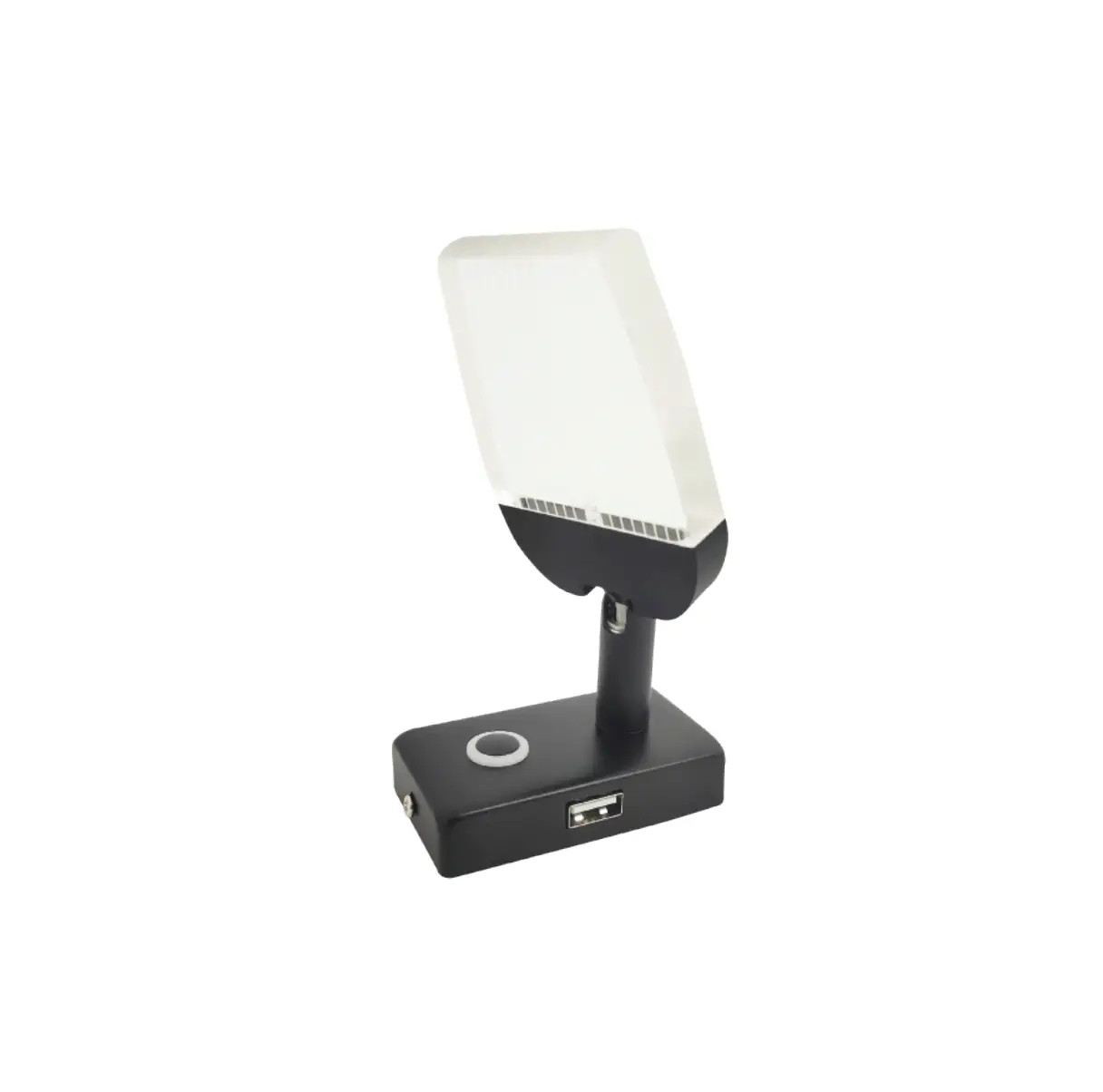
relaxn 709901 LED Blade Reading Light
FEATURES
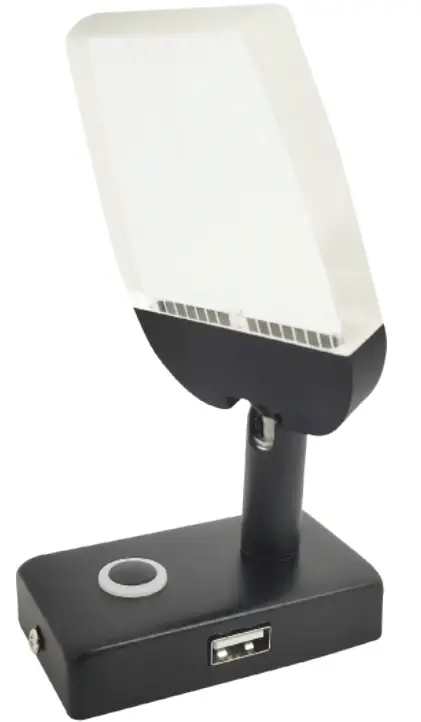
- Adjustable lighting direction 350 ° swivel and 90 ° vertical tilt.
- Touch switch – dimmable.
- Dimmer memory- last dimmable setting remains.
- Night Light (blue LED night light) – used as auxiliary or decorative lighting and as a switch backlight.
- USB charge port 5V / 2A.
- Surface mount – mounting screws included.
SPECIFICATIONS
| Volts: | 10-3OV | Dimensions (mm): | Base L 70.5 x W 39.5 x H 15 Height 130 |
| Watts: | 3W | Charger Socket: | Output 5V / 2A |
| Light Output: | 65OLM | Wire Length: | 125mm Tinned |
| LED Chip Type: | 6 x Bridgelux LEDs | Material: | Matte Black/ Aluminium/ Iron (USB Port) |
| LED Colour: | Warm White (Reading Mode) | * USB Port – Keep dry. | |
| IP Rating: | IP44 | Lighting Direction: | 350° Swivel/ 90° Vertical Tilt |
| Dimming: | Dimmable (Touch Switch) | Certificates: | CE, Rohs and ISO9O01:2015 |
TOUCH SWITCH FUNCTION
NIGHT MODE (ON)/ READING MODE (DIM)/ OFF
- First Touch: activates blue night light.
- Second Touch: activates the reading light, night light remains on.
- Hold to dim the reading light (dimming setting is remembered).
- Third touch – switches both reading and night light off.
MOUNTING TEMPLATE
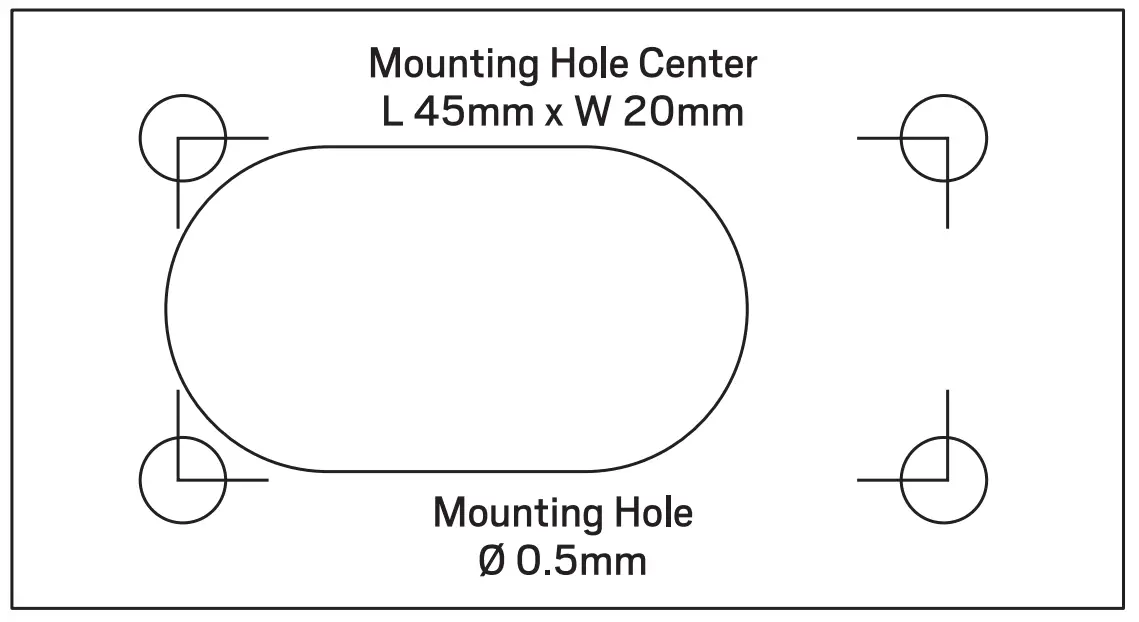
Using 1:1 mounting template or bracket to mark the location on a surface where you want to mount the light.
INSTALLATION
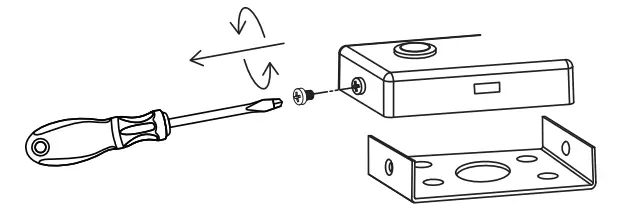
- Detach bracket from light base with screwdriver.

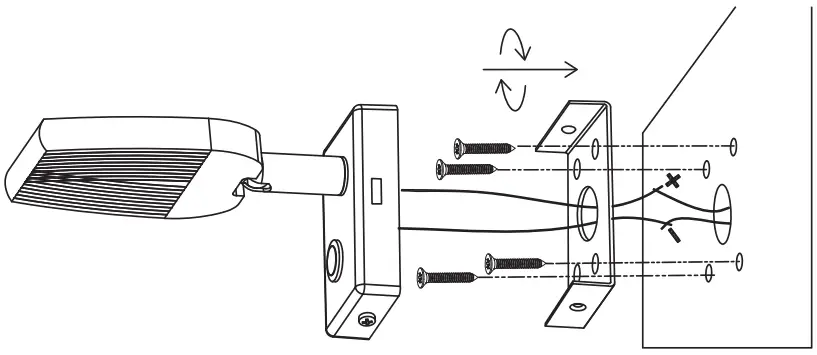
- Mount the bracket to the surface with screws. Connect the wire.

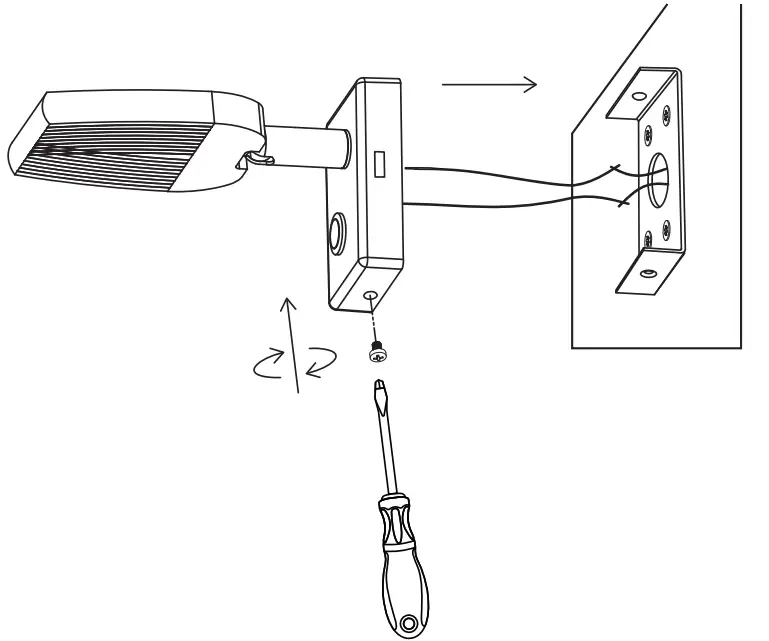
- Screw the light base on the bracket with a screwdriver.

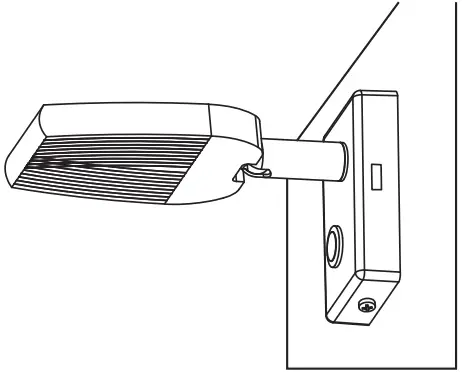
- Turn on the electricity, ready to work.