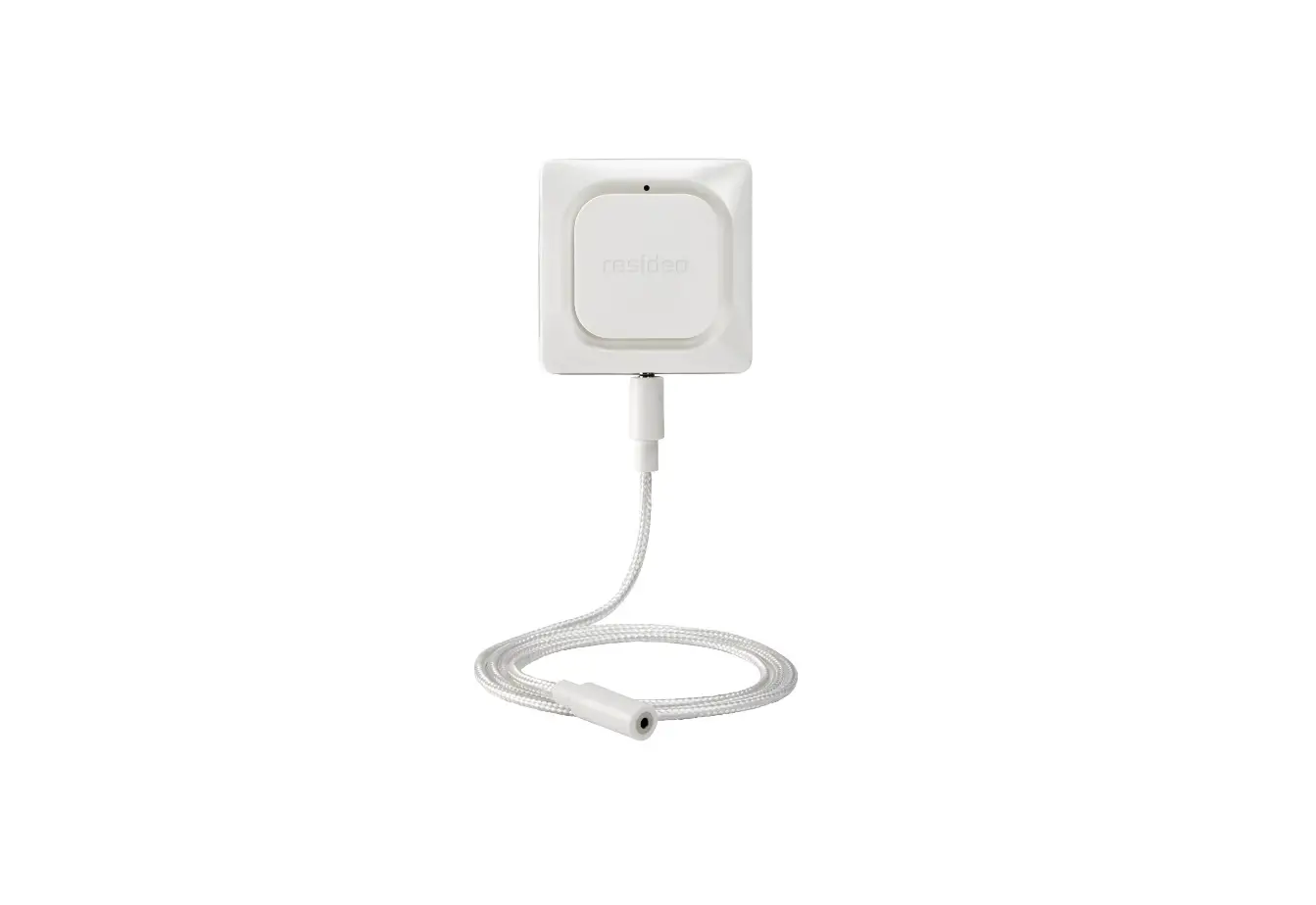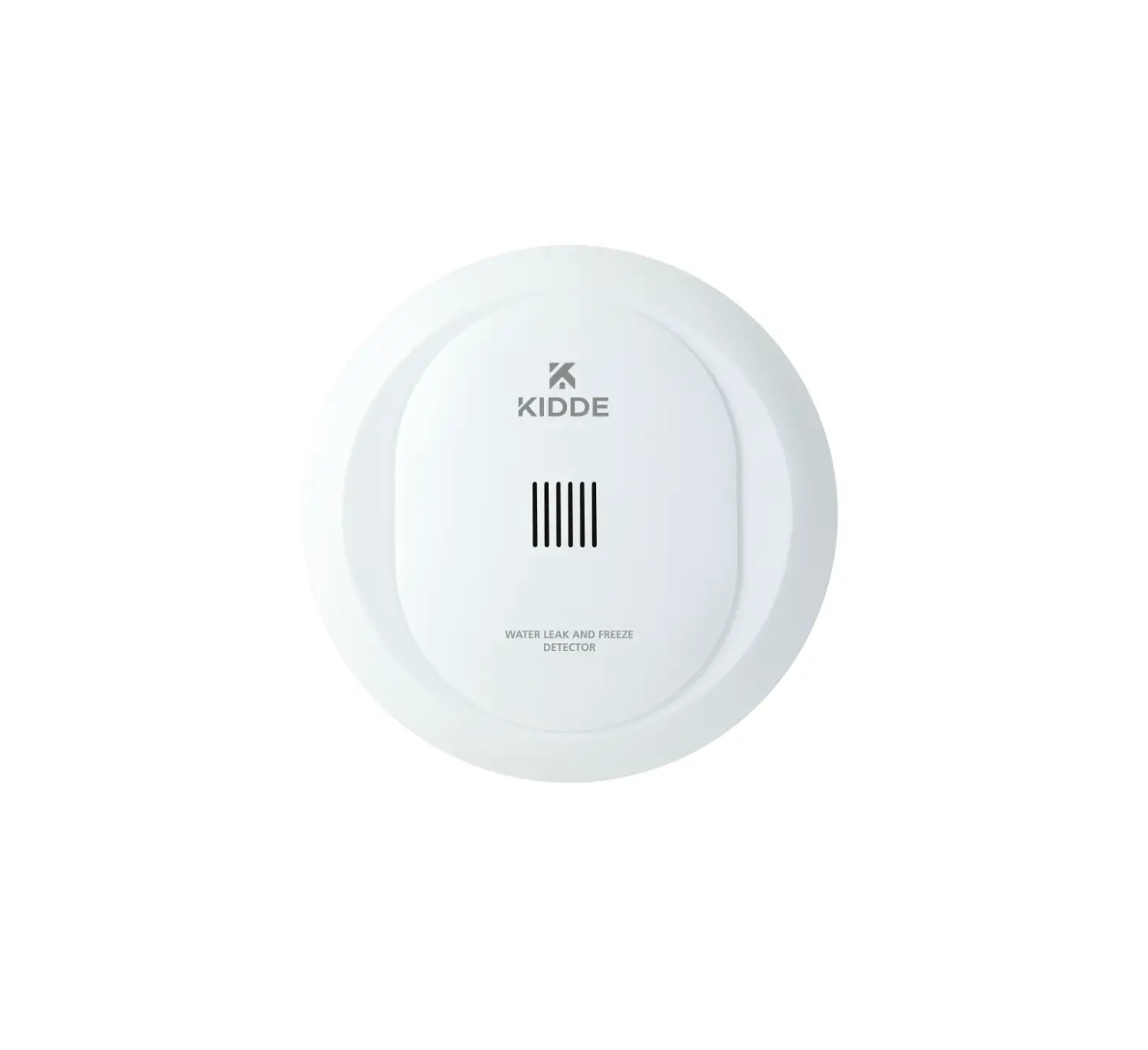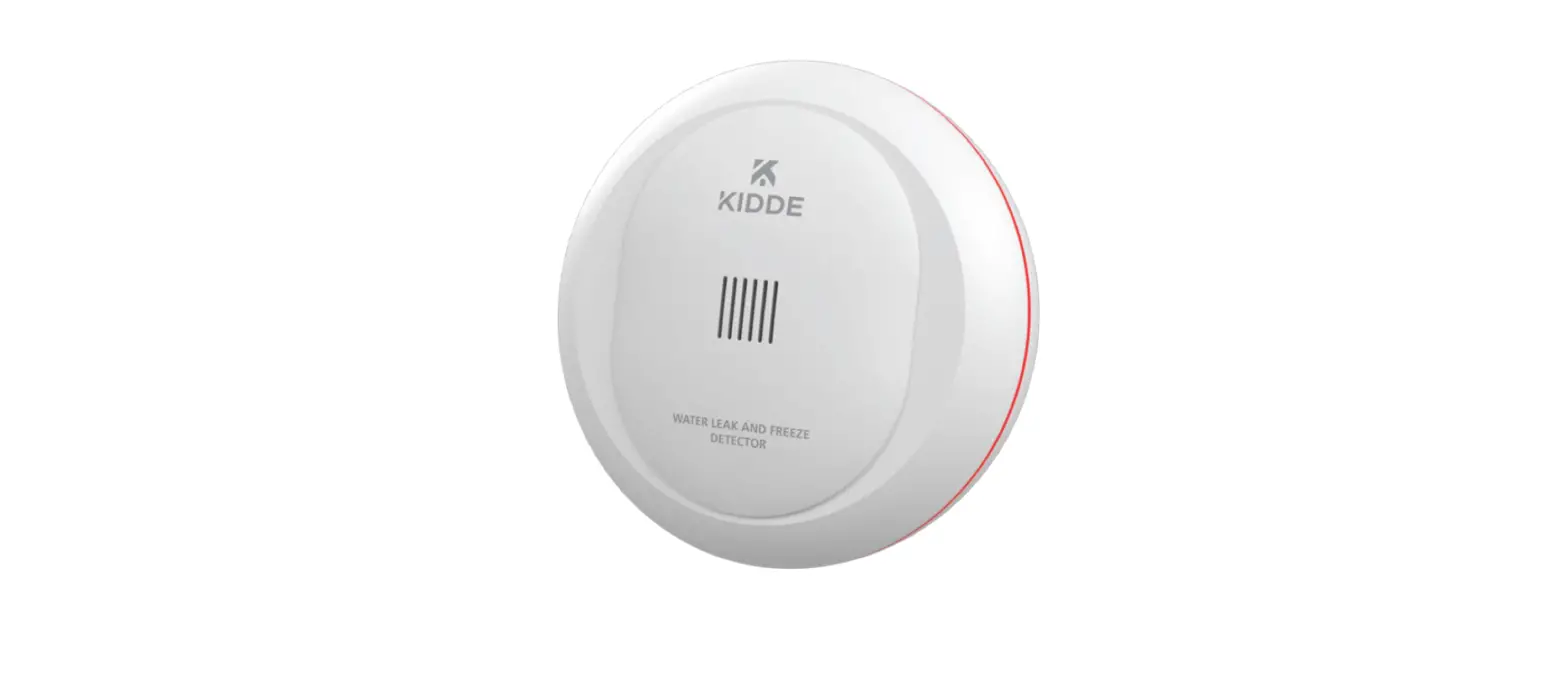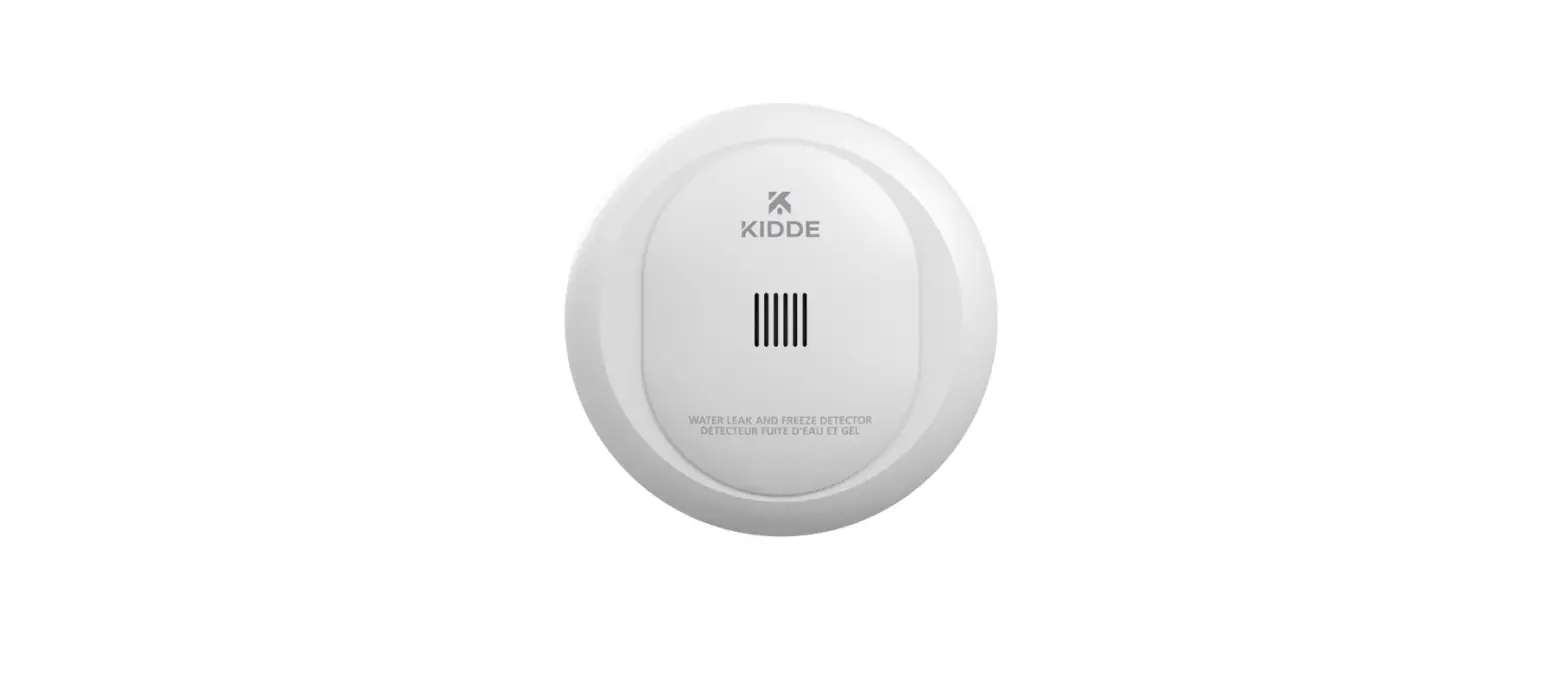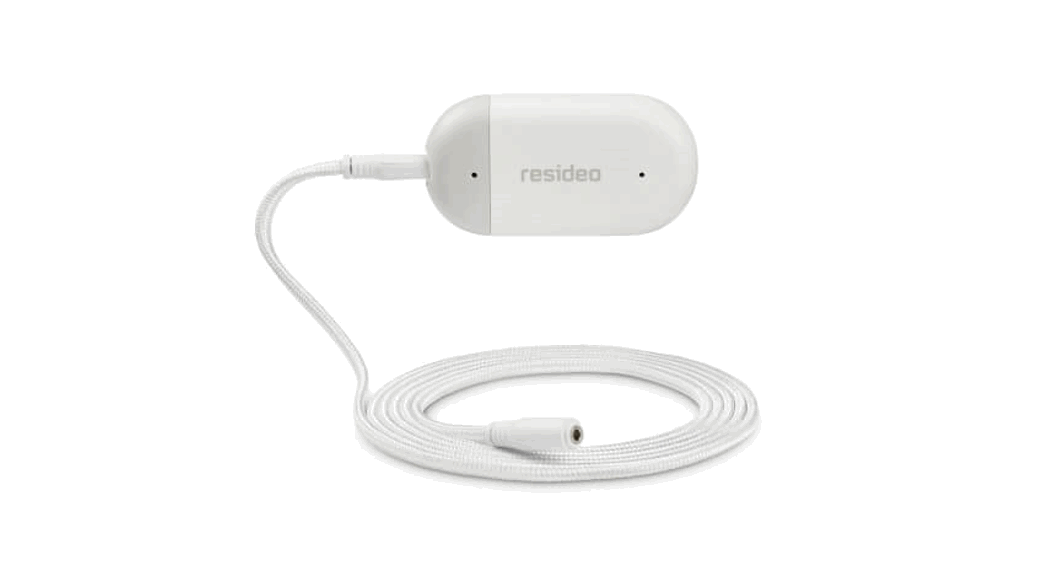

L1 WiFi Water Leak and Freeze Detector
Installation Guide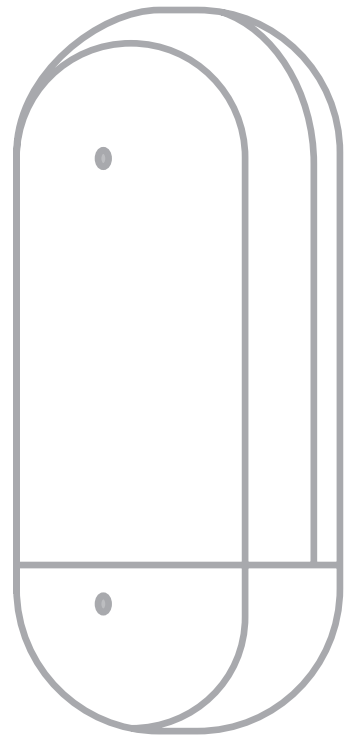
Online Guides
resideo.com
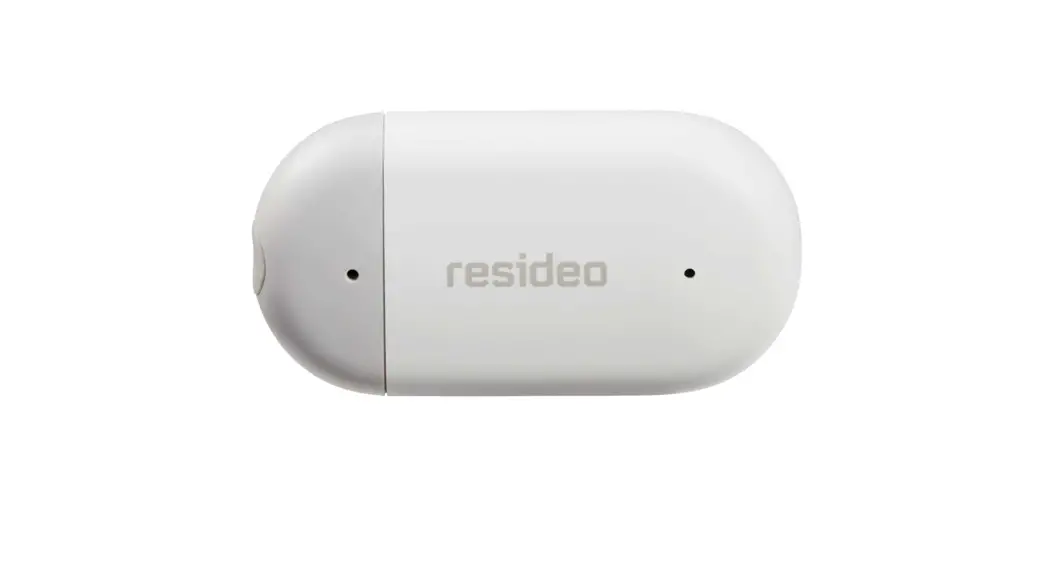
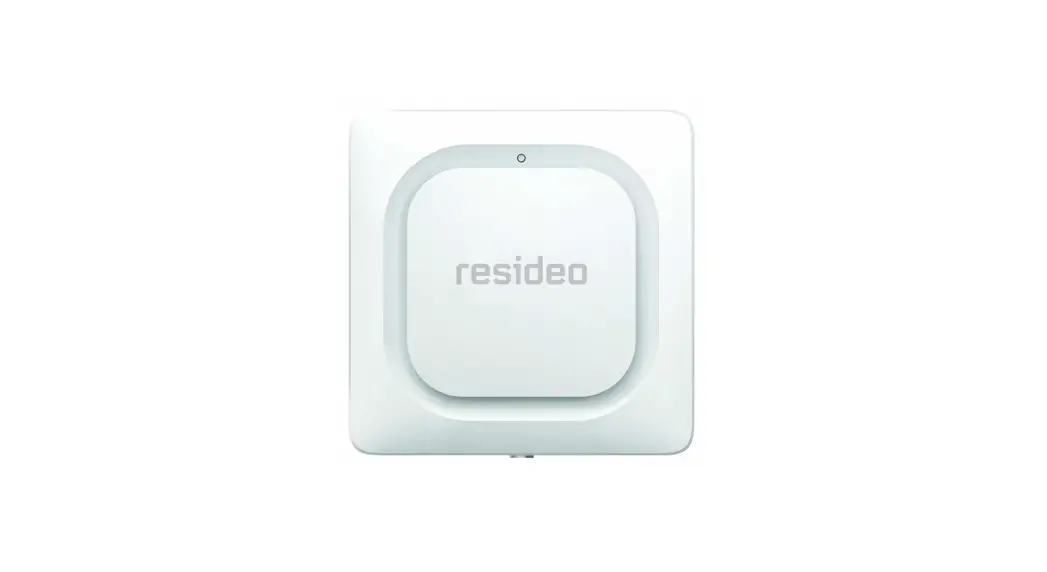
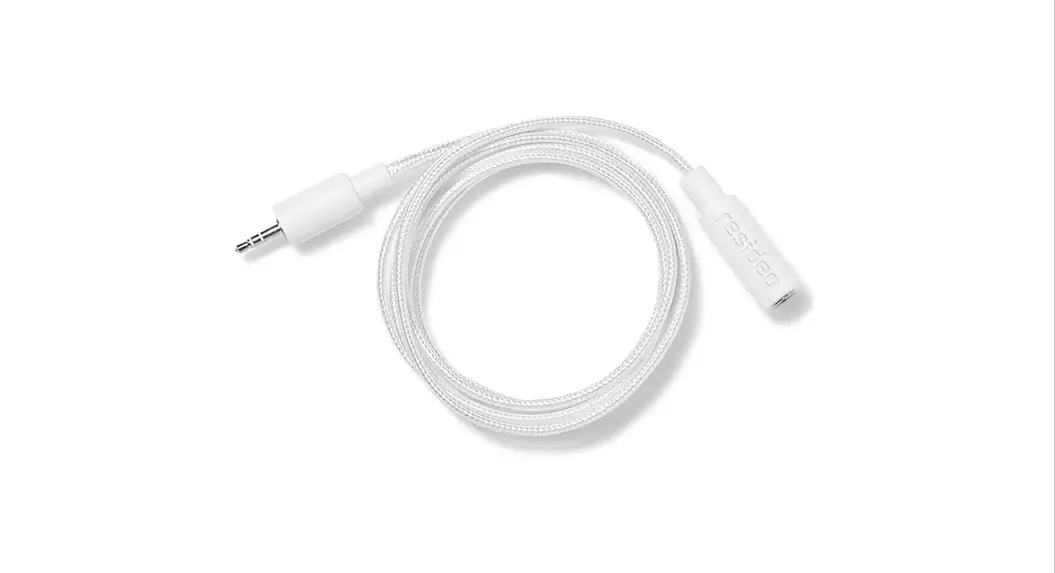
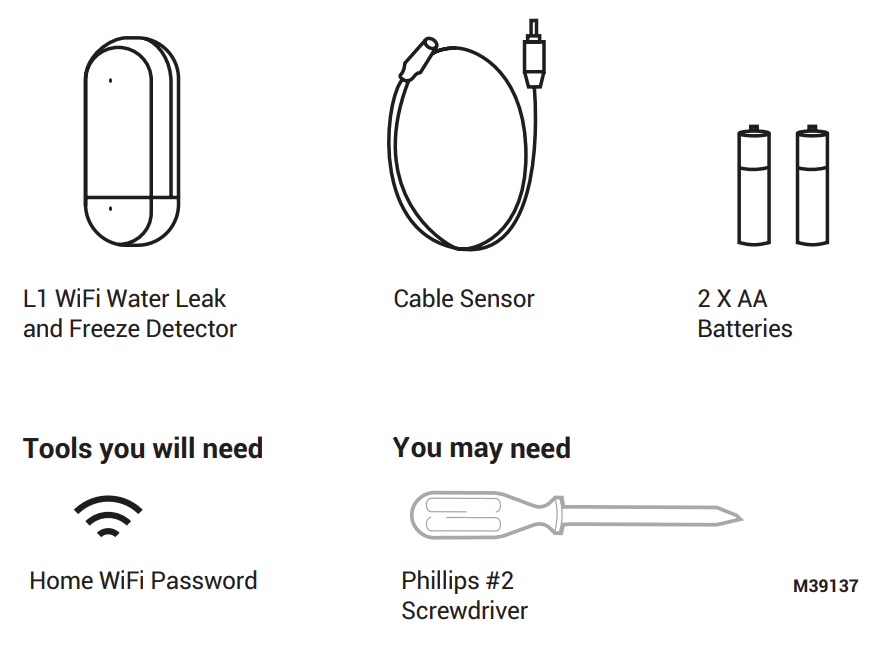
Included in the Box
Installation
- Download Resideo App
Download the Resideo app onto your mobile device. - Launch the app and sign up for an account. Select L1 WiFi
Water Leak and Freeze Detector from the device list.
Note: If you already have an account, tap the add button and select your device from the list.
Connect to App
Follow instructions in app to complete setup.
Install Batteries
The leak detector is powered by 2 AA batteries (included). Open the battery cover on the detectorand install batteries.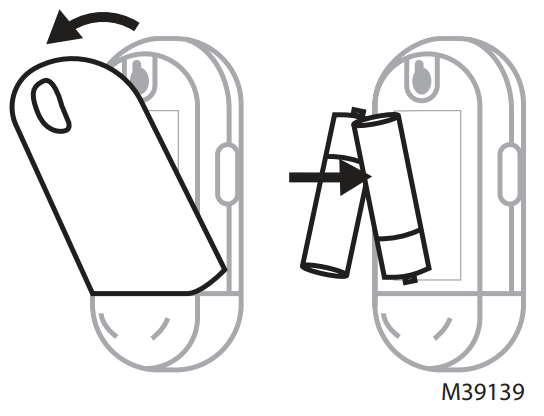
Water Leak Detector Diagram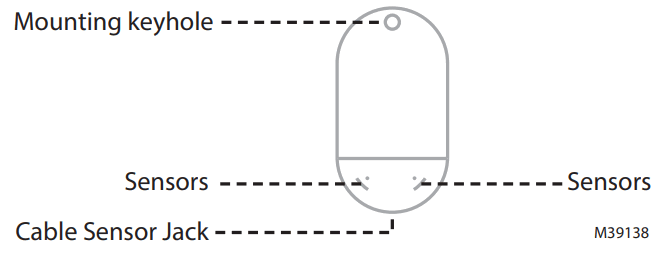
Placement and Sensing Do not submerge leak detector in water
Wall Mounting
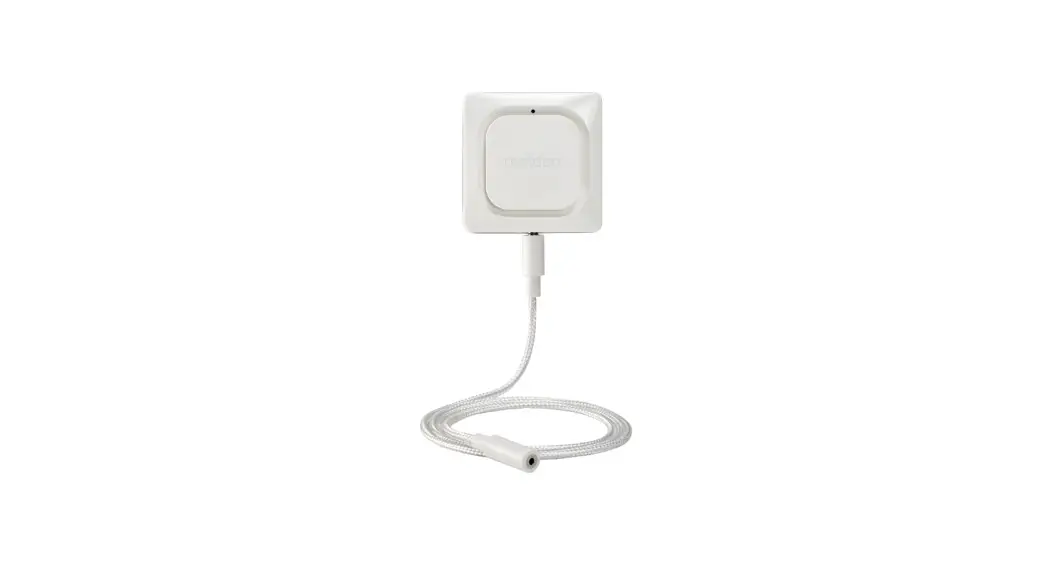
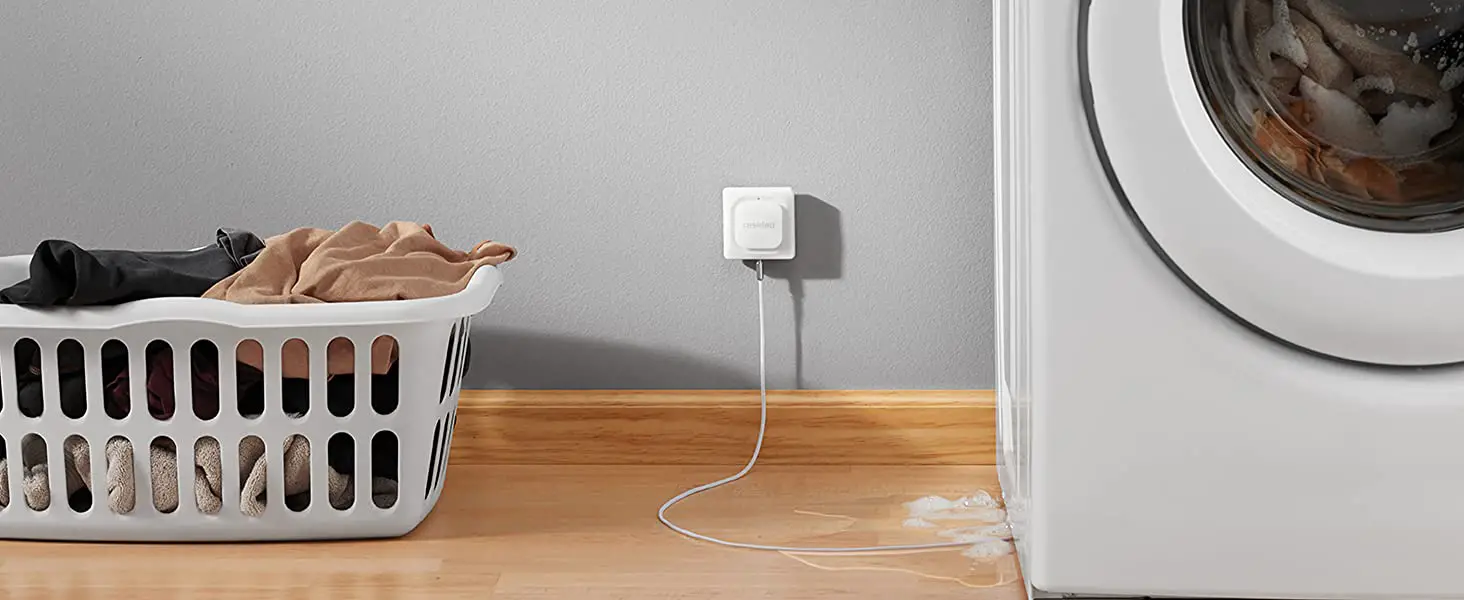
Device can be installed on a wall while using the optional cable sensor.
Floor Placement
Device can be placed on the floor using the on-device water sensing contacts and the optional cable sensor.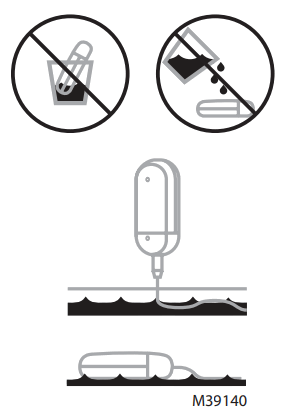
Placement and Sensing Continued…
Optional Cable Sensor
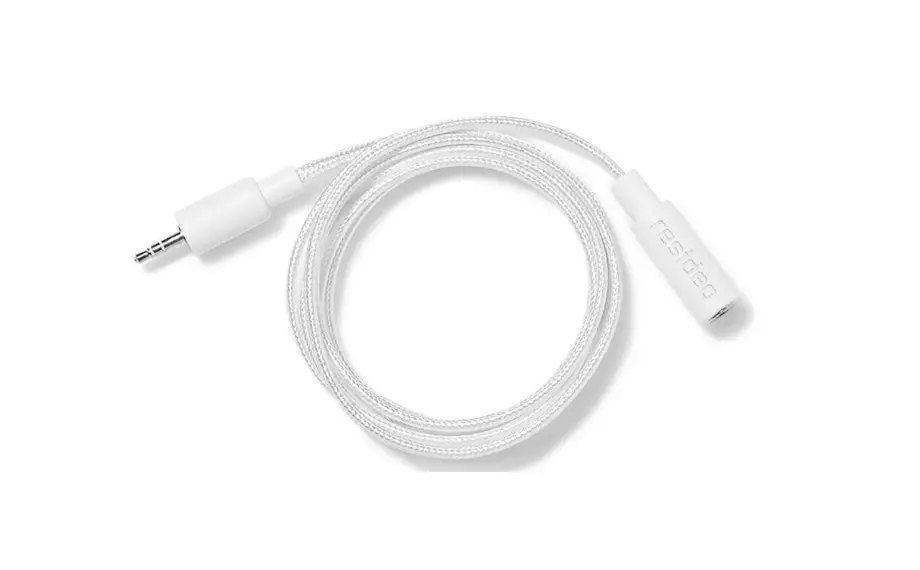
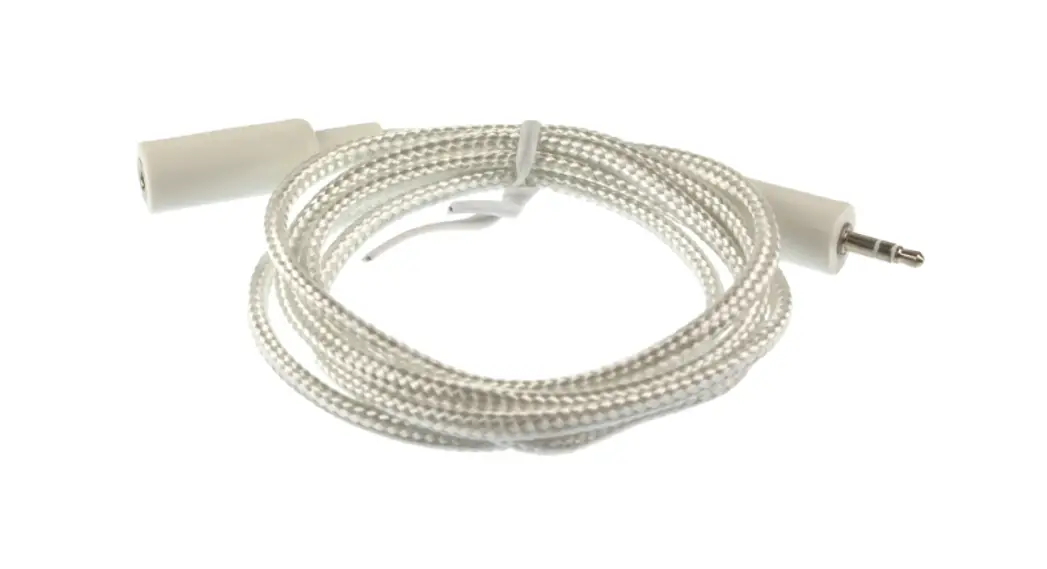
To install the cable sensor, remove the plug at the bottom of the device and plug in the cable sensor.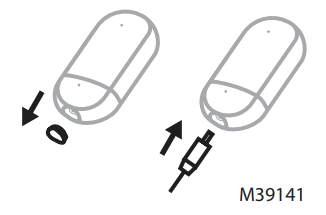 Accessory cable sensors (WLD3CABLE sold separately) can be connected to extend the cable and increase water sensing area. The entire length of the cable is a water sensor.
Note: The cable sensor jack is NOT for plugging in an adaptor. Doing so could damage the leak detector.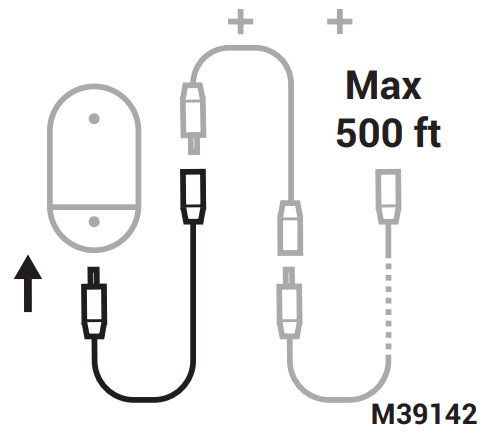
When a Leak is Detected To Silence Alerts
Press the leak detector’s button or tap the mute button in the app to mute the siren.
After you’ve addressed the cause of the alert, remove detector and cable sensor from water and wipe dry. Replace batteries if they were removed.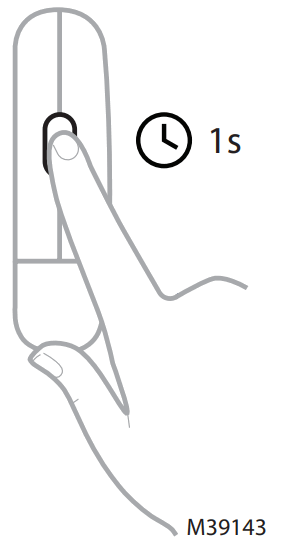
Troubleshooting
Device not Powering On
Ensure batteries have sufficient power and are inserted in the correct orientation. If batteries deplete completely, replace with 2 AA batteries.
Bluetooth Pairing Failed
If bluetooth pairing fails at any stage, perform a factory reset.
Factory Reset
To factory reset for any reason, hold the reset button for 15 seconds.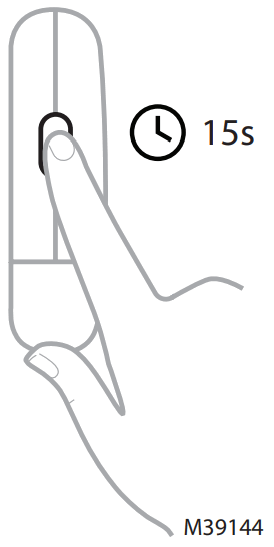
Lighting Functions
| LED Light | Light Color | Light Behavior | Device Status |
| Installation | |||
| Blue | Blinking | Bluetooth pairing mode | |
| Blue | Solid | Paired with Bluetooth | |
| Green | 2 Blinks | Connection success | |
| Red | 3 Blinks | Connection failure | |
| In Use | |||
| Red | Blinking | Detected a leak | |
| White | Solid | Factory resetting | |
| Red | Blinking | Firmware updating | |
Specifications
Part Number: RWLD3001-001, CHW3610W8001,YCHW3000W3003
Operating Temperature: 32 °F to 131 °F (0 °C to 55 °C)
Operating Humidity: 5 to 95% Non-Condensing
Shipping Temperature: -22 °F to 158 °F (-30 °C to 70 °C)
Shipping Humidity: 10 to 95% Non-Condensing Buzzer Alarm: 100 DBA
Physical Dimensions: 3.9 x 2 x 1.1in (99.4 x 52.4 x 28.6mm) Color: Grey/White
Power Input: 2x AA batteries
Weatherproofing: IP44
Action: Type 1
Rated Impulse Voltage: 71 V
Control Pollution Degree: 2
Purpose of Control: Operating electronic appliance control Construction of Control: Independently mounted control
Frequency Range (Wi-Fi): 2412-2472MHz (2462 for FCC, ISED), max. EIRP: 20dBm
Frequency Range (Bluetooth): 2402- 2480MHz, max. EIRP: 10dBm
FCC Regulations
§ 15.19 (a)(3)
This device complies with part 15 of the FCC Rules.
Operation is subject to the following two conditions:
- This device may not cause harmful interference, and
- This device must accept any interference received, including interference that may cause undesired operation.
IC REGULATIONS RSS-GEN
This device complies with Industry Canada’s license-exempt RSSs. Operation is subject to the following two conditions:
- This device may not cause interference; and
- This device must accept any interference, including interference that may cause undesired operation of the device.
FCC Warning (Part 15.21) (USA only)
Changes or modifications not expressly approved by the party responsible for compliance could void the user’s authority to operate the equipment.
RESIDEO-Extended Producer Responsibility
The product should not be disposed of with other household waste. Check for the nearest authorized collection centers or authorized recyclers. The correct disposal of end-of-life equipment will help prevent potential negative consequences for the environment and human health.
FCC NOTE: This equipment has been tested and found to comply with the limits for a Class B digital device, pursuant to part 15 of the FCC Rules. These limits are designed to provide reasonable protection against harmful interference in a residential installation.
This equipment generates, uses and can radiate radio frequency energy and, if not installed and used in accordance with the instructions, may cause harmful interference to radio communications. However, there is no guarantee that interference will not occur in a particular installation.
If this equipment does cause harmful interference to radio or television reception, which can be determined by turning the equipment off and on, the user is encouraged to try to correct the interference by one or more of the following measures:
—Reorient or relocate the receiving antenna.
—Increase the separation between the equipment and receiver.
—Connect the equipment into an outlet on a circuit different from that to which the receiver is connected.
—Consult the dealer or an experienced radio/TV technician for help.
ISED Statement
This device must accept any interference, including interference that may cause undesired operation of the device.
This equipment complies with FCC and ISED radiation exposure limits set forth for an uncontrolled environment. This equipment should be installed and operated with a
minimum distance of 20 cm between the radiator and a human body.
 www.resideo.com
Resideo Technologies, Inc.
1985 Douglas Drive North, Golden Valley, MN 55422 1-800-468-1502
33-00626EFS—01 M.S. 08-22 | Printed in United States
© 2022 Resideo Technologies, Inc. All rights reserved.
This product is manufactured by Resideo Technologies, Inc. and its affiliates.
 Smart Home Products and Systems | Resideo
 Smart Home Products and Systems | Resideo