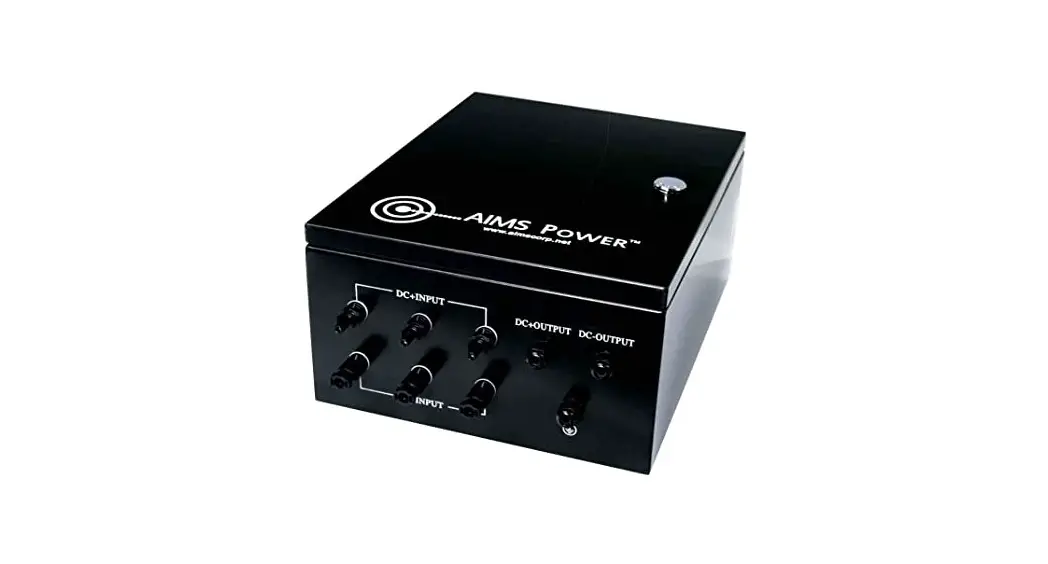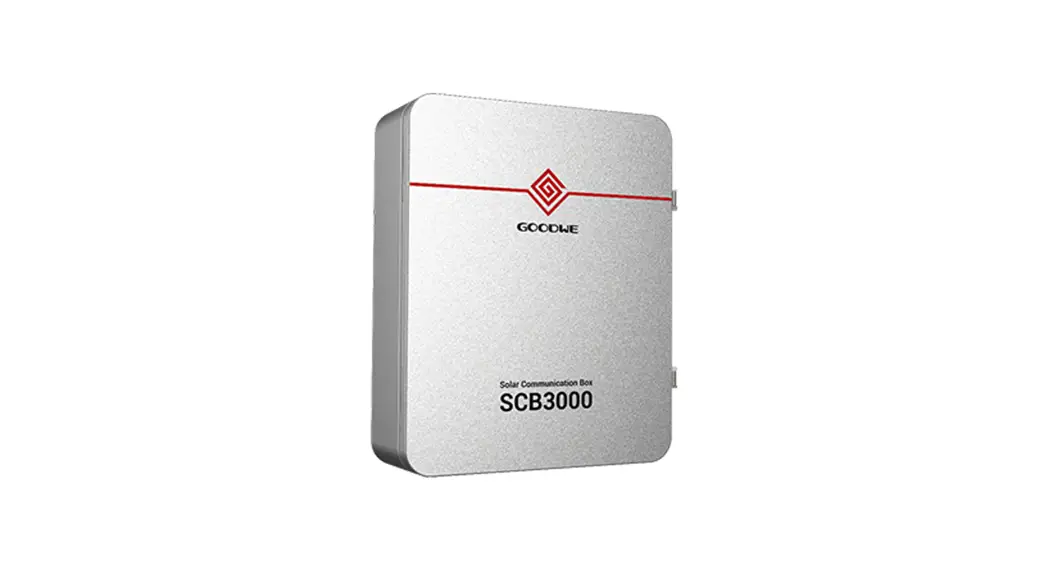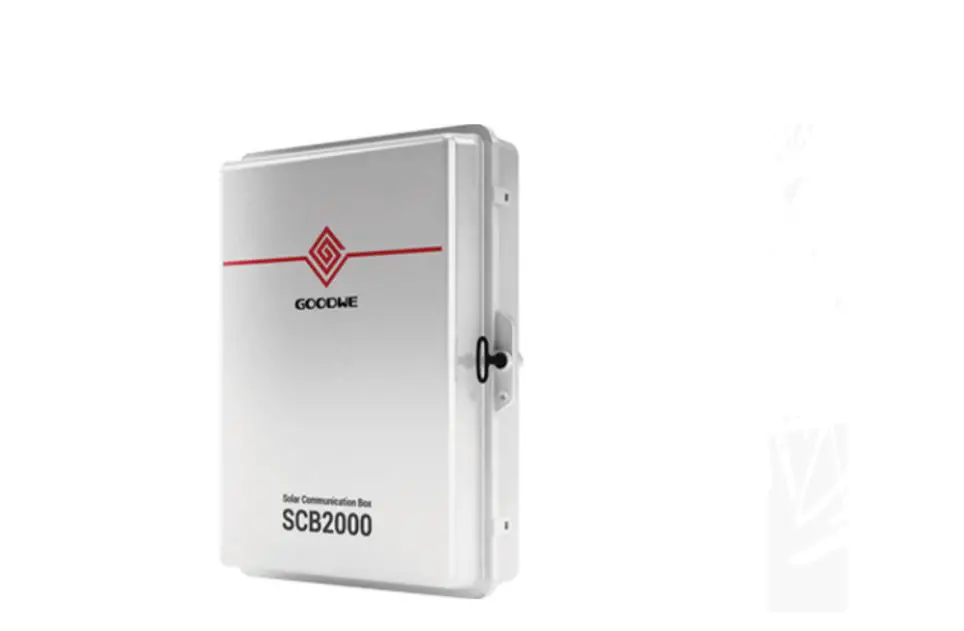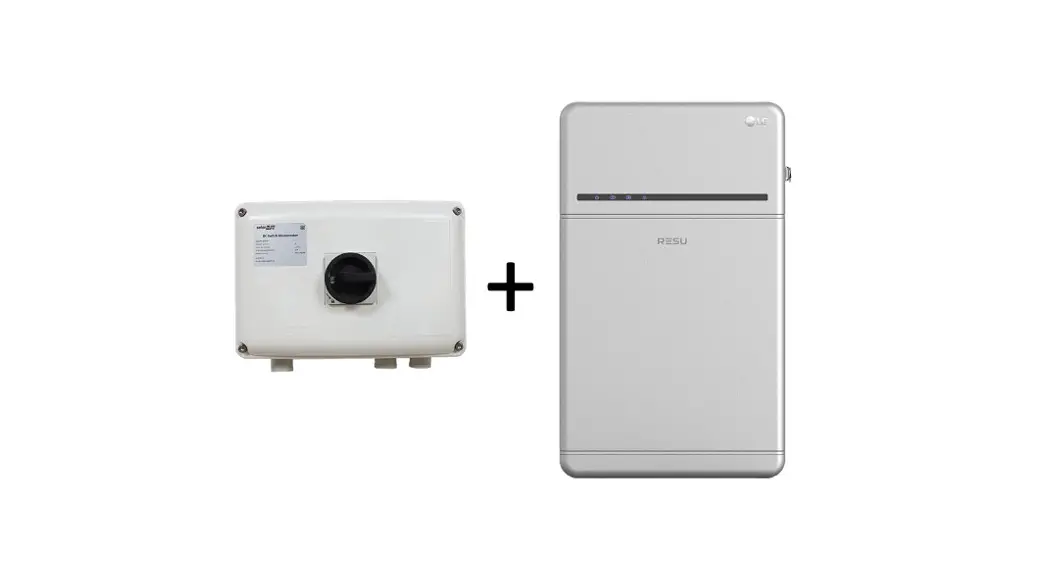
 CMBN-6K Combiner Box
Version 1.0,
User Manual
CMBN-6K Combiner Box
SolarEdge Combiner Box Installation and Connection
Product Number CMBN-6K and CMBN-10K
 WARNING!
Before installing and connecting the combiner box to the inverter and other equipment, read carefully all handling and safety instructions in the installation guides that come with the inverter and the equipment.
Before You Begin
- Switch off the inverter ON/OFF/P switch and the DC safety switch.
- Switch off AC to the inverter on the main service panel.
- Make sure the PV voltage is lower than 30V.
- Power off the battery:

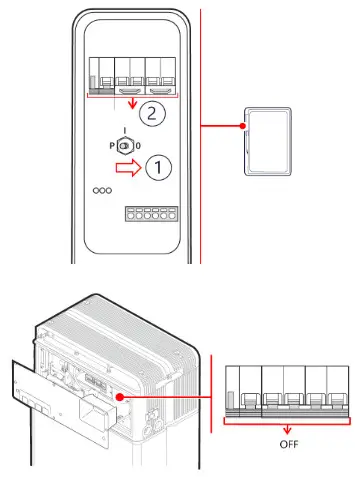
SolarEdge Energy Bank
- Toggle off the battery ON/OFF/P switch
- Turn off the battery circuit breaker.
LG Chem Prime Battery
Turn off the circuit breaker.
Installing the Combiner Box
- Select an appropriate installation location.
- Position the mounting bracket against the installation surface.
- Mark two or more drilling spots.
- Remove the bracket and drill holes where marked.
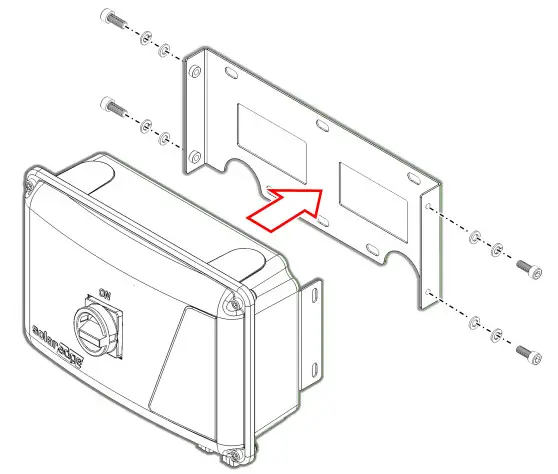
- Install the mounting bracket and secure it with screws.
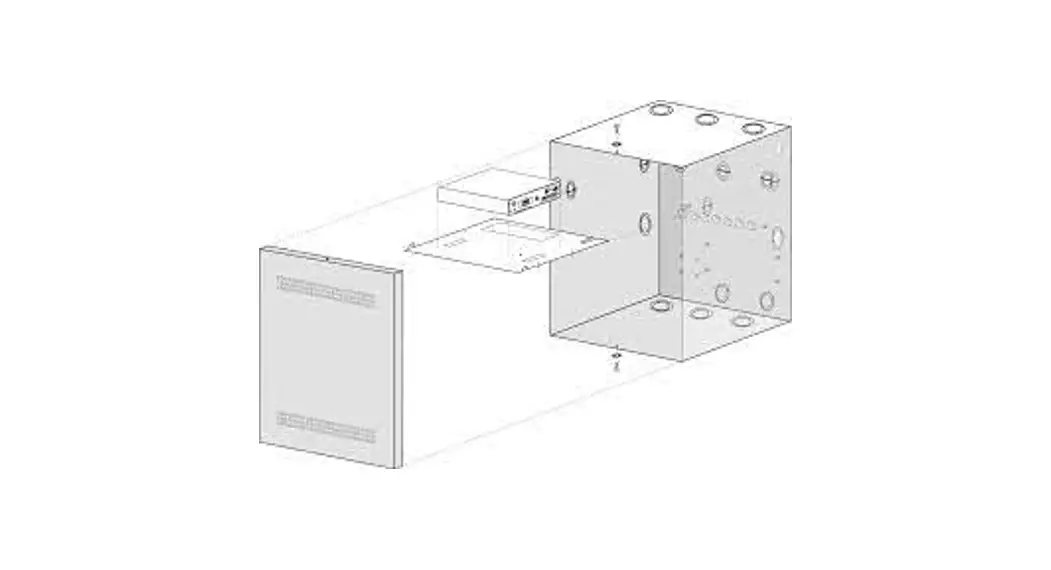
- Mount the combiner box and secure it with four screws, as shown below.

Connecting the Combiner Box
Use 4–10 mm², 600 V insulated cables. Strip 8 mm of cable insulation.
- Ground the combiner box by connecting it to the inverter. Use the grounding points marked with the
 symbol.
 - Open the combiner box cover.
- Install conduits, as required by local regulations. Maximum supported conduit diameter – 32 mm.
- Connect the DC cables from the combiner box to the inverter.
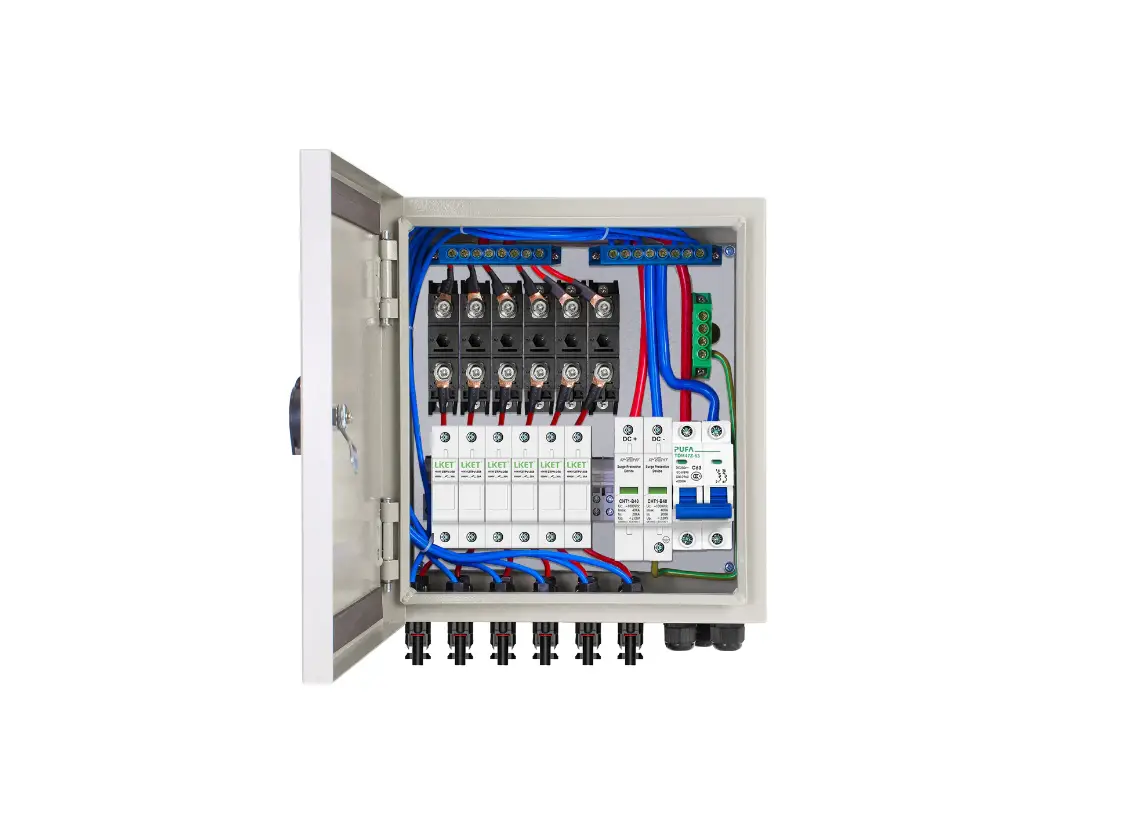
- Connect DC cables from PV strings and batteries (if installed) to the terminal blocks, as shown below.

- Mount the combiner box cover and secure it with four screws with a torque of 1.2 N*m.
 symbol.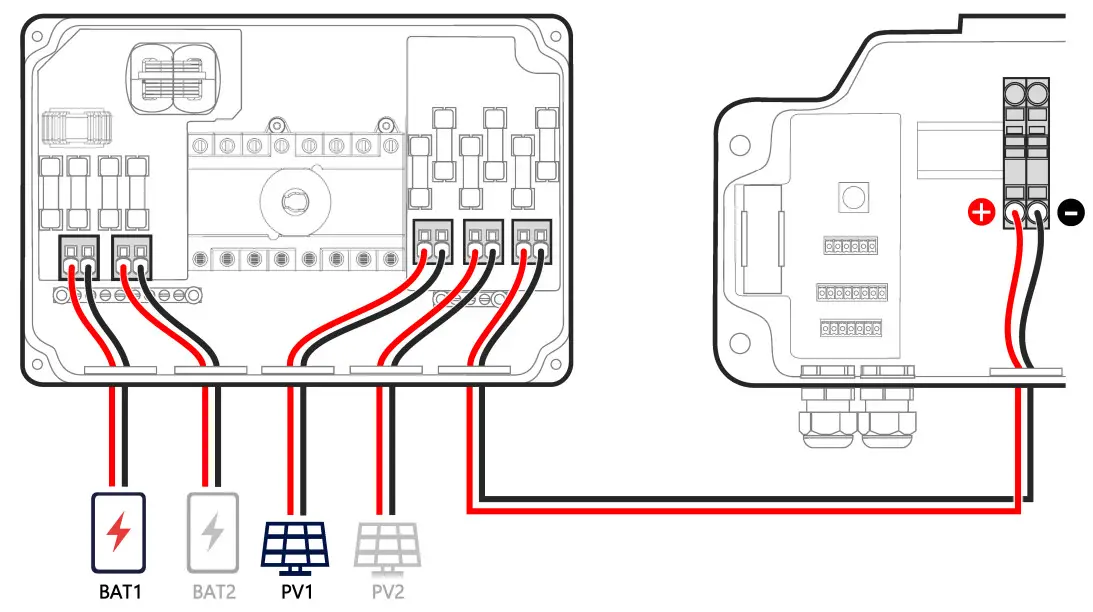
SolarEdge Combiner Box Installation and Connection