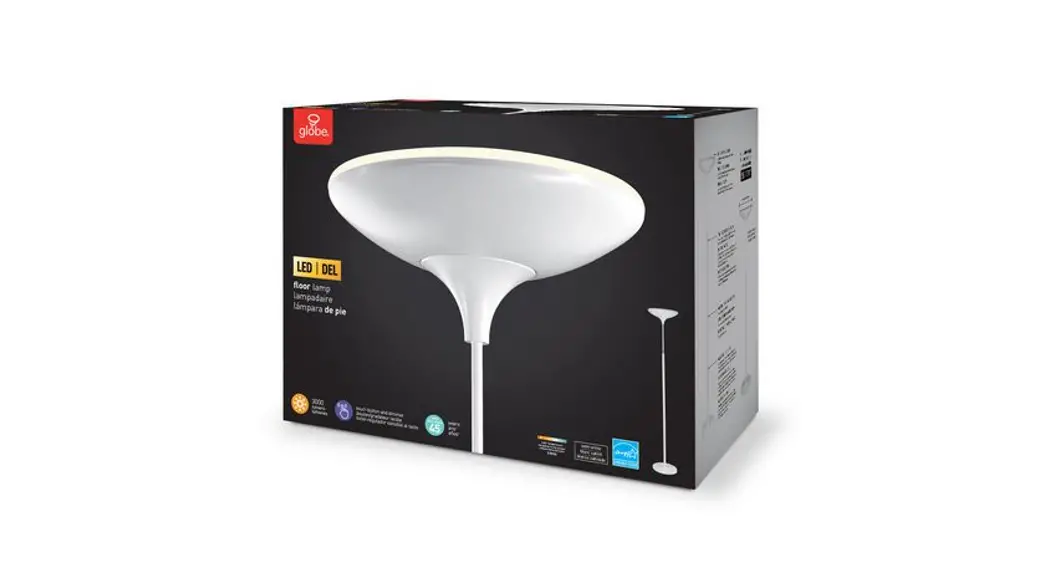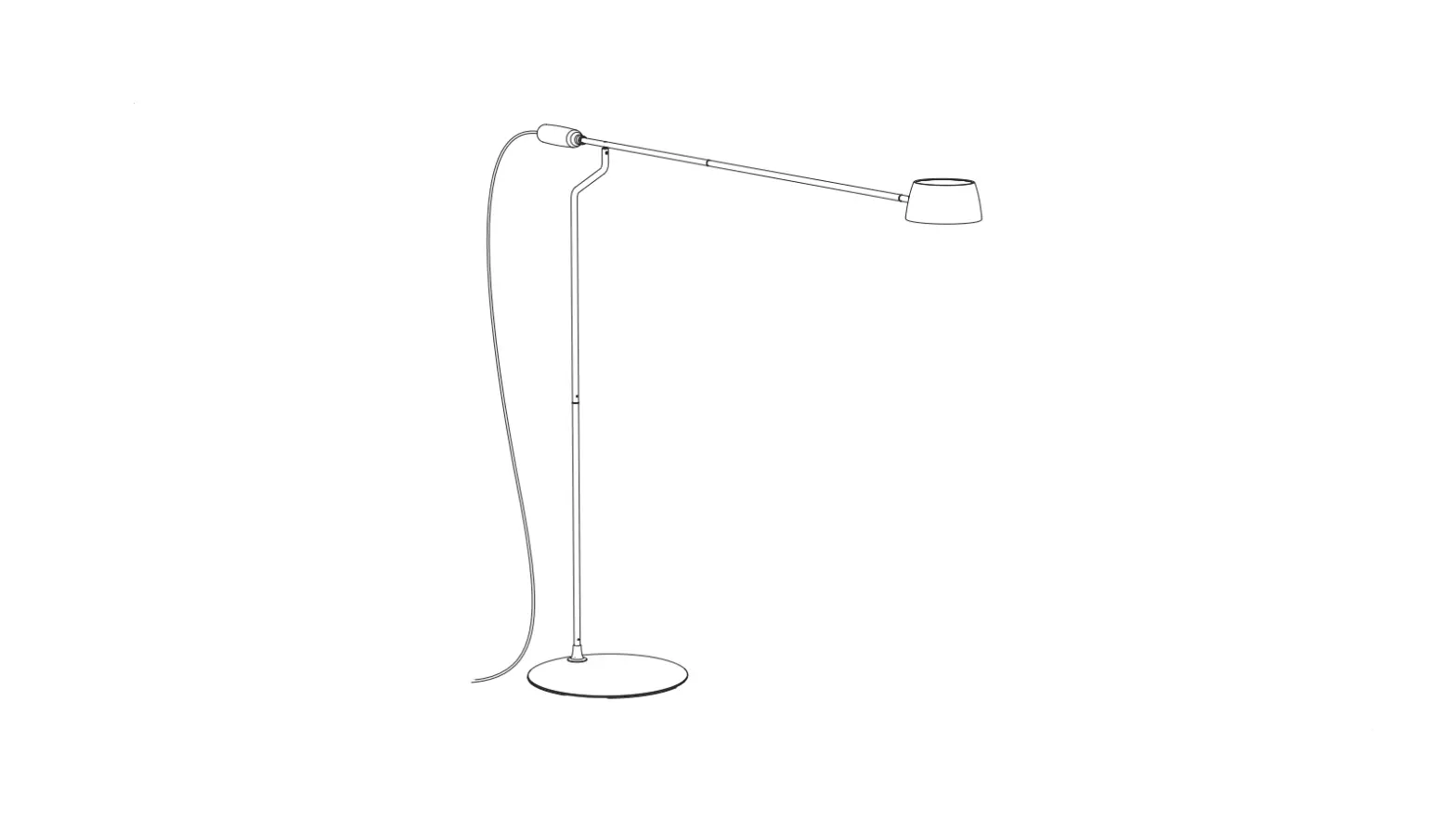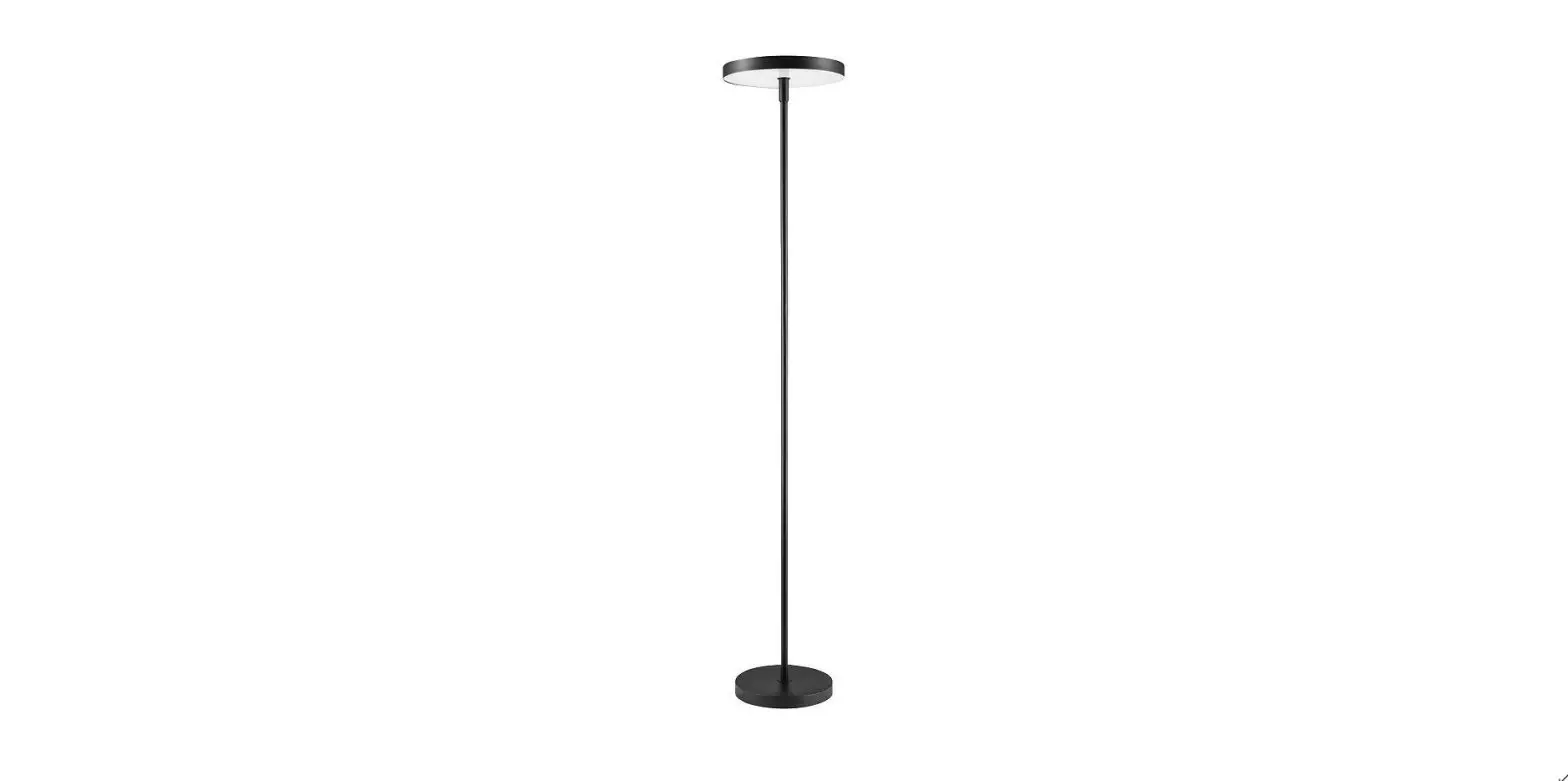

globe 67589* Smart Floor Lamp
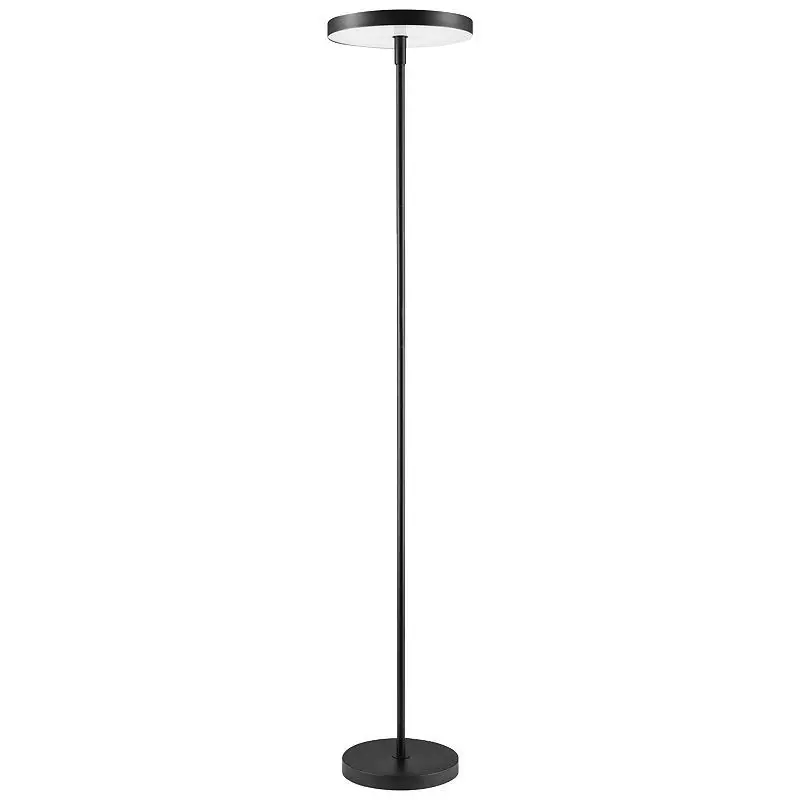
Thank you for selecting Globe as your smart home solution. With proper care, this product will provide years of pleasure and enjoyment.
Check out the installation video on our website: globeelectric.com/smart
IMPORTANT SAFETY INSTRUCTIONS
This portable lamp has a polarized plug (one blade is wider than the other) as a safety feature to reduce the risk of electric shock. This plug will fit in a polarized outlet only one way. If the plug does not fit fully in the outlet, reverse the plug. If it still does not fit, contact a qualified electrician. Never use with an extension cord unless the plug can be fully inserted. Do not alter the plug.
CLEANING:
Before cleaning your lamp, unplug or disconnect the power source. Wipe the lamp with a soft, clamp cloth.
ATTENTION:
If the supply cord is damaged, it must be replaced by the manufacturer or a similarly qualified person in order to avoid a hazard.
FEATURES
- LED integrated. Dimmable
- RGB: Choose from a full spectrum of colors
- Tunable white (2000k-5000k): Choose from a focused bright white to a relaxed sunset glow
- On / Off touch switch
- Manually or remotely control plugged-in devices with the Globe Suite app
- Pair with Google Home or Amazon Alexa (sold separately) to control your plugged-in devices through voice commands
- Set schedules and control your light from anywhere
SPECIFICATIONS
| 2500 lumens (at 5000 K) | 36.39 watt |
| Lasts 50,000 hours | Wireless Type: 2.4GHz |
| 120 V · 60Hz |
INSTRUCTIONS
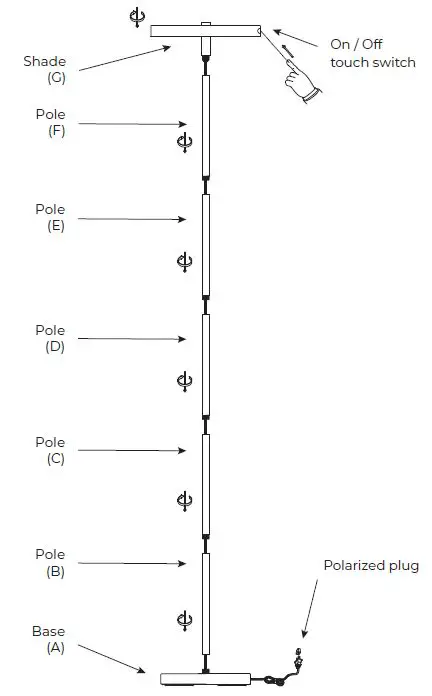
- Insert lamp pole (B) into lamp base (A) turn clockwise to tighten.
- Insert lamp pole (C) into lamp pole (B) and turn clockwise to tighten.
- Insert lamp pole (D) into lamp pole (C) and turn clockwise to tighten.
- Insert lamp pole (E) into lamp pole (D) and turn clockwise to tighten.
- Insert lamp pole (F) into lamp pole (E) and turn clockwise to tighten.
- Insert shade (G) into lamp pole (F) and turn clockwise to tighten.
CONNECTING INSTRUCTIONS
- Let’s get started!

- Download the Globe SuiteTM app from the App Store or Google Play to your mobile device.
- Launch the Globe SuiteTM app.
- To register, enter your email address. Create a password, then login to the app.
OR - Login if you already have an account.
- Verify your network

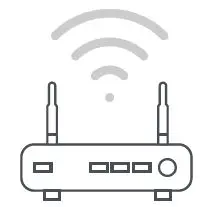
- Verify your network and ensure your mobile device is connected to a 2.4 GHz Wi-Fi channel.
- Consult your router documentation for detailed instructions on how to change wireless settings.
- Add a device

- Power on your Smart Light.
- Once installed, the light should be flashing rapidly.
- If it is not flashing rapidly, press and hold the touch switch located on the shade of the Smart Light for 5 seconds.\
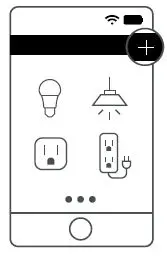
- Select the “+” symbol on the top right-hand corner.
- Select your product type and follow the instructions within the app.
- If the connection fails, try using AP mode.
Add a device: AP mode - On the “add a device” page select AP mode on the top right-hand corner and follow the instructions within the app.
- You’re good to go!
Scan mode - If the connection fails, try scan mode. Select the “+” symbol on the top right-hand corner.
- Select “Scan”. Follow instructions within the app.
- You’re good to go!
- Set up voice assistance

- Instructions in the Globe SuiteTM app:
Select “Profile”, select “Integration”, choose your voice assistant and follow instructions.
- Instructions in the Globe SuiteTM app:

Did you know?
Most modern routers are dual-band meaning they support both 2.4 GHz and 5 GHz channels.
The most common wireless options are:
- Mixed: The router will broadcast both 2.4 GHz and 5 GHz simultaneously under the same SSID. The device will choose which to connect to based on multiple variables (congestion, distance to router etc.).
- 2.4 GHz: Broadcast only on this channel.
- 5 GHz: Broadcast only on this channel.
- Dual 2.4 and 5 GHz using Separate SSIDS: The router will broadcast both channels and the user manually decides which to connect to.
Since 1932, Globe has taken pride in offering products of the highest quality, and a level of service unparalleled in the industry. Should you encounter any difficulties, have any questions or simply wish to offer us your valuable feedback, you may contact us in the following ways:
Toll-Free Telephone: 1-888-543-1388 (North America Only) / Toll-Free Fax: 1-800-668-4562 (North America Only)
E-Mail: [email protected]/ Mail: Globe Electric Customer Service Department 150 Oneida, Montreal, Quebec, Canada H9R 1A8
Please visit our website to discover other quality Globe products: http://www.globe-electric.com
 Electric | The Largest Consumer Energy & Renewables Platform