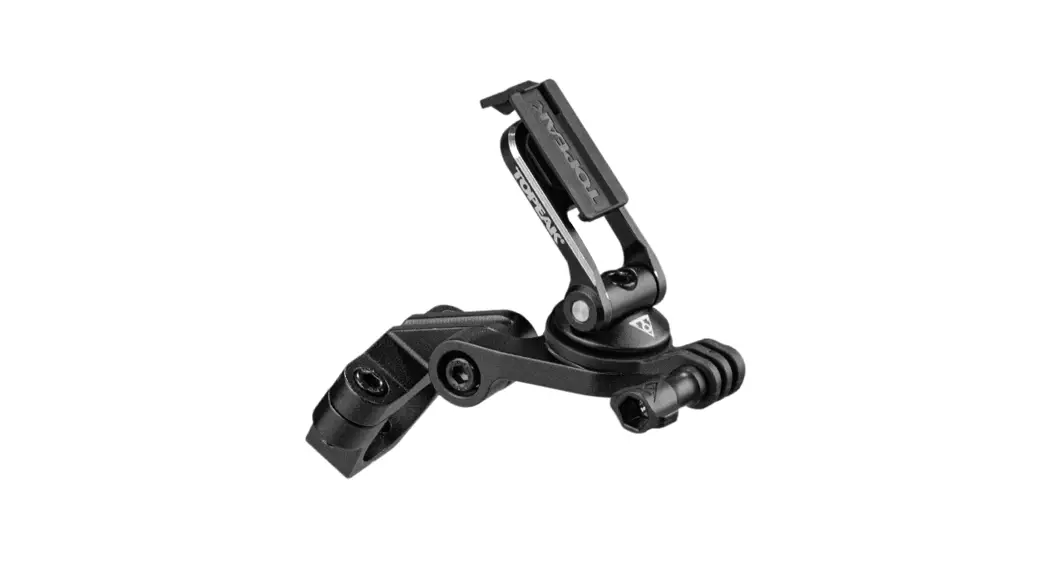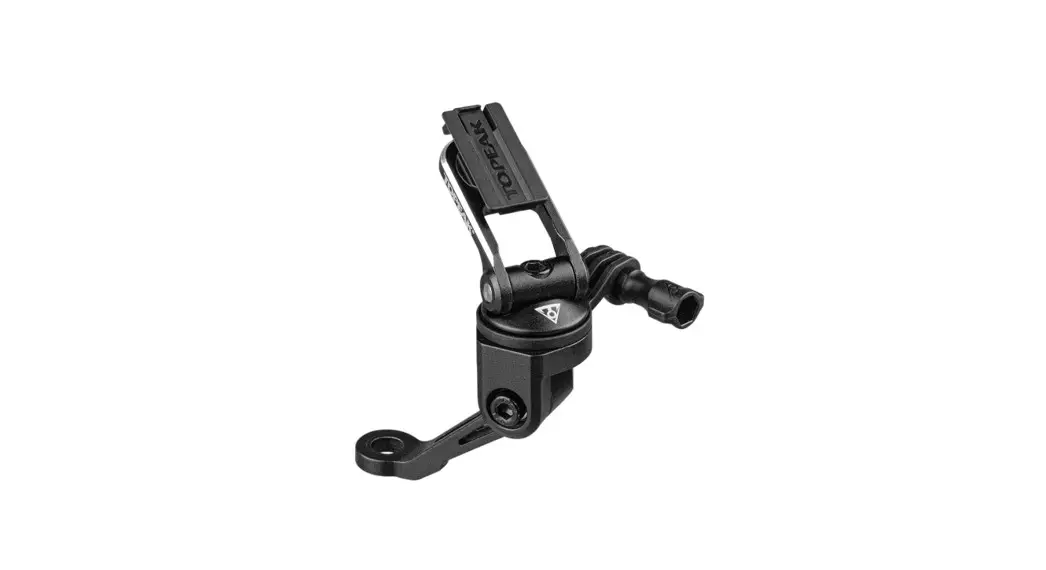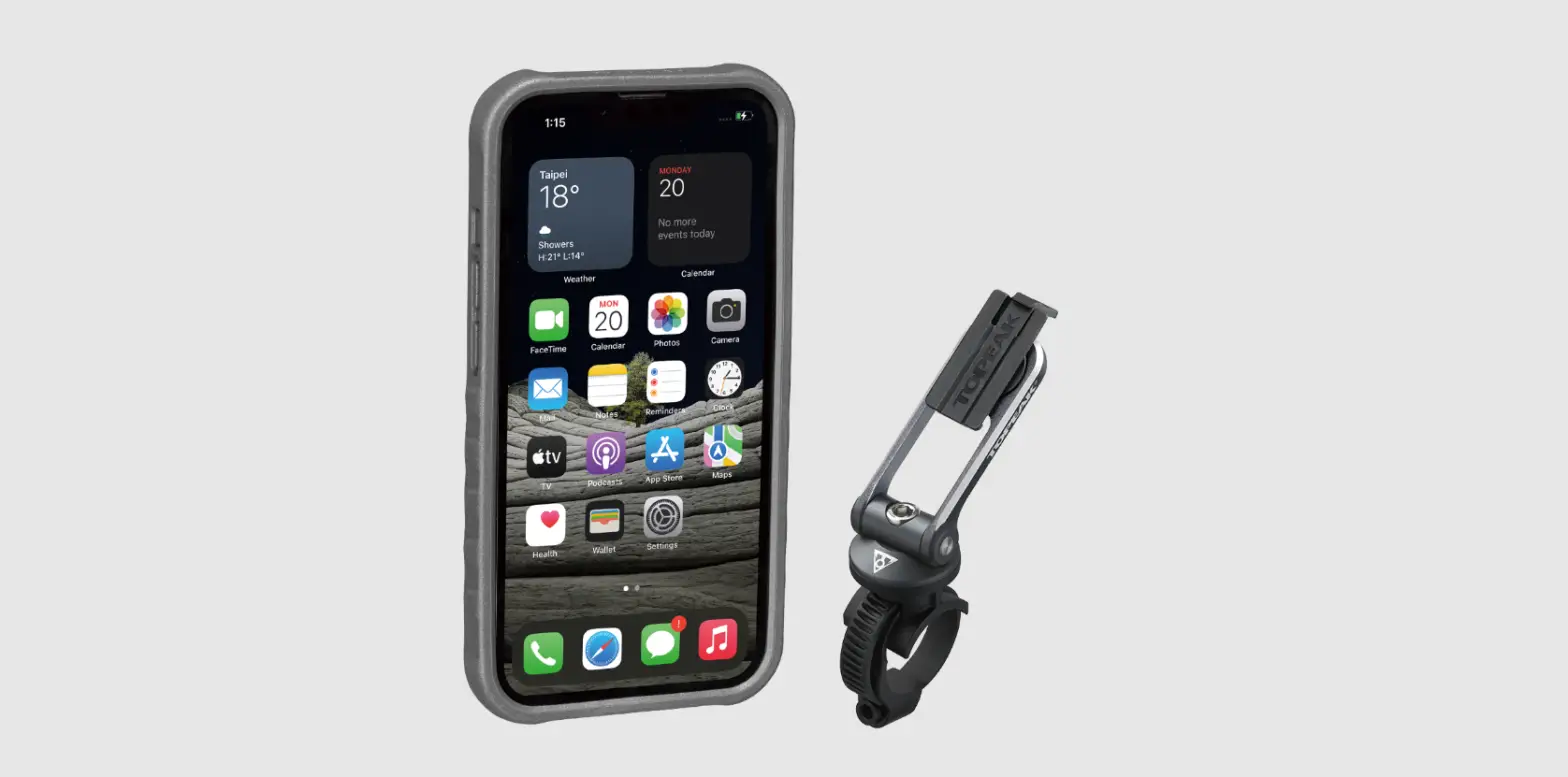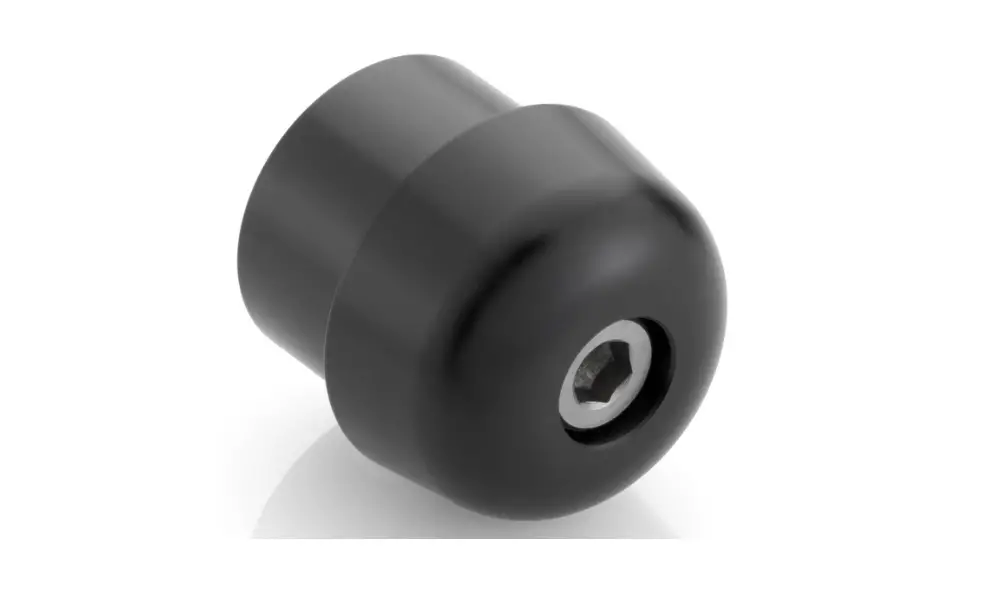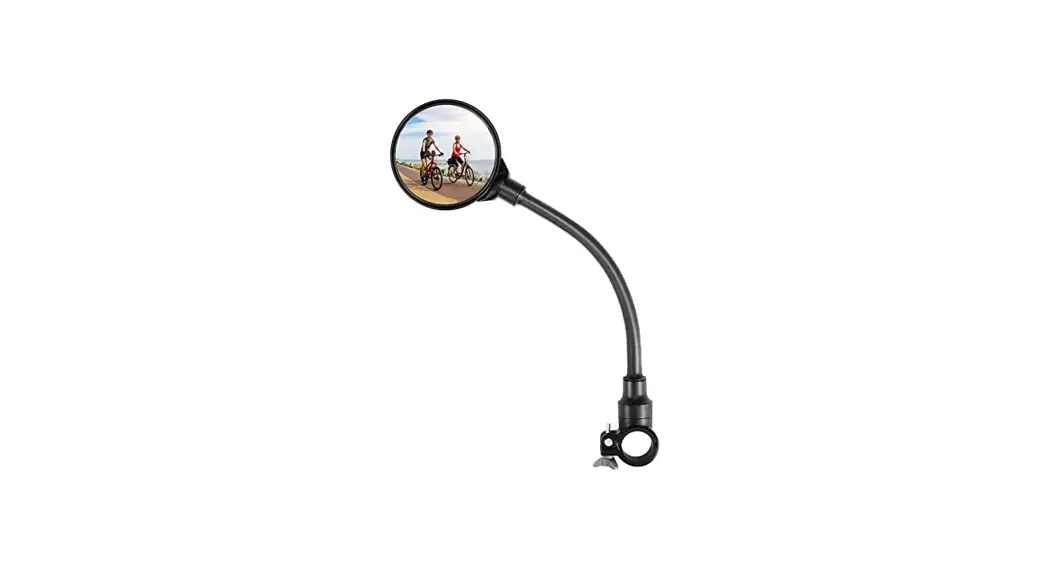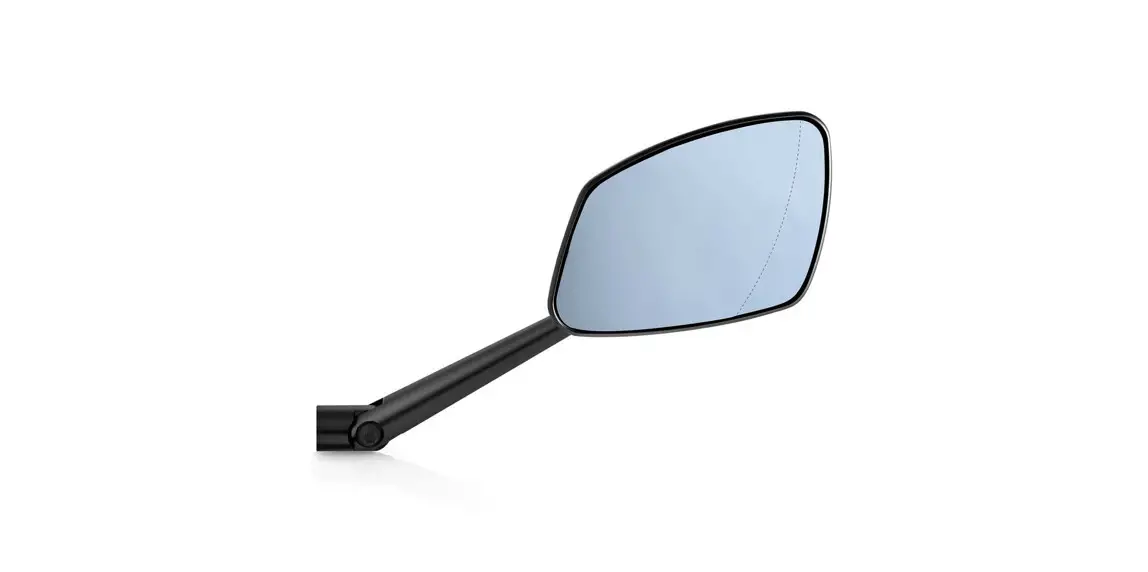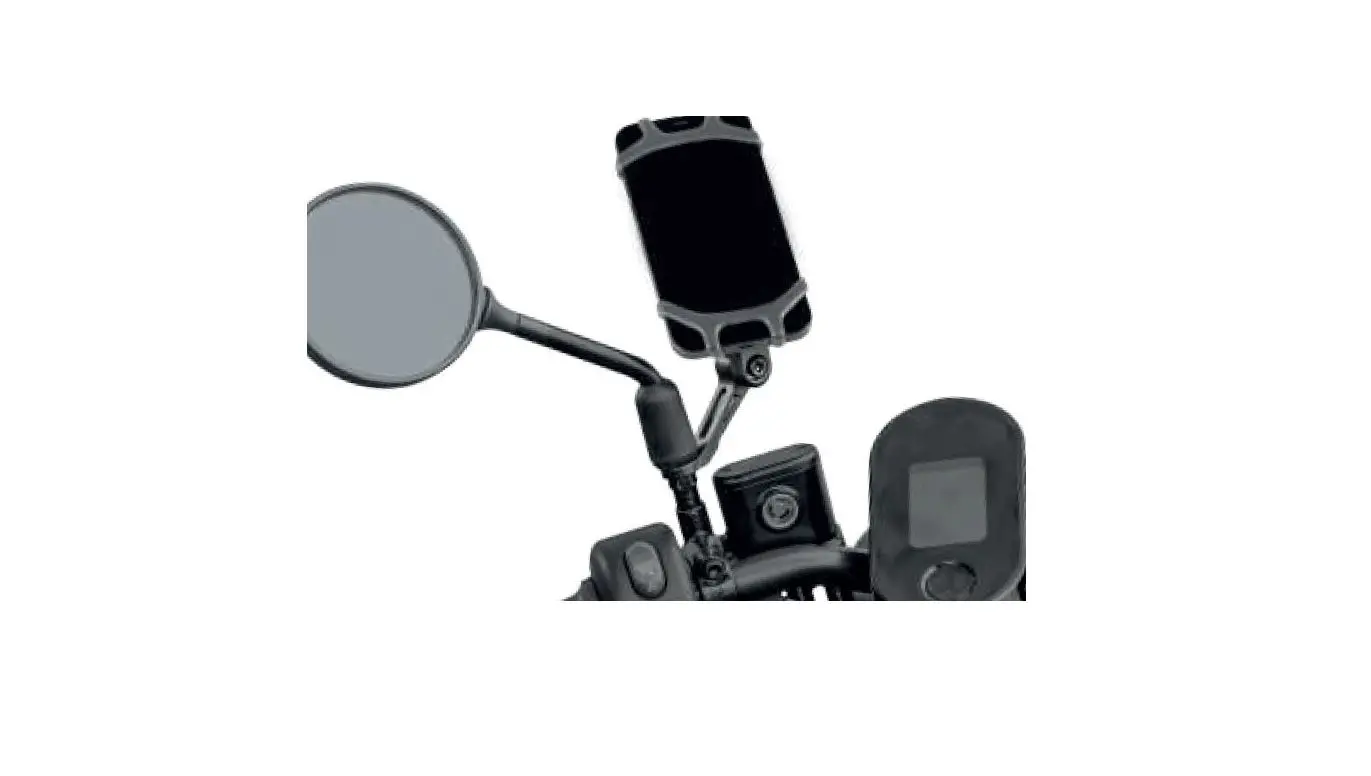

TOPEAK RideCase Mount RM Mirror
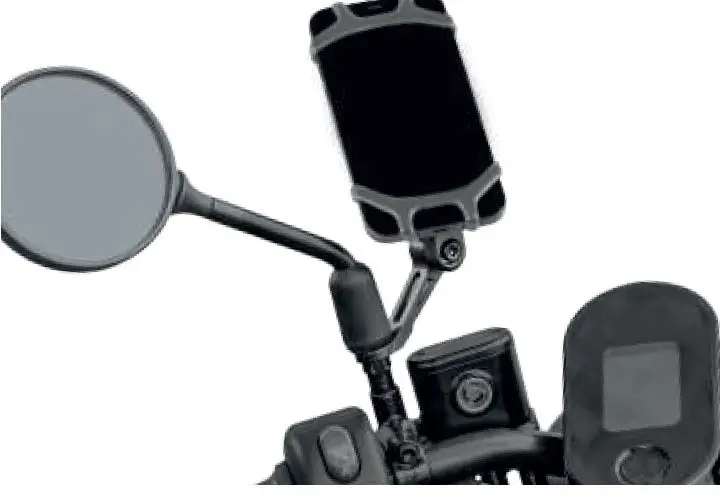
Included parts
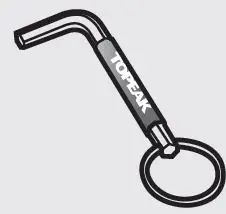
5mm Allen key
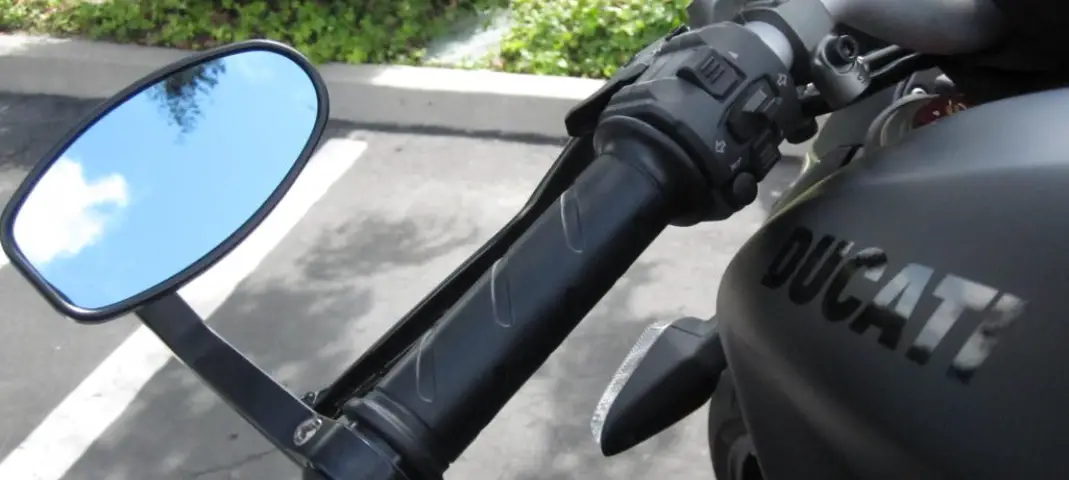
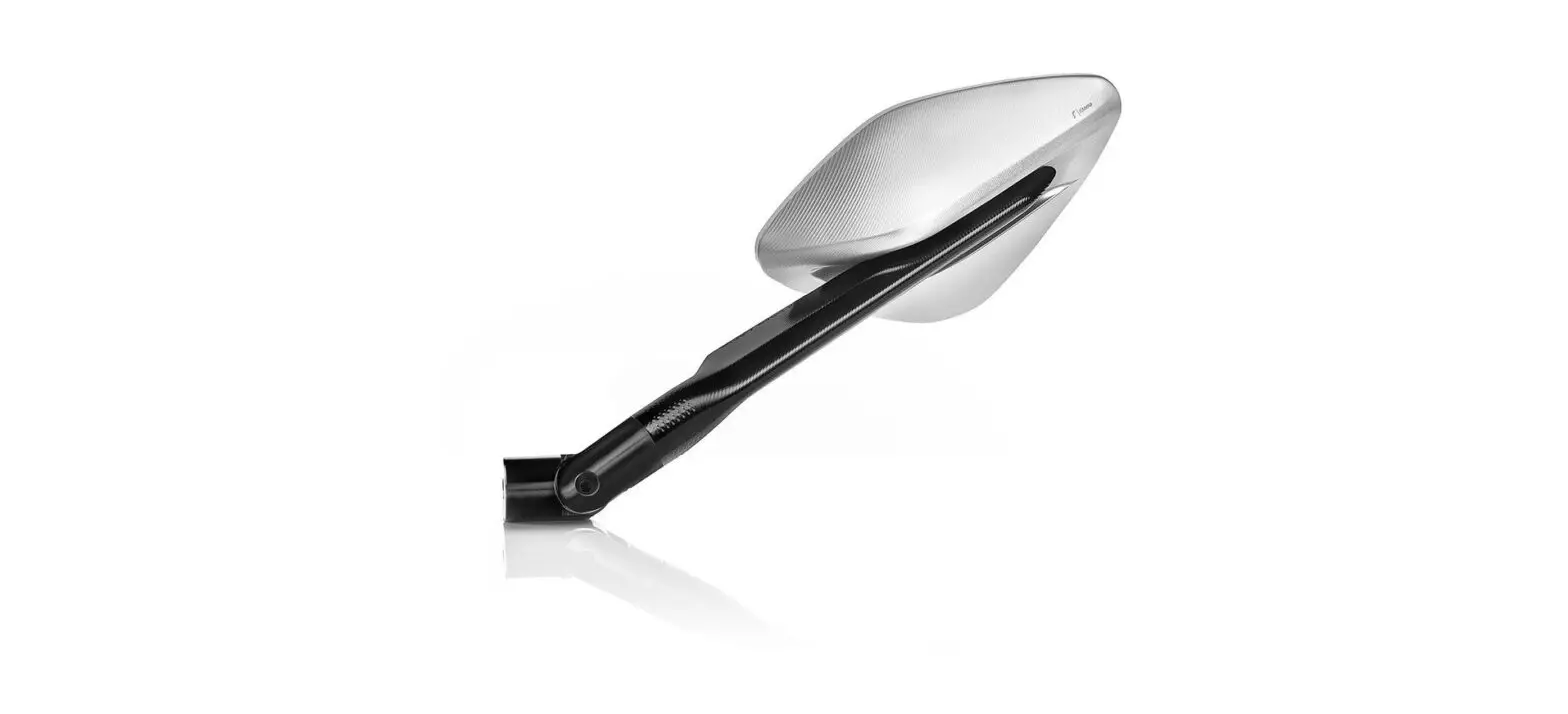
REMOVE THE REAR-VIEW MIRROR
Step 1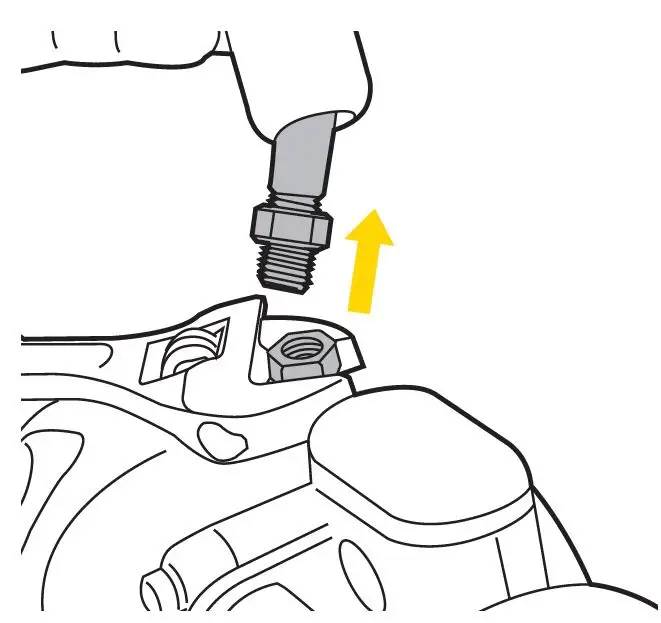
Disassemble the rear-view mirror first.
Step 2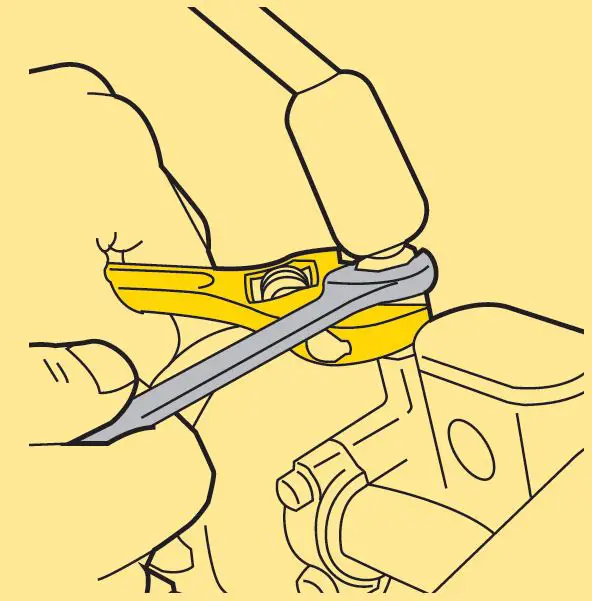
Depend wrenches on to different remove the motorcycles. rear mirror You may need to use 1 or 2
INSTALL RIDECASE MOUNT RM
Step 1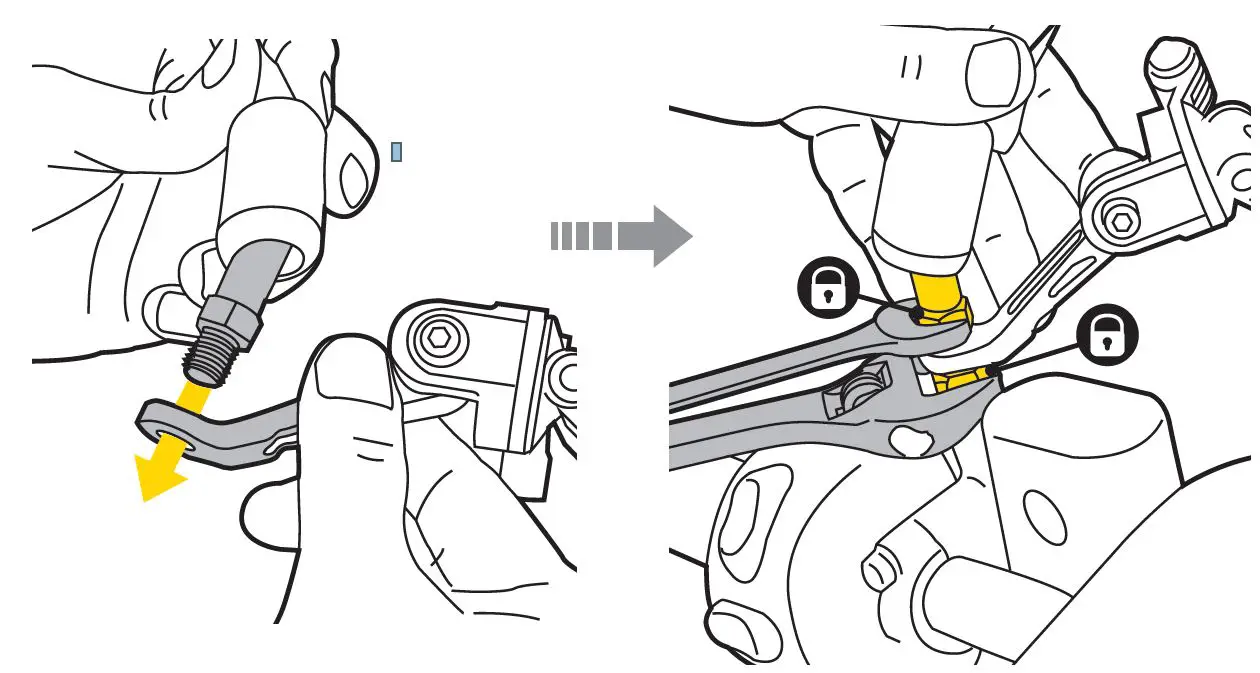
DOES NOT shake.
Step 2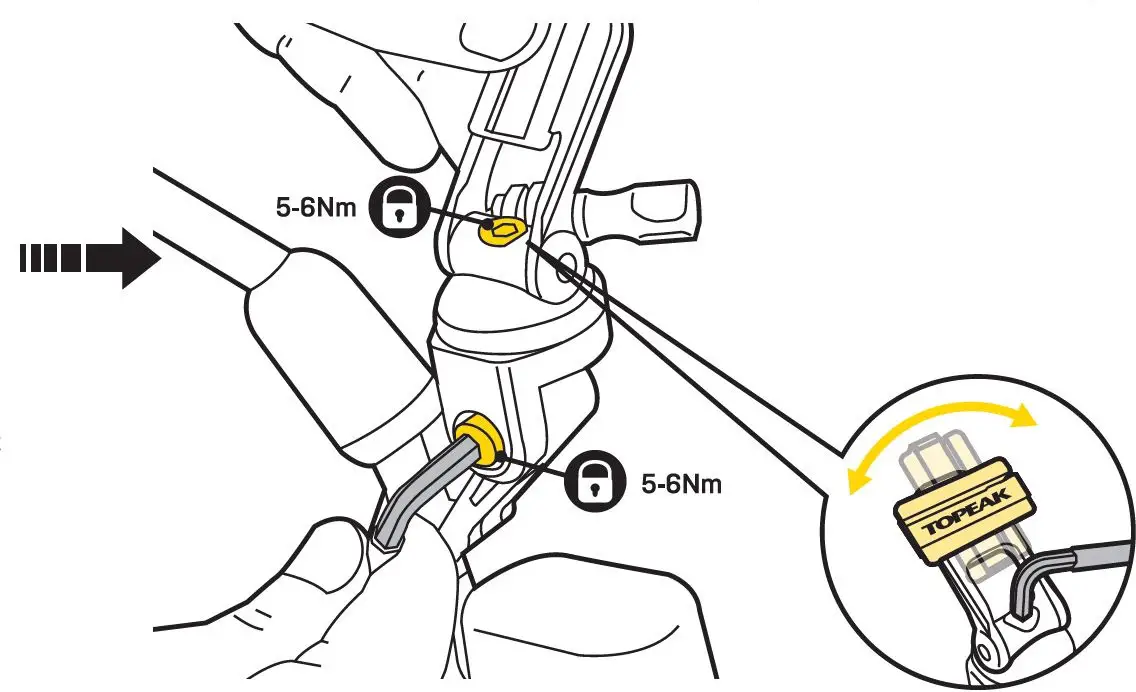
Fasten the screw after finishing the angle adjustment the bolt mount for better access to the adjustment boil
Step 3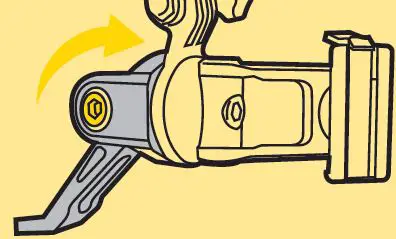
Rotate to the desired angle and fasten to proper torque.
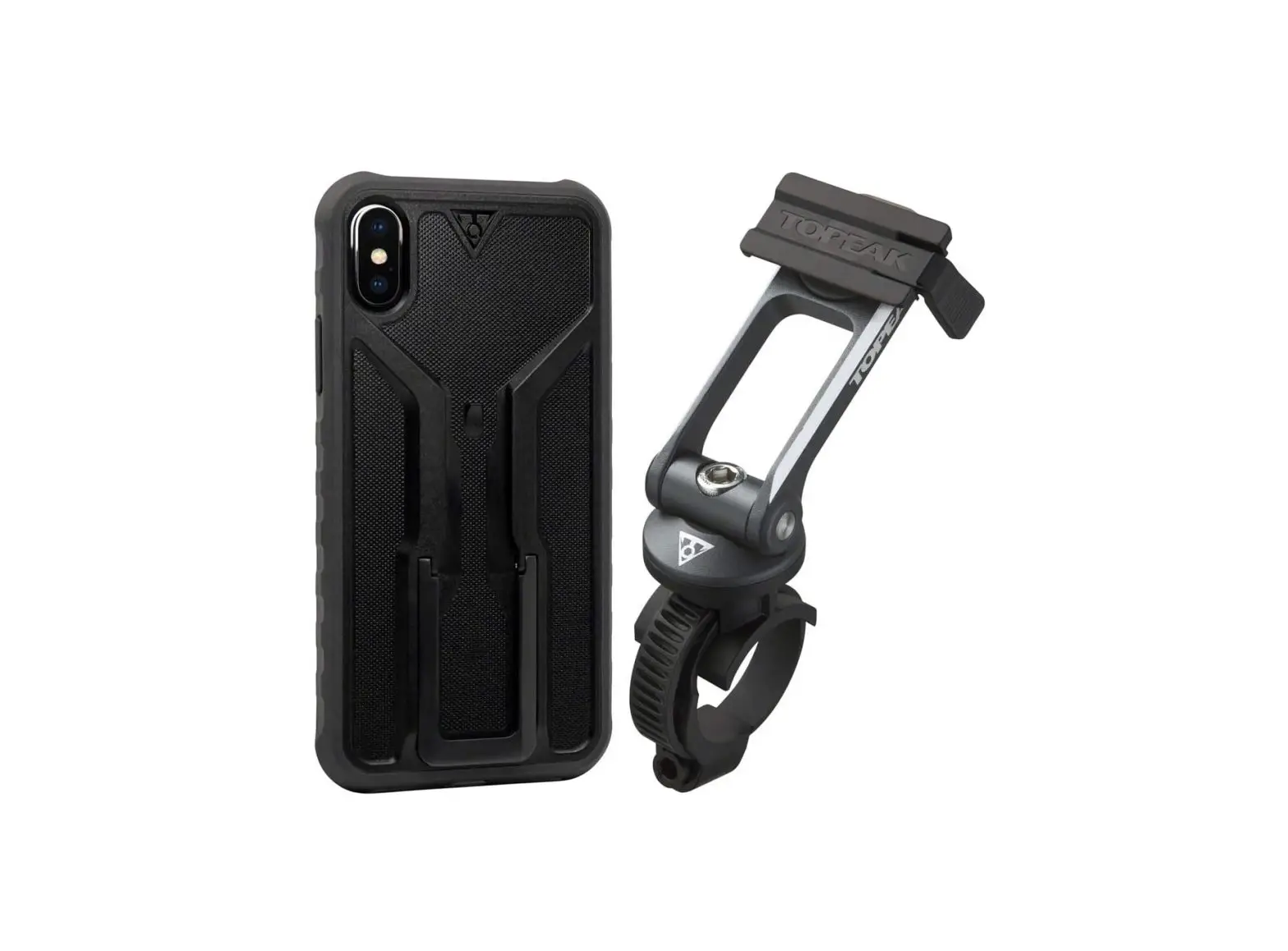
INSTALL OMNI RIDCASE
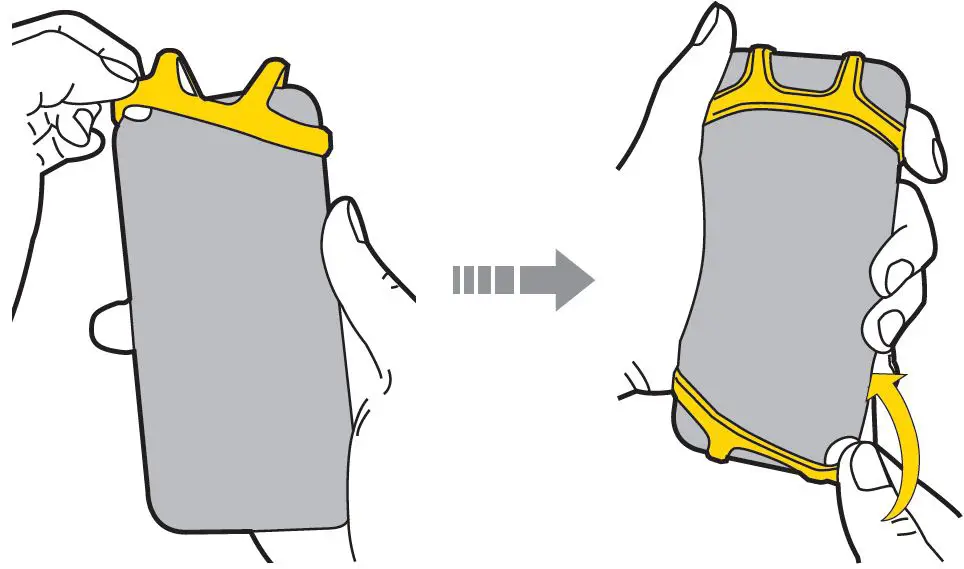
Pull the OMNI RIDECASE band to wrap the smartphone edges.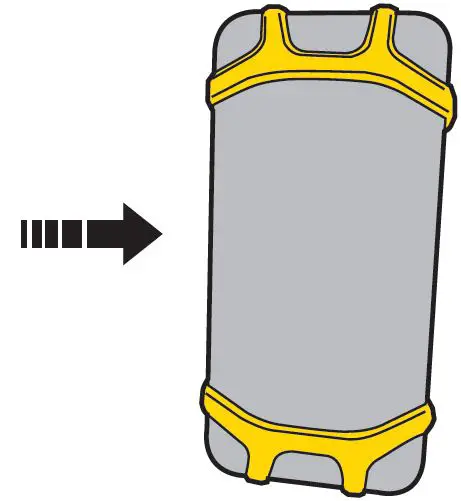
INSTALL REMOVE OMNI RID CASE
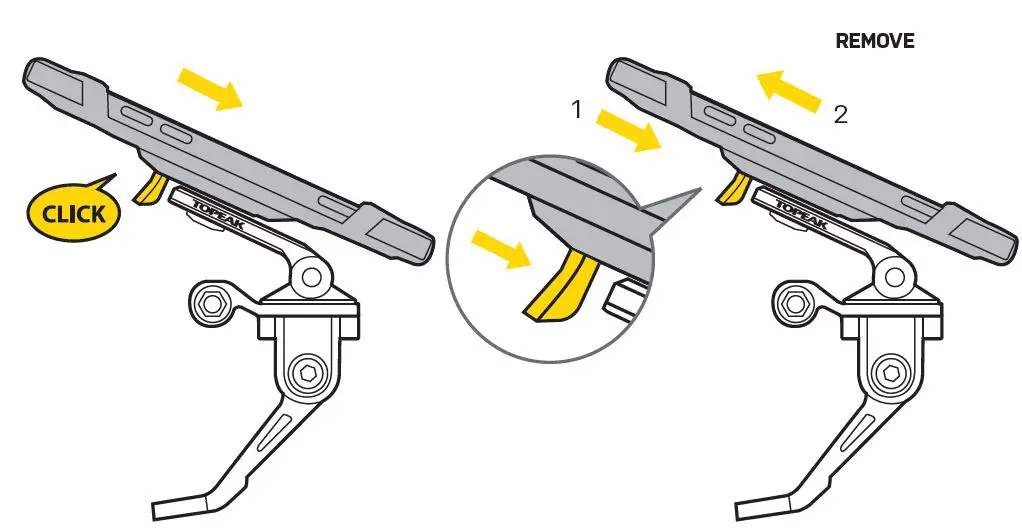
Press the release button to remove the smartphone remove from Ridcase Mount
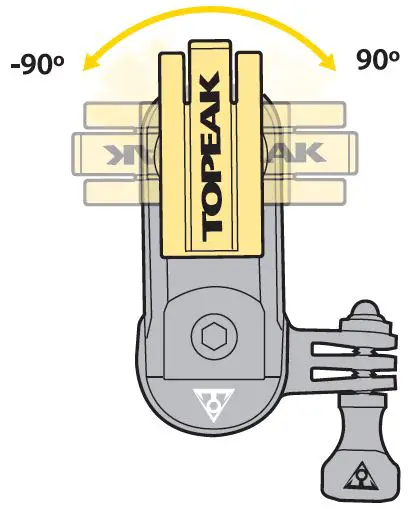
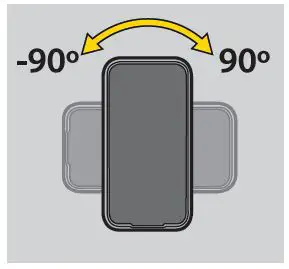
ROTATION ADJUSTMENT


WARNING
- After installing Omni RideCase onto RideCase Mount HB check that it is firmly fixed on the mount.
- Periodically check all bolts and tighten as needed.