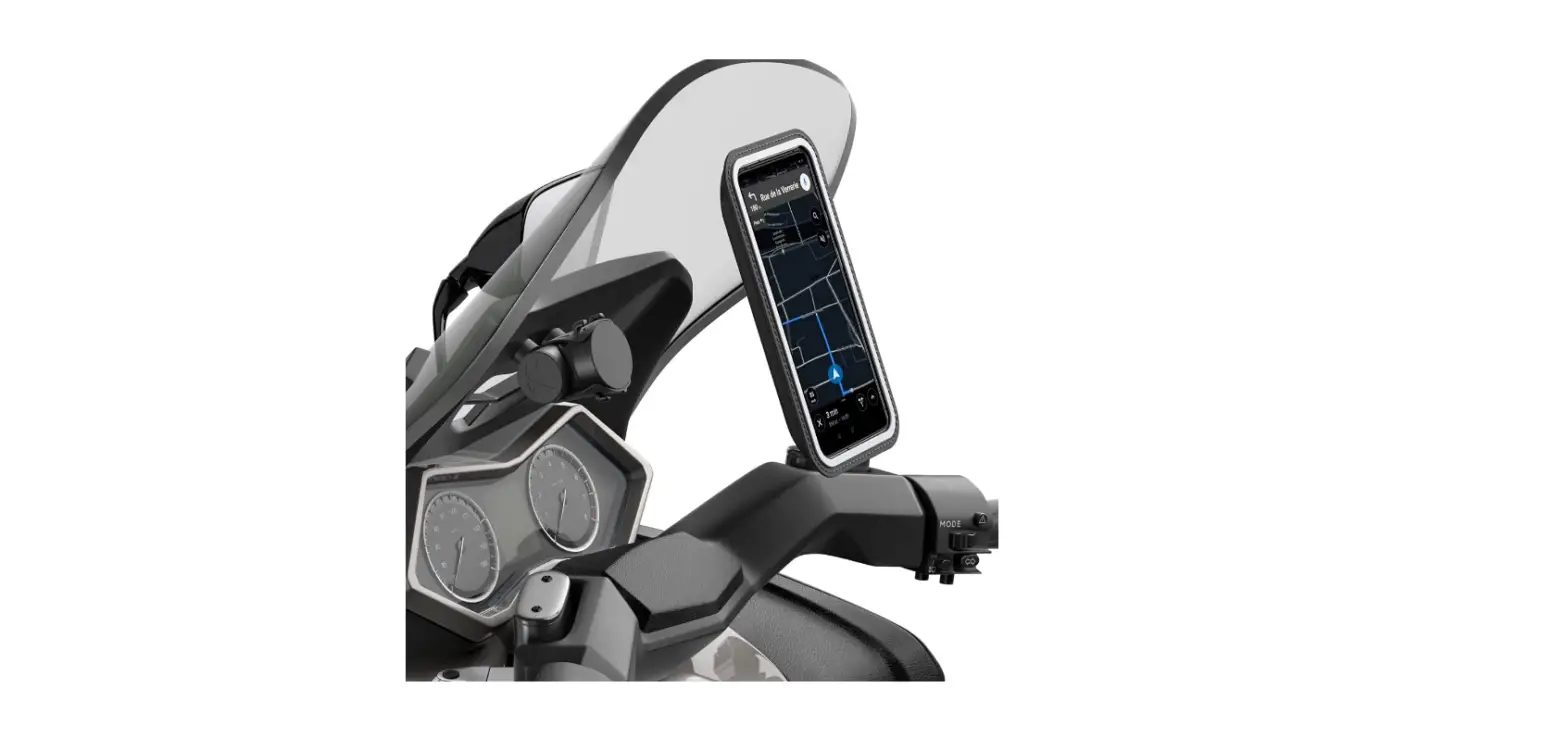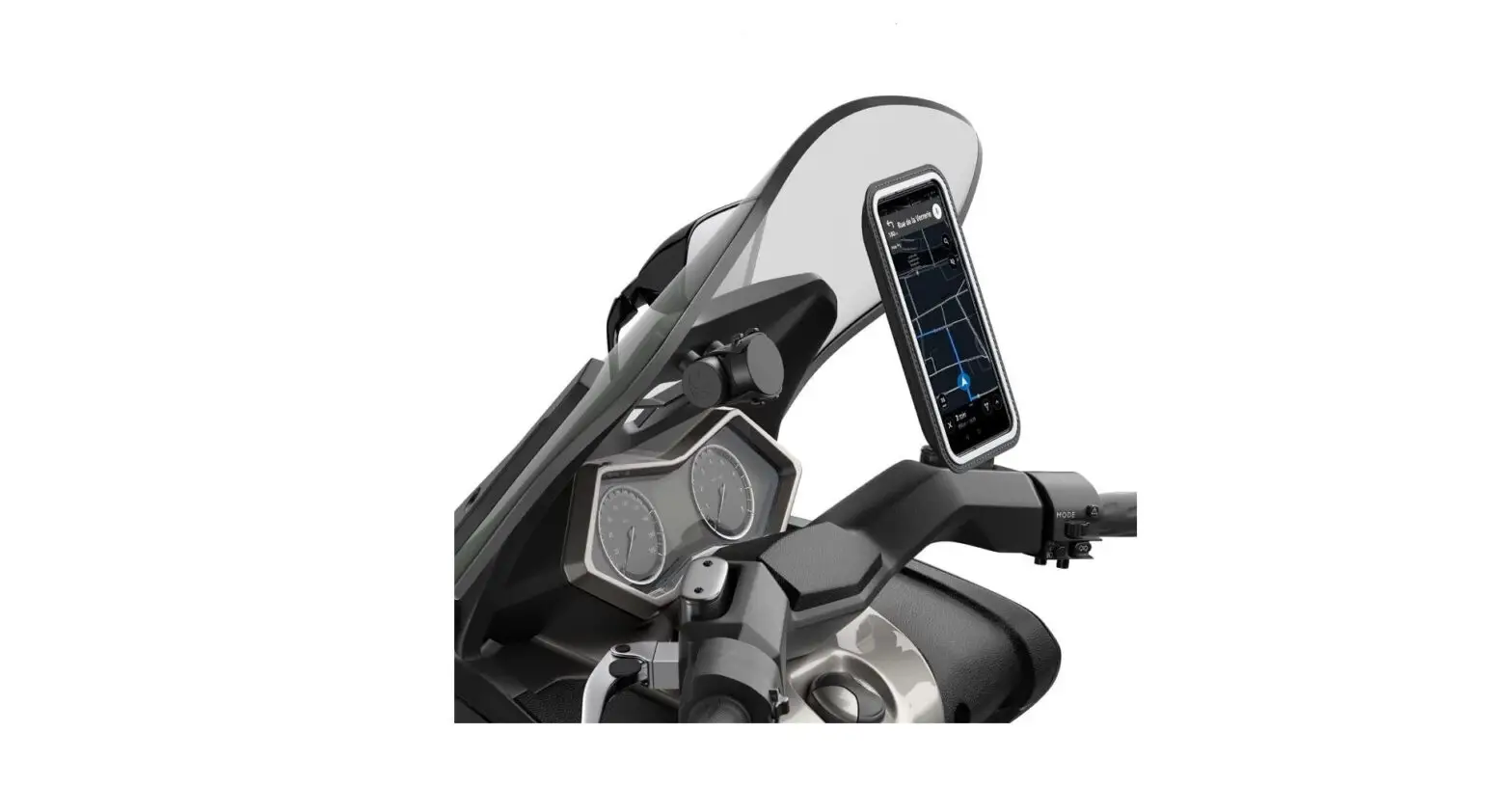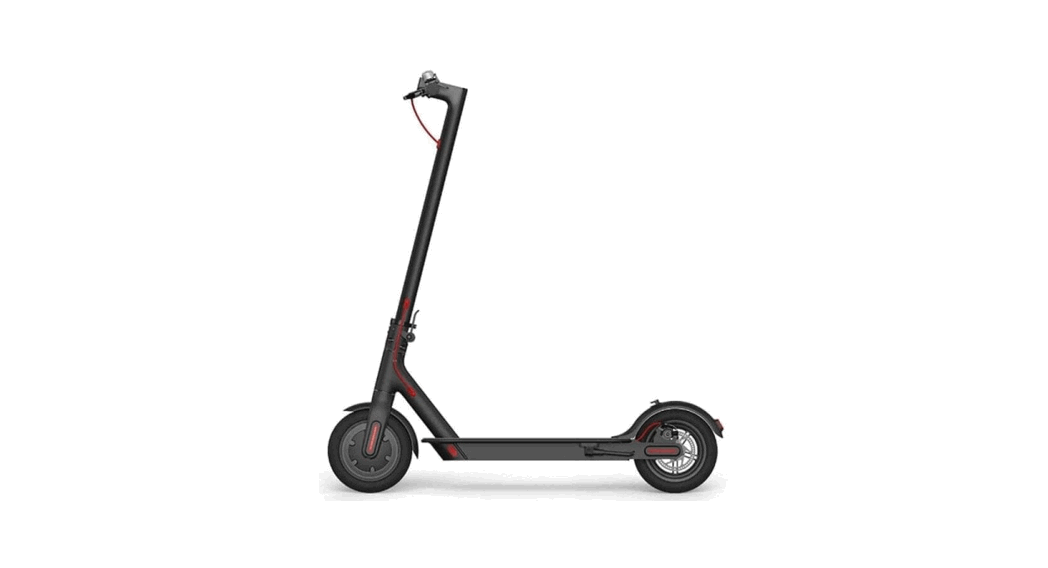

SHAPEHEART Scooter Bundle Magnetic Mirror Smartphone Holder
INTRODUCTION
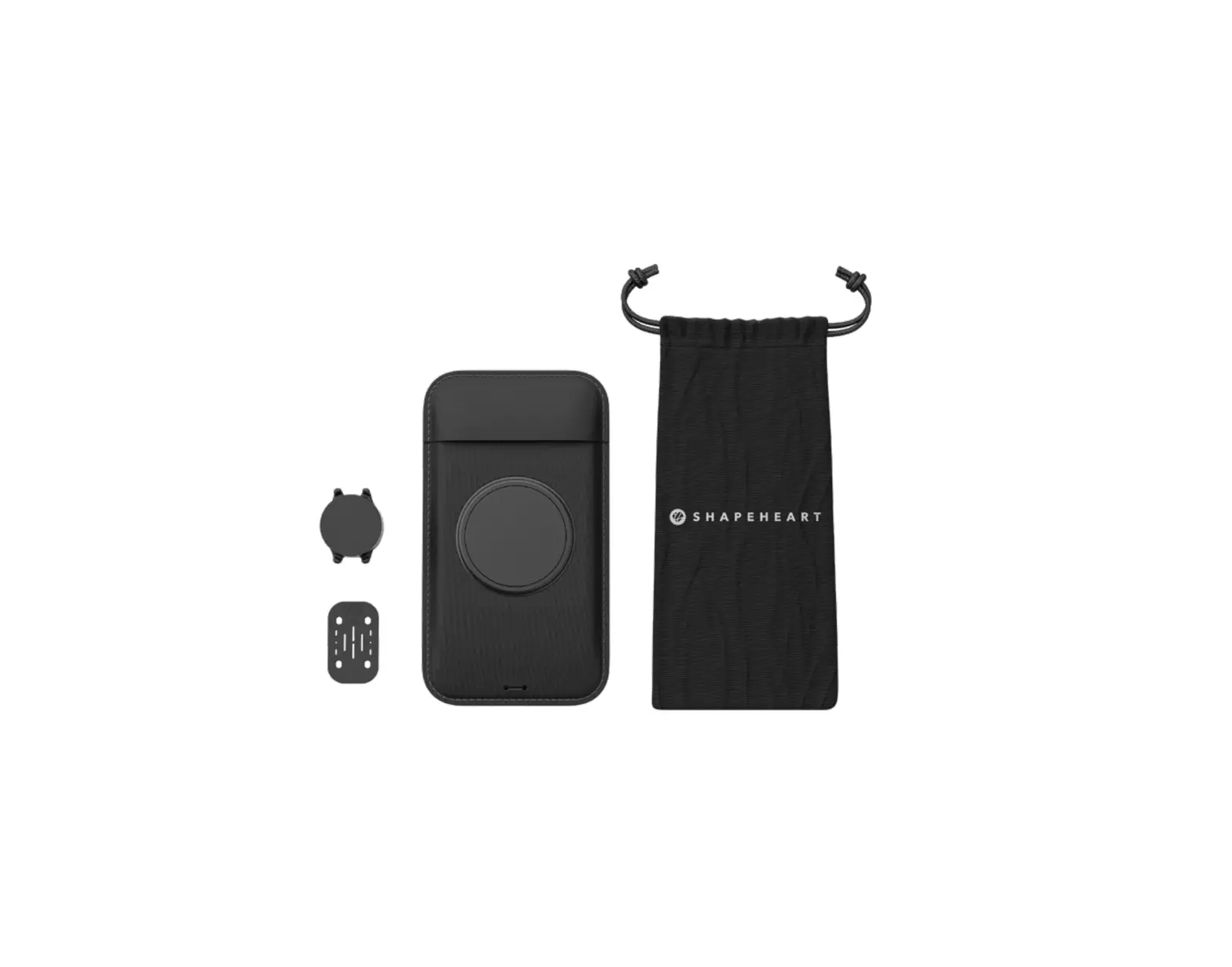
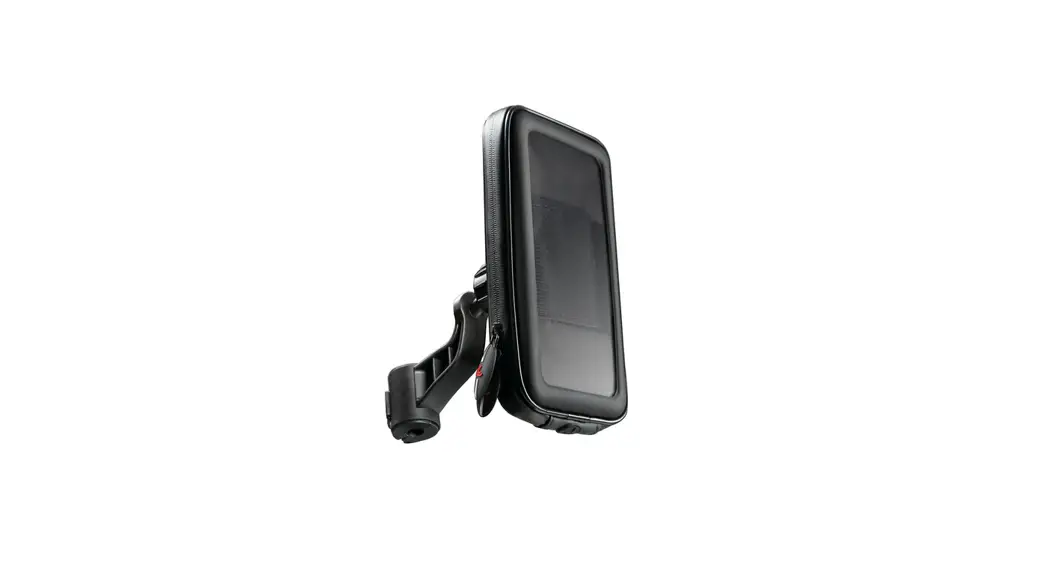
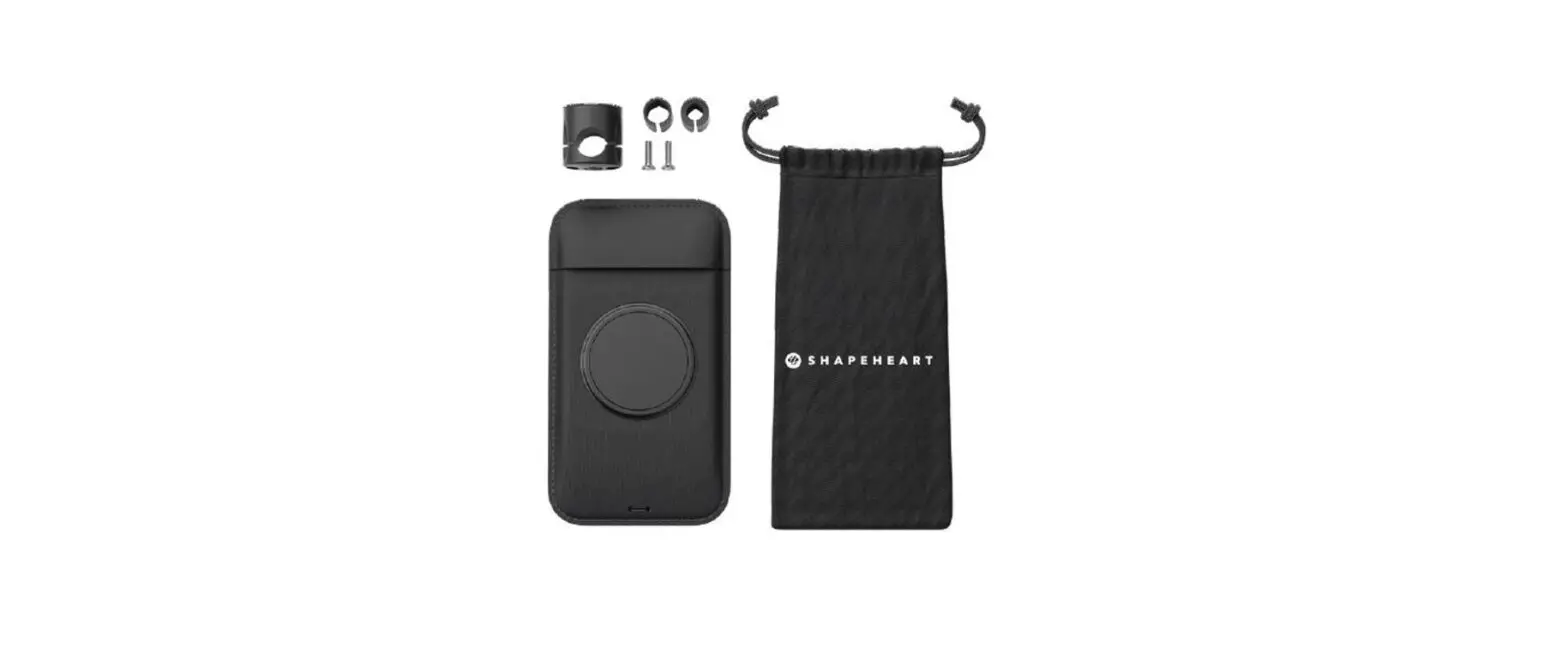
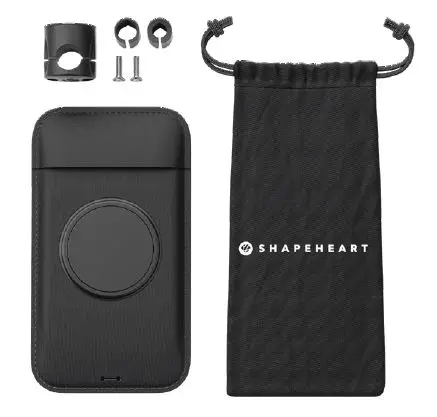
- Smartphone sleeve
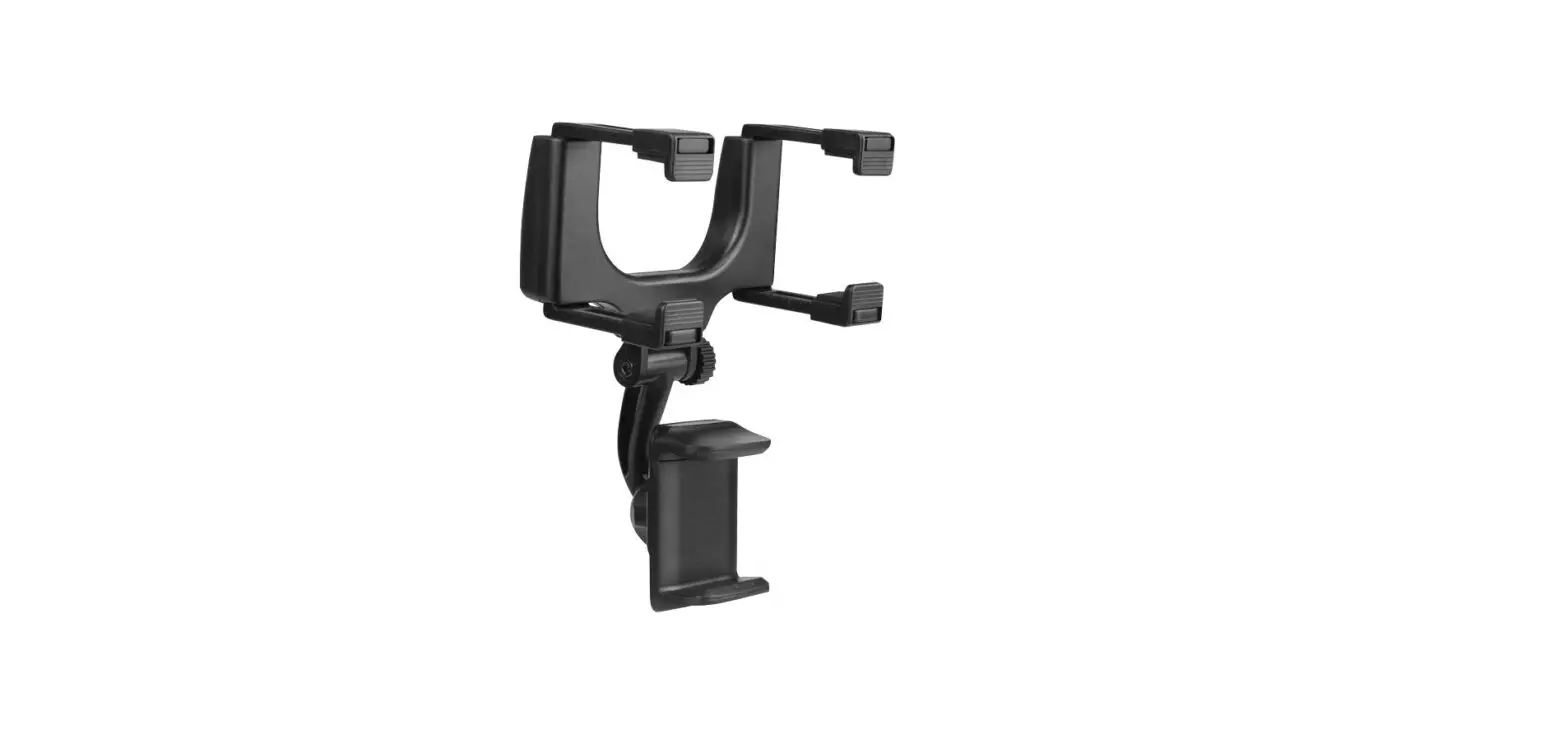
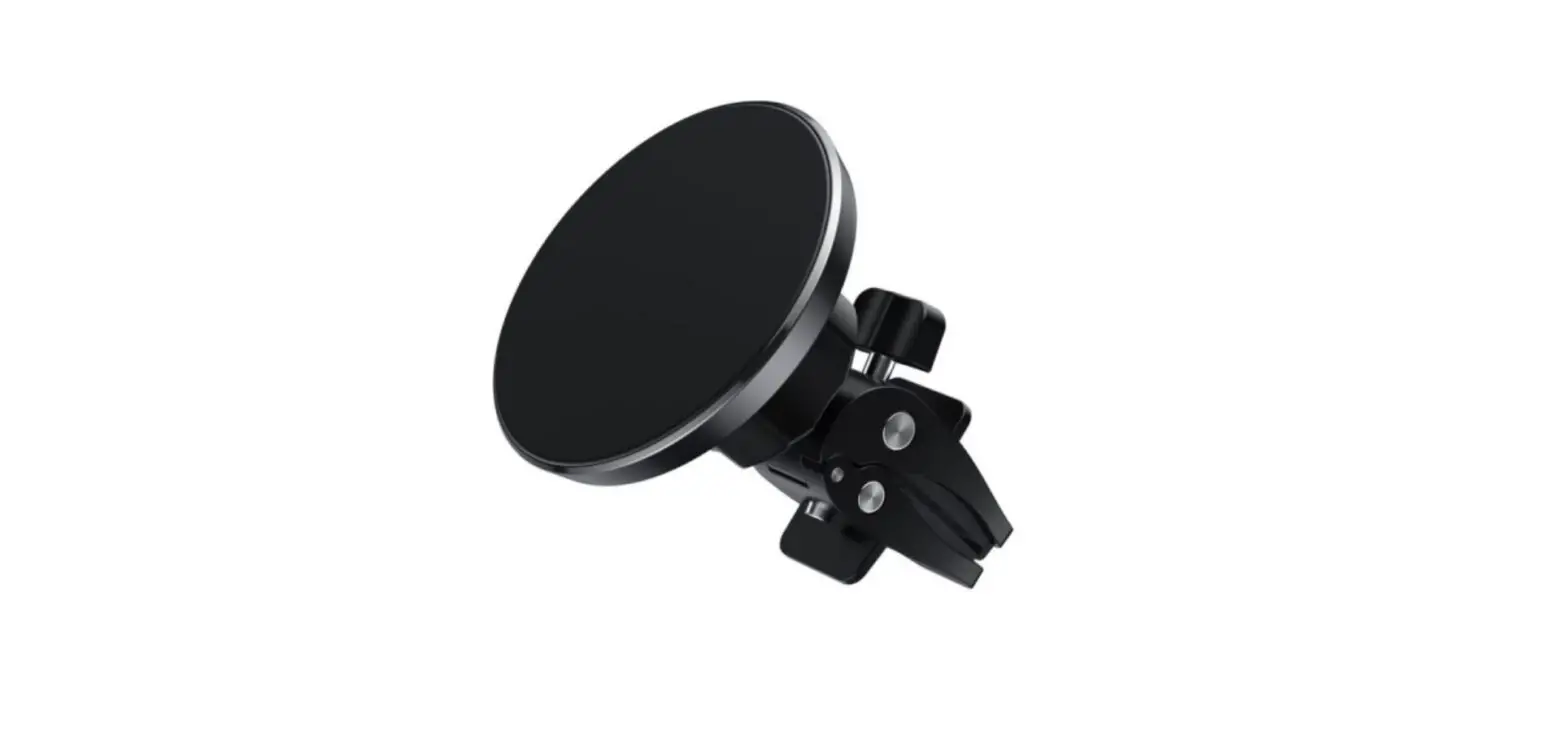
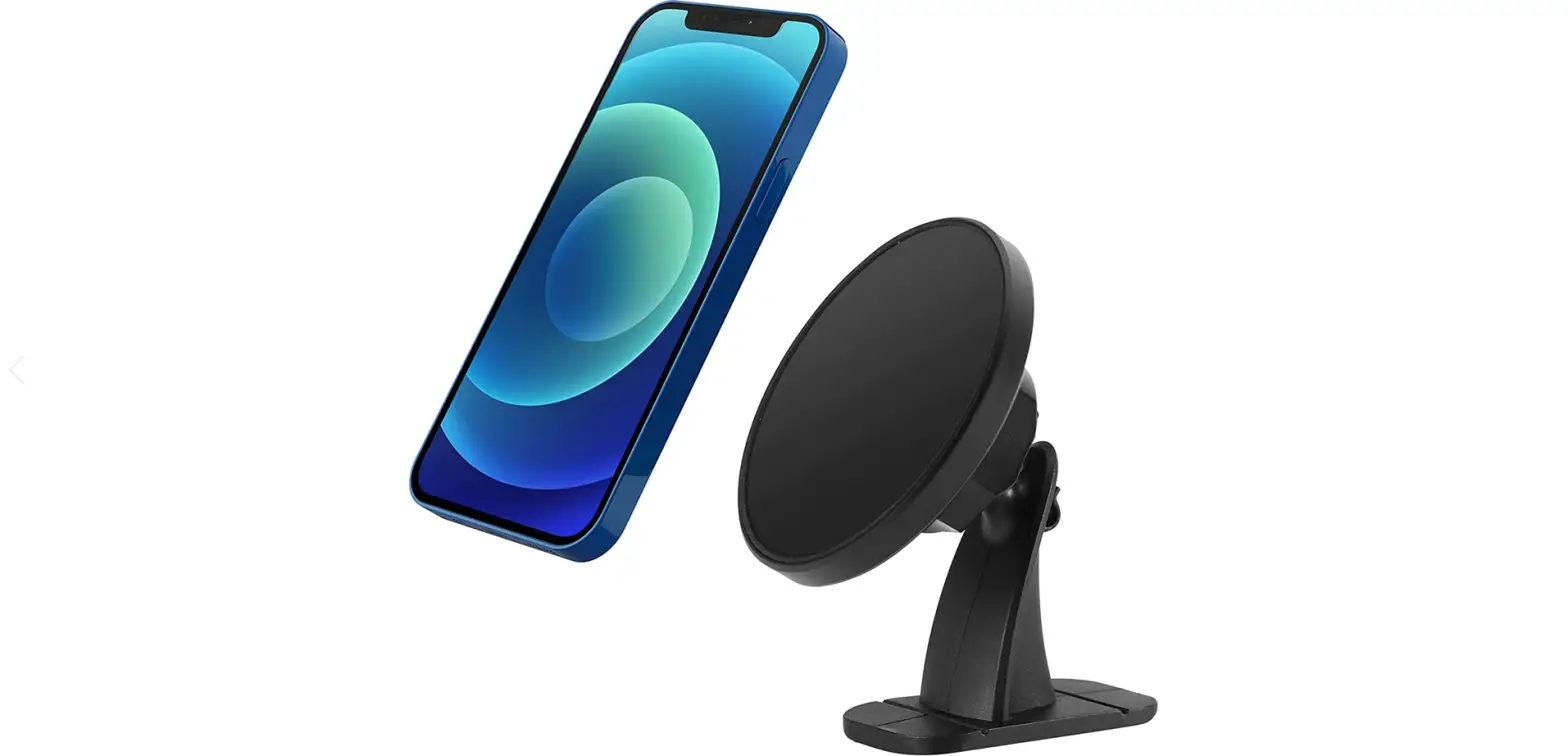
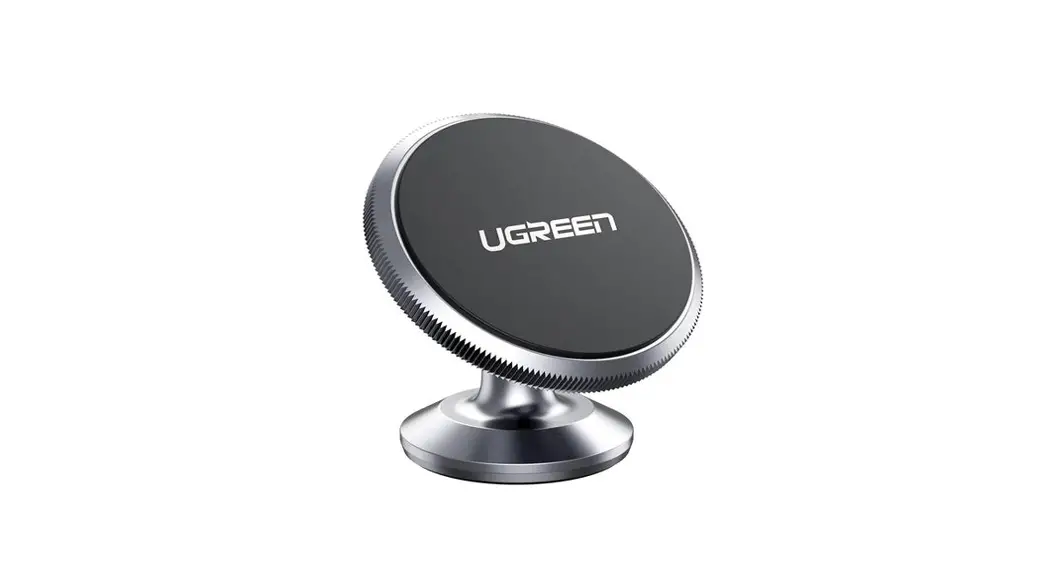
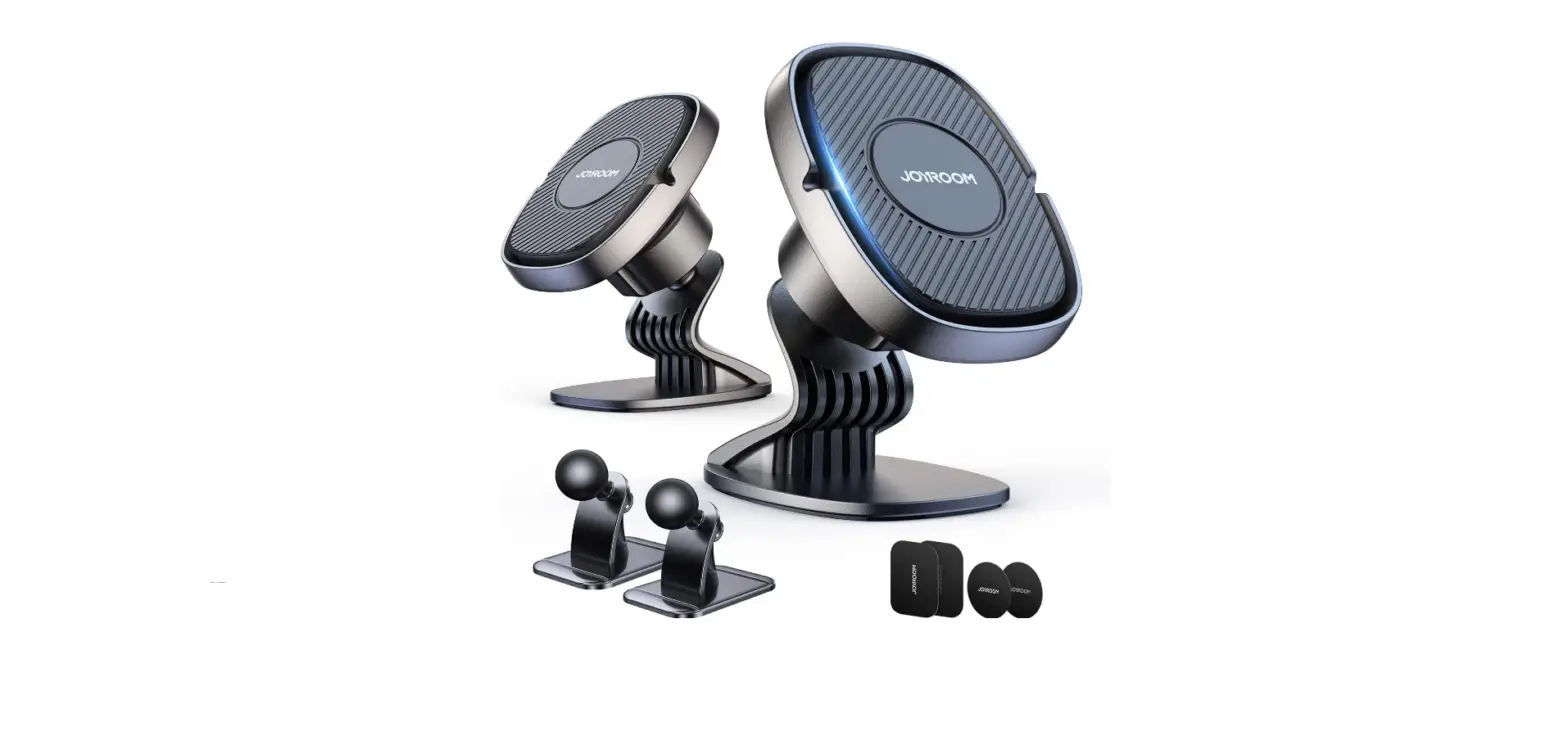
- Magnetic dock
- 2 screws
- 2 silicone adapters
- Transport bag
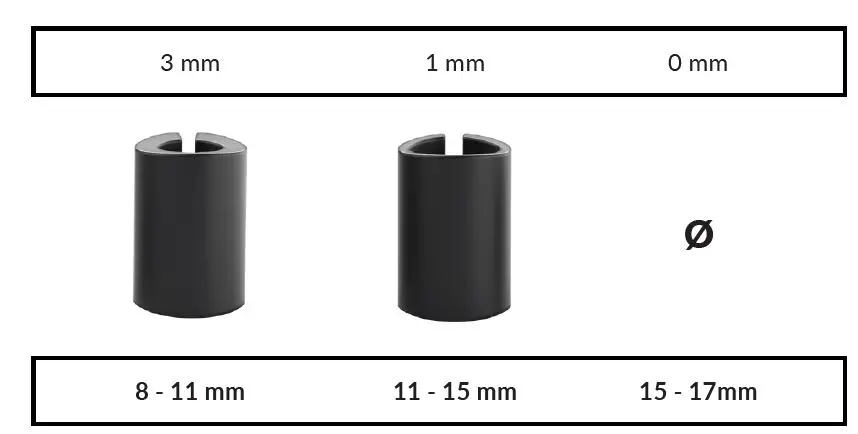
Thickness: Silicone adapter
Rearview mirror diameter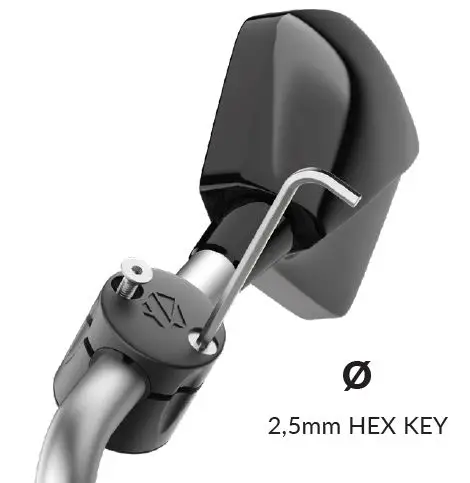
- Choose the right silicone adaptor according to the diameter of your mirror (see above) and position it on your mirror
- Remove the screws from the « big part » of the magnetic dock
- Screw the magnetic dock with the head downwards to avoid the screws falling out. Warning : your smartphone only weights about 150gr, it’s not necessary to tighten the srews to the maximum of your strength (risk of weakening the « small part » of the dock)
- Replace the magnetic dock upward
Register your product by scanning the QR Code : +6 months warranty on fabric www.shapeheart.com/warranty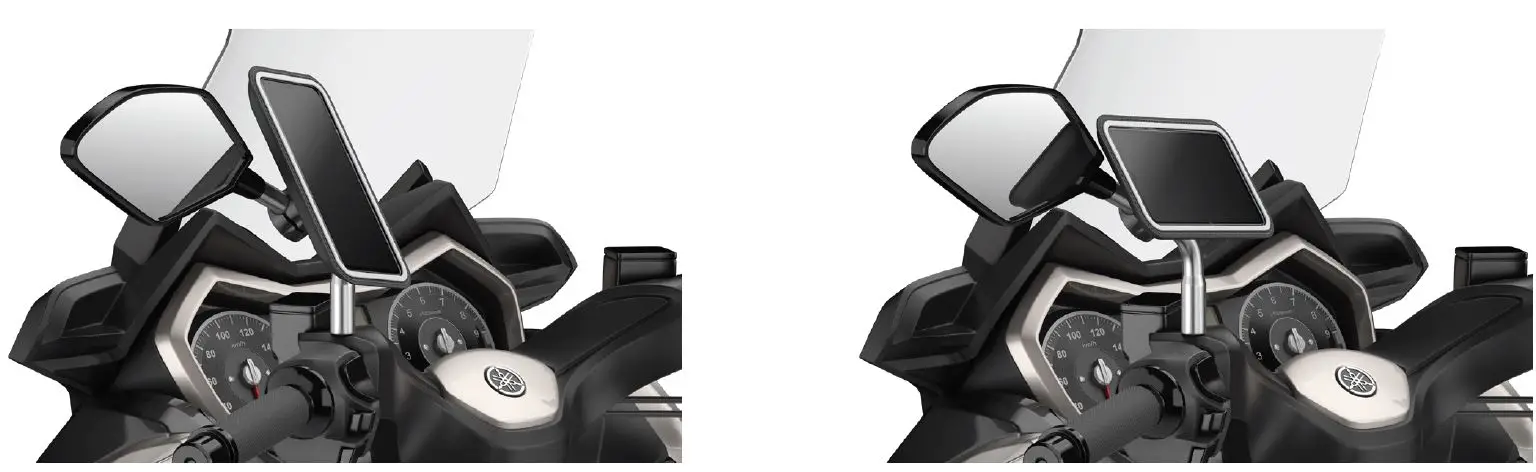
- Our magnet system allows you to orientate your smartphone in portrait or landscape mode. You will always find a way to place it without your handlebars or reflections getting in the way.

- Warning!
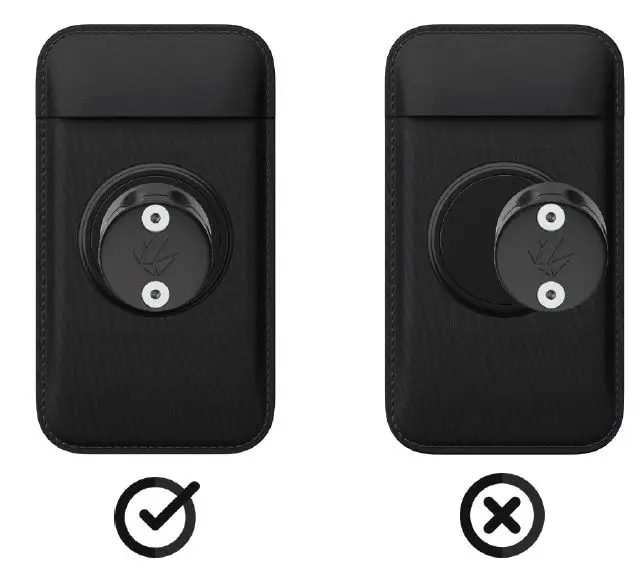
Always align the mount and the sleeve - ested at more than 140mph
- Our sleeve does not replace a case, a safety glass, or an insurance for your smartphone. In the event of a strong shock or a fall, there is a risk it will come off. If the magnet system force does not seem strong enough, please contact us before using your product (it should withstand a pack of water of 8kg)
 Garantie – Shapeheart Store