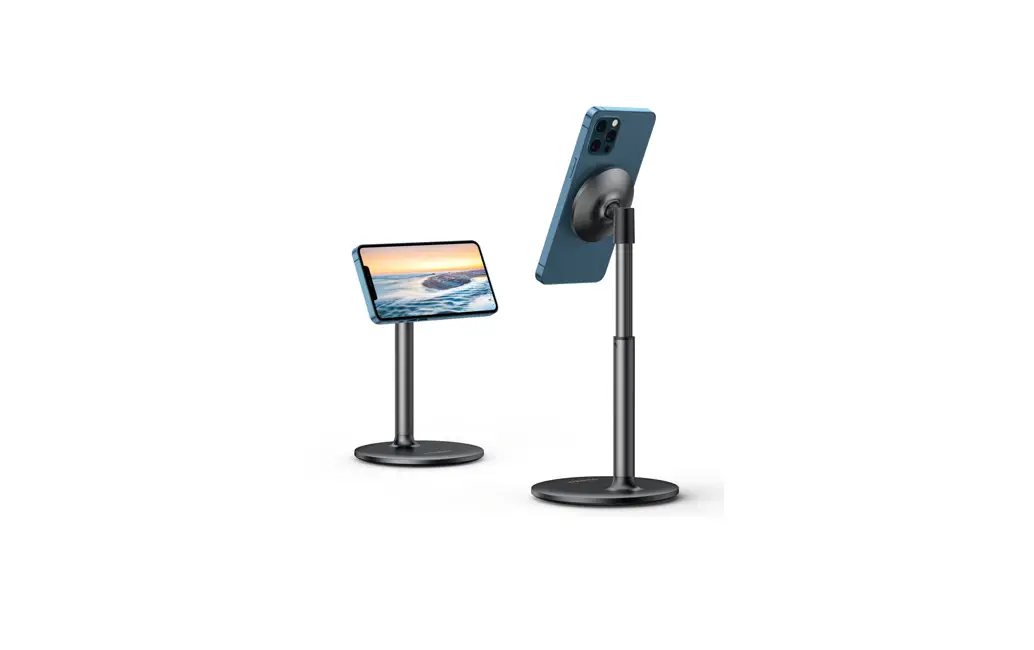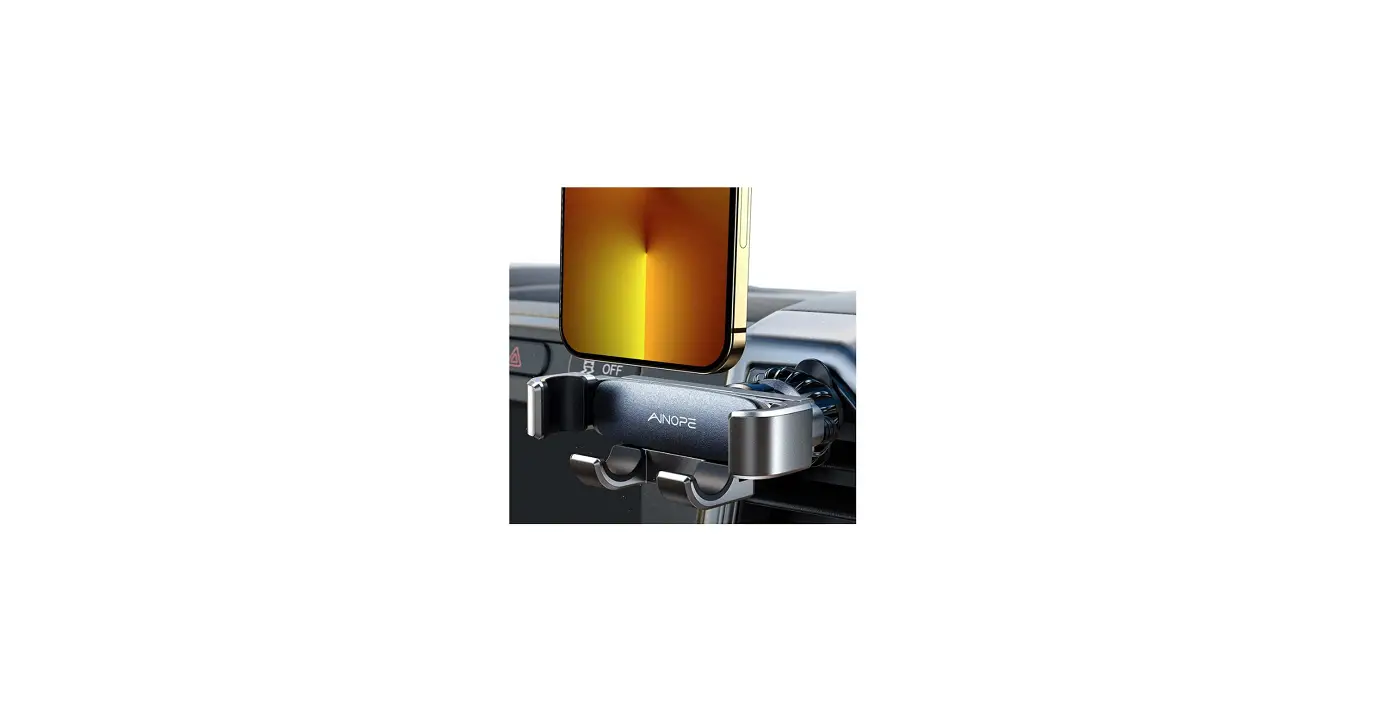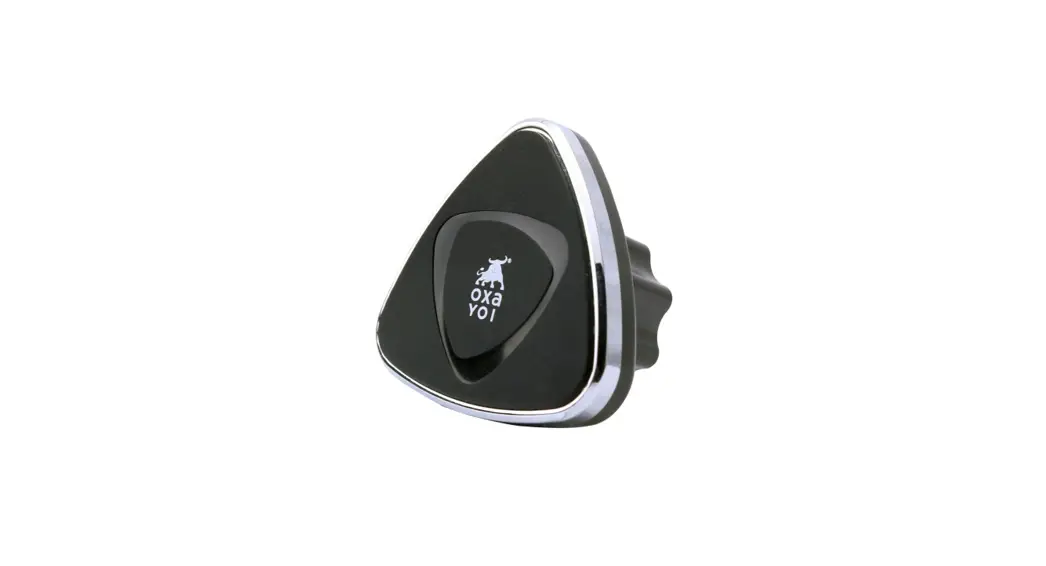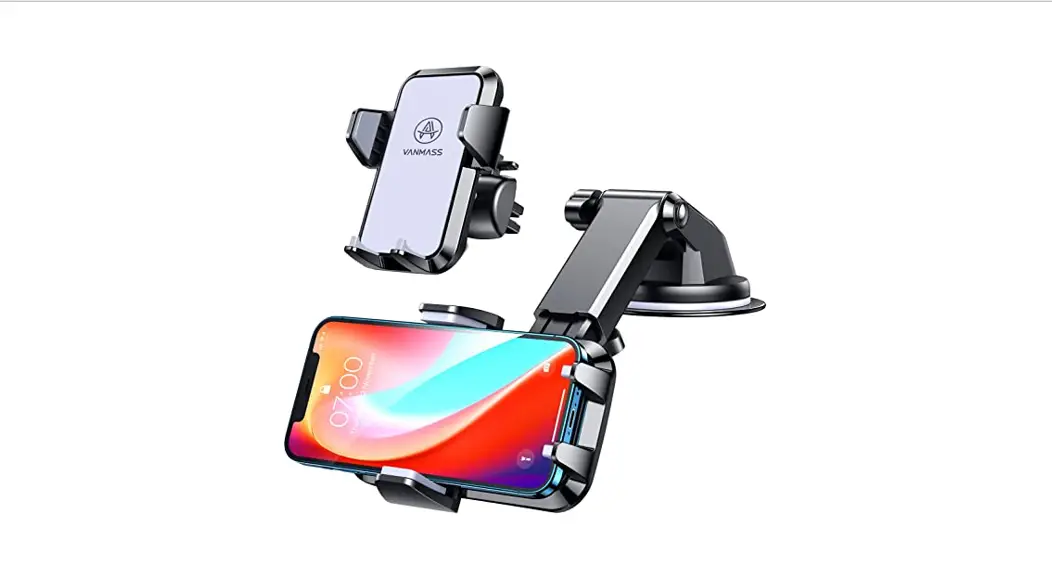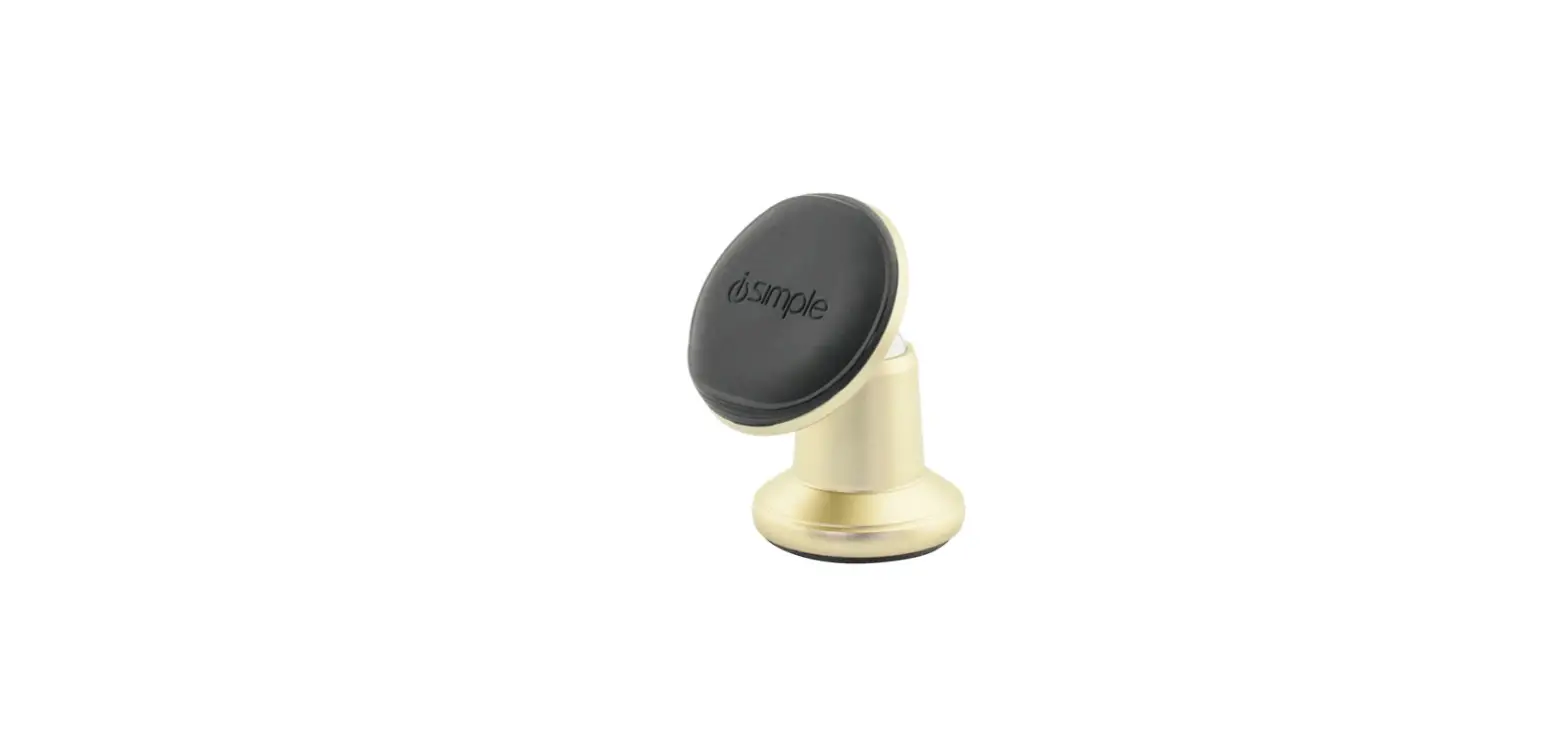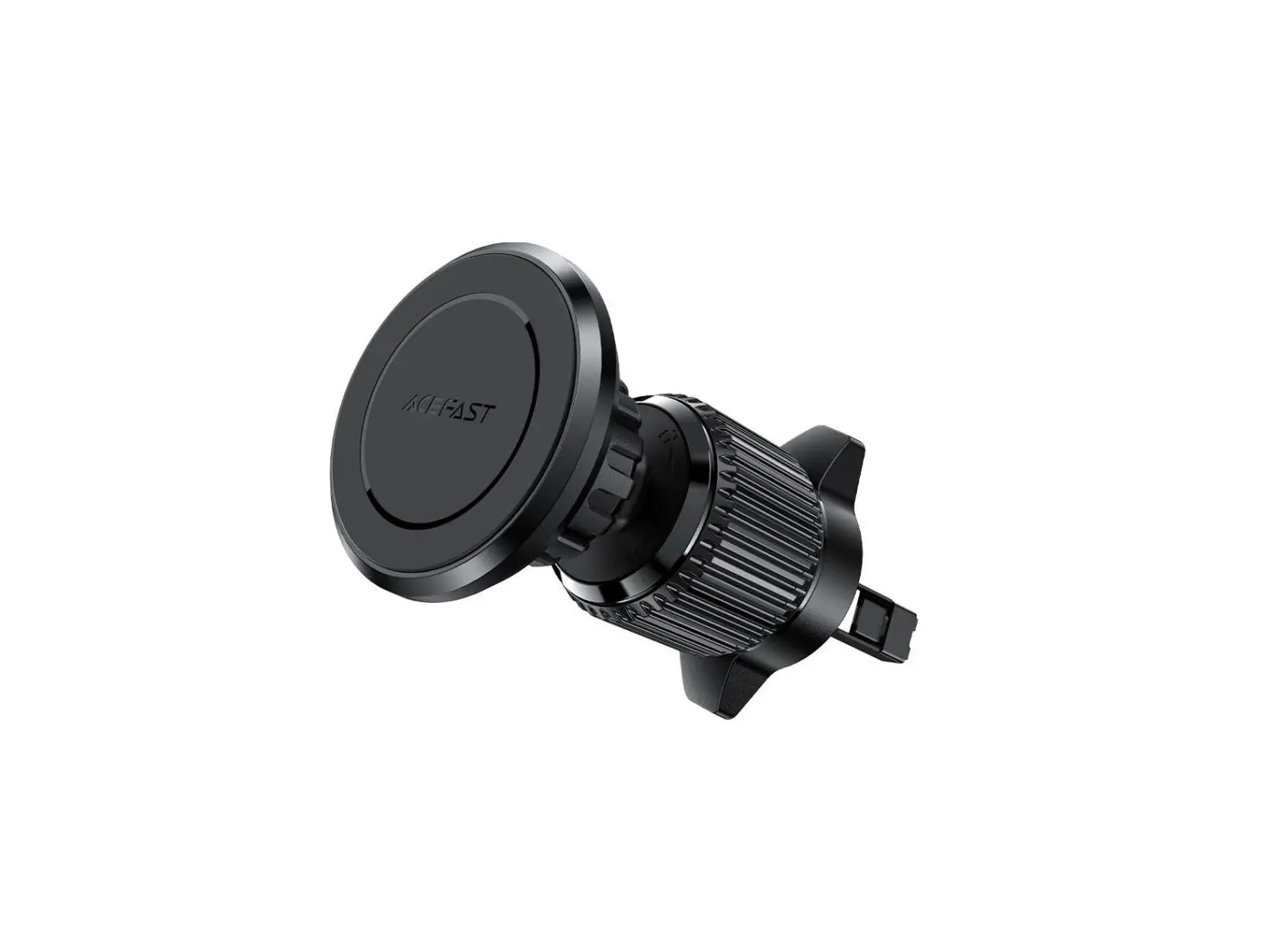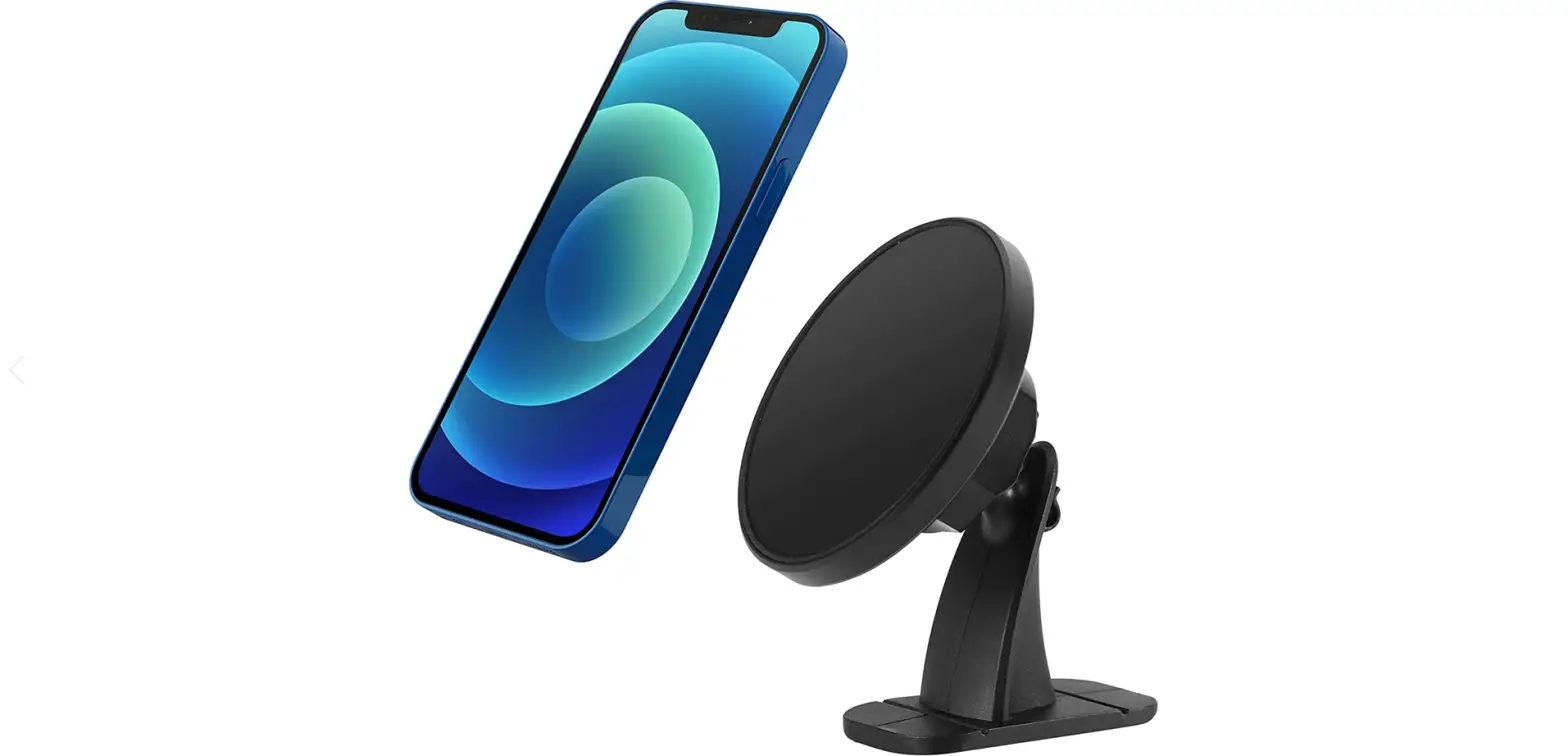

Package Contents
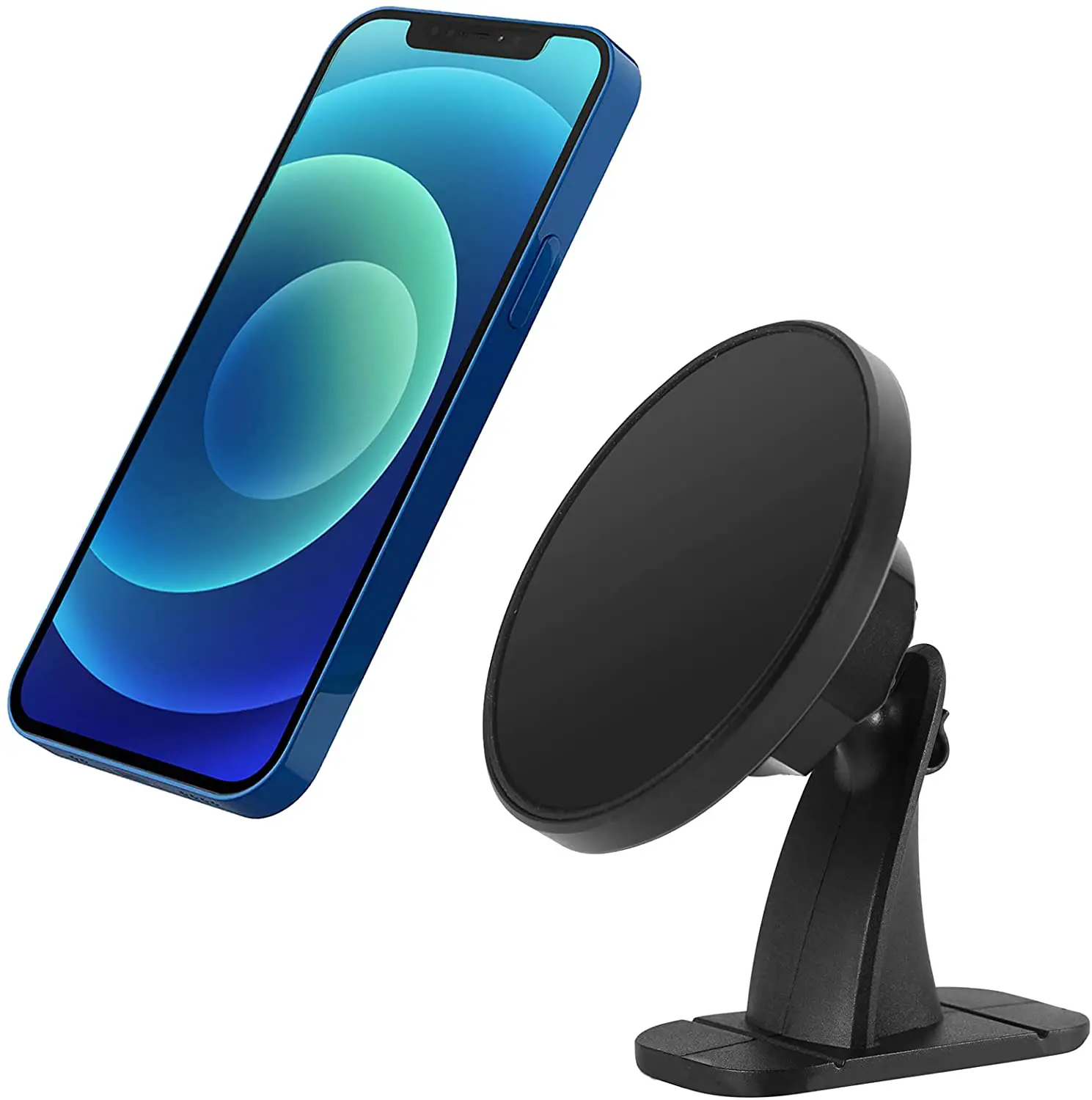
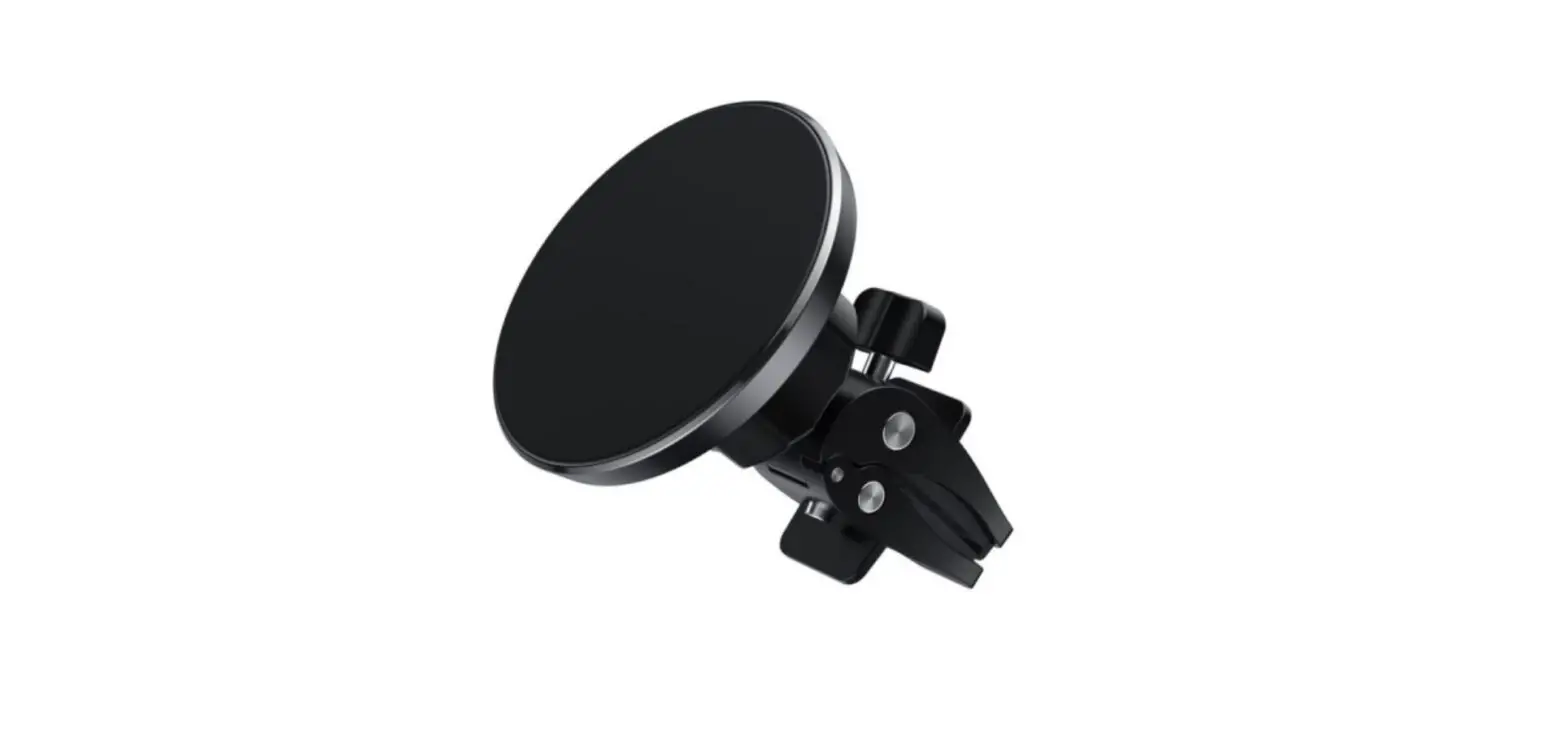
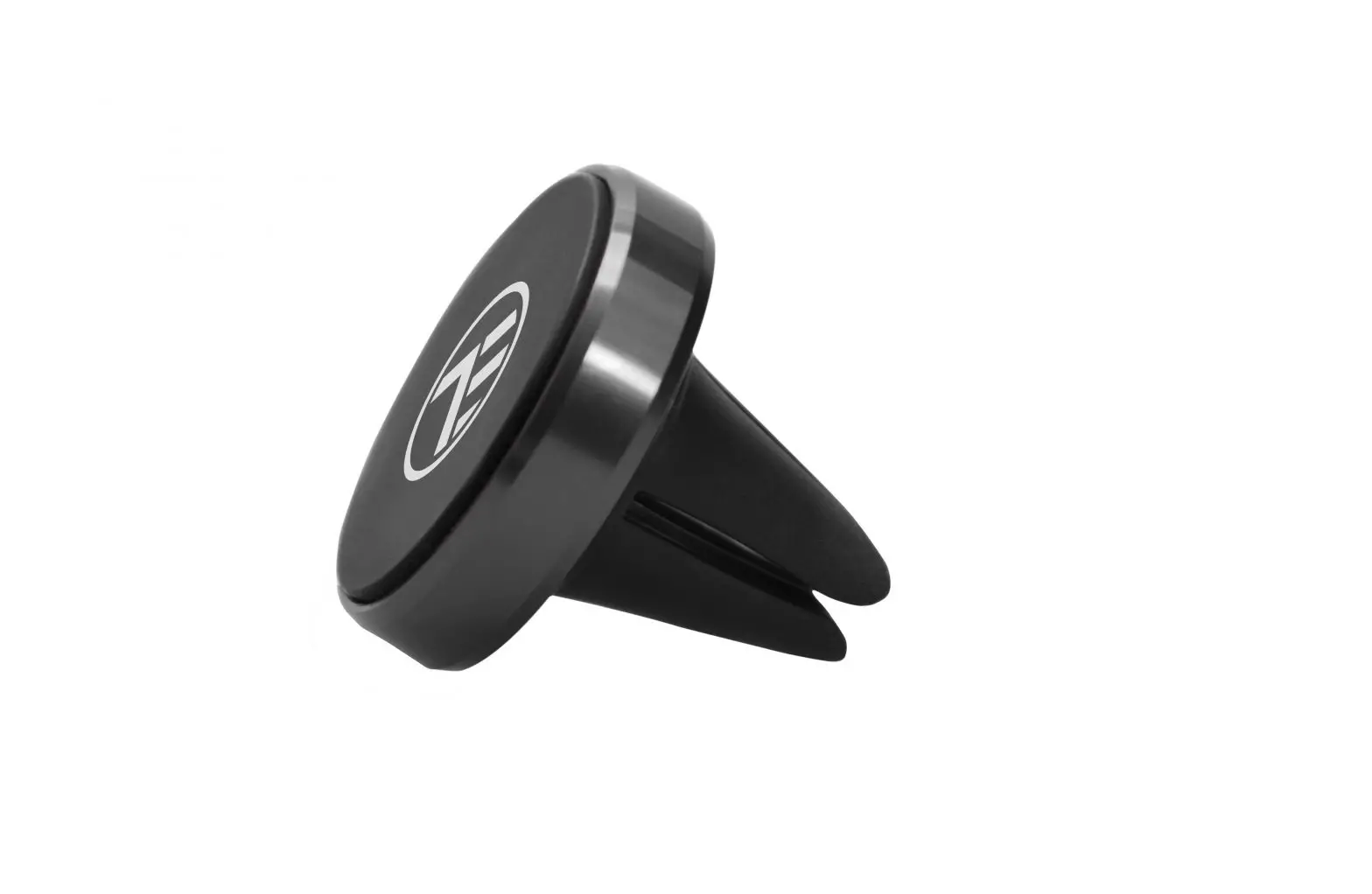
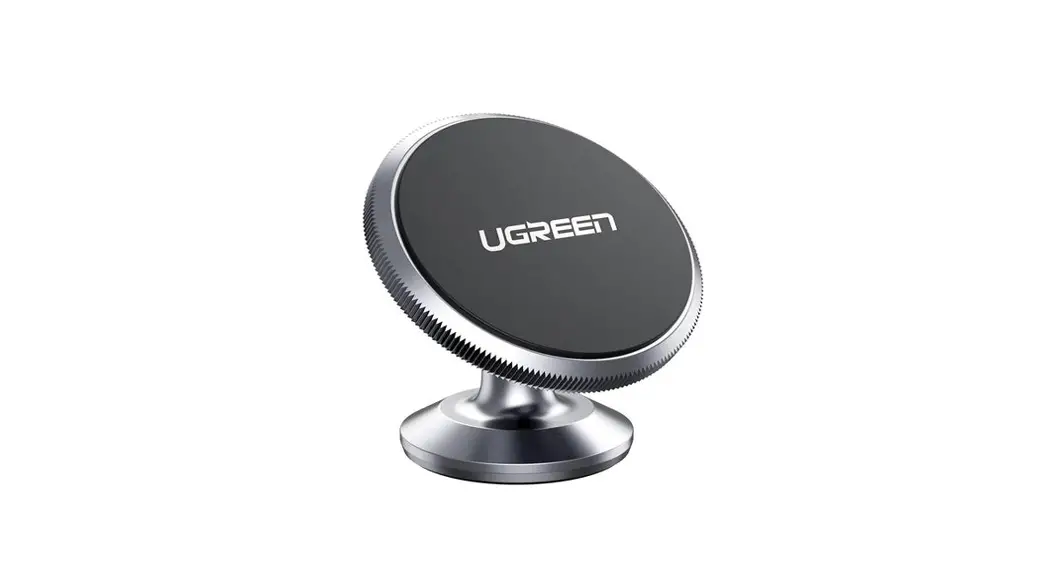
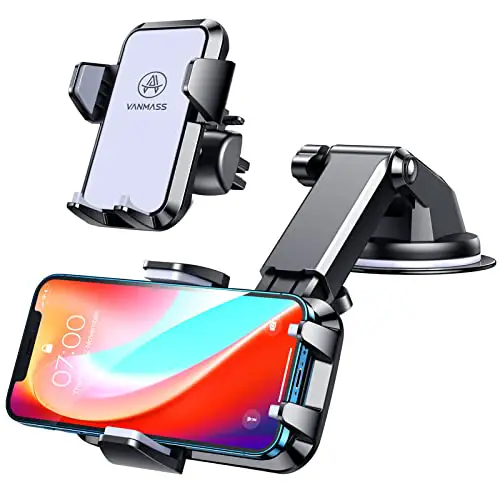
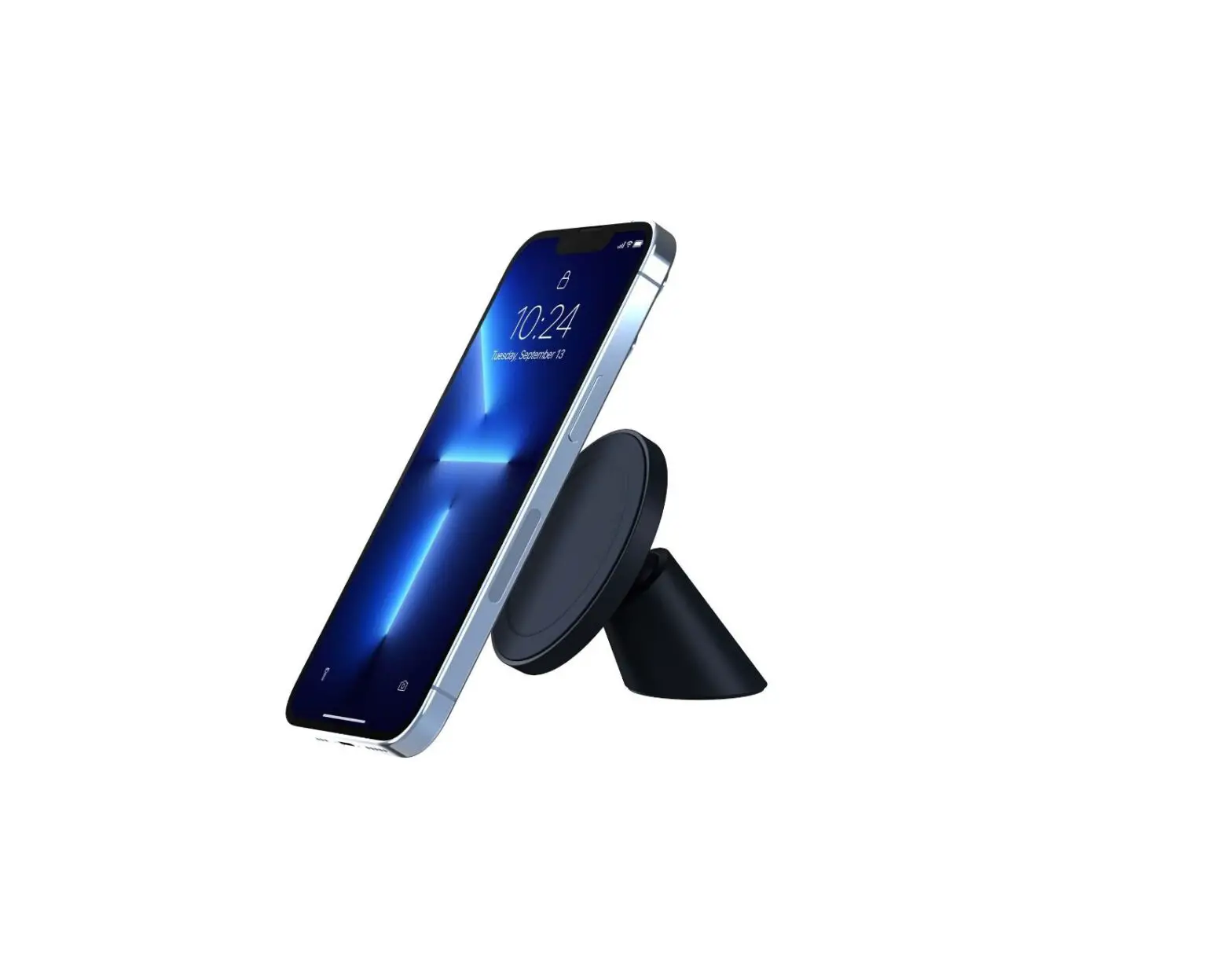
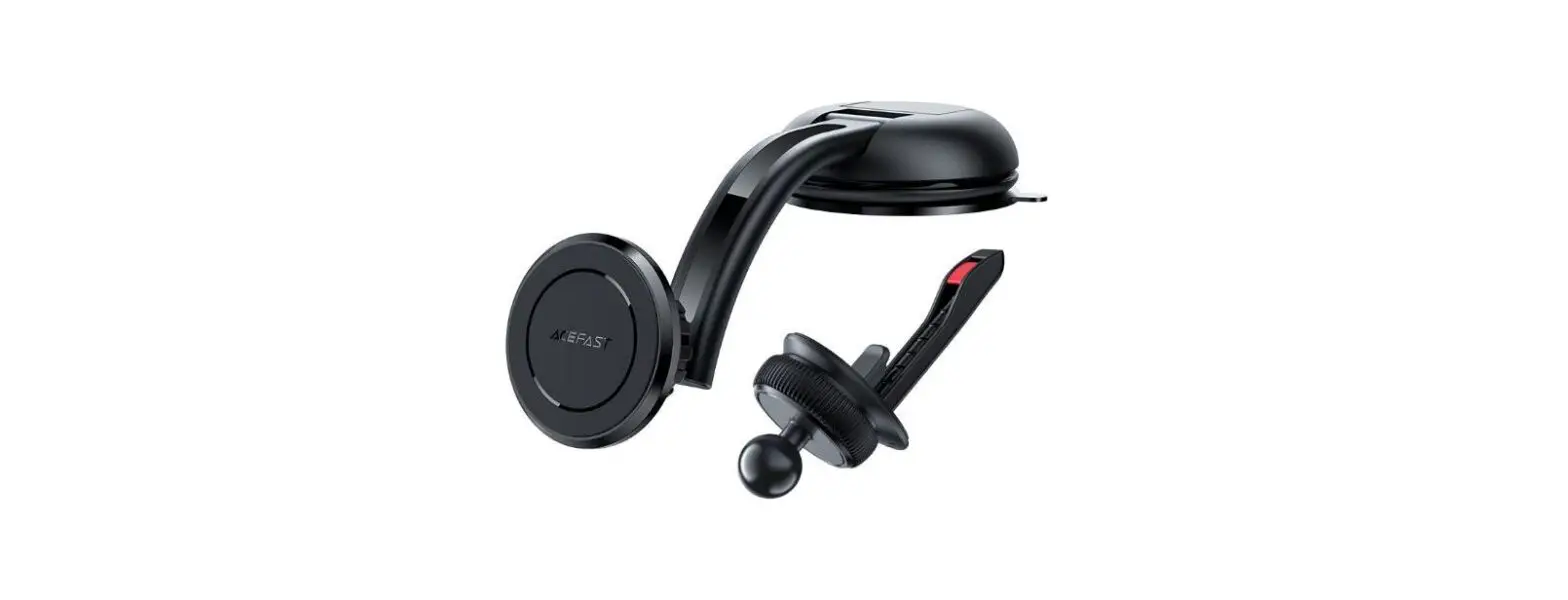
- 1 x Choetech Magnetic Phone Car Mount
- 1 x User Manual
- 1 x Customer Service Card
Product Overview
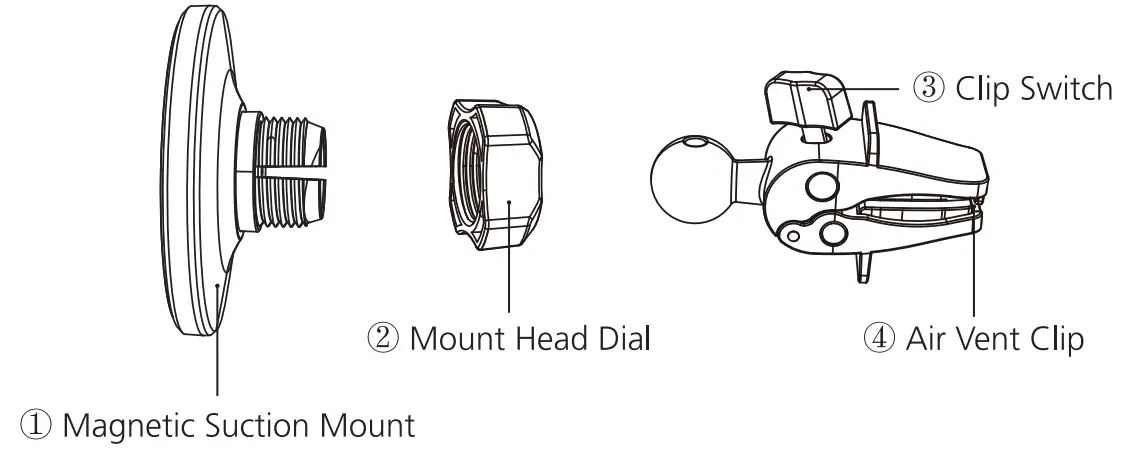
How to Install
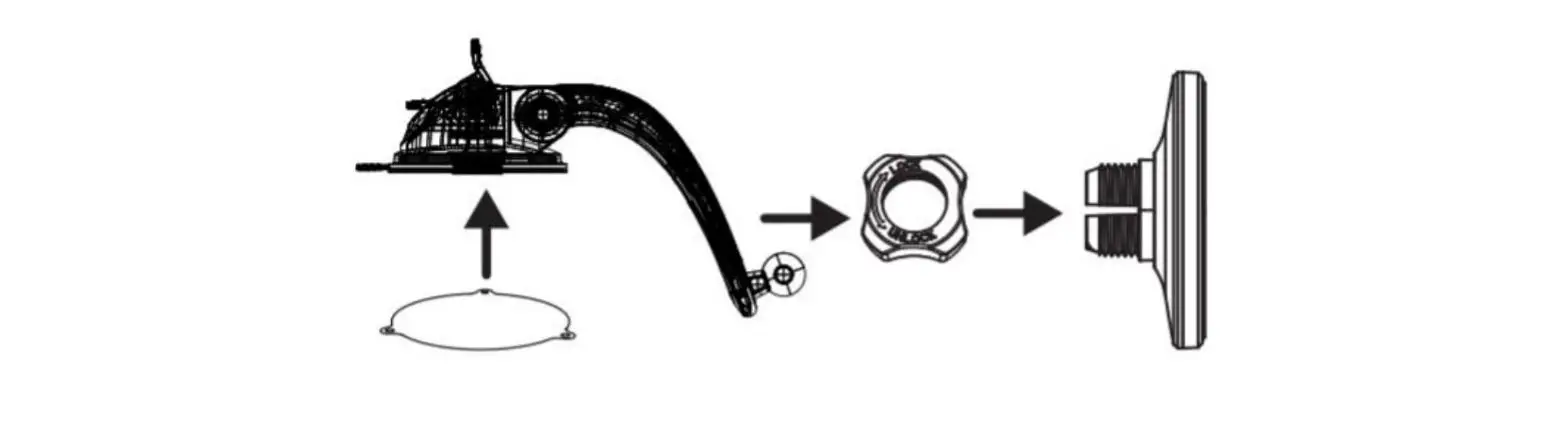
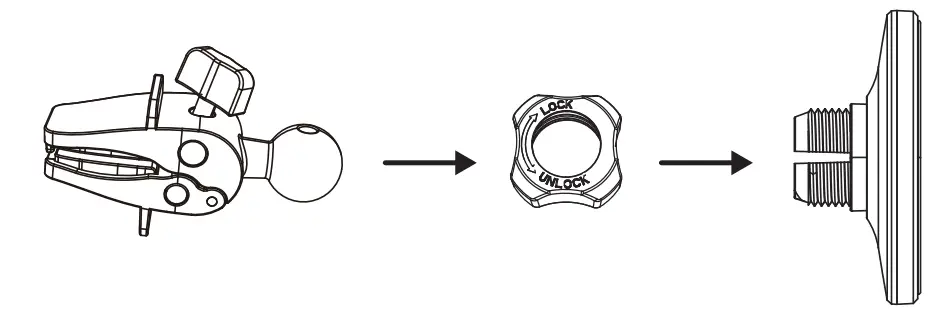
- Insert the ball joint into the moun1 head dial, and then screw the mount head dial from “UNLOCK” to”LOCK”

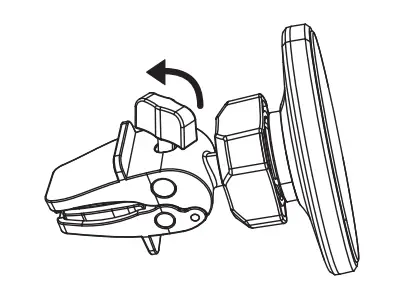
- Rotate the clip switch counter-clockwise to open the clip.

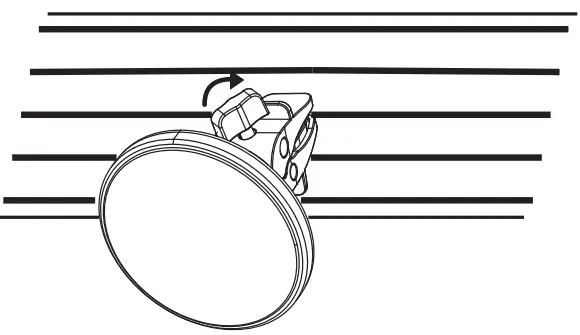
- Clip the air vent clip on the air vent of the car and turn the clip switch clockwise 10 close and clamp in position.

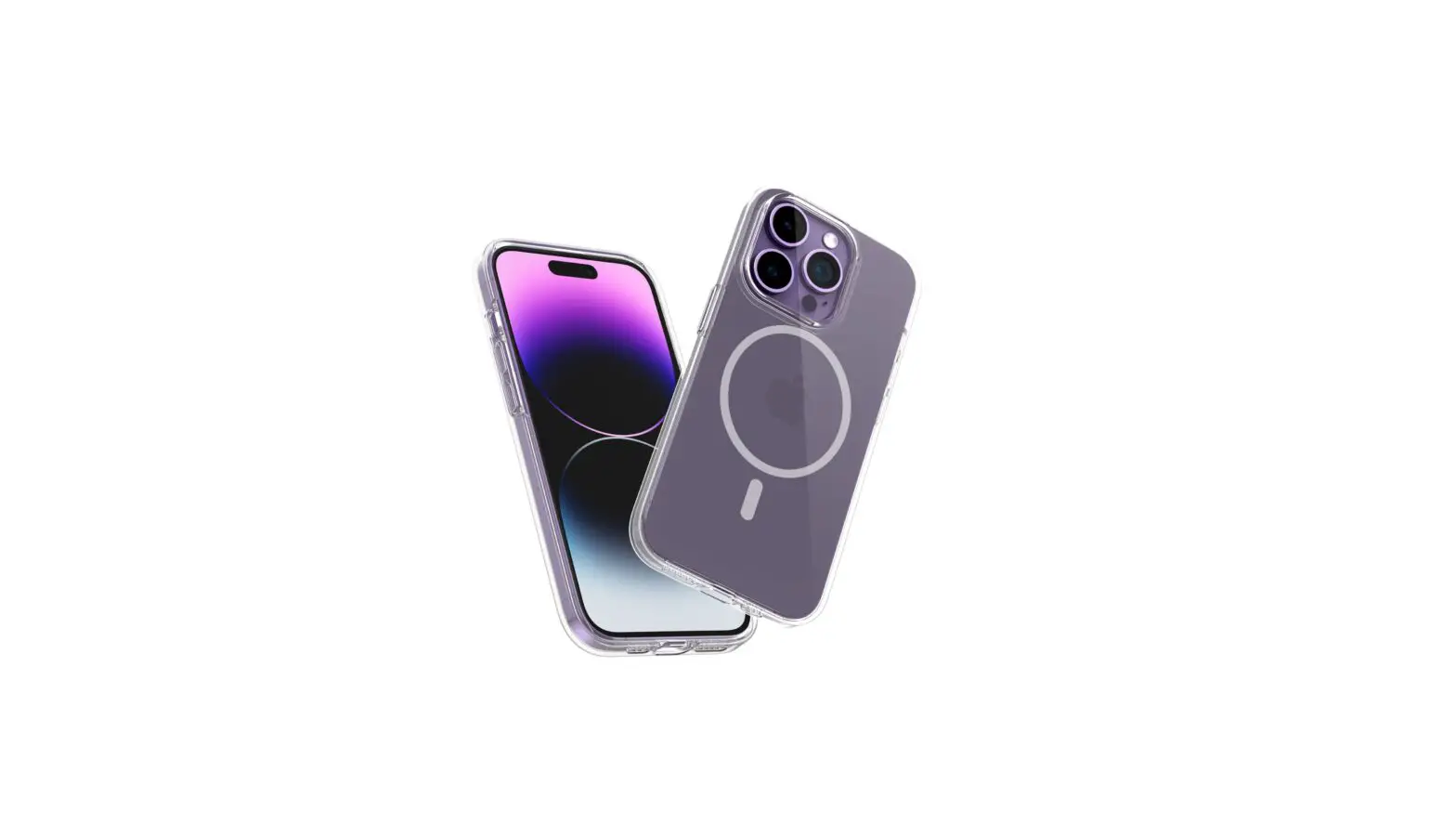
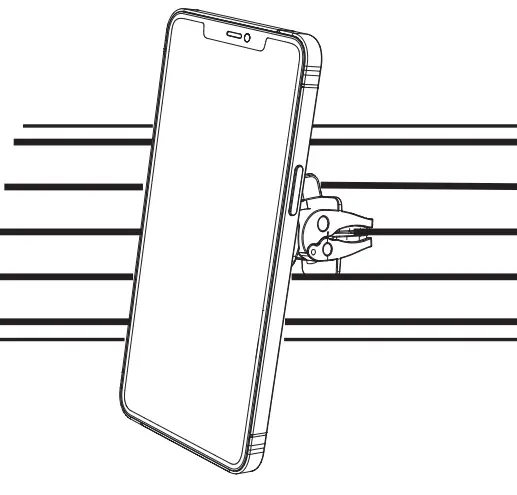
- Place your iPhone 12, wrth or wi1hout a MagSafe compatible case on the magnetic car mount, damp the phone tight on the holder.

Important Notes
- Only applicable to iPhone 12 series phones and iPhone 12 series with magnetic phone cases.
- Remove the car mount from the air vent slowly and carefully to avoid damage.
- lb avoid indirect interference with The product, please keep magnetic chip cards (e g _ ID cards, credit cards) or medical devices {e g pulse measuring device, hearing aid) at least 20cm away from the product.