Ebarsenc
Network camera
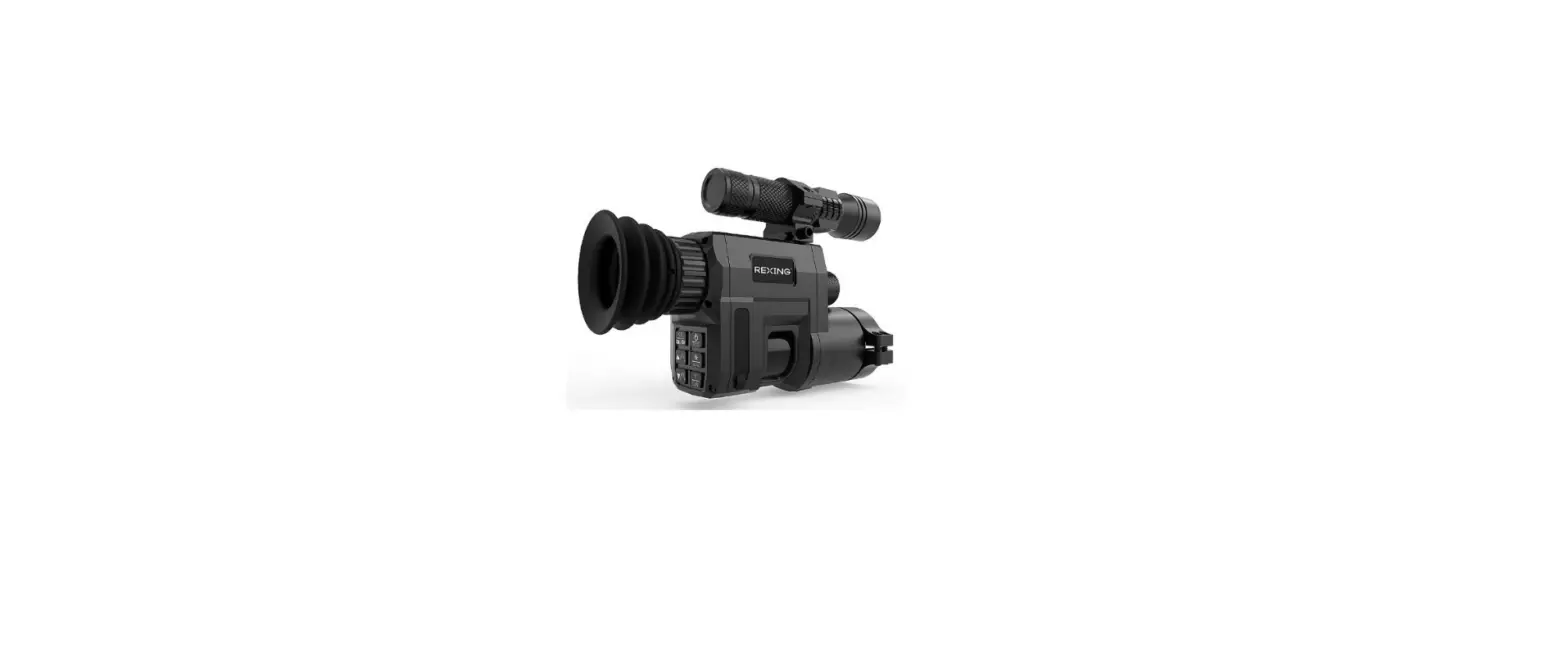
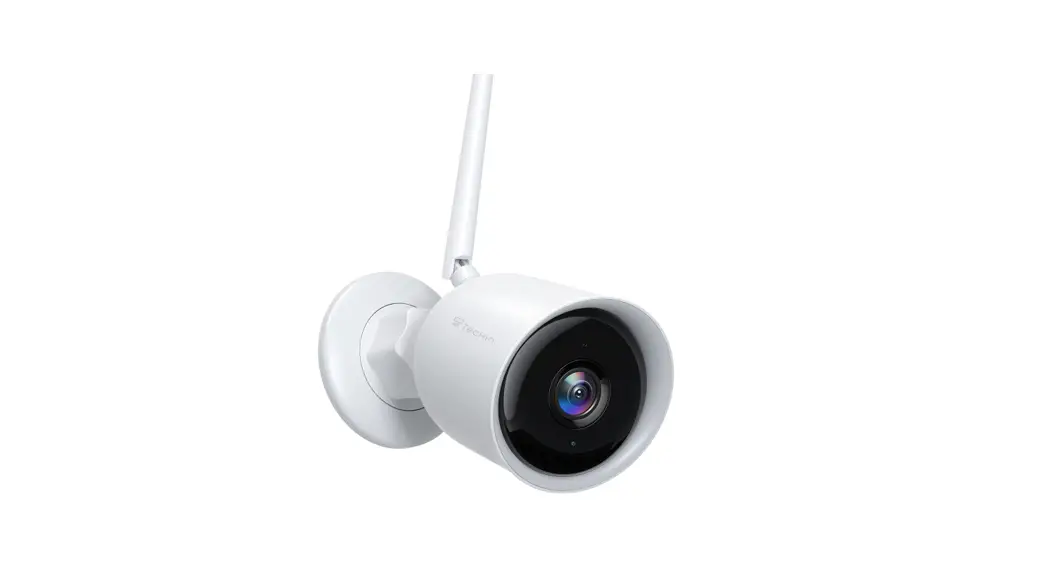
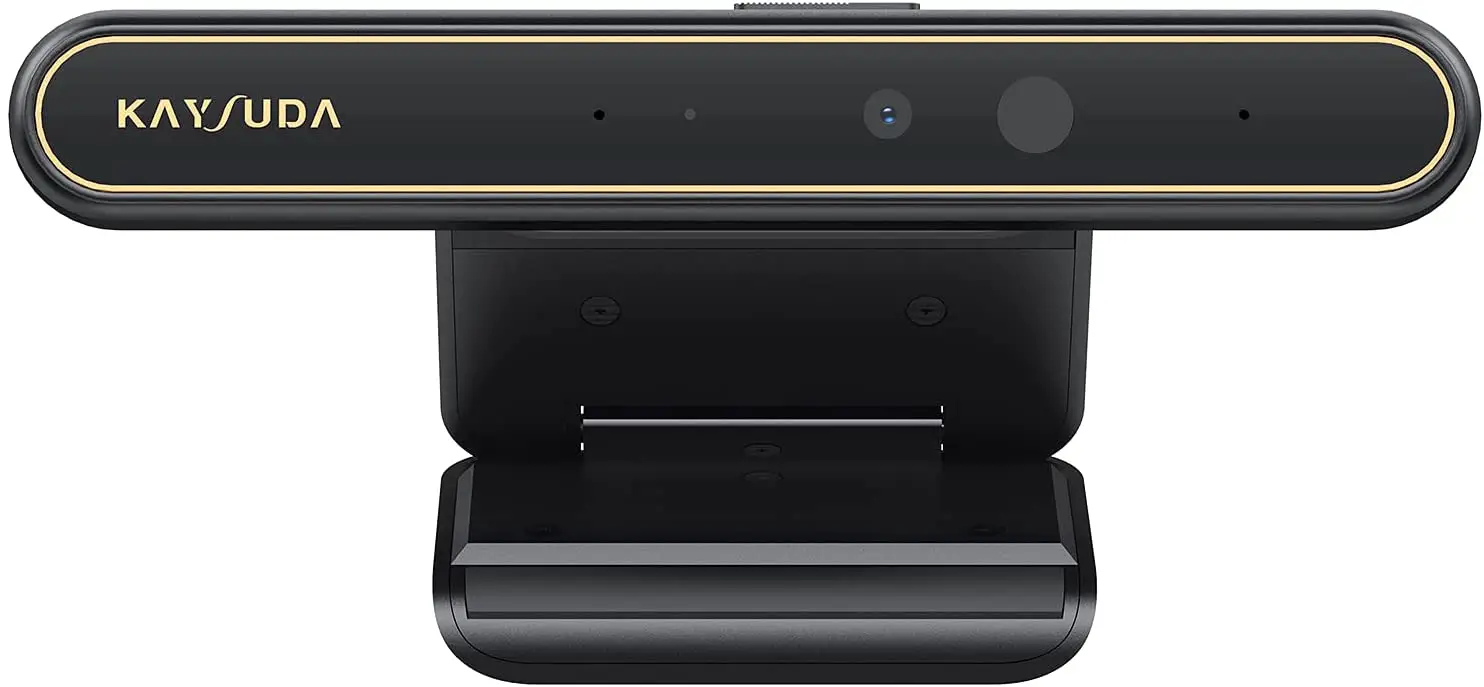
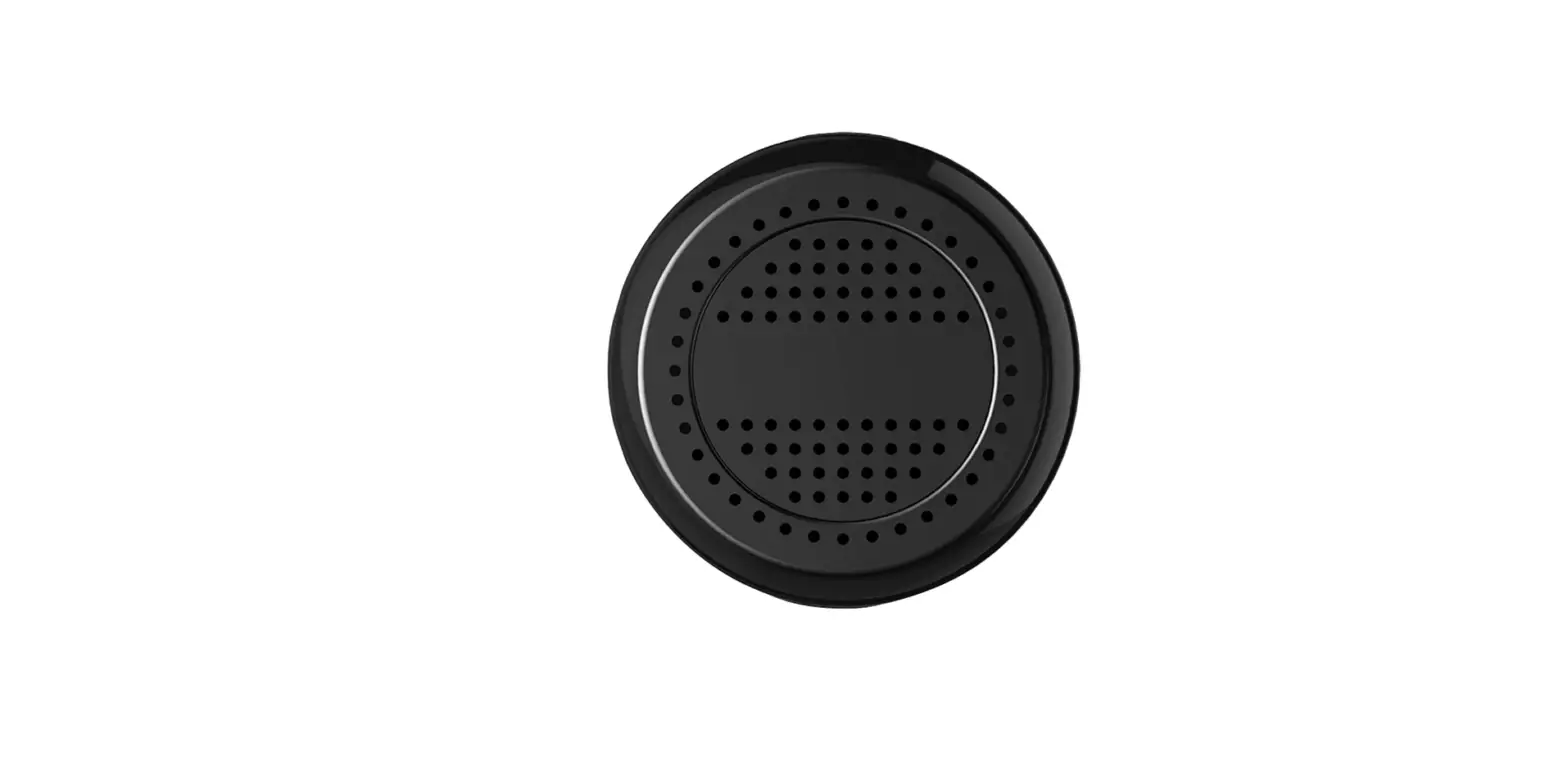
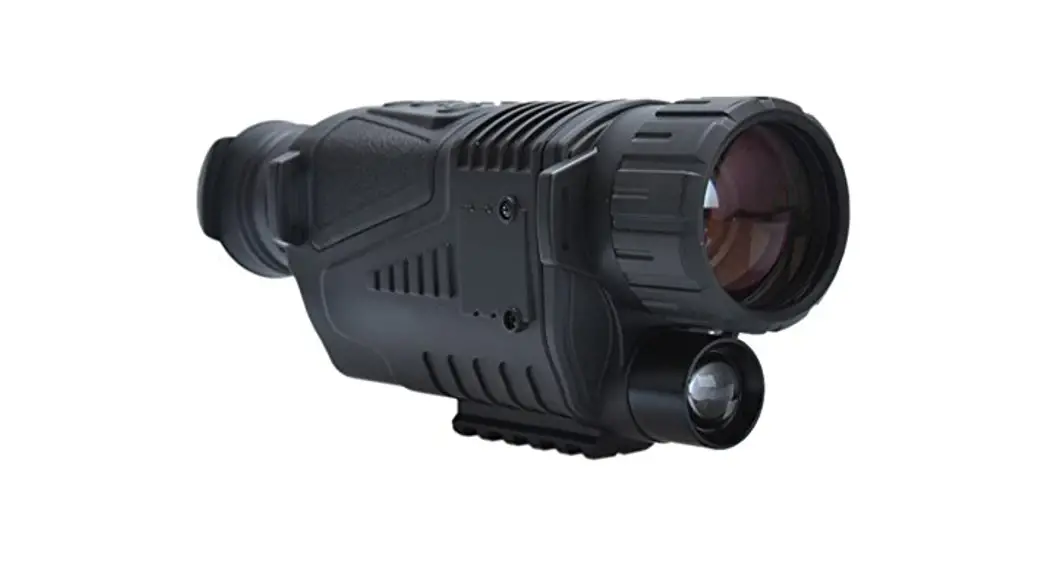
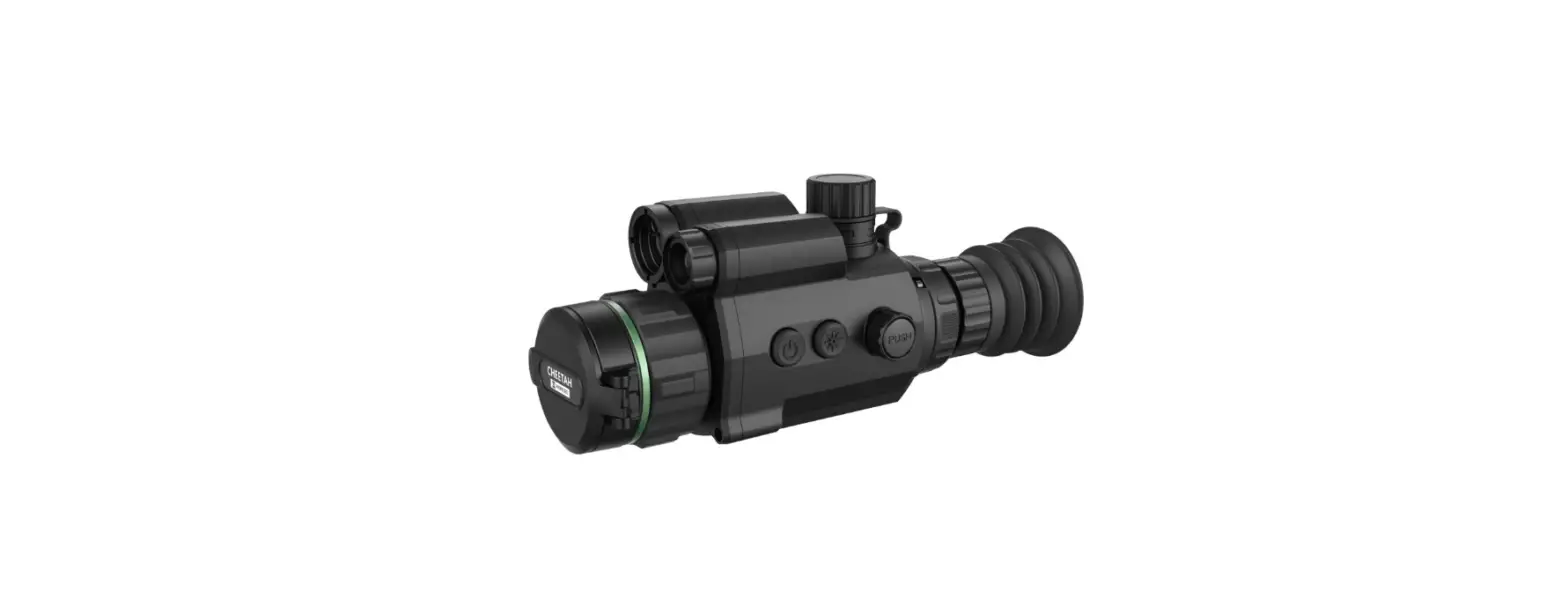
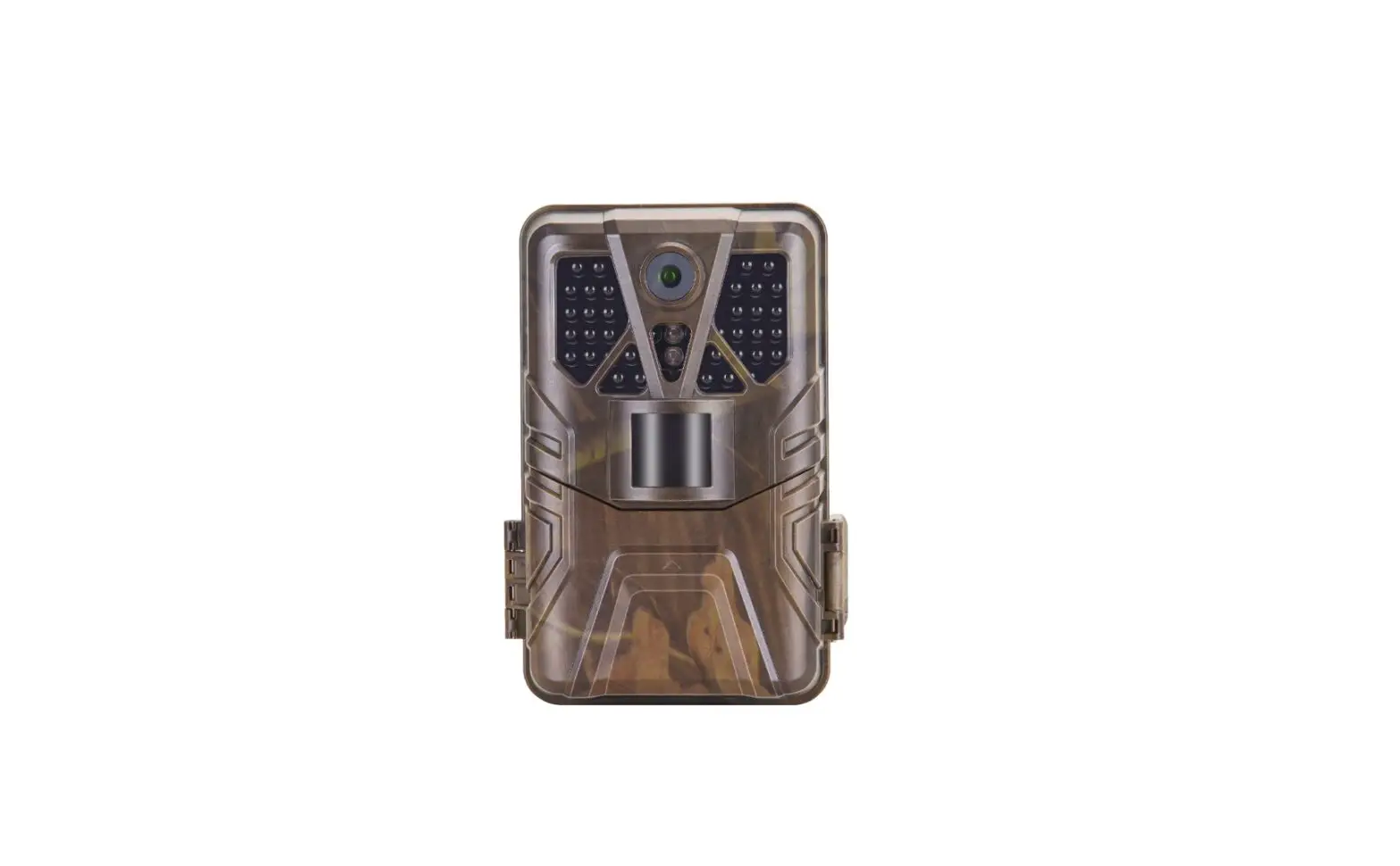
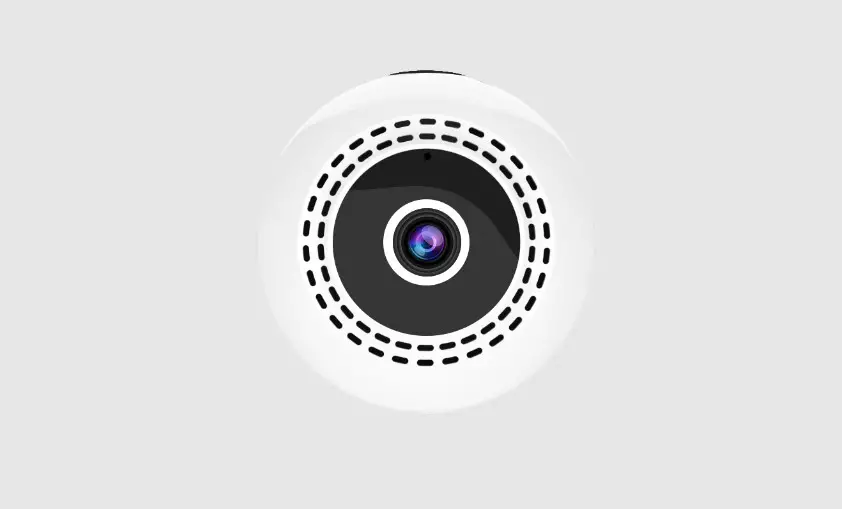
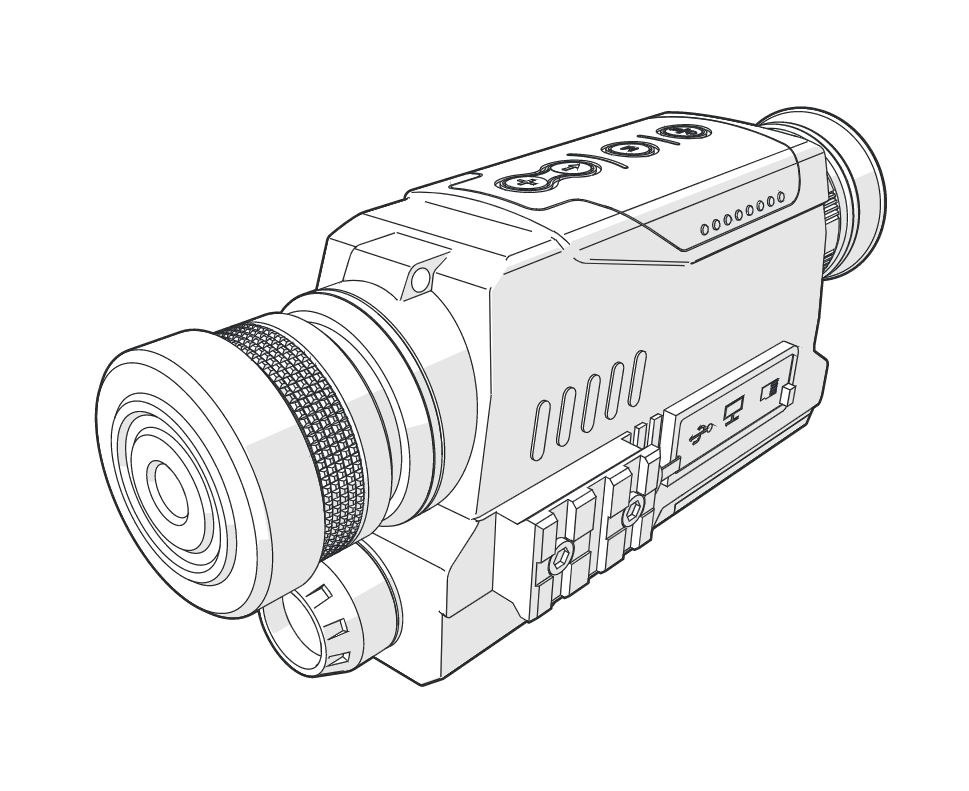
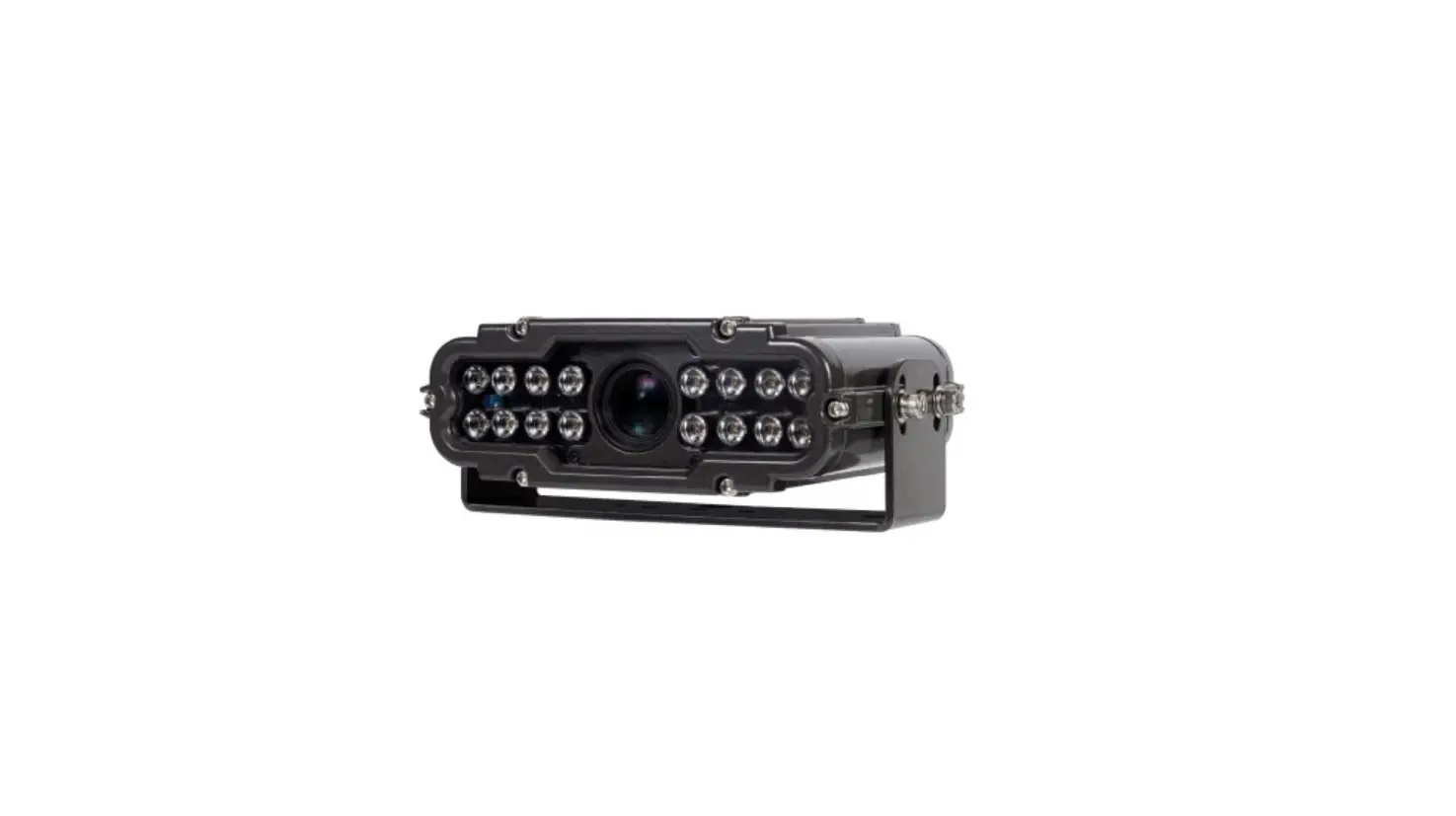
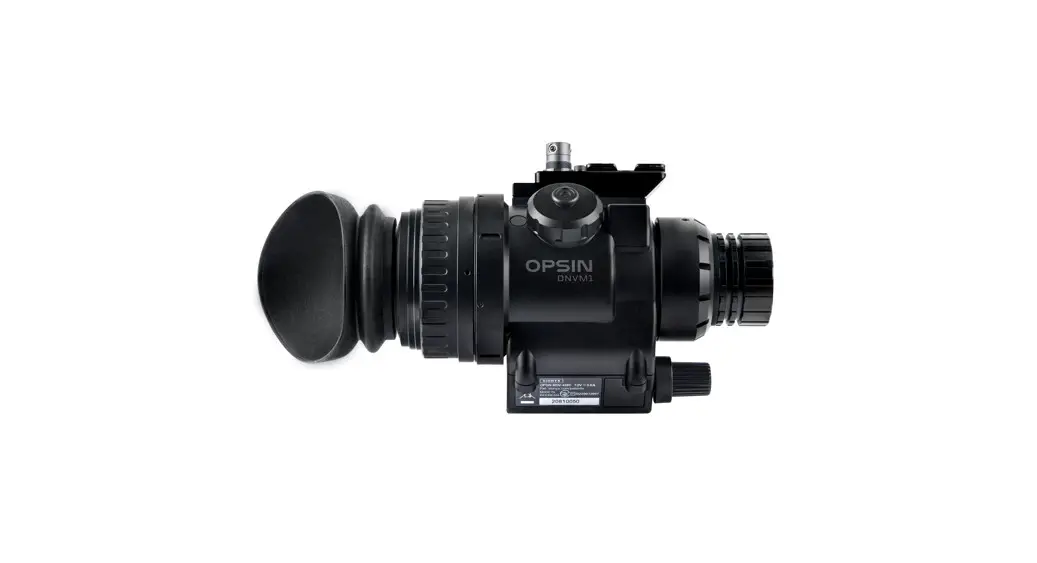
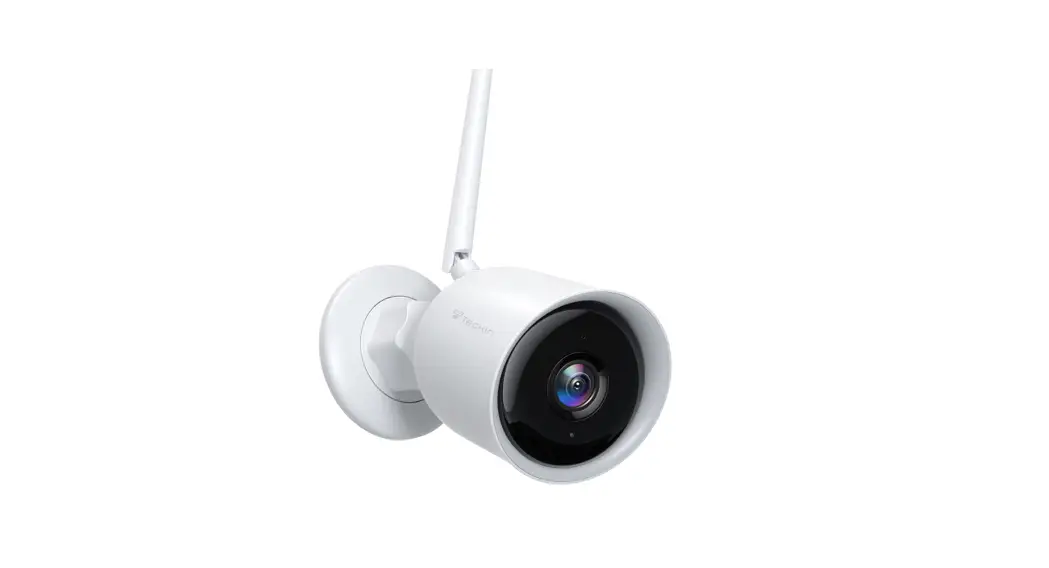
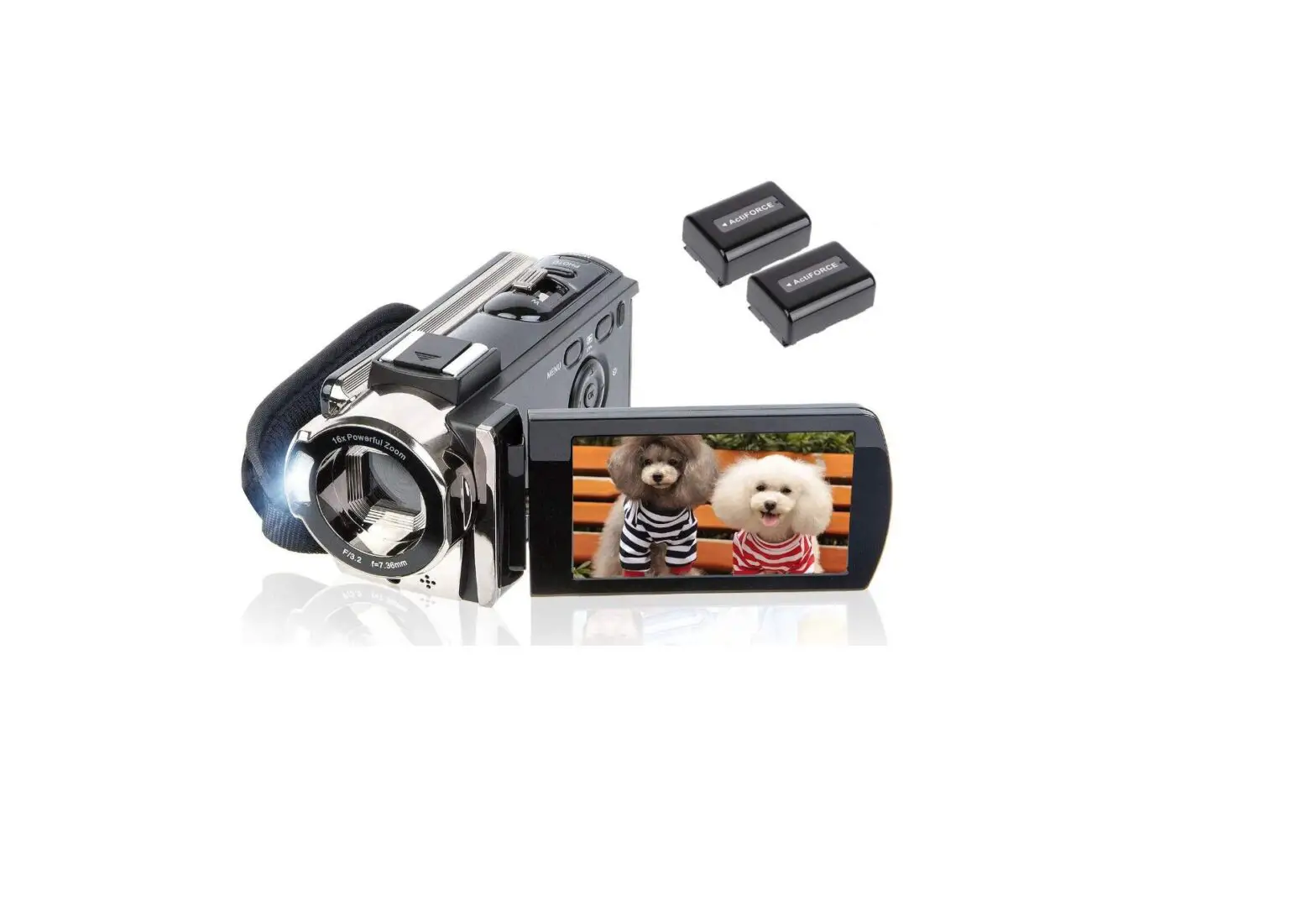
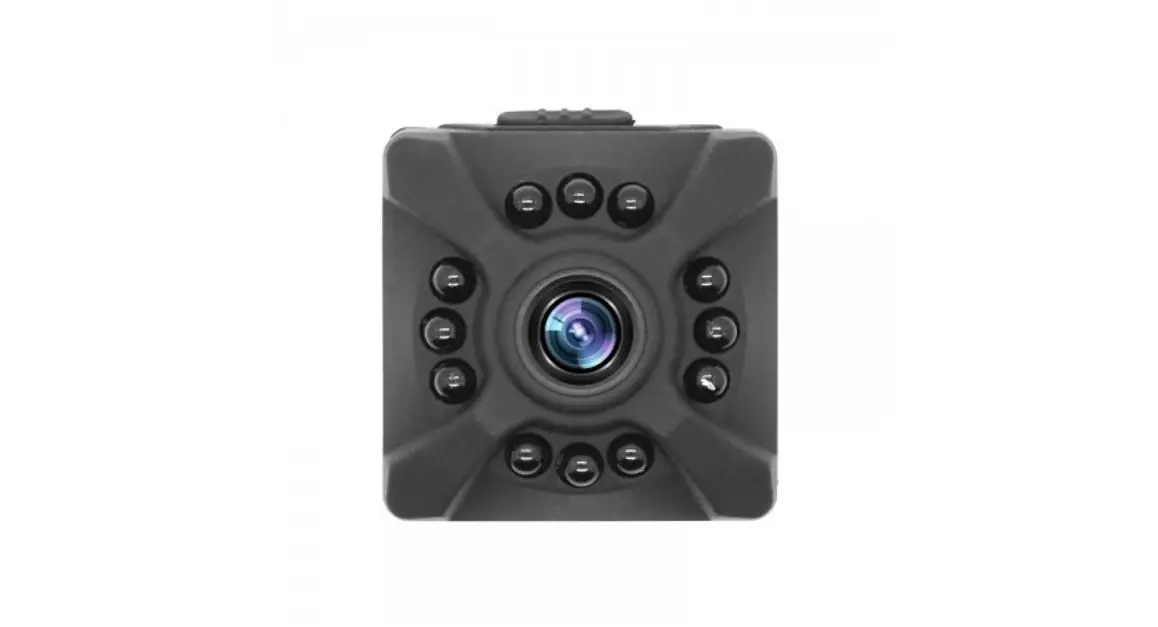
Product Display
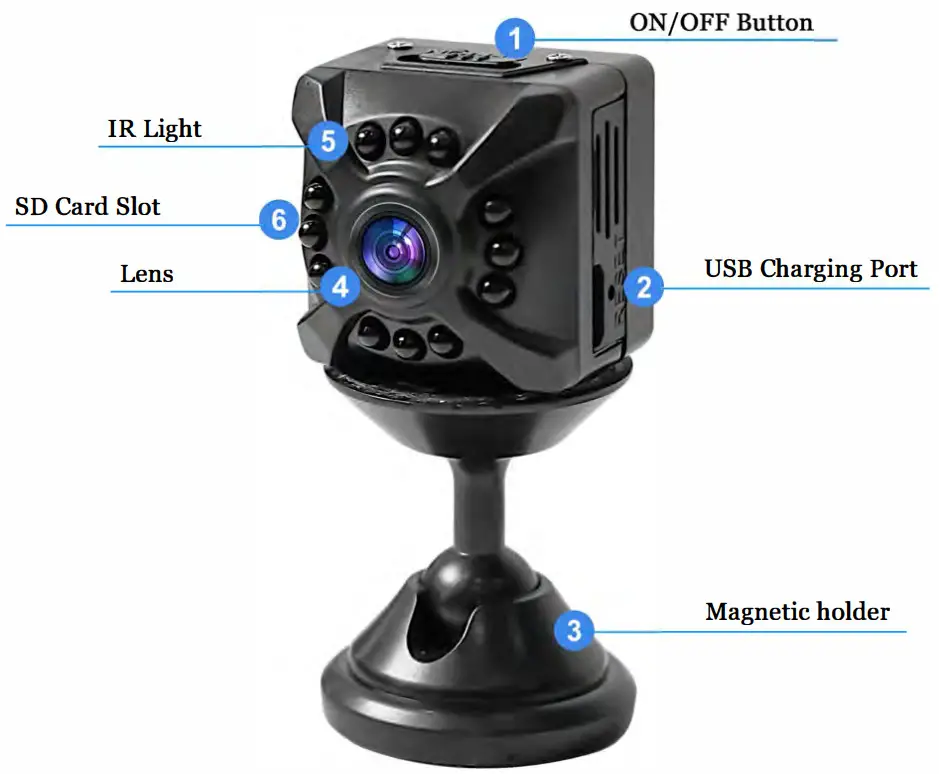
Configuration
| Product Name | Network camera |
| Video resolution | 720P-1080P H.265 |
| Vision range | 120*wide angle |
| Video frame rate | 30fps±fps |
| Video file | 30 minute/file |
| Video Format | MP4 |
| Loop recording | Support |
| Sensor | 1/3″color CIMOS |
| Antenna | 2.4G. 802.11n WiFi built-in antenna |
| Image ratio | 4:3 |
| Charging voltage | DC-5V-1.5A |
| Storage support. | Micro SD Card (TF Card) support up to 128GB |
| Battery type | Built-in 300mAh polymer lithium battery |
| Long-term plug-in use | The charger should use 1.5A, it is not recommended to use 2A.If you want to turn off the camera and charge quickly. 2A is available. |
| Charging instruction | The red light is on while charging, and it is fully charged when the red light is off. |
| Charge method | USB |
| Night Vision Distance | About 5meters |
| Battery life | About 60 minutes |
| App compatibility | All kinds of mobile phones |
| Warning | TF cards should be authentic enough to accommodate high-speed ones. If you want to pull out the TF card, you need to turn off the camera. |
Quick Set up Guide
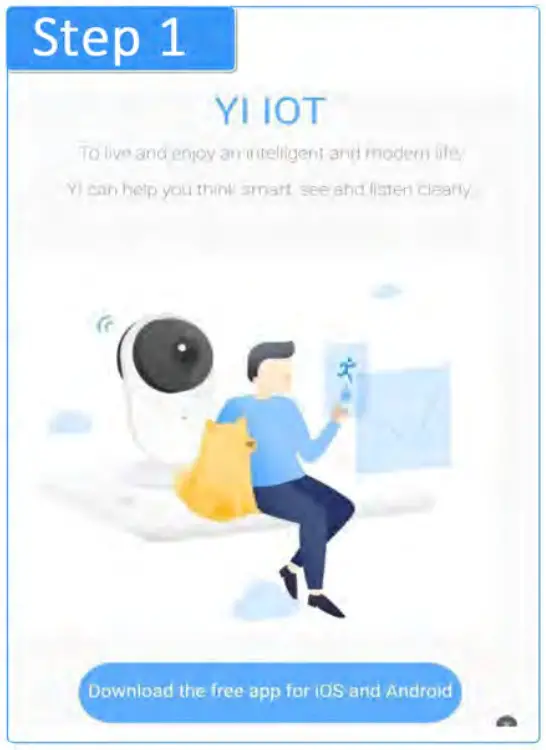
Step 1: Scan the QR-code to download the VI IOT App
 http://www.yunyiiot.com/yunyiapp/index.html
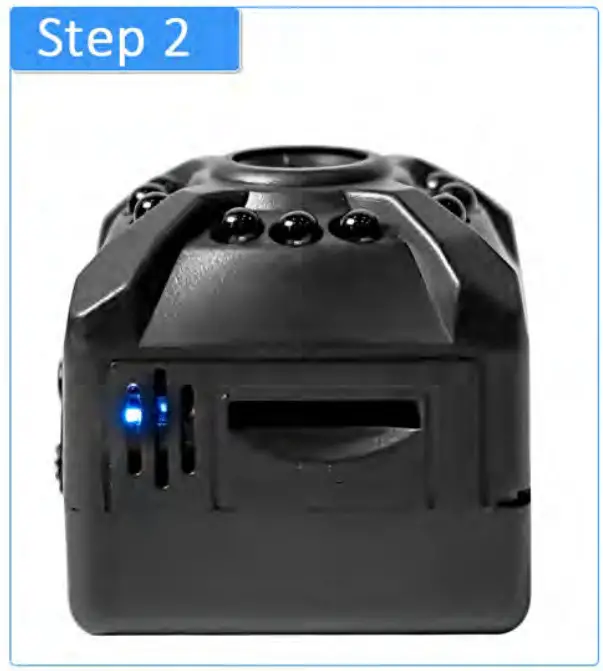
Step 2: Charge the camera with the supplied cable, then turn on the camera. When the blue light is on, press “Reserbutton about 5 seconds, if the blue Hight flashes, the reset is successful.
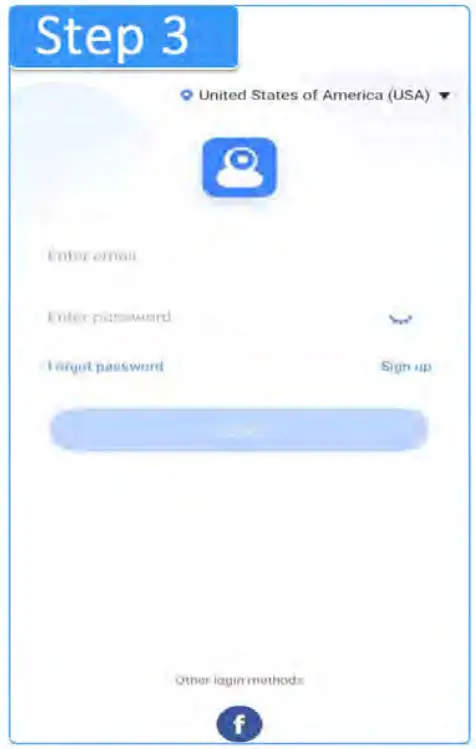
Step 3: Turn on the VI IOT App, sign up for an account by email, or use other available methods to complete login.
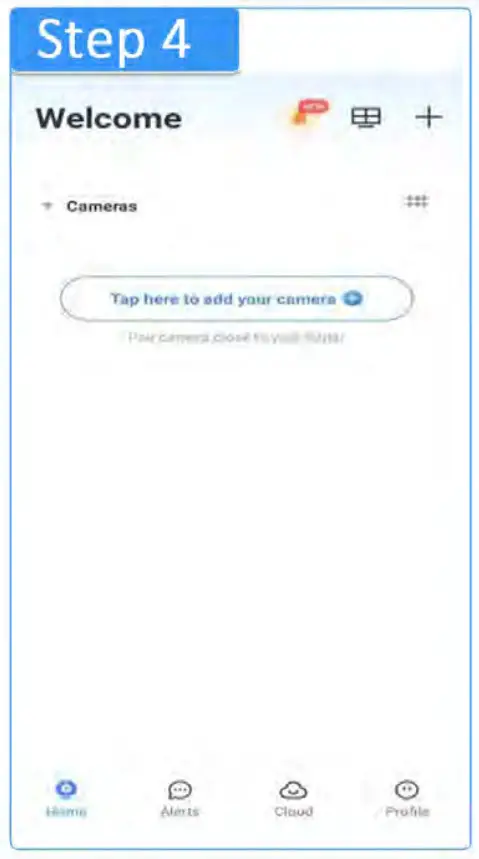
Step 4: Click the “+ “on the App Interface to add a camera to your phone.
Step 5: Choose a WIFI connection.
*Tip 1: There are other connection methods displayed in the APP, But our camera only supports a WIFI connection
*Tip 2: Make sure your phone is connected to the 2.4GHz WiFi for the first time paring. This camera only supports 2.4G Win.
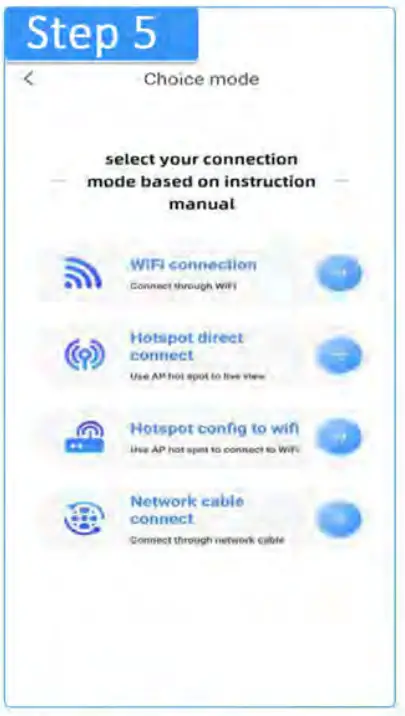
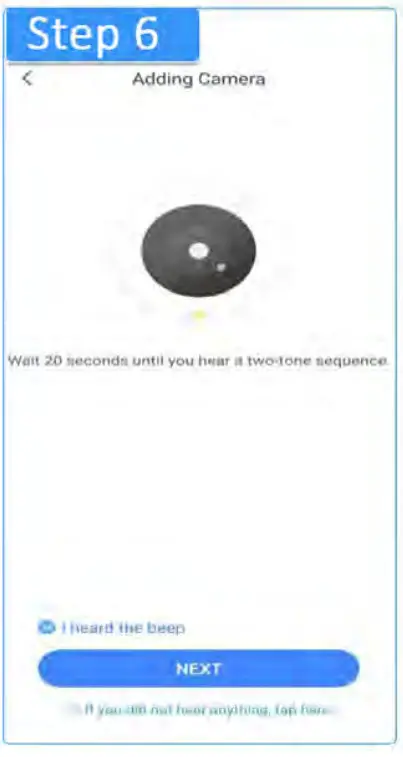
Step 6: Click the button “I heard the sequence” and tap “Next”.Tip: Our product is a silent camera, actually you will not hear sequence, please just tap heard and next.
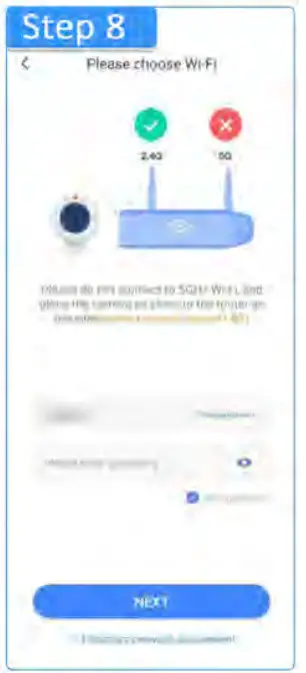
Step 7: Select your WIFI account and enter your WiFi password, then click the button “NEXT”.
Tip: WIFI name and password only support letters and numbers, no special characters.
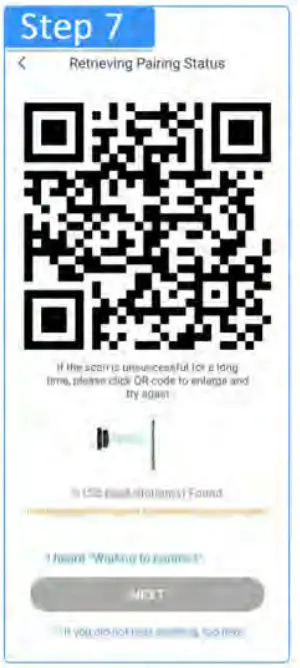
Step 8: Use the camera with a blue light on (following Step 2)scan the QR code on your mobile app (put your camera about 3-8 inches away from your mobile). When blue light flashes, take away your camera. Choose ” I heard waiting to connect” and click the button “NEXT”.
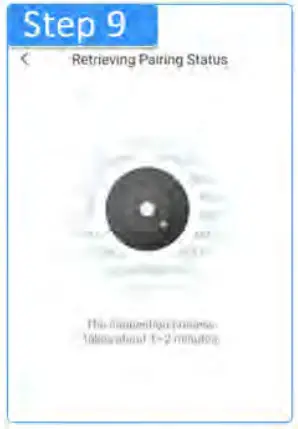
Step 9: Waiting about 1-2 minutes to let your mobile phone connect to your camera. Tip: If App shows your pairing failed, please reset your camera(referring to Step 2)and click the button “Reset is successful” then put the camera as close as to the router and start over If your pairing succeeds, go to Step 10.
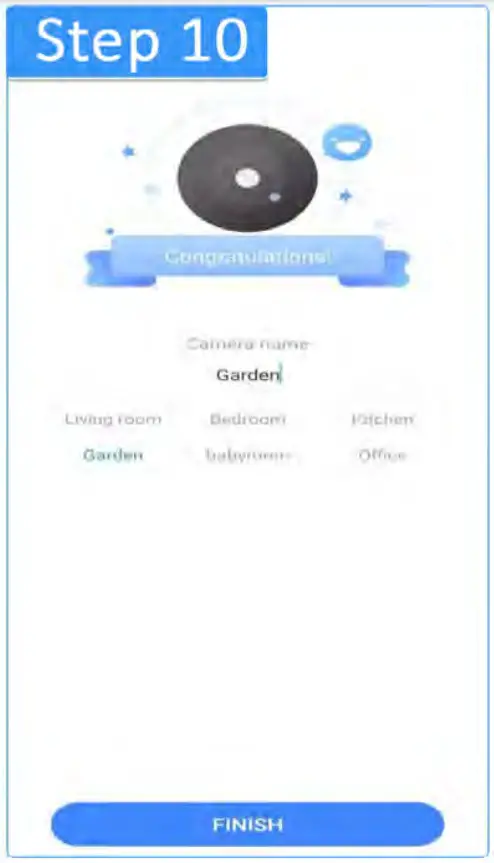
Step 10: Name your camera, choose your camera place like the living room, then click the”FINISH” button.
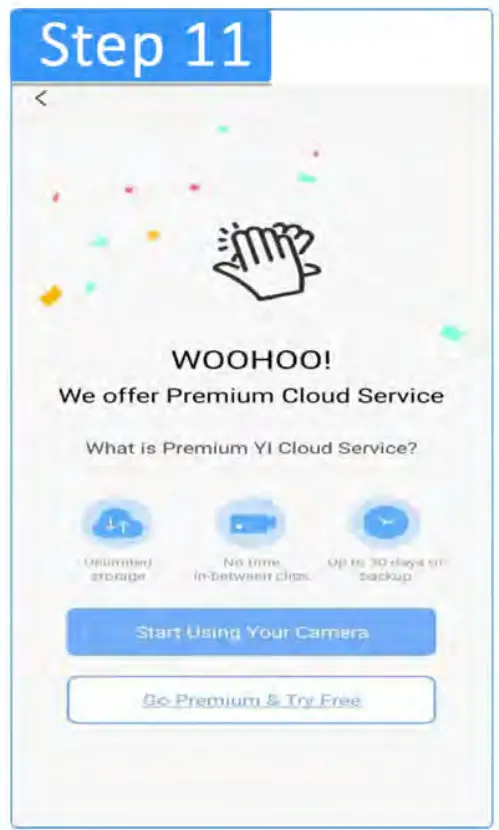
Step 11: Press the button “Start using your camera”.Now you can watch your camera on App.
FAQ
- 0: How to share the camera with others?
A: On the home page of App, click the “share icon” on the upper right. side, click “share cameras with your family” then follow the app guidance to invite. - Q: How to set up SD card recording and replay videos?
A: Insert a micro SD card into the camera (support up to 128G) -click the “settings” of your camera -select All time Recording or Event Recording-set up recording to me, then it will start recording. To replay videos, enter the live video page of your camera – click “activity”. - Q: After fully charged, how long will the camera work?
A: This camera has a built-in 300mAh battery, because of the small size, it can’t have a big battery inside. After fully charged, it can work for 60 minutes. You can plug in it all the time if you need it to work all day. - Q: The camera was paired successfully, but it won’t load the video.
A: Check the below information:
(1) Camera is switched on and still has a battery. Please plug it in by cable to have a try.
(2) Check your phone has an available network to load video.
(3) Check the camera location. It should be close to the router and the router be successfully connected to the Internet.
(4) Try to rest the camera with the pin and reconnection the app.
Warranty
We offer I year free replacement and return warranty. If there is anything wrong with your camera, please contact us without hesitation.
Contact us via email: [email protected]
Package
Mini Camera*1
USB cable*1
Magnetic holder*1
Reset Pin*1
User manual*1
This device complies with part 15 of the FCC Rules. Operation is subject to the following two conditions: (1) This device may not cause harmful interference, and (2) this device must accept any interference received, including interference that may cause undesired operation.
Any changes or modifications not expressly approved by the party responsible for compliance could void the user’s authority to operate the equipment.
Note: This equipment has been tested and found to comply with the limits for a Class B digital device, pursuant to part 15 of the FCC Rules. These limits are designed to provide reasonable protection against harmful interference in a residential installation. This equipment generates uses and can radiate radio frequency energy and, if not installed and used in accordance with the instructions, may cause harmful interference to radio communications. However, there is no guarantee that interference will not occur in a particular installation. If this equipment does cause harmful interference to radio or television reception, which can be determined by turning the equipment off and on, the user is encouraged to try to correct the interference by one or more of the following measures:
-Reorient or relocate the receiving antenna.
-Increase the separation between the equipment and receiver.
-Connect the equipment into an outlet on a circuit different from that to which the receiver is connected.
-Consult the dealer or an experienced radio/TV technician for help.
This equipment complies with FCC radiation exposure limits set forth for an uncontrolled environment. This equipment should be installed and operated with a minimum distance of 20cm between the radiator & your body.