Combination Lock Box
Product Information: Combination Lock Box
Product Description:
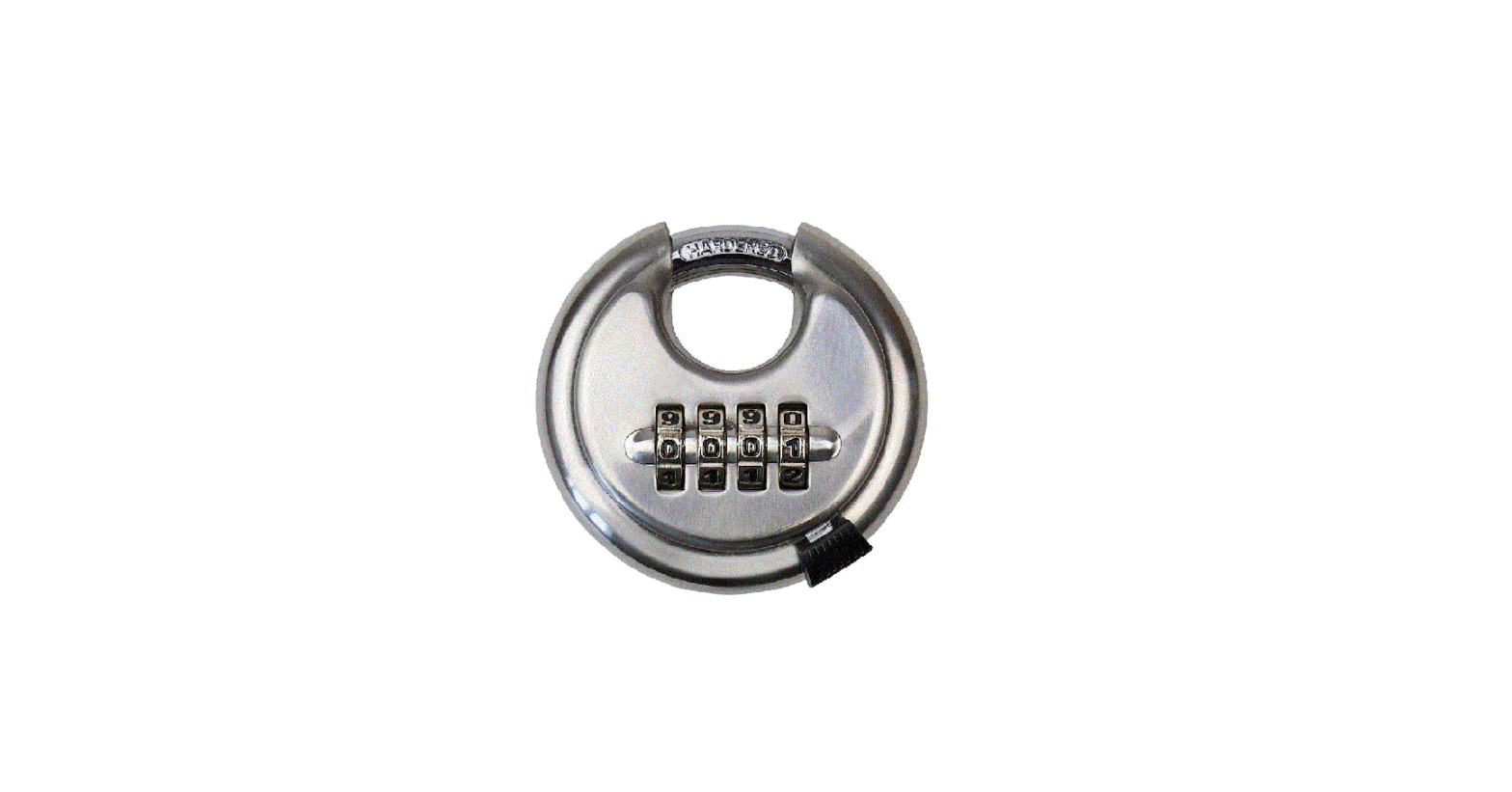
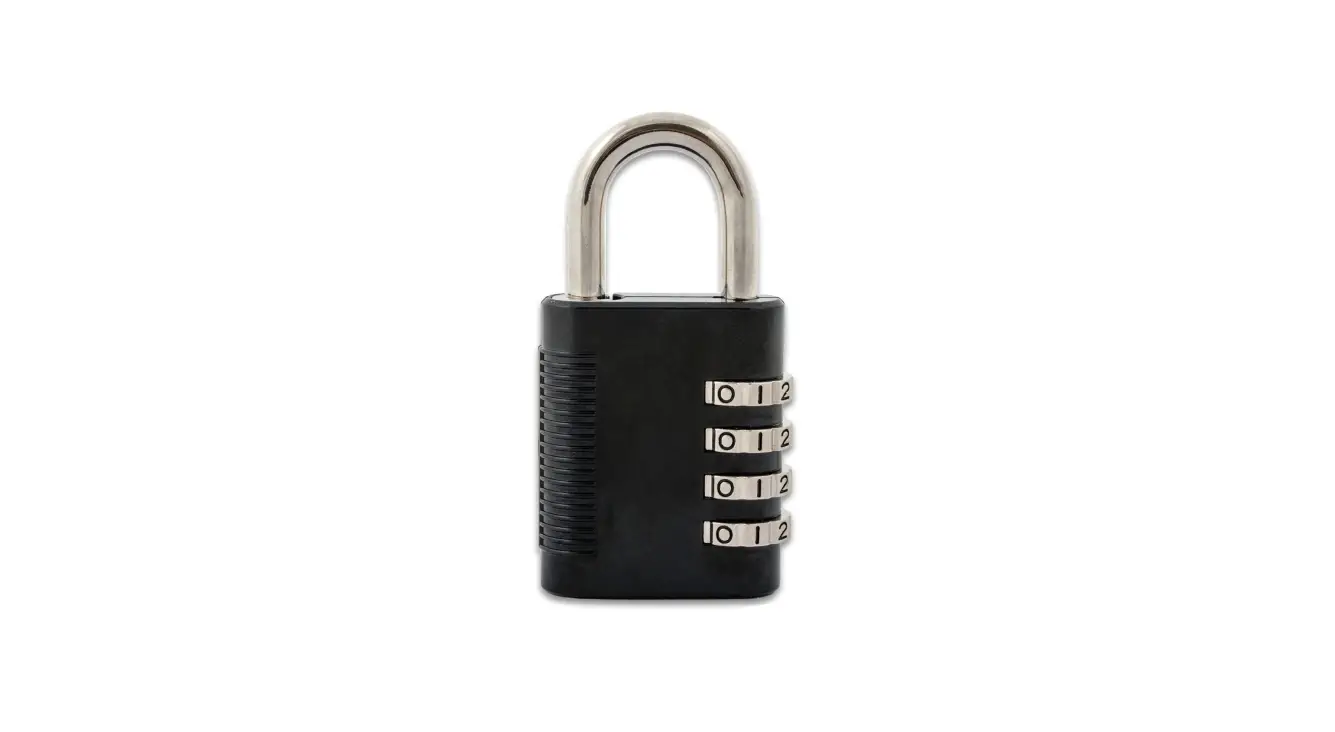
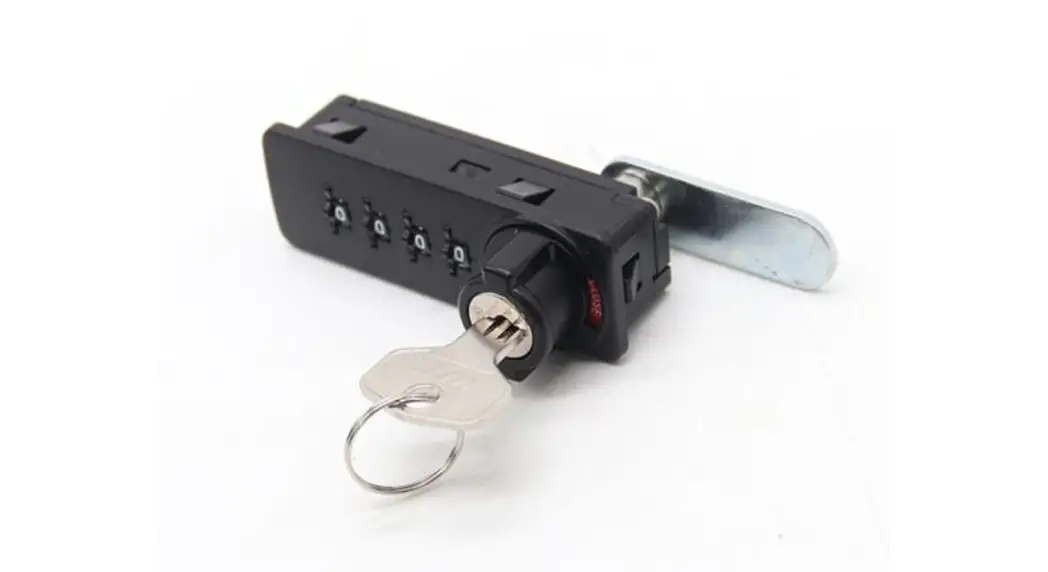
The Combination Lock Box is a secure storage container designed
to keep your valuables safe. It features a combination lock
mechanism that allows you to set a unique code for accessing the
contents of the box.
Product Usage Instructions:
Opening the Lock Box for the First Time:
- Set all digits to (0) zero. Note that some models have 3
digits, while others have 4 digits. - Ensure all digits are centered on the 0 when opening.
Opening an Existing Lock:
- Set all digits to the current opening combination.
- Ensure each digit is centered on its corresponding combination
number when opening.
Setting or Resetting the Combination:
- Once the lock box is opened, locate the locking lever under the
foam in the lid of the safe. - Move the locking lever from “Lock A” to “Lock B” on the lock
housing. - While the lock box is open, set the combination to your desired
unique code or reset it to a new code. - Move the locking lever from “Lock B” back to “Lock A”.
- Before closing the lock box, test the code two times to ensure
your new combination has been successfully set.
Note: For video instructions, you can visit
snapsafe.com/combo-reset.
Contact Information:
Customer Service: PO Box 1848, Grand Island, NE 68802-1848
Phone: 1-877-214-4470
Website: snapsafe.com
Product Code: 23SNAP0015
Expiration Date: 02/2023
HOW TO RESET YOUR NEW
COMBINATION LOCK BOX
To open your new lock box for the first time: 1. Set all digits to (0) zero. Depending on model, some lock boxes have 3 digits.
Others have 4 digits.
2. Make sure all digits are centered on the 0 when opening.
To open an existing lock: 1. Set all digits to the current opening combination.
2. Make sure each digit is centered on its corresponding combination number when opening.
To set the combination for a new lock box or reset the combination for an existing lock box:
1. Once opened, move the locking lever from
Lock
A to B on the lock housing. The locking lever is located under the foam in the lid of the safe. 2. While open, set the combination to your own unique code; or reset it to a new code.
3. Move the locking lever from B back to A.
4. Before shutting your lock box, test the code two times to verify your new combination has been set.
Locking Lever
For video instructions visit snapsafe.com/combo-reset.
Customer Service: PO Box 1848, Grand Island, NE 68802-1848 1-877-214-4470 | SnapSafe.com
23SNAP0015
02/2023
 Modular Safes, Specialty Safes & Lock Boxes - SnapSafe