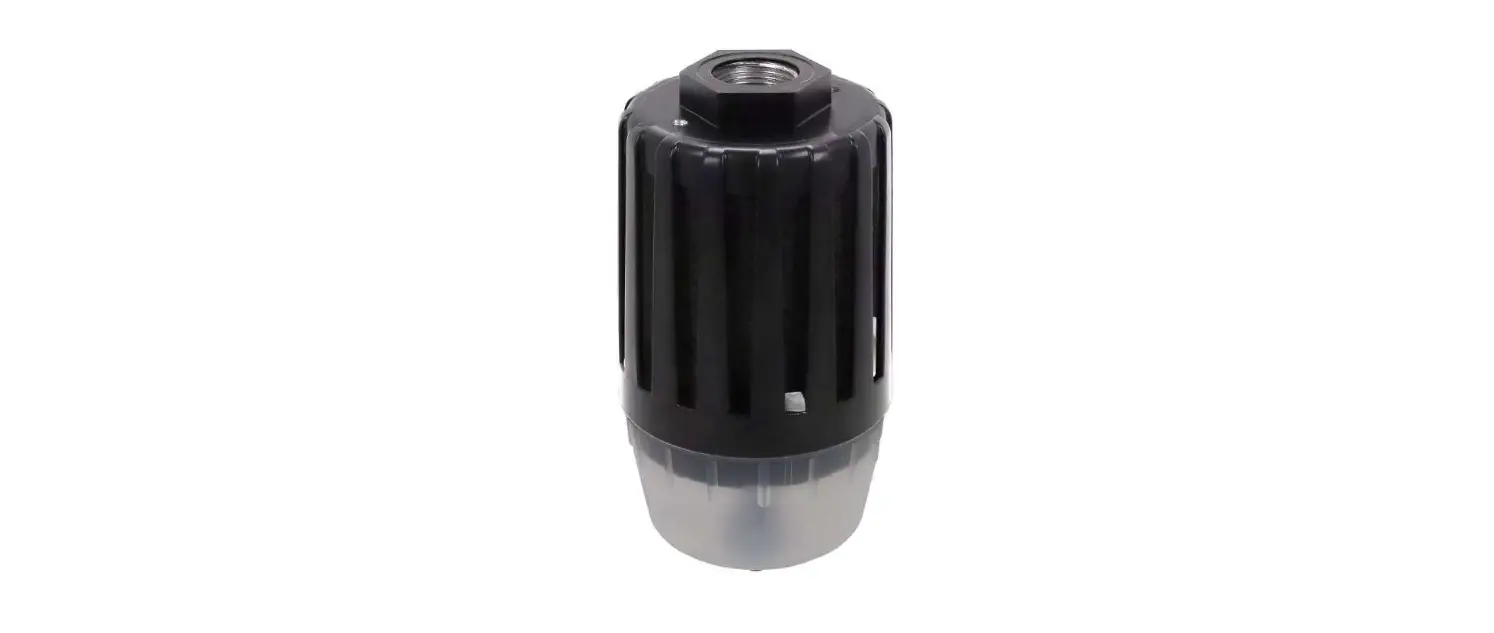
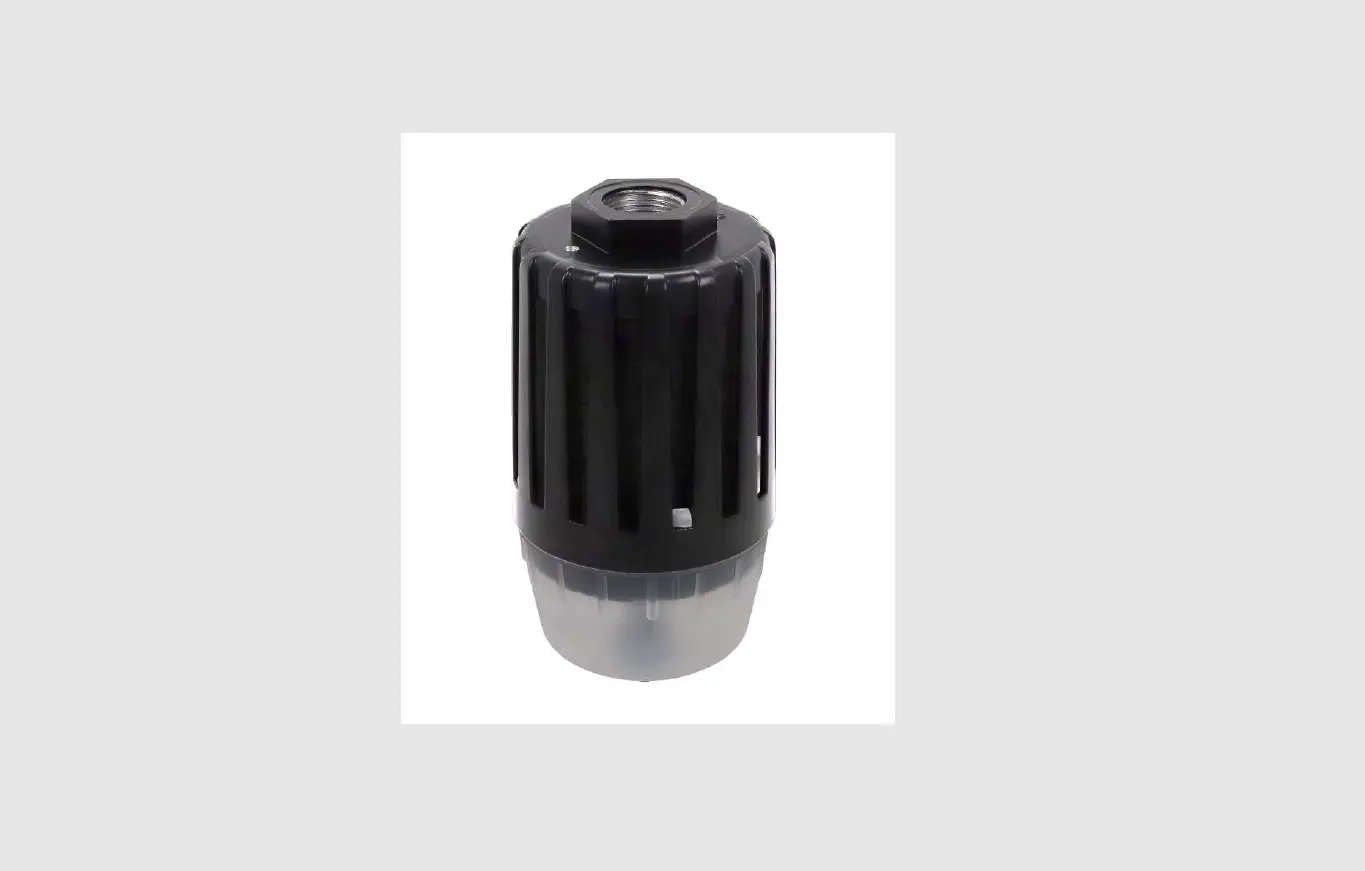
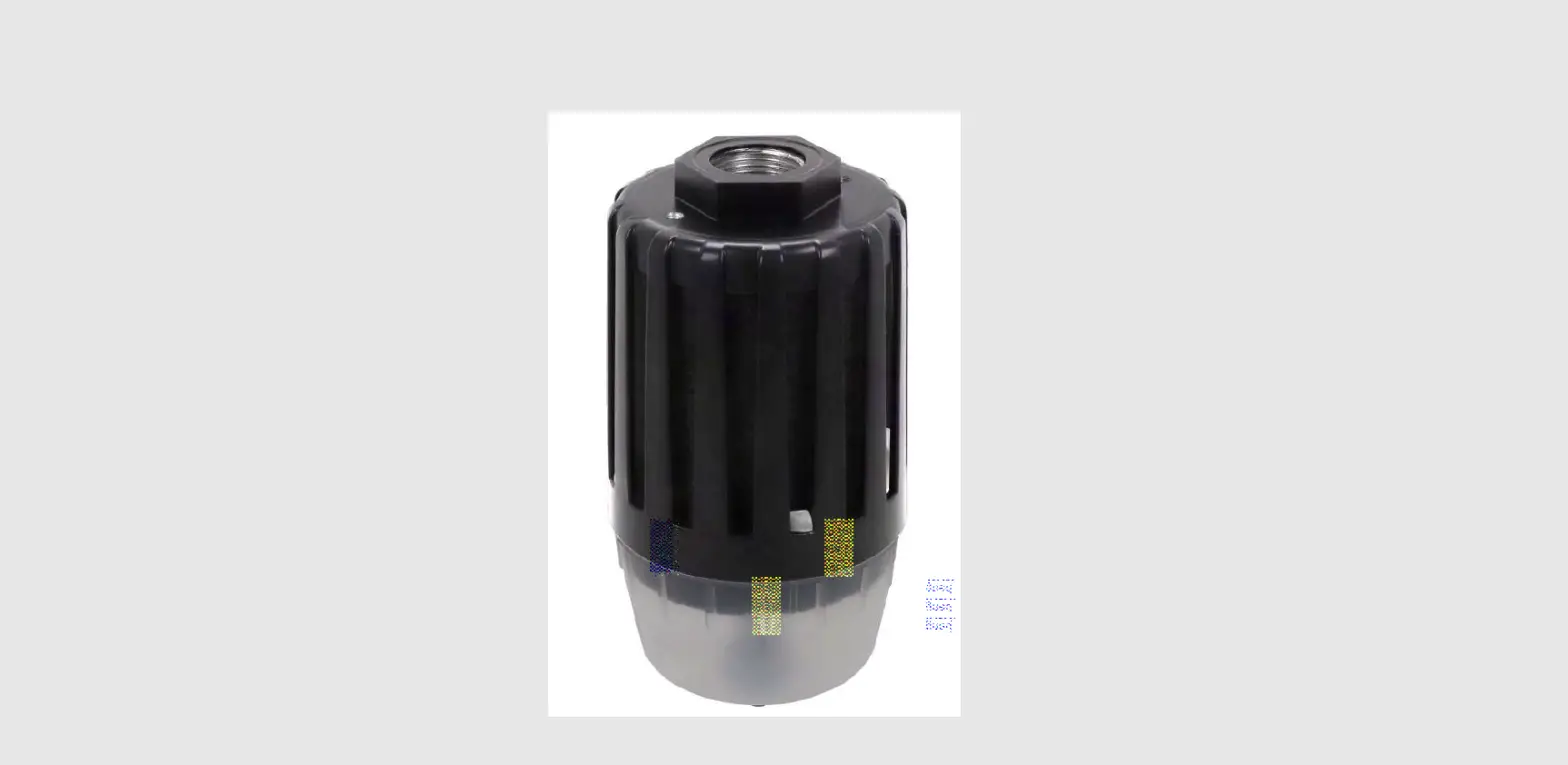
60222846 Cutting Edge Oil Display
Product Information
Product Name: Base
SKU No.: 60222846
Components:
- 1 x Cutting Edge Oil Display
- 1 x Front Panel
- 1 x Back Panel
Product Usage Instructions
Step 01:
- Insert the Cutting Edge Oil Display into Groove 1.
- Make sure the front panel is facing towards you.
Step 02:
- Insert the Cutting Edge Oil Display into Groove 2.
Step 03:
Ensure there is no gap between the Cutting Edge Oil Display and
the grooves.
Step 04:
Repeat the above steps for the Front Panel and Back Panel,
ensuring there are no gaps between the panels and their respective
grooves.
Base
(1PC)
Cutting Edge Oil Display
SKU No. 60222846
Front Panel
(1PC)
Back Panel
(1PC)
Assembly Instruction Step 01
Insert to Groove 1
Attention: Face
Groove 1 Groove 2
Bevel
Step 02
Step 03
Insert to Groove 2
Groove 2
Step 04
No Gap
No Gap