 Quick Guide
Operating the product
Read “Safety Instructions” section first!
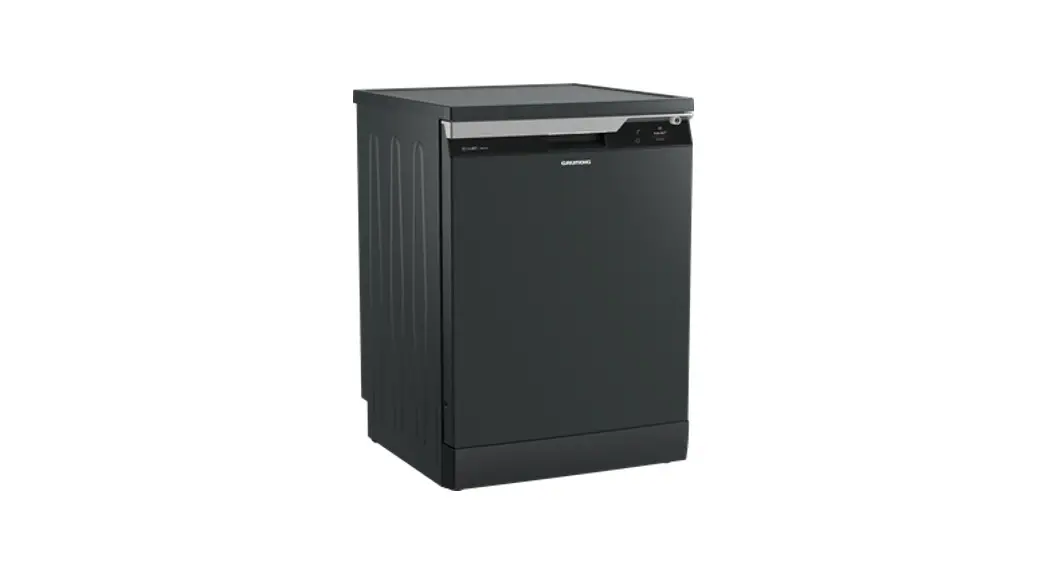
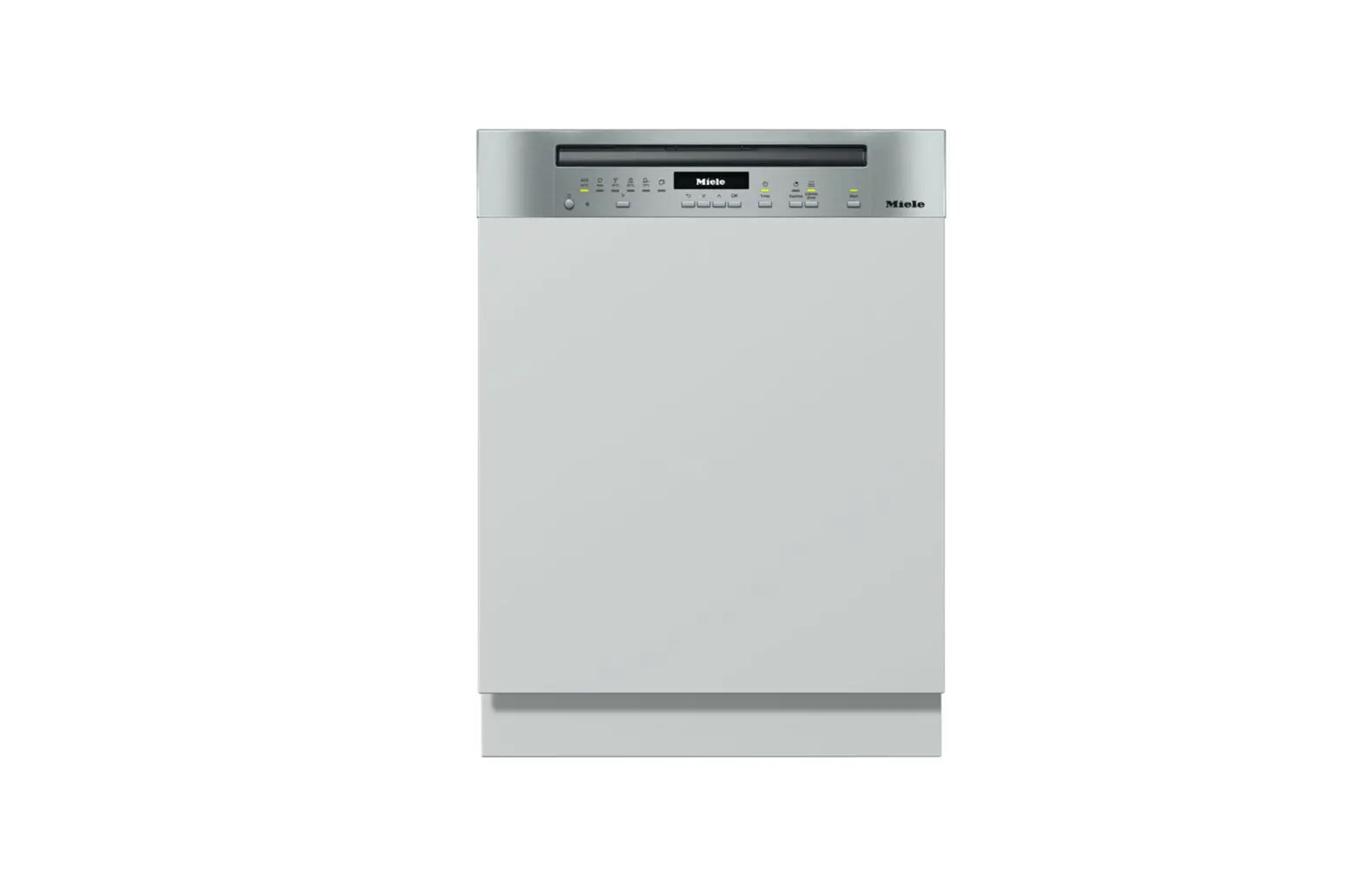
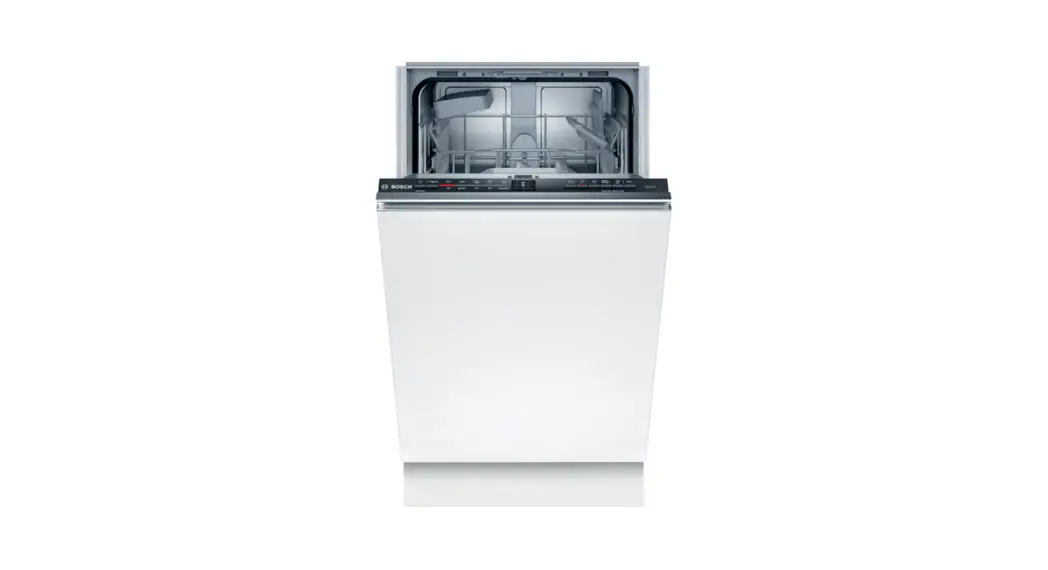
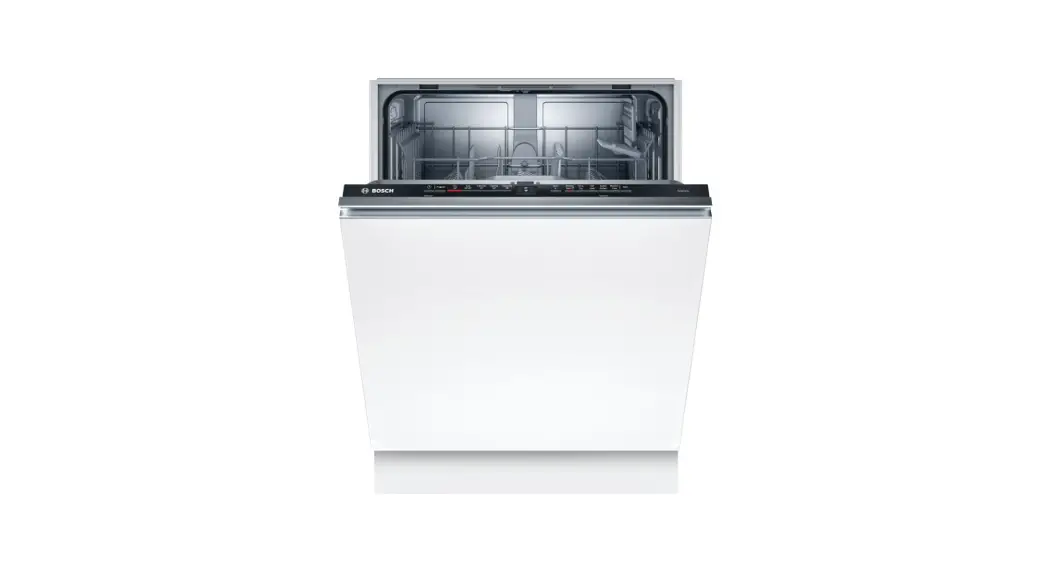
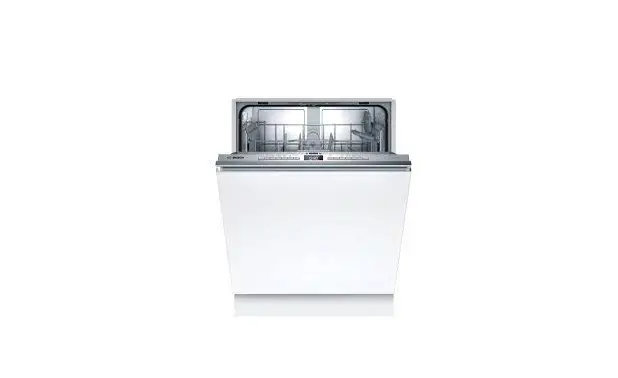
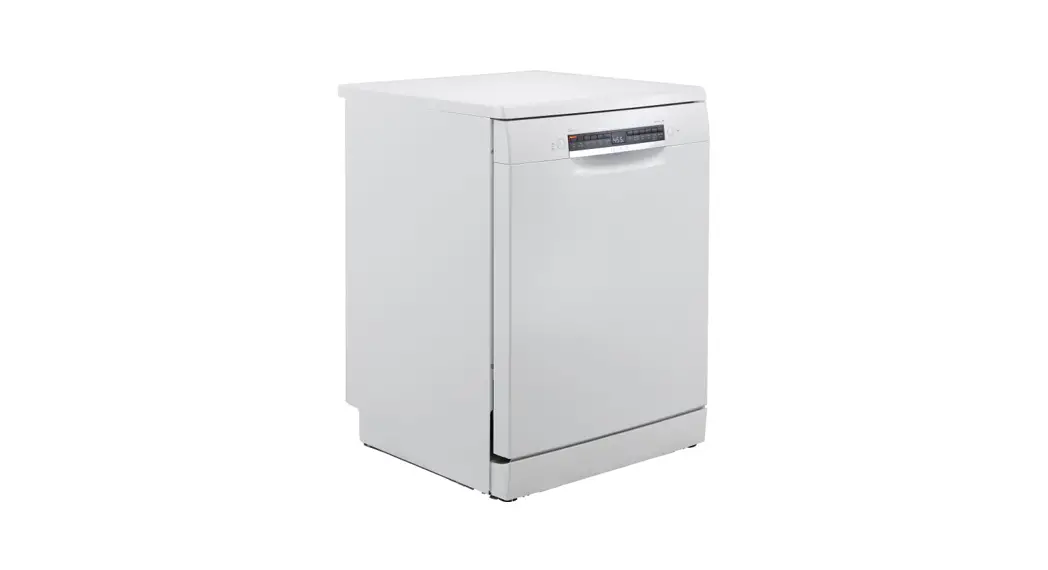
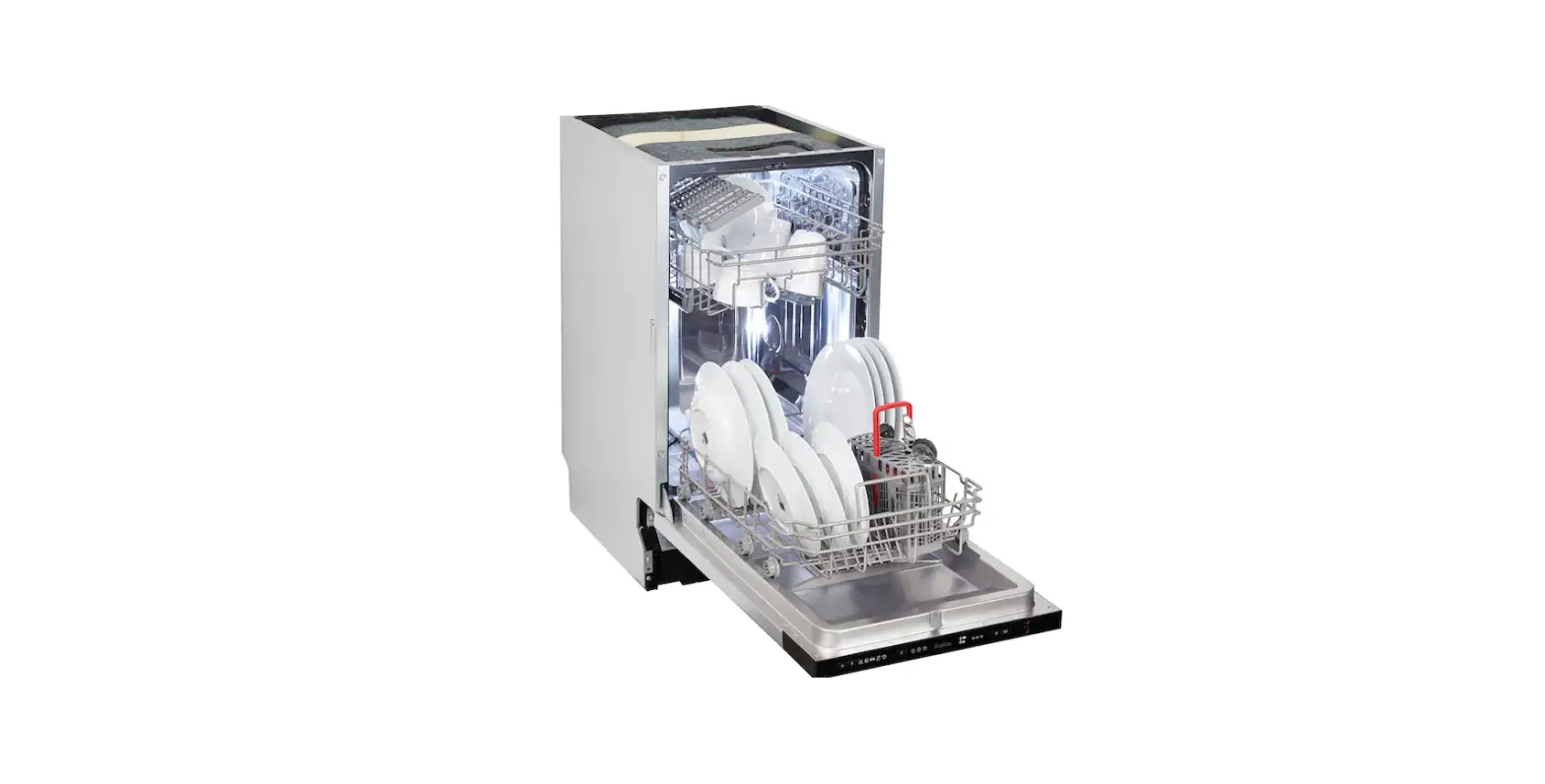
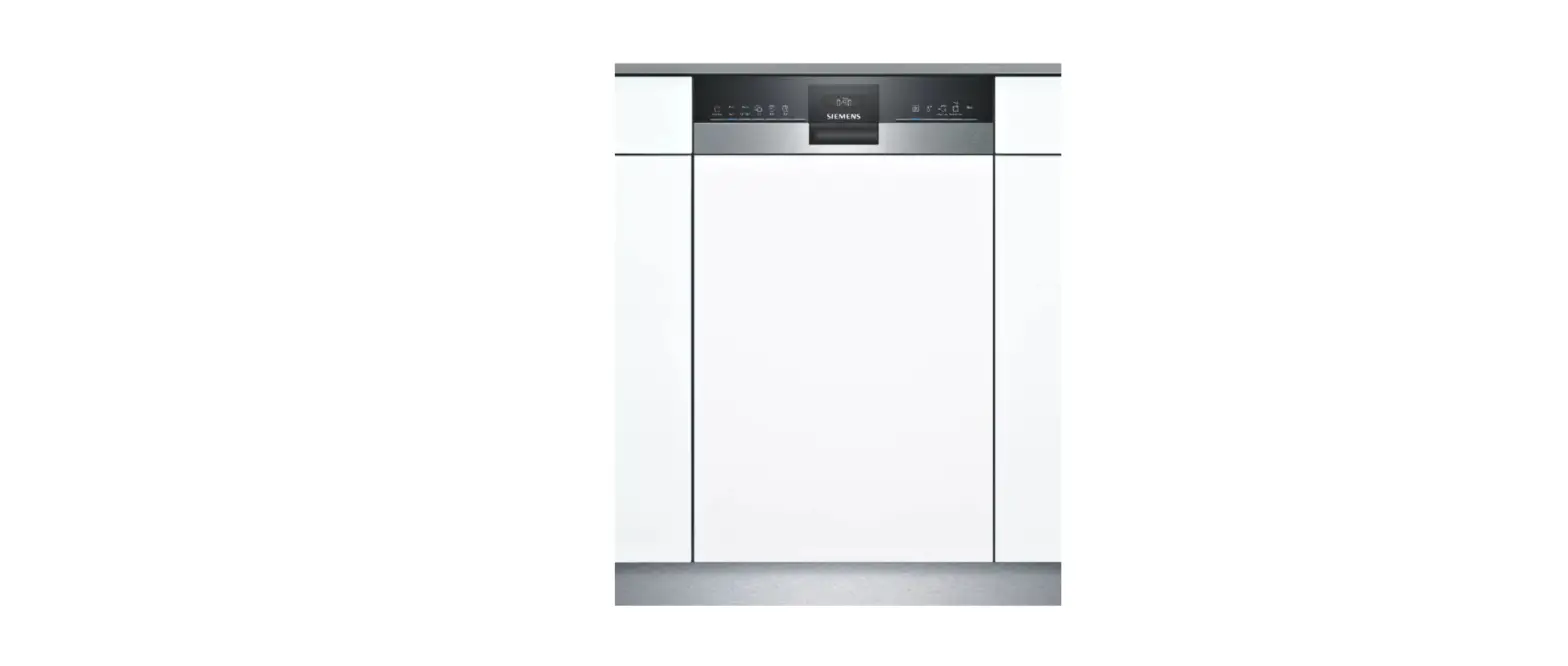
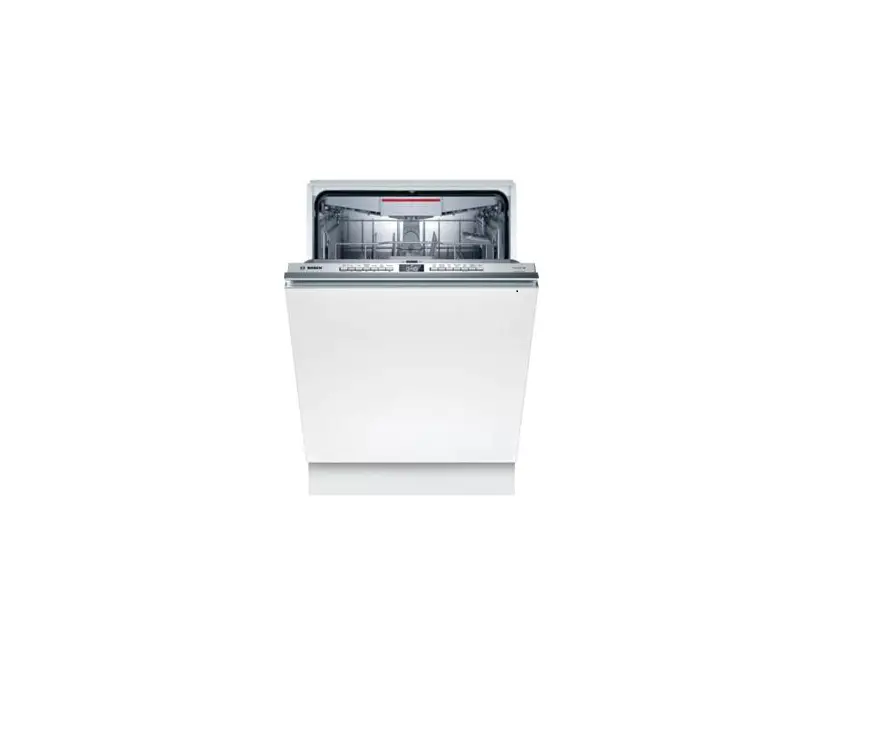
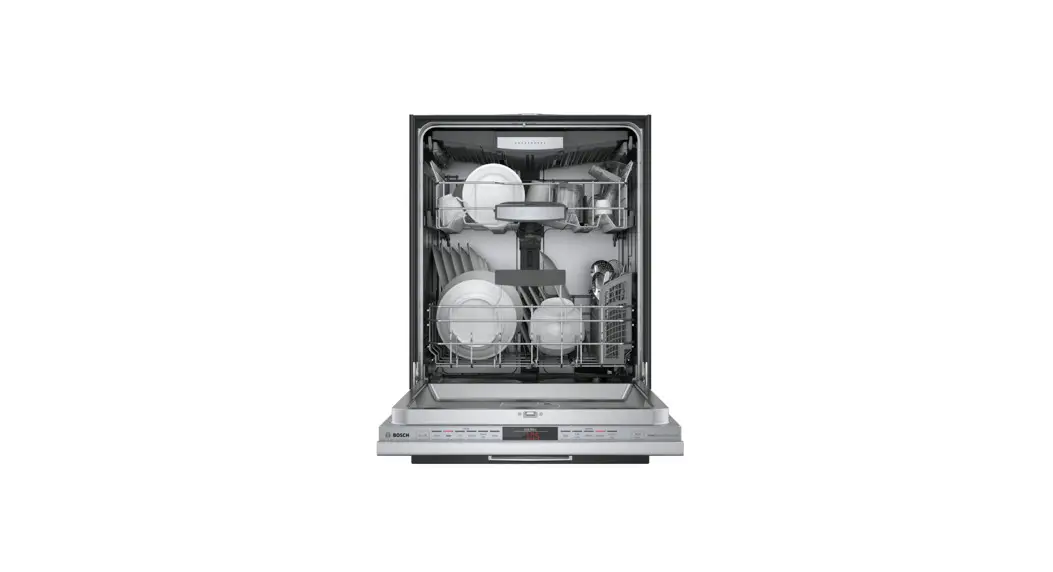
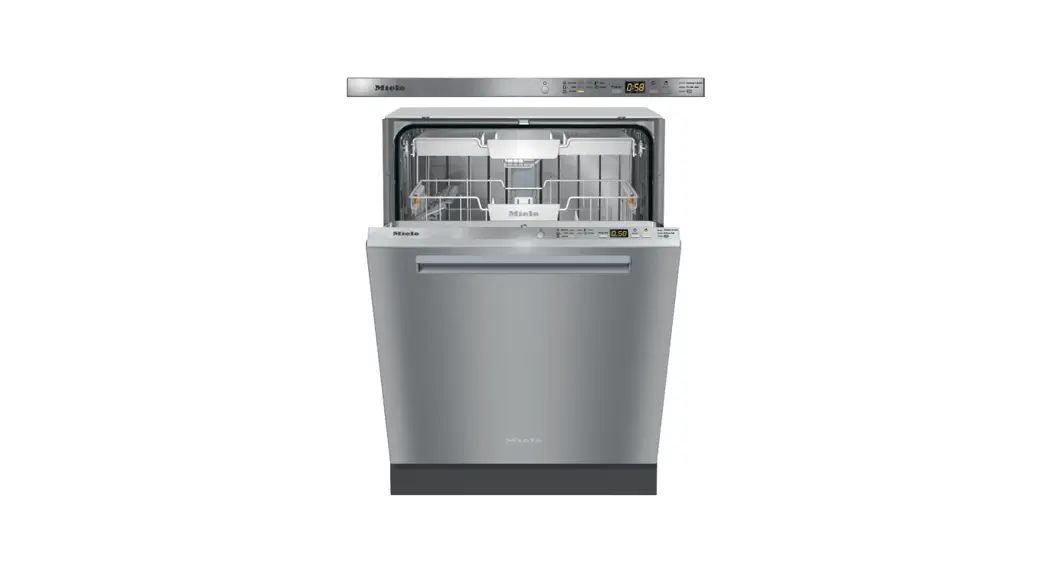
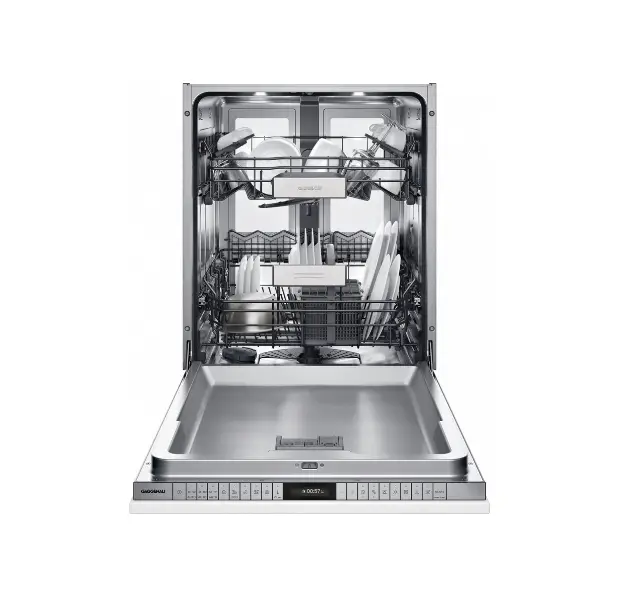
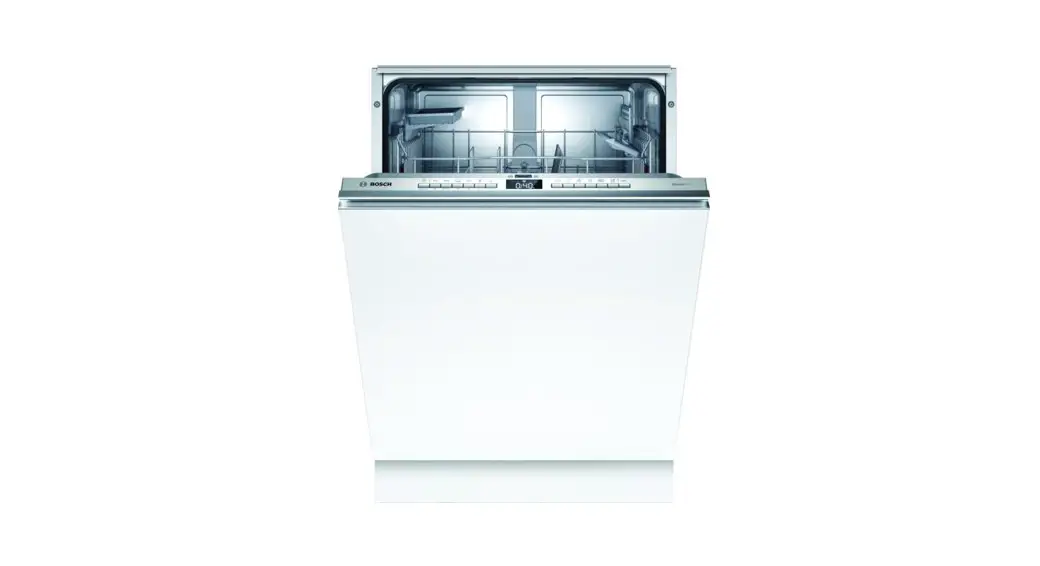
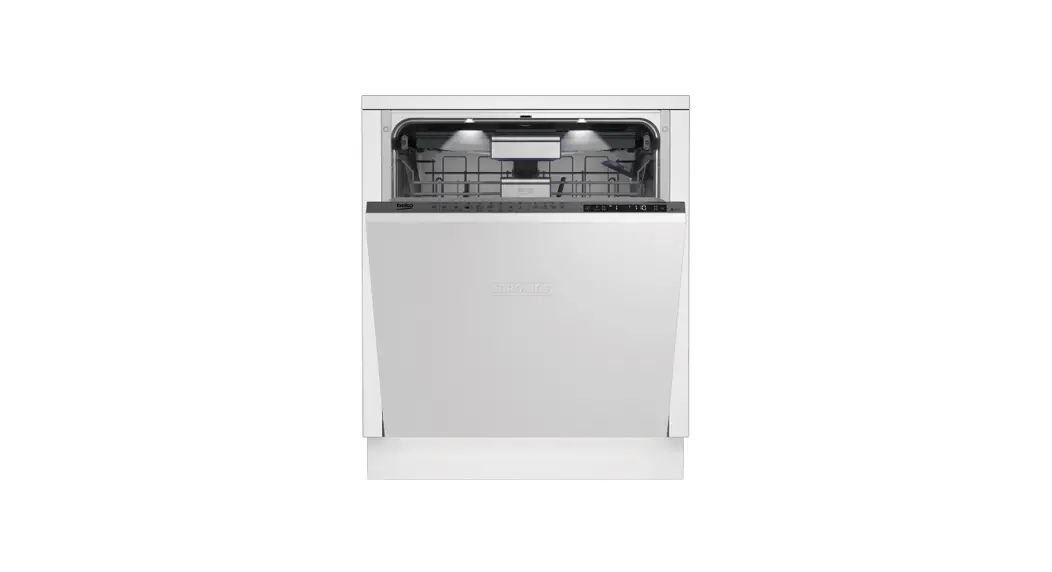
GSV 42840 fully Integrated Dishwasher

- On / Off Key
- Programme Selection Keys
- Menu Direction Selection Key / Hygiene Care function
- Menu Key (3 sec) / Selection / Confirmation Key / TurboWash Function
- Menu Direction Selection Key / Express Function
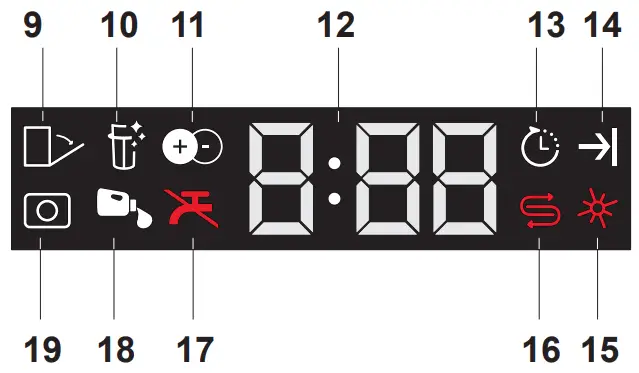
- Display
- Delay Time Selection
- Start / Pause / Cancel Key (3 sec)

- Doormatic Indicator (depending on the model)
- Active Self Cleaning Function Indicator (depending on the model)
- IonFresh Function Indicator (depending on the model)
- Delay Time / Programme Time Indicator
- Delayed Start Indicator
- Programme End Indicator
- Rinse Aid Indicator
- Salt Indicator
- Water Cut-off Indicator
- Automatic Liquid/Gel Detergent Dosing Indicator (depending on the model)
- Tablet Detergent Indicator (depending on the model)
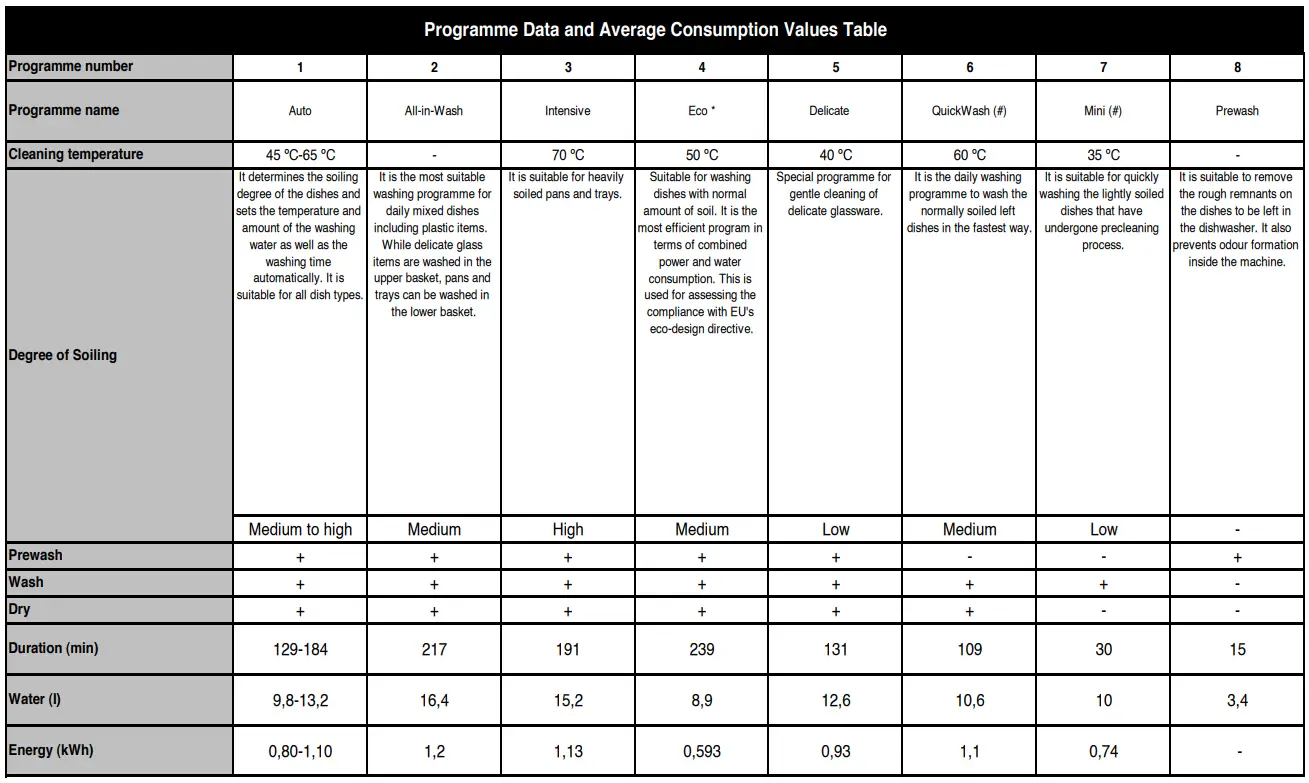
Loading Capacity: 10
The consumption values shown in the table were determined under standard conditions. Differences may therefore occur under practical conditions. * Reference programme for testing institutes. The tests in accordance with EN 50242/60436 must be carried out with a full water softener salt dispenser and a full rinse aid reservoir, and using the test programme. The values given for programmes other than Eco 50°C programme are indicative only. (#) Additional functions might cause changes in programme durations.
Washing, rinsing and drying performance of your dishwasher will improve when the water softening system is adjusted correctly.
To adjust the system, first learn the water hardness in your region and adjust as indicated below.
- Unpack the test strip.
- Open the tap and let the water flow for approx. 1 minute.
- Dip in the test strip into the water for 1 second.
- Take out the strip from the water and shake it.
- Wait for 1 minute.
- Make the necessary adjustment according to the test strip.
| Level 0 Level 1 Level 2 Level 3 Level 4 Level 5 | 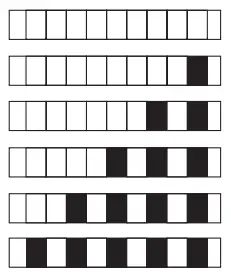 |
After detecting the water hardness:
- After switching on your machine, press and hold the Menu key for 3 seconds.
Some models require pressing Menu key once to enter settings menu - Using <- and +> keys, proceed until the water hardness setting indicator becomes on (“r” position will be displayed).
- Using the Selection key, adjust water hardness level according to the hardness of the supply water. For correct setting please see “Water hardness level setting table”.
- Press On / Off key to save the setting.
Water hardness level adjustment table
| Hardness Level | English Water Hardness °dE | German Water Hardness °dH | French* Water Hardness °dF | Water Hardness Level Indicator |
Level 0 | 0-5 | 0-4 | 0-8 | Press the Selection key to switch the water hardness level to position 1. (r1) |
Level 1 | 6-9 | 5-7 | 9-13 | |
Level 2 | 10-15 | 8-12 | 14-22 | Press the Selection key to switch the water hardness level to position 2. (r2) |
Level 3 | 16-19 | 13-15 | 23-27 | Press the Selection key to switch the water hardness level to position 3. (r3) |
Level 4 | 20-24 | 16-19 | 28-34 | Press the Selection key to switch the water hardness level to position 4. (r4) |
Level 5 | 25-62 | 20-50 | 35-90 | Press the Selection key to switch the water hardness level to position 5. (r5) |
Perform the same hardness level adjustment that you have set on the control panel also with the regeneration adjustment switch. For example, if you have adjusted to “3” in the control panel, also set the regeneration adjustment switch to 3. 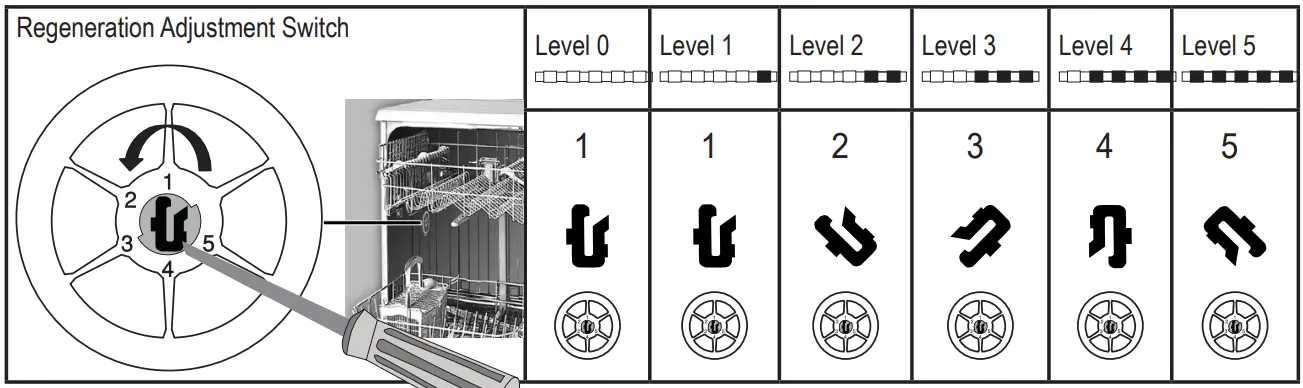
- If the hardness level of the water that you use is above 50°dH or if you are using well water, than it is recommended to use filter and water purification devices.
- If the hardness level of the water that you use is below 7°dH, there is no need to use salt in your dishwasher. In this case, the Salt Indicator light on the control panel of our dishwasher will light continuously.
- If the water hardness is set to level 1, the Salt Indicator will light continuously although it is not necessary to use salt. If you use salt under this condition, salt will not be consumed and the lamp will not illuminate.
When moving, you will need to set the water hardness level of your dishwasher again according to the information above, depending on the water hardness of the place you have moved to. If the water hardness level of your machine is adjusted previously, your machine will display the most recent hardness level adjustment.
17 6028 0100_AA_GRUNDIG_45E9_EN/ 28-06-22.(13:58)