Nedis LTLGQ3M2xx Desktop LED Lamp Quick Start Guide
 For more information see the extended manual online:
ned.is/ltlgq3m2xx
Intended use
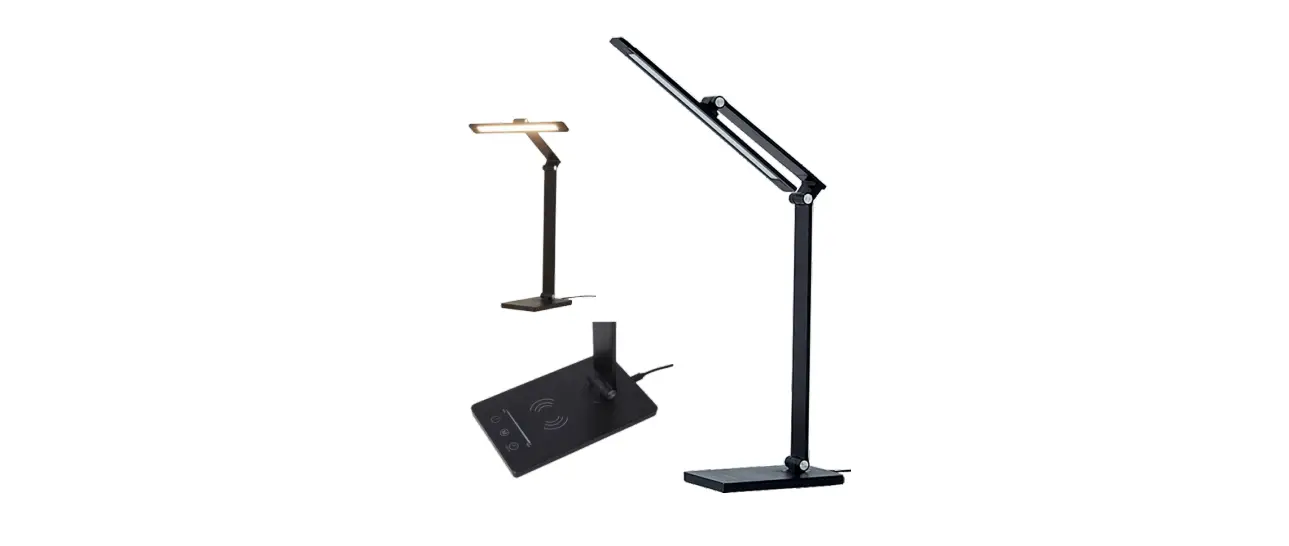
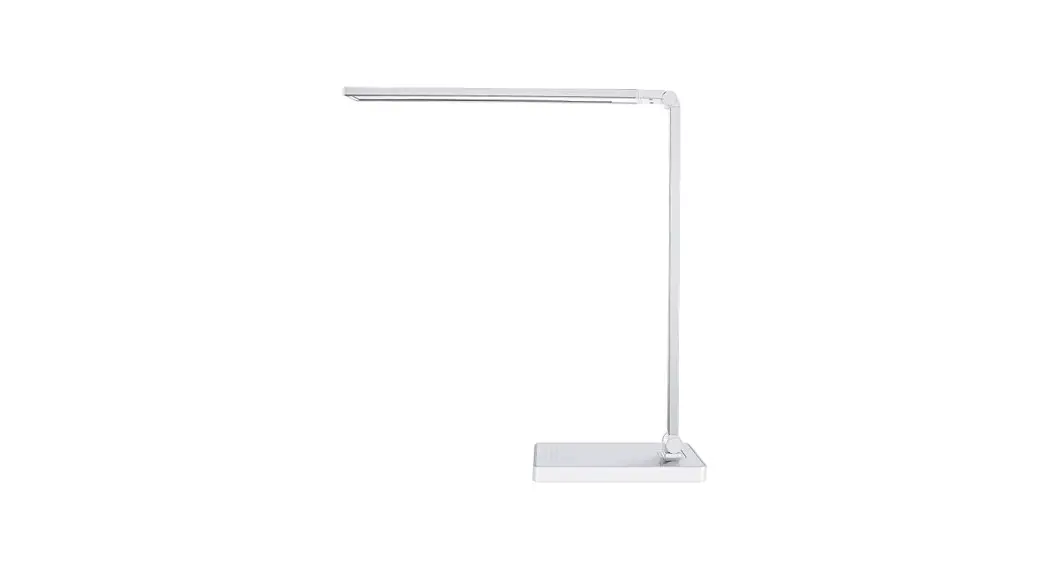
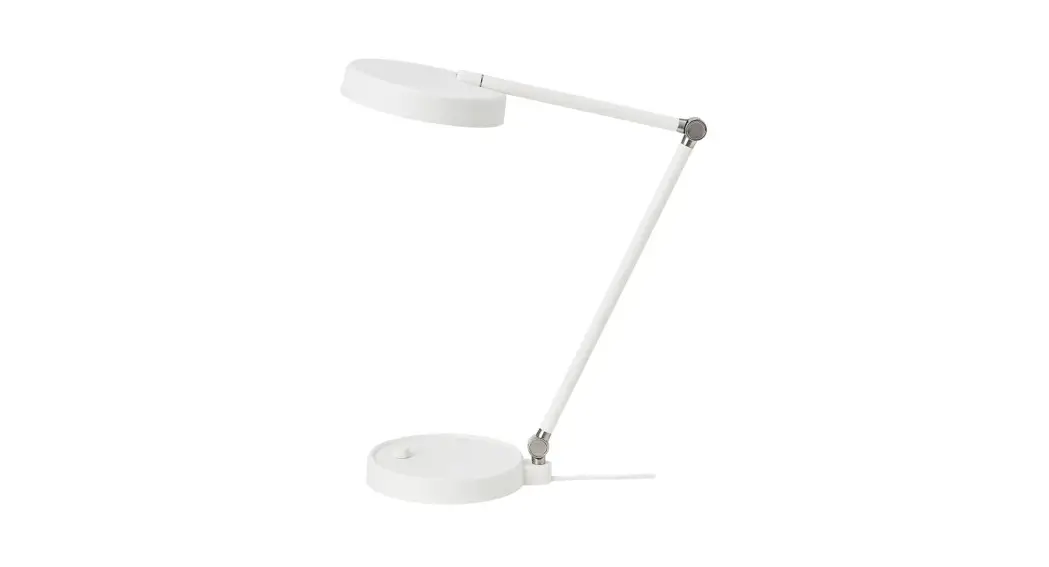
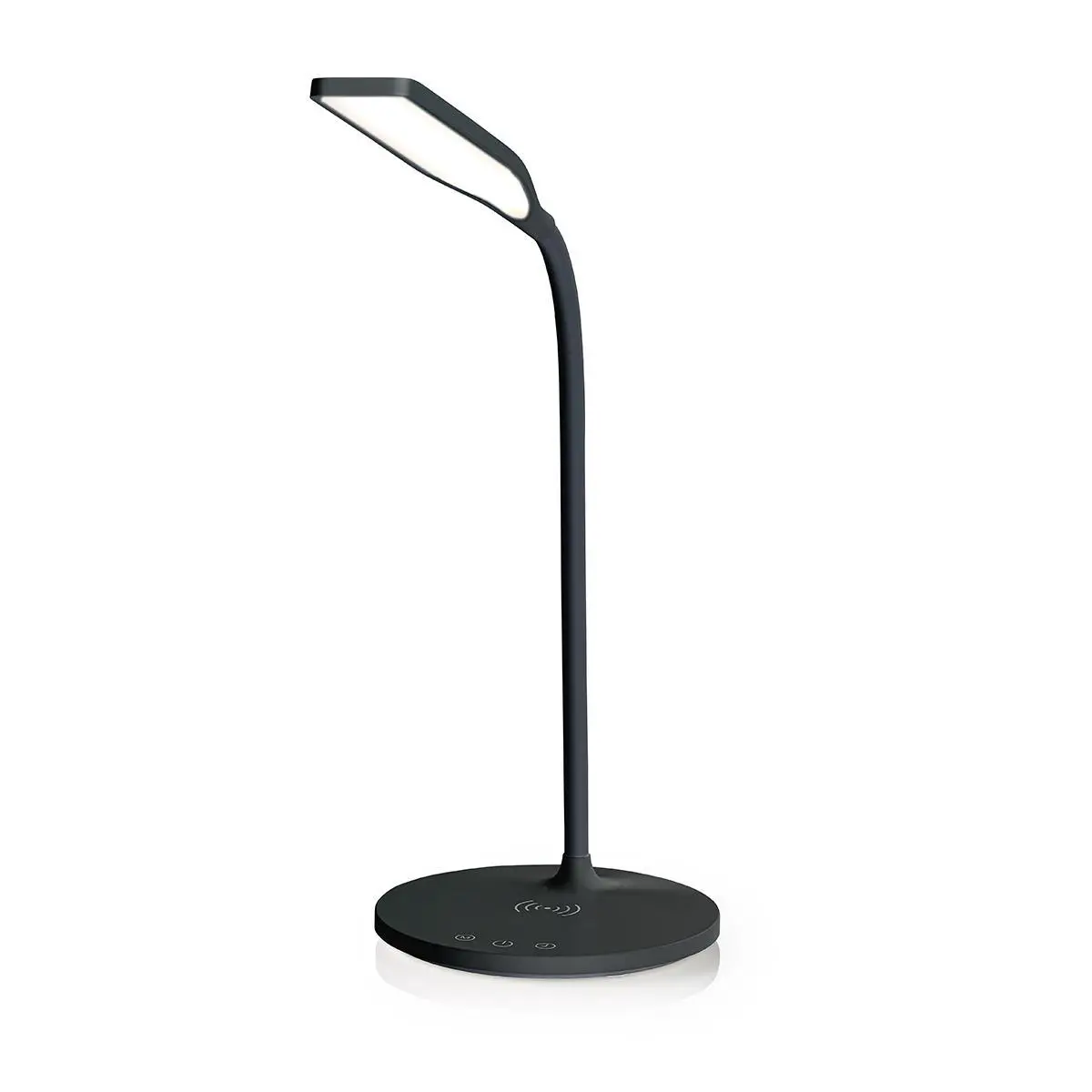
The Nedis LTLGQ3M2xx is a desktop LED lamp with a built-in wireless charger.
This product is intended for indoor use only.
The product is not intended for professional use.
Any modification of the product may have consequences for safety, warranty and proper functioning.
Specifications
| Product | Desktop LED lamp |
| Article number | LTLGQ3M2xx |
| Dimensions (l x w x h) | 600 x 170 x 170 mm |
| Weight | 402 g |
| Power input | 12 VDC ; 2.0 A |
| Power | 24 W |
| LED lamp | |
| Rated power | 5.5 W |
| Max. illumination | 1000 Lux |
| Max. luminance | 350 lm |
| Light modes | Natural, cool, warm |
| Color temperature | 2700 – 6500 K |
| Adapter | |
| Power input | 100 – 240 VAC; 50 – 60 Hz |
| Power output | 12.0 VDC ; 2.0 A |
| Power | 24 W |
| Rated consumption power | 21 W |
| Wireless charger | |
| Power output | 9 V / 1.1 A |
| Power | 10 W |
| Radio frequency range | 110 – 205 KHz |
| Radio frequency power | – 10.99 dBuA/m @ 10 m |
| Timer | Smart timer shutdown |
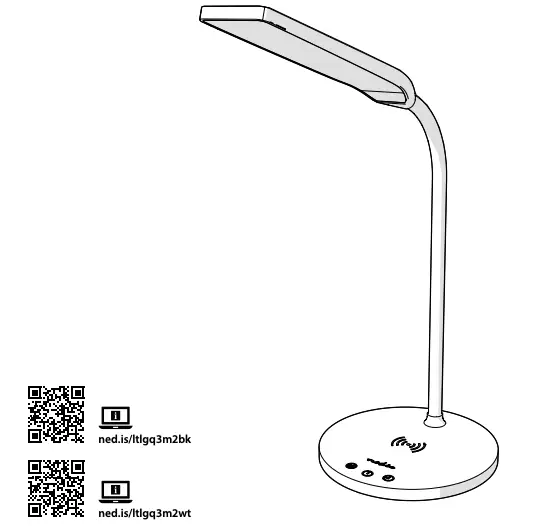
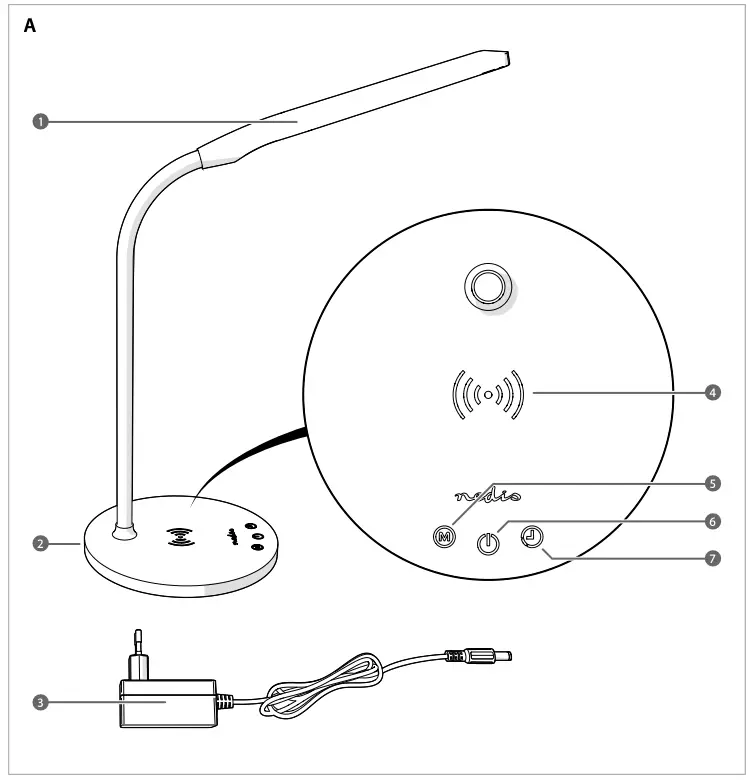
Main parts
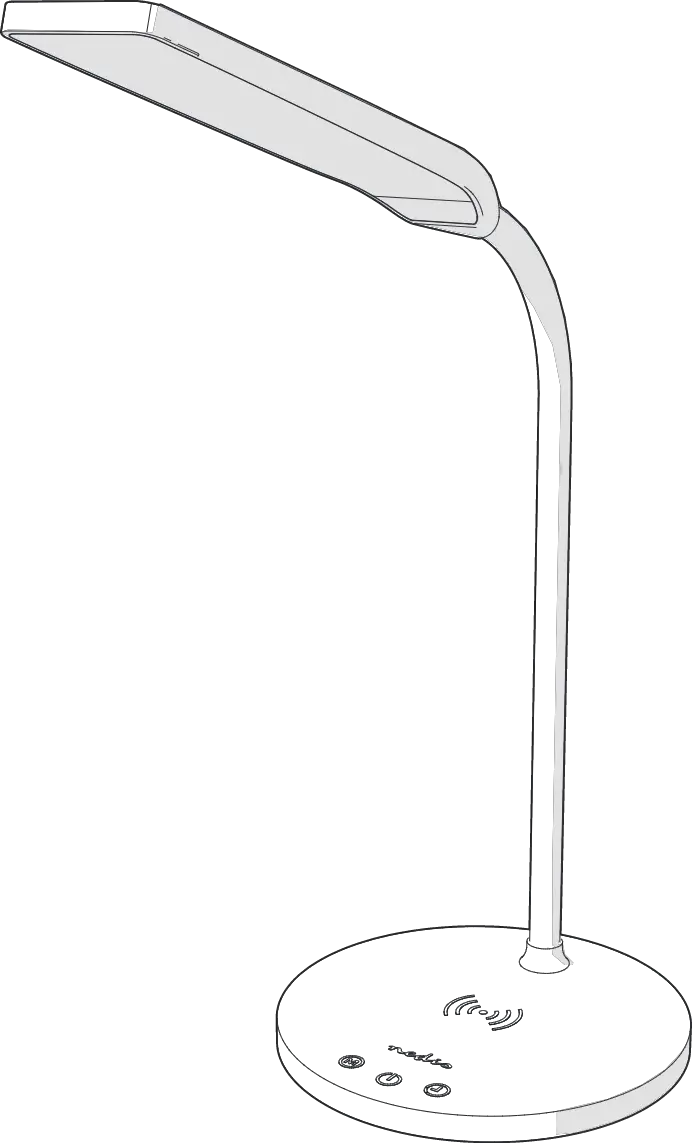
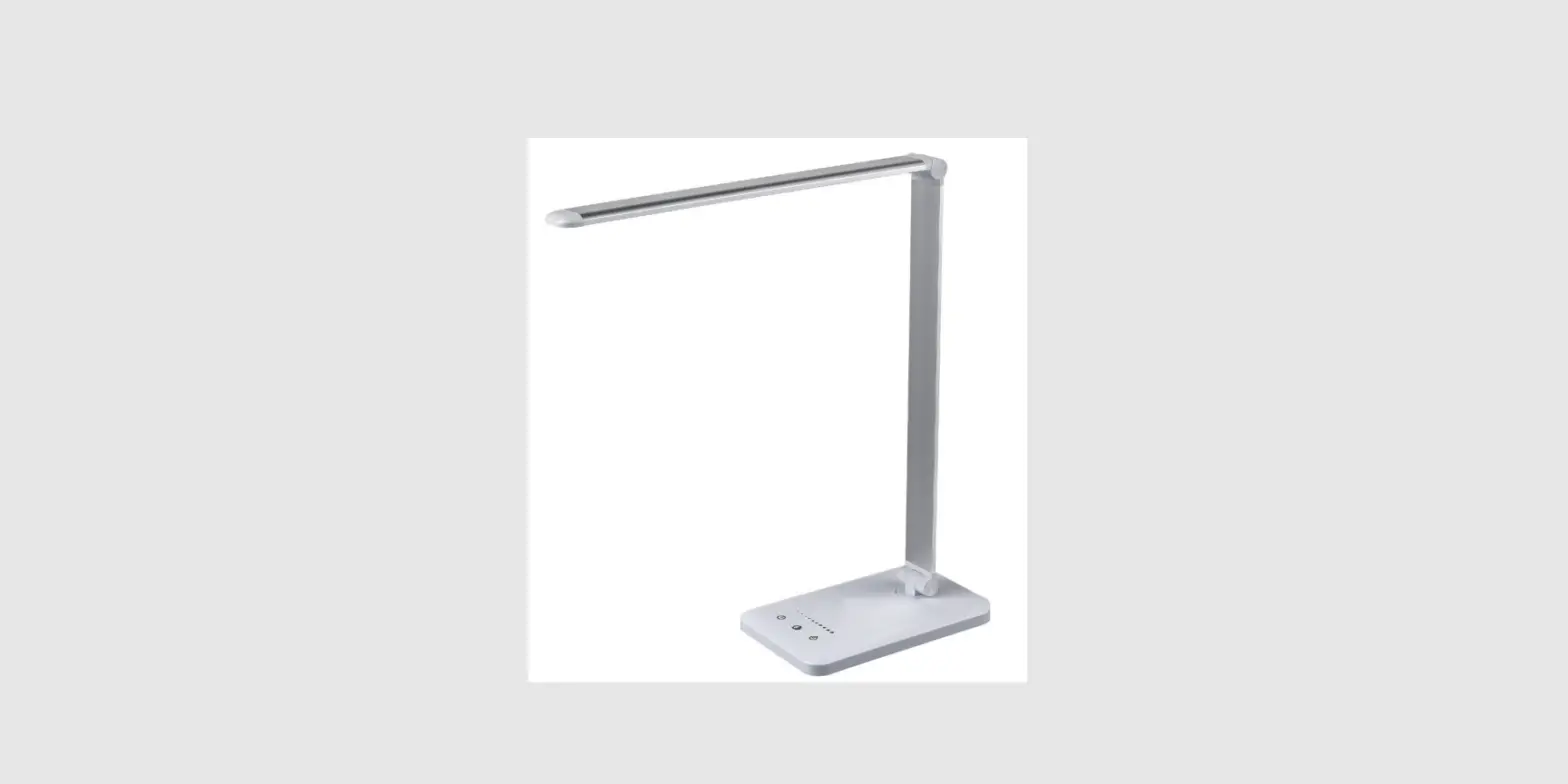
(image A)
- LED lamp
- Power input
- Power adapter
- Wireless charging area
- Light mode button
- Power button
- Timer button
Safety instructions

WARNING
- Ensure you have fully read and understood the instructions in this document before you install or use the product. Keep the packaging and this document for future reference.
- Only use the product as described in this document.
- Do not use the product if a part is damaged or defective. Replace a damaged or defective product immediately.
- Do not drop the product and avoid bumping.
- This product may only be serviced by a qualified technician for maintenance to reduce the risk of electric shock.
- Do not expose the product to water or moisture.
- Disconnect the product from the power source and other equipment if problems occur.
Installation
- Plug the power adapter A3 into the power input A2.
- Plug the other end of A3 into a power outlet.
Using the lamp
- Press the power button A6 to switch on the LED lamp A1.
- Press and hold A6 to change the brightness of A1.
- Press the light mode button A5 to cycle through the different light modes.
 The light modes are Natural, Cool and Warm.
 - Press and hold the timer button A7 to set a timer for 40 minutes. A1 flashes twice to indicate the timer is active. A1 switches off after the timer runs out.
- Press A6 to switch off A1.
 The light modes are Natural, Cool and Warm.
Using the wireless charger
- Place your QI wireless charging enabled device onto the wireless charging area A4.
- Check the charging indication on your device to ensure your device is charging.
References
 LED Lamp with Wireless Charger | Dimmer - On Product | LED / Qi | 10 W | With dimming | Cool White / Natural White / Warm White | 2700 - 6500 K | Nedis
-
LED Lamp with Wireless Charger | Dimmer - On Product | LED / Qi | 10 W | With dimming | Cool White / Natural White / Warm White | 2700 - 6500 K | Nedis
-
Nedis | Your wholesaler of consumer electronics | Nedis
 LED Lamp with Wireless Charger | Dimmer - On Product | LED / Qi | 10 W | With dimming | Cool White / Natural White / Warm White | 2700 - 6500 K | Nedis