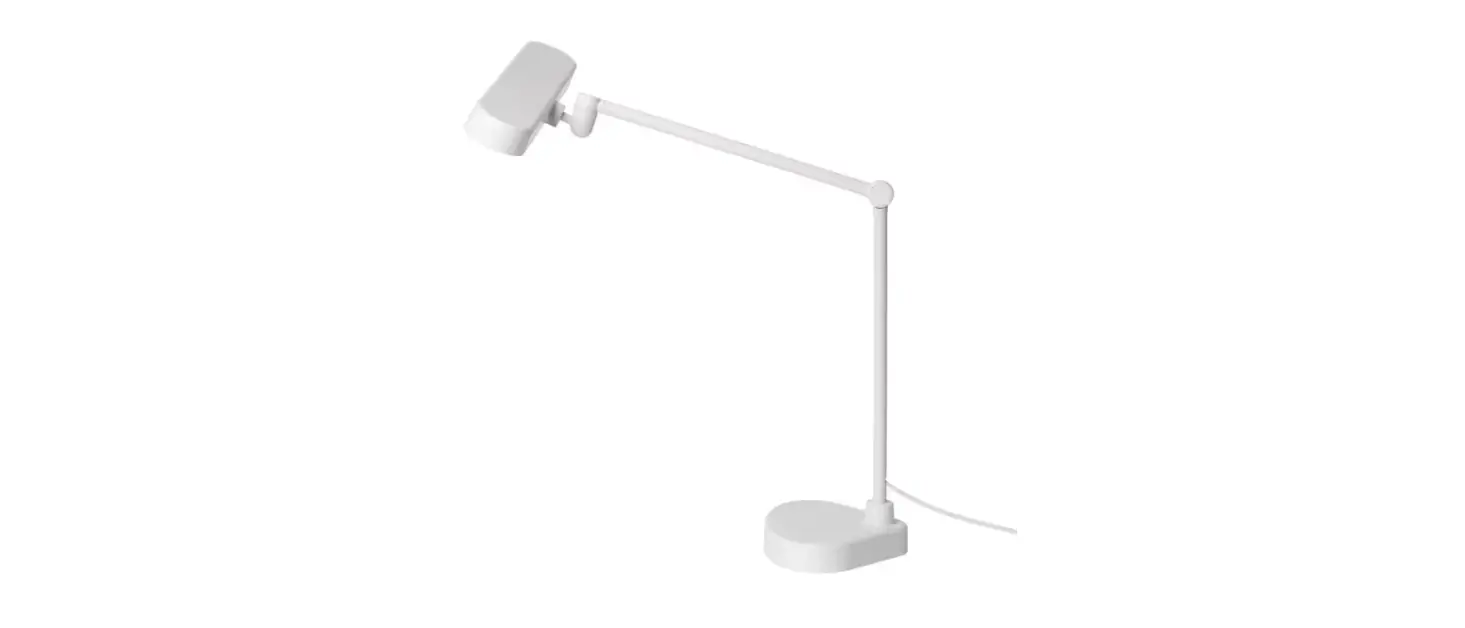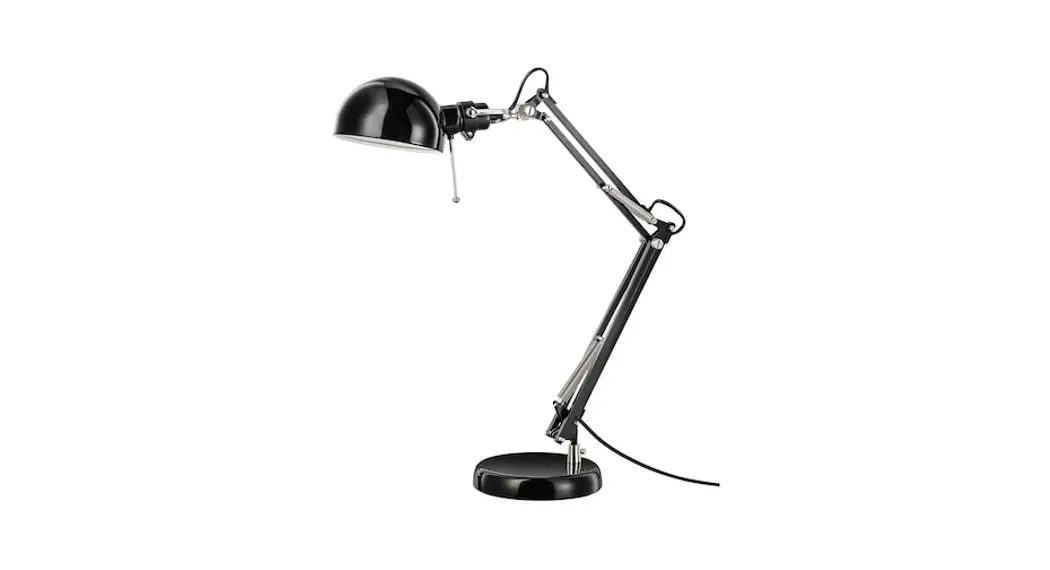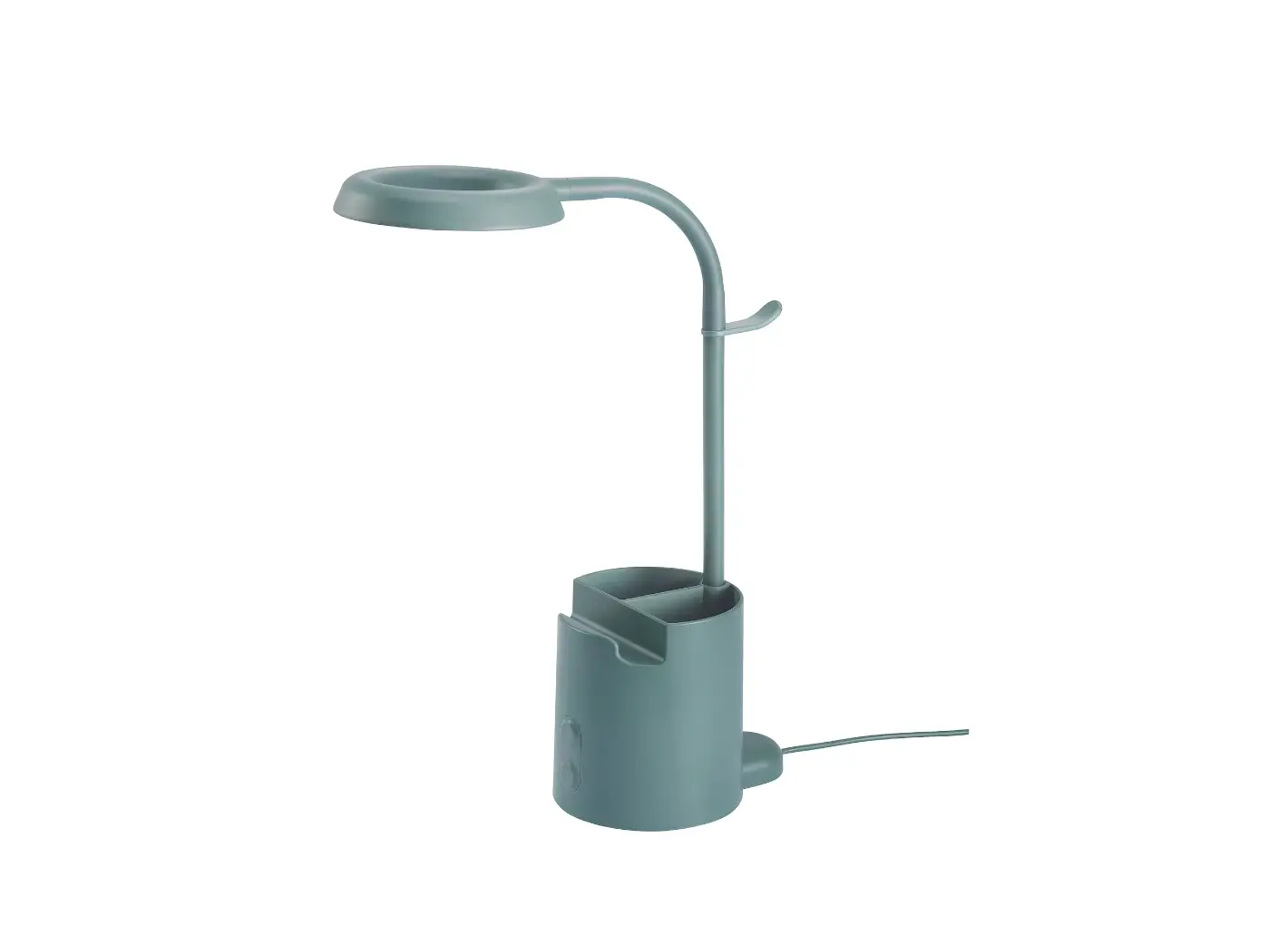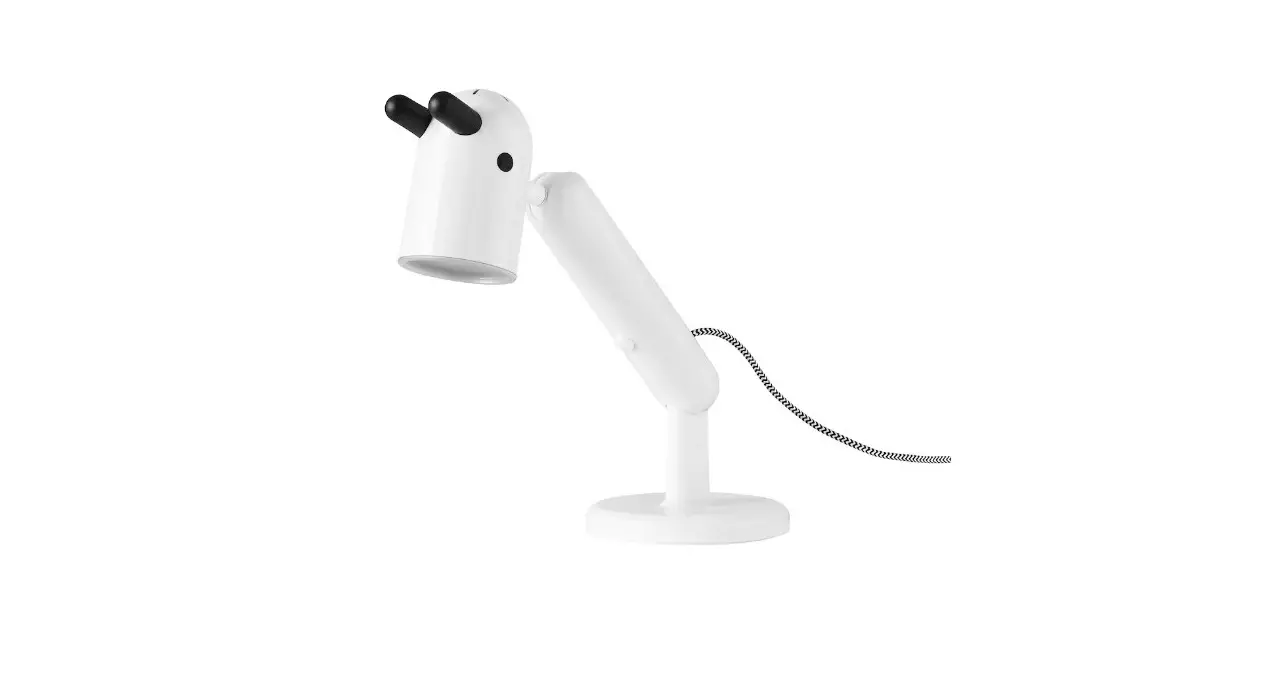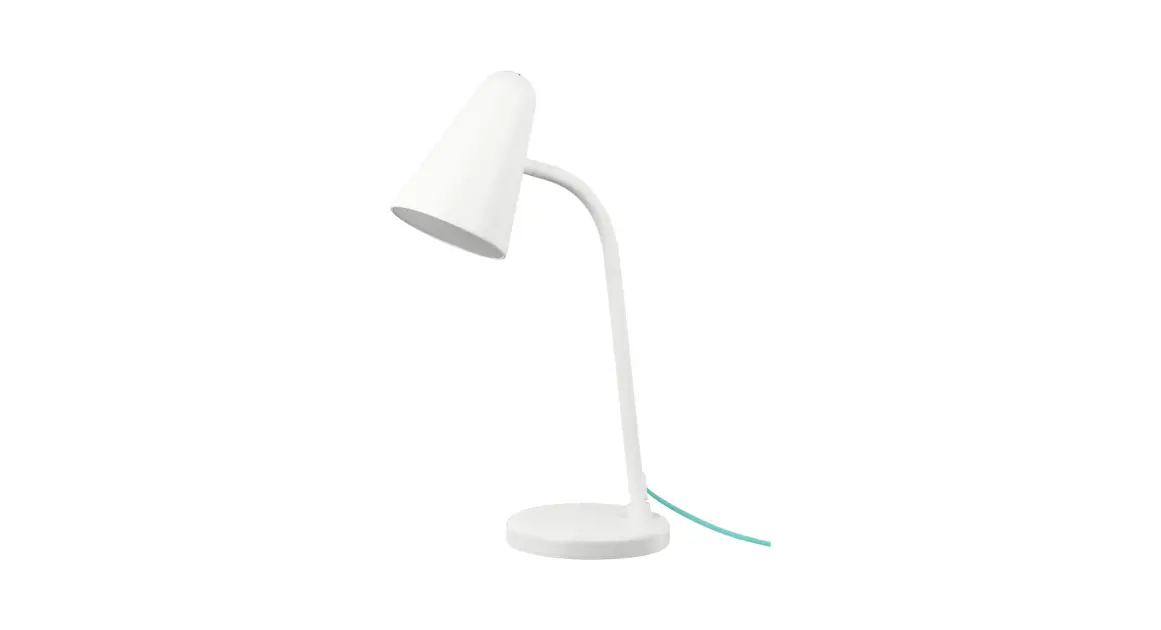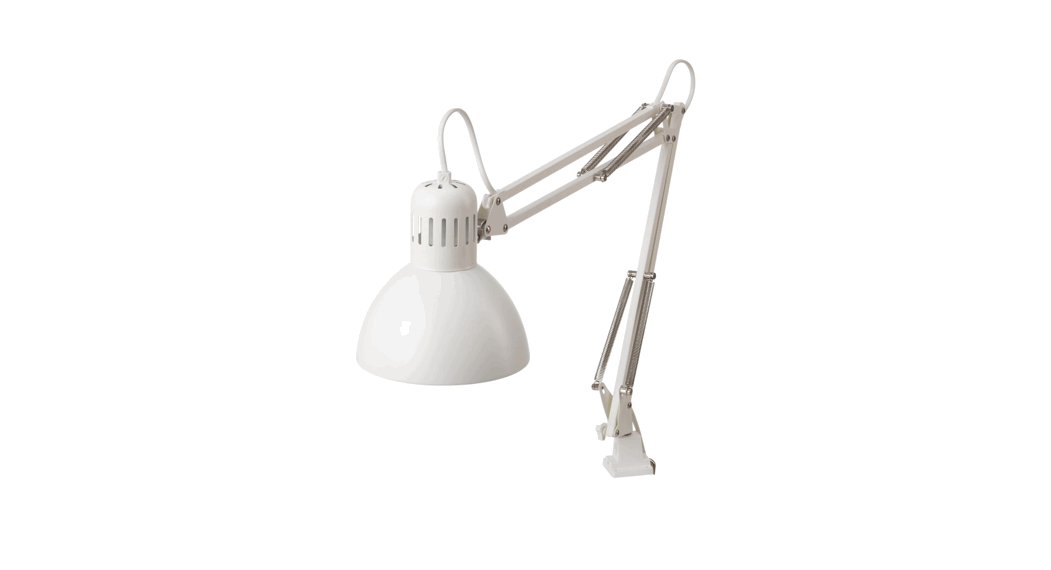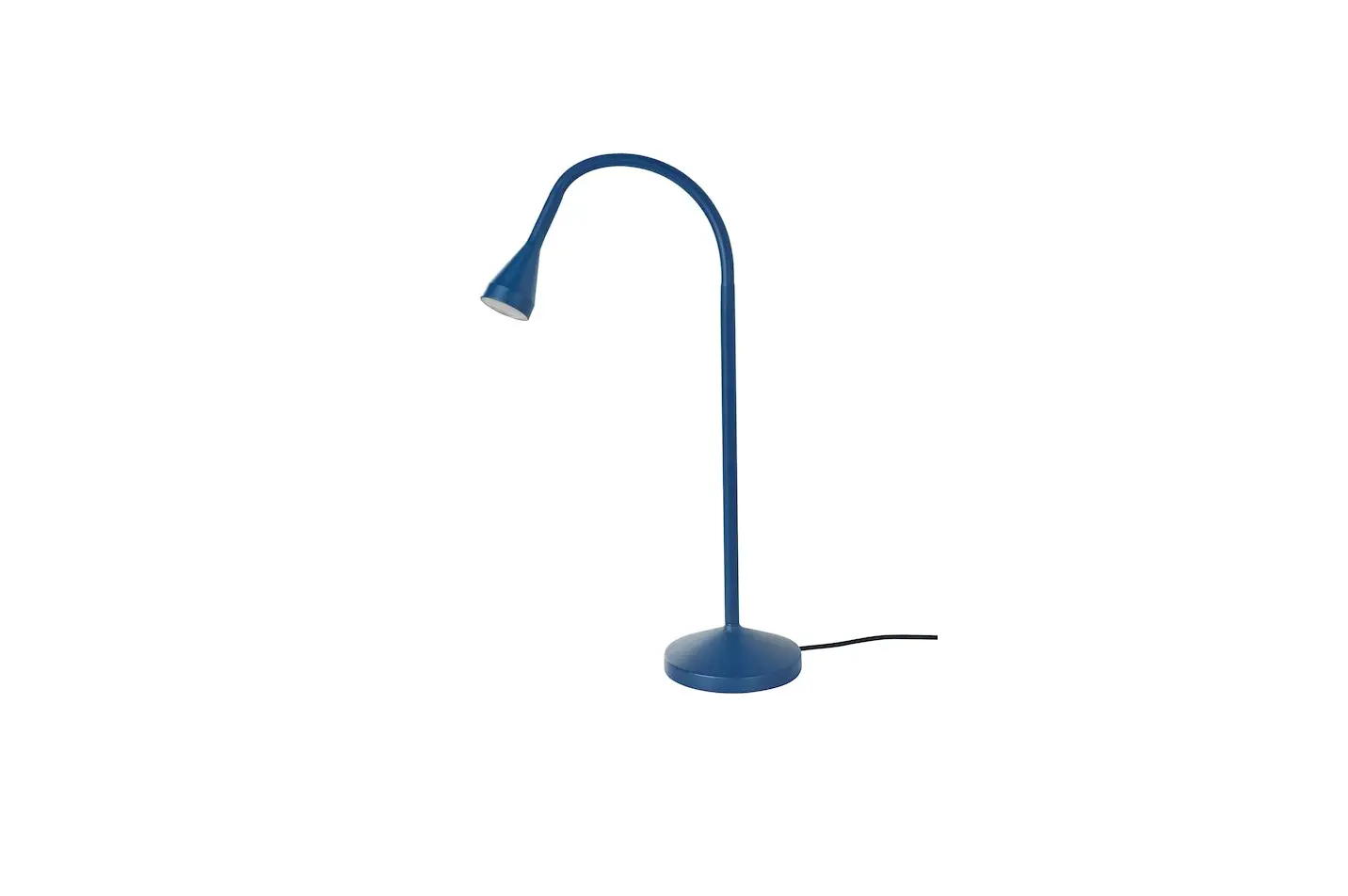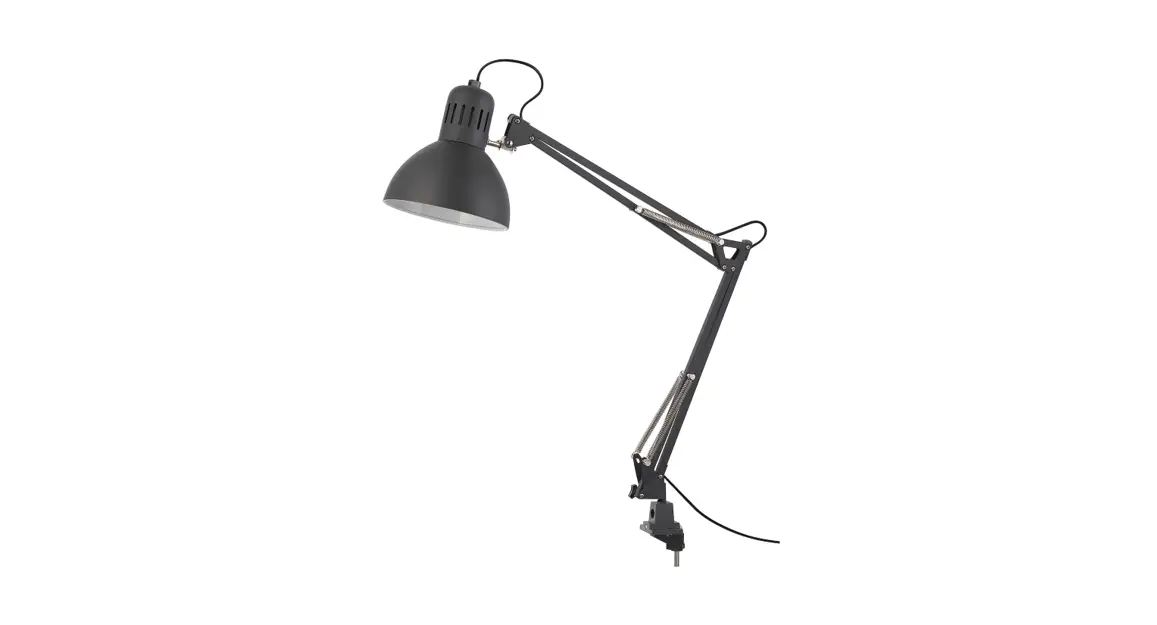


LAKTRA LED Work Lamp
QUICK GUIDE
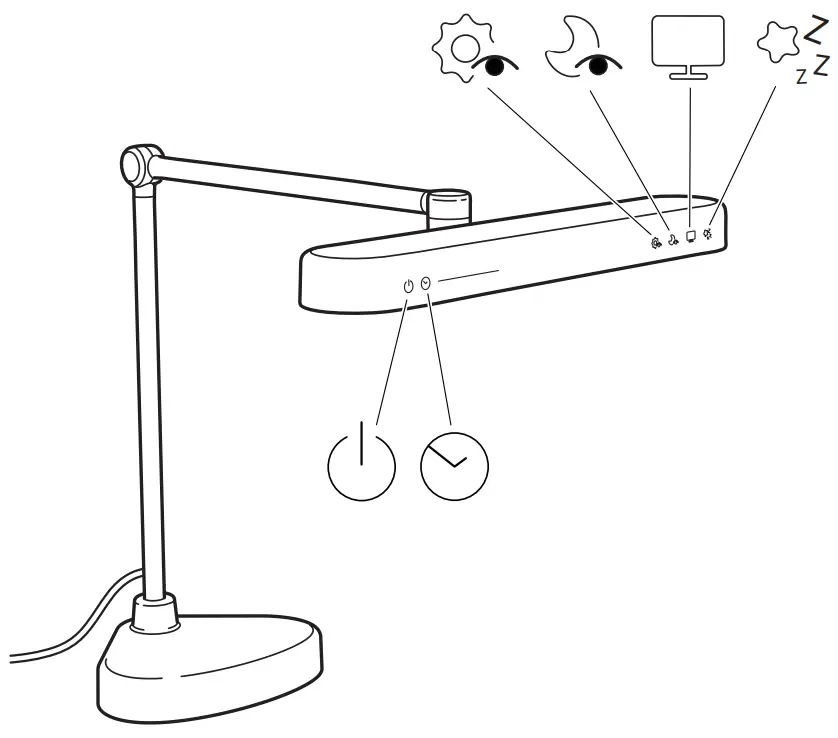
 ON/OFF button
 Timer (30 minutes)
![KLHA KM53B82 [SM5382] Three Cup Outdoor Aluminum Outlet Wind Speed Sensor - Fig5](https://static-data1.manualsee.com/1/img/211/3706663/2022/06/KLHA-KM53B82-SM5382-Three-Cup-Outdoor-Aluminum-Outlet-Wind-Speed-Sensor-Fig5.png) Dimmer
Dimmer Preset mode for recommended light colour and brightness during daytime.
 Preset mode for recommended light colour and brightness during night time.
 Preset mode for recommended light colour and brightness for backlight. The backlight raises the ambient light in a room and reduces the strain on your eyes.
 Preset mode for recommended light colour and brightness for a night light.
User manual
- To turn on the work lamp and start to use a preset mode, you can press the desired button directly, without using the ON/OFF button. However, to turn off the work lamp manually, you must press the ON/OFF button.
- To change the brightness when using a preset mode, simply drag your finger over the dimmer to the right or left (this does not apply to night light mode).
- You can also press the ON/OFF button to turn the work lamp on and then use the dimmer to adjust the brightness.
- The work lamp has a memory function, which means that light colour and brightness are the same the next time you turn it on.
- If you want to set a 30-minute timer without needing to keep an eye on a clock you can press the timer button. It will then slowly flash three times to indicate that the countdown has started or ended.
- If you want the work lamp to automatically turn off when the night light mode is active, press the timer button and it will turn off in 30 minutes.
© Inter IKEA Systems B.V. 2021
AA-2344597-1