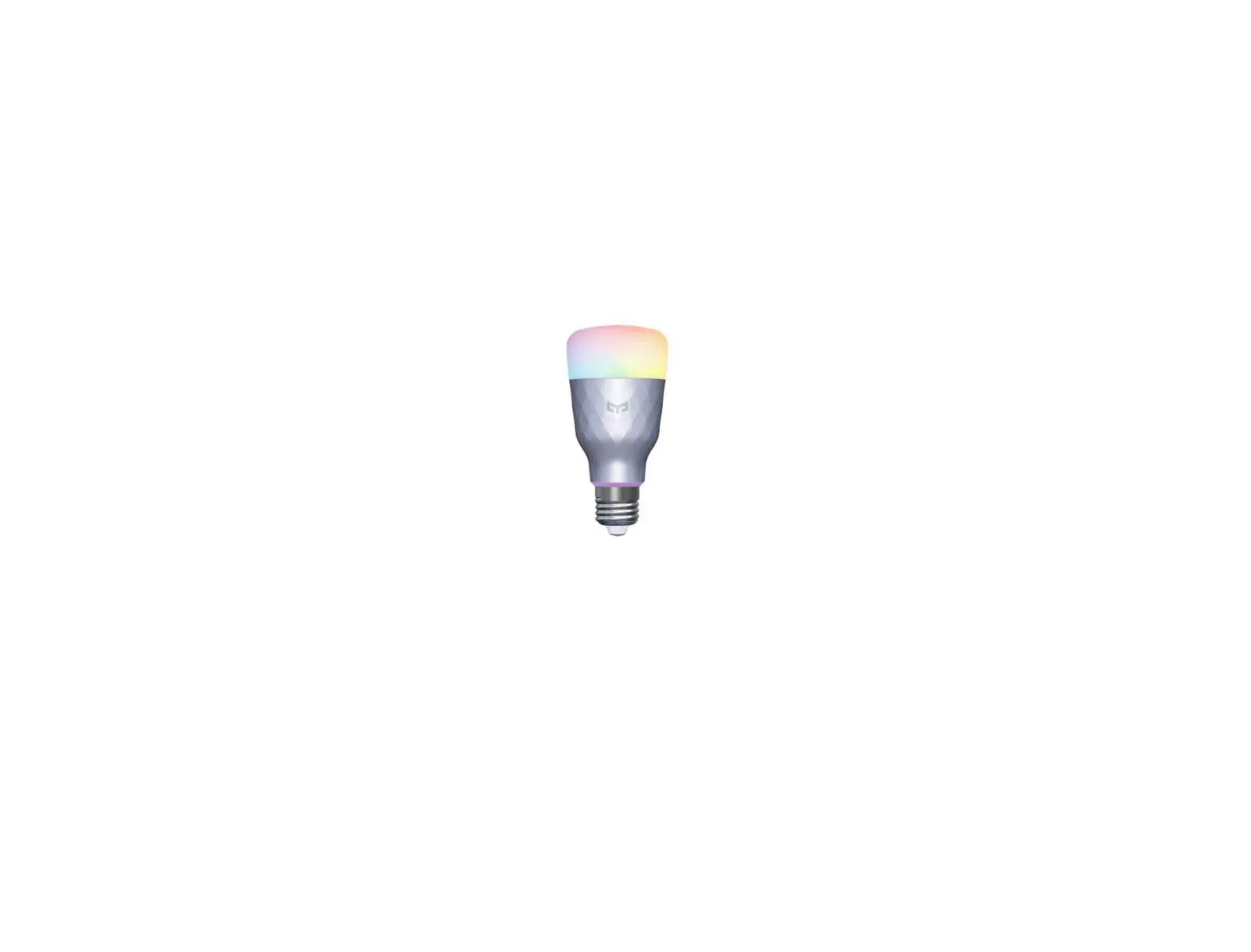
 nedis SmartLife Multicolour Lamp
 nedis SmartLife Multicolour Lamp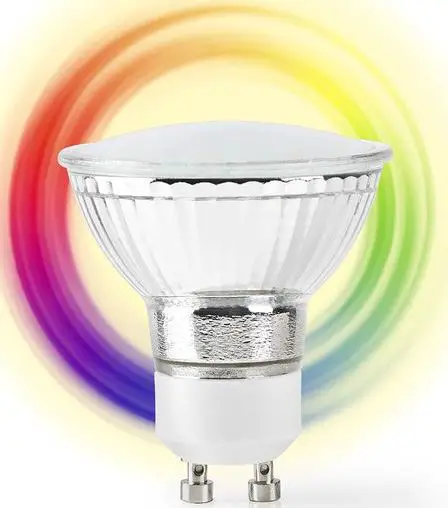
Use
- 1. Download and install the app “Nedis SmartLife“ from Apple App Store or Google Play Store on your mobile device.
- Launch the app “Nedis SmartLife“.
- Create a new account or log in to your existing account.
- Tap “+” to add the device.
- Select “Light bulb” from the list of products.
- Screw-in the smart LED bulb.
- Switch on the power.
- If the light does not flash: Switch the power to the smart LED bulb on – off – on – off – on.
If the light flashes: Confirm in the app. - Confirm the Wi-Fi network and password.
- Enter the device name.
Note: The device name will also be used by Amazon Alexa and Google Home.
Safety
CAUTION:
- To reduce risk of electric shock, this product should only be opened by an authorized technician when service is required.
- Disconnect the product from the mains and other equipment if a problem should occur.
- Read the manual carefully before use. Keep the manual for future reference.
- Only use the device for its intended purposes.
- Do not use the device for other purposes than described in the manual.
- Do not use the device if any part is damaged or defective. If the device is damaged or defective, replace the device immediately.
- The device is suitable for indoor use only. Do not use the device outdoors.
- Do not expose the product to water or moisture.
- Do not touch the device with wet hands.
- Make sure that the voltage of the smart LED bulb is compatible with the mains electricity of your country before connecting it to the bulb holder.
- Make sure that the base of the smart LED bulb matches the bulb holder.
Cleaning and maintenance Warning!
- Do not use cleaning solvents or abrasives.
- Do not clean the inside of the device.
- Do not attempt to repair the device. If the device does not operate correctly, replace it with a new device.
- Clean the outside of the device using a soft, damp cloth.
Support
If you need further help or have comments or suggestions please visit www.nedis.com/support
 Your smart business partner