MPX2-R-001 Co-Dx Logix Smart Mpox
Plate the Master Mix
a. Load the Co-Dx Box software.
b. In the Clean area, clean work surfaces with water > 10% bleach > water > 70% alcohol (in that order), or another equivalent method of cleaning that disinfects and degrades nucleic acids.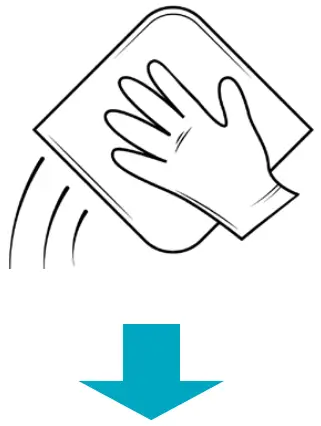
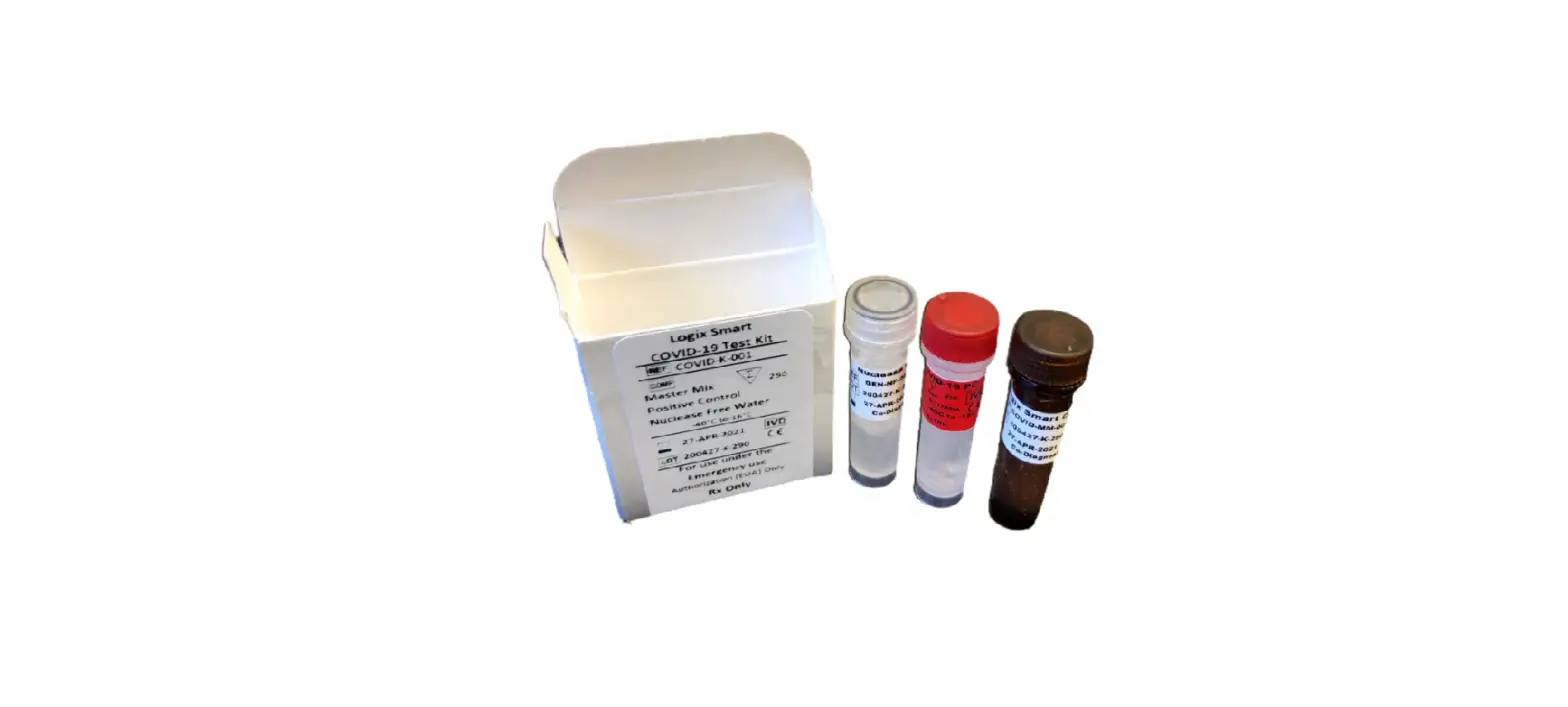
c. Thaw the master mix (MM) and the nuclease-free water (NFW) (for the no-template control [NC]), on ice.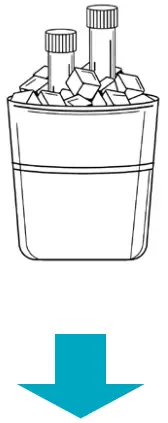
d. Briefly vortex and centrifuge the MM and NFW reagents.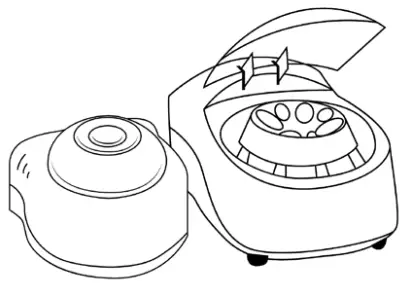
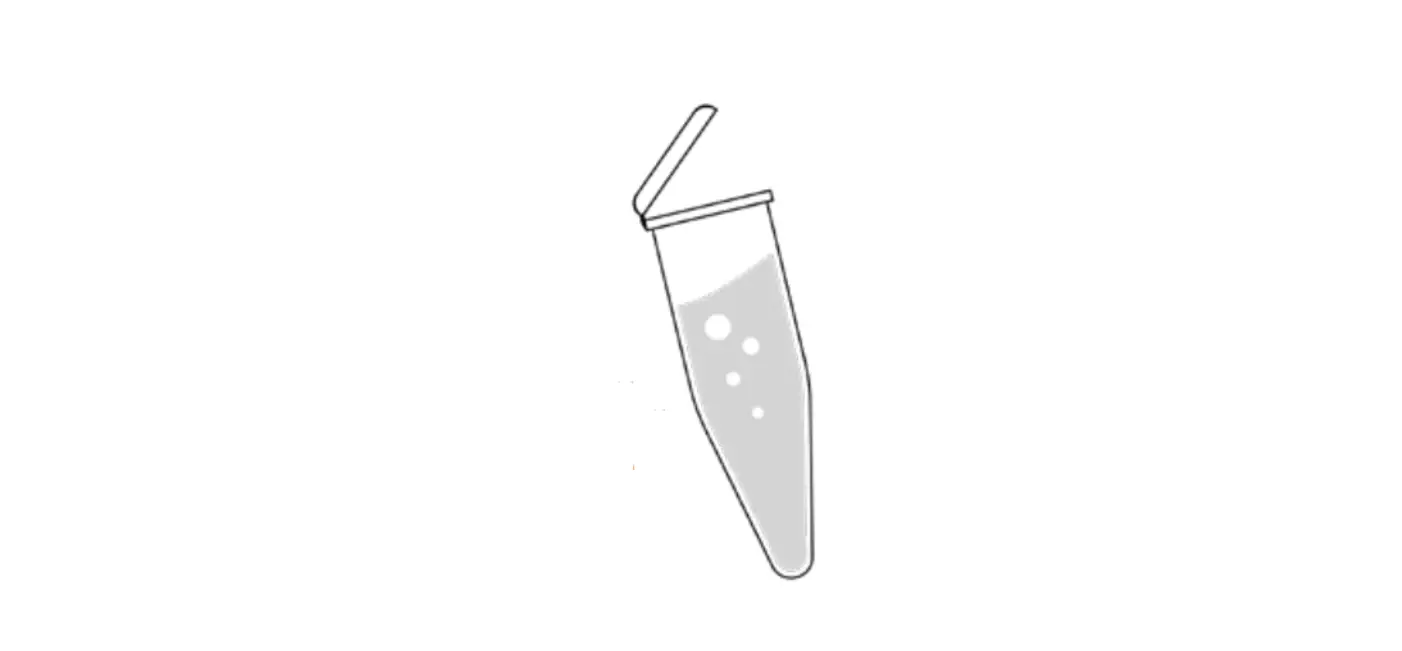
e. Add 10 µL of MM into every well that will be used (1 well for NC, 1 well for positive control [PC], and 1 well for each sample).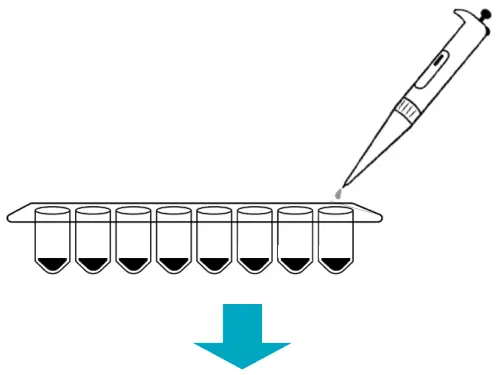
f. Pipet 10 µL of NFW into only the NC well and cap the NC well.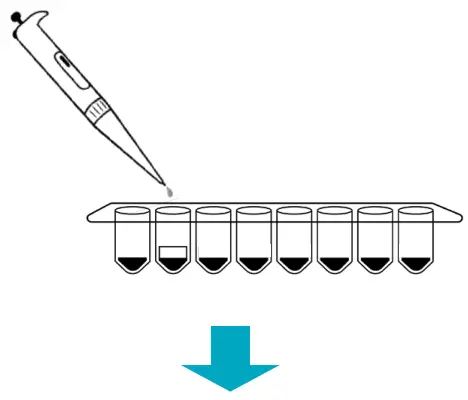
g. Place reagents back into the freezer.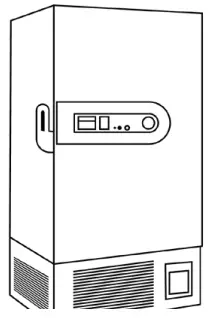
Plate Samples and Positive Control (PC)
a. Load the Co-Dx Box software.
b. In the Positive area, clean work surfaces with water > 10% bleach > water > and 70% alcohol (in that order).
c. Thaw the PC on ice.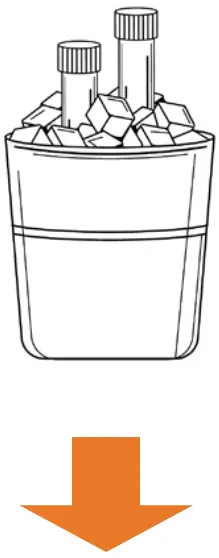
d. Briefly vortex and centrifuge all reagents.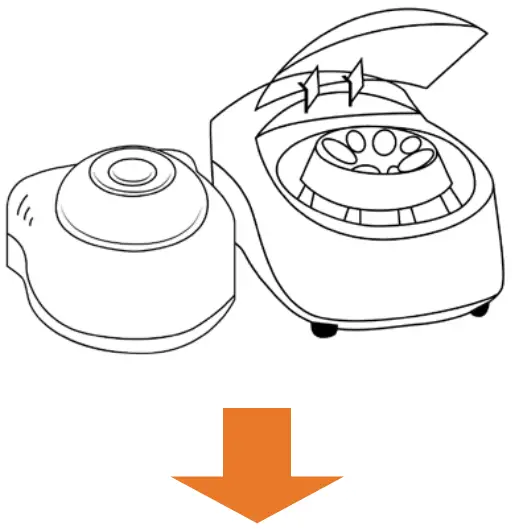
e. Perform sample extraction, either using RNA extraction or lysis.
f. Add 10 µL of the sample extract to the appropriate wells and cap the sample extract wells.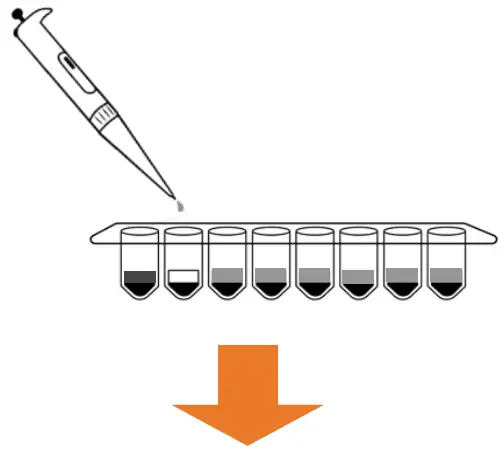
g. Add 10 µL PC to the PC well and cap the PC well.
h. Place capped tubes in the thermocycler, in appropriate locations and fill the rest of the carousel with blank tubes.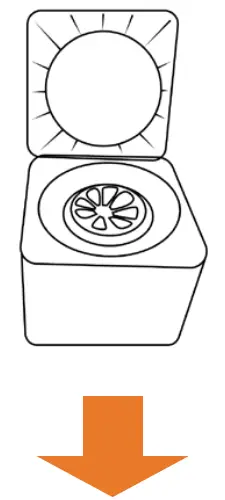
i. (Optional): Cap all tubes and place samples and reagents back into the freezer.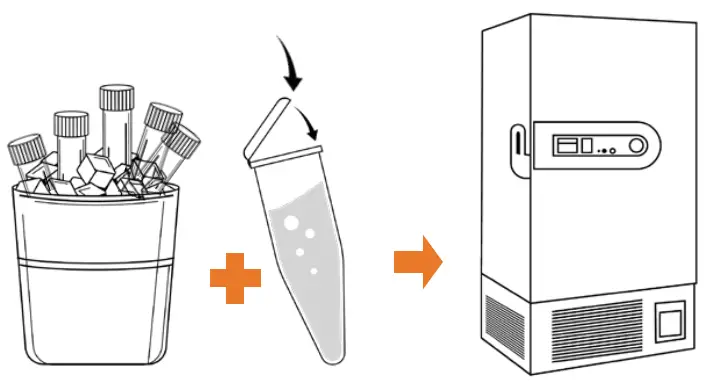
Start the Run
a. In the Co-Dx Box software, click New.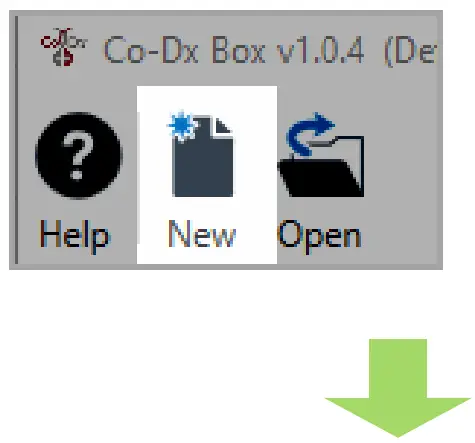
b. Select an assay template and click OK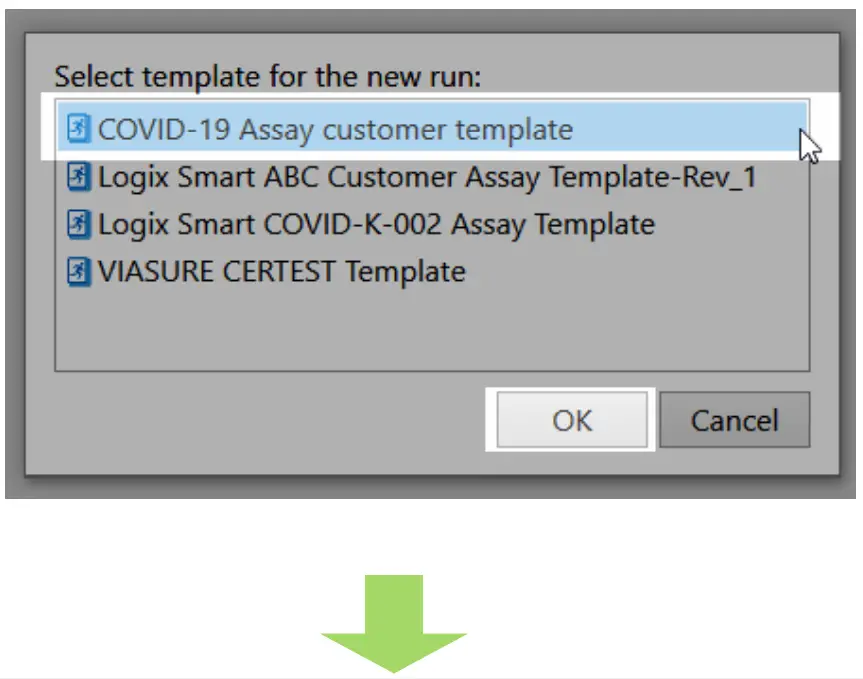
c. Under Run Setup, select Samples and type sample information in the appropriate order.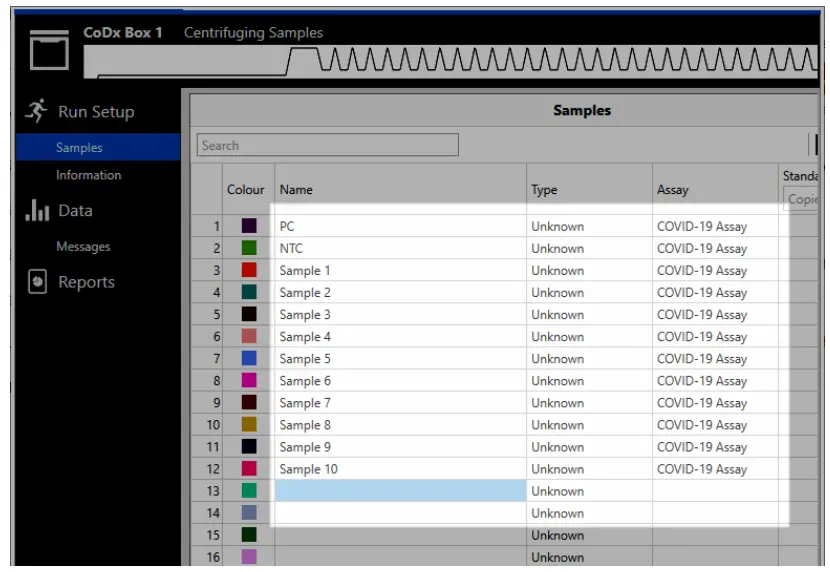
d. Click Information and in the Notes field, type any needed information.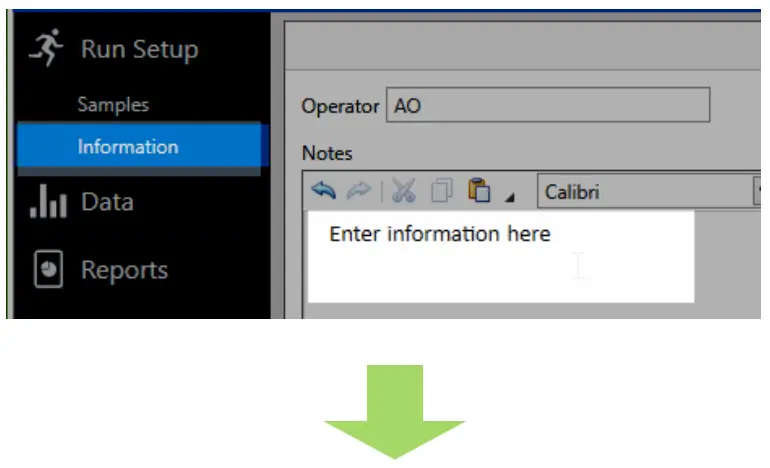
e. Select the appropriate thermocycler and from the drop-down select Start Run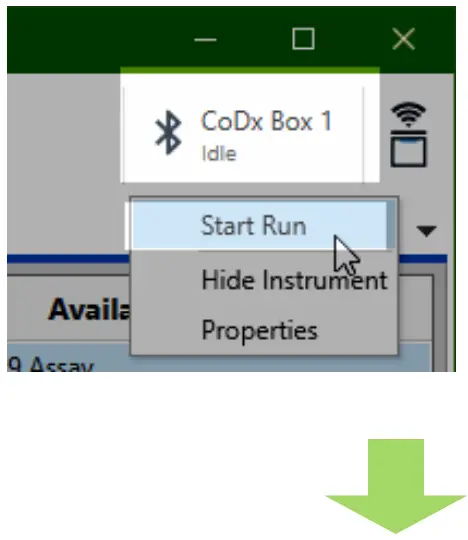
f. Verify the tube clamp is in place and the appropriate reaction volume is listed, and select Start.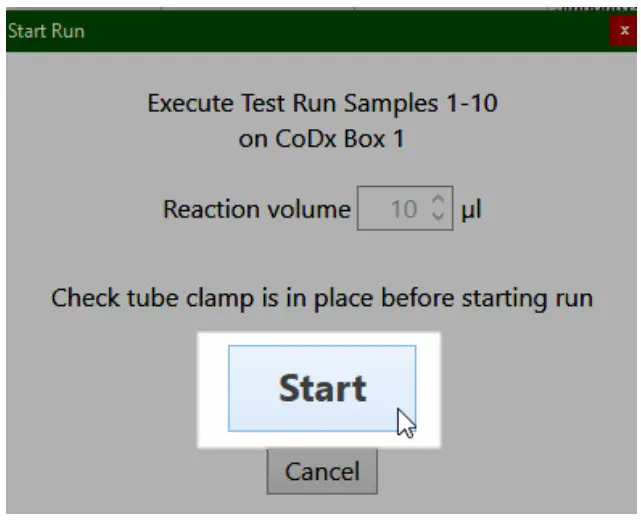
The run initializes and a progress bar gives an estimated time to completion.
Customer Support
2401 S Foothill Dr. Ste D. Salt Lake City, Utah 84109, USA • 801 .438.1036 • www.co-dx.com