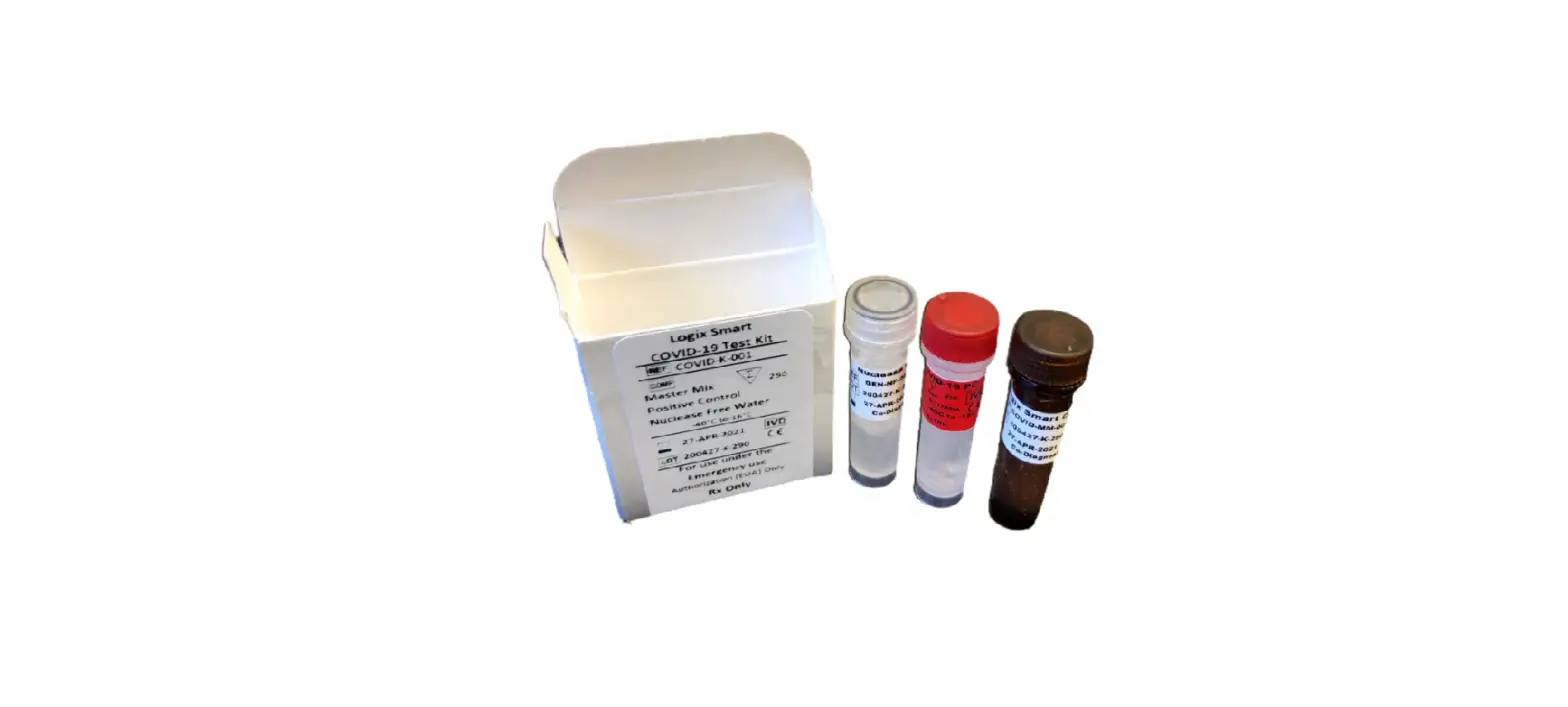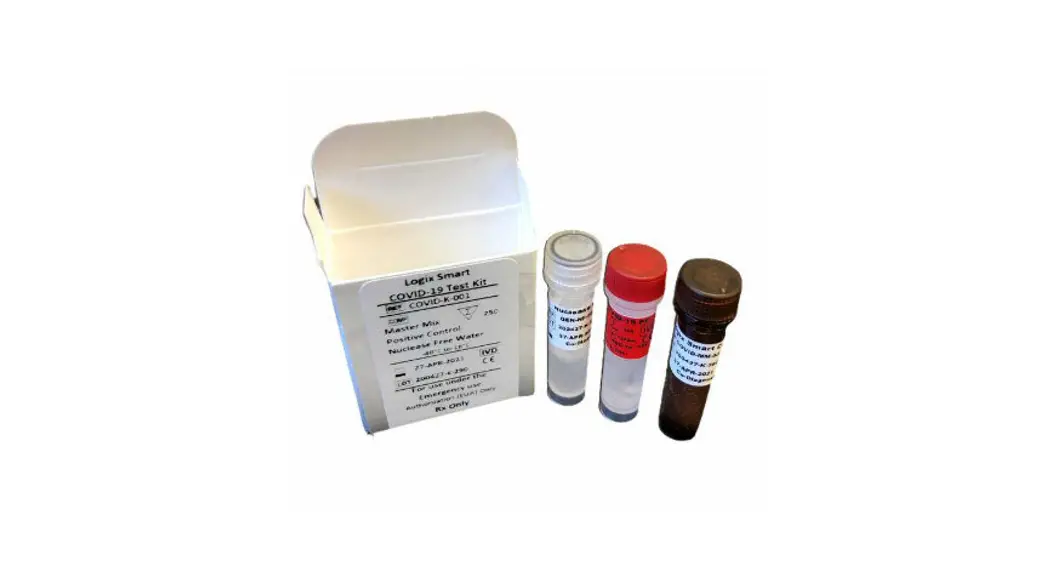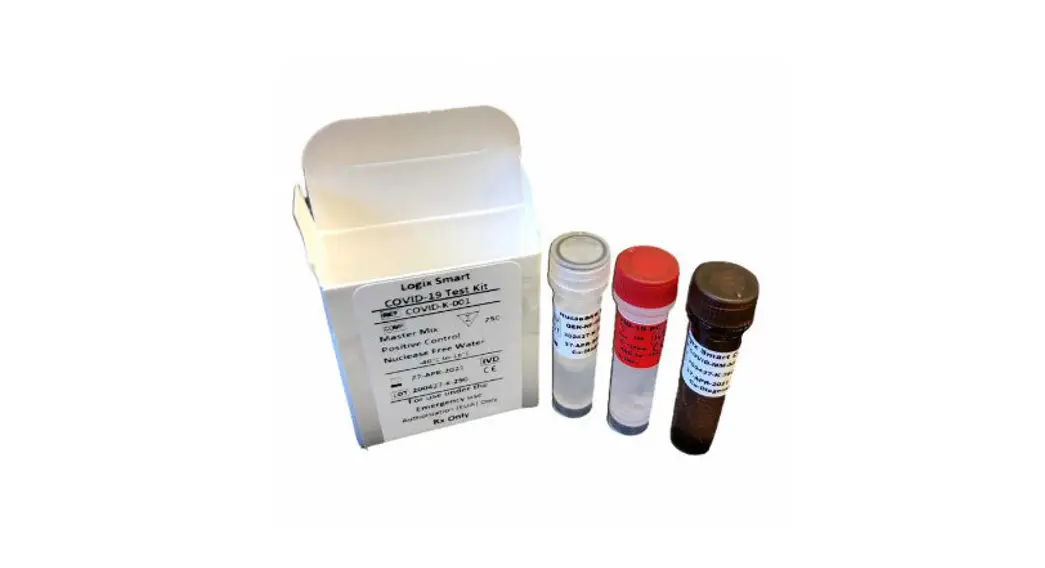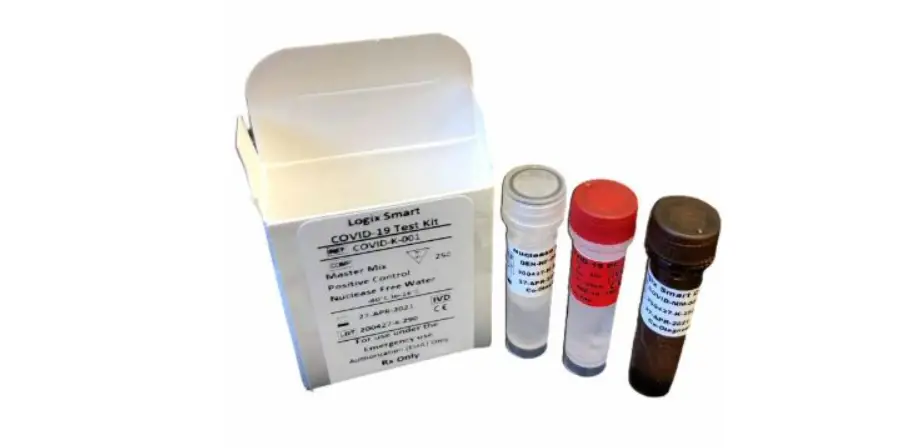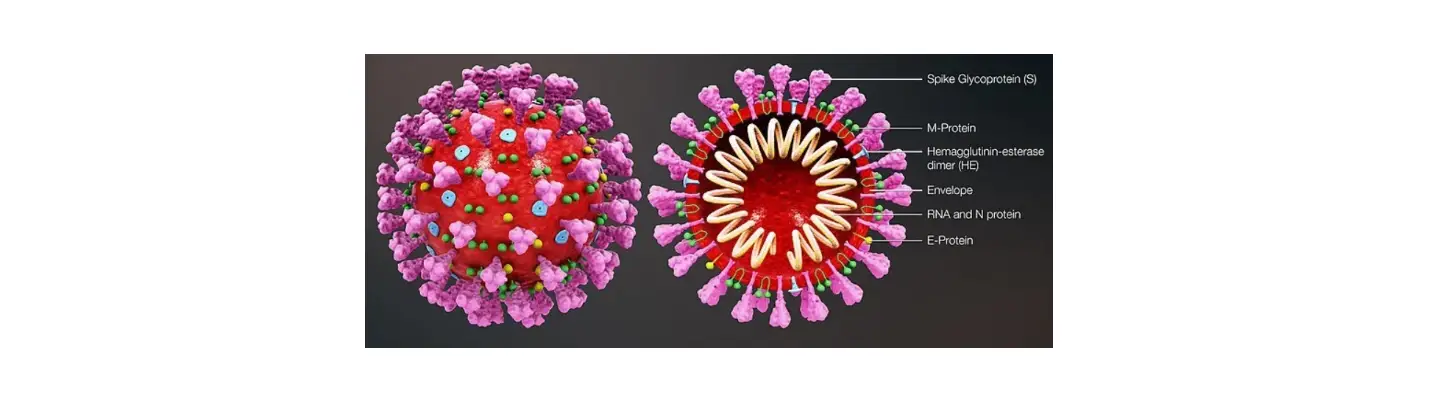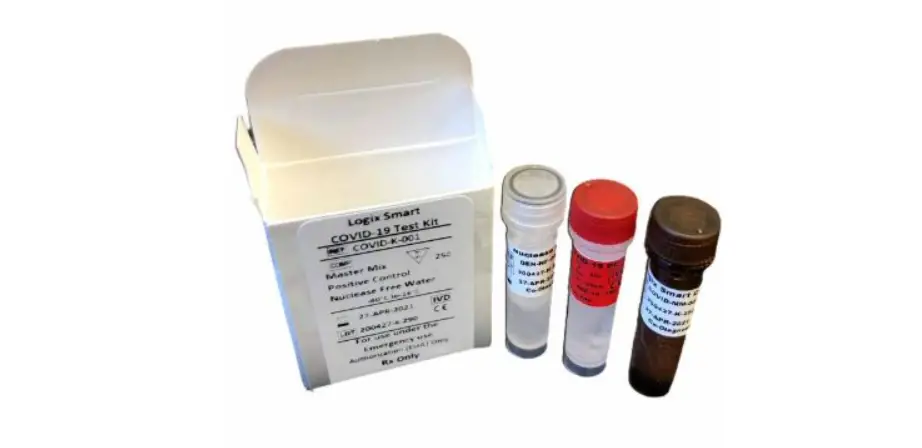
Co-Dx COVID-K-001 Logix Smart COVID-19 IVD Product
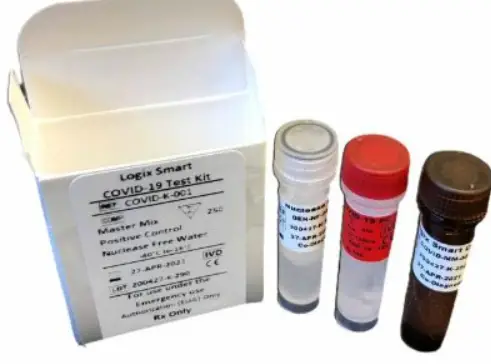
Plate the Master Mix
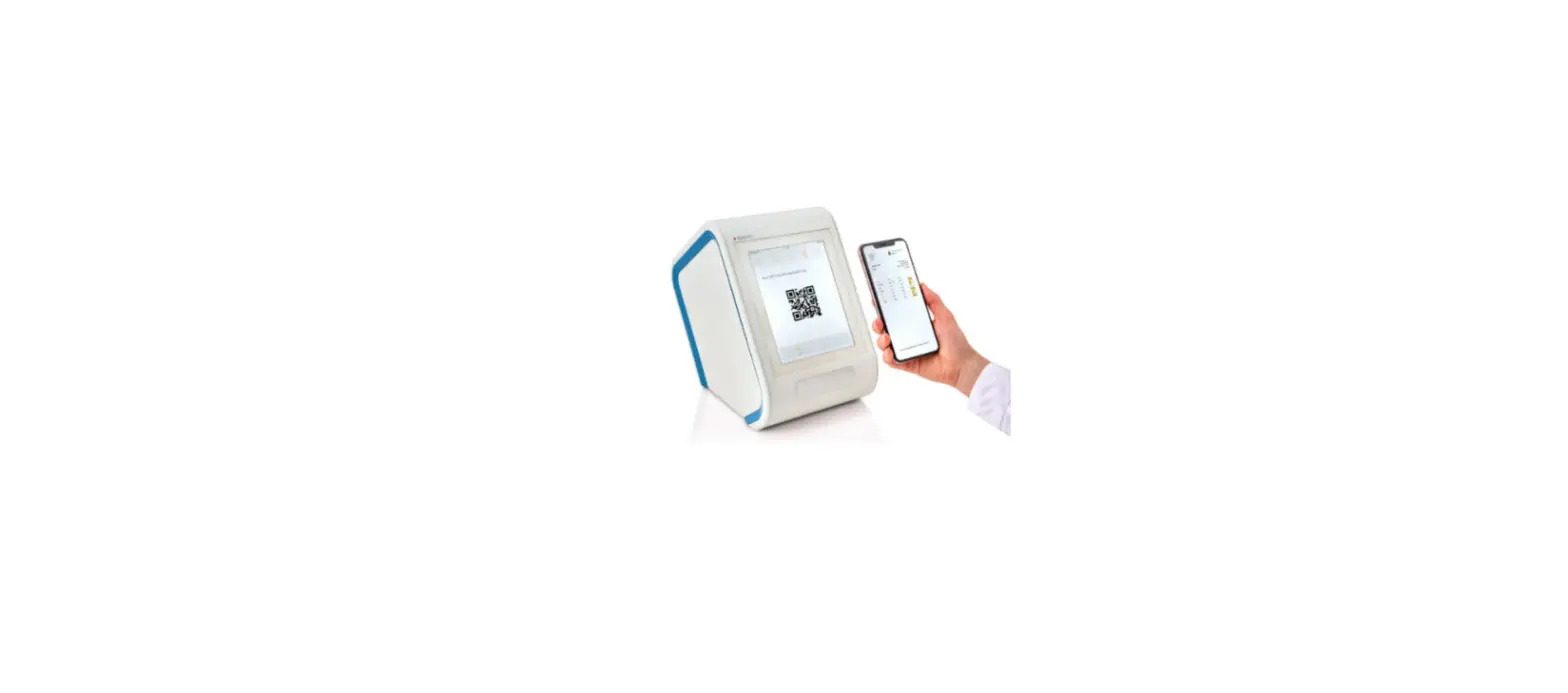
- Load the Co-Dx Box software.
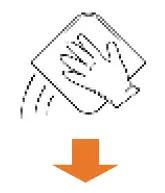
- In the Clean area, clean work surfaces with water > 10% bleach > water > 70% alcohol (in that order), or another equivalent method of cleaning that disinfects and degrades nucleic acids.

- Thaw the master mix (MM) and the nuclease-free water (NFW) (for the no-template control [NC]), on ice.

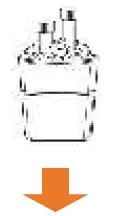
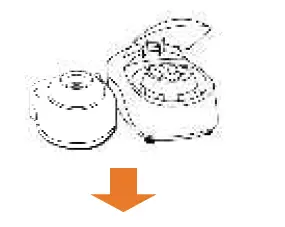
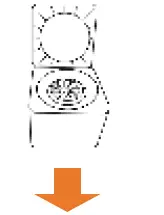
- Briefly vortex and centrifuge the MM and NFW reagents.

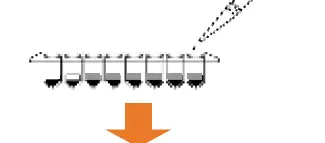
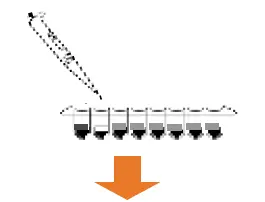
- Add 5 µL of MM into every well that will be used (1 well for NC, 1 well for positive control [PC], and 1 well for each sample).

- Pipet 5 µL of NFW into only the NC well and cap the NC well.

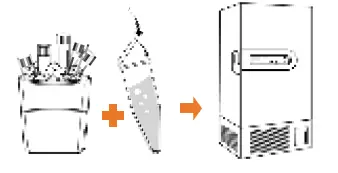
- Place reagents back into the freezer.

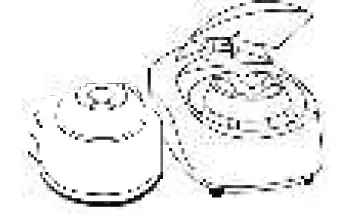
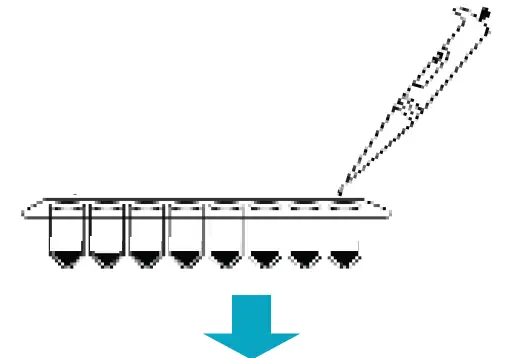
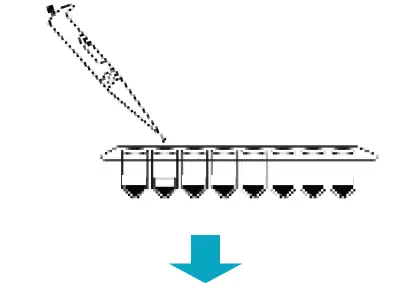
Plate Samples and Positive Control (PC)
- Load the Co-Dx Box software.
- In the Positive area, clean work surfaces with water > 10% bleach > water > and 70% alcohol (in that order).

- Thaw the PC on ice.

- Briefly vortex and centrifuge all reagents.

- Perform sample extraction, either using RNA extraction or lysis.
- Add 5 µL of the sample extract to the appropriate wells and cap the sample extract wells.

- Add 5 µL PC to the PC well and cap the PC well.

- Place capped tubes in the thermocycler, in appropriate locations and fill the rest of the carousel with blank tubes.

- (Optional): Cap all tubes and place samples and reagents back into the freezer.

Start the Run
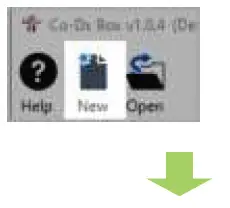
- In the Co-Dx Box software, click New.

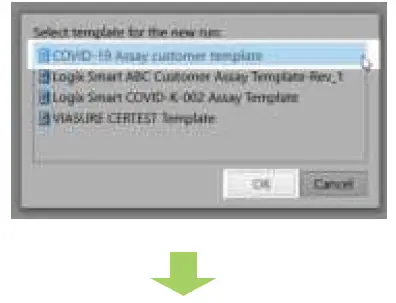
- Select an assay template and click OK.

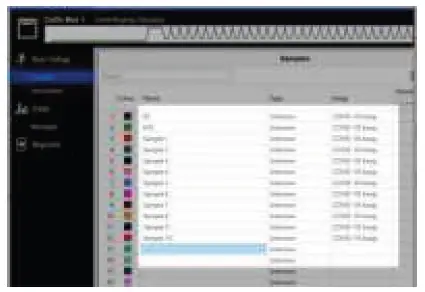
- Under Run Setup, select Samples and type sample information in the appropriate order.

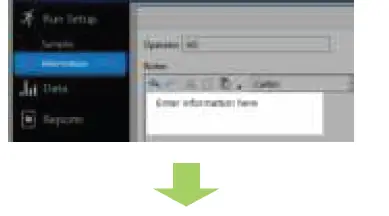
- Click Information and in the Notes field, type any needed information.

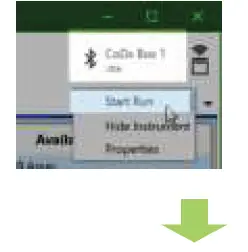
- Select the appropriate thermocycler and from the drop-down select Start Run.

- Verify the tube clamp is in place and the appropriate reaction volume is listed, and select Start.

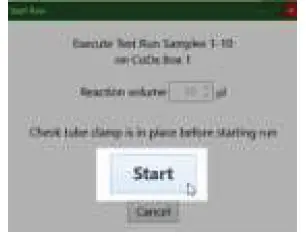
The run initializes and a progress bar gives an estimated time to completion.